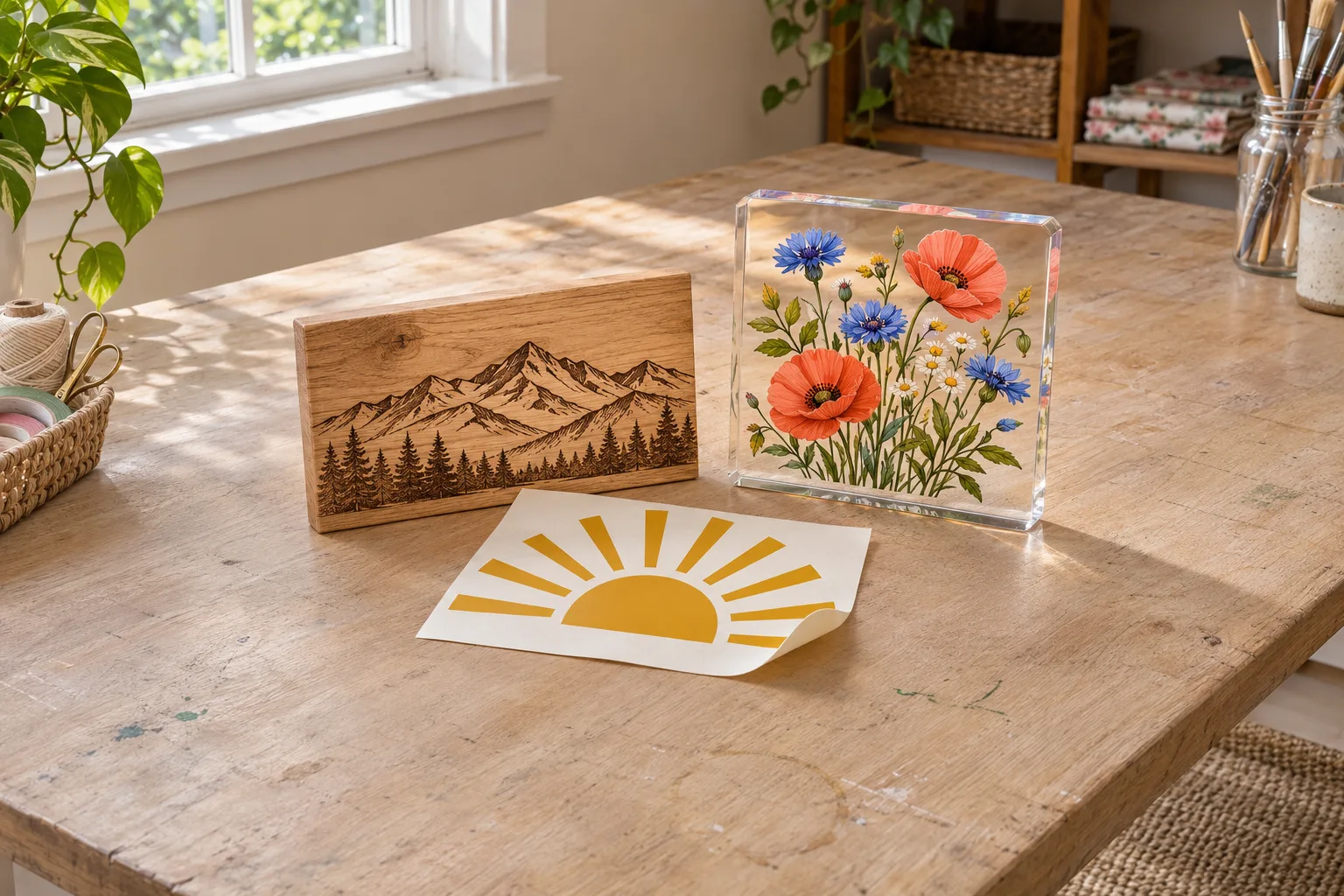
Printers in this guide
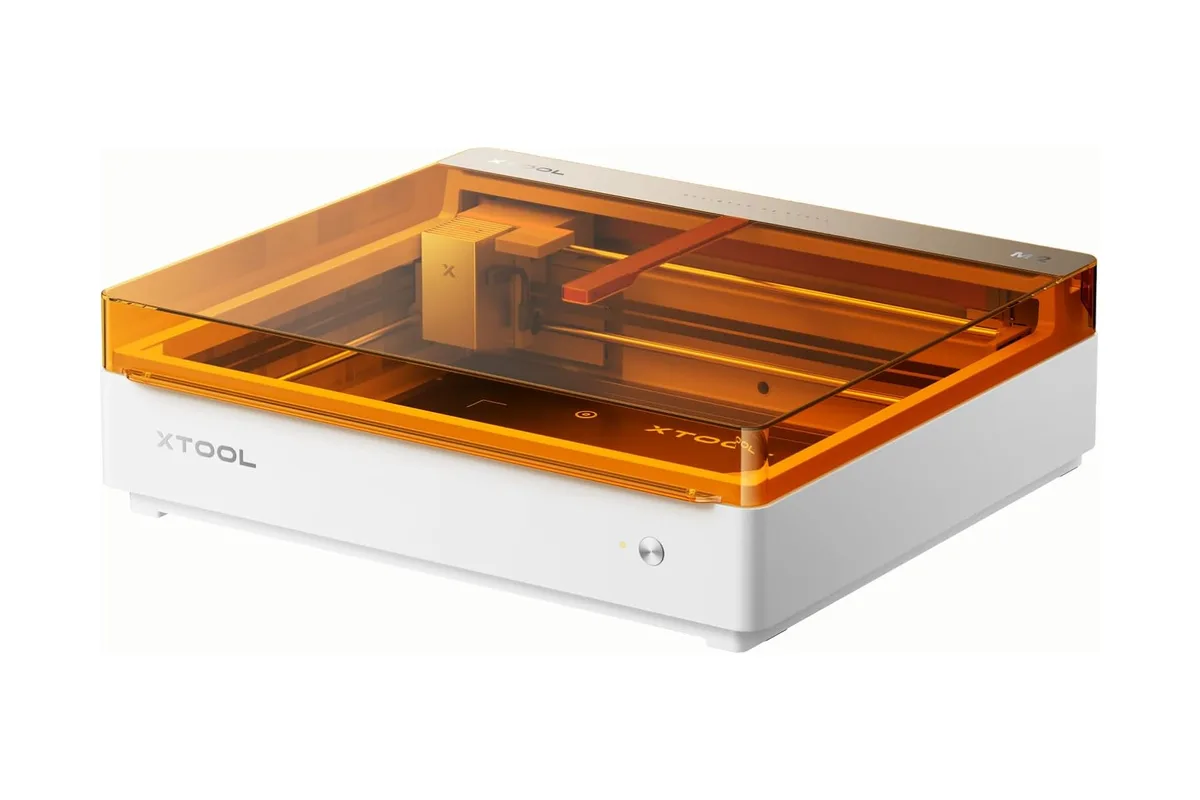
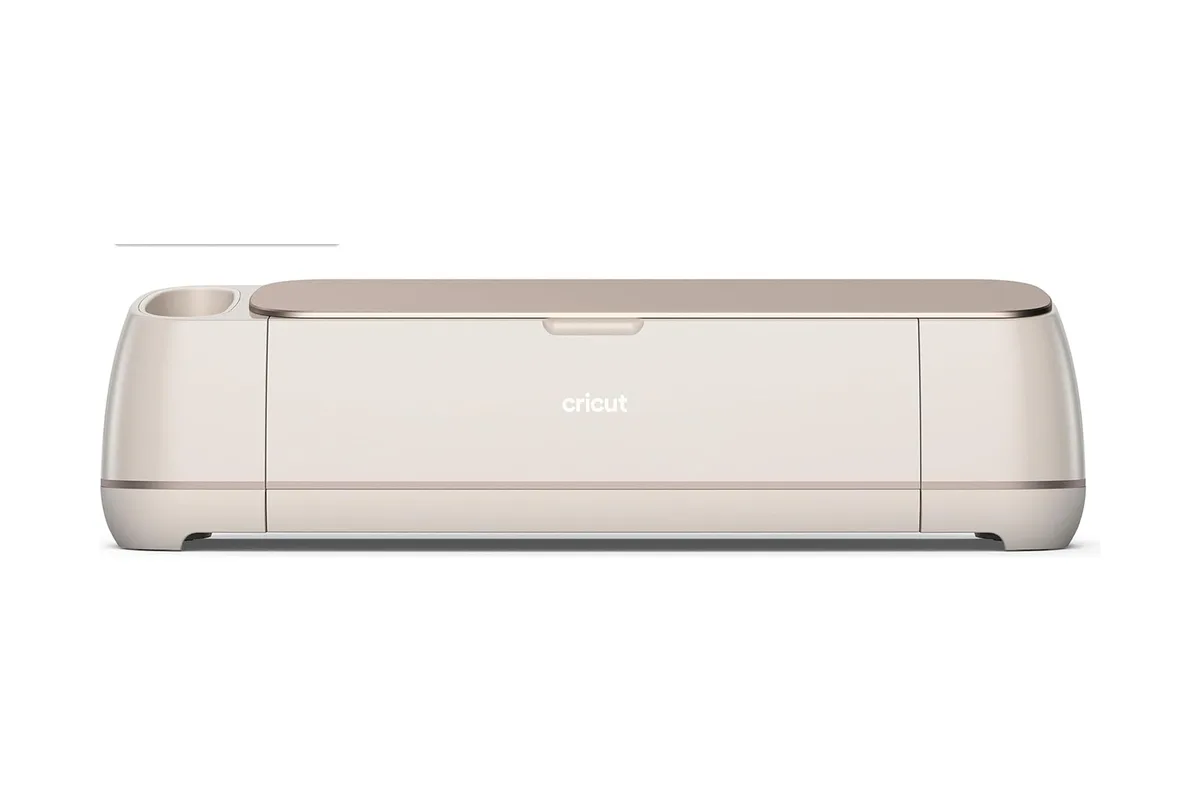
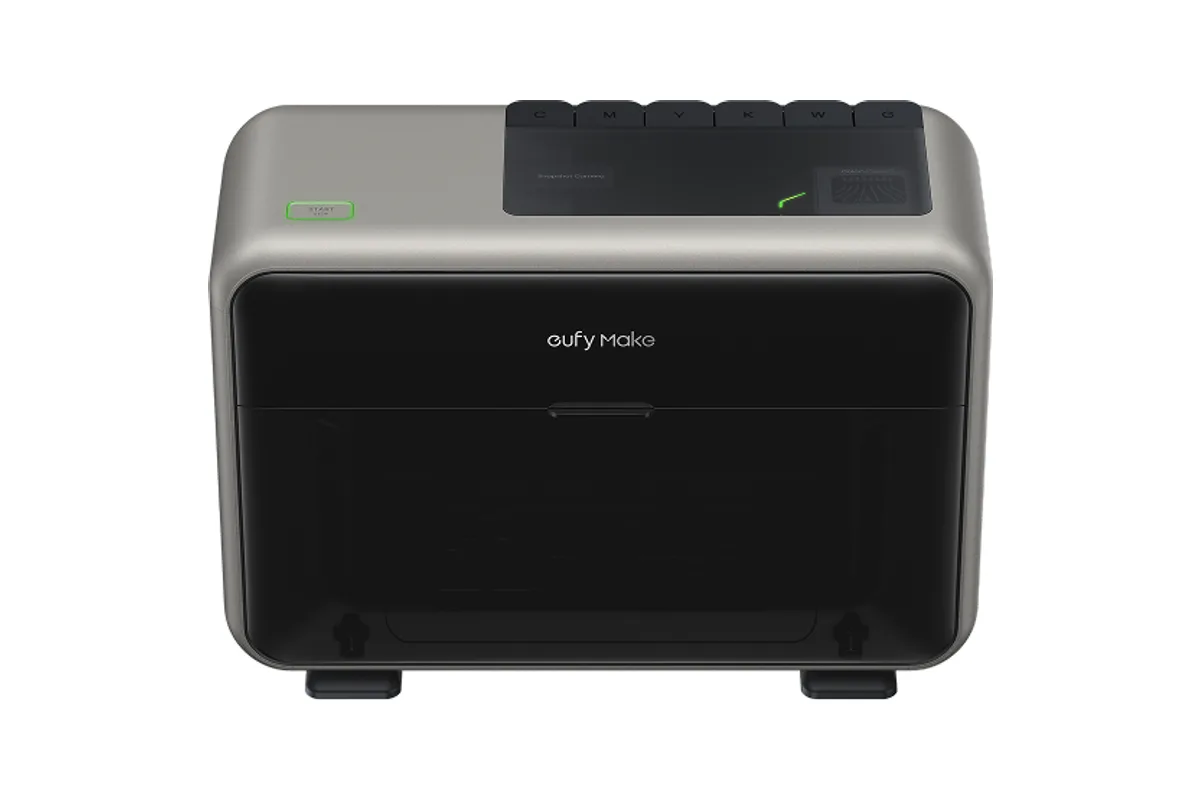
Laser engraver vs Cricut vs UV printer: the short answer
They do three different jobs. A Cricut cuts thin, soft material with a blade: vinyl, iron-on, paper, cardstock and fabric. A laser cuts and engraves thicker material with a beam: wood, acrylic, leather, slate and coated metal. A UV printer prints full color, white and gloss onto hard objects, and cuts nothing.
| Cricut Maker 4 | xTool M2 (laser) | eufyMake E1 (UV printer) | |
|---|---|---|---|
| Price, November 2026 | $349 at Cricut (MSRP $399) | $499 / $899 / $1,299 for 10 / 20 / 40W at xTool; $474 / $829 / $1,149 at Amazon | $1,799 with ink at eufyMake (list $2,409); $1,598.99 printer only at Best Buy |
| What it does | Cuts with blades | Cuts and engraves with a 455 nm diode laser | Prints CMYK, white and gloss ink, cured by UV light |
| Thickest cut | Under 2.4 mm (Cricut) | 8 / 10 / 15 mm basswood in one pass (xTool) | Doesn’t cut |
| Color | Color of the material | Burn tones only | Full color plus white, and raised texture up to 5 mm |
| Work area | 11.5 x 23.5 in on a mat; 11.7 in x 12 ft with Smart Materials | 426 x 320 mm (16.8 x 12.6 in) | 13 x 16.5 in; objects up to 100 mm tall |
| Tumblers | Vinyl decals only | Engraves powder-coated tumblers on a $259 rotary | Prints color on a $399.99 rotary ($320 for Black Friday) |
| Vinyl and iron-on | Yes | Never: vinyl is PVC | No |
| Needs ventilation | No | Yes, always | Yes, per eufyMake |
| Software | Design Space, free; Cricut Access optional, $9.99 a month | xTool Studio | eufyMake Studio and app, free plan |
| Warranty | 1 year | 12 months | 12 months; printhead 3 months |
Most prices are Black Friday sale prices. The E1 isn’t sold at Amazon; the Cricut and the M2 are. The E1’s 100 mm object height is from eufyMake’s FAQ; its spec table says 130 mm.
Laser engraver vs Cricut: which is better?
A laser, if you want wood, acrylic, leather or engraving. A Cricut, if you want vinyl decals, iron-on shirts, paper crafts and stickers. Neither replaces the other: a laser can’t touch vinyl, and a Cricut can’t cut 1/4-inch wood or engrave anything the way a laser does.
Thickness: the biggest difference
Cricut’s own limits for unlisted materials: “less than 2.4 mm for Cricut Maker 3 and Cricut Maker 4”, less than 2.0 mm on the Explore 5, and “some materials up to 1/8 in (3 mm)” on the new Maker 5, “we do not guarantee that every material up to that thickness can be cut.”
Wood on a Cricut takes the Knife Blade, which only the Maker series uses. Cricut’s material table puts 1/16-inch (1.6 mm) basswood at 13 to 14 passes and 3/32-inch (2.4 mm) balsa at 7, and Cricut says “Knife Blade cuts will take significantly more time.”
A 10W xTool M2 cuts 8 mm basswood in one pass, by xTool’s rating; the 20W cuts 10 mm. That’s more than three times the thickness a Maker 4 can manage, in one pass, where 1/16-inch basswood takes the Cricut 13 to 14. If wood is on your product list, a laser is the tool.
Vinyl, iron-on and paper: the Cricut’s ground
Vinyl is PVC, and university safety offices ban PVC and vinyl from laser cutters. Illinois says it “can emit chlorine gas when cut”; MIT says it “generates hydrogen chloride and corrodes optics.” So decals, vinyl stickers and the heat transfer vinyl used for shirts belong on a blade cutter. Lasers can cut paper and cardstock, but a Cricut does it without smoke, fumes or a fire risk. For shirts, see the best vinyl cutters for T-shirts and Cricut vs Silhouette.
Living with each
- Setup. A Cricut sits on a desk and plugs in. A laser needs ventilation every time it runs, someone watching it, and a materials list that rules out PVC, polycarbonate, ABS and foam. The M2 is a Class 1 enclosed laser (TÜV SÜD certified), so the beam stays inside in normal use, but the smoke still has to go somewhere. See laser engraving safety.
- Engraving. Cricut sells engraving tips for its Maker machines; we haven’t researched what they can do. A laser engraves wood, leather, slate, glass (CO2 only, or a diode with a coating) and coated metal.
- Software. Cricut’s Design Space is free and needs an internet connection for setup and most use. It runs on Windows, macOS, iOS and Android, not Chromebooks. The M2 runs only in xTool Studio.
The M2 is partly a printer too
The M2 is xTool’s “color craft” laser: an optional CMYK inkjet module adds printing over a 300 x 284 mm area, sold in a Color Print & Cut Bundle at $529 on sale for the 10W. We haven’t researched that ink or how well its prints hold up, so we don’t count it as a UV printer. It is one way to get printed color and laser cutting in one machine.
Laser engraver vs UV printer: which is better for personalized products?
A laser for permanent, one-tone marks and for cutting shapes. A UV printer for full-color photos, logos and artwork on hard goods. eufyMake, which makes UV printers, frames it the same way in its own comparison: lasers give “black, white, or natural tones”, while UV printing gives “full CMYK color plus white”; laser marks are “permanent and durable”, while UV ink “may wear with heavy abrasion if uncoated.” It suggests buying both for high-value items.
| Laser (xTool M2) | UV printer (eufyMake E1) | |
|---|---|---|
| Color | Burn tones; only MOPA fiber lasers color-mark metal | Full color, white underbase and gloss |
| Texture | Engraves into the surface | Builds raised texture up to 5 mm with layers of white ink |
| Cuts shapes | Yes | No |
| Durability | Permanent mark in the material | Ink on the surface; hand wash only, per eufyMake |
| Tumblers | Powder-coated, one tone | Full color, with a rotary for 40–100 mm straight cups |
| Glass | CO2 laser, or a diode with a coating | Prints, with eufyMake’s pre-coating recommended |
| Consumables | None besides materials and filters | Ink at about $0.30 a ml; cleaning cartridges; a $599 printhead |
| Hazard to manage | The beam, fire and smoke | Liquid ink that may cause an allergic skin reaction and serious eye damage; ventilation |
What a UV printer can do that a laser can’t
Photos and logos in full color, on wood, metal, acrylic, ceramic, stone, glass, leather and canvas (eufyMake’s list). A UV printer also prints white, so color shows on dark and clear surfaces, and the E1 stacks white ink into raised textures up to 5 mm. Phone cases, acrylic photo blocks, magnets and full-color tumblers are UV printer products.
eufyMake’s own figures put the ink at $0.21 for a logo-and-image wrap on a tumbler, $0.16 for a 3 x 3-inch hat patch and $0.63 for a 50 x 70 mm magnet with white, rising to $2.45 for a textured tumbler. Those leave out cleaning, which is about one $29.99 cartridge every two months on weekday use (about $15 a month, our estimate), and printhead wear. Our UV printer cost guide has the full breakdown.
What a laser can do that a UV printer can’t
Cut. A laser turns a sheet of basswood into coasters, signs, ornaments and layered art, and engraves a mark that’s part of the material rather than ink on top. There’s no ink to buy, no printhead to wear, and no requirement to leave the machine powered on: eufyMake says an E1 left off too long can damage the printhead and void the warranty.
Durability and food contact
No UV printer maker we read calls its prints dishwasher-safe. eufyMake says to hand wash UV-printed items and keep prints off areas that touch food or lips, and not to use them as food containers. xTool says UV-printed areas “are not intended for direct contact with food or beverages.” A laser-engraved tumbler has no ink layer to wear.
Handling UV ink
Every UV ink safety data sheet we read, eufyMake’s included, carries the signal word “Danger”, says the liquid ink may cause an allergic skin reaction and serious eye damage, and calls for gloves, eye protection and ventilation. eufyMake’s ink is GREENGUARD Gold certified, which covers emissions from finished prints, not the liquid ink. Our guide to how UV printing works covers this in full.
Don’t confuse a UV laser with a UV printer
xTool’s F2 Ultra UV ($3,299) is a 355 nm laser that marks surfaces and engraves inside crystal glass. It lays down no ink.
Which should you buy?
Start from the product you want to sell.
| You want to make | Buy |
|---|---|
| Vinyl decals, stickers, iron-on shirts, paper cards | Cricut |
| Wood signs, coasters, ornaments, cut shapes, layered art | Laser |
| Slate, leather patches, engraved cutting boards | Laser |
| Engraved powder-coated tumblers (one tone, permanent) | Laser with a rotary |
| Full-color tumblers, phone cases, acrylic photo blocks, magnets | UV printer |
| Engraved glassware | CO2 laser; see diode vs CO2 vs fiber |
| Bare-metal engraving, jewelry | Fiber laser; see the best laser engravers for metal |
| Full-color shirts | Neither: DTF or sublimation. Procolored says clothing is “not recommended” on its UV printers |
What each costs to start (our estimate)
| Setup | Store prices, November 2026 | Total |
|---|---|---|
| Cricut Maker 4 | $349 | $349 |
| Cricut Explore 5 (cuts under 2.0 mm) | $199 | $199 |
| xTool M2 10W + RA3 Lite rotary | $499 + $259 | $758 |
| Same, with xTool’s AP2 mini purifier if you can’t vent | + $299 | $1,057 |
| eufyMake E1 with ink + rotary | $1,799 + $320 (Black Friday) | $2,119 |
| Same, with eufyMake’s Purifier P1 kit | + $349 (Black Friday; list $699.99) | $2,468 |
| Cricut Maker 4 + M2 10W with rotary + E1 with rotary | $349 + $758 + $2,119 | $3,226 |
That leaves out mats, blades, blanks, filters and ink refills. For other UV printers (Procolored’s V6 at $3,199 and V11 Pro at $5,299), see the best UV printers. For other lasers, see the best laser engravers, and for running costs, laser engraver cost.
If you’re choosing just one for a personalized-gift shop: the laser covers the widest range of products for the money, from $499. Buy the UV printer when color is the product, and the Cricut when vinyl and paper are.
Questions people ask
Can a Cricut cut wood?
Only thin wood, on a Maker with the Knife Blade: Cricut’s table puts 1/16-inch basswood at 13 to 14 passes and 3/32-inch balsa at 7. Balsa cuts are limited to 10.5 x 11.5 or 10.5 x 23.5 inches. A 10W laser cuts 8 mm basswood in one pass.
Can a laser cut vinyl?
No. Vinyl is PVC, which gives off chlorine or hydrogen chloride when lasered, and university safety offices ban it from laser cutters. Use a blade cutter.
Can a UV printer print on tumblers?
Yes, with a rotary. The E1’s rotary takes cups 40 to 100 mm across with straight sides and up to a 13° taper, and texture is limited to 1 mm on it. eufyMake says to hand wash UV-printed cups, never put them in a dishwasher, and keep prints off areas that touch lips.
Does the xTool M2 print in color?
With xTool’s optional CMYK inkjet module, over a 300 x 284 mm area. On its own, the laser only engraves in burn tones.
Which is cheapest to run?
A Cricut uses no ink, only blades and mats, which we didn’t price. A laser needs materials and, if you use a purifier, filters rated at about 100 hours. A UV printer needs ink at about $0.30 a milliliter on the E1, a cleaning cartridge every two months or so, and eventually a $599 printhead that eufyMake covers for 3 months.
Is a Cricut or a laser easier for a beginner?
A Cricut has less to set up: no ventilation, no fire risk, no banned-materials list to learn. An enclosed Class 1 laser like the M2 or the $439 Creality Falcon A1 is the closest a laser gets, with cameras that place the design for you.
Can you use a Cricut to make stickers?
Yes: print on a home printer and let the Cricut cut around the design. See the best printers for Cricut.
Sources
- Cricut: which materials can I cut with my Cricut smart cutting machine?, help.cricut.com
- Cricut: all about Cricut Knife Blade, help.cricut.com
- Cricut Maker: cutting balsa wood with Knife Blade, help.cricut.com
- Cricut Maker 4, cricut.com
- Cricut Explore 5, cricut.com
- Cricut Maker 5, cricut.com
- xTool M2 color craft laser, xtool.com
- xTool M2 product overview, xtool.com
- xTool: Fiber laser vs CO2 laser vs diode laser, xtool.com
- xTool: What is a MOPA laser, xtool.com
- xTool: UV laser engraving machine, xtool.com
- xTool after-sale policies (warranty), xtool.com
- eufyMake: laser engraving vs UV printing, eufymake.com
- eufyMake UV Printer E1, eufymake.com
- eufyMake warranty policy, eufymake.com
- eufyMake: all about eufyMake UV ink, eufymake.com
- eufyMake demo room safety notice, eufymake.com
- eufyMake UV ink cartridge (W) safety data sheet (Anker Japan), ankerjapan.com
- University of Illinois Division of Research Safety: Laser Cutters, Safe Use, drs.illinois.edu
- MIT EHS: Laser Cutter Safety Guidance (PDF), ehs.mit.edu
- Procolored UV printers, procolored.com
Keep exploring

Buying guide
The best color label printers for product labels
The Epson ColorWorks CW-C4000 is the best color label printer for product labels: pigment CMYK ink at up to 1200 dpi, rolls up to 4.25 inches wide, 4 inches a second and BS 5609 certification on Kimdura poly, for $2,499 at CDW in November 2026. Get the Primera LX610 ($2,695) to print and cut custom shapes, or the Primera LX500 ($1,549) on a budget.
Read story
Buying guide
The best edible printers for cakes and cookies
The best edible printer for cakes is a new Canon PIXMA TS702a bought in an edible ink bundle: $295 to $299 in November 2026, for letter and legal-size frosting sheets at about $1 to $3 a cake topper. For printing straight onto cookies, the Primera Eddie is $2,995 and uses about 6¢ of ink per cookie.
Read story