Printers in this guide
What is the most reliable printer brand?
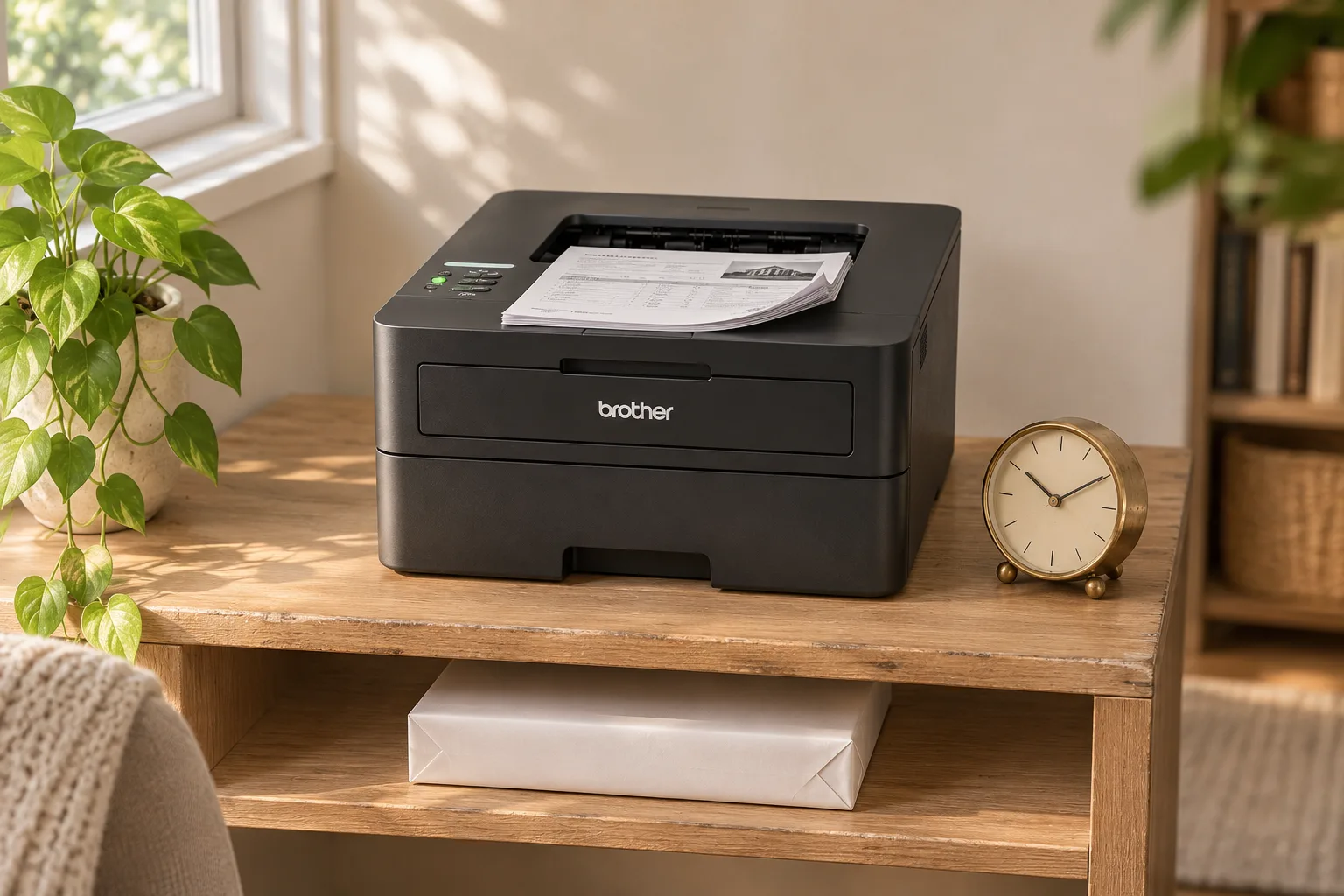
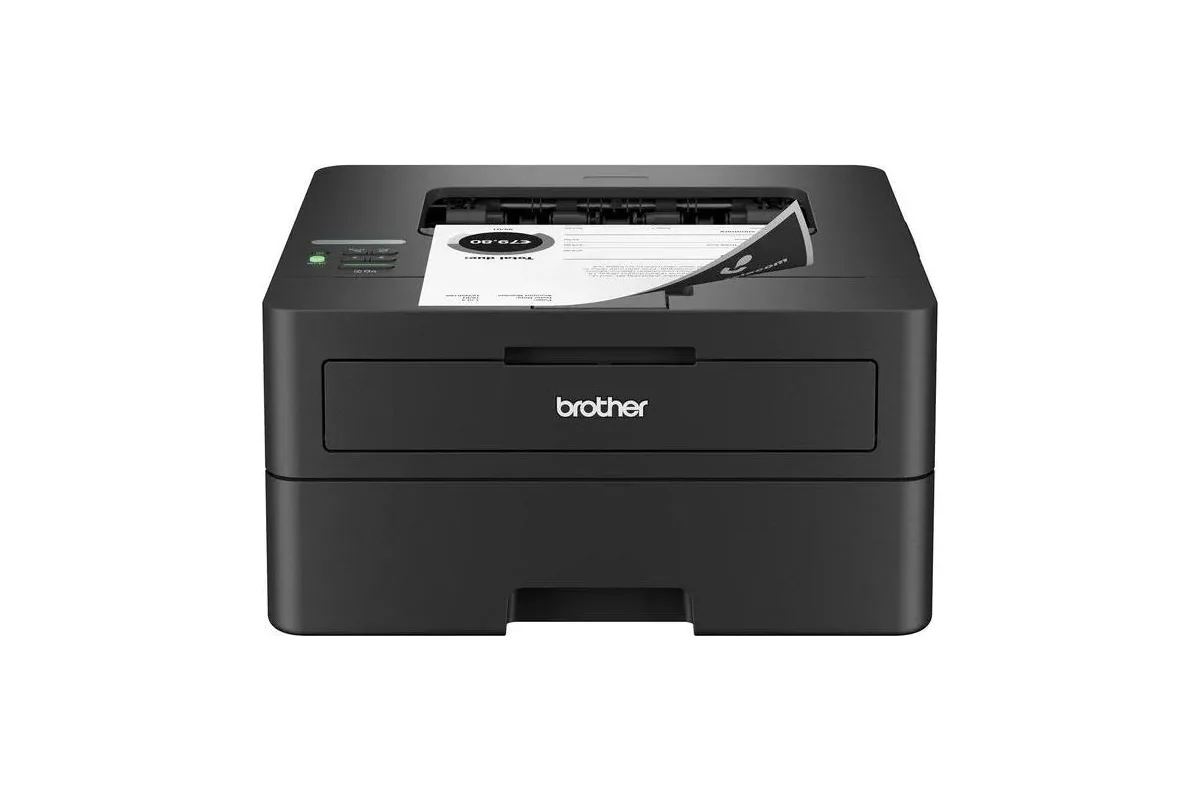
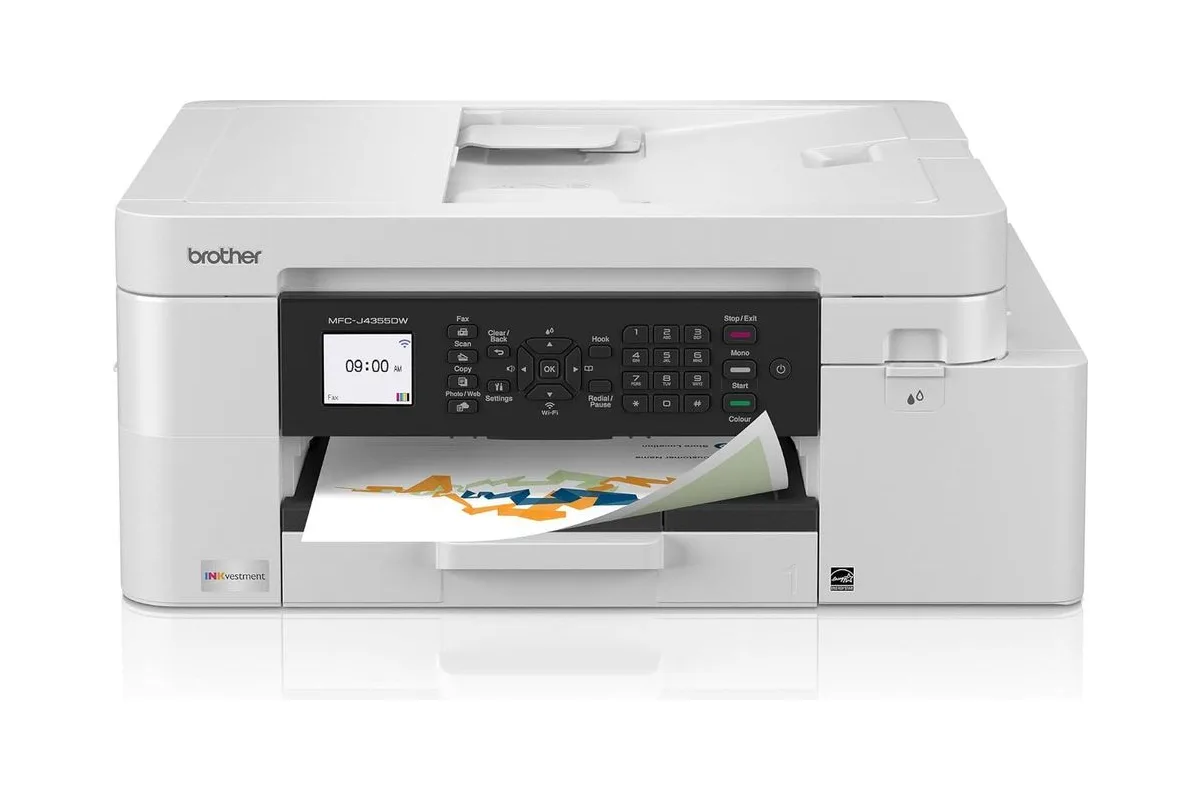
Brother, for most homes. Brother’s black-and-white lasers, such as the HL-L2460DW, are the most dependable cheap printers you can buy: toner can’t dry out, there’s no printhead to clog, and they print a clean page after weeks unused. Brother printers need no account to print, Brother says its firmware doesn’t block third-party ink or toner, and its INKvestment inkjets, such as the MFC-J4355DW, carry a two-year warranty, or three on the bottle-fed INKvestment Tank models.
The type of printer matters more than the brand, though. A laser from any of the big makers is more reliable than an inkjet, because inkjets clog when they sit, spend ink on cleaning, and eventually fill their waste-ink pads.
What makes a printer reliable?
Four things decide whether a home printer keeps working:
- Laser or inkjet. Lasers use dry toner, so there’s nothing to clog. Inkjets need regular use, and every cleaning cycle sends ink to a waste pad.
- A replaceable maintenance box. On newer ink tanks, waste ink goes to a box you swap yourself. On older models it goes to internal pads that need a service visit when full.
- No lock-ins. Printers that need an account, a subscription or chipped cartridges have more ways to stop printing: an expired plan, a lost internet connection or a firmware update that rejects a cartridge.
- The warranty. Most printers get one year; a few get two or three.
How do the big four brands compare?
| Brother | Canon | Epson | HP | |
|---|---|---|---|---|
| Strongest line | Mono lasers | imageCLASS lasers, MegaTank | EcoTank ink tanks | LaserJets |
| Account needed to print | No | No | No (except “U” subscription models) | No, unless HP+ is activated on an “e” model |
| Third-party supplies | Brother says firmware doesn’t block them | MegaTank bottles chip-free; cartridges chipped | EcoTank bottles chip-free; cartridge models “designed for Epson cartridges only” | Dynamic security blocks non-HP chips |
| Replaceable maintenance box | Not on cartridge inkjets (Brother service) | On the G3270 and newer MegaTanks; not on the G6020 | On current EcoTanks (ET-2410 and up) | — |
| Typical warranty | 1 year (lasers); 2 years (INKvestment cartridge); 3 years (INKvestment Tank) | 1 year; 3 years on some imageCLASS series; MegaTank 1 year or 30,000 pages | 1 year | 1 year (2 with HP+ on some inkjets) |
Sources: each maker’s product, support and warranty pages, read November 24, 2026.
Why Brother comes out ahead
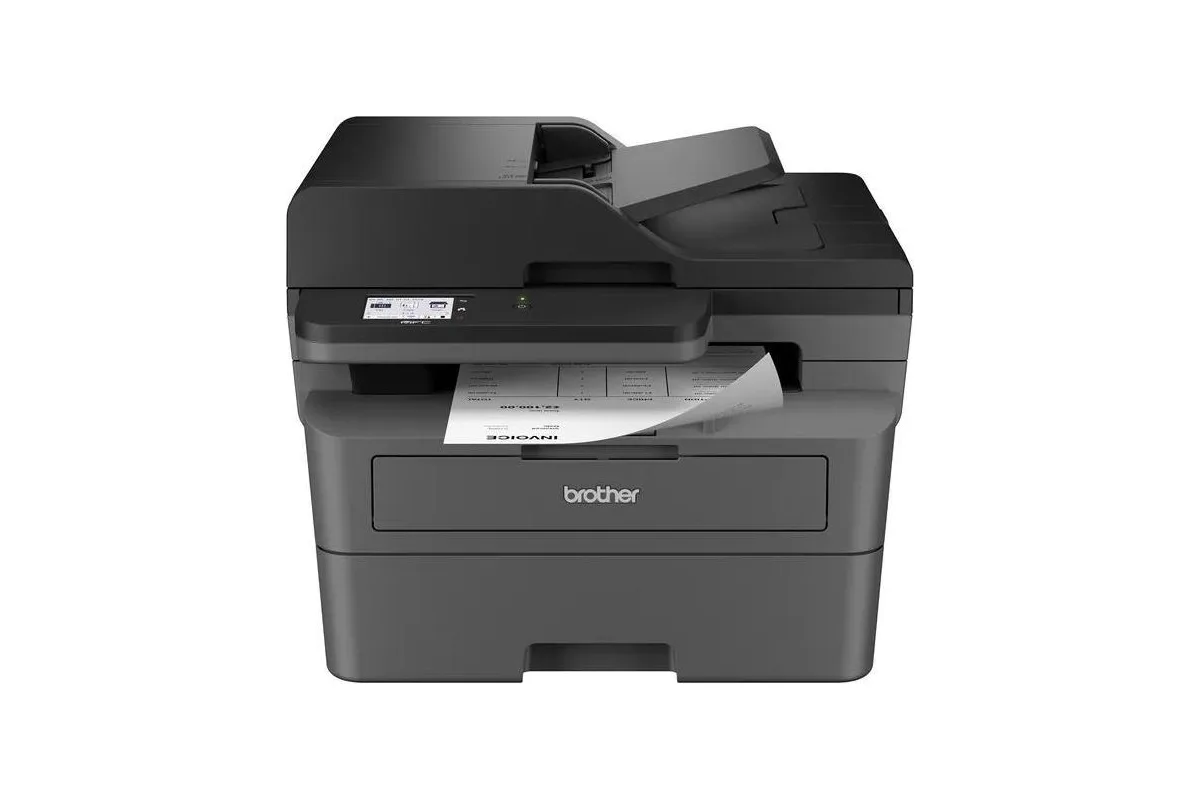
- Its budget lasers are the best-value reliable printers. The HL-L2405W ($139.99) and HL-L2460DW ($179.99) print about 4¢ a page, and the MFC-L2820DW adds a scanner, feeder and fax with the same toner.
- Fewer lock-ins. No account is required, Brother’s Refresh EZ Print plan is optional, and Brother said publicly in 2025 that its firmware updates don’t block third-party ink or toner. (If you do subscribe to Refresh, cancelling deactivates the subscription cartridge.)
- Longer inkjet warranties. Brother’s INKvestment cartridge inkjets come with a two-year limited warranty and its bottle-fed INKvestment Tank models, such as the MFC-T780DW, with three, where most inkjets get one.
Where the other brands are strong
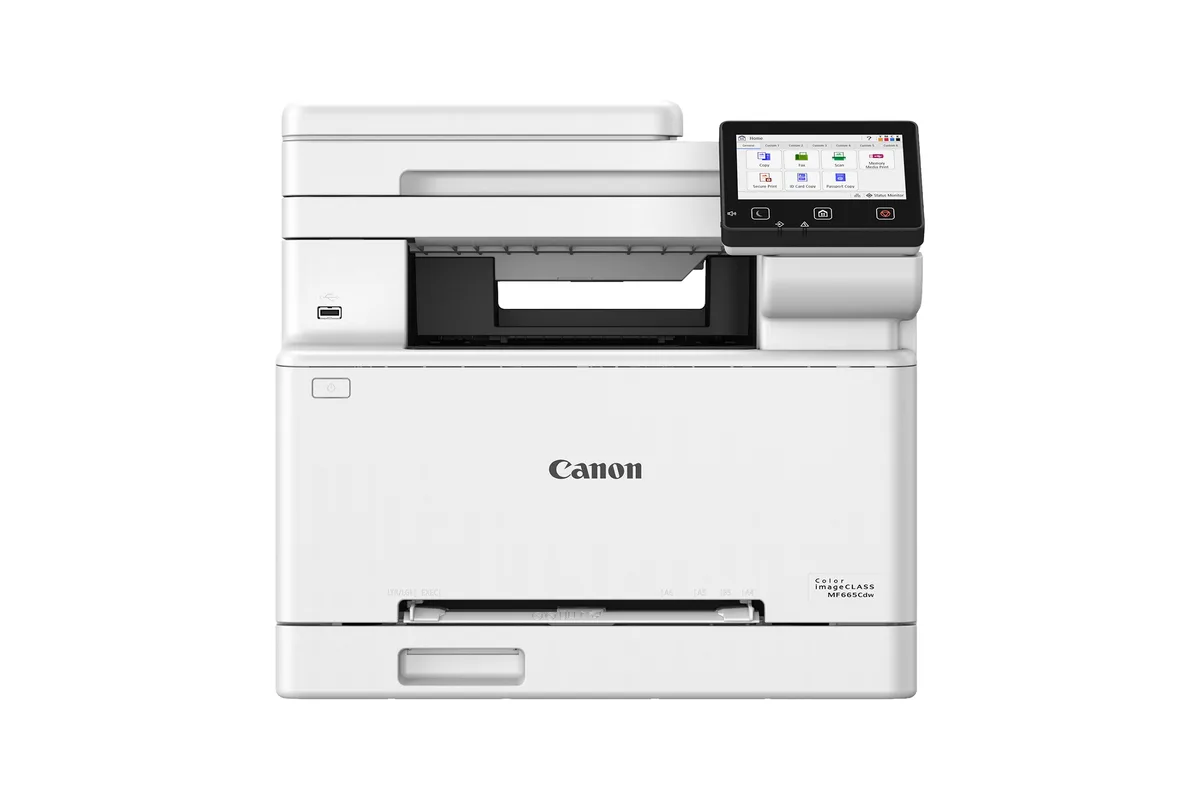
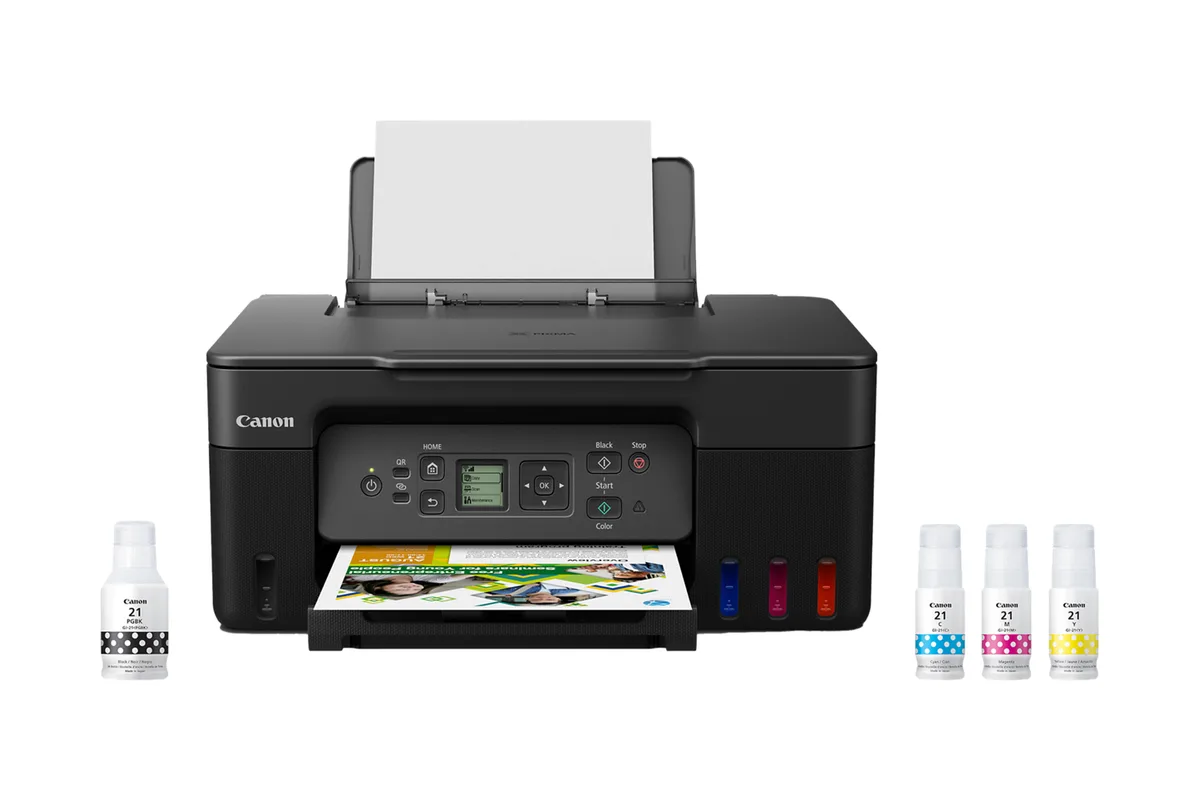
- Canon: its imageCLASS color lasers in certain series, such as the MF665Cdw, carry a three-year warranty, the longest we found on a home printer. Its MegaTanks, such as the G3270, are the cheapest printers to run, and the newer ones have a replaceable maintenance cartridge.
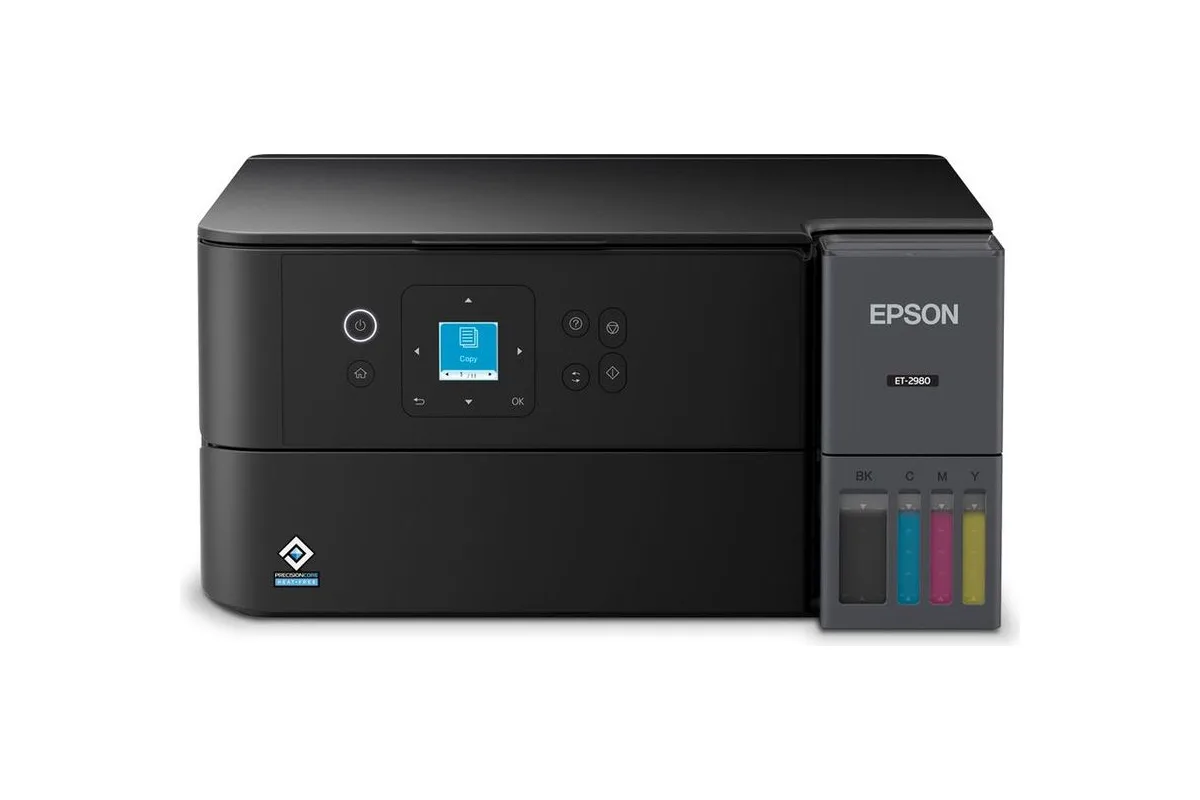
- Epson: current EcoTanks, such as the ET-2980, use chip-free bottles and a maintenance box you replace yourself, so a full waste pad never means a repair. Avoid the “U” ReadyPrint versions.
- HP: HP LaserJets are solid machines, but HP’s dynamic security blocks cartridges without an HP chip, HP says an account is needed for “full functionality”, and HP+ on “e” models adds an always-online requirement. Those are more points of failure, not worse hardware.
How to make any printer last longer
- Print something once a week on an inkjet, with some color, to keep the nozzles wet.
- Turn it off with the power button, not at the wall, so the printhead caps itself.
- Don’t run cleaning cycles repeatedly. Each one uses ink and fills the waste pad. After two or three, leave the printer for several hours.
- Keep it on 2.4 GHz Wi-Fi or Ethernet if it drops off a mesh network.
- Buy a laser if you print rarely. See the best printer for occasional use.
We haven’t tested these printers hands-on. This comparison uses the makers’ own specifications, warranties and policies as published in November 2026.
Questions people ask
Which printer brand lasts the longest?
Brother’s black-and-white lasers are the safest bet. Lasers don’t clog, and Brother rates the HL-L2460DW for up to 2,500 pages a month with a drum rated for about 15,000 pages.
Is Epson or Canon more reliable?
For ink tanks, both are reliable if you print weekly. Epson’s current EcoTanks all have a replaceable maintenance box; on Canon’s MegaTanks, check the model, because older ones like the G6020 send waste ink to an absorber that needs a Canon repair.
Are HP printers reliable?
HP’s printers are well built, but HP’s restrictions add ways for them to stop printing: cartridges without an HP chip are blocked, and HP+ printers need an internet connection and HP ink for life. Buy non-“e” models and HP’s own cartridges, or choose another brand.
Are laser printers more reliable than inkjets?
Yes. Toner can’t dry out and lasers have no printhead to clog, so they’re the most reliable choice for homes that print occasionally. See inkjet vs laser.
How long should a home printer last?
Five years or more is reasonable for a laser or ink tank that’s used regularly. Cheap cartridge inkjets are often replaced sooner because a set of cartridges costs nearly as much as the printer. See is it cheaper to buy a new printer than new ink?
Sources
- Brother HL-L2460DW product page, Brother
- Brother MFC-J4355DW product page (2-year warranty), Brother
- Brother MFC-T780DW product page (3-year warranty), Brother
- Canon product warranty information, Canon
- Epson EcoTank ET-2980 product page, Epson
- Epson: Service Required message (ink pads), Epson
- HP Color LaserJet Pro 3201dw product page (dynamic security wording), HP
- HP Envy 6155e product page (HP+ wording), HP
- Oh Brother. Printer giant denies dirty toner tricks, The Register
- Consumer Reports' most reliable printer brand (reported by BGR), bgr.com
- Consumer Reports' least reliable printer brands (reported by BGR), bgr.com
- Most reliable printer brands, which.co.uk
Keep exploring

Buying guide
The best barcode label printers
The Zebra ZD421 is the best barcode label printer for most businesses: 4-inch labels at 6 inches a second, any brand of label roll and a 24-month warranty, for about $480 to $526 in November 2026. Get the Brother QL-820NWBc ($229.99) for an office or shop counter, and a thermal transfer model for inventory labels that have to last.
Read story
Buying guide
The best check printers for a small business
The TROY 3001dw ($509.15 at TROY, $530 at Amazon in November 2026) is the best check printer for a small business: a 35 ppm Wi-Fi laser with MICR toner, rated for 350 to 2,500 checks a month, at about 5¢ to 7¢ per check three to a page by our estimate. Get the TROY 4001dn for a locking tray, or the VersaCheck M15 MXD ($399.99) for software in the box.
Read story