Printers in this guide
Can I refill HP or Canon ink cartridges?
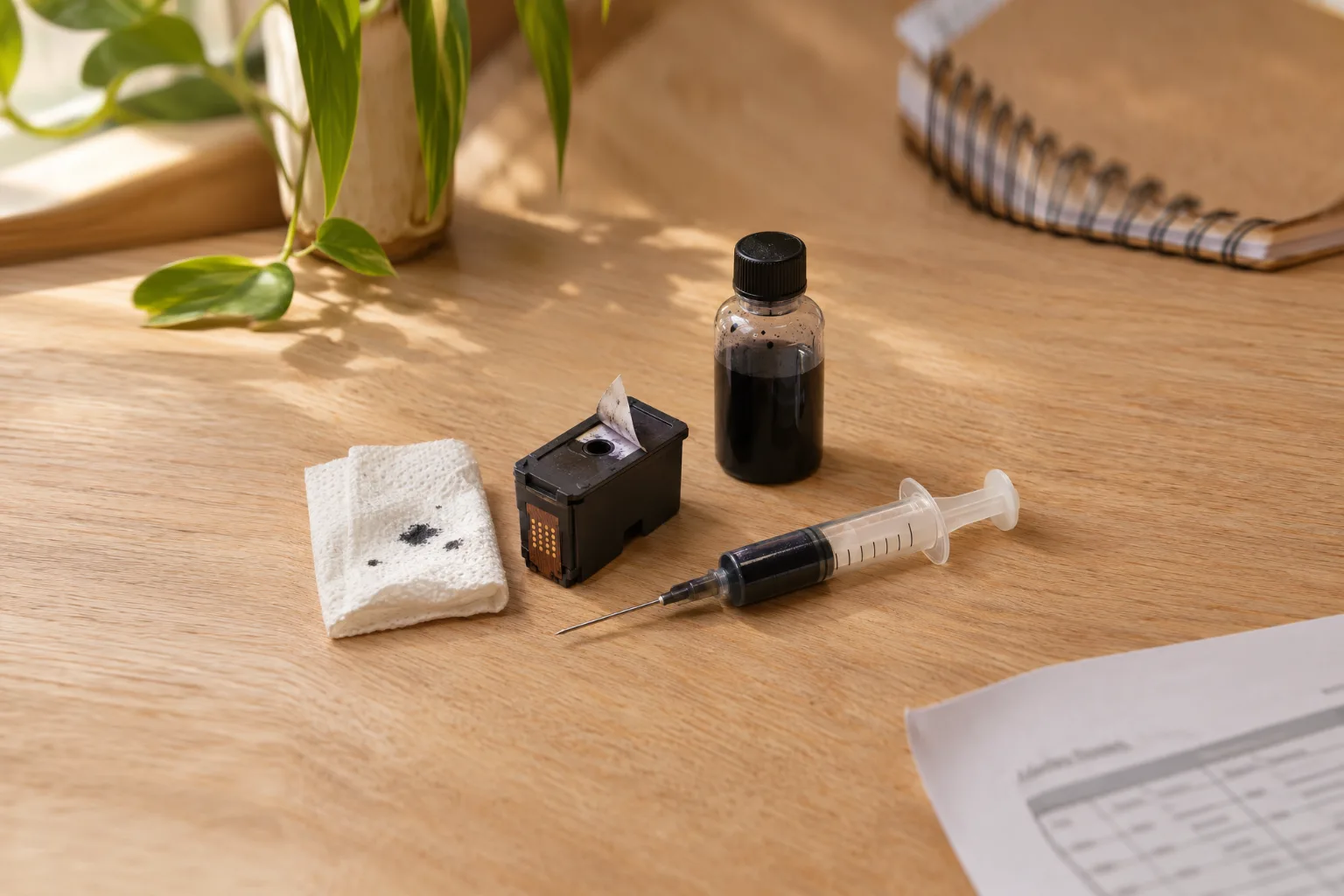
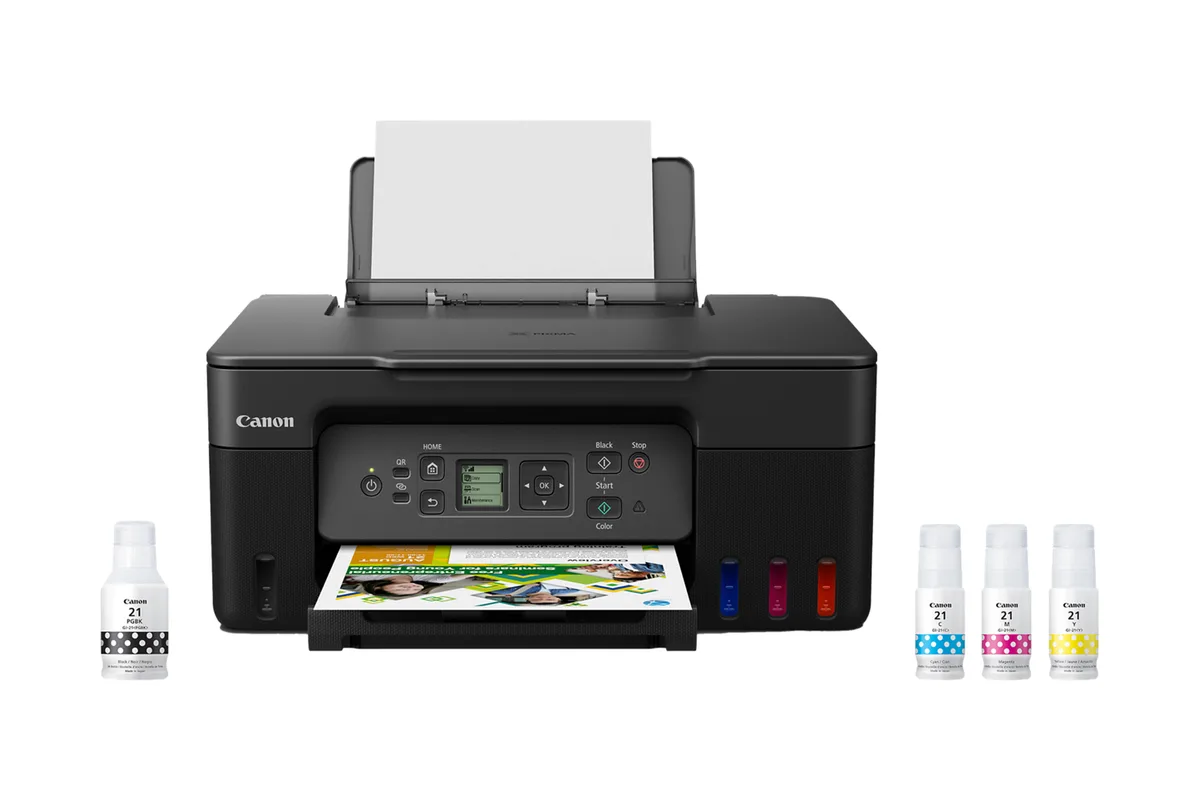
Yes, with limits. HP says its printers accept refilled cartridges that keep their original HP chip, and Canon lets you print with a refilled cartridge once you switch off its ink-level detection by holding the Stop button for 5 seconds. Neither maker recommends it, both lose track of the ink level, and refilling a 100-page Canon cartridge would have to cost under about 38¢ to match the ink cost of a $144.99 ink-tank printer.
What each maker says:
- HP: its Dynamic Security printers “are intended to work only with cartridges that have new or reused HP chips.” An original HP cartridge that keeps its chip can be refilled and isn’t affected. Clones with non-HP chips get blocked. HP+ printers take only Original HP cartridges.
- Canon: when a PIXMA flags a cartridge as empty or as having “an issue” (support codes 1688 and 1686), you can disable ink-level detection for that cartridge and print until the ink runs out. Canon recommends new, genuine Canon cartridges.
HP also says it can’t guarantee the quality or reliability of refilled cartridges, and that printer or printhead damage caused by a non-HP cartridge isn’t covered by its warranty. For third-party and remanufactured cartridges, see remanufactured ink and compatible toner.
Is refilling cheaper than an ink tank printer?
Cheaper than new cartridges, but rarely as cheap as an ink tank. A refilled cartridge still prints only as many pages as it holds, so you refill every 100 to 300 pages. Prices are the makers’ own in November 2026.
| Option | Ink cost | Black page |
|---|---|---|
| Canon PG-275, new | $18.99 ÷ 100 pages | 19.0¢ |
| HP 68 black, new | $26.99 ÷ 160 pages | 16.9¢ |
| Canon PG-275XL, new | $38.99 ÷ 300 pages | 13.0¢ |
| Canon G3270 ink tank, GI-21 bottle | $22.99 ÷ 6,000 pages | 0.4¢ |
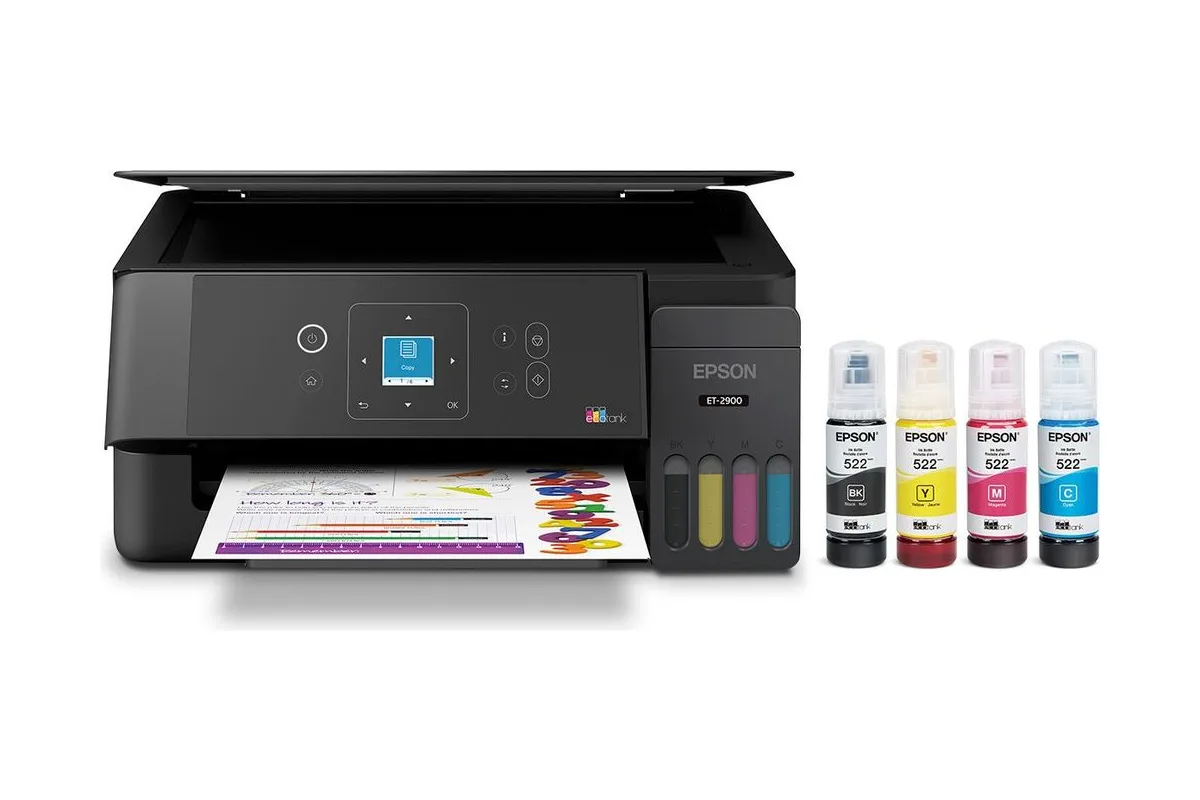
| Epson ET-2410 ink tank, 522 bottle | $17.99 ÷ 4,700 pages | 0.4¢ |
The break-even is simple: a refill matches the G3270 only if it costs less than 0.38¢ times the pages it prints. That’s 38¢ per refill of a 100-page PG-275 and 61¢ for a 160-page HP 68. Even Canon’s own bottle ink, at $22.99 for 135 ml, puts the 5.6 ml in a PG-275 at about 95¢, or about 1¢ a page. (Canon says not to use its bottles for anything but its tank printers.)
A tank printer costs more up front: the G3270 was $144.99 at Canon against $54.99 for the TS3720. The full payback math is in is it cheaper to buy a new printer than new ink? and the cheapest printer to run.
Why does my printer say the ink cartridge is not recognized?
Usually the printer can’t read the cartridge’s chip: it isn’t seated, the contacts are dirty or taped, or it’s the wrong number or a non-HP chip. HP’s steps for two-cartridge printers such as the DeskJet 2955 (HP 68) and 4255e (HP 67):
- Check the cartridge number against your printer’s list. HP+ printers need Original HP cartridges.
- Reset the printer: turn it off, unplug it for 60 seconds, plug it straight into a wall outlet and turn it on.
- Check for tape on the copper contacts and reinstall the cartridge.
- Clean the contacts: lightly dampen a lint-free cloth with distilled water, wipe the cartridge’s copper contacts and the carriage contacts, and wait 10 minutes before reinserting. Don’t touch the nozzles.
- Replace the cartridge. Check the “Warranty Ends” date printed on it; if it hasn’t passed, HP may replace it free.
If HP says “Non-HP chip or circuitry detected,” the firmware has blocked the cartridge and only a cartridge with an HP chip will work.
On a Canon PIXMA such as the TS3720, code 1403 means remove and reinstall the FINE cartridge, then replace it if the error stays. Code 1485 means the cartridge isn’t compatible with the printer.
Why does my HP printer say “cartridge problem”?
It’s one of HP’s cartridge errors, and HP fixes it with the same steps above: confirm the number, reset the printer, check for tape, clean the contacts with distilled water, then replace the cartridge. If a new genuine cartridge still shows the error, HP says to contact support for repair, which may cost money out of warranty.
Why does my printer say ink is low when I just replaced it?
The printer estimates ink from its own count, not by measuring it.
- HP: low-ink alerts “are calibrated for genuine HP cartridges” and “might not be accurate for refilled or remanufactured cartridges.” You can dismiss the alert and print until quality drops.
- Canon cartridges: a refilled cartridge can still show as empty (code 1688). Hold Stop for 5 seconds to print, accepting that the printer won’t warn you when it runs dry.
- Epson EcoTank: Epson says the printer “cannot directly measure the ink levels in the tanks.” Fill each tank to the upper line and reset the level for the colors you filled, or the warnings will be off.
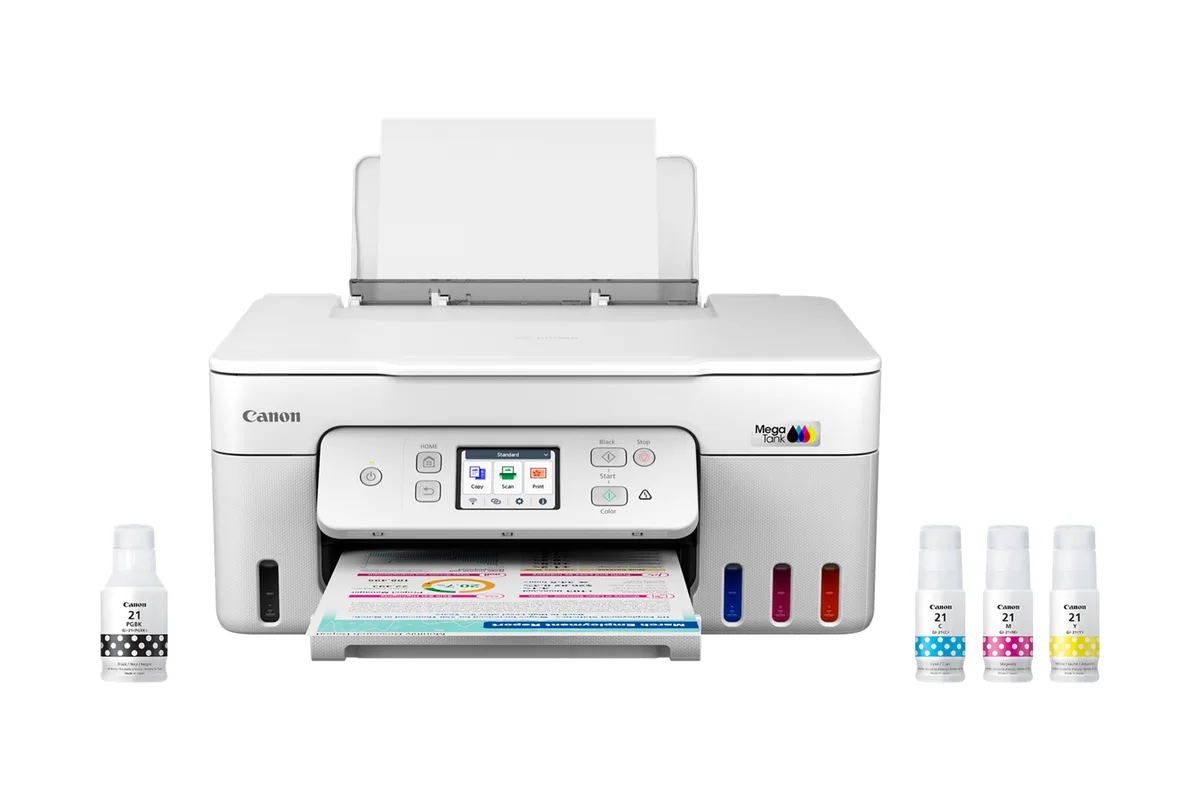
- Canon MegaTank: reset the count after filling to the upper line (see below).
Why did a firmware update stop my cartridges from working?
Because firmware is how HP updates the chip check. HP says updates “can also block cartridges using a non-HP chip or modified or non-HP circuitry from working in the printer, including cartridges that work today.” Epson says the same about its cartridge printers: some updates may affect third-party ink. Original HP cartridges that keep the HP chip, including refilled ones, aren’t affected. Turning updates off now won’t undo one that has already installed.
Should I turn off automatic firmware updates on my printer?
If you rely on refilled or third-party cartridges, set the printer to notify you instead of installing updates automatically. HP says most of its printers can receive updates “either automatically or with a notification that allows you to choose.” The trade-off is security: HP says updates also protect against security threats, so check for updates now and then and install the ones you want. Instant Ink and HP ePrint require automatic updates.
To change it on an HP inkjet:
- Open the HP Smart app, select your printer, and choose Advanced Settings to open its web page (the Embedded Web Server).
- Go to Tools > Printer Updates > Firmware Updates, or General > Firmware Update if its menu runs down the side.
- Enter the PIN from the printer label if asked.
- Choose the option that notifies you before installing. Names vary by model; your printer’s user guide lists them.
Why won’t my Canon printer print after I refill the tank?
On a MegaTank like the G3270, either the ink counter still says empty or the ink ran out and air reached the head. Canon’s fixes:
- Fill to the upper limit line, not just above the bottom. Canon says the ink count is only accurate if you do.
- Reset the count: on the printer, go to Settings > Device settings > Other device settings > Ink level monitor > Reset ink lev. count, or use Remaining Ink Notification Settings in Canon’s IJ Printer Assistant Tool.
- Run a nozzle check. Canon warns that printing below the lower line can make the printer use extra ink to recover.
- Clean twice, then deep clean, then turn it off for 24 hours and deep clean again.
- Replace the ink in the print head (Canon’s ink flush) if lines are still missing. It uses a lot of ink, so fill the tanks first.
Full steps are in how to unclog a printhead. If none of it works, see printer repair cost.
Questions people ask
Does refilling ink cartridges damage the printer?
It can. HP says damage caused by a non-HP cartridge isn’t covered by its warranty, and Canon warns that quality may drop as the ink runs low with detection off. A refilled HP or Canon cartridge also reuses its old printhead.
How many times can you refill an ink cartridge?
Neither HP nor Canon publishes a number. Both build the nozzles into these cartridges, so each refill reuses a printhead that wears and can clog.
Is it cheaper to refill cartridges or buy an ink tank printer?
An ink tank, if you print more than a few hundred pages. Canon’s G3270 and Epson’s ET-2410 print black for about 0.4¢ a page; a refill has to cost under 38¢ per 100 pages to match.
Can I use third-party ink in an HP printer?
Only cartridges with an HP chip, new or reused. HP’s firmware blocks non-HP chips, and HP+ printers accept only Original HP cartridges. See best printers without a subscription.
Sources
- HP Printers: Dynamic Security enabled printers, support.hp.com
- HP ink cartridge issues including incompatible, missing and not recognized errors, support.hp.com
- HP inkjet printers: Ink Alert or Low on Ink message, support.hp.com
- HP DeskJet 3700 printers: print quality issues (firmware update and cartridge steps), support.hp.com
- Canon TS3700 series: support code 1686, ij.manual.canon
- Canon TS3700 series: support code 1688, ij.manual.canon
- Canon TS3700 series: support codes 1403 and 1485, ij.manual.canon
- Canon G3070 series (G3270) online manual: refilling ink tanks, ij.manual.canon
- Canon G3070 series (G3270) online manual: checking ink level, ij.manual.canon
- Canon G3070 series (G3270) online manual: device settings, ink level monitor, ij.manual.canon
- Canon G3070 series: support code 1640, ij.manual.canon
- Canon G3070 series (G3270) online manual: maintenance procedure, ij.manual.canon
- Epson ET-2980U User's Guide (PDF): ink levels and resetting them, Epson
- Epson: no third-party ink cartridges, Epson
- Canon PG-275 black ink cartridge, Canon
- Canon GI-21 pigment black ink bottle, Canon
- HP 68 ink cartridges (HP store search), HP
Keep exploring

Buying guide
The best barcode label printers
The Zebra ZD421 is the best barcode label printer for most businesses: 4-inch labels at 6 inches a second, any brand of label roll and a 24-month warranty, for about $480 to $526 in November 2026. Get the Brother QL-820NWBc ($229.99) for an office or shop counter, and a thermal transfer model for inventory labels that have to last.
Read story
Buying guide
The best check printers for a small business
The TROY 3001dw ($509.15 at TROY, $530 at Amazon in November 2026) is the best check printer for a small business: a 35 ppm Wi-Fi laser with MICR toner, rated for 350 to 2,500 checks a month, at about 5¢ to 7¢ per check three to a page by our estimate. Get the TROY 4001dn for a locking tray, or the VersaCheck M15 MXD ($399.99) for software in the box.
Read story