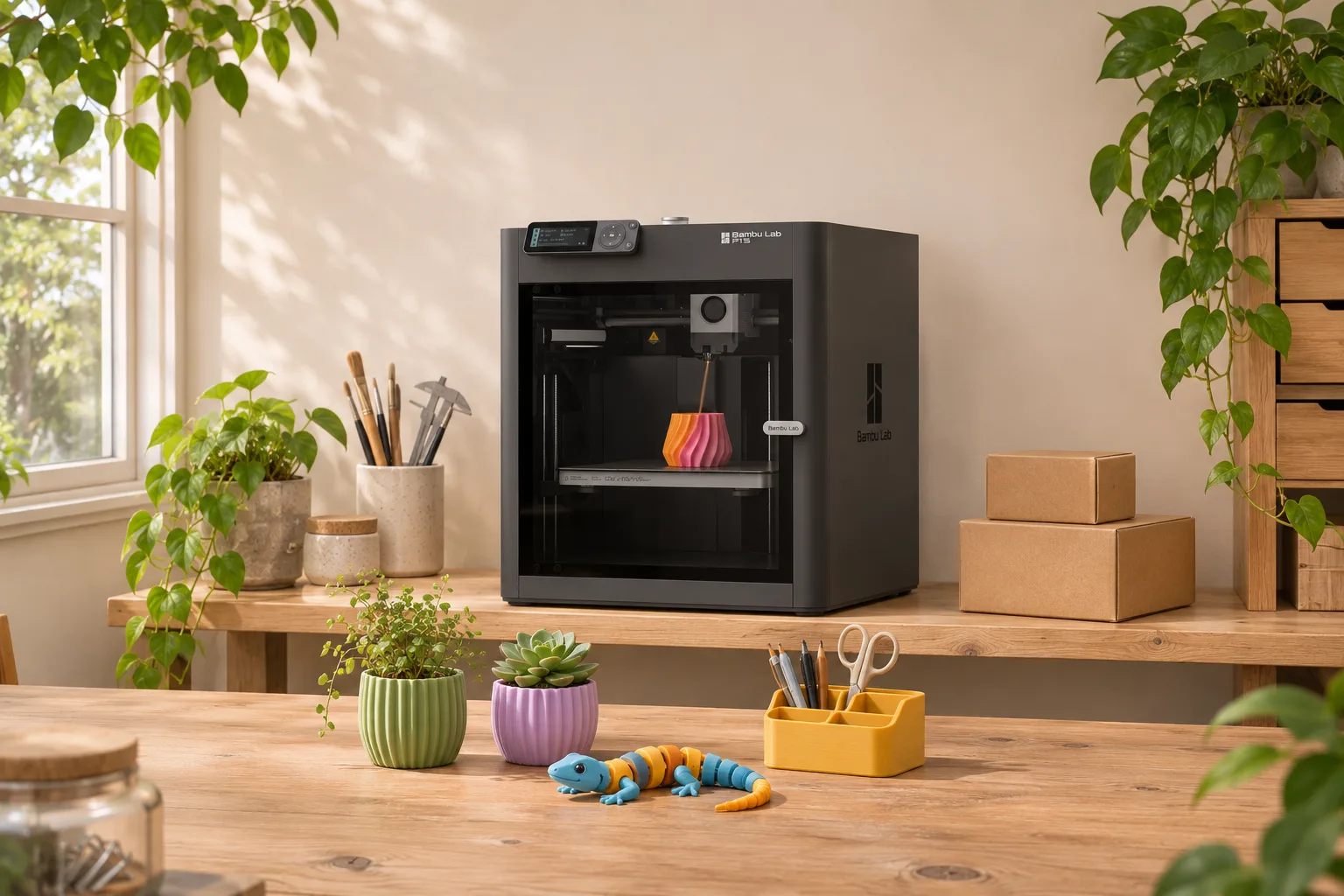
Printers in this guide
How do you start a 3D printing business from home?
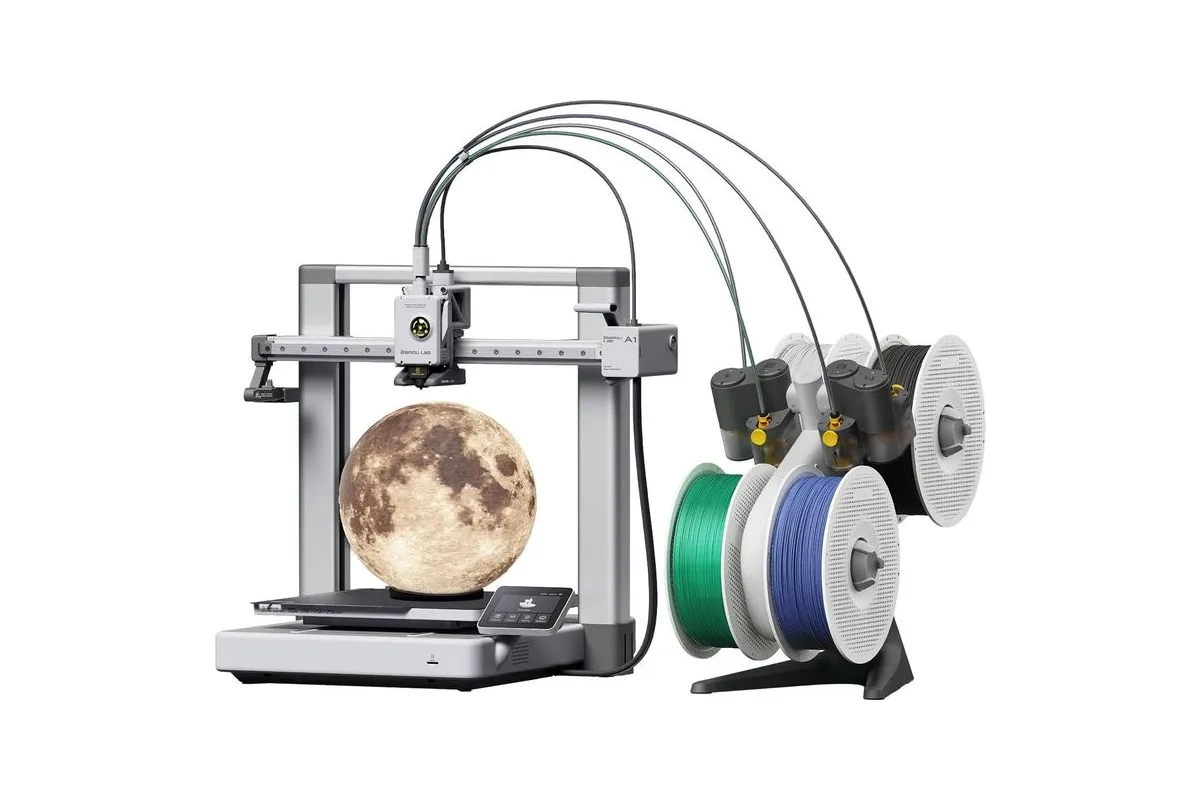
Start small: one printer, products you designed yourself, and the paperwork done before the first sale. A Bambu Lab A1 Combo was $359 at Bambu’s store in November 2026, and with 10 kg of PLA, a spare build plate, a tool kit, 25 shipping boxes and 20 Etsy listings the start-up comes to about $527, by our estimate. Here’s the order to do it in:
- Pick what you’ll make. On Etsy, 3D printed goods must be your own original design (Etsy’s rule since June 10, 2025). A downloaded model can be sold as prints only if its license allows it; many, including Creative Commons NonCommercial licenses, don’t. See how to sell 3D prints on Etsy.
- Buy one reliable printer and learn it on your own products before taking orders.
- Price every product from its full cost, not just filament. Labor is usually the biggest line. See how to price 3D prints.
- Choose a business structure, and check your state and city for licenses, permits, zoning and sales tax.
- Set aside money for federal tax, including 15.3% self-employment tax.
- Look at insurance, and don’t sell to kids until you’ve met the CPSC’s testing rules.
- Add printers only when orders back up, and keep them all the same model.
Nothing here is legal or tax advice. It’s a plain summary of the federal rules and the marketplace rules as they read in November 2026.
How much does it cost to start a 3D printing business?
About $430 to $820 for one printer and a first batch of supplies, depending on the printer, by our estimate. Prices are Black Friday prices from November 2026:
| Item | Price | Notes |
|---|---|---|
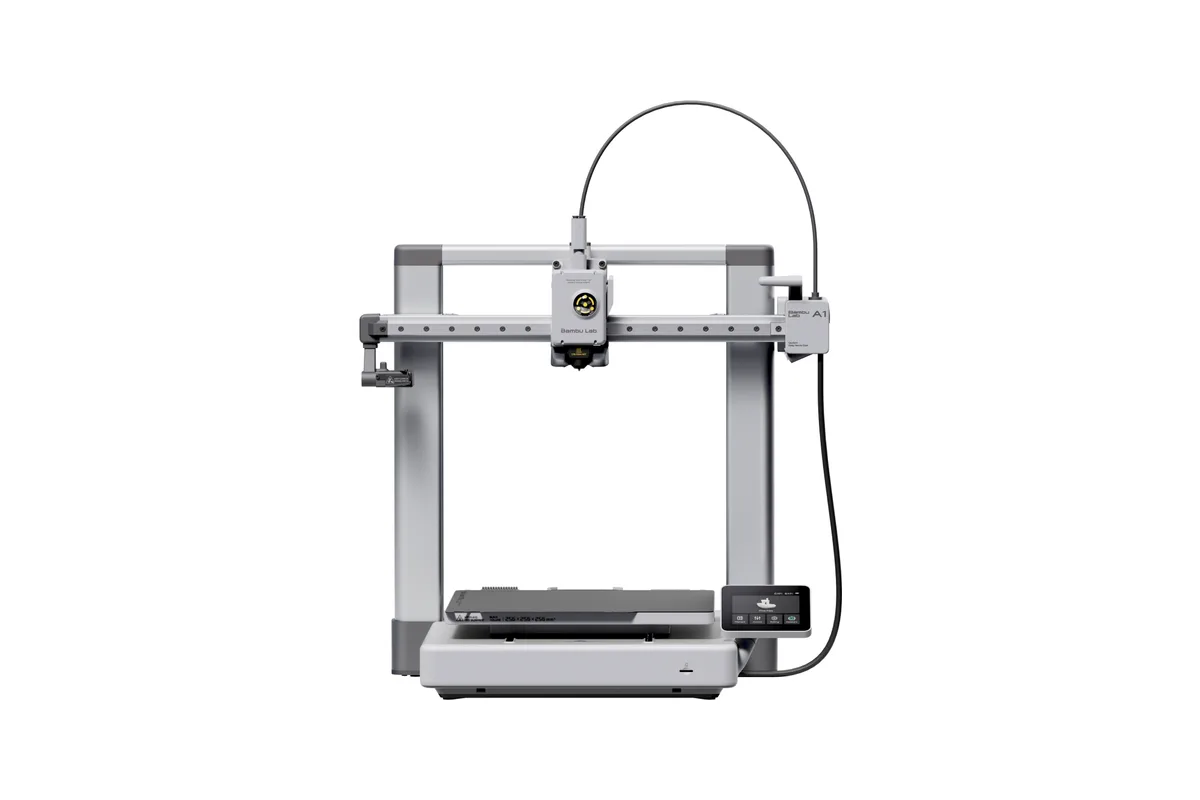
| Bambu Lab A1 Combo | $359 | Bambu’s store (typical $399). An A1 without the four-color AMS lite is $259 |
| 10 rolls of Bambu PLA Basic refills | $97.40 | $9.74 a roll at 10 or more at Bambu, against $14.99 for one. Refills need a reusable spool |
| Spare Bambu dual-texture PEI plate | $14.99 | Flash-sale price; typically $24.99 |
| Creality 74-piece tool kit | $25.49 | Amazon, from Creality’s store |
| 25 small boxes, 6 x 4 x 4 in | $26.25 | Uline, $1.05 each in a 25-box bundle |
| 20 Etsy listings | $4.00 | $0.20 each; listings last four months |
| Total | $527.13 | Our arithmetic |
The same list comes to $427.13 with an A1, $517.13 with an enclosed P1S, and $817.13 with a P2S Combo. Not included: Etsy’s one-time shop set-up fee (Etsy says the cost varies by location), shipping labels, the cost of forming an LLC if you choose one, and insurance.
Running costs per print are small. A 50 g part printed for 2.5 hours on a P1S costs about $1.33 in filament, power, machine wear and failures, and about $5.97 once you add 10 minutes of labor at $20 an hour and packaging (our estimate; the inputs are in how to price 3D prints).
Which 3D printer should you start a business with?
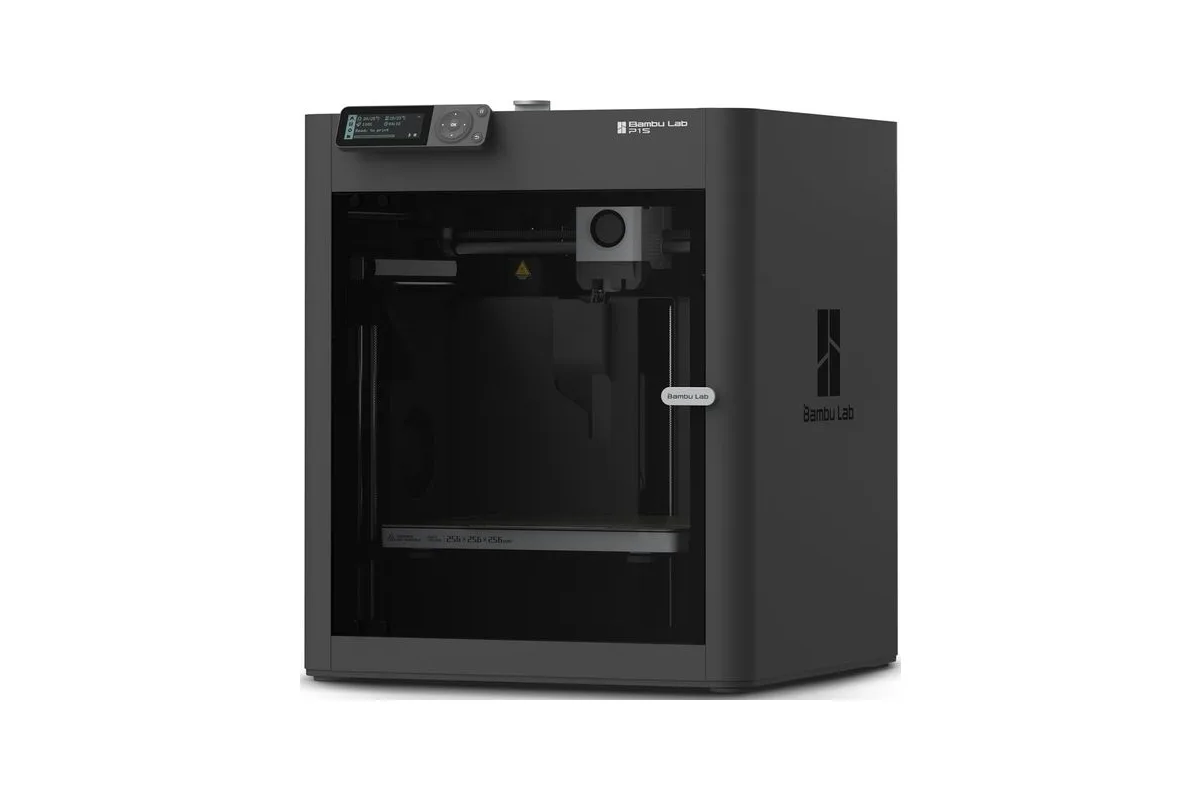
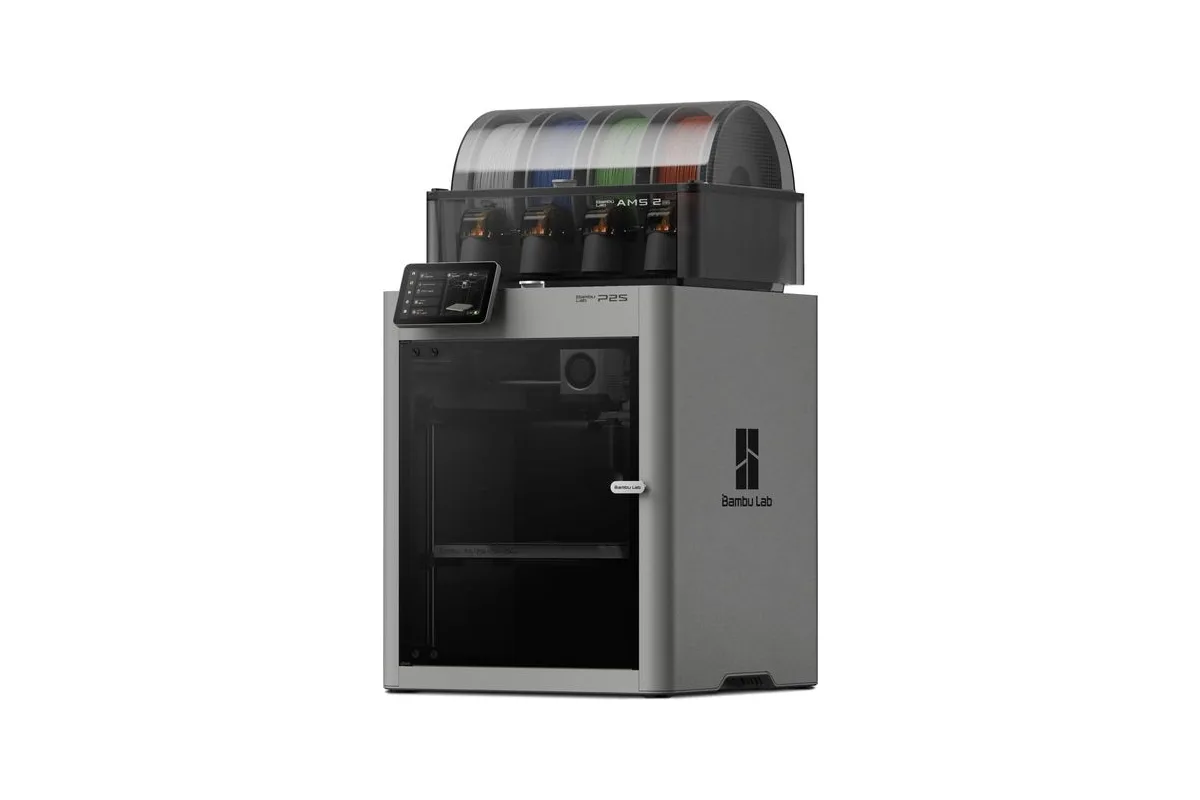
For most home businesses, a Bambu Lab A1 or A1 Combo. It prints PLA, PETG and TPU on a 256 mm bed, calibrates itself, and runs on the same free fleet software as Bambu’s bigger printers when you add machines. Buy an enclosed printer if your products need ABS or ASA, such as parts for cars or outdoor use.
| Printer | Price, Nov 2026 | Typical | Frame and materials | Average power, PLA |
|---|---|---|---|---|
| Bambu Lab A1 | $259 | $299 | Open; PLA, PETG, TPU | 95 W |
| Bambu Lab A1 Combo | $359 | $399 | Open, four colors (AMS lite) | 95 W |
| Bambu Lab P1S | $349 | $399 | Enclosed; adds ABS, ASA | 105 W |
| Bambu Lab P2S Combo | $649 | $749 | Enclosed, four colors (AMS 2 Pro) | 200 W |
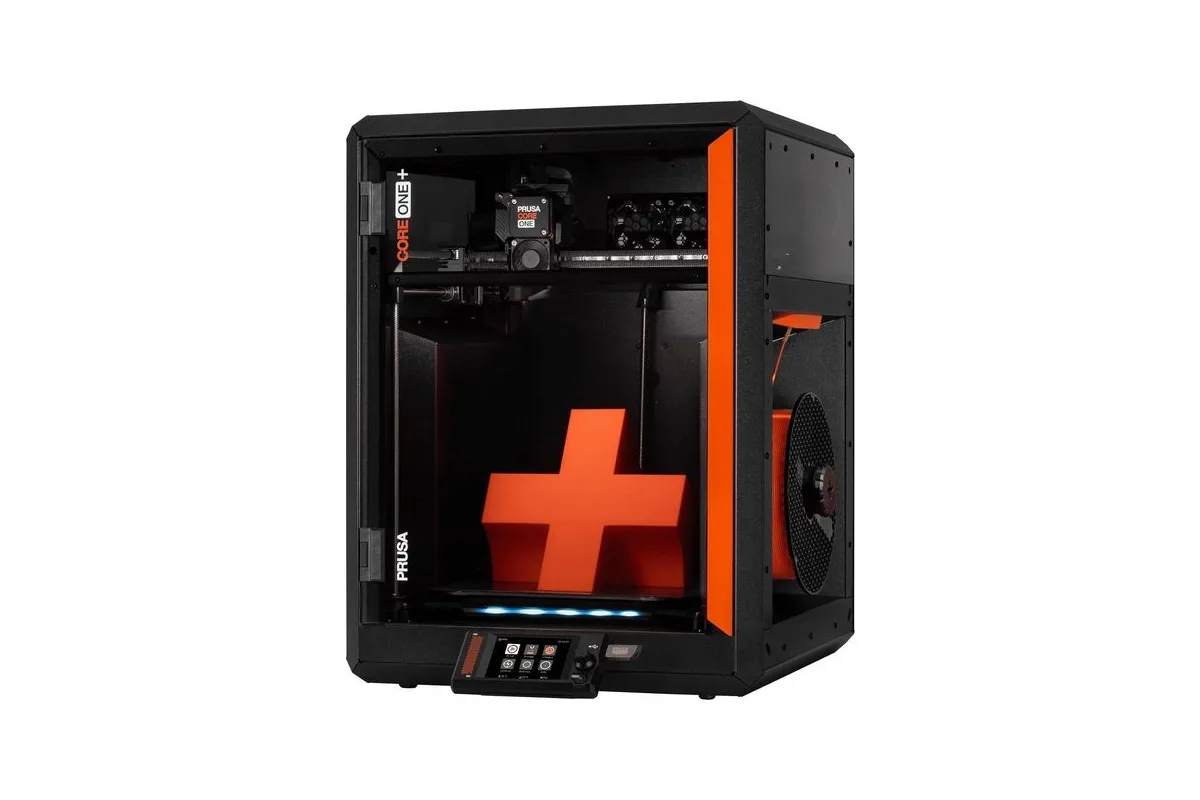
| Prusa CORE One+ | $1,299 assembled, $999 kit | Enclosed, heated chamber; open-source |
Bambu prices are from Bambu’s US store, and power figures are Bambu’s own averages for PLA. Prusa’s Black Friday offer was gifts worth up to $450 instead of a price cut.
Pick one model and stay with it, so spare parts, slicer profiles and fixes work on every machine. Prusa’s farm guide favors “many smaller, reliable machines” over a few big ones. See Bambu Lab vs Prusa and the best 3D printers for the full comparison.
What should a 3D printing business sell?
Things you designed, that print fast, and that buyers can’t get elsewhere. Etsy’s own search filters for “3d printed” in November 2026 were desk organizers, phone stands, lamp shades, pegboard, cable clips, coasters, custom names and STL files, and Etsy’s fall 2026 trend report showed searches for personalized friend gifts up 1,400% and pet gifting searches doubled. Etsy doesn’t split its data by how items are made, so there’s no published best-seller list for 3D prints. The details are in what 3D printed items sell best.
Two kinds of product carry extra risk:
- Characters, logos and brands. Etsy removes listings reported for infringement and ends selling privileges after repeat notices.
- Toys for children 12 and under, which need third-party lab testing (below).
If you can’t design yet, learning basic CAD is the first job; see do you need CAD for 3D printing?
Do you need a business license or an LLC to sell 3D prints?
You don’t need an LLC. You may need a license, depending on where you live.
- Sole proprietorship is what you are by default when you sell on your own. The SBA’s warning: “You can be held personally liable for the debts and obligations of the business.” Profits go on your personal tax return.
- An LLC “protect[s] you from personal liability in most instances,” in the SBA’s words. You still pay self-employment tax on the profit.
- Licenses: the SBA says most small businesses “need a combination of licenses and permits from both federal and state agencies.” A federal permit is needed only for federally regulated work such as firearms or alcohol, which ordinary 3D printing isn’t. “Zoning ordinances can still apply even to home-based businesses,” so check your state and city.
What taxes do you pay on 3D printing income?
Federal income tax on the profit, plus self-employment tax. Sales tax is mostly handled for you on Etsy.
- Self-employment tax is 15.3%: 12.4% Social Security and 2.9% Medicare. You file Schedule SE once net self-employment earnings reach $400, and sole proprietors figure profit on Schedule C. In 2026 the Social Security part applies to the first $184,500 of combined earnings. Half of the tax, the employer-equivalent part, is deductible.
- Form 1099-K: platforms report your sales to the IRS once they exceed $20,000 and 200 transactions in a year, the threshold that was reinstated in 2025. Etsy says several states have different reporting thresholds and that it files if either is met. You owe tax on your profit whether or not you get a form, and the form shows gross sales, not profit.
- Etsy asks for your SSN or EIN at $250 in sales, and suspends a shop that passes $500 in a calendar year without one.
- Sales tax: Etsy “automatically calculates, collects, and remits US sales tax” on orders under state marketplace facilitator laws, and sellers can’t opt out. Direct sales, from your own website or a craft fair, are yours to collect; most states with a sales tax require a seller’s permit for those. Check your state.
Do you need insurance for a 3D printing business?
It’s worth pricing. The SBA describes three options that fit a home print business:
- Product liability insurance “protects against financial loss as a result of a defective product that causes injury or bodily harm,” and is meant for businesses that make or sell products.
- General liability covers bodily injury and property damage claims for any business.
- A home-based business rider on homeowner’s insurance can cover a small amount of equipment and some liability, and a business owner’s policy bundles the usual coverages.
Can you sell 3D printed toys?
Only after third-party testing. The CPSC treats anything “designed or intended primarily for children 12 years of age or younger” as a children’s product, and a 3D printed fidget or articulated animal marketed to kids counts. The maker must issue a Children’s Product Certificate based on tests from a CPSC-accepted lab.
Small makers get some relief. The CPSC’s Small Batch Manufacturer program covers businesses with no more than $1,436,864 in prior-year revenue from all consumer products and no more than 7,500 units of the product (the CPSC page’s figure; check it for the current year). You register on SaferProducts.gov each year. Some tests, including toys under ASTM F963, can then be replaced by other proof, but small parts testing and lead in paint never can. Tracking labels are mandatory either way.
How fast do you have to ship?
As fast as you say you will. The FTC’s Mail Order Rule requires “a reasonable basis” for any shipping time you state, and assumes 30 days if you state none. If you can’t ship on time, you must offer the buyer the choice of agreeing to the delay or canceling for a prompt refund. Set made-to-order processing times on Etsy to what one printer can really do in a busy week.
What printers do 3D print farms use?
Mostly Bambu Lab and Prusa. Bambu’s free Farm Manager software runs its printers from the A1 mini to the H3C on a local network, with no cap on how many. Prusa runs its own farm of more than 700 printers and names the MK4S its workhorse.
Bambu Lab. Bambu Farm Manager (Windows) works with the H3C, H2C, H2D, H2D Pro, H2S, X2D, X1C, X1E, P2S, P1P, P1S, A1, A1 mini and A2L. Bambu said in July 2025 that it “is and will remain free to use,” with paid advanced features planned and “no hard limit on how many printers you can connect.” It handles live status, a print queue with counts per file, batch firmware updates, multiple users and staggered starts “to prevent power overloads.” Two limits: it sends only single-plate files, and someone has to confirm each print was removed before the printer takes the next job. We found no Bambu-made auto-eject or plate-swapping accessory; third-party kits run through farm software, such as SimplyPrint’s AutoSwap for the A1.
Prusa. Prusa runs “over a million production parts per month” on its own farm. Its farm guide calls the MK4S ($999 assembled, $729 as a kit) the workhorse and uses the CORE One+, CORE One L, XL and Pro HT90 for other jobs, favoring “many smaller, reliable machines.” For the top end, Prusa sells the Pro AFS, a block of nine CoreXY printers with a robotic arm. Prusa Connect is free for personal use and small businesses, with a farm mode in beta on paid storage plans.
Elegoo and Creality. Creality recommends its K2 Plus Combo, K1 Max and Ender printers for farms and suggests starting with 5 to 10 K1 or Ender-3 V3 units. We found no farm program on Elegoo’s US store; its enclosed Centauri Carbon 2 was $319 in November 2026.
What a farm’s printers cost, at November 2026 store prices (our arithmetic, printers only):
| Printer | Each | 5 printers | 10 printers | 20 printers |
|---|---|---|---|---|
| Bambu Lab A1 | $259 | $1,295 | $2,590 | $5,180 |
| Bambu Lab P1S | $349 | $1,745 | $3,490 | $6,980 |
| Bambu Lab P2S | $449 | $2,245 | $4,490 | $8,980 |
| Prusa MK4S, assembled | $999 | $4,995 | $9,990 | $19,980 |
Add shelving, filament, spare nozzles and plates, and possibly electrical work.
One thing we couldn’t find: Bambu’s stated position on whether round-the-clock commercial use affects its two-year store warranty. Ask before you buy a fleet.
What software runs a 3D print farm?
The maker’s own software is free and covers a small farm. Third-party tools add order syncing and auto-eject:
| Software | Price, Nov 2026 | Printers | Notes |
|---|---|---|---|
| Bambu Farm Manager | Free | No hard limit | Bambu printers only; local network; Windows |
| Prusa Connect | Free basic; paid storage plans | Not capped | Prusa printers; farm mode in beta on paid plans |
| SimplyPrint | Free for 2; Pro $9.99/mo for 5; Print Farm $39.99/mo for 10 | +$4/mo per extra printer on Pro and Print Farm | Mixed brands; AutoPrint for plate-swap kits |
| 3DPrinterOS | Premium $19/mo for 2 printers | Enterprise unlimited, by quote | Failure detection, cloud slicer |
| Printago | First production slot free | “Connect unlimited printers for free” | Pulls orders from Etsy, Shopify, eBay and others |
| 3DQue AutoFarm3D | $29.99/mo per printer on the AF3D plan; cheaper Lite plans | Lite covers 10 | Auto-eject hardware sold separately |
| OctoFarm | Free, open source | Last release in October 2022 |
Prices are from each vendor’s pricing page. 3DQue’s page shows two pricing views that don’t match, so confirm before you subscribe.
How much power does a print farm use?
Less than you’d guess, by our estimate. Ten P1S printers averaging Bambu’s 105 W for PLA, printing 12 hours a day for 30 days, use 378 kWh, about $69 a month at the US average residential price of 18.17¢ per kWh (September 2026). Ten A1s come to about $62, and ten P2S printers at 200 W about $131. An operator of a 70-plus-printer farm profiled in Prusa’s farm guide spends “a couple hundred dollars a month” on electricity.
Circuits matter more than the bill, which is why Bambu’s software staggers starts “to prevent power overloads.” Prusa says one 230 V, 16 A circuit runs about 20 to 24 of its printers; it gives no figure for US 120 V circuits, so have an electrician check before you fill a room.
When should you add more printers?
When one printer is busy all day and orders are waiting. The same Prusa-profiled operator reports a 90% to 95% print success rate, targets $2 per print hour per machine and a 30% gross margin. Those are useful checks: if a product earns well under $2 for each hour it ties up a printer, a second printer just makes more of a weak product. Fix the price or the product first.
Questions people ask
Is a 3D printing business profitable?
It can be, but labor decides it. A 50 g part costs about $1.33 to print and about $5.97 with 10 minutes of handling and a box, and selling it on Etsy with free shipping breaks even at about $15.19 to $16.98 (our estimates). Products that sell for less than that, or take a lot of hand finishing, lose money.
How many 3D printers do you need to start a business?
One. Learn which products sell and how long each takes, then add identical printers as orders back up. Creality suggests 5 to 10 machines as a starter farm, but that’s a farm, not a first step.
Do I need an LLC to sell 3D prints?
No. You can sell as a sole proprietor and report the profit on Schedule C. An LLC protects you from personal liability “in most instances,” according to the SBA, but doesn’t change your self-employment tax.
Can I sell prints of models I downloaded?
Only if the model’s license allows selling prints, such as a commercial license from the designer, and not as “made by” items on Etsy, by our reading of Etsy’s rule. Free models under a Creative Commons NonCommercial license, or MakerWorld’s standard license, don’t allow selling prints. See selling 3D prints on Etsy.
What is the best 3D printer for a print farm?
For PLA and PETG products, the Bambu Lab A1 or P1S: cheap, fast, and run for free by Bambu Farm Manager. For a fleet you can repair with published parts and open-source software, the Prusa MK4S, which Prusa’s own farm uses.
Is it safe to run 3D printers at home all day?
Put them in a ventilated room away from where you sleep, and don’t leave a farm running unwatched until you trust it. See are 3D printers safe? and where to put a 3D printer.
Sources
- SBA: choose a business structure, sba.gov
- SBA: apply for licenses and permits, sba.gov
- SBA: get business insurance, sba.gov
- IRS: self-employment tax, irs.gov
- IRS: understanding your Form 1099-K, irs.gov
- IRS: Form 1099-K FAQs, irs.gov
- Etsy: 1099-K for the 2026 tax season, help.etsy.com
- Etsy: how US state sales tax applies to Etsy orders, help.etsy.com
- Streamlined Sales Tax: marketplace sellers, streamlinedsalestax.org
- Etsy Creativity Standards, etsy.com
- Etsy Fees & Payments Policy, etsy.com
- CPSC: Children's Product Certificate, cpsc.gov
- CPSC: small batch manufacturers and third-party testing, cpsc.gov
- CPSC: small batch FAQ, cpsc.gov
- FTC: Mail, Internet or Telephone Order Merchandise Rule, FTC
- Bambu Lab US store, us.store.bambulab.com
- Bambu Lab PLA Basic, us.store.bambulab.com
- Bambu Lab wiki: power consumption, wiki.bambulab.com
- Bambu Lab wiki: Bambu Farm Manager, wiki.bambulab.com
- Bambu Lab wiki: Bambu Farm Manager features, wiki.bambulab.com
- Bambu Lab blog: local fleet control with Bambu Farm Manager, blog.bambulab.com
- Prusa: about us, prusa3d.com
- Prusa farm, prusa3d.com
- Prusa: how to build a 3D printing farm, pro.prusa3d.com
- Prusa Connect, prusa3d.com
- Prusa blog: Prusa Connect storage upgrades, blog.prusa3d.com
- Original Prusa MK4S, prusa3d.com
- Prusa CORE One, prusa3d.com
- Elegoo Centauri series, us.elegoo.com
- Creality: what is a 3D print farm, creality.com
- SimplyPrint pricing, simplyprint.io
- SimplyPrint AutoSwap, simplyprint.io
- Printago pricing, printago.io
- 3DPrinterOS pricing, 3dprinteros.com
- 3DQue AutoFarm3D pricing, 3dque.com
- OctoFarm (GitHub), github.com
- Uline 6 x 4 x 4 corrugated boxes, uline.com
- EIA Electric Power Monthly, Table 5.6.A, eia.gov
Keep exploring
How to
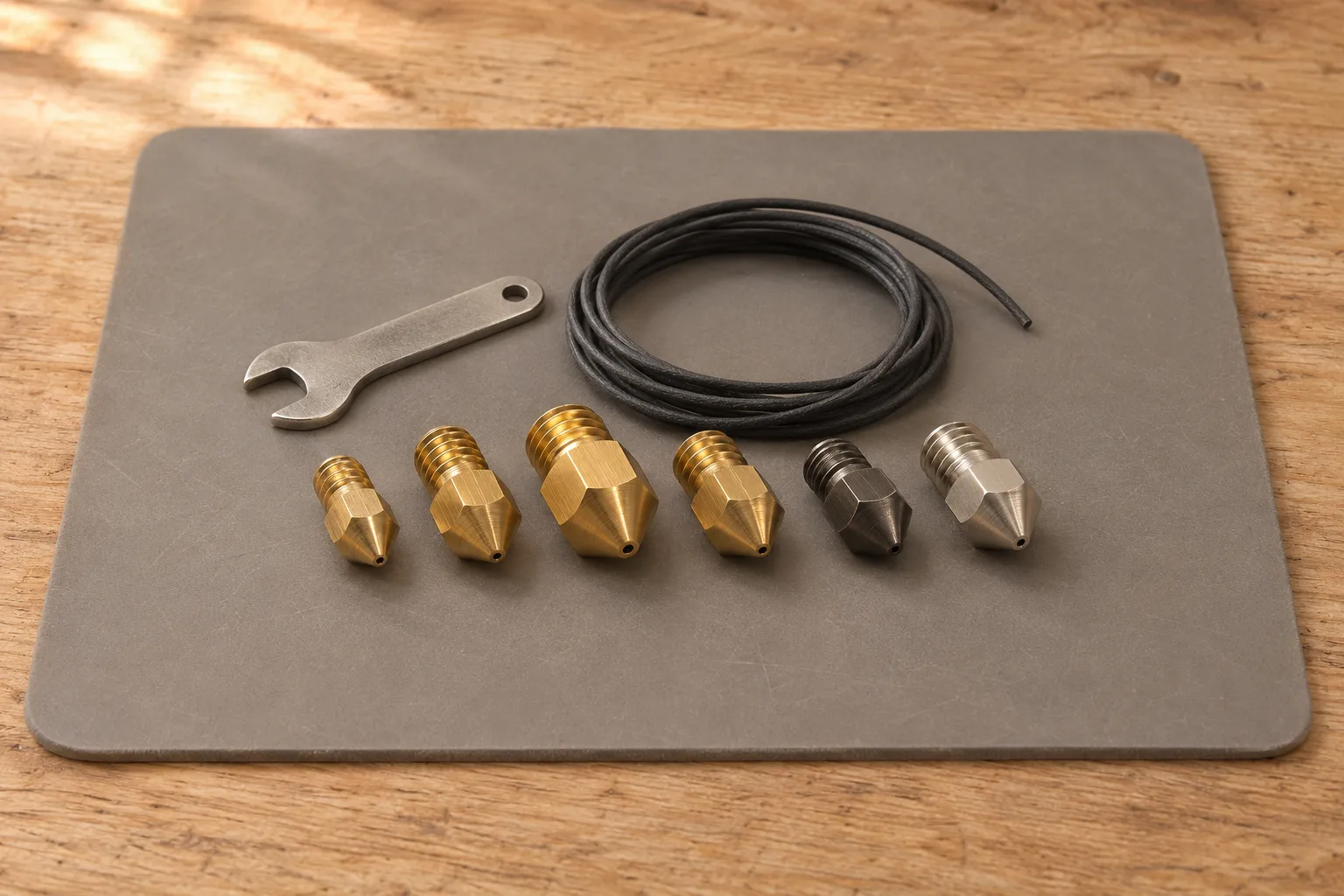
Hardened steel vs brass nozzles, and what nozzle size to use
Brass, or the stainless steel Bambu ships on the A1, is fine for PLA, PETG, ABS, ASA and TPU. Carbon fiber, glass fiber, glow-in-the-dark and sparkle filaments need hardened steel. Use a 0.4 mm nozzle for most prints, 0.6 mm for carbon fiber and big parts, and 0.2 mm for miniatures.
Read story
How to
Can you 3D scan with an iPhone? Yes, but not to tight tolerances
Yes. Any current iPhone can 3D scan objects from photos (photogrammetry), and KIRI Engine's free tier exports STL for printing. Only the iPhone 18 Pro and 18 Pro Max have LiDAR in Apple's current lineup. For parts that must fit, a $359 scanner is about ten times tighter.
Read story