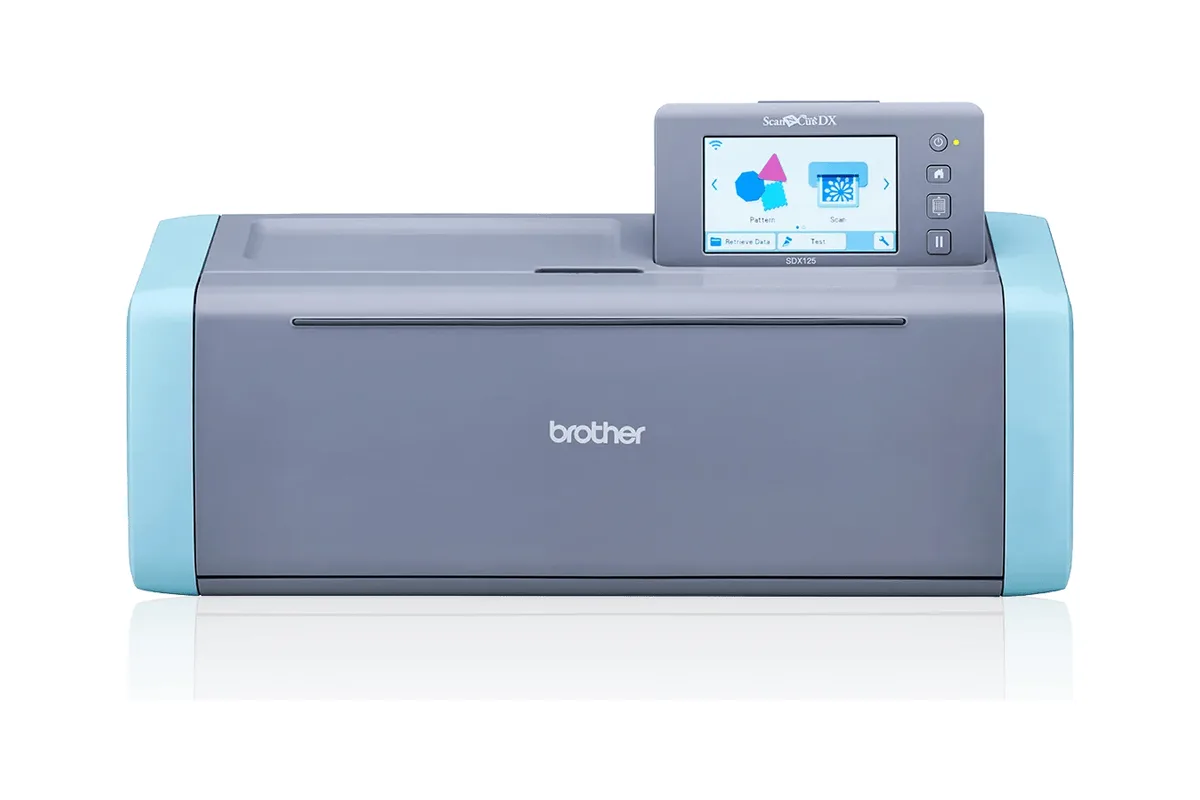
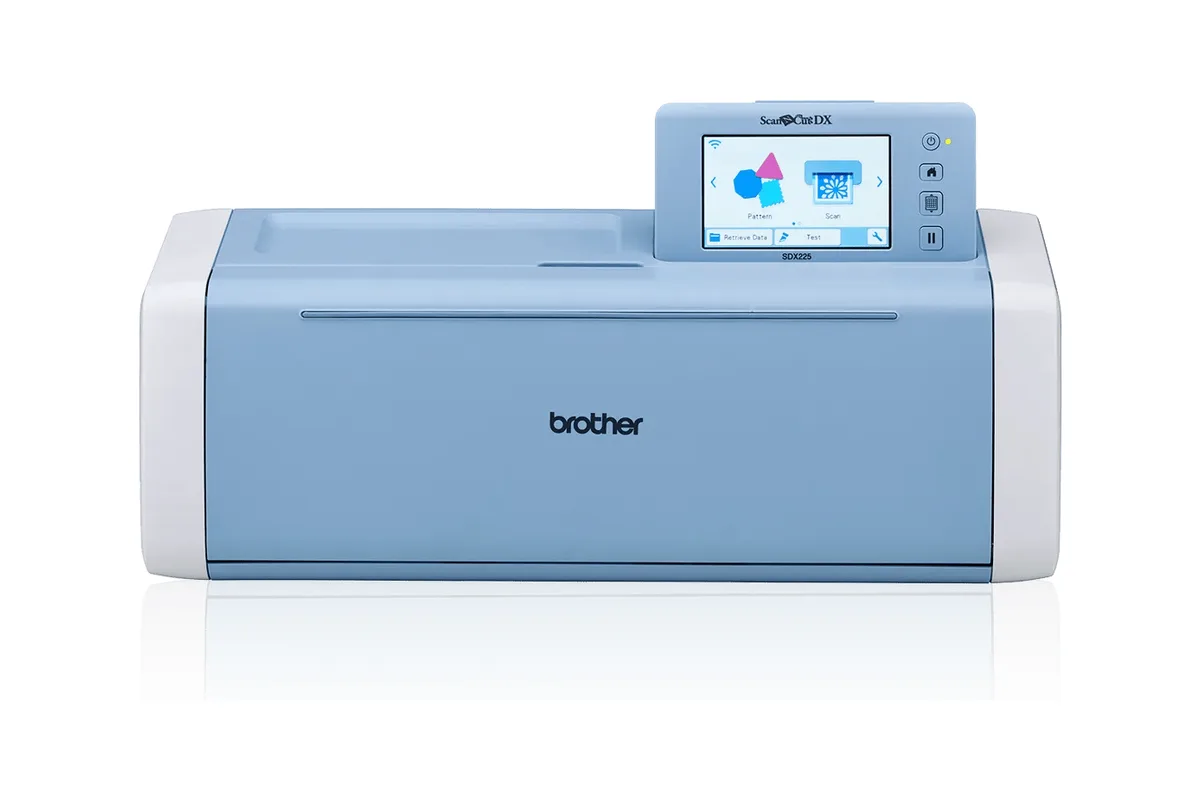
Side by side
| Feature | BrotherScanNCut SDX125E | BrotherScanNCut SDX225 |
|---|---|---|
| Type | Cutting machine with scanner | Cutting machine with scanner |
| Width | 12 x 12 in mat | 12 x 12 in mat (12 x 24 optional); scans 12 x 24 in |
| Software | Brother CanvasWorkspace | Brother CanvasWorkspace |
| Connection | Wi-Fi, USB stick | Wi-Fi, USB stick |
| Where to buy | Check price at Amazon |
Brother ScanNCut SDX125E
- Type
- Cutting machine with scanner
- Width
- 12 x 12 in mat
- Software
- Brother CanvasWorkspace
- Connection
- Wi-Fi, USB stick
Brother ScanNCut SDX225
- Type
- Cutting machine with scanner
- Width
- 12 x 12 in mat (12 x 24 optional); scans 12 x 24 in
- Software
- Brother CanvasWorkspace
- Connection
- Wi-Fi, USB stick
Brother ScanNCut SDX125E vs SDX225: what’s the difference?
Built-in content, embroidery files and scan size. The cutting is the same. Both are ScanNCut DX machines with a 600 dpi scanner, Brother’s Auto Blade that cuts up to 3 mm and senses material thickness, a 5-inch touchscreen, Wi-Fi and free CanvasWorkspace software. The SDX225 adds:
- embroidery-file reading: it opens PES, PHC and PHX files and converts the stitch data into cut lines, which Brother calls “an exclusive function only available in the SDX225 model”;
- 12 x 24-inch scanning, against 12 x 12 on the SDX125E;
- 1,303 built-in designs, with 140 quilt patterns and 17 fonts, against 682, 100 and 9.
Buy the SDX125E unless you embroider. It’s $449.99 at Brother and Amazon in November 2026. The SDX225 is sold only through Brother dealers (“Locate a Dealer”), and Brother shows no price for it, so you’ll need to ask a local dealer what it costs.
| ScanNCut SDX125E | ScanNCut SDX225 | |
|---|---|---|
| Price (Nov 2026) | $449.99 at Brother and Amazon | Dealer only; no public price |
| Cut area | 12 x 12 in mat; 12 x 24 in mat optional | Same |
| Longest cut | 70.2 in with the CADXRF1 roll feeder (now discontinued) | Same, roll feeder optional |
| Thickness | Up to 3 mm (Auto Blade) | Up to 3 mm |
| Cut force and speed | Not published | Not published |
| Tools | Auto Blade; Thin Fabric, Vinyl and Rotary blades sold separately | Auto Blade; Brother features the Thin Fabric Auto Blade on its page; Rotary kit optional |
| Scanner | 600 dpi, 12 x 12 in | 600 dpi, 12 x 24 in |
| Print and cut | Scans the printed sheet; no marks | Same |
| Built-in designs | 682 (100 quilt, 9 fonts) | 1,303 (140 quilt, 17 fonts) |
| File formats | FCM, SVG (the gray SDX125EGY page also lists PHX) | PHX, PHC, FCM, PES, SVG |
| Embroidery conversion | No | Yes, stitch data to cut lines |
| Extras on Brother’s page | Seam allowance | Seam allowance, scanner height lever, built-in storage, “whisper-quiet” mechanism |
| Connection | Wi-Fi, USB stick | Same |
| Voltage | 110–120 V | 110 / 220 V |
| Weight | 12.79 lb | 12.79 lb (DX series spec) |
| Warranty | 1 year parts and labor; 2 years electronics | Same |
Source: Brother’s product pages, read November 28, 2026. Brother’s “In the Box” tab for the SDX225 didn’t load as text, so check the box contents with your dealer.
Does the SDX225 cut better than the SDX125E?
No. Brother lists the same 3 mm cutting thickness, the same Auto Blade with thickness sensing, the same 600 dpi scanner and the same mats for both. Neither page gives a cut force or speed. The roll feeder and rotary kit are optional on both.
The one tool difference is presentation: Brother’s SDX225 page features the Thin Fabric Auto Blade, which it rates for 0.25 to 0.5 mm fabric. For the SDX125E it’s a $20.99 add-on. We couldn’t confirm from Brother’s page whether it’s in the SDX225’s box.
What does PES file reading do?
It lets the SDX225 cut appliqué fabric to match an embroidery design. You load a PES, PHC or PHX embroidery file, the machine turns the stitch outline into a cut line, and you cut the fabric piece that the embroidery machine will stitch down. Brother says this function is exclusive to the SDX225 among these models.
If you don’t own an embroidery machine, you won’t use it. Both models read SVG files, so cut files from other software work on either.
Is 12 x 24-inch scanning worth it?
Only if you scan large pieces, such as a long fabric panel, a big drawing or a full 12 x 24 sheet of stamped images. Brother says the 12 x 24 scan is for “ScanNCut Innov-ís models only”. On the SDX125E, you can still cut on the 12 x 24 mat; you just scan 12 x 12 at a time.
Which ScanNCut models can you buy now?
| Model | Status (Nov 2026) | Price | What sets it apart |
|---|---|---|---|
| SDX125E / SDX125EGY | Current | $449.99 at Brother and Amazon | Aqua or gray; 682 designs |
| SDX225 | Current, dealer only | No public price | Embroidery files, 12 x 24 scan, 1,303 designs |
| SDX230DI | Current | $549.99; Rotary Blade Bundle $574.99 | Disney edition, 1,435 designs incl. 152 Disney |
| SDX325 | Current, dealer only | $899.99 on Amazon (third-party seller) | 1,435 designs; “My Connection” with Brother XP sewing machines |
| SDX330D | Current, dealer only | No public price | Disney edition, 1,485 designs incl. 182 Disney; Rotary Auto Blade Kit in the box |
| SDX85 / SDX85C | SDX85 discontinued; SDX85C out of stock | $319.99 | 251 designs, 5 fonts, no quilt patterns |
The SDX1250 and SDX2250D are Brother Australia models, not sold by Brother USA.
Which should you buy?
The SDX125E for almost everyone: it cuts, scans and works without a computer exactly like the SDX225, and you can buy it online at a known price. The SDX225 if you embroider and want to cut appliqué pieces from PES files, or you need 12 x 24 scans, and a dealer near you will sell it at a price that makes sense.
Not sure a ScanNCut is right at all? Our ScanNCut vs Cricut Maker comparison covers what the Cricut Maker 5 does better, and our SDX125E review scores it in full.
Questions people ask
What is the difference between the Brother SDX125E and SDX225?
The SDX225 reads embroidery files (PES, PHC, PHX) and turns them into cut lines, scans 12 x 24 inches instead of 12 x 12, and has 1,303 built-in designs instead of 682. The cutting hardware, scanner resolution and warranty are the same.
How much does the Brother SDX225 cost?
Brother sells it only through dealers and shows no price online, so ask a local Brother dealer. The SDX125E is $449.99.
Is the SDX225 worth it over the SDX125E?
Only if you embroider or need 12 x 24 scanning. It doesn’t cut thicker material or cut faster.
Can the SDX125E open PES files?
No. Brother says embroidery-file reading with stitch-data conversion is exclusive to the SDX225. The SDX125E reads FCM and SVG files.
Do both ScanNCuts work without a computer?
Yes. Both run from a 5-inch touchscreen with built-in designs, and both work with Brother’s free CanvasWorkspace software over Wi-Fi.
Is the SDX125EGY different from the SDX125E?
Only in color, gray instead of aqua, and Brother’s file-format row. The price, designs and features are the same.
Sources
- Brother ScanNCut SDX125E, Brother
- Brother ScanNCut SDX125EGY, Brother
- Brother ScanNCut SDX225, Brother
- Brother ScanNCut SDX330D, Brother
- Brother ScanNCut SDX325, Brother
- Brother ScanNCut SDX230DI, Brother
- Brother ScanNCut SDX85C, Brother
- Brother Australia ScanNCut SDX1250, brother.com.au
- Brother CanvasWorkspace notice, support.canvasworkspace.brother.com
- Amazon: Brother ScanNCut SDX125E, amazon.com
Keep exploring
Review
Brother ScanNCut SDX125E review
Worth it at $449.99 if you cut around stamped, drawn or printed art and fabric without a computer. For vinyl and shirts, the $349 Cricut Maker 5 does more for less.
Read the review
Buying guide
The best cutting machines for fabric and quilting
The AccuQuilt GO! is the best cutting machine for quilting: a hand-cranked die cutter that AccuQuilt rates at up to six layers of quilting cotton per pass, $329.99 in November 2026. For custom shapes and appliqué, the Cricut Maker 5 ($349) cuts unbacked fabric with its Rotary Blade, and the Brother ScanNCut SDX125E ($449.99) scans fabric and adds seam allowances. The GO! Me ($99.99) is the cheapest way in.
See the picks
Buying guide
The best cutting machines that work without a subscription
The Silhouette CAMEO 5α is the best cutting machine without a subscription: Silhouette Studio Basic is free and works offline, and upgrades are one-time purchases. Its $279.99 Starter Bundle includes the Designer upgrade for SVG files. No major cutter requires a subscription: the Cricut Explore 5 ($199) cuts your own uploads free, and the Brother ScanNCut SDX125E ($449.99) needs no computer at all.
See the picks
Comparison
Brother ScanNCut vs Cricut Maker: which is better?
The Cricut Maker 5 ($349) is better for most people: 13 tools, 3 mm cuts, 12-foot matless vinyl and tabloid Print Then Cut. The ScanNCut SDX125E ($449.99) wins for scanning and computer-free cutting.
Compare them