How to
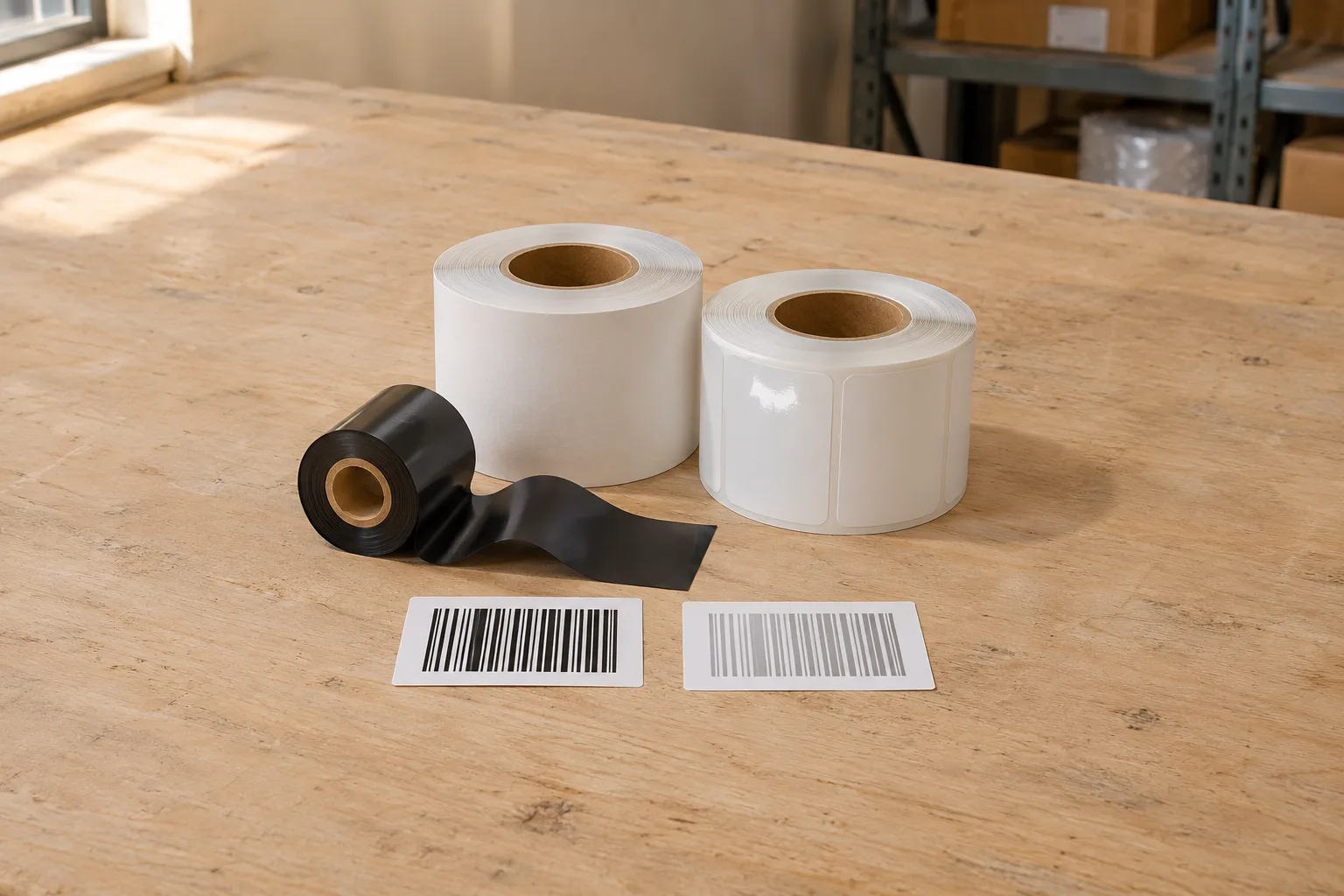
Direct thermal printers darken heat-sensitive labels and need no ribbon, so the label is the only cost (under 1¢ to about 8¢ on standard rolls in November 2026), but Zebra says the image fades with heat and light. Thermal transfer melts ink from a ribbon onto paper or synthetic labels that last. Use it for inventory, outdoor, freezer and waterproof labels.
Read the guide →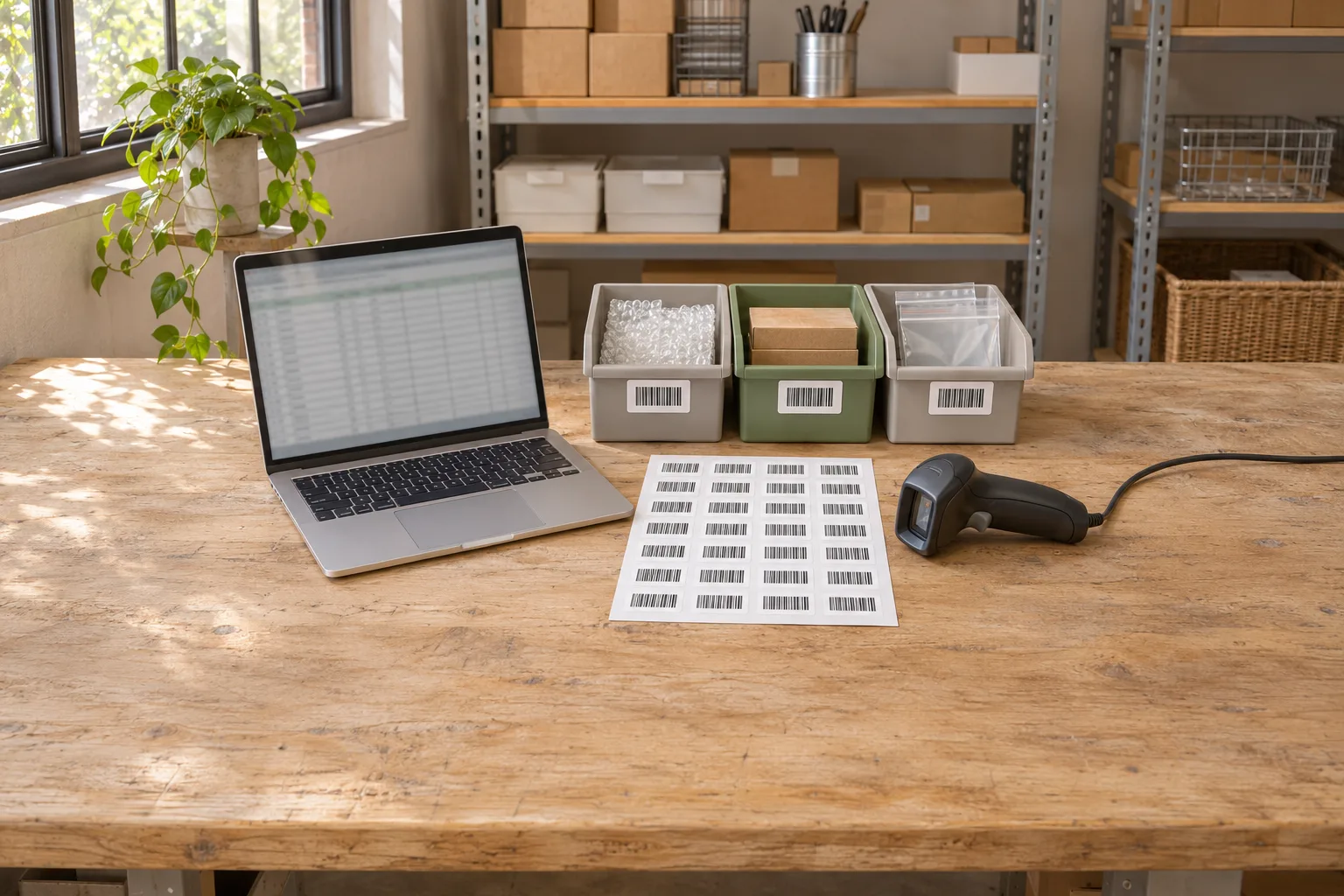
How to
Keep one row per label in Excel, then link the file in your label software: Brother's free P-touch Editor reads XLS and CSV files of up to 65,000 records, a Zebra needs paid ZebraDesigner Professional, and Word's mail merge prints barcodes on sheet labels with a DisplayBarcode field. For Amazon FBA labels, a 300 dpi Brother QL-820NWBc ($229.99) prints them at about 3¢ each.
Read the guide →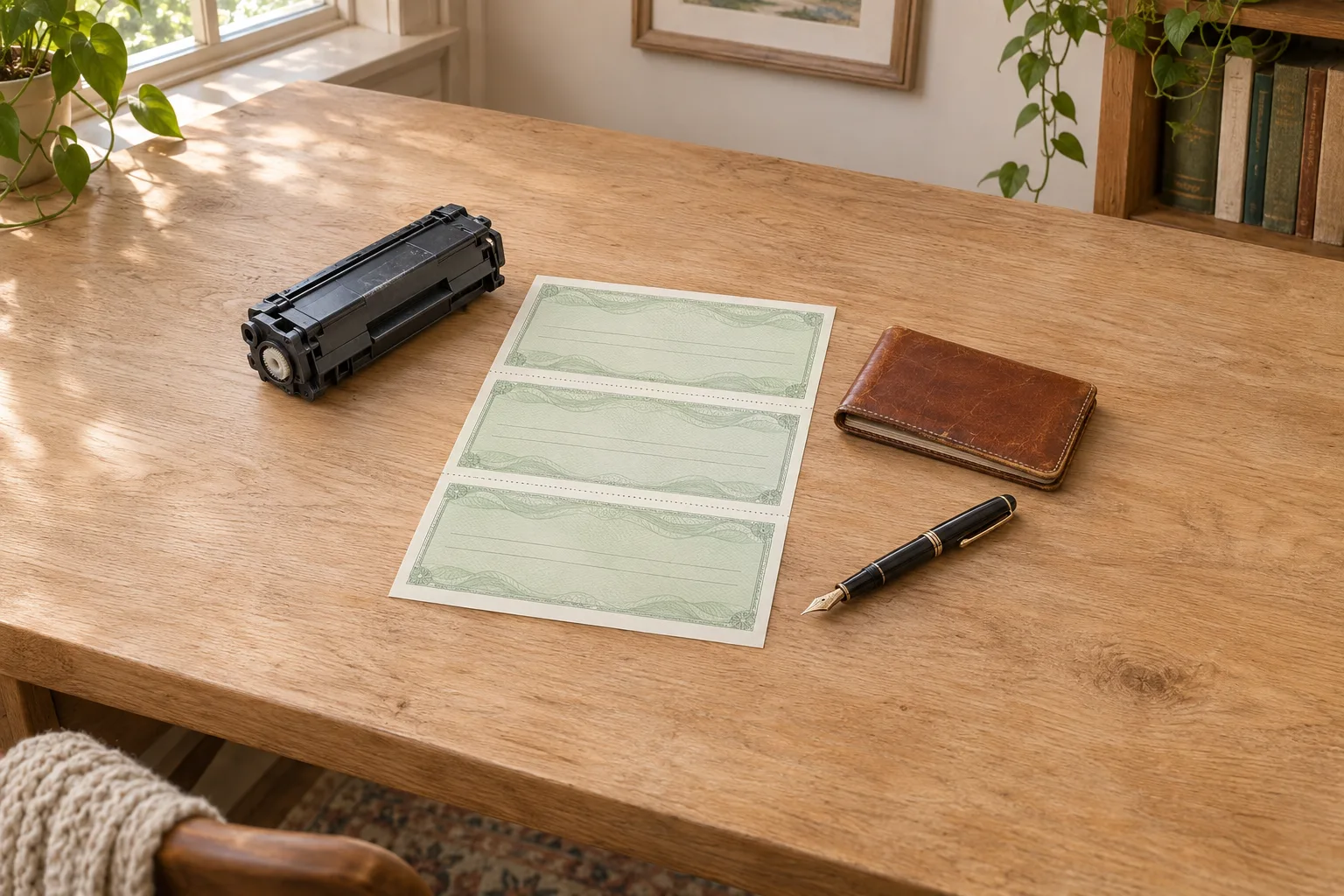
How to
Yes. On preprinted checks any printer works. On blank stock you need MICR toner or ink for the numbers at the bottom, software that prints them (QuickBooks Online can't on blank stock) and your bank's check spec. By our estimate a self-printed check costs about 5¢ three to a page, against 10.5¢ to 37¢ ordered.
Read the guide →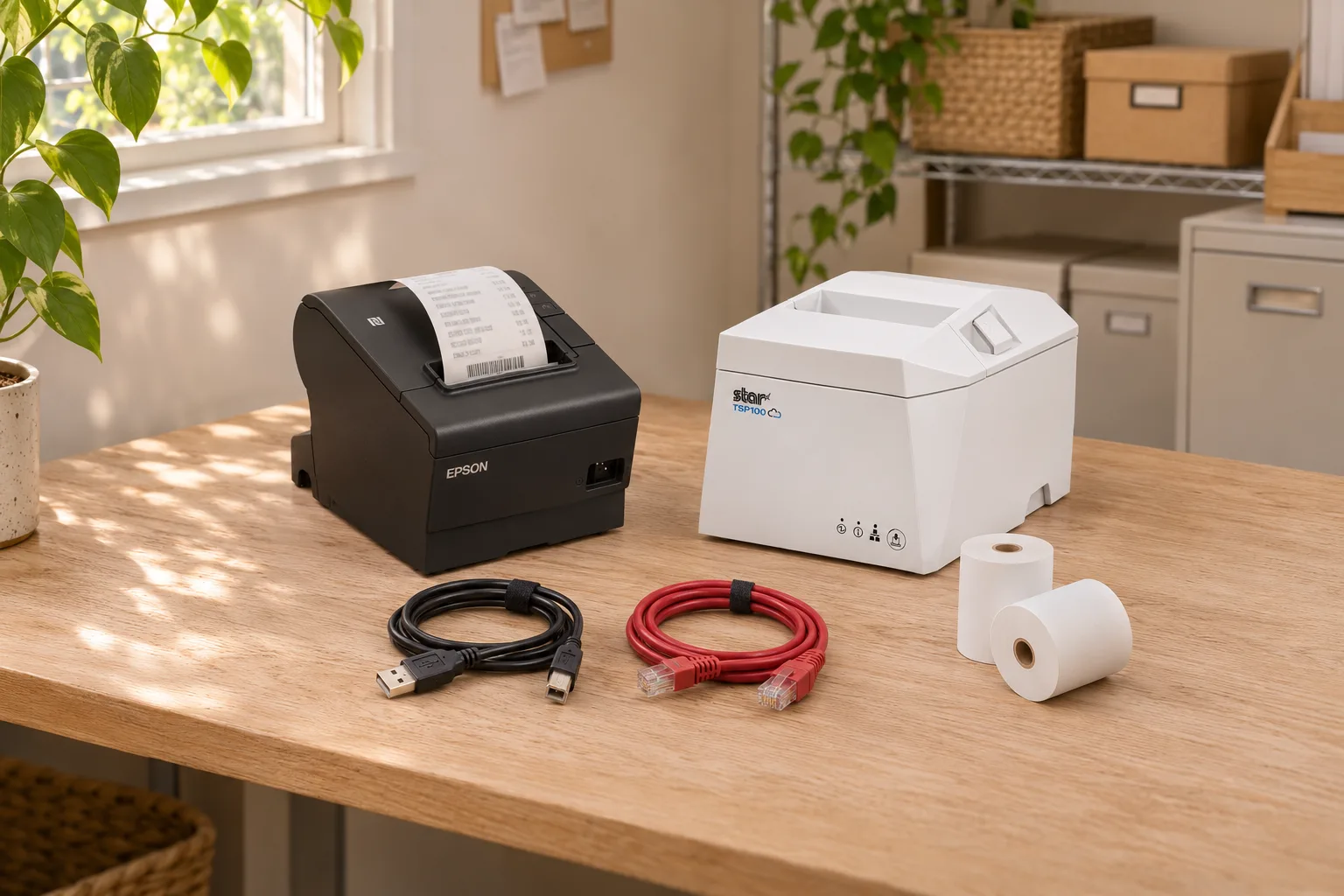
How to
Neither brand is better overall; your POS decides. Star for Square, which sells five Star printers and no countertop Epson. Epson for Lightspeed X-Series and high volume: the TM-T88VII prints at 500 mm/s with a 4-year warranty.
Read the guide →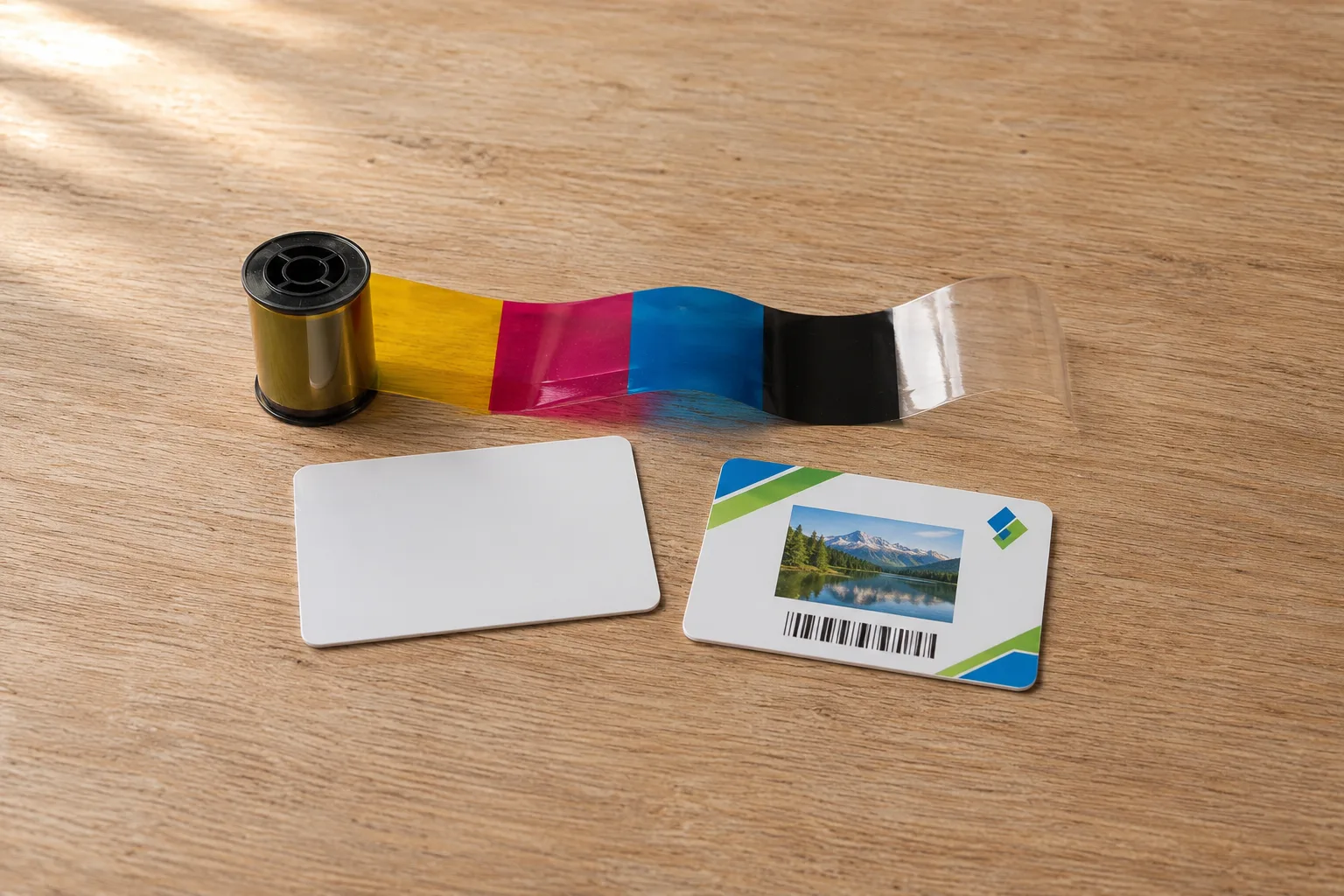
How to
They heat a ribbon of colored panels onto a plastic card one panel at a time. A Zebra ZC300 lays down yellow, magenta, cyan, black and a clear overlay at up to 200 cards an hour on standard CR80 cards: 3.375 x 2.125 in and 30 mil thick.
Read the guide →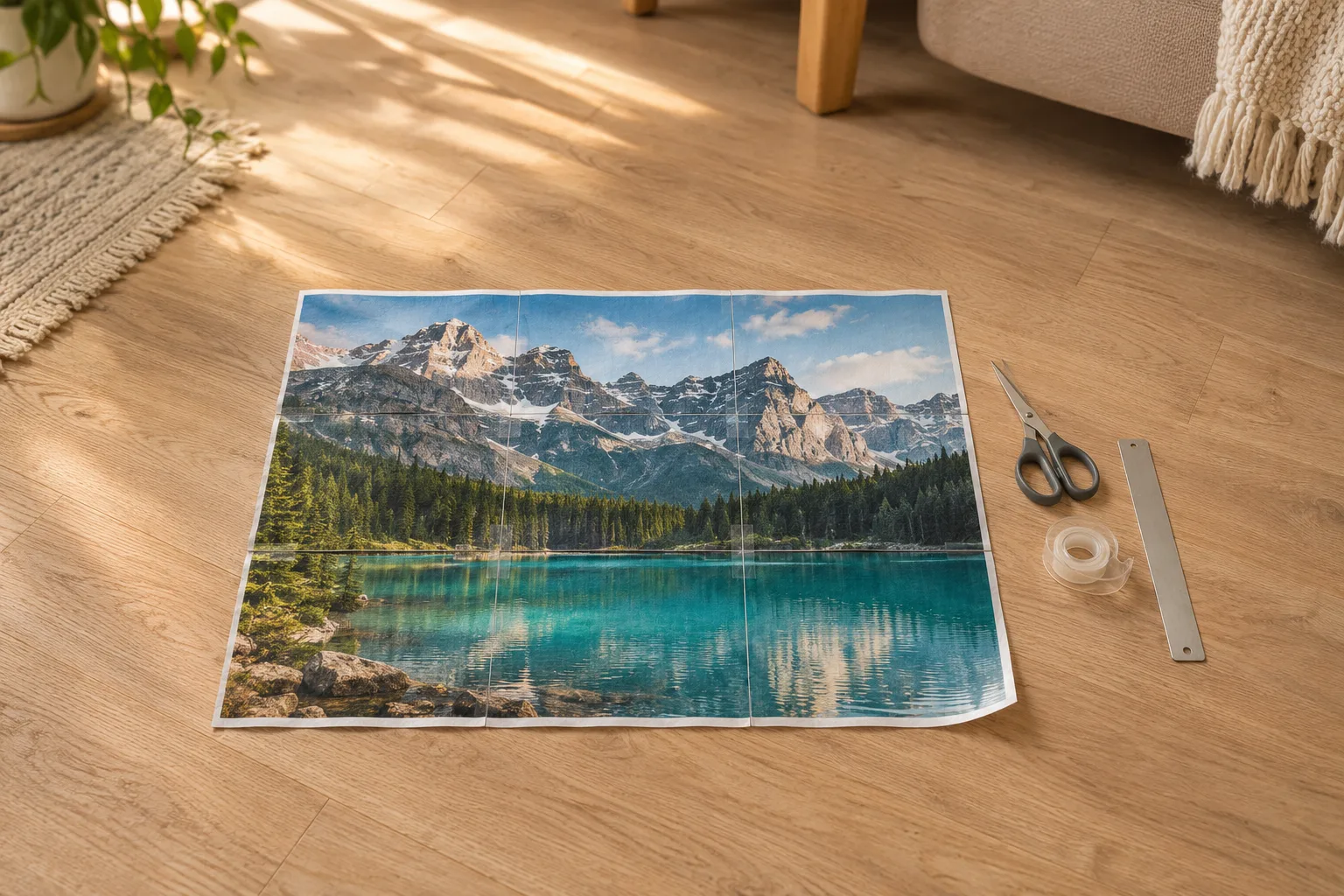
How to
Any printer can print a poster by tiling it across sheets: a 24x36 takes about 15 letter sheets or 8 on 11x17. For one seamless piece, a print shop charges $32.99–$41.99, or a 24-inch printer starts at $719.
Read the guide →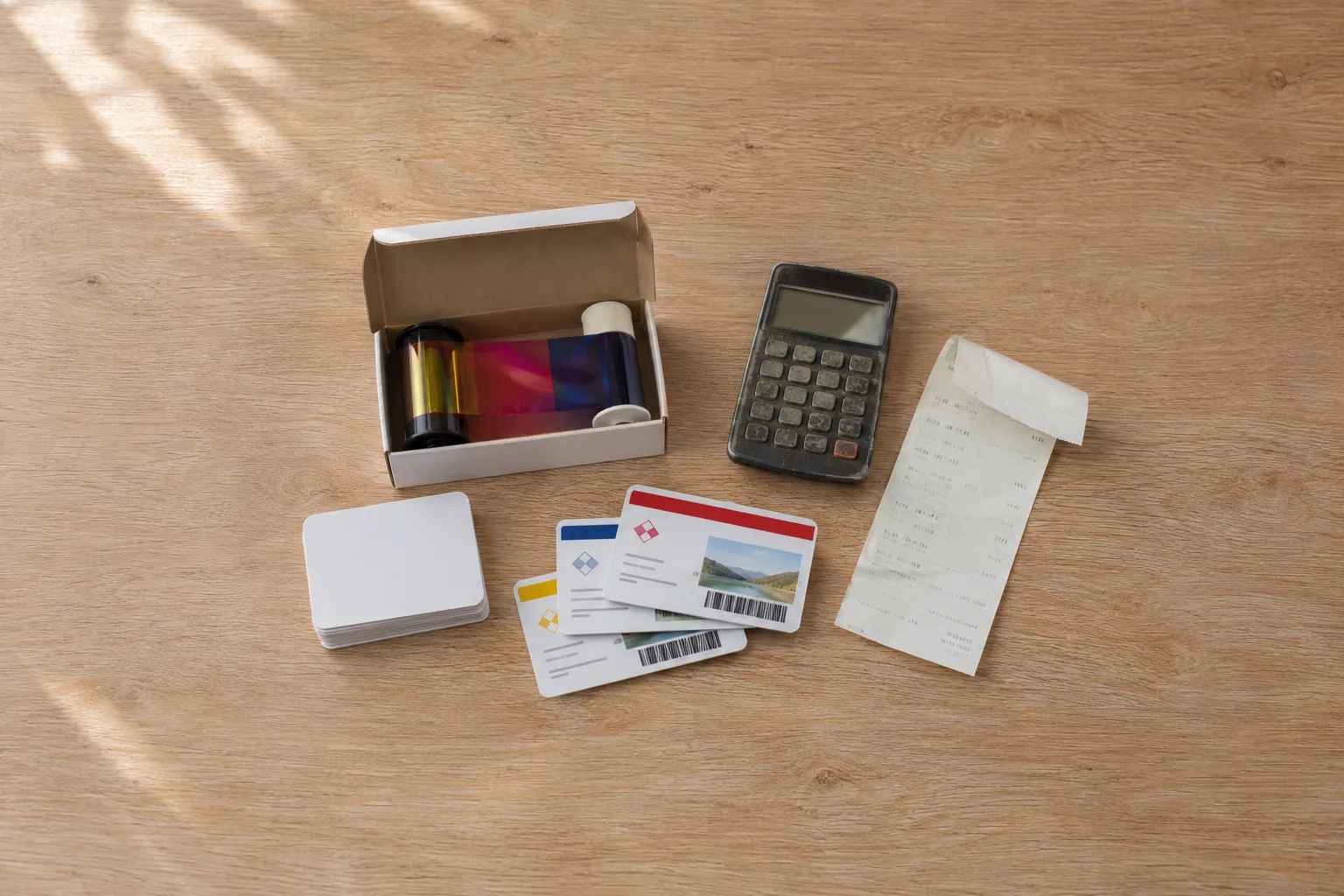
How to
A color ID card printer costs about $600–$2,100 in November 2026: $759 for the edge-to-edge Evolis Badgy200, $1,479 for a Zebra ZC300. Each color card then costs about 34–50¢ in ribbon and blank card, against $2.90–$12 for outsourced photo IDs.
Read the guide →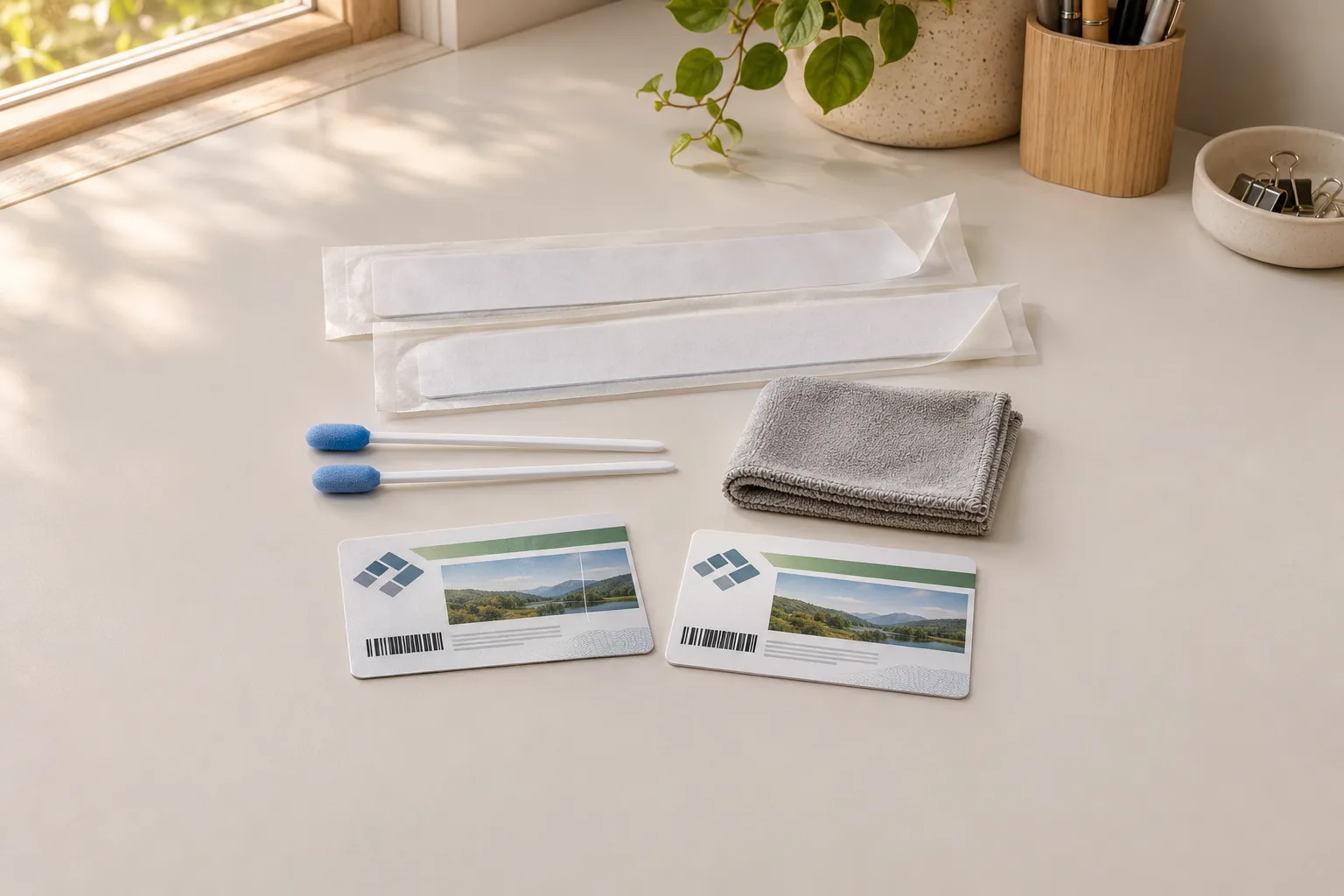
How to
Clean an ID card printer at every ribbon change, as HID, Evolis and Magicard advise: dust on cards causes white spots and can permanently damage the printhead. Most printheads carry a 3-year warranty, and Canva designs print fine at 3.375 x 2.125 in.
Read the guide →
How to
Yes, inkjet plotters can clog if they sit unused. Leave an HP DesignJet on so it runs its own printhead maintenance, and print once a week on an Epson, whose head isn't replaceable. On an HP T230, a clog that won't clear is a $315 head you swap yourself.
Read the guide →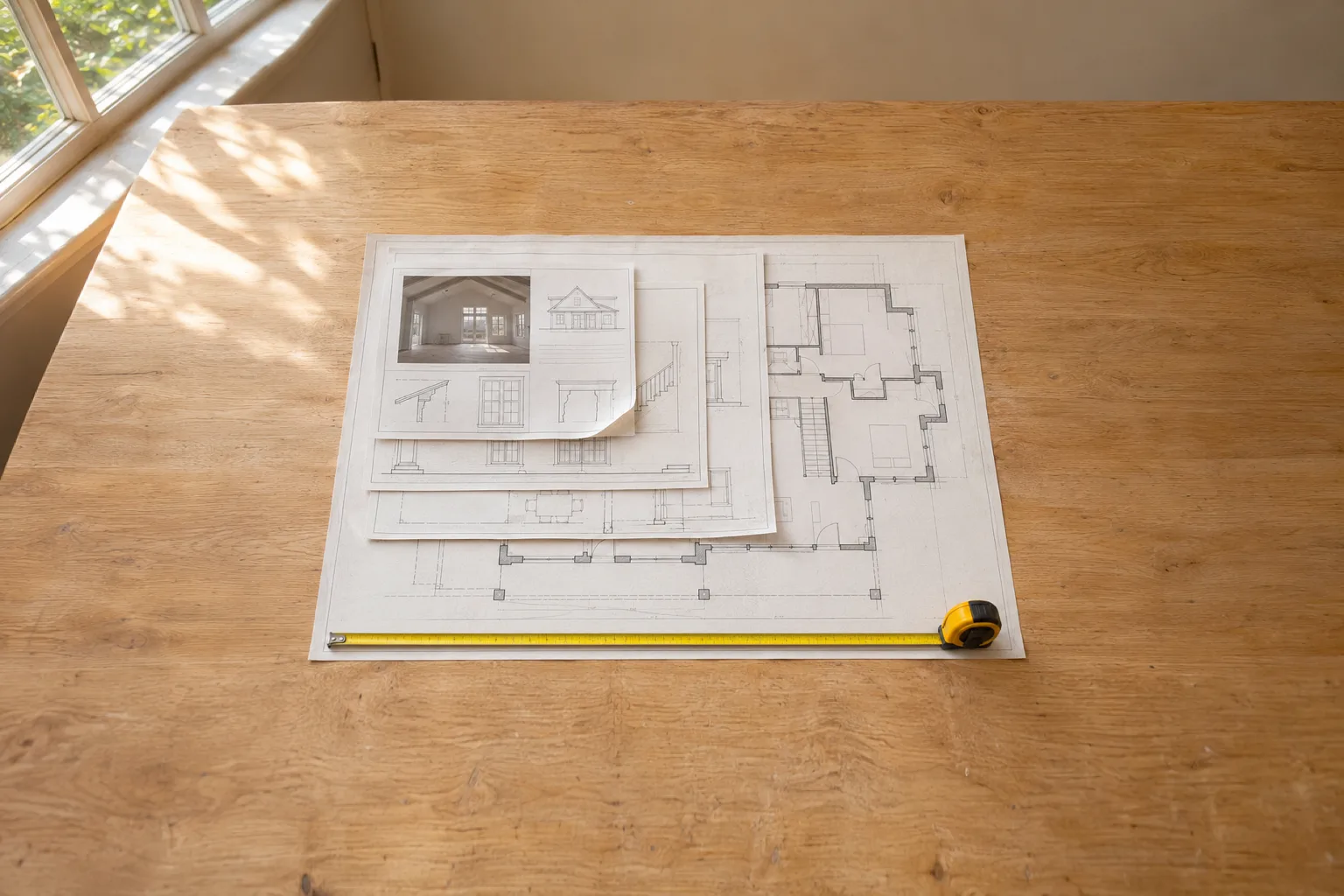
How to
Today's plotters are large-format inkjets built for line drawings. A 24-inch model prints ARCH D (24 x 36 in) and A1; ARCH E (36 x 48 in), ANSI E and A0 need a 36-inch one, which costs $545 more in HP's T650.
Read the guide →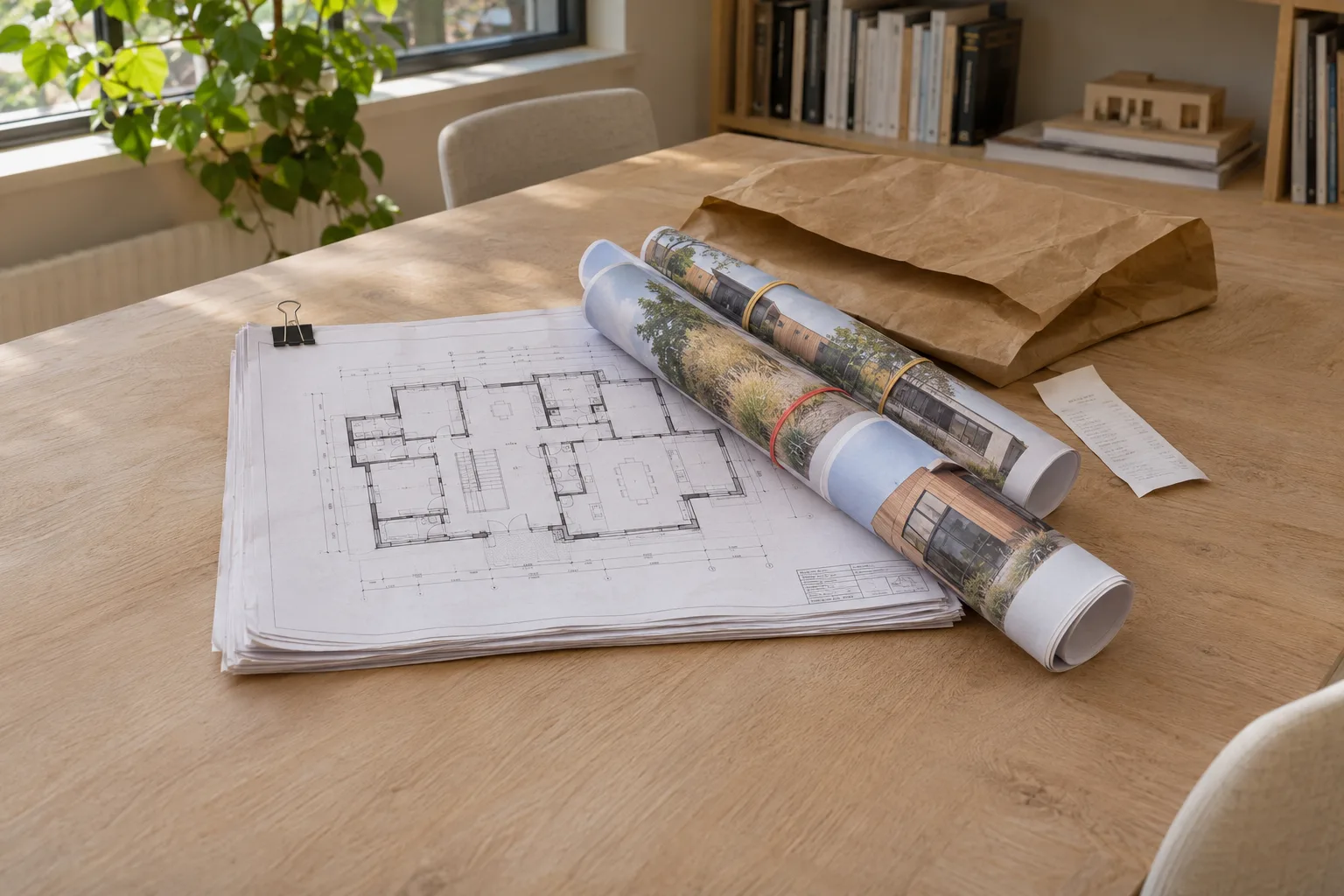
How to
A print shop, until you print about 30 color posters or 230–290 blueprints. A 24x36 color poster costs $32.99–$41.99 at a shop in November 2026 and works out to about $6.56 on an $895 HP DesignJet T230; a black-and-white blueprint costs $3.99–$4.77 against about 89¢.
Read the guide →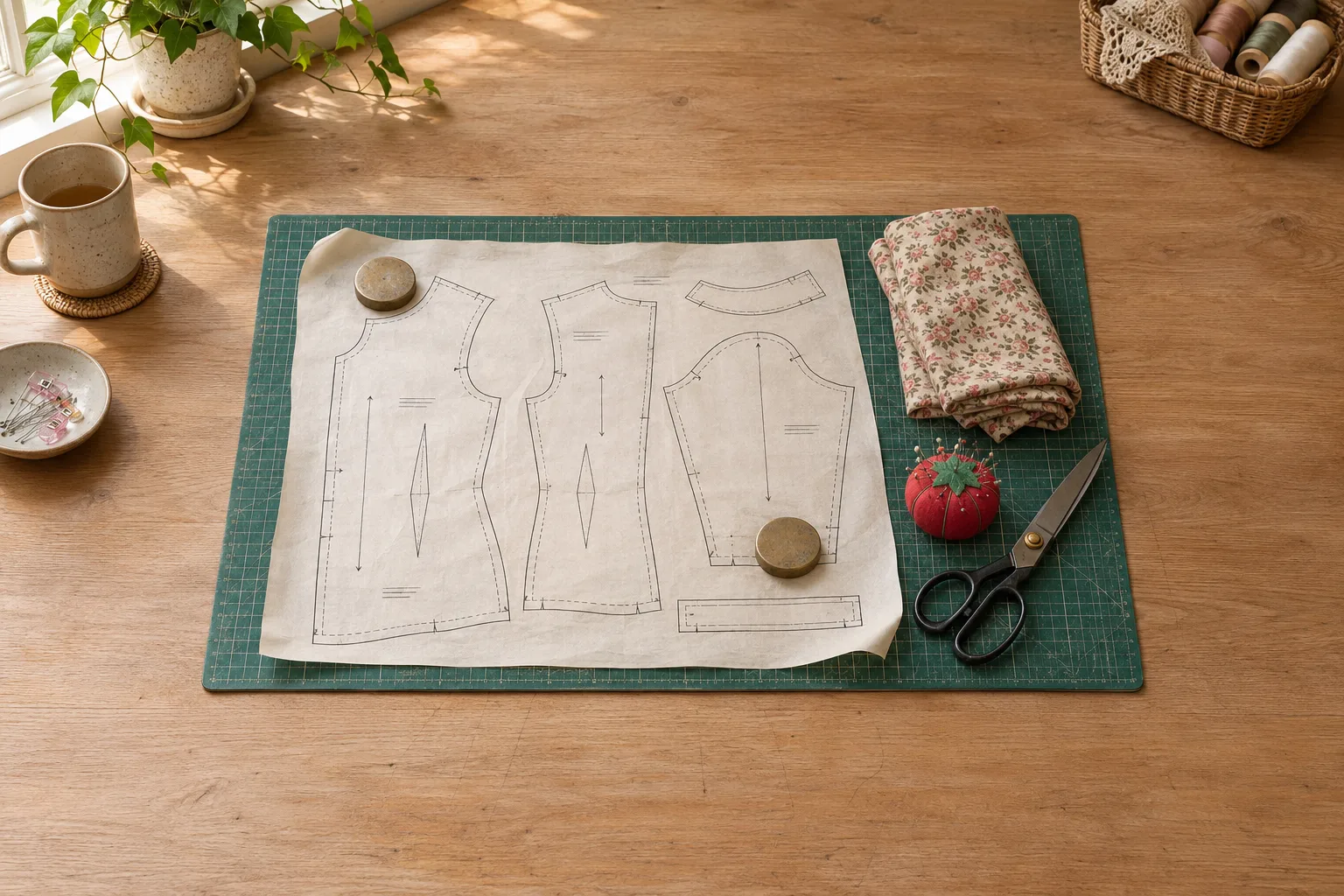
How to
Send A0 and copy-shop files to a print service ($3.33 an A0 sheet at PDF Plotting, about $9–$10 for a 36x48 at FedEx or Staples), or tile the letter file on a laser like the Brother HL-L2460DW. A full A0 sheet needs a 36-inch printer.
Read the guide →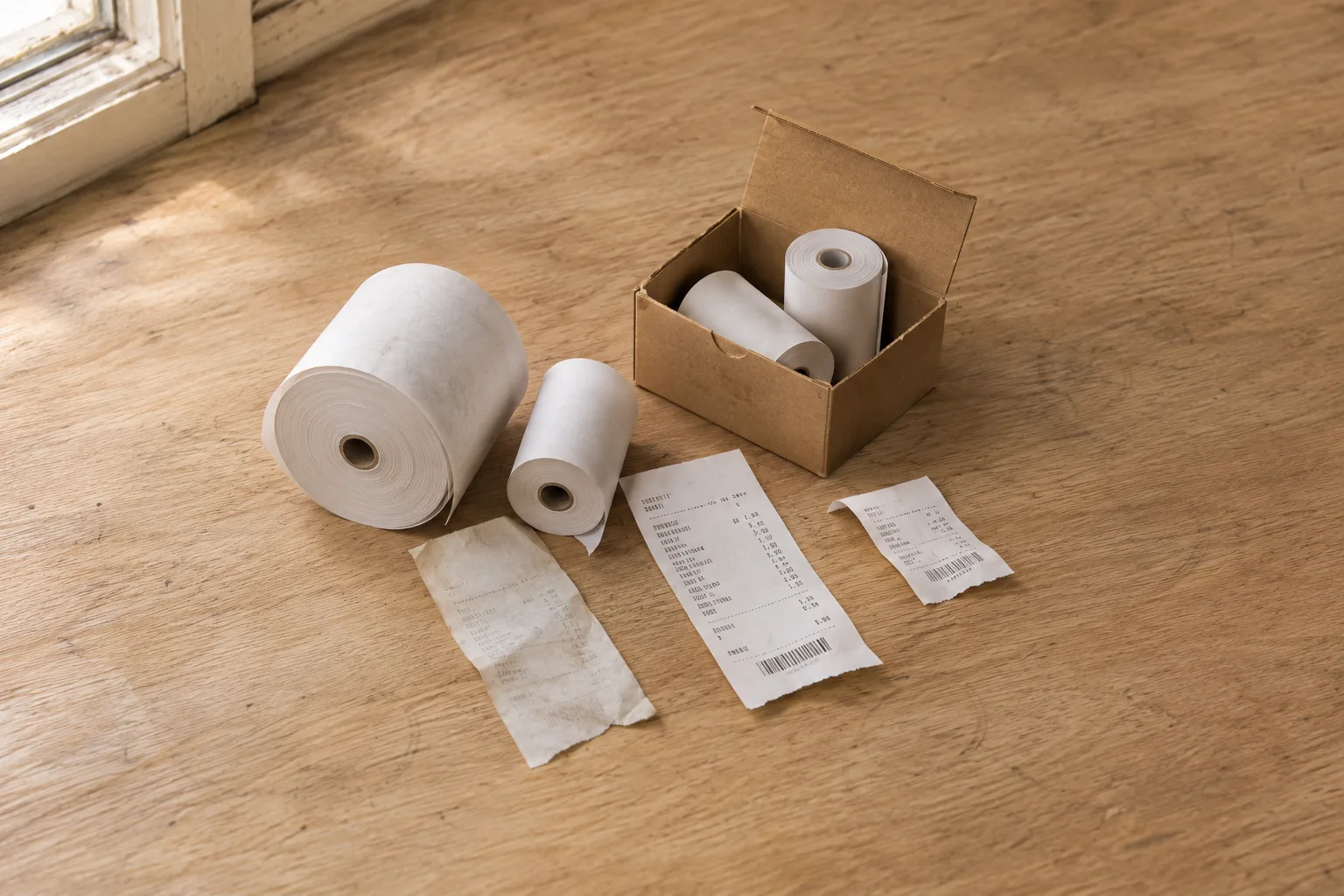
How to
Most countertop receipt printers, such as the Star TSP143IV, take 3-1/8 in. (80 mm) x 230 ft thermal rolls. By the 50-roll case they cost $1.36–$4.13 a roll in November 2026, or about 0.3–0.9¢ per 6-inch receipt.
Read the guide →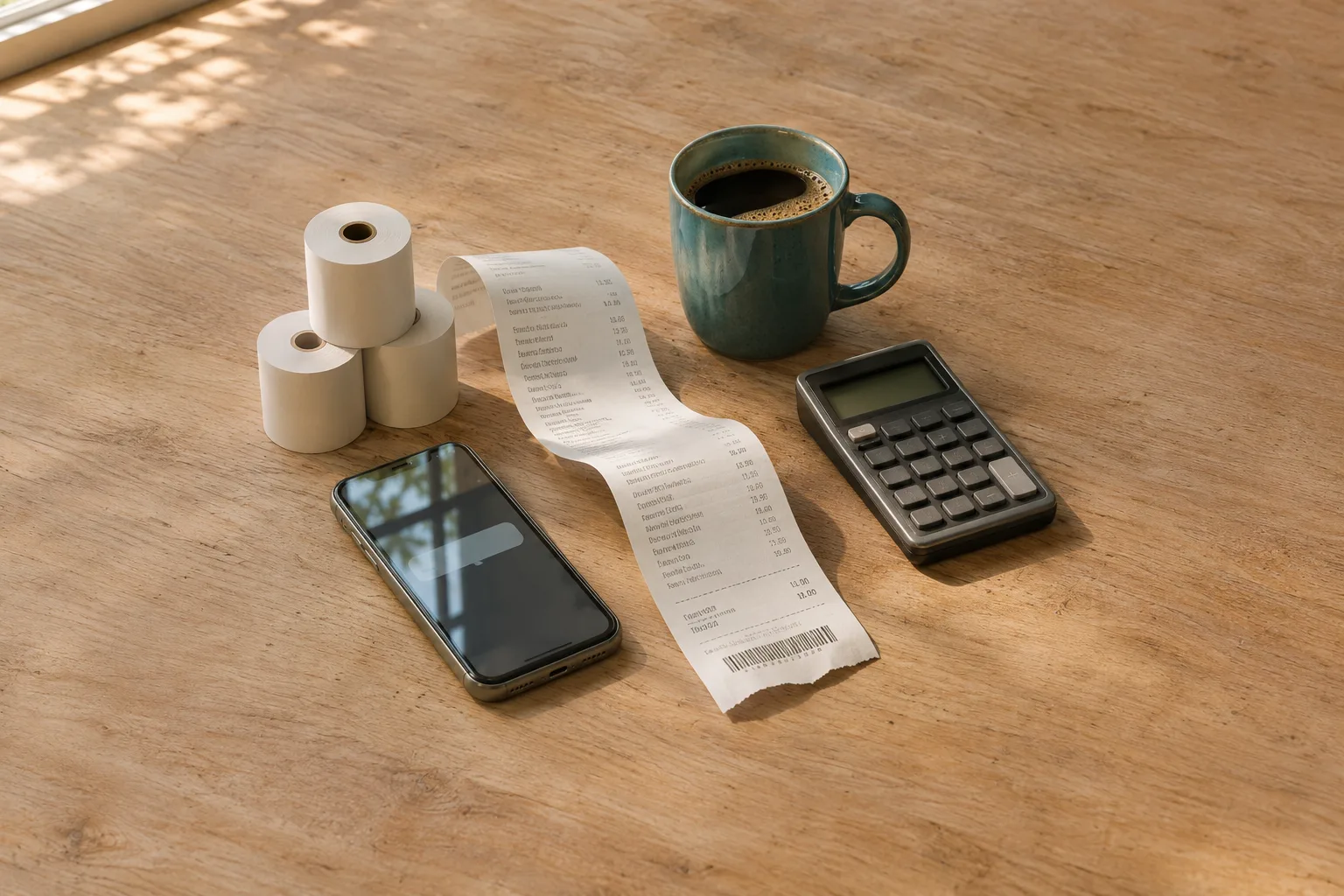
How to
A name-brand countertop receipt printer costs about $158–$369 in November 2026: the Epson TM-T20IV is $157.99 at Amazon and Square sells the Star TSP143IV for $319. Paper adds about 0.3–0.9¢ a receipt, and thermal printers use no ink.
Read the guide →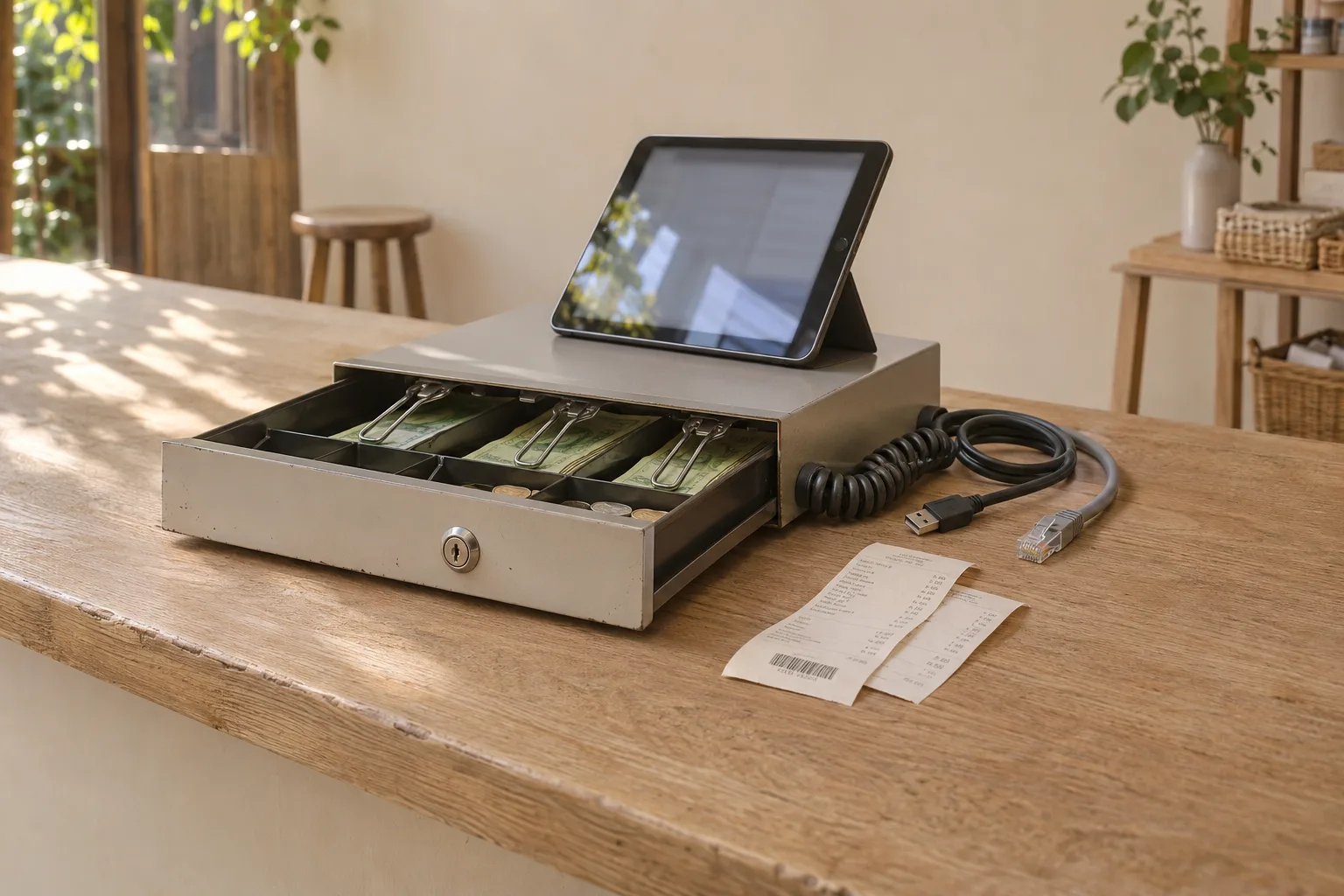
How to
For a fixed counter, connect an Ethernet printer such as the Star TSP143IV ($319 at Square) to your router so every POS device can share it; Square and Lightspeed advise against Bluetooth. A cash drawer plugs into the printer's RJ12 port and opens on a 24 V pulse.
Read the guide →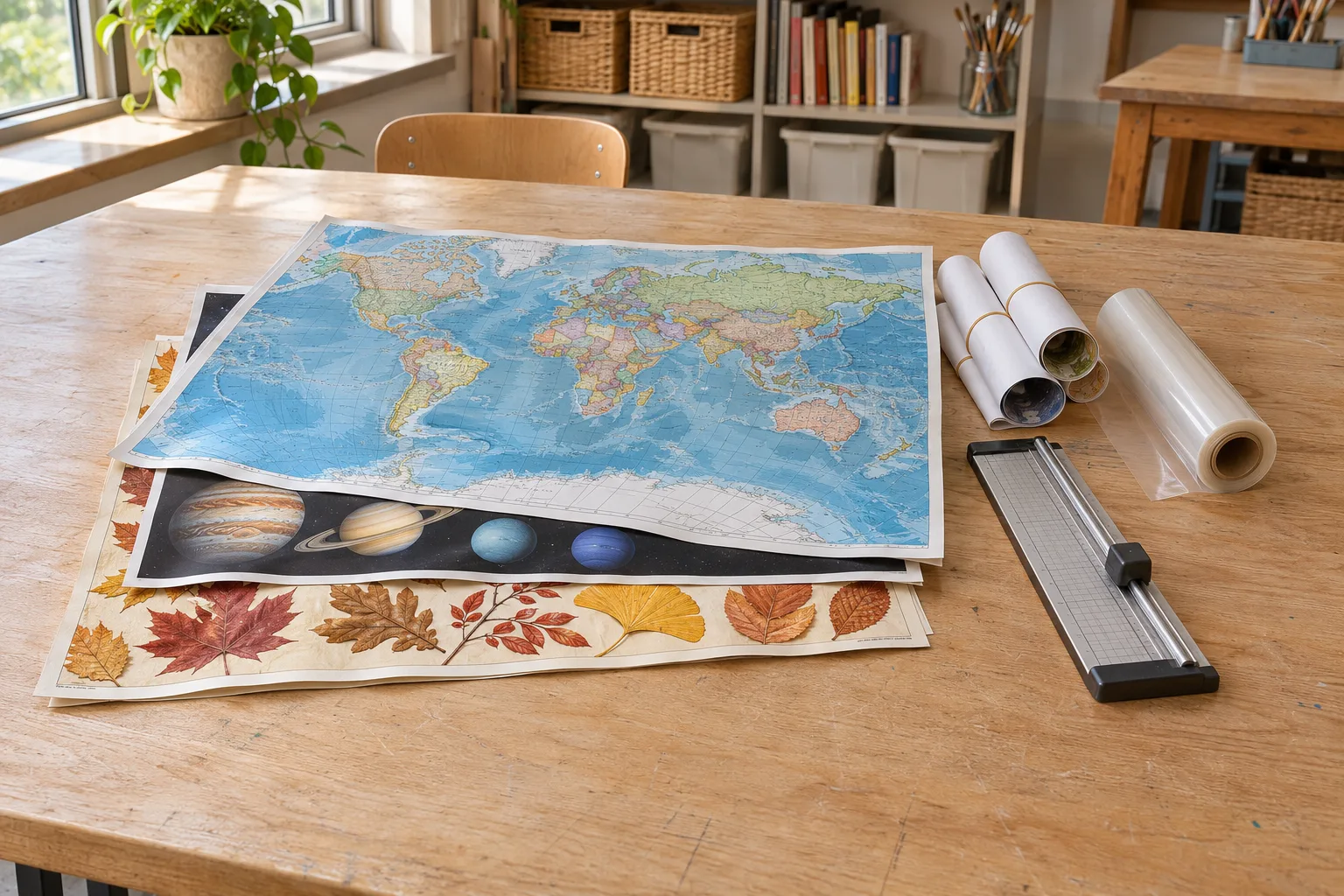
How to
$2,495 to $8,995 for a school poster-maker bundle from Education Graphics, the one vendor that publishes prices; others quote. The $2,495 Bronze is built on an HP DesignJet T630 24-inch, which HP sells alone for $1,439 on sale. A bare 24-inch poster printer costs $719 to $1,299.
Read the guide →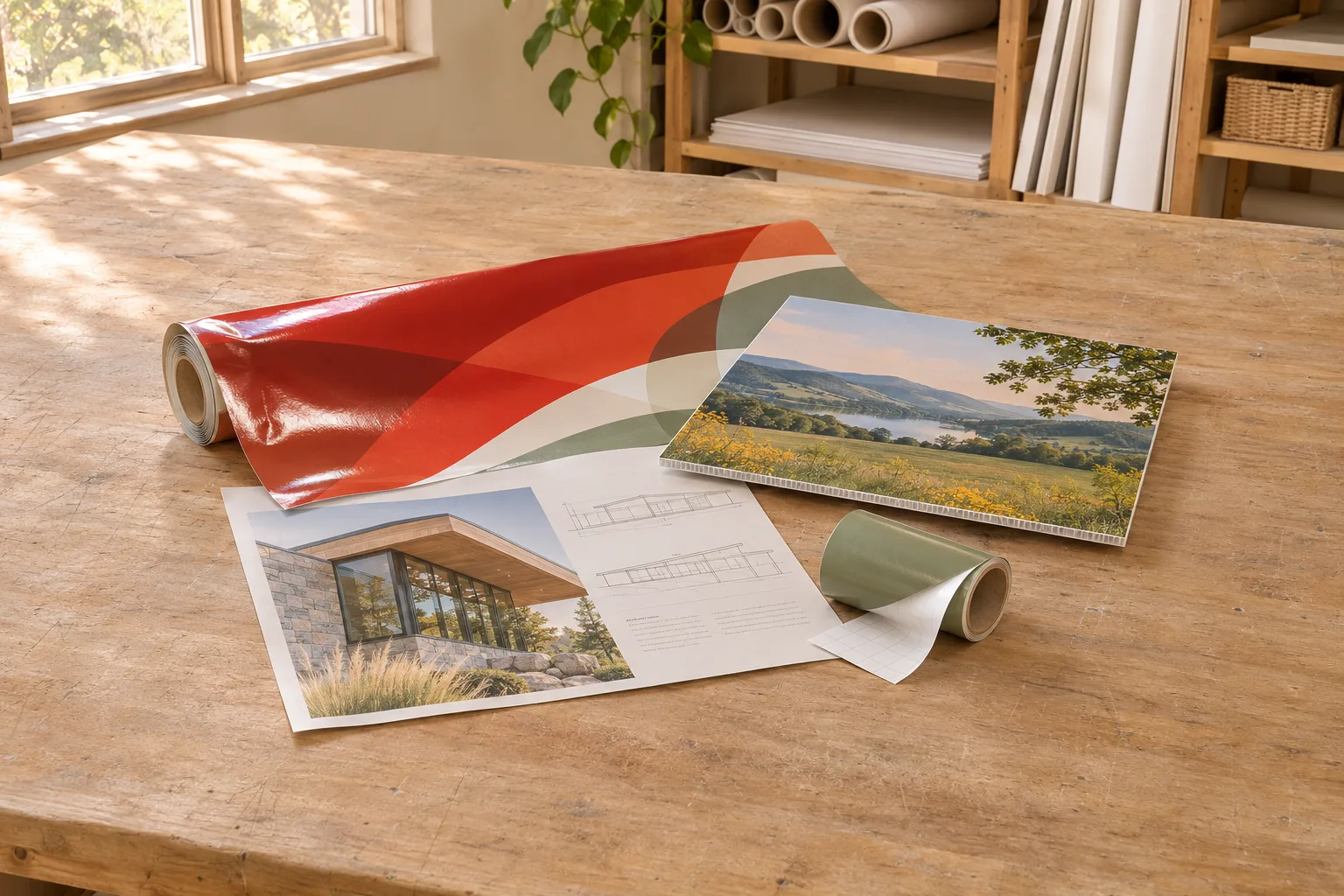
How to
Aqueous plotters like the Canon TM-500 (about $1,299) print indoor posters and banners, plus coated vinyl Canon rates for up to six months outdoors. Ordinary vinyl and signs that last years take eco-solvent or latex printers, from about $14,000.
Read the guide →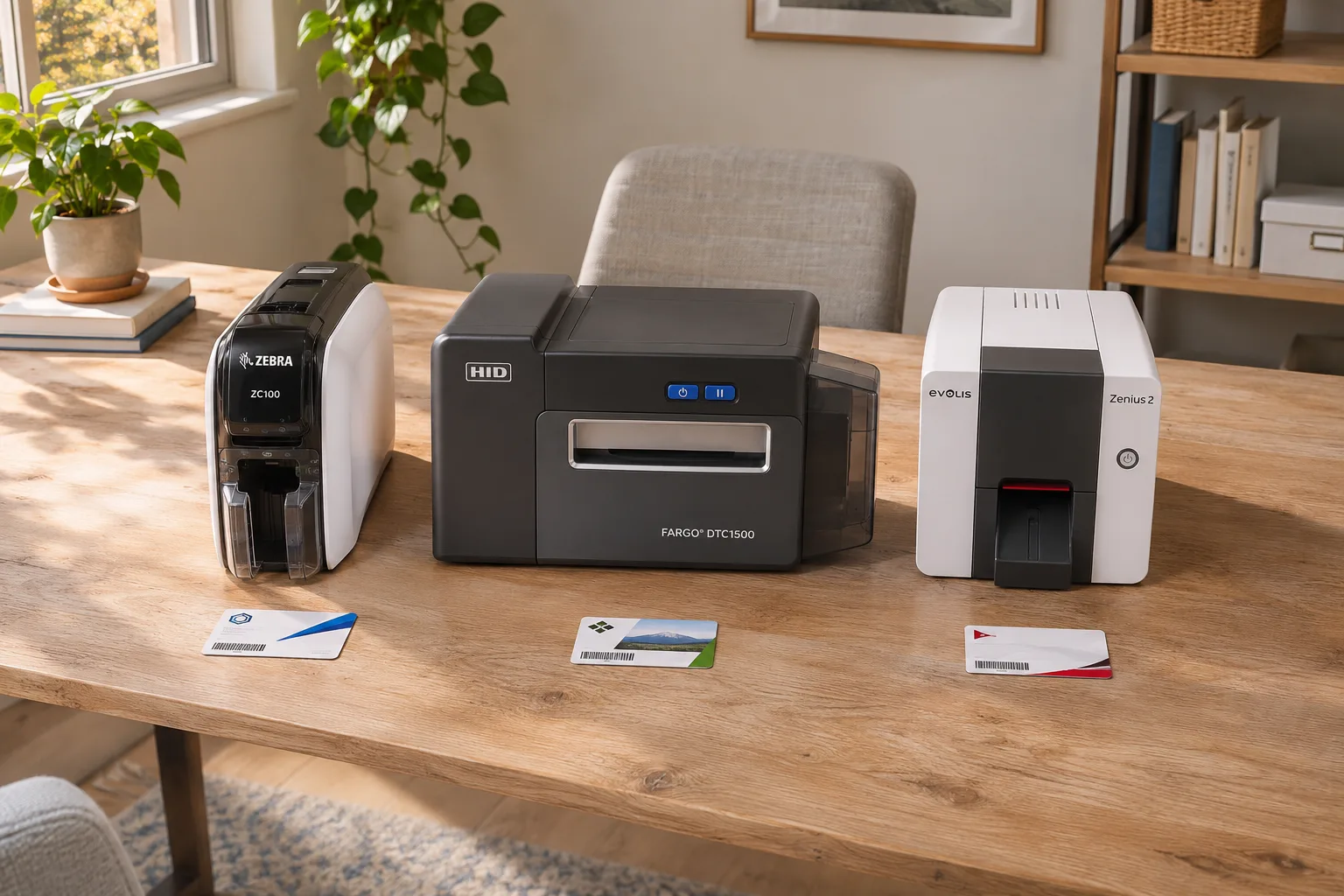
How to
No brand wins outright. Evolis is best on a Mac and cheap to run (Primacy 2 color about 24¢ a card), Zebra makes the simplest everyday badge printer (ZC300 from $1,479), and HID Fargo leads on access-control encoding and retransfer.
Read the guide →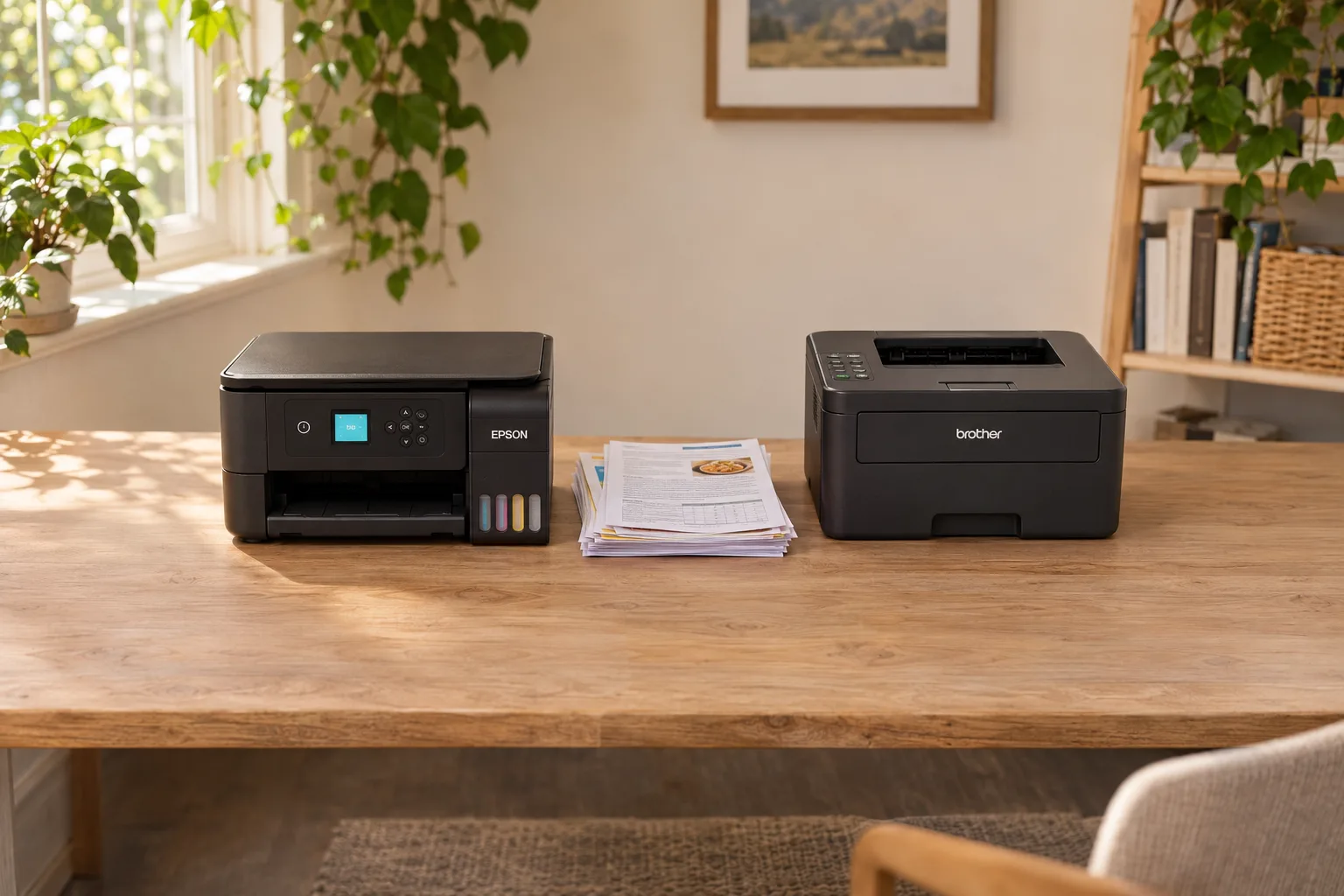
How to
Epson is the best printer brand for most homes: its EcoTanks print a black page for about 0.3¢ with no account or subscription. Brother is best for lasers, support and setup, Canon for warranty and photo ink, and HP mainly for its Smart Tanks and LaserJets.
Read the guide →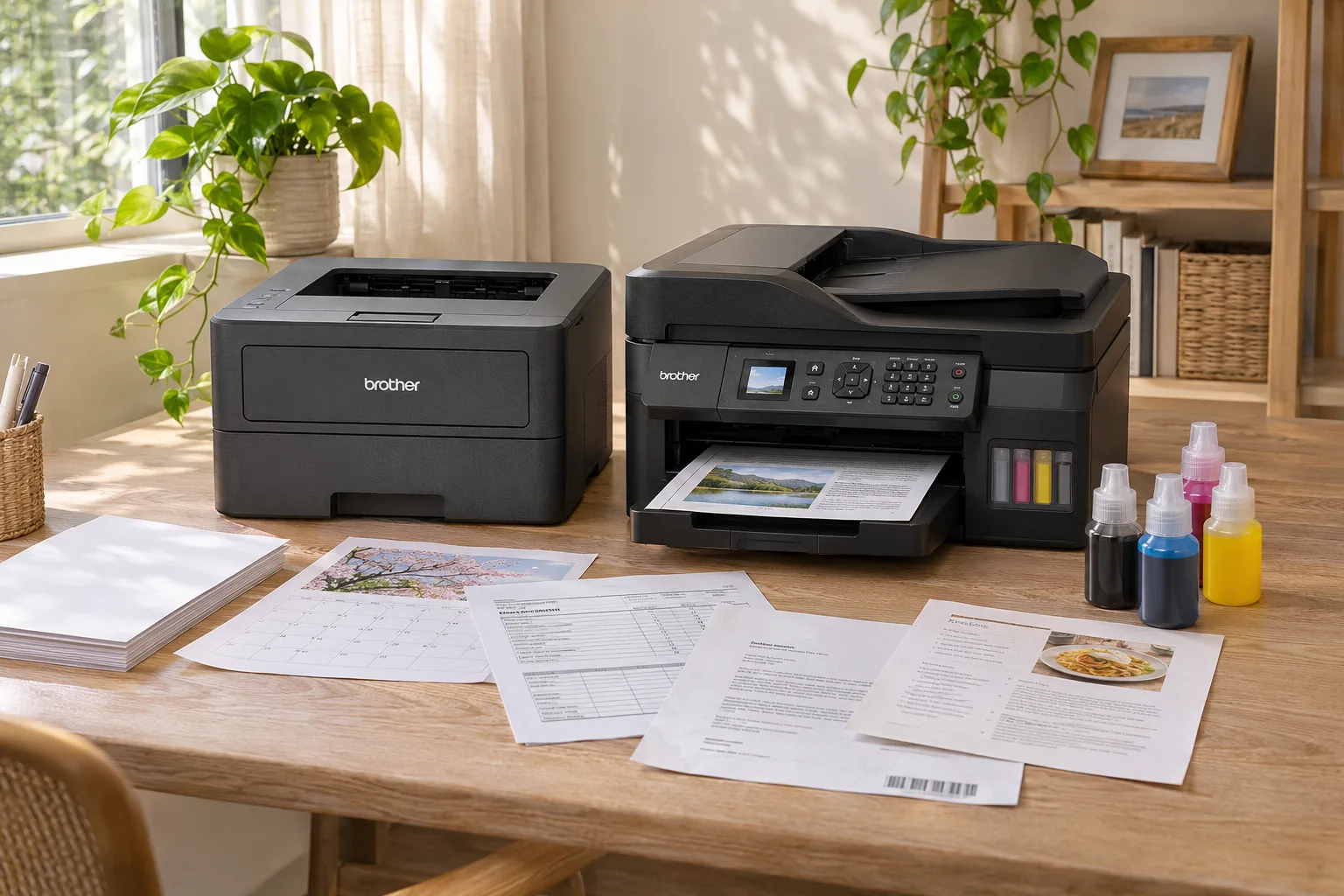
How to
HL printers print, DCP models also scan and copy, and MFC models usually add fax. An L means laser, J inkjet, C color, D two-sided and W wireless. INKvestment models use cartridges; INKvestment Tank models fill from bottles at about 0.3¢ a page.
Read the guide →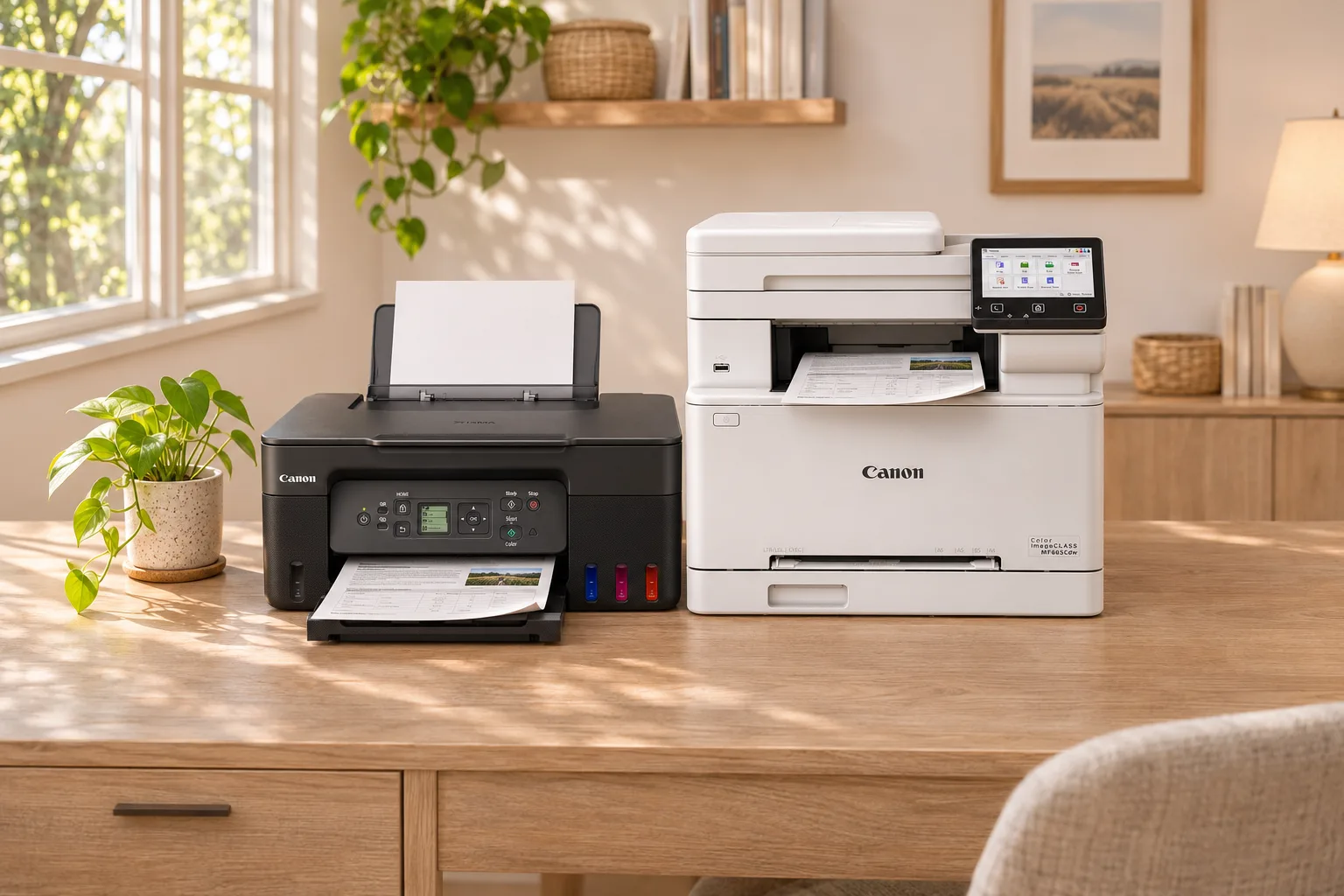
How to
PIXMA G models are MegaTank ink tanks for homes, PIXMA TS and TR use cartridges, MAXIFY is Canon's office inkjet line, and imageCLASS is its laser line. For most homes the MegaTank G3290 is the one to buy, at 0.4¢ a black page.
Read the guide →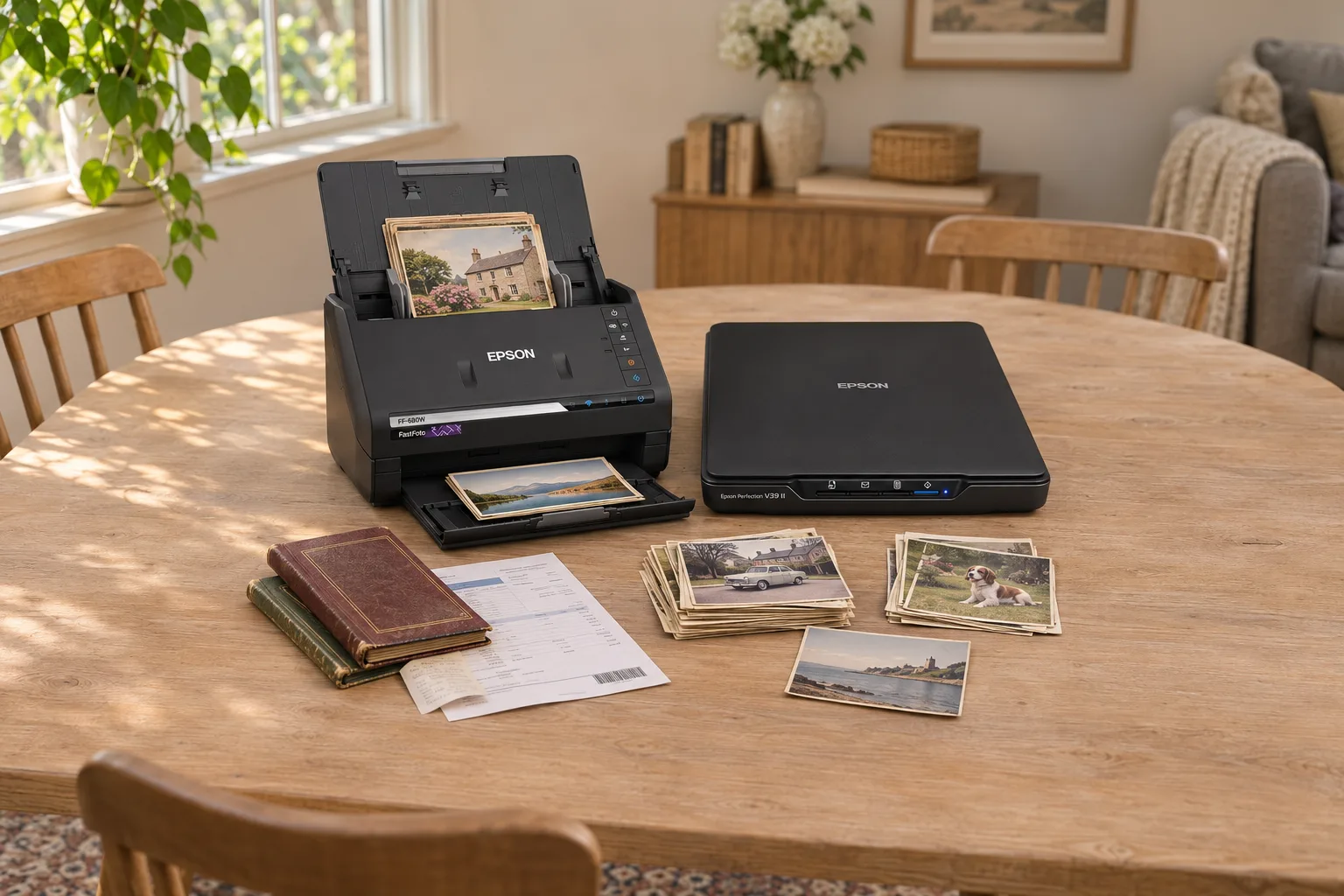
How to
Scan prints at 600 dpi and save TIFF masters. Use a flatbed for a few hundred prints, a FastFoto for thousands, and a film flatbed or a service for slides and negatives. Services charge 17–50¢ a photo.
Read the guide →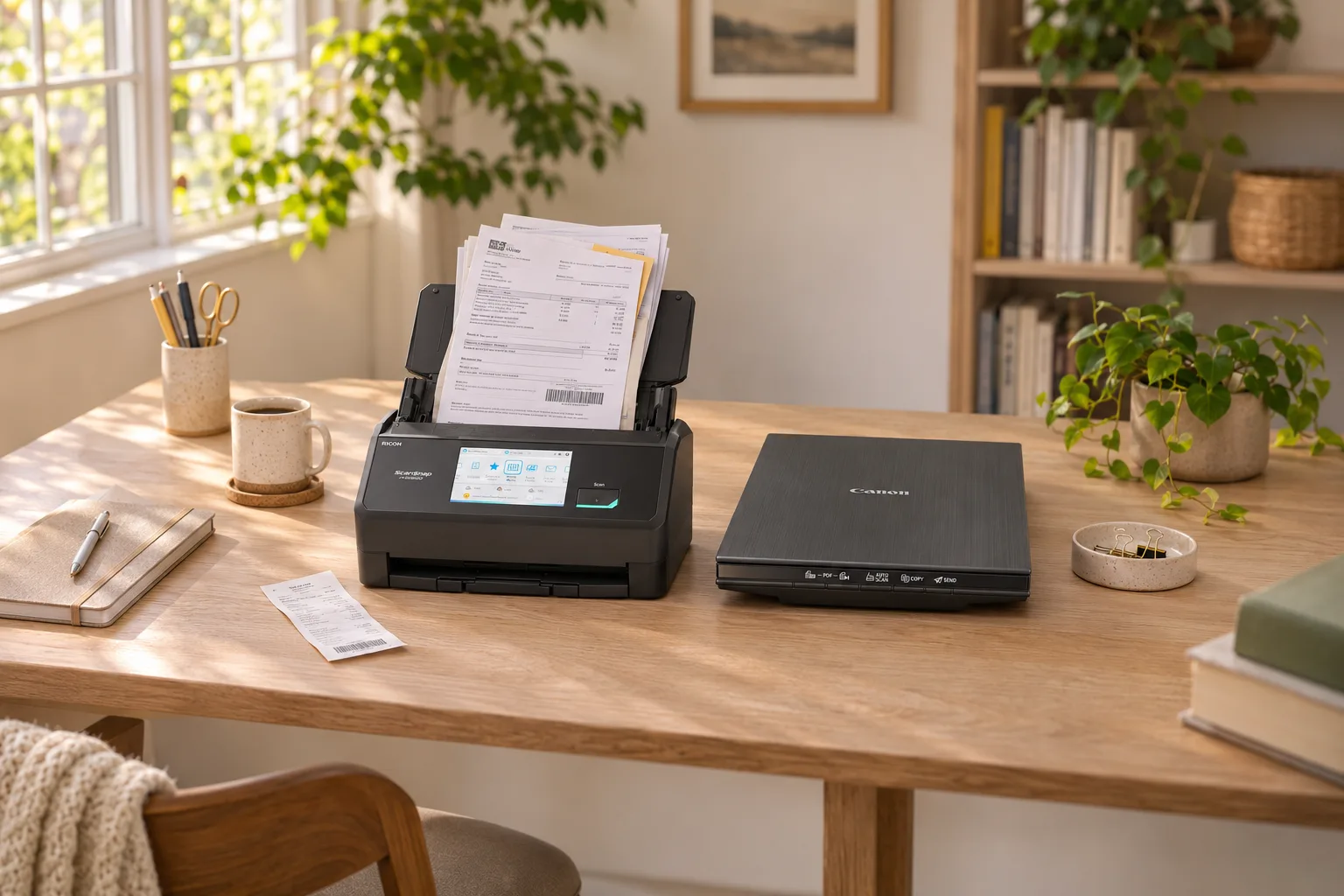
How to
Not if your all-in-one has a single-pass duplex feeder: the Canon MF465dw II scans 100 pages a minute, as fast as a $400 ScanSnap. If it scans on the glass or one side at a time, a $195 Canon R40II turns a 100-sheet two-sided stack into a PDF in about 2 minutes instead of 8–27.
Read the guide →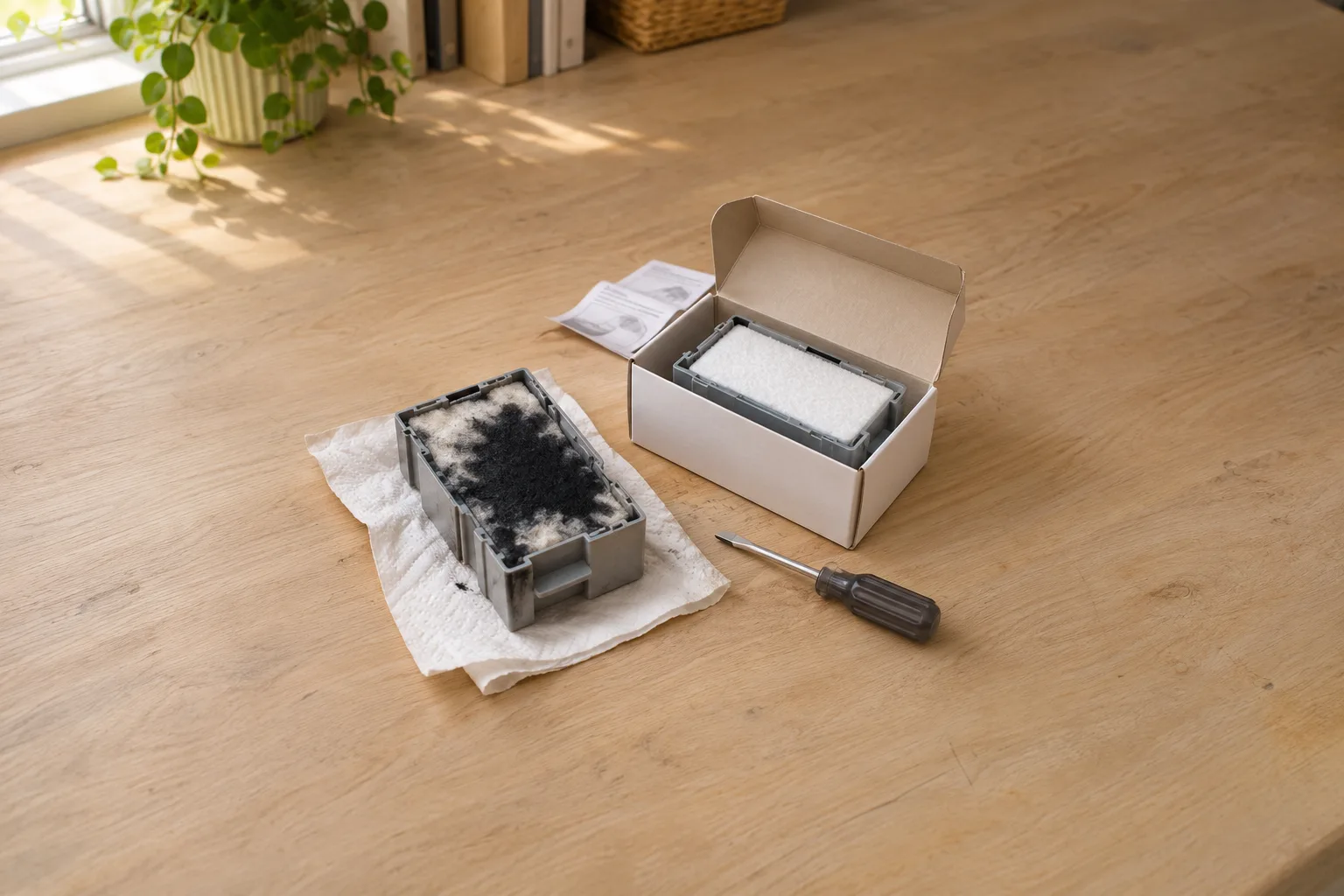
How to
It means the pads inside the printer that soak up waste ink are full, and Epson stops printing so they can't leak. Internal pads aren't user-replaceable, so it's Epson's service or a certified technician; newer EcoTanks send waste ink to a maintenance box you swap yourself for $10.99 to $23.99.
Read the guide →