How to
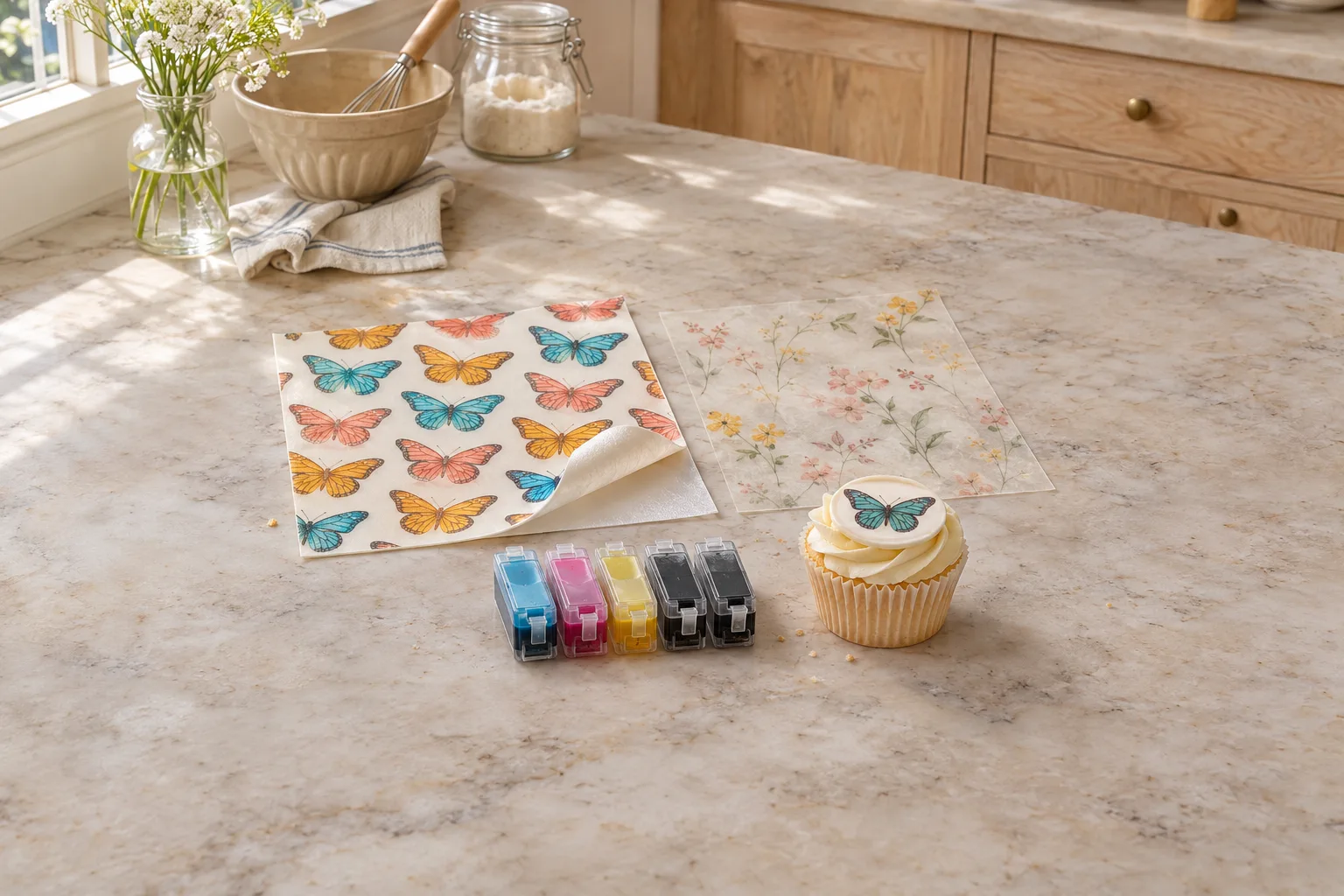
An edible printer is an ordinary inkjet, bought new, that only ever holds edible ink: FDA-certified food colors in water and glycerin, printed onto sugar frosting sheets or potato-starch wafer paper. Setup costs $295 to $299, and a letter-size cake topper about $1 to $3 by our estimate.
Read the guide →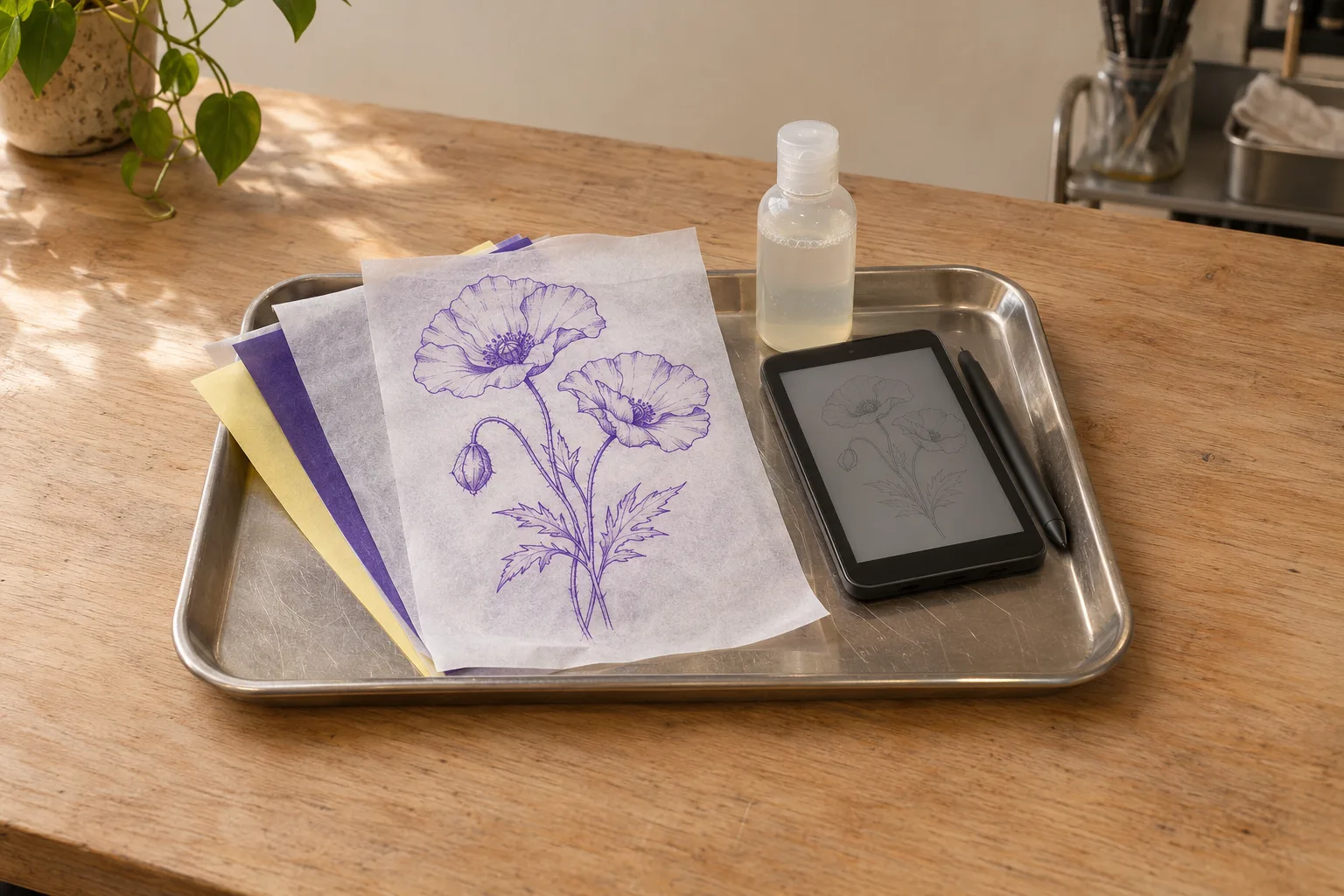
How to
To print a tattoo stencil, send your design to a thermal stencil printer such as the Phomemo M08F ($105.98 in November 2026), which prints on stencil paper for about 25¢ to 29¢ a sheet. A regular printer works only as an Epson EcoTank filled with stencil ink, at about 12¢ to 13¢ a stencil by our estimate. From an iPad, export a PNG from Procreate and print through the Phomemo app or AirPrint.
Read the guide →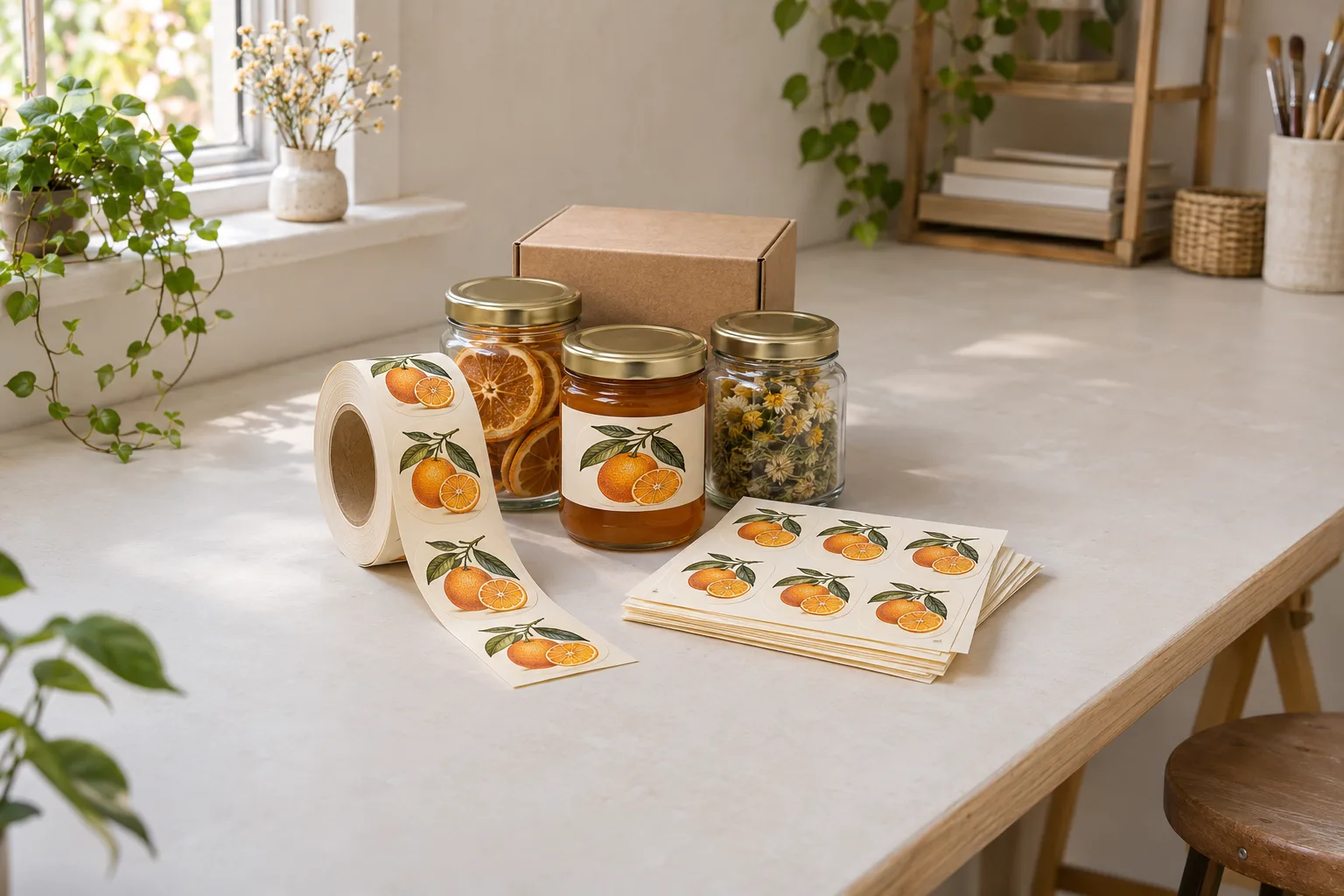
How to
A print service is cheaper until you print tens of thousands of labels. A 2 x 3-inch color label costs about 6¢–8¢ in ink and paper on a Primera LX610 by our estimate, against 15¢–22¢ each for 1,000 from UPrinting, OnlineLabels or Sticker Mule in November 2026. The $2,695 printer pays off after roughly 17,000–34,000 labels, or about 3,600 if you'd otherwise order 100 of each design.
Read the guide →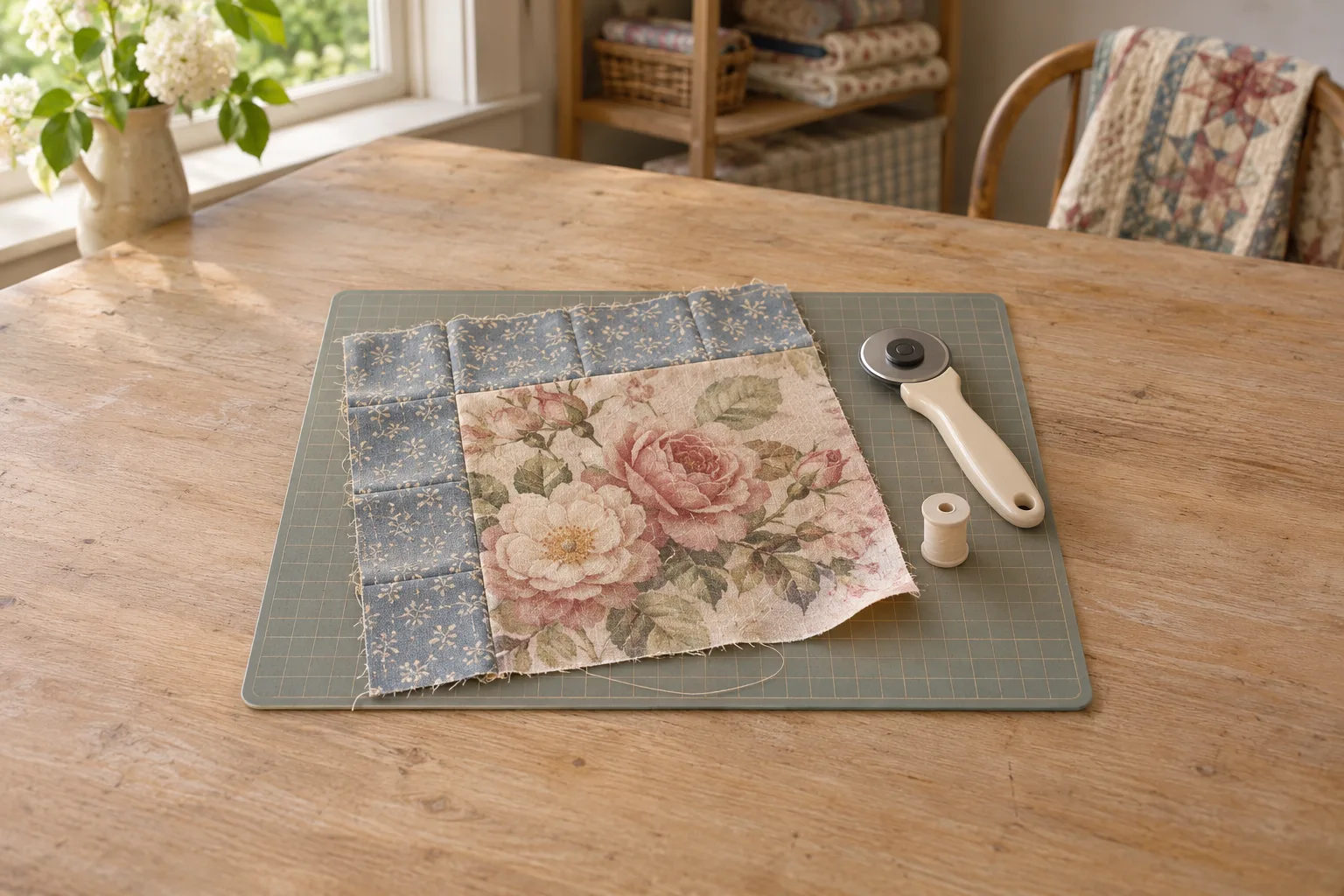
How to
The Epson WorkForce Pro WF-7840 is the best printer for quilting on fabric sheets: pigment ink in every color, a 50-sheet rear tray and quilt blocks up to 13 x 19 inches, for $199.99 in November 2026. Printable cotton sheets cost about $1.77 to $9.99 each, and Electric Quilt says to soak each print for 10 minutes to set the ink.
Read the guide →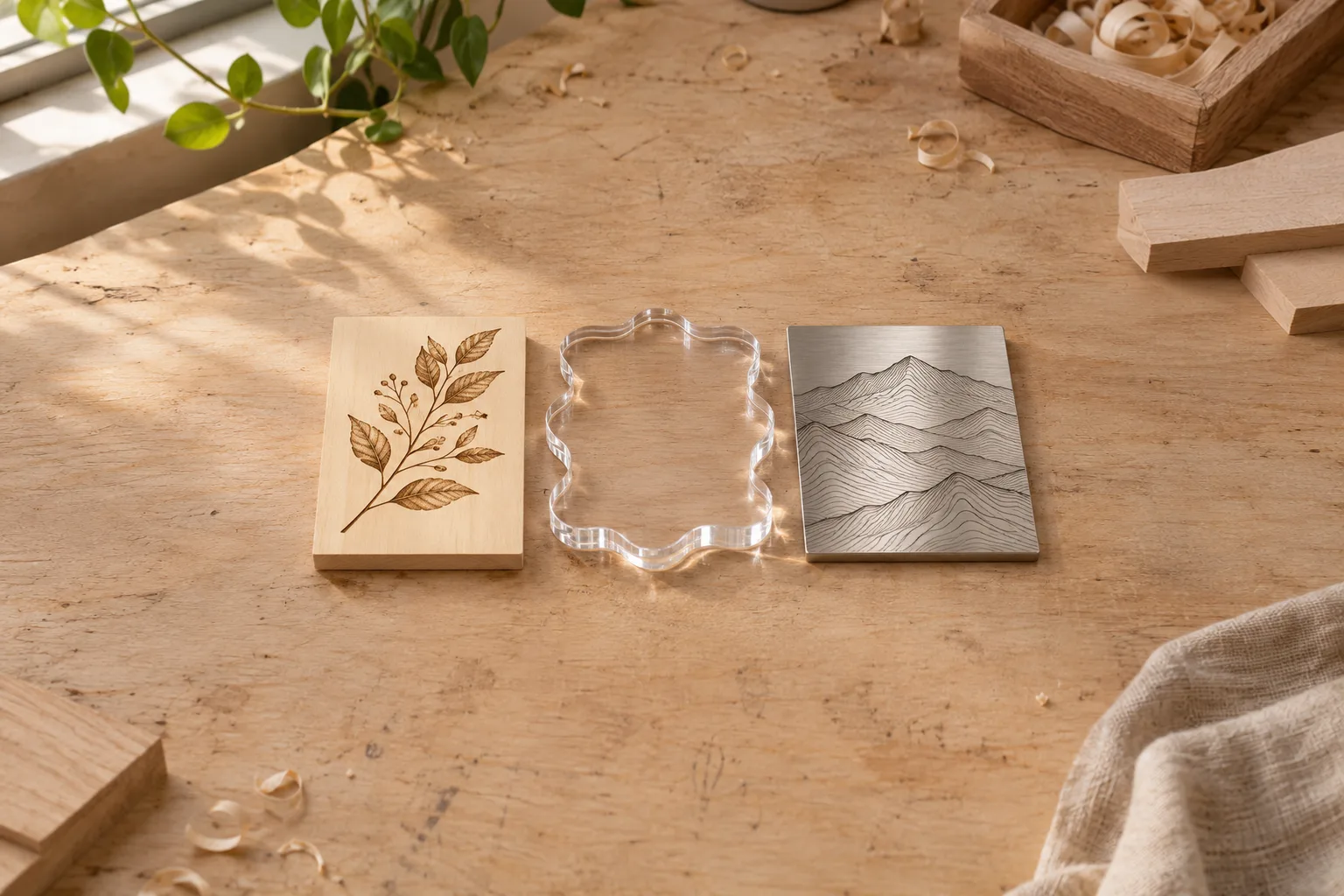
How to
Buy a diode laser such as the xTool M2 ($499 for 10W in November 2026) for wood, leather and dark acrylic, a CO2 laser such as the 55W xTool P2S ($2,999) to cut clear acrylic and engrave glass, and a fiber laser such as the xTool F1 Ultra ($2,299) to mark bare metal.
Read the guide →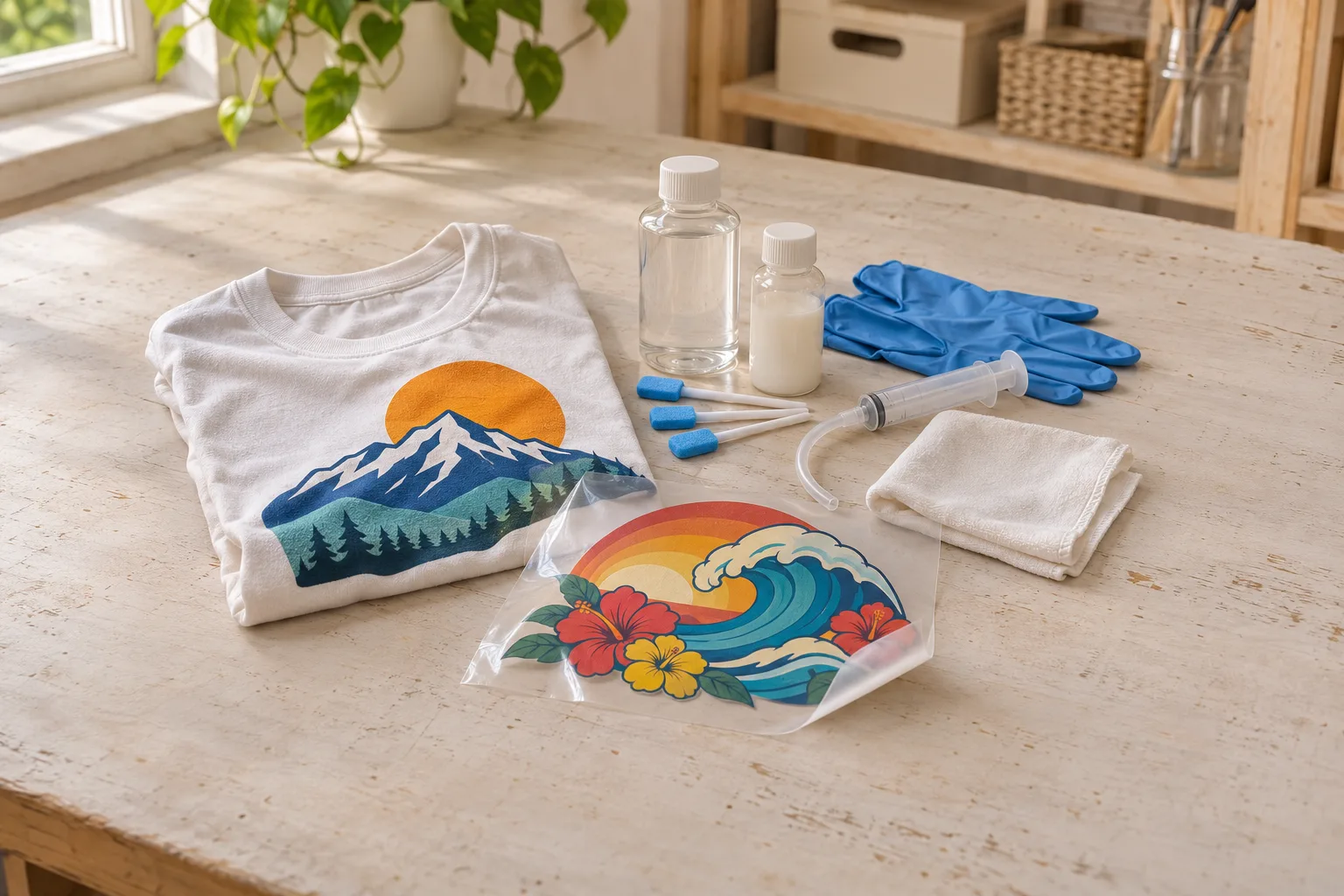
How to
Shake the white ink every day, or leave a circulating printer switched on, and print at least every 3–4 days (Procolored) or power on at least every 7 days (Epson). Peeling after washing usually means the powder was under-cured or the press too light; halos come from excess powder, static or humidity.
Read the guide →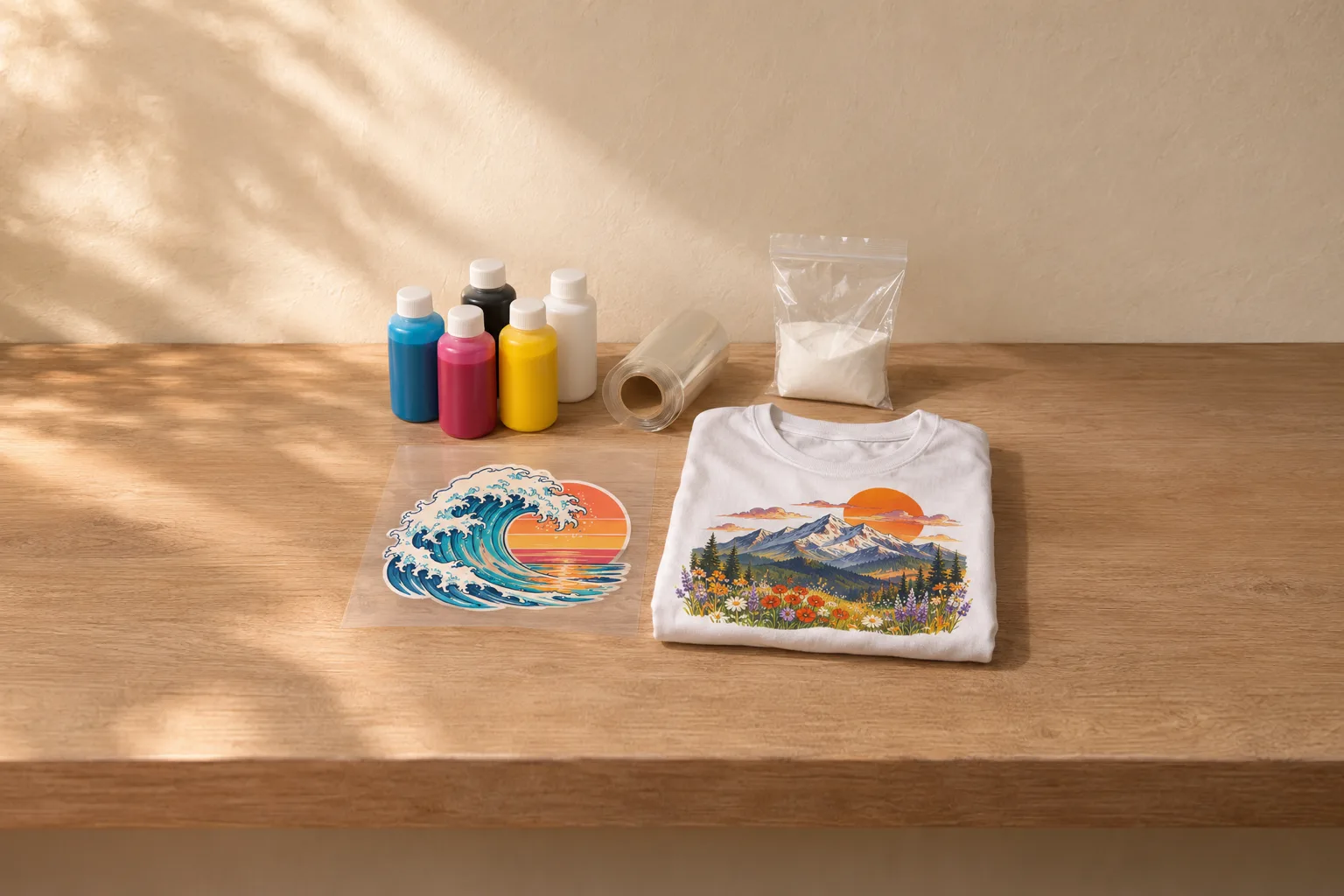
How to
Most desktop DTF printers cost $1,599 to $4,995 in November 2026, or about $1,800 to $7,700 with curing and first supplies. Ink, film and powder for an 11 x 11-inch shirt-front transfer then cost about 26¢ to $1.04 by our estimate, against $1.29 to $7.26 for a bought transfer.
Read the guide →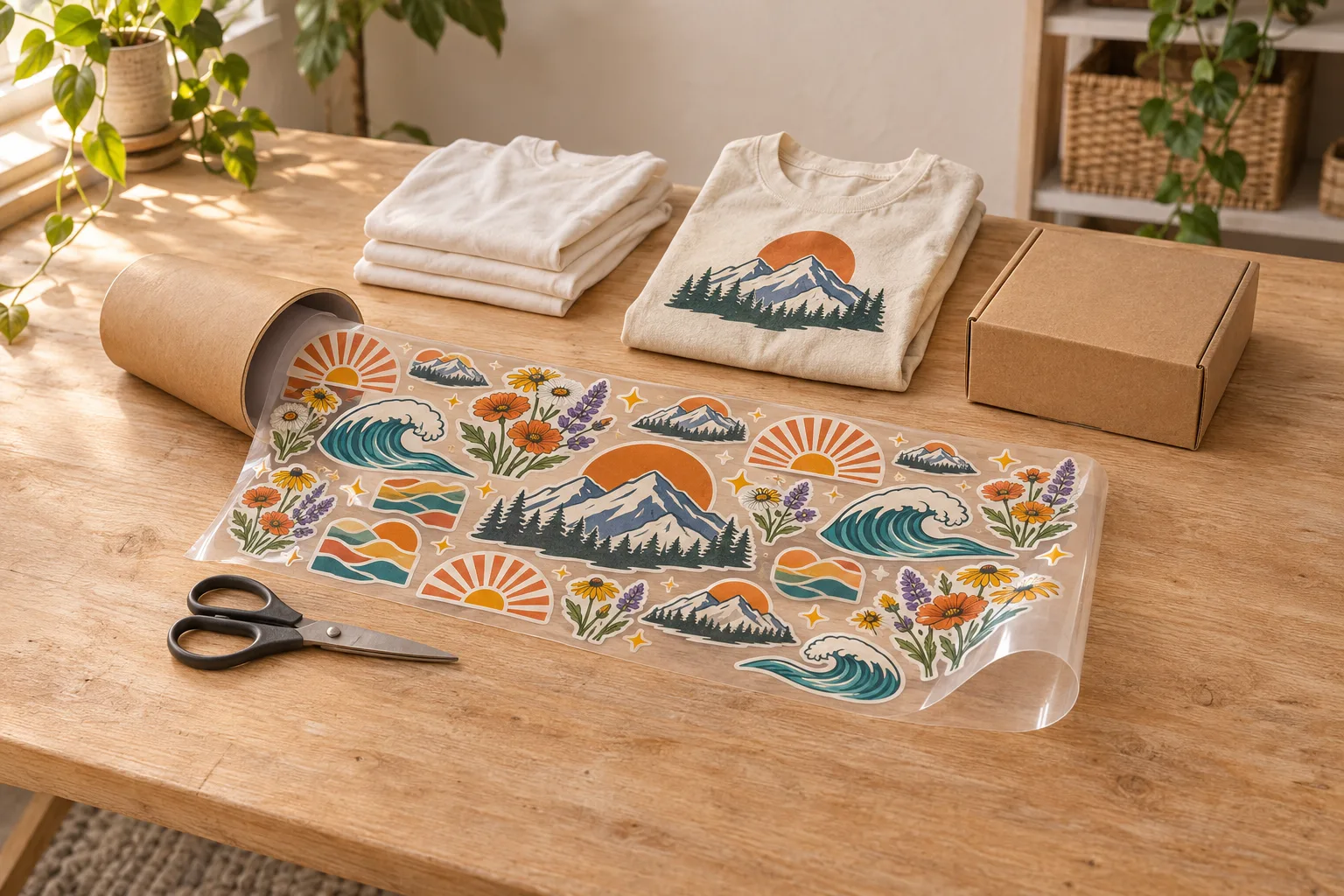
How to
Buy transfers unless you press well over 100 shirts a month. By our estimate, a $1,999 Procolored K13 Lite with oven pays for itself in a year at about 58 shirts a month against $5 transfers, but needs about 907 a month against $1.29 gang-sheet transfers, more than it can print.
Read the guide →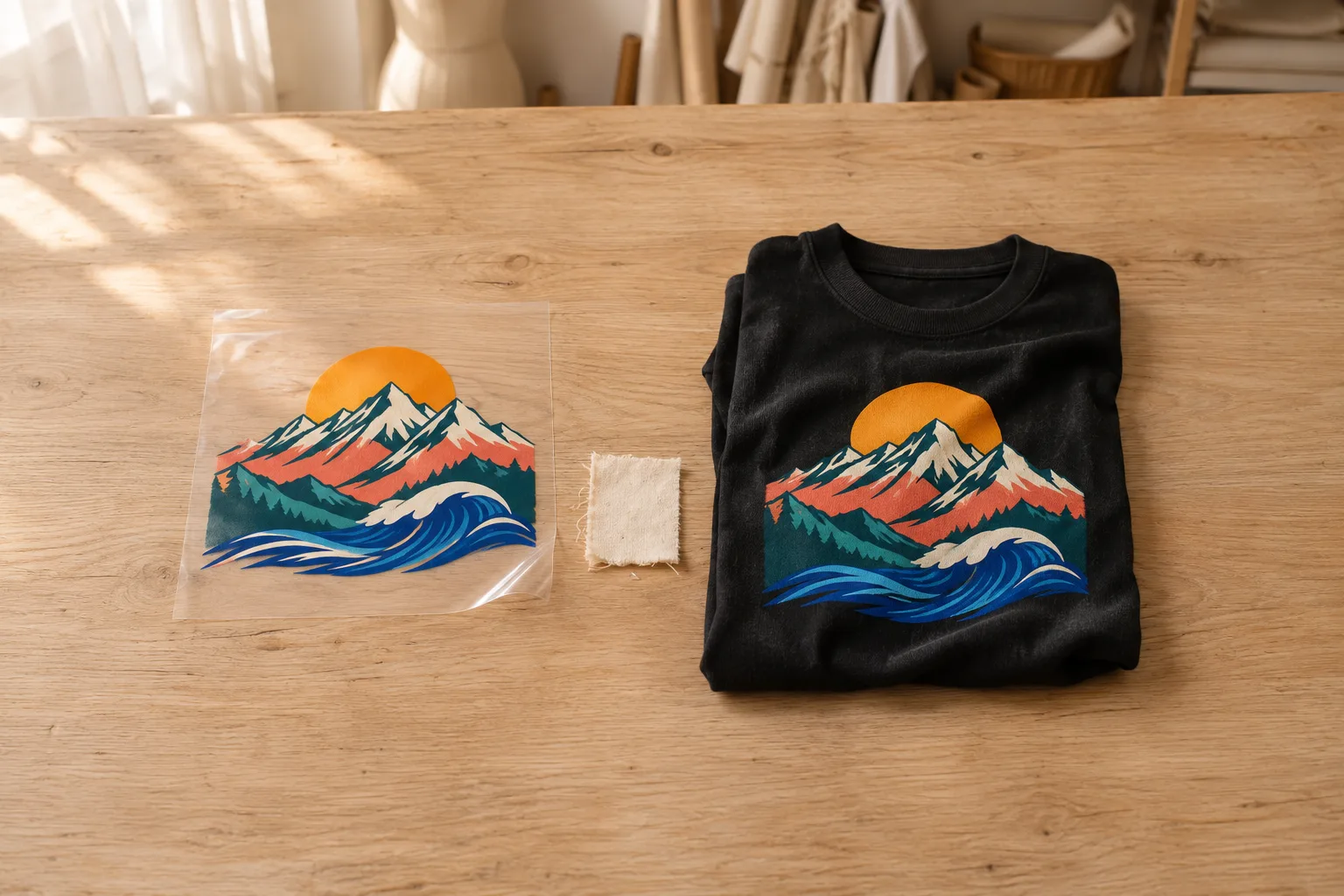
How to
DTF is better for most small shirt businesses: it prints on cotton, polyester and dark shirts with no pretreatment, and bought transfers cost $1.29–$7.26 per shirt front. DTG gives the softest print on cotton, but Epson's cheapest DTG printer, the SureColor F1070, is $4,995.
Read the guide →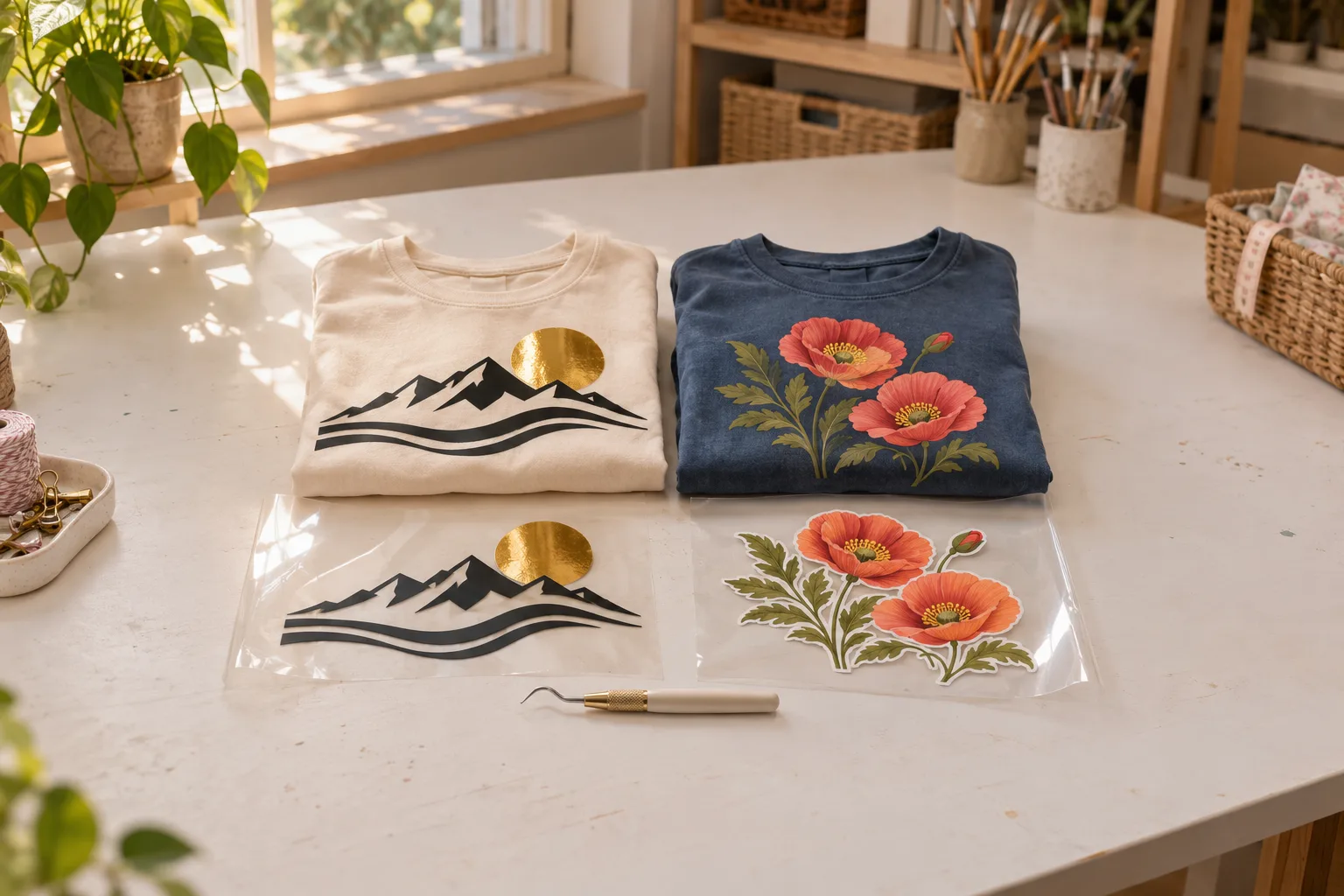
How to
DTF is better for full-color art and any design with more than one or two colors; heat transfer vinyl is better for names, numbers, one-color text and glitter or puff finishes. A one-color 11 x 11-inch HTV design uses about $3 of Siser EasyWeed; a DTF transfer that size costs $1.29–$7.26.
Read the guide →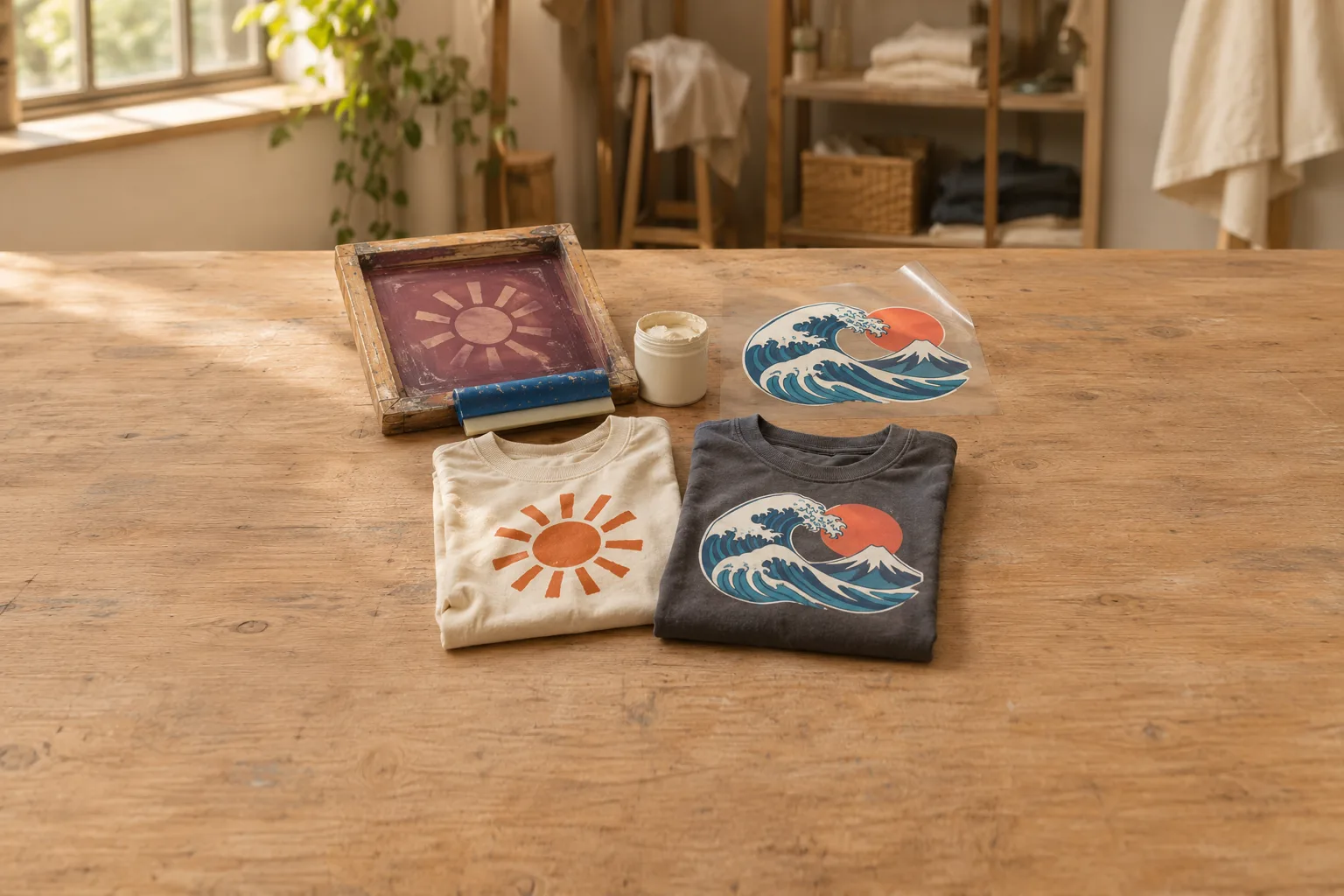
How to
DTF is better for small runs and full-color designs: at Transfer Express a full-color DTF front works out to about $7.13 with no minimum. Screen printing wins on bigger runs of a few colors: a one-color screen-printed front falls to $1.56 at 216 sheets.
Read the guide →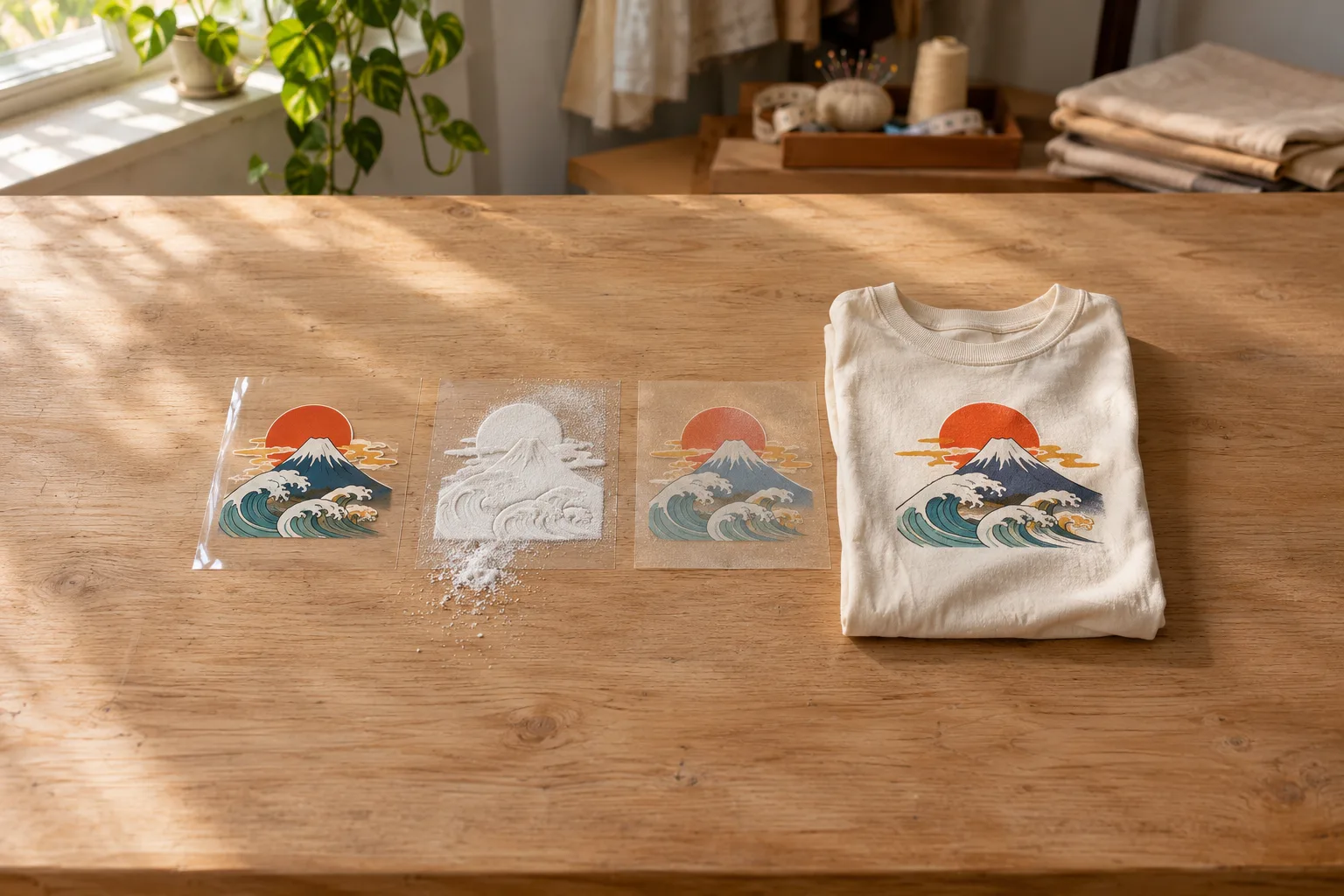
How to
DTF printing puts color and then white ink on PET film, coats the wet ink with hot-melt powder, melts the powder, and presses the film onto the shirt, usually at about 275–325°F for 8–15 seconds. A 13-inch printer like the Procolored F13 Panda does the printing; an oven or shaker cures the powder.
Read the guide →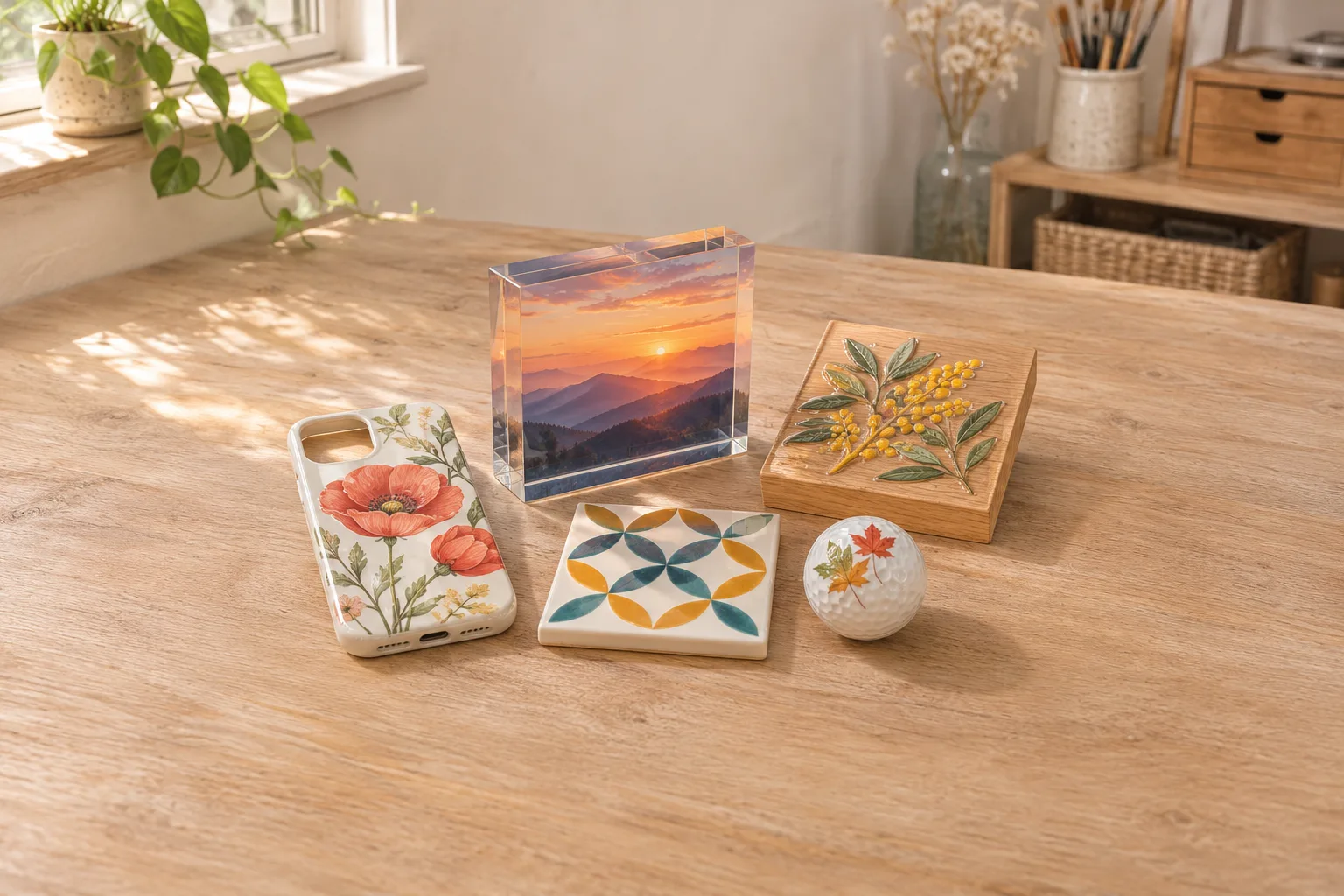
How to
A UV printer sprays liquid ink made of resin, pigment and photoinitiators onto an object, usually white first, and a UV lamp hardens it almost instantly. A desktop model like the eufyMake E1 prints on wood, metal, acrylic, glass and leather up to 100 mm tall, with raised texture up to 5 mm, but no maker calls the prints dishwasher-safe.
Read the guide →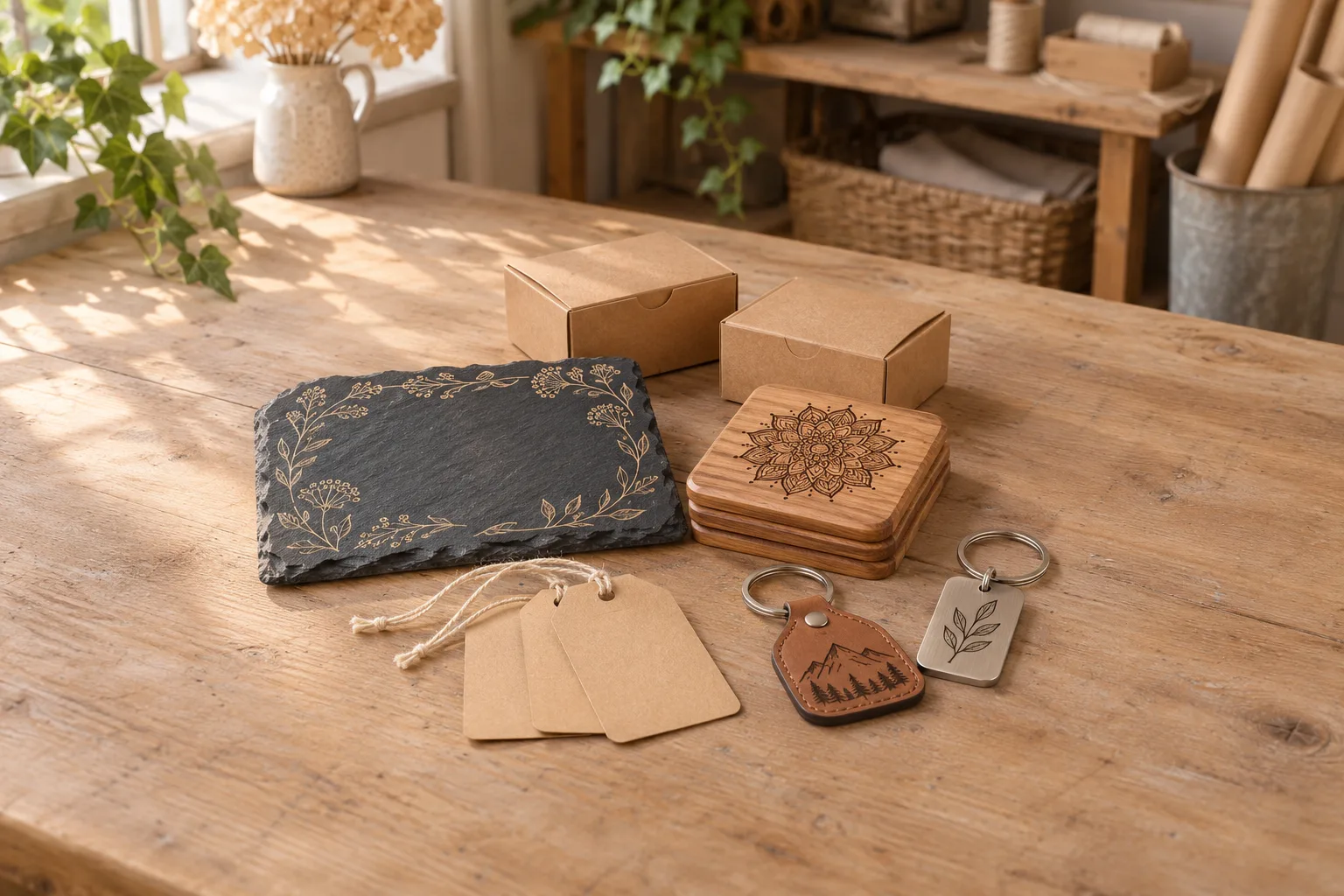
How to
Desktop laser engravers cost $119 for an open-frame 5W diode to $7,999 for a Glowforge Pro HD in November 2026. A complete setup with a rotary for tumblers runs from $578 for a Creality Falcon A1 to $3,847 for an xTool P2S, by our estimate, and Etsy takes $3.30 of a $30 sale.
Read the guide →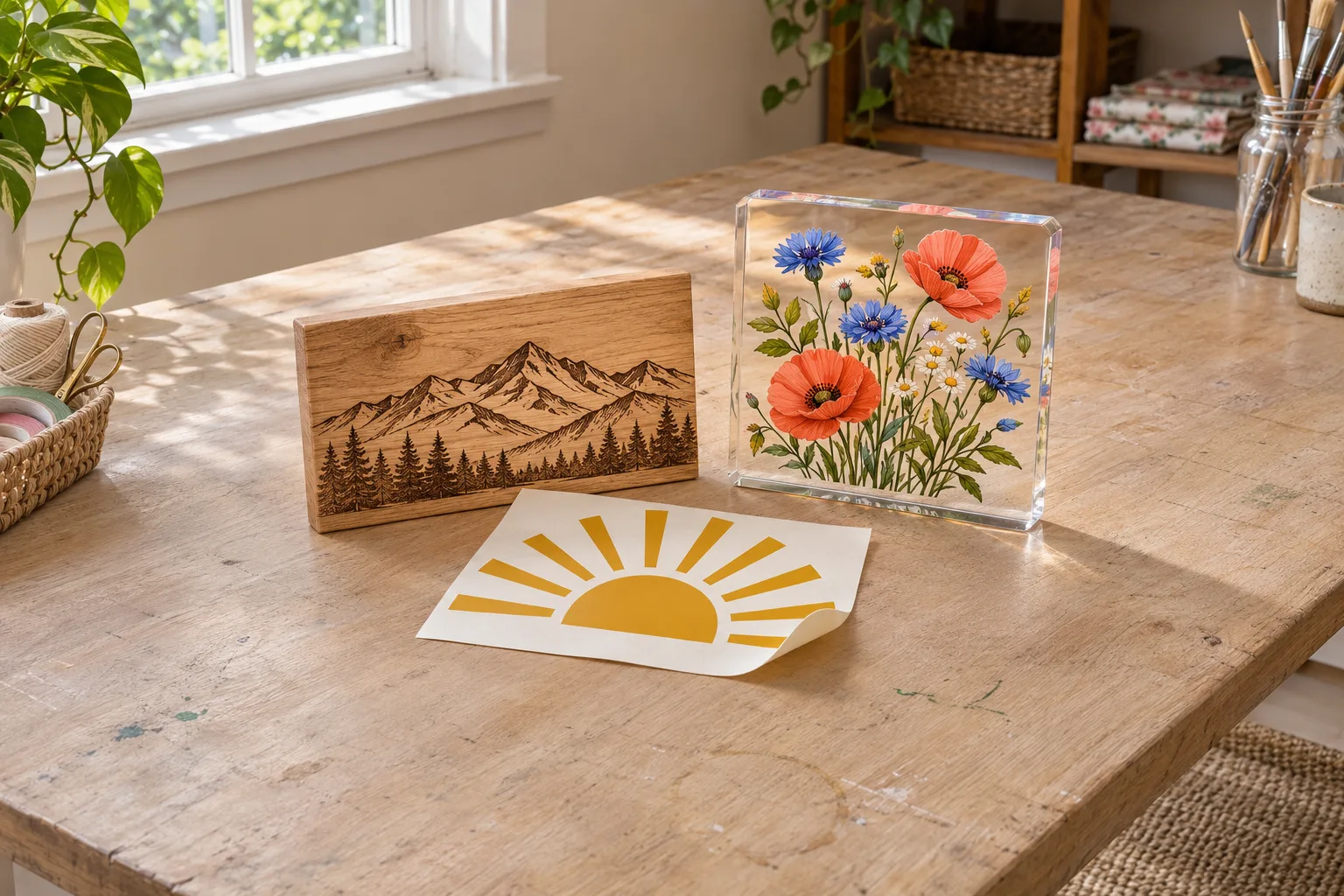
How to
A Cricut Maker 4 ($349 in November 2026) cuts vinyl, iron-on, paper and fabric under 2.4 mm thick. A laser like the xTool M2 ($499 for 10W) cuts 8 mm basswood and engraves wood, slate and coated metal. A UV printer like the eufyMake E1 ($1,799 with ink) prints full color and white on hard goods, but cuts nothing.
Read the guide →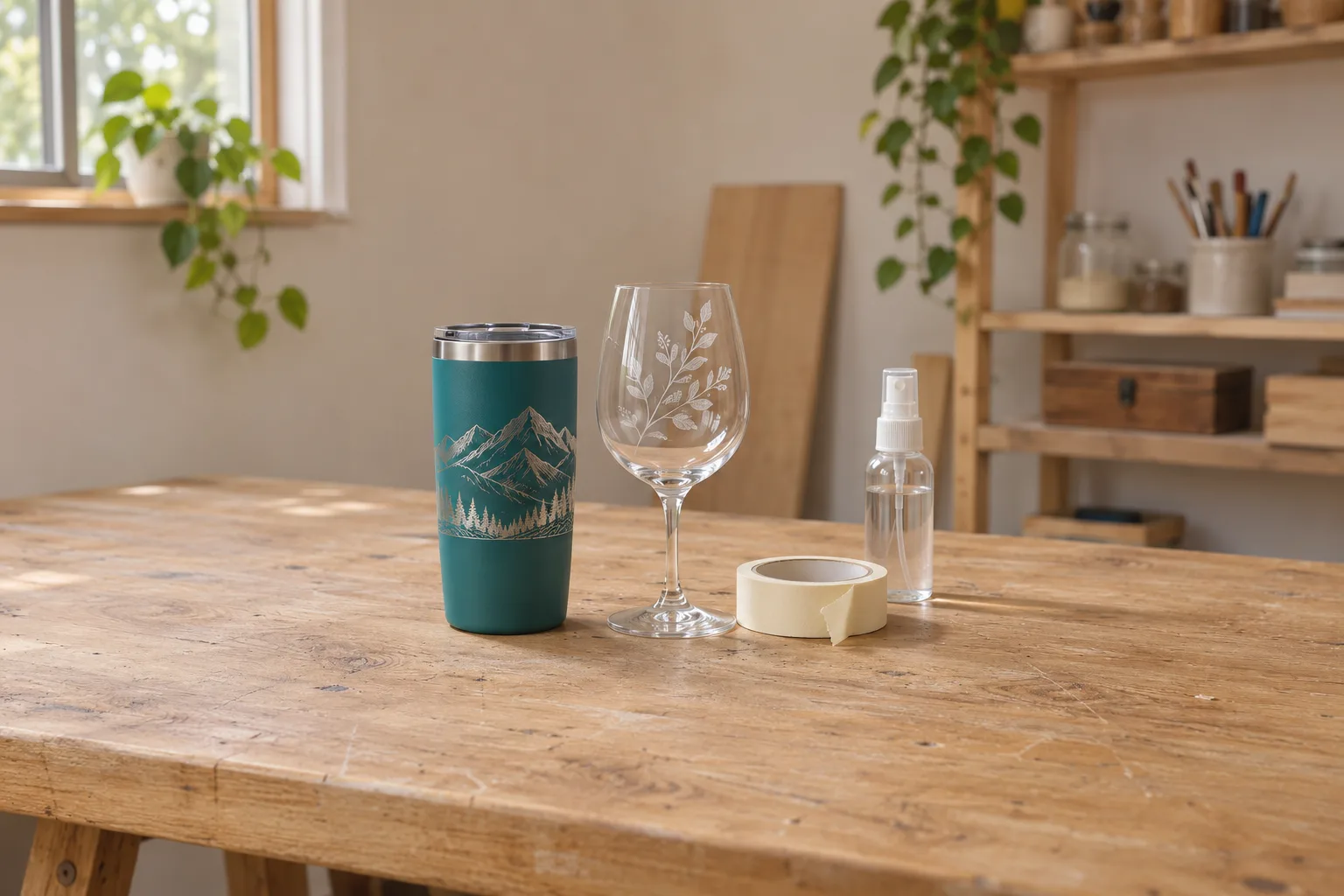
How to
Any laser with a rotary engraves a powder-coated tumbler; bare stainless needs fiber, like the xTool F1 Ultra ($2,299 in November 2026). Glass takes a CO2 laser like the xTool P2S or a coated diode. LightBurn costs $99 or $199 once, xTool Creative Space ended at version 2.7, and xTool rates the P2S's glass tube at 6,000 to 8,000 hours.
Read the guide →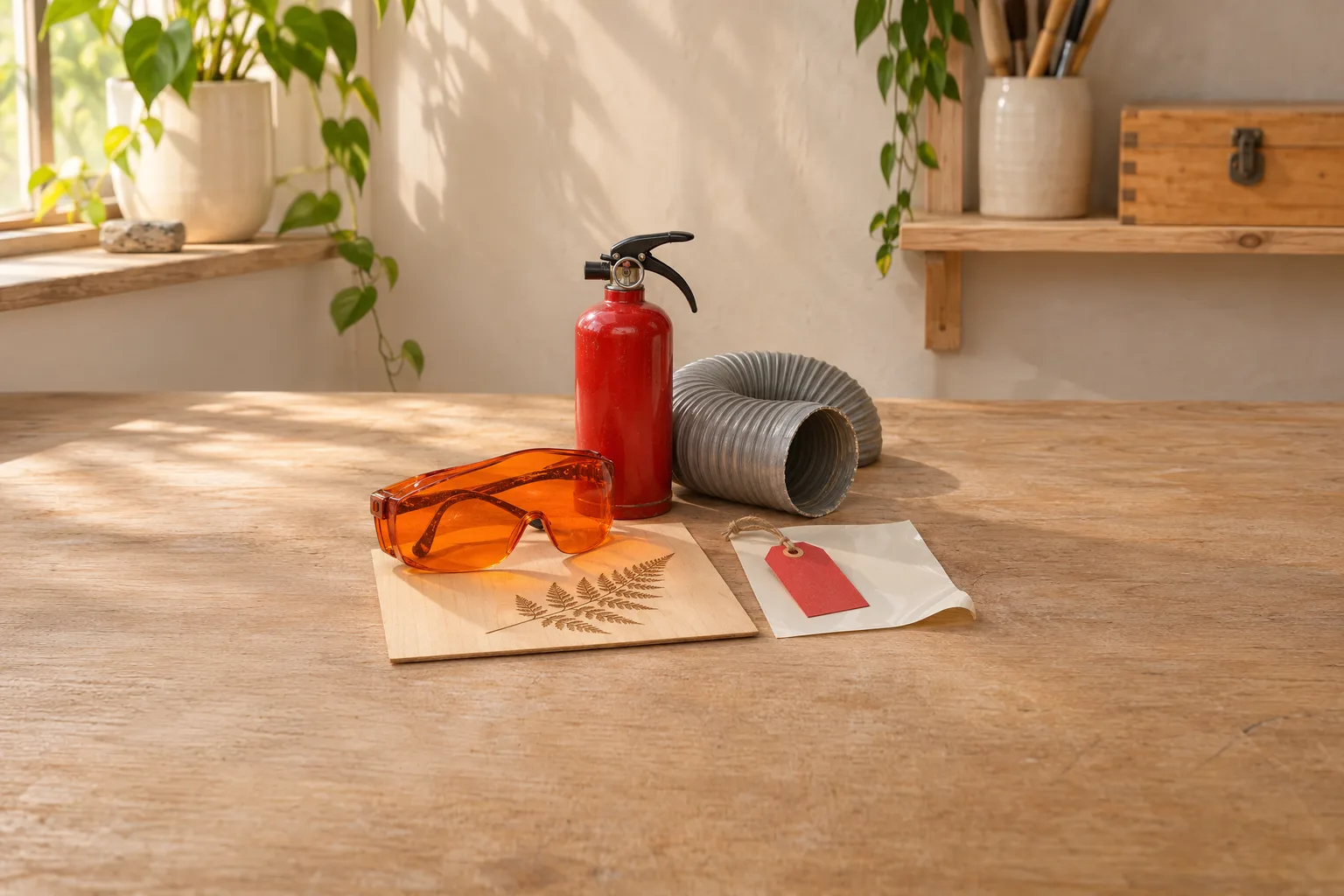
How to
Laser engraving has three hazards: the beam, fire and fumes. An enclosed Class 1 machine like the xTool M2 or the $439 Creality Falcon A1 keeps the beam inside in normal use, but every laser needs venting or a filter and someone watching it, and none should ever cut PVC or vinyl.
Read the guide →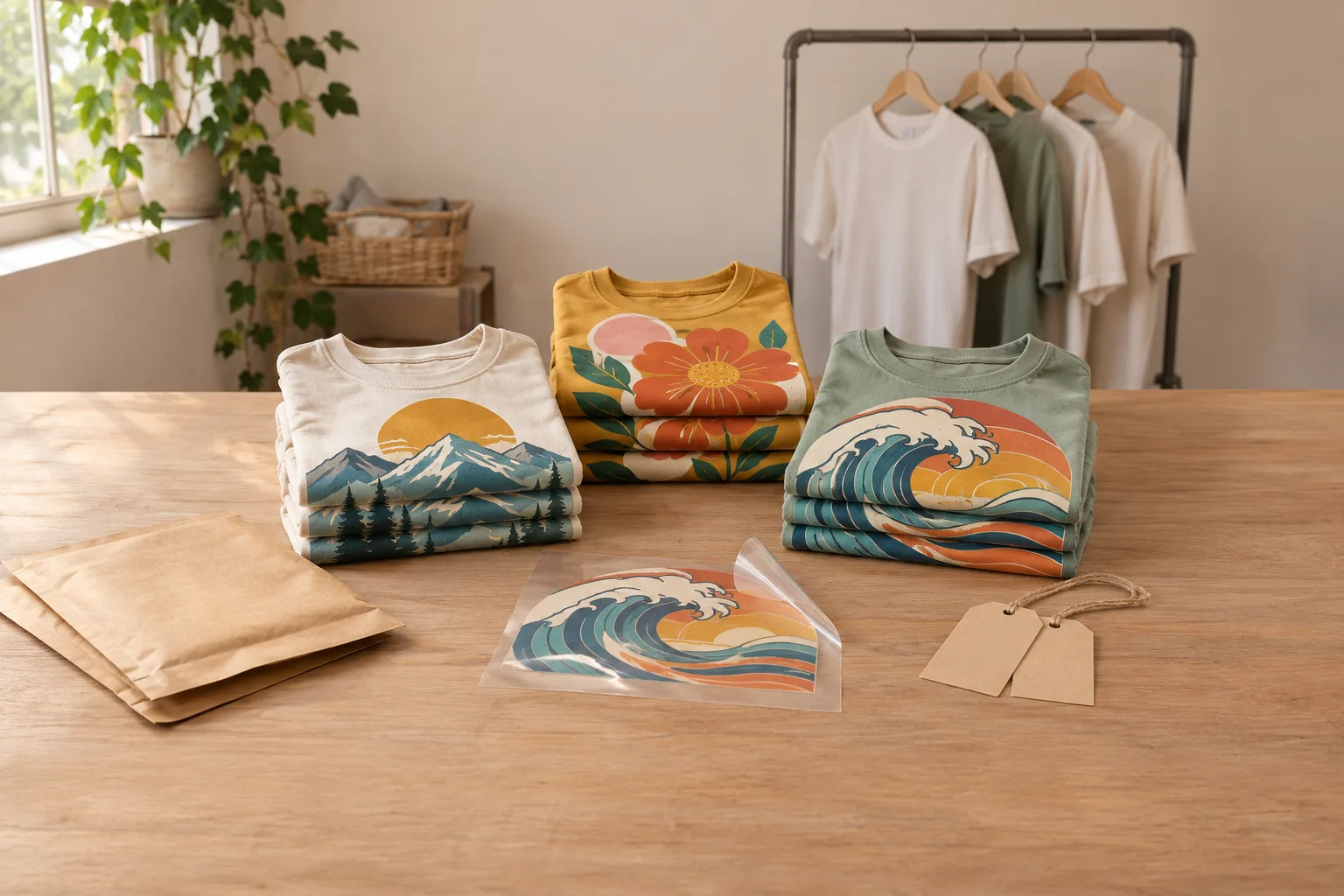
How to
The cheapest way to start a T-shirt business is a heat press and bought DTF transfers: about $318 for an HTVRONT Auto Heat Press 2, a 10-design gang sheet and ten Gildan blanks in November 2026. HTV starts near $300, an in-house DTF printer near $2,300, and DTG near $5,000.
Read the guide →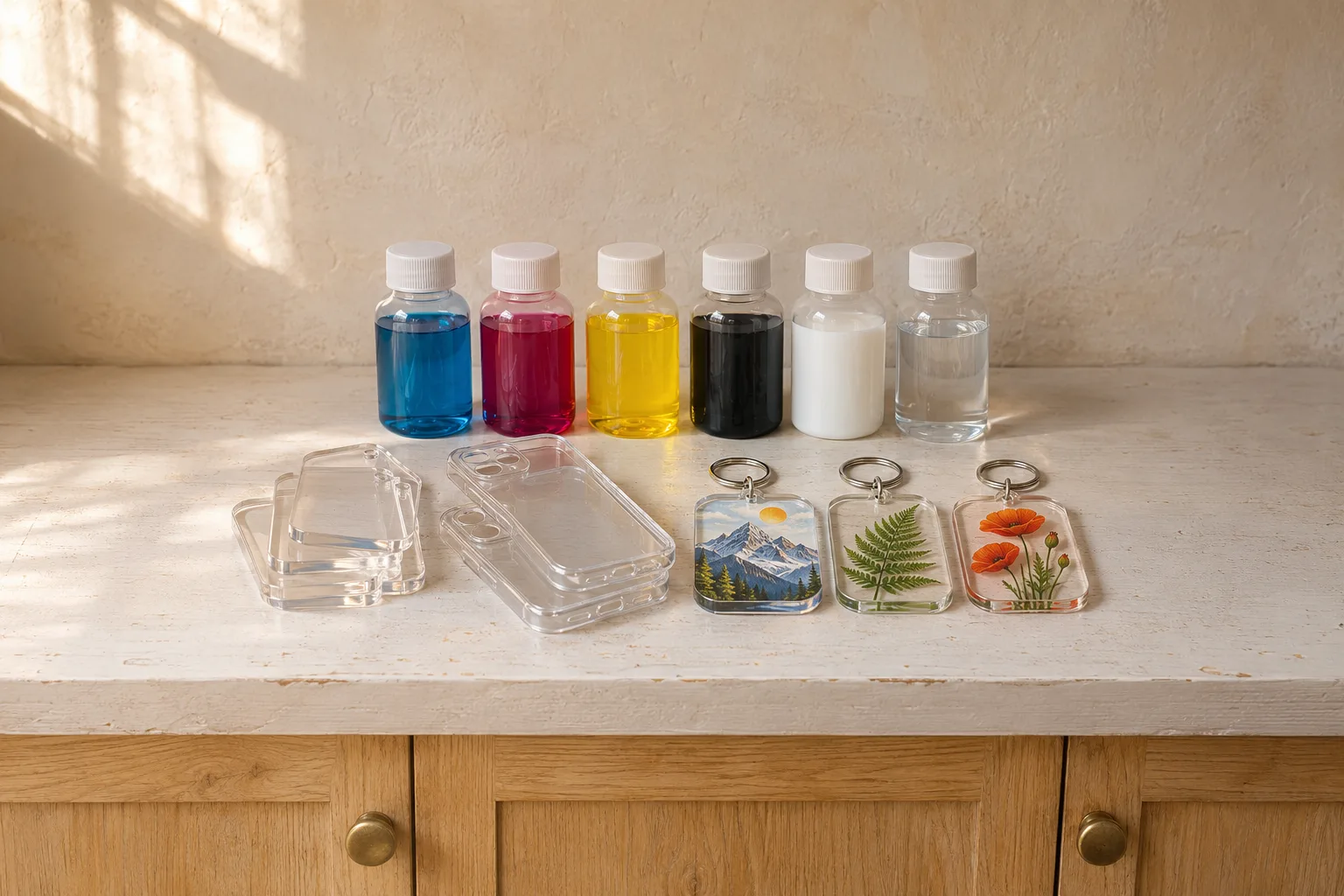
How to
Desktop UV printers cost about $1,599 to $5,299 in November 2026, from the eufyMake E1 ($1,598.99 printer only at Best Buy, $1,799 with ink at eufyMake) to the Procolored V11 Pro. Ink runs 8¢ to 49¢ a milliliter, and eufyMake puts the ink for a flat print at 16¢ to 63¢, or up to $2.45 with raised texture.
Read the guide →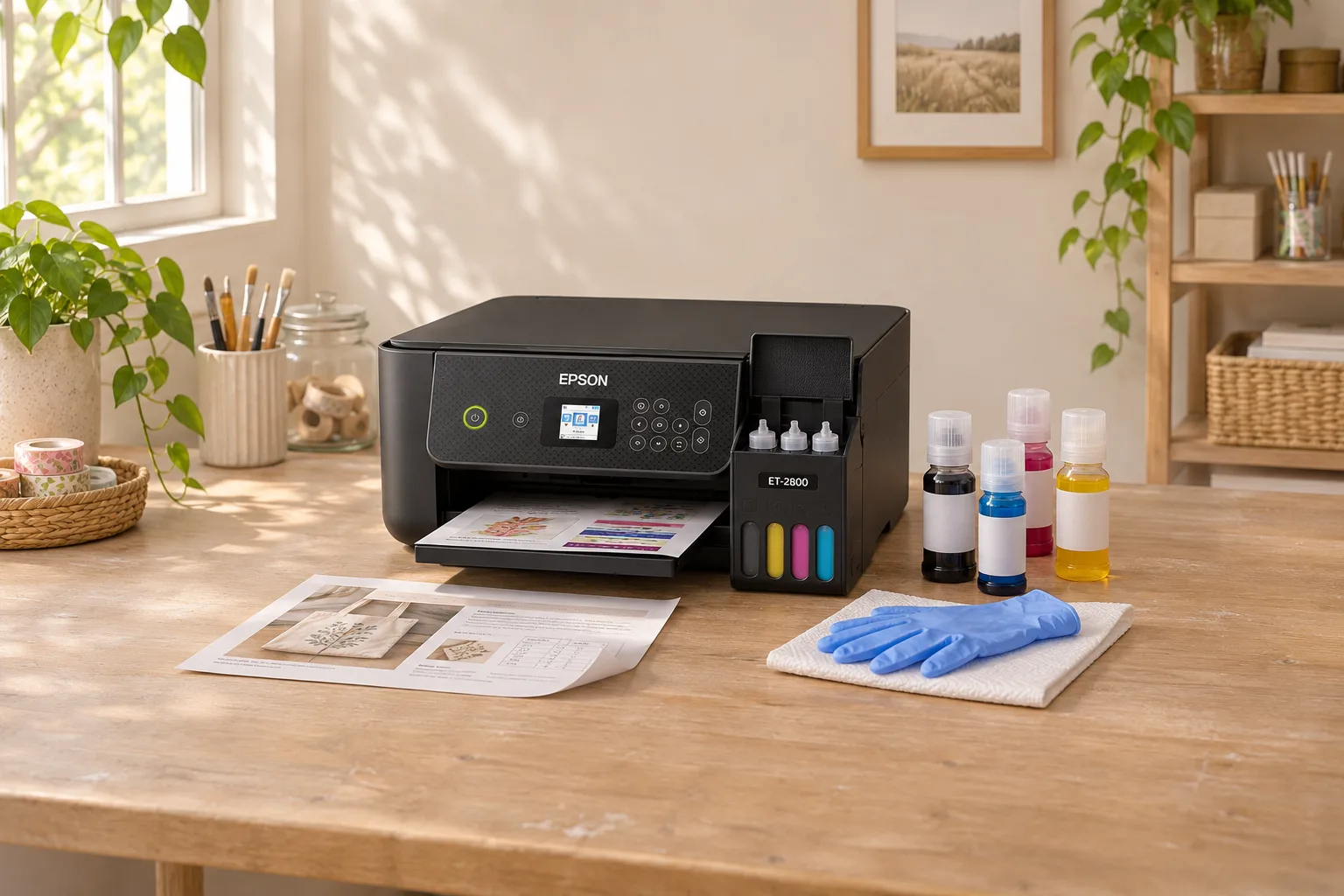
How to
You can turn a new Epson EcoTank into a sublimation printer by filling it with sublimation ink instead of Epson's. The ET-2400 is the cheapest to convert and the ET-15000 the cheapest for 13 x 19. Epson won't pay for damage the ink causes.
Read the guide →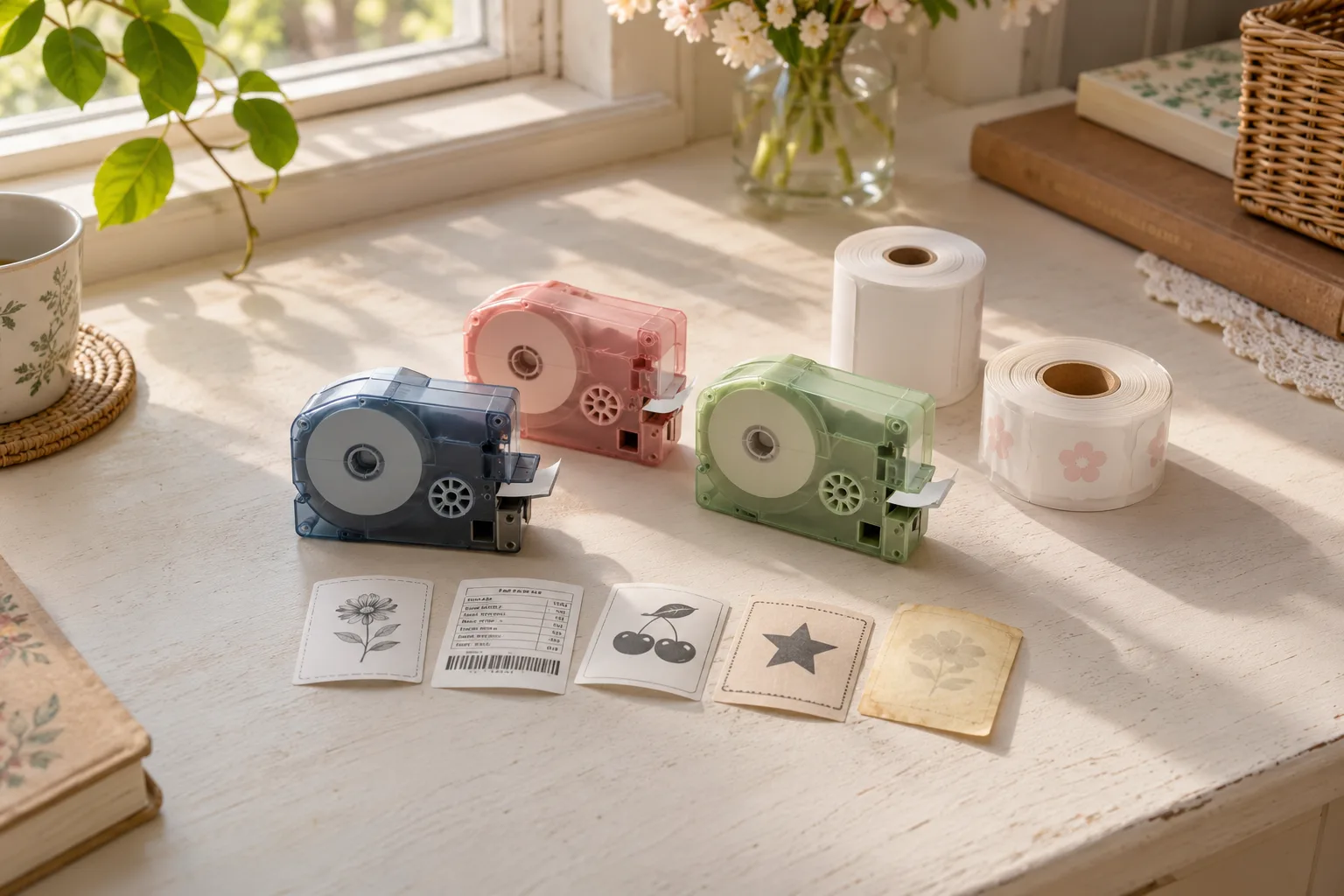
How to
No. Label makers print with heat, either through a ribbon built into each tape cassette or directly onto heat-sensitive labels. What you keep buying is tape or labels, and some brands lock you into theirs.
Read the guide →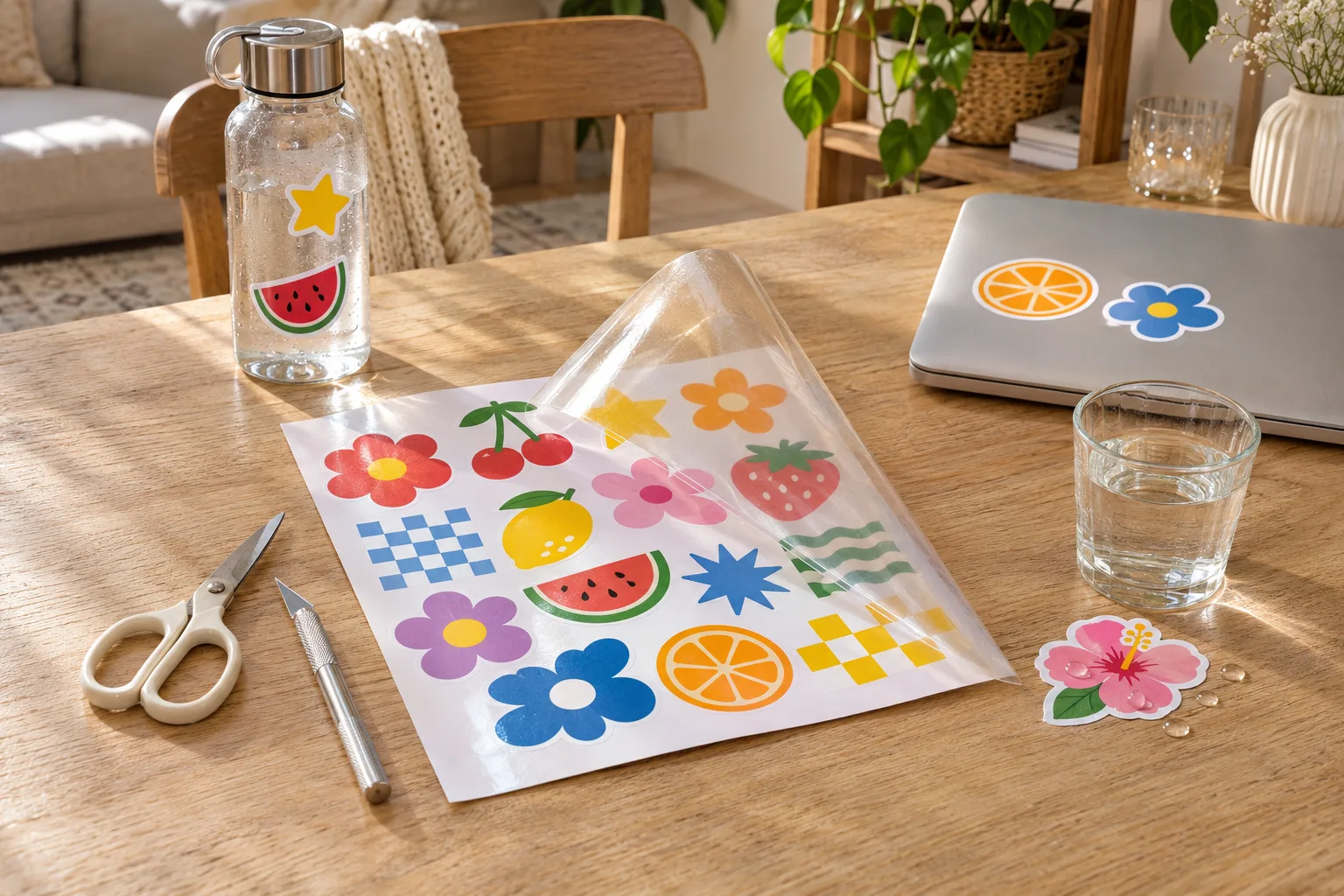
How to
Print on sticker paper or printable vinyl with an inkjet, laminate it, and cut by hand or with a Cricut, or let an all-in-one like the Liene PixCut S1 do it all. Here's what each costs per sticker.
Read the guide →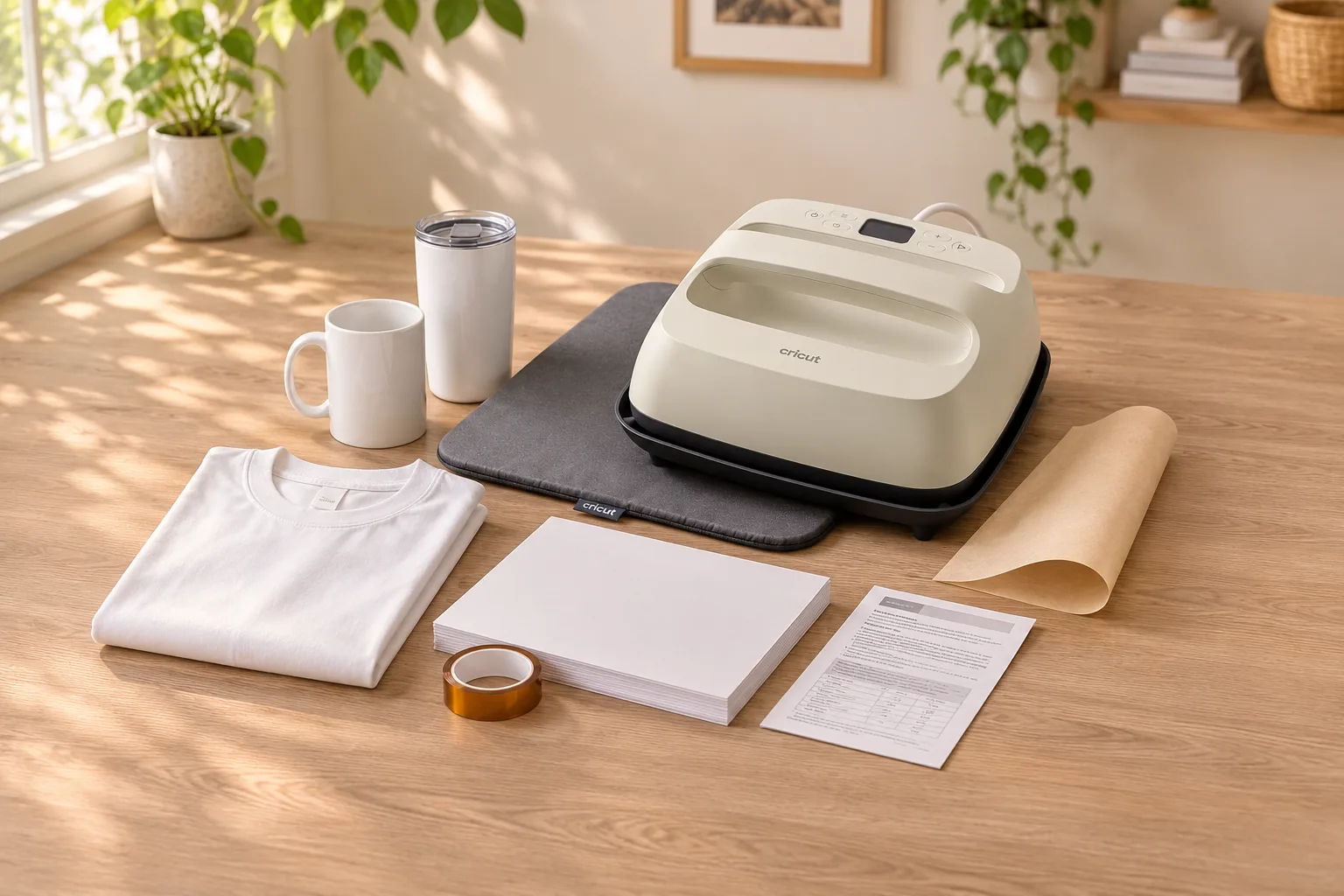
How to
To start sublimation you need a sublimation printer, sublimation paper, a heat press, heat tape and polyester or poly-coated blanks. A basic setup costs about $335 with a converted EcoTank and about $600 with a printer built for the job.
Read the guide →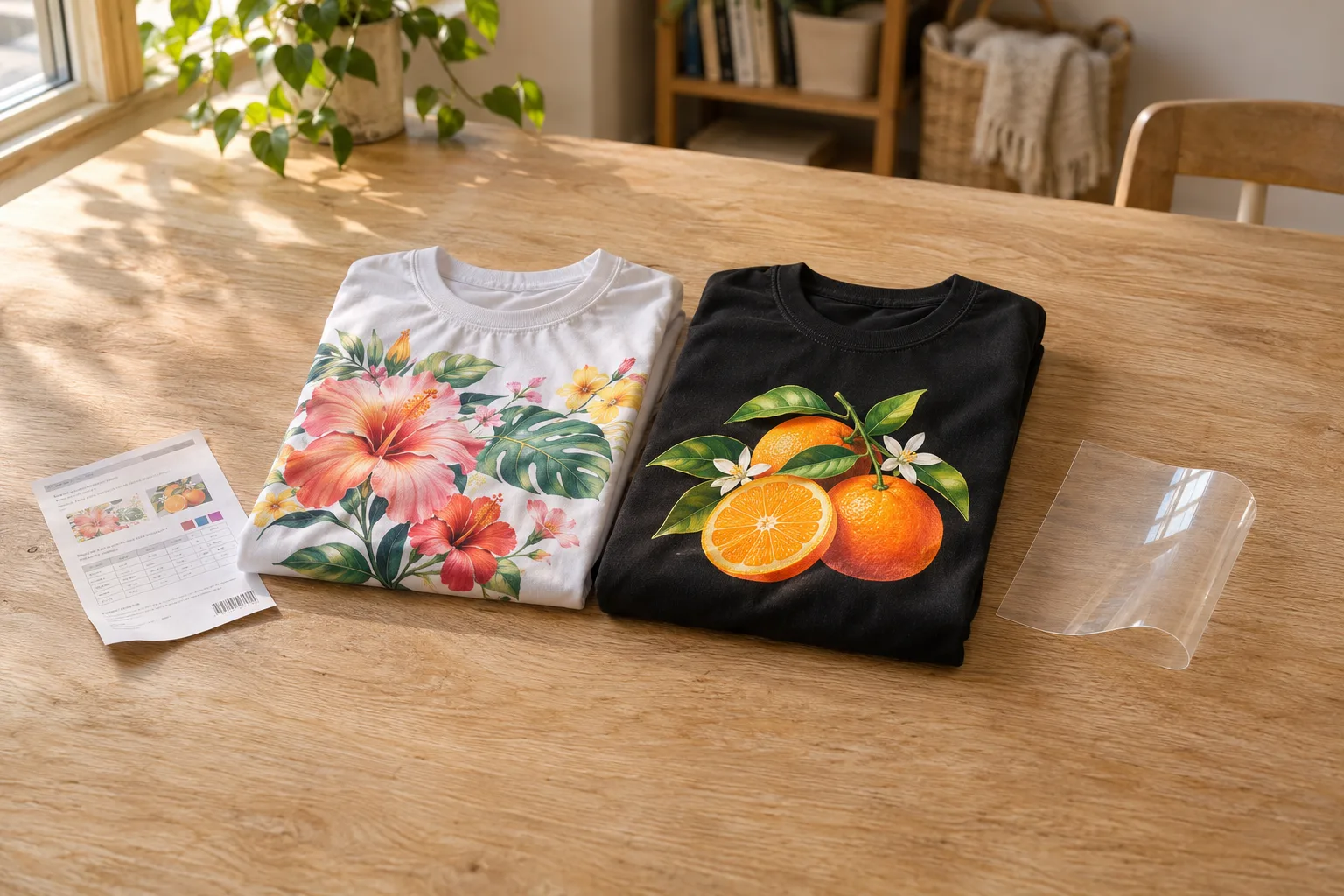
How to
Sublimation is cheapest and lasts longest, but only on white or light polyester. DTF prints full color on cotton and dark shirts but costs about $2,000 to start and needs regular upkeep. HTV is the simplest way to put solid colors on anything.
Read the guide →