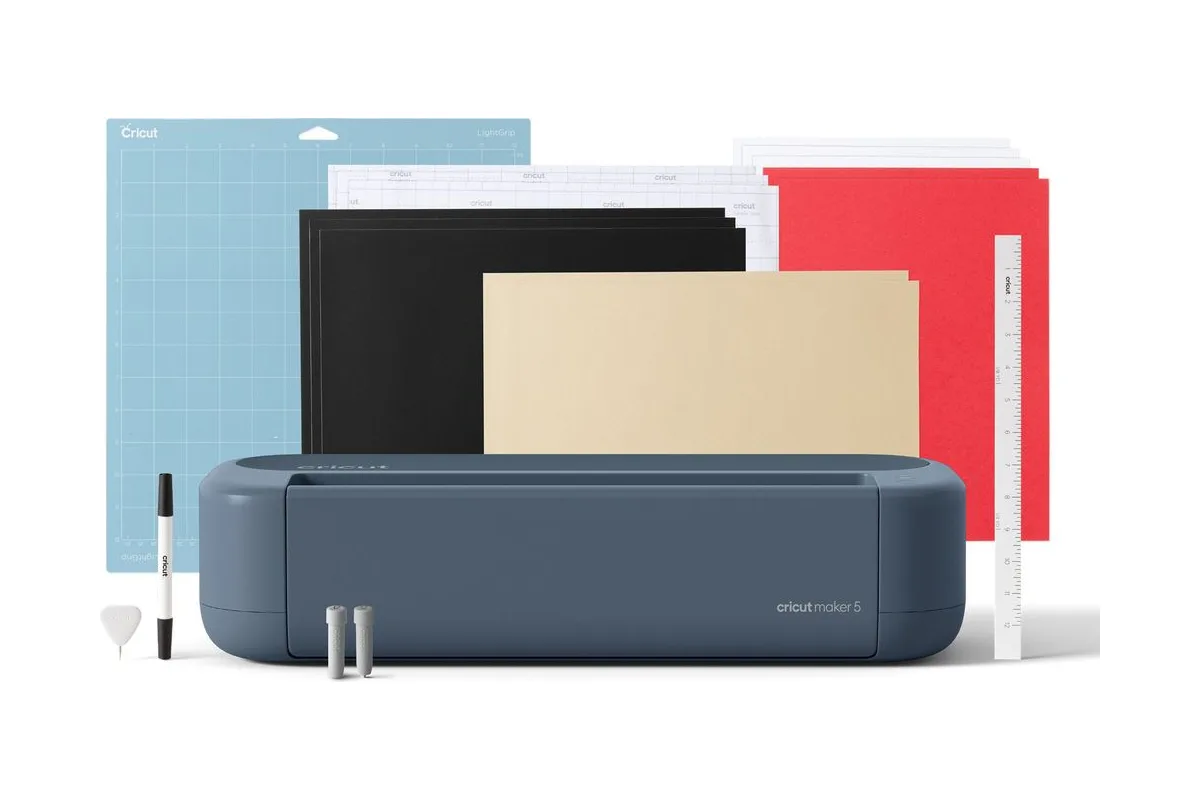
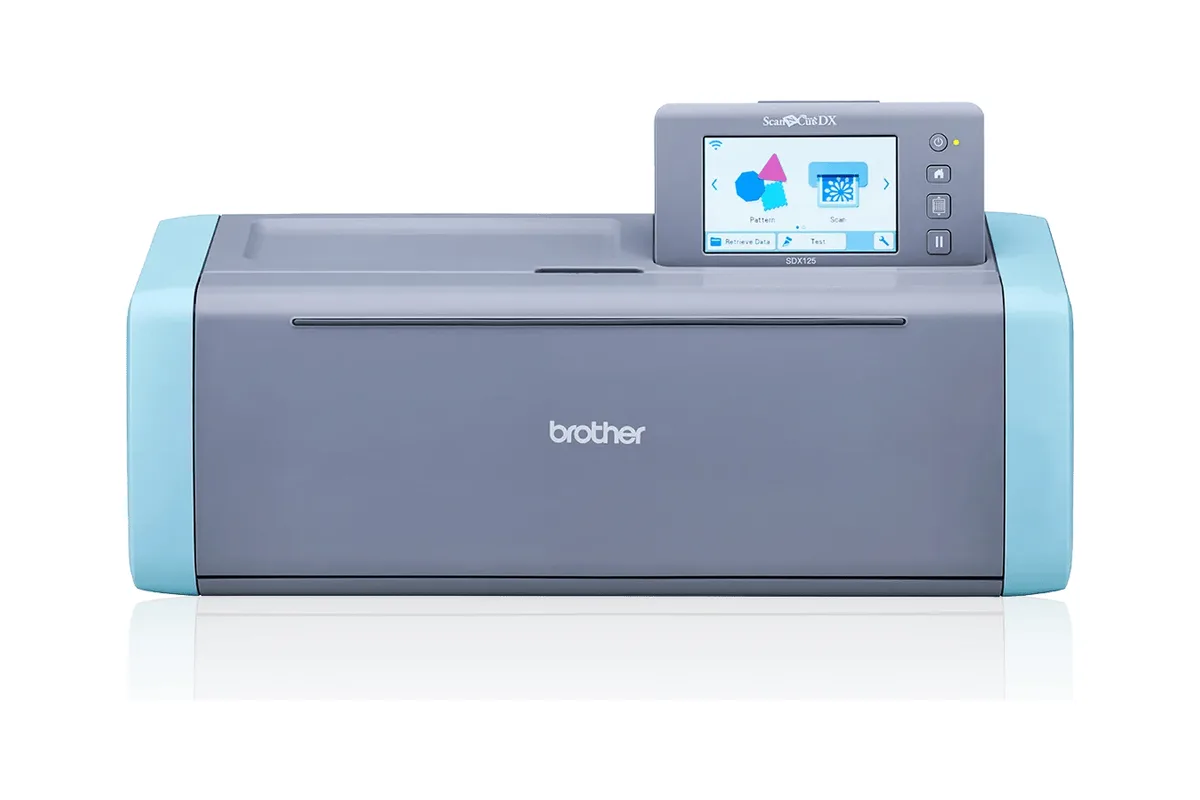
Side by side
| Feature | Cricut Maker 5 | BrotherScanNCut SDX125E |
|---|---|---|
| Type | Cutting machine | Cutting machine with scanner |
| Width | 12 in (Smart Materials); 11.5 in on a mat | 12 x 12 in mat |
| Thickness | 3 mm | |
| Software | Cricut Design Space | Brother CanvasWorkspace |
| Connection | Bluetooth, USB-C | Wi-Fi, USB stick |
| Where to buy | Check price at Amazon | Check price at Amazon |
Cricut Maker 5
- Type
- Cutting machine
- Width
- 12 in (Smart Materials); 11.5 in on a mat
- Thickness
- 3 mm
- Software
- Cricut Design Space
- Connection
- Bluetooth, USB-C
Brother ScanNCut SDX125E
- Type
- Cutting machine with scanner
- Width
- 12 x 12 in mat
- Thickness
- Software
- Brother CanvasWorkspace
- Connection
- Wi-Fi, USB stick
Brother ScanNCut vs Cricut Maker: which is better?
The Cricut Maker 5, for most people. It’s $349 at Cricut in November 2026, $100 less than the Brother ScanNCut SDX125E ($449.99). It takes 13 tools against the ScanNCut’s one tool head, cuts the same 3 mm, and cuts Cricut’s Smart Vinyl and Smart Iron-On 12 feet long without a mat. It also does Print Then Cut on sheets up to tabloid size, and runs from a phone or a computer.
Buy the ScanNCut if scanning is what you want. Its 600 dpi scanner reads a stamped image, a drawing or a printed fabric panel and cuts around the outline, with no registration marks. It works entirely from its own touchscreen, with no computer or app. For card makers, stampers and quilters, that’s worth the extra $100.
The Maker 5 launched in September 2026, but Cricut still sells the Maker 4 at the same $349. At equal prices, the Maker 5 is the better buy (see below).
What’s the difference?
| Cricut Maker 5 | Brother ScanNCut SDX125E | |
|---|---|---|
| Price (Nov 2026) | $349 at Cricut (machine only); Essential Bundle $399 at Cricut and Amazon | $449.99 at Brother and Amazon (machine) |
| Cut width | 12 in matless (Smart Materials); 11.5 in on a mat | 12 x 12 in mat in the box |
| Longest cut | 12 ft (Smart Vinyl, Smart Iron-On); 11.5 x 23.5 in on a 12 x 24 mat | 12 x 24 in mat (optional); 70.2 in with the roll feeder, now discontinued |
| Thickness | Up to 3 mm | Up to 3 mm, with automatic blade depth |
| Cut force | Not published | Not published |
| Speed | 14.1 in/s (358 mm/s) | Not published |
| Tools | 13, including Rotary, Knife, Engraving, Debossing, Perforation, Wavy and Scoring | One tool head: Auto Blade; Vinyl, Thin Fabric and Rotary blades optional |
| Print and cut | Print Then Cut up to Tabloid and A3 (about 15.9 x 9.9 in on tabloid) | Scans the printed sheet; no marks needed |
| Scanner | None (sensor reads printed marks) | 600 dpi, 11.7 in scan width |
| Built-in designs | None on the machine; 3,000+ free images in Design Space | 682, including 100 quilt patterns and 9 fonts |
| Works without a computer | With a phone or tablet (Bluetooth); not standalone | Yes, from a 5 in touchscreen |
| Connection | Bluetooth LE, USB-C | Wi-Fi, USB stick |
| Offline | Design Space offline on Windows, Mac and iOS; not Android; internet for setup and Print Then Cut | Touchscreen use needs no internet |
| Weight and size | 10.9 lb; 19.8 x 7.5 x 4.7 in | 12.79 lb |
| Warranty | 1 year | 1 year parts and labor; 2 years electronics |
Source: Cricut’s and Brother’s product pages and help centers, read November 28, 2026. Cricut’s product page gives the 12 x 24 mat area as 11.5 x 23.75 in; its spec page says 11.5 x 23.5 in.
Which cuts more materials?
The Cricut Maker 5, by a long way. Cricut lists 300+ materials and 13 tools. The Rotary Blade cuts unbacked fabric, the Knife Blade cuts balsa, basswood, chipboard and tooling leather, and QuickSwap tips engrave, deboss, perforate, score and cut wavy edges. Cricut rates the Maker 5 for materials up to 3 mm thick, up from 2.4 mm on the Maker 4.
The ScanNCut also cuts up to 3 mm, and its Auto Blade senses material thickness so you don’t set the depth. But it has one tool head, and the extra blades Brother lists for it are for vinyl, thin fabric and rotary cutting. Neither maker publishes a cut force.
Which is better for quilting and fabric?
The ScanNCut, if you quilt. It has 100 built-in quilt patterns, a ¼-inch seam allowance feature, and a scanner that cuts around printed fabric panels or appliqué shapes you’ve drawn. Brother sells a Thin Fabric Auto Blade ($20.99) and a Rotary Auto Blade Kit.
The Maker 5 cuts fabric too, with its Rotary Blade on a FabricGrip mat, and Cricut says rotary designs should be at least ¾ inch. It has no seam allowance button or quilt library on the machine. For other fabric cutters, including die cutters, see the best cutting machines for fabric.
Which is better for vinyl and shirts?
The Cricut Maker 5. It cuts Smart Vinyl and Smart Iron-On 12 feet long without a mat, and other brands on a 12 x 24 mat. The ScanNCut cuts vinyl on its mat, but its long-material option, the CADXRF1 roll feeder (70.2 inches), is now marked discontinued. For a vinyl-first cutter, also look at Silhouette’s CAMEO 5α, which cuts lined vinyl 16 feet long without a mat. See the best vinyl cutters for T-shirts.
Which is easier to use?
The ScanNCut, if you don’t want an app. Everything happens on its 5-inch touchscreen: pick a built-in design or scan one, edit it, cut. Brother’s CanvasWorkspace software is optional. Brother has discontinued its web version, and the PC app (Windows 11, macOS 15 and 26) needs a free account.
The Maker 5 can’t cut on its own. Cricut says it needs Design Space to set up and make projects, on Windows, Mac, iPhone, iPad or Android. You need the internet to install, sign in, set up the machine and use Print Then Cut. After that, Design Space can cut offline on Windows, Mac and iOS, but not Android. Knife Blade and Foil Transfer projects need the desktop app.
Which costs more to own?
Neither needs a subscription. Cricut Access ($9.99 a month or $95.88 a year) is optional, and Design Space imports your own SVG files free. Brother’s built-in designs and CanvasWorkspace come with the machine.
The bigger difference is what you add to cut fabric and thick materials:
| Our estimate (list prices) | Cricut Maker 5 | Brother SDX125E |
|---|---|---|
| Machine | $349 | $449.99 |
| Fabric | Rotary Blade + housing, $54.99 | Rotary Auto Blade Kit with fabric mat (Amazon), $108.98 |
| Wood and leather | Knife Blade + housing, $49.99 | No knife blade listed |
| Total | $453.98 | $558.97 (no knife blade) |
Cricut had its tools at 50% off for Black Friday. Brother’s Vinyl and Thin Fabric Auto Blades are $20.99 each; a Cricut Premium Fine-Point replacement blade is $14.99 ($29.99 for five). Brother’s warranty runs longer: 2 years on electronics against Cricut’s 1 year.
What about the Cricut Maker 4?
Get the Maker 5 instead at the same price. Cricut still sells the Maker 4 for $349 (MSRP $399), and Amazon has it at $349 too. Against the Maker 5, it cuts 2.4 mm instead of 3 mm, cuts 11.7 inches wide matless instead of 12, and cuts Smart Iron-On only 4 feet long against 12. It’s also bigger and heavier: 22.1 x 7.1 x 6.2 in and 15.4 lb. Both are rated at 14.1 inches a second.
The Maker 4 still has one advantage: it takes the old Scoring Stylus and Maker pens, which don’t fit the Maker 5. See Cricut Maker 5 vs Maker 4.
Which should you buy?
The Cricut Maker 5 if you want the most versatile cutter for vinyl, shirts, cards, fabric, wood and leather, for $349. The Brother ScanNCut SDX125E if you’d rather scan and cut from a touchscreen, or you cut stamped images and quilt pieces most of the time. Read our ScanNCut SDX125E review and Cricut Maker 5 review.
Questions people ask
Is Brother ScanNCut better than Cricut?
For scanning and computer-free cutting, yes: it reads stamped, drawn or printed art and cuts around it with no marks. For everything else, the Cricut Maker 5 does more with 13 tools for $100 less.
Can a Cricut scan images like a ScanNCut?
No. A Cricut’s sensor reads the registration marks Design Space prints around a design. It can’t scan a drawing or a stamped card front.
Does the Brother ScanNCut need a computer?
No. It cuts from its 5-inch touchscreen with 682 built-in designs. A Cricut Maker 5 needs Design Space on a computer, phone or tablet.
Which is better for quilting, ScanNCut or Cricut?
The ScanNCut, with 100 built-in quilt patterns, a seam allowance feature and fabric scanning. The Maker 5’s Rotary Blade cuts fabric well, but it has no quilt tools on the machine.
Can the ScanNCut cut wood or leather?
Brother rates it for materials up to 3 mm but lists no knife blade. For balsa, basswood, chipboard and tooling leather, the Maker 5’s Knife Blade is the tool Cricut makes for the job.
Is the Cricut Maker 4 still worth buying?
Not at $349, the same price as the Maker 5, which cuts thicker materials and longer Smart Iron-On. Buy it only on a clear discount or if you need its older pens and Scoring Stylus.
Sources
- Cricut Maker 5, cricut.com
- Cricut Maker 5 specifications, help.cricut.com
- Cricut Maker 5 FAQ, help.cricut.com
- Cricut Maker 5 announcement, investor.cricut.com
- Cricut Maker 4, cricut.com
- Cricut Maker 4 Quick Start Guide, help.cricut.com
- Cricut: How large can I Print Then Cut?, help.cricut.com
- Cricut Design Space offline feature, help.cricut.com
- Cricut blades and machine tools, help.cricut.com
- Cricut warranty documentation, help.cricut.com
- Brother ScanNCut SDX125E, Brother
- Brother ScanNCut SDX225, Brother
- Brother CanvasWorkspace notice, support.canvasworkspace.brother.com
- Amazon: Brother ScanNCut SDX125E, amazon.com
- Amazon: Cricut Maker 5 Essential Bundle, amazon.com
Keep exploring
Buying guide
The best cutting machines for fabric and quilting
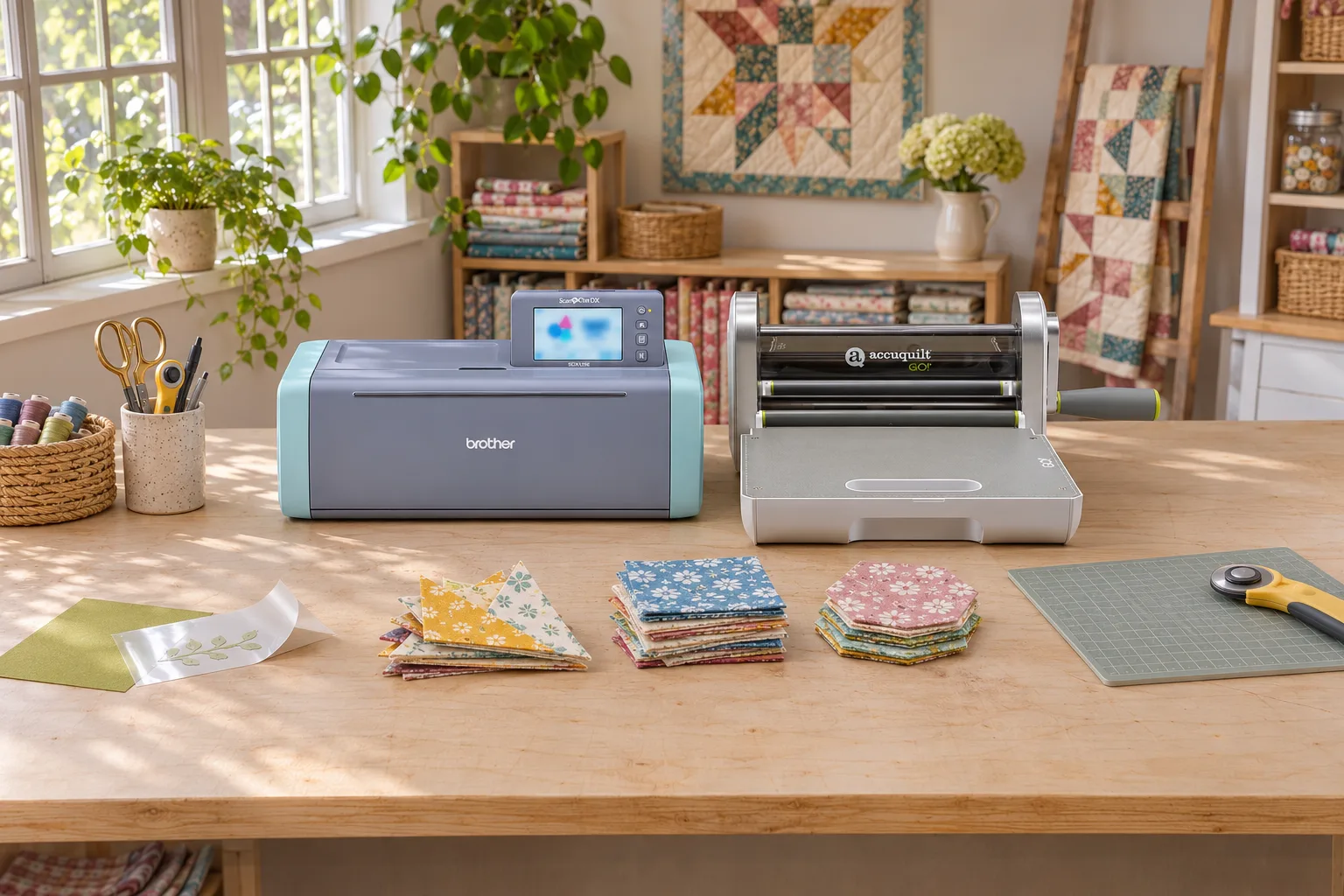
The AccuQuilt GO! is the best cutting machine for quilting: a hand-cranked die cutter that AccuQuilt rates at up to six layers of quilting cotton per pass, $329.99 in November 2026. For custom shapes and appliqué, the Cricut Maker 5 ($349) cuts unbacked fabric with its Rotary Blade, and the Brother ScanNCut SDX125E ($449.99) scans fabric and adds seam allowances. The GO! Me ($99.99) is the cheapest way in.
See the picks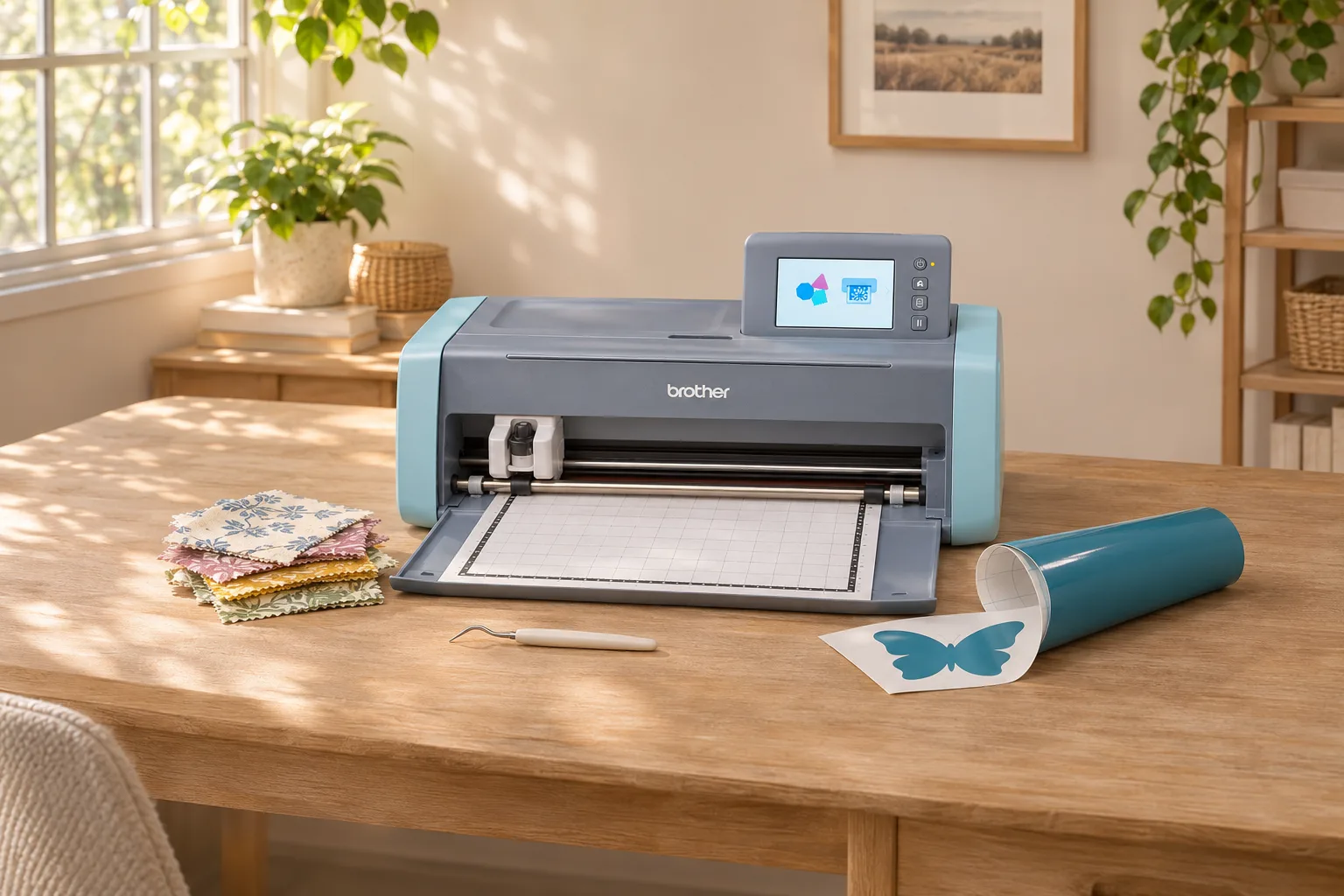
Review
Brother ScanNCut SDX125E review
Worth it at $449.99 if you cut around stamped, drawn or printed art and fabric without a computer. For vinyl and shirts, the $349 Cricut Maker 5 does more for less.
Read the review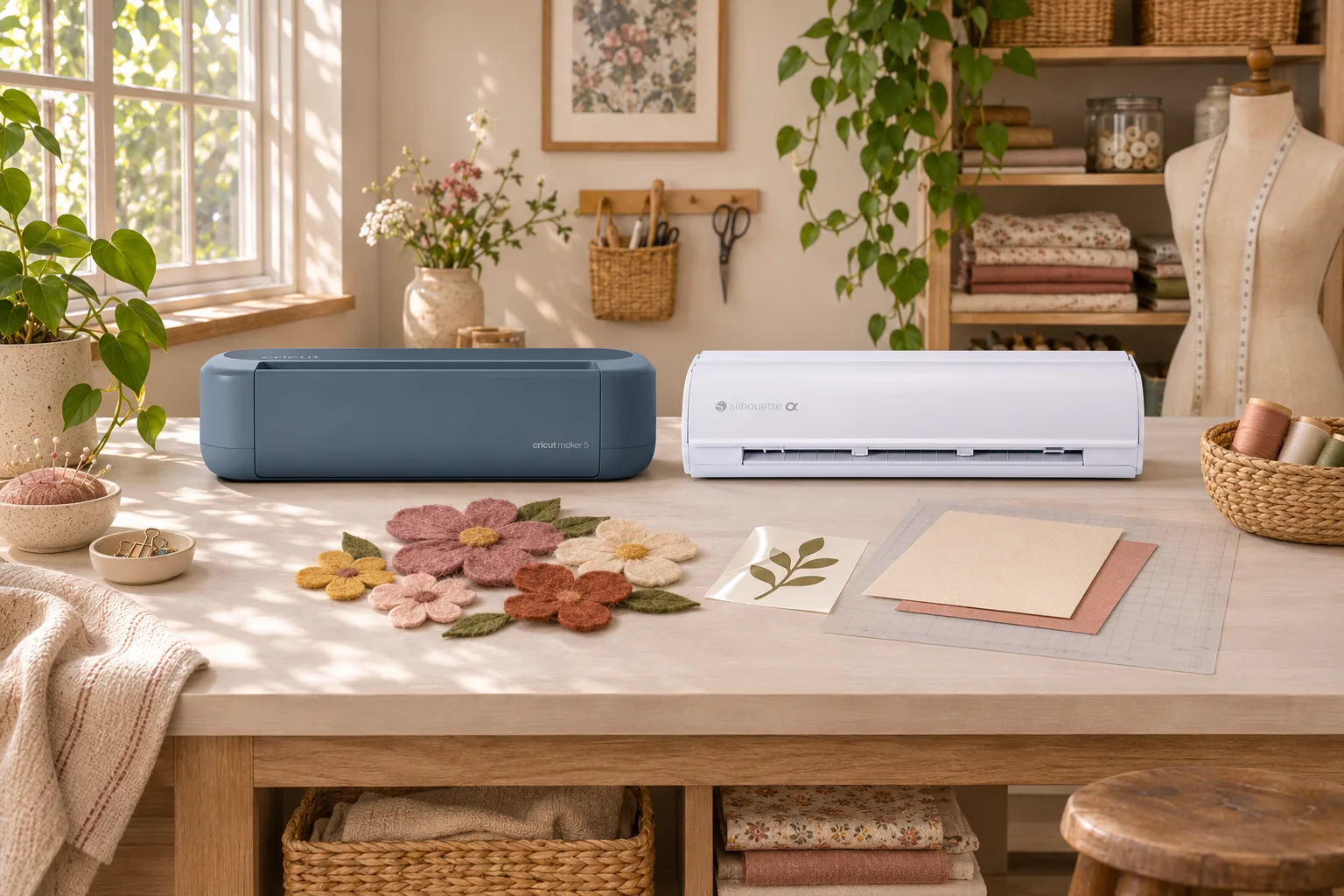
Buying guide
The best cutting machine for every material
The Cricut Maker 5 ($349) is the best cutting machine if you want one that cuts vinyl, cardstock, unbacked fabric, leather and thin wood. By material: the Silhouette CAMEO 5α for vinyl ($279.99), the Cricut Explore 5 for paper and cardstock ($199), the AccuQuilt GO! for quilting ($329.99), the Maker 5 for leather and wood, and the 24-inch Siser Romeo for long signs ($399 on sale).
See the picks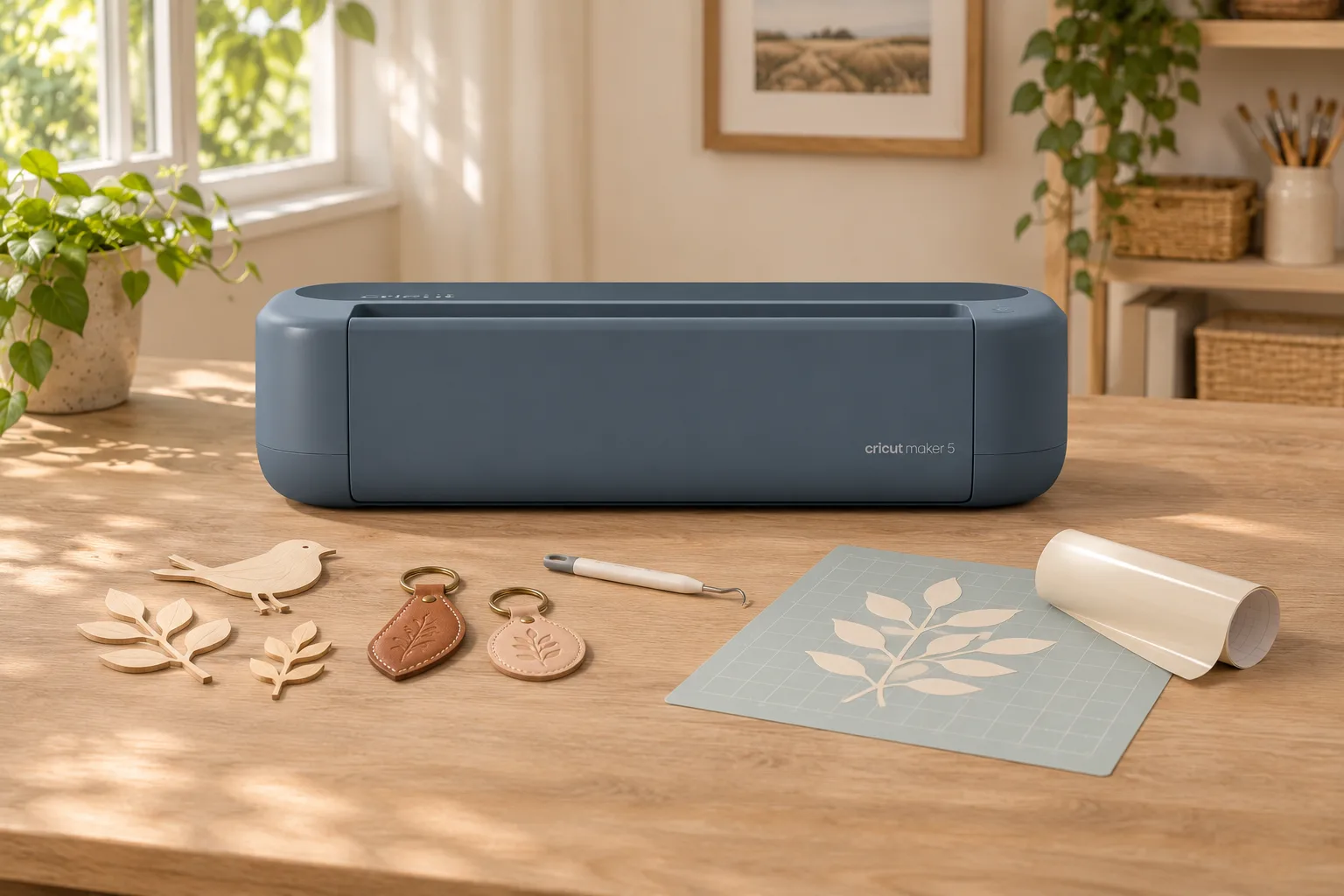
Buying guide
The best cutting machines for leather and wood
The Cricut Maker 5 is the best blade cutter for leather and thin wood: with its Knife Blade it cuts basswood, balsa, chipboard and tooling leather, and Cricut rates it to 3 mm, for $349 in November 2026. For wood thicker than about 3 mm, a laser wins: the xTool M2 cuts 8 mm basswood in one pass for $499.
See the picks