The quick answer
The best cutting machine without a subscription is the Silhouette CAMEO 5α: Silhouette Studio Basic is free and works offline, and its upgrades are one-time purchases ($49.99 to $99.99 at list). The $279.99 Starter Bundle includes the Designer upgrade you need for SVG files. No major cutter requires a subscription to cut: the Cricut Explore 5 ($199) uploads your own files free with Cricut Access optional, the Brother ScanNCut SDX125E ($449.99) cuts from its own touchscreen, and the 24-inch Siser Romeo ($399 on sale) comes with free Leonardo software.
Our quick picks

Compare the picks
| Feature | Best cutting machine without a subscriptionSilhouette Cameo 5α | Best cheap cutter if you upload your own designsCricut Explore 5 | Best with no computer or softwareBrotherScanNCut SDX125E | Best small cutter without a subscriptionSilhouette Portrait 4 | Best 24-inch cutter without a subscriptionSiser Romeo |
|---|---|---|---|---|---|
| Type | Cutting machine | Cutting machine | Cutting machine with scanner | Cutting machine | Vinyl cutter |
| Media | Printable vinyl, sticker paper, cardstock, HTV | Printable vinyl, sticker paper, cardstock, HTV | |||
| Max size | 12 x 24 in mat | 12 x 24 in mat | |||
| Connection | Bluetooth, USB | Bluetooth, USB | Wi-Fi, USB stick | Bluetooth, USB | Wi-Fi, USB |
| Where to buy | Check price at Amazon | Check price at Amazon | Check price at Amazon | Check price at Amazon | Check price at Amazon |
Best cutting machine without a subscription
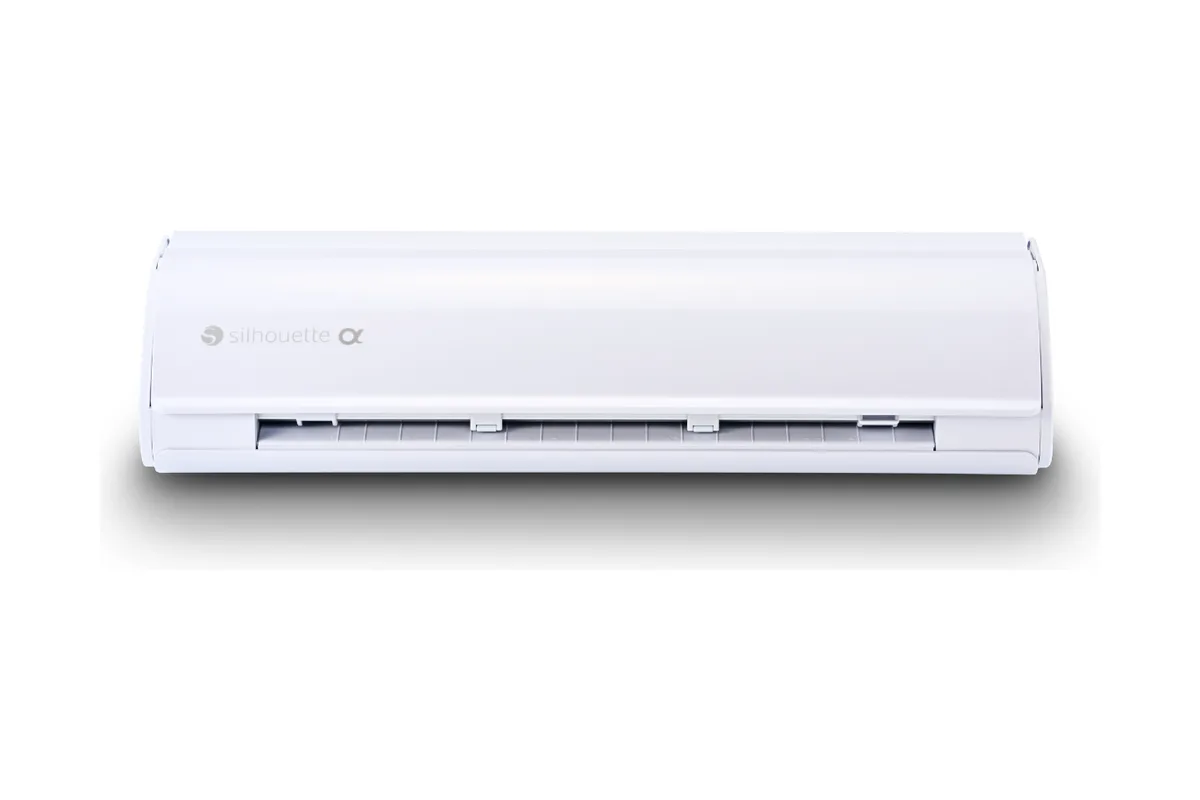
Silhouette Cameo 5α
- Type
- Cutting machine
- Media
- Printable vinyl, sticker paper, cardstock, HTV
- Max size
- 12 x 24 in mat
- Connection
- Bluetooth, USB
Best cheap cutter if you upload your own designs
Cricut Explore 5
- Type
- Cutting machine
- Media
- Printable vinyl, sticker paper, cardstock, HTV
- Max size
- 12 x 24 in mat
- Connection
- Bluetooth, USB
Best with no computer or software
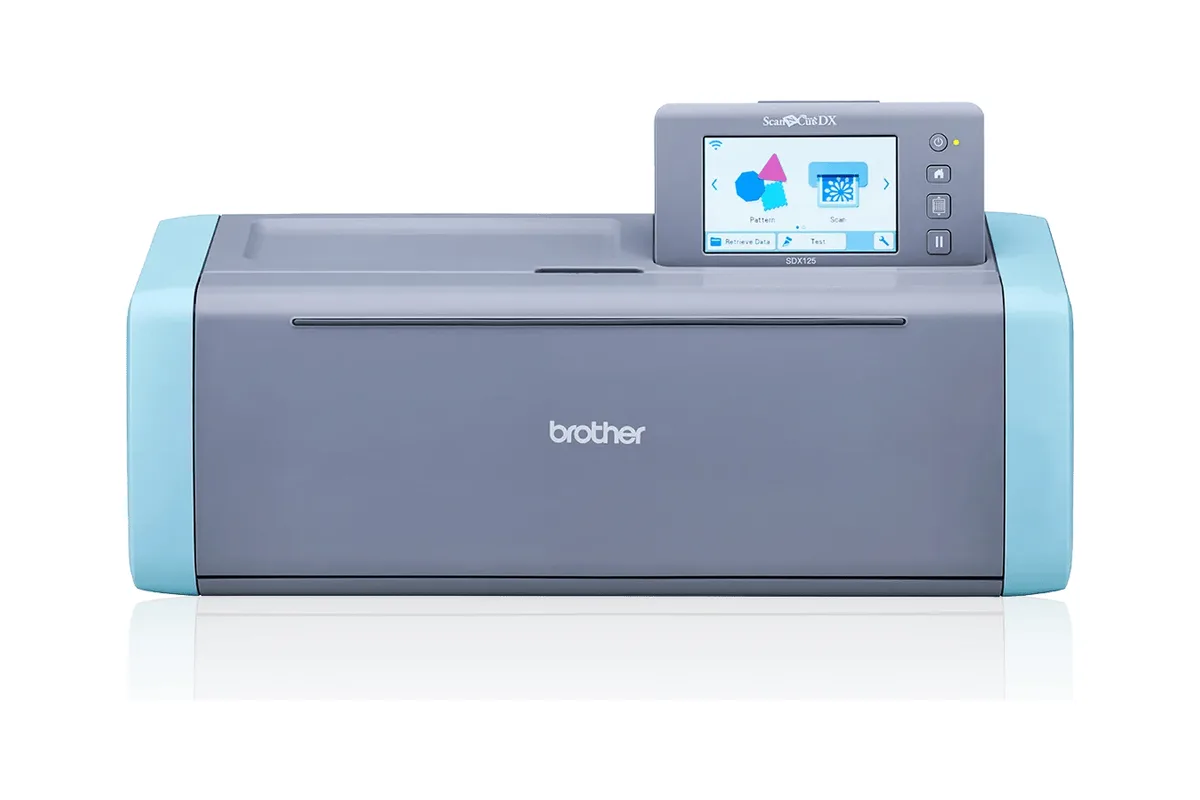
Brother ScanNCut SDX125E
- Type
- Cutting machine with scanner
- Media
- Max size
- Connection
- Wi-Fi, USB stick
Best small cutter without a subscription
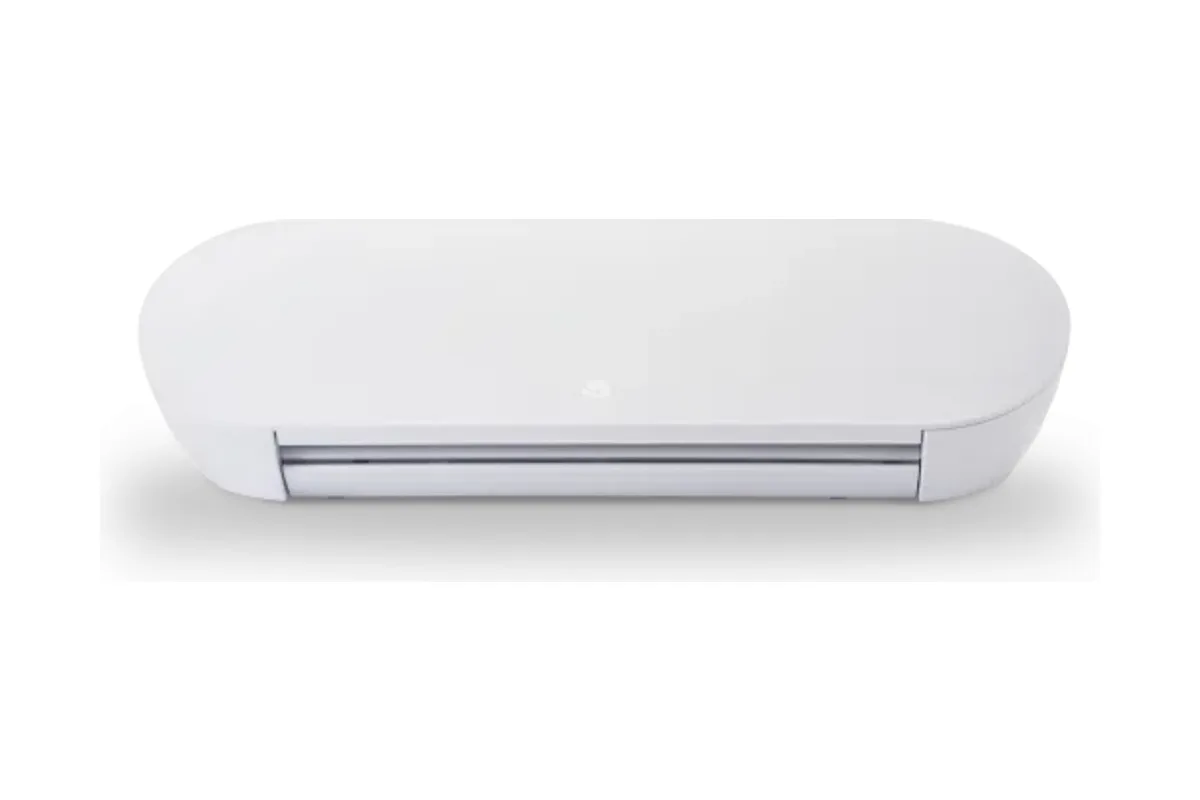
Silhouette Portrait 4
- Type
- Cutting machine
- Media
- Max size
- Connection
- Bluetooth, USB
Best 24-inch cutter without a subscription
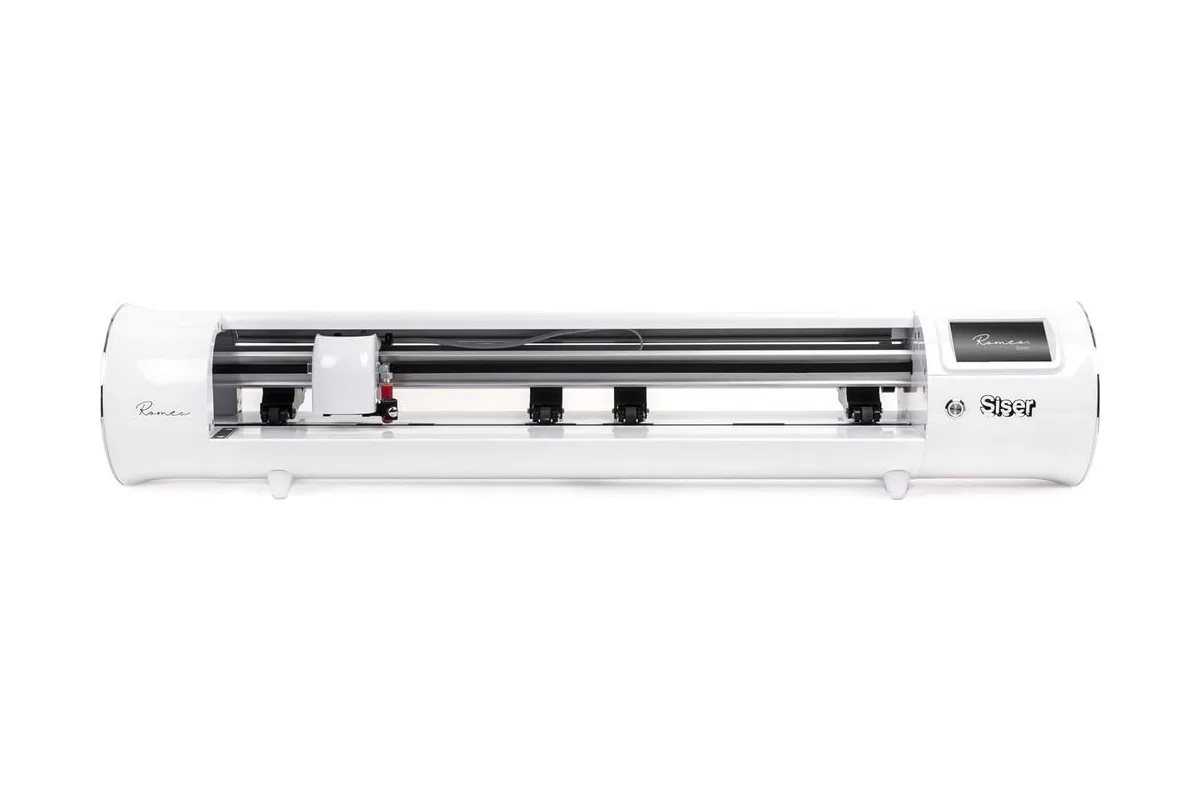
Siser Romeo
- Type
- Vinyl cutter
- Media
- Max size
- Connection
- Wi-Fi, USB
01Best cutting machine without a subscription
Silhouette Cameo 5α
Silhouette's 12-inch cutter, with free offline software and one-time paid upgrades instead of a subscription.
The CAMEO 5α is the pick because its software is a product you buy once, not a service you rent. Silhouette Studio Basic is free, designs, traces images into cut lines, opens DXF files and works offline once your content is synced. The paid editions are one-time upgrades: Designer ($49.99 list) adds SVG and PDF import, Designer Plus ($74.99) adds rhinestones and embroidery files, and Business ($99.99) adds SVG export, multi-cutter support and nesting. Silhouette's own words are "no subscriptions required."
The machine is $279.99 at Silhouette in November 2026 (list $299.99), and the Starter Bundle costs the same $279.99 with the Designer upgrade and a vinyl starter kit included, so buy that. It cuts any lined vinyl without a mat, 11.6 inches wide and up to 16 feet long, with 3 mm clearance and two tool holders. Amazon has it at $299.99. Silhouette's Club and Design Store subscriptions are optional. Read our CAMEO 5α review.
Good for
- Silhouette Studio Basic is free and works offline
- Paid upgrades are one-time purchases, not subscriptions
- 4-point Print & Cut registration and 16-foot matless cuts
Consider
- Importing SVG files needs the Designer edition ($39.99 on sale)
- Costs more than Cricut's Explore 5
02Best cheap cutter if you upload your own designs
Cricut Explore 5
Cricut's 2026 full-size cutter, the cheapest Cricut with 12-inch mats and tabloid-size Print Then Cut.
The Explore 5 works fine without a subscription, and it's the cheapest way to cut your own designs: Design Space uploads SVG, DXF, PNG and JPG files free, with no monthly cap, and uses the fonts on your computer. A free Cricut account also includes 3,000-plus images, 100-plus fonts and 250-plus projects, and Cricut's Angel Policy lets free users sell finished projects too.
It's $199 at Cricut in November 2026, and the Essential Bundle is also $199 at Cricut and Amazon. The catch is the account: you need a Cricut ID and an internet connection to sign in, set up the machine, upload images and use Print Then Cut, and Android has no offline mode. Cricut Access ($9.99 a month or $95.88 a year) unlocks the full library, background remover, Convert to Layers and other tools. See do you need Cricut Access?.
Good for
- 12 x 12 and 12 x 24 inch mats, and up to 12 feet of Smart Materials without a mat
- Sensor that recognizes and cuts around inkjet-printed images
- $199 at Cricut, and the Amazon Essential Bundle is also $199 in November 2026
Consider
- You still need a separate inkjet printer
- Design Space needs a Cricut account and the internet for setup, uploads and Print Then Cut; Cricut Access is a paid extra
03Best with no computer or software
Brother ScanNCut SDX125E
Brother's cutter with a built-in 600 dpi scanner and touchscreen, so it cuts without a computer, $449.99 at Brother and Amazon.
The SDX125E is the most self-contained cutter here. It has a 5-inch touchscreen, 682 built-in designs and a 600 dpi scanner, so you can draw or print a design, scan it and cut it with no computer, app or registration marks. Brother's Auto Blade senses material thickness up to 3 mm. CanvasWorkspace, Brother's design software, is free, and Brother says wireless transfer needs no activation card, only a free account.
It's $449.99 at Brother and Amazon in November 2026. CanvasWorkspace's web version is discontinued, so you use the desktop app (Windows 11, recent macOS) or Artspira, and Brother requires an account. It has one tool holder, a 12 x 12 mat (12 x 24 optional) and no published speed or force. The warranty is one year on parts and labor and two on electronics. Read our SDX125E review.
Good for
- Scans drawings or fabric and cuts around them; no registration marks needed
- Works standalone from its touchscreen, with 682 built-in designs
- Free CanvasWorkspace software and Wi-Fi
Consider
- 12 x 12 inch mat in the box; the 12 x 24 mat is extra
- One tool head, and Brother doesn't publish a speed or force
04Best small cutter without a subscription
Silhouette Portrait 4
Silhouette's 8.5-inch compact cutter with free Studio software, $179.99 at Silhouette ($199.99 on Amazon).
The Portrait 4 is the cheap way into Silhouette's one-time software model. It cuts 8.5 x 12 inches on a mat and 8.6 inches wide without one, with automatic tool detection and Bluetooth and USB, and uses the same free Studio Basic as the CAMEO.
It's $179.99 at Silhouette in November 2026 (list $199.99), and the $189.99 Starter Bundle includes the Designer upgrade for SVG files, so it's $10 well spent. Amazon has it at $199.99. It has one tool holder and 2 mm clearance, and Silhouette's European table rates it at 100 mm/s. Silhouette lists a one-year parts-and-labor warranty. Read our Portrait 4 review.
Good for
- 8.5 x 12 inch mat, enough for letter-size sticker sheets
- Free Silhouette Studio Basic, with no subscription
- Bluetooth and USB
Consider
- One tool head and 2 mm clearance
- Slow next to full-size cutters (100 mm/s in Silhouette's EU spec table)
05Best 24-inch cutter without a subscription
Siser Romeo
Siser's 24-inch cutter with Wi-Fi, a registration camera for Print & Cut and free Leonardo software, $399 at Siser for Black Friday and $450.99 at Amazon.
The Romeo is a 24-inch cutter from Siser, and its Leonardo Design Studio software is free, with an offline mode, 6,225 designs, SVG, PNG, JPG and TIF import, weed boxes and a tile array. Leonardo Pro is a subscription, at $8.99 a month on Siser's software site, for premium designs, warp and text-on-path tools, rhinestones and exporting; you don't need it to cut.
It's $399 at Siser for Black Friday (list $599.99) and $450.99 on Amazon in November 2026. It takes rolls up to 25 inches wide, runs more than 5 yards per job, cuts at 24 inches a second and has a camera for print-and-cut marks. It connects over Wi-Fi or USB and has a one-year US warranty. Read our Romeo review.
Good for
- 24-inch class (25-inch media) with cut speeds up to 24 inches per second for long runs of HTV
- Wi-Fi, free Leonardo software, and a one-year US warranty
- Siser makes EasyWeed, the HTV most shops already use
Consider
- Siser's 12-inch Juliet is discontinued, so this is the only Siser cutter
- Bigger and pricier than a Cricut if you only cut one shirt at a time
What is the best cutting machine that works without a subscription?
The Silhouette CAMEO 5α. Every major cutting machine works without a subscription, but Silhouette is the one brand whose paid software is a one-time purchase: Studio Basic is free and works offline, and the upgrades cost $49.99 to $99.99 once, at list. The CAMEO 5α is $279.99 in November 2026, and its Starter Bundle includes the Designer upgrade for SVG files at the same price.
If you only cut your own designs or files you’ve bought, a Cricut doesn’t need a subscription either. Design Space is free and uploads SVG files with no cap. Cricut Access is a paid library and tool set on top, not a requirement.
What does each brand charge after you buy the machine?
| Cricut Design Space | Silhouette Studio | Brother CanvasWorkspace | Siser Leonardo | |
|---|---|---|---|---|
| Cut without paying? | Yes | Yes | Yes (or from the machine’s touchscreen) | Yes |
| Free tier includes | Unlimited uploads (SVG, DXF, PNG, JPG), your computer’s fonts, 3,000+ images, 100+ fonts, 250+ projects, 20 shapes, 5 collections | Design and text tools, image tracing, DXF import, offline use | Design, edit and send cut data; free account for wireless transfer | 6,225 designs, SVG/PNG/JPG/TIF import, weed boxes, tile array, offline mode, 10 AI tokens |
| Paid software | Cricut Access: Standard $9.99/mo or $95.88/yr; Premium $14.99/mo or $119.88/yr | Designer $49.99, Designer Plus $74.99, Business $99.99 (list; $39.99, $59.99, $79.99 on sale) | No price on Brother’s download page | Leonardo Pro, $8.99/mo |
| Pay type | Subscription | One-time | — | Subscription |
| What the paid tier adds | 1.5M+ images, 1,000+ fonts, background remover, Convert to Layers, Warp, Create Sticker, AI credits, 10% off at cricut.com | SVG/PDF import (Designer), rhinestones and embroidery files (Designer Plus), SVG export, multi-cutter, nesting, weed lines (Business) | — | Premium designs, export, warp, rhinestones, knife and slice tools |
| Other optional subscriptions | Test plans for some US desktop users: $12.99–$29.99/mo | Club Silhouette $9.99/mo or $99.99/yr; Design Store credits $9.99–$29.99/mo | — | — |
| Selling what you make | Free under the Angel Policy, up to 10,000 finished items a year, no licensed characters | Per-design commercial license, one-time fee | Not covered in pages we read | Leonardo’s library is “royalty free cut files” |
| Works offline | Windows, Mac and iOS; not Android; sign-in needs internet | Yes, after content syncs | Machine works standalone | Yes (“Offline Mode”) |
Makers’ prices and terms, read November 28, 2026. Siser’s Leonardo Pro price is from Siser’s software store.
How much does the software cost over three years?
Our estimate, at list prices, for the cheapest way to import SVG files and for the full paid tier:
| Machine | Machine price | SVG import | Full paid tier, 3 years | Machine + full tier |
|---|---|---|---|---|
| Cricut Explore 5 | $199 | $0 | Access Standard yearly: $287.64 | $486.64 |
| Silhouette CAMEO 5α (Starter Bundle) | $279.99 | $0 (Designer included) | Business upgrade: $99.99 once | $379.98 |
| Silhouette Portrait 4 (Starter Bundle) | $189.99 | $0 (Designer included) | Business upgrade: $99.99 once | $289.98 |
| Brother ScanNCut SDX125E | $449.99 | $0 | No paid tier priced | $449.99 |
| Siser Romeo | $399 (sale) | $0 | Leonardo Pro: 36 x $8.99 = $323.64 | $722.64 |
Inputs: Cricut Access Standard at $95.88 a year (monthly billing would be $359.64 over three years), Silhouette Business at its $99.99 list price as an upgrade from Basic, Leonardo Pro at $8.99 a month. Mats, blades and materials aren’t included. If you never want the paid tier, every machine here costs nothing after purchase.
Does Cricut require a subscription?
No. Cricut’s own Maker 5 FAQ says “a subscription is not required to set up or use” the machine, and you can use free content, upload content, design your own or buy individual images. What the free account doesn’t include: the full image library, Automatic Background Remover, Convert to Layers, Warp, Create Sticker, Monogram Maker and AI credits. Uploads are free for everyone; Cricut’s CEO dropped a planned upload cap in March 2021, writing that the company has “no intention to change this policy.”
What Cricut does require is an account and, at times, an internet connection. You need a Cricut ID to sign in, and you need to be online to install and sign in, set up a machine, update firmware, upload images and use Print Then Cut. After that, Design Space can cut offline on Windows, Mac and iOS, but not Android. See do you need Cricut Access?, is Cricut Access worth it? and using a Cricut without internet.
Is Silhouette Studio really free?
Basic is, and it cuts. Silhouette says the Basic Edition “is completely free” and that its upgrades are “one-time upgrade options … no subscriptions required.” Basic doesn’t open SVG files, though; that starts at the Designer edition. That’s why the CAMEO 5α and Portrait 4 Starter Bundles, which include Designer at little or no extra cost, are the ones to buy.
Silhouette does sell subscriptions, but for content and perks, not the software: Club Silhouette ($9.99 a month or $99.99 a year) and Design Store credit plans ($9.99 to $29.99 a month). Studio needs the internet only to download, update, activate upgrades and fetch new Design Store purchases. See Design Space vs Silhouette Studio and is Silhouette Studio Business Edition worth it?.
Which cutting machine needs no software at all?
The Brother ScanNCut. The SDX125E works from its 5-inch touchscreen with 682 built-in designs, and its scanner turns a drawing or printed image into a cut file in the machine. You’d only open CanvasWorkspace to make more complex designs or send files over Wi-Fi. For quilters, AccuQuilt’s die cutters need no software or power at all; see the best cutting machines for fabric.
What about the new xTool C1?
xTool’s C1 Color Cutter, launched November 11, 2026, is sold in bundles with and without an Atomm membership. xTool says both versions include the same machine; the membership bundles ($399 and $469) add a free first month of Atomm Pro, which is $9.90 a month after that. Check which bundle you’re buying, and cancel before the first renewal if you don’t want it.
How we chose
We compared the software terms of every cutting-machine brand sold new in the US, from the makers’ plan pages, legal terms, help-center articles and download pages, and their machine prices on November 28, 2026. We favored machines whose free software cuts your own files with no account limits or time limits, and counted one-time upgrades as better than subscriptions for the same feature. Three-year costs are our arithmetic on list prices. We haven’t tested these machines ourselves; see how we score.
Also consider
- Silhouette CAMEO 5α PLUS ($399.99): the same software model, 14.6 inches wide.
- Cricut Joy 2 ($99): the cheapest Cricut, also usable with a free account. See the best cheap cutting machines.
- Cricut Maker 5 ($349): same free Design Space as the Explore 5, with 300-plus materials.
Questions people ask
Do you need a subscription to use a Cricut?
No. Design Space is free and cuts uploaded designs, your own fonts and 3,000-plus free images. Cricut Access is optional.
Does Silhouette have a subscription?
Not for the software. Studio Basic is free and the upgrades are one-time purchases from $49.99 at list. Club Silhouette and Design Store plans are optional subscriptions for content.
Which cutting machine works offline?
Silhouette Studio, Siser Leonardo and the Brother ScanNCut’s touchscreen all work offline. Cricut Design Space works offline on Windows, Mac and iOS after you sign in and download your content, but not on Android.
Can you upload your own SVG files to a Cricut for free?
Yes, with no monthly limit. Design Space takes SVG and DXF on desktop and PNG, JPG and other images everywhere. DXF isn’t supported on phones.
Can you sell things you make without a subscription?
On a Cricut, yes: the Angel Policy applies to free accounts and allows up to 10,000 finished items a year, without licensed characters. Silhouette sells a one-time commercial license per design. Your own designs are yours to sell.
What’s cheaper long term, Cricut or Silhouette?
Silhouette, if you’d pay for extras: the Business upgrade is $99.99 once, against $287.64 for three years of Cricut Access Standard billed yearly (our estimate). If you’d never pay for extras, both cost nothing after the machine. See Cricut vs Silhouette.
Sources
- Cricut Access subscription plans, cricut.com
- Cricut Access join page, cricut.com
- Cricut Basic, Plus and Pro plans (PDF), staticcontent.cricut.com
- Cricut: How to upload images into Design Space, help.cricut.com
- Cricut CEO letter on free uploads (2021), cricut.com
- Cricut: Design Space Offline Feature, help.cricut.com
- Cricut Design Space system requirements, help.cricut.com
- Cricut Maker 5 frequently asked questions, help.cricut.com
- Cricut Angel Policy, cricut.com
- Cricut Explore 5, cricut.com
- Silhouette Studio editions and prices, silhouetteamerica.com
- Silhouette software, silhouetteamerica.com
- Silhouette Studio file types and features, silhouetteamerica.freshdesk.com
- Silhouette software overview, silhouetteamerica.freshdesk.com
- Silhouette Go mobile app overview, silhouetteamerica.freshdesk.com
- Club Silhouette overview, silhouetteamerica.freshdesk.com
- Silhouette Design Store subscription plans, silhouettedesignstore.com
- Silhouette Design Store policies, silhouetteamerica.freshdesk.com
- Silhouette CAMEO 5α, silhouetteamerica.com
- Silhouette Portrait 4, silhouetteamerica.com
- Brother: Important Notice of CanvasWorkspace, support.canvasworkspace.brother.com
- Brother CanvasWorkspace (PC) download, support.canvasworkspace.brother.com
- Brother ScanNCut SDX125E, Brother
- Siser Romeo, siserstore.com
- Siser Leonardo Design Studio, siserstore.com
- Siser Leonardo software products, software.siser.com
- xTool C1 Color Cutter, xtool.com
- Amazon: Silhouette CAMEO 5α, amazon.com
- Amazon: Cricut Explore 5 Essential Bundle, amazon.com
- Amazon: Brother ScanNCut SDX125E, amazon.com
- Amazon: Silhouette Portrait 4, amazon.com
- Amazon: Siser Romeo, amazon.com
Keep exploring
Buying guide
The best cutting machines for a small business
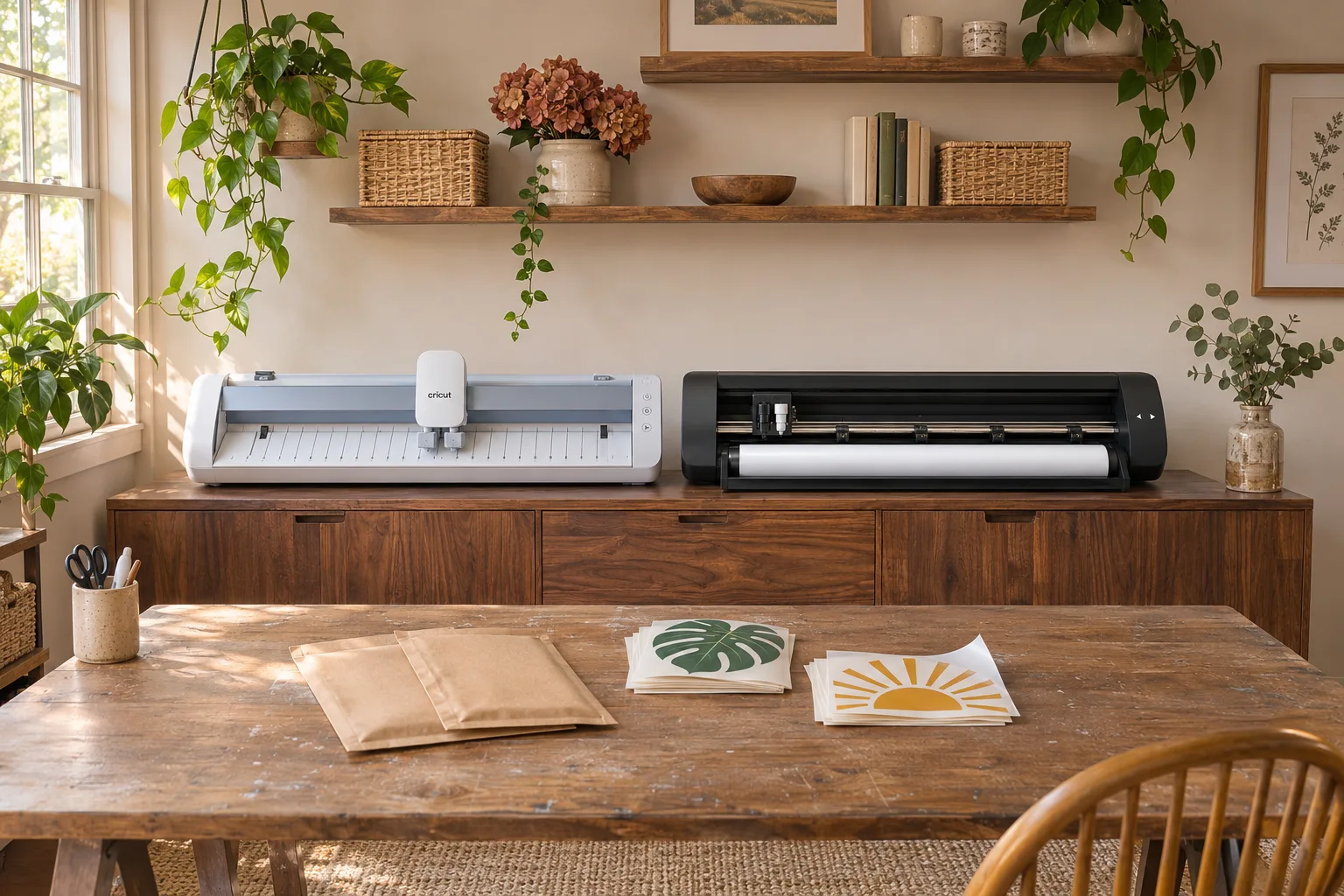
The Silhouette CAMEO 5α is the best cutting machine for most small businesses: $279.99, 16-foot matless cuts on cheap roll vinyl, and one-time Business Edition software for multi-cutter work. Plus the 24-inch Siser Romeo, Cricut Maker 5, Cricut Venture and Explore 5, with our cost per 100 decals and shirts.
See the picks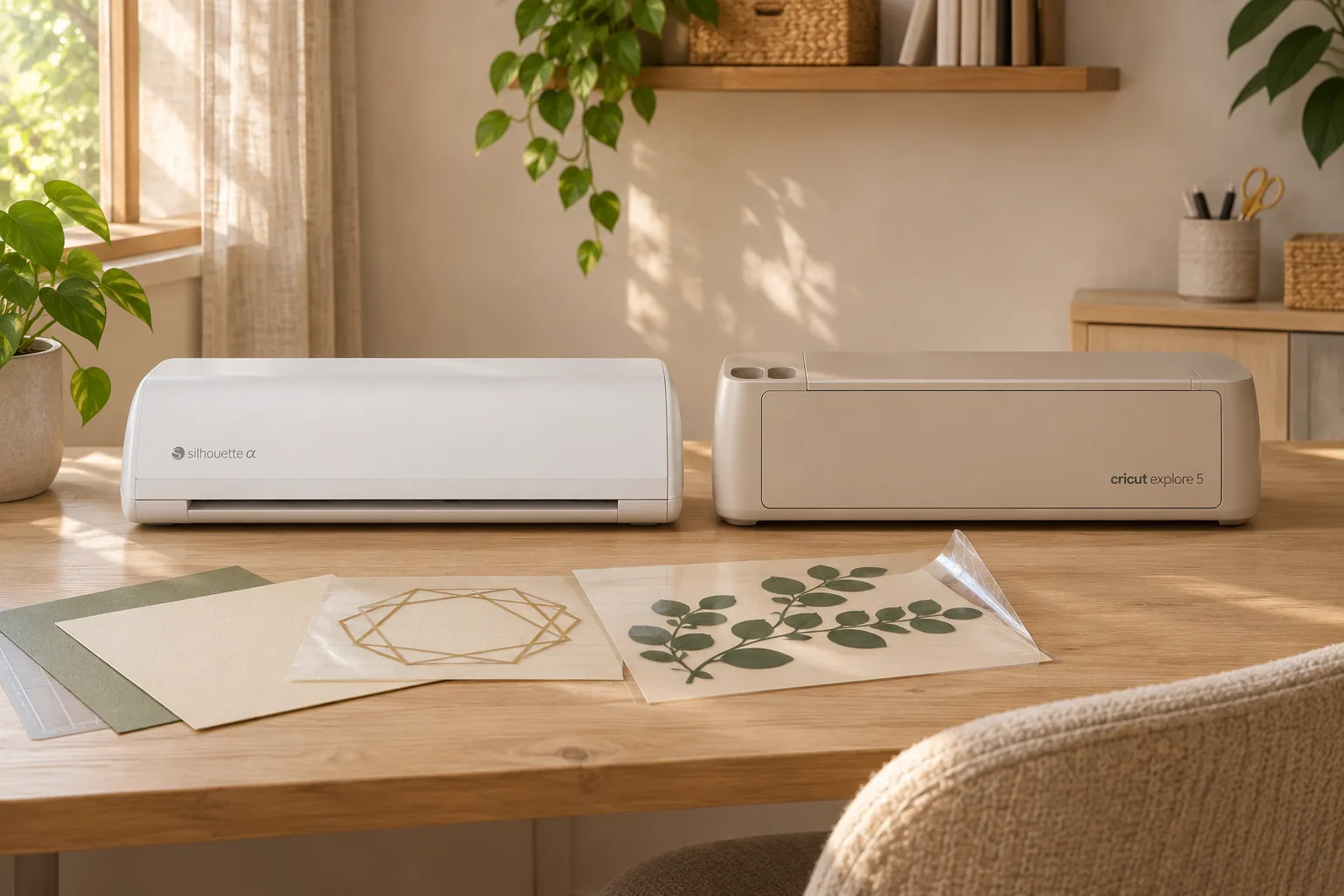
Buying guide
The best cutting machines for vinyl decals
The Silhouette CAMEO 5α is the best cutting machine for vinyl decals: it cuts any brand of lined vinyl without a mat, 11.6 inches wide and up to 16 feet long, for $279.99 in November 2026. Cricut machines cut without a mat only with Cricut's Smart Vinyl, up to 12 feet; the $199 Explore 5 is the cheapest full-size pick, and the 24-inch Siser Romeo suits decal businesses.
See the picks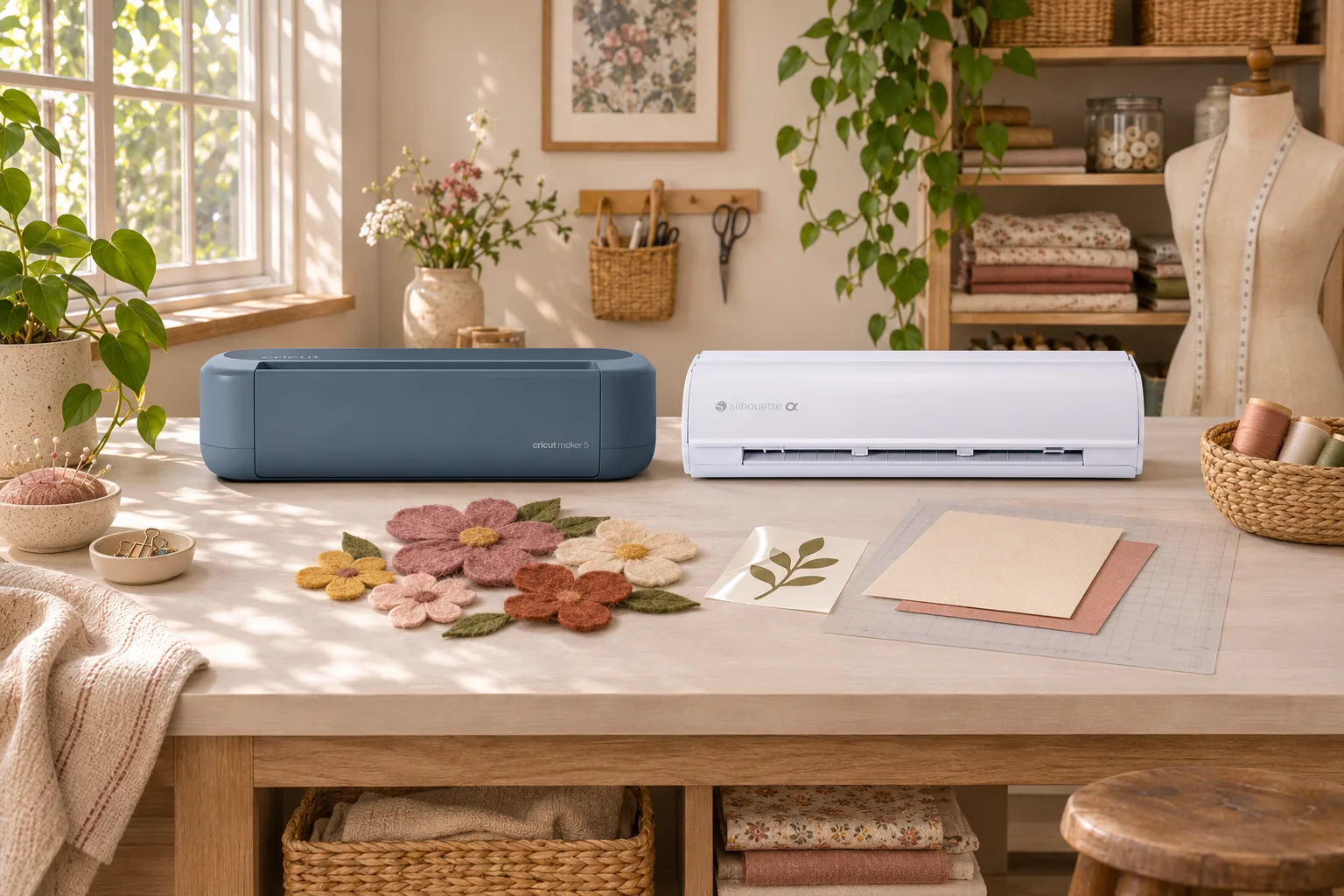
Buying guide
The best cutting machine for every material
The Cricut Maker 5 ($349) is the best cutting machine if you want one that cuts vinyl, cardstock, unbacked fabric, leather and thin wood. By material: the Silhouette CAMEO 5α for vinyl ($279.99), the Cricut Explore 5 for paper and cardstock ($199), the AccuQuilt GO! for quilting ($329.99), the Maker 5 for leather and wood, and the 24-inch Siser Romeo for long signs ($399 on sale).
See the picks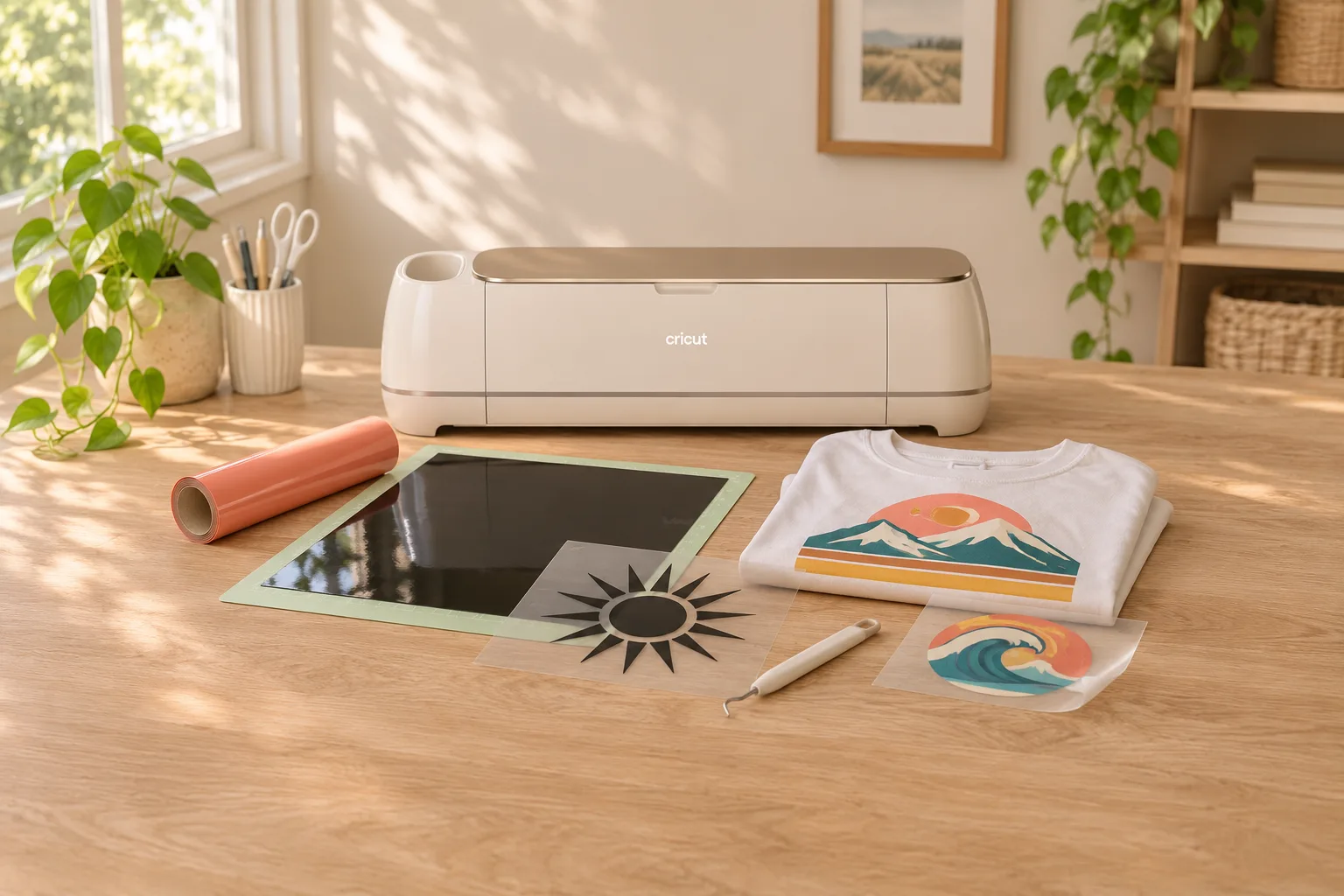
Buying guide
The best vinyl cutters for making T-shirts
The Cricut Maker 4 is the best vinyl cutter for making T-shirts: it cuts heat transfer vinyl about 11.5 inches wide on a mat, enough for an 11-inch adult full-front design, at up to 14.1 inches a second, with free software, for $349 in November 2026. The Cricut Explore 5 ($199) cuts the same width for less, and the 24-inch Siser Romeo is the pick for a shirt business.
See the picks