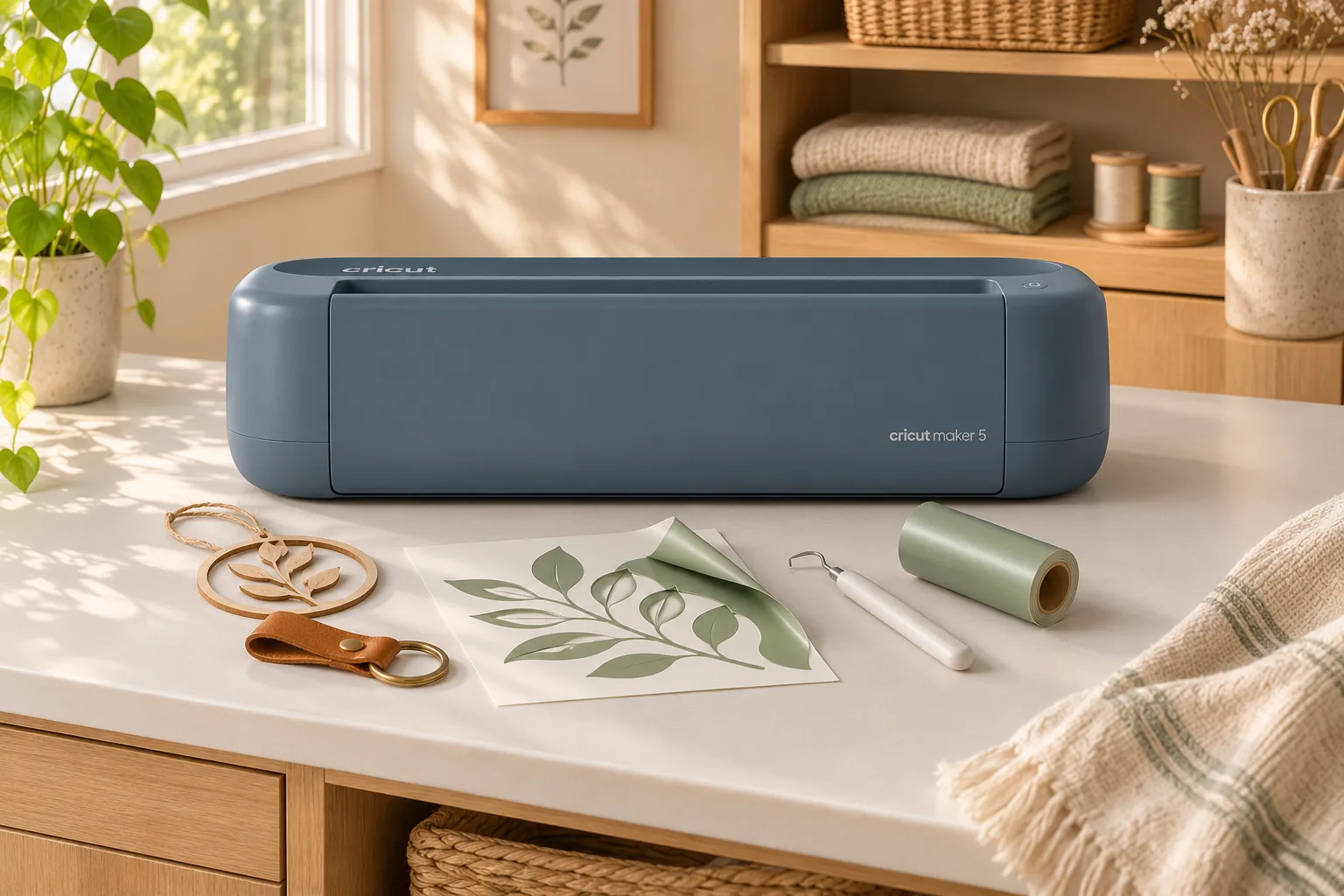
How it scores
- Cutting power and materials25%9.5
Cuts material up to 3 mm (1/8 in) thick, Cricut's highest clearance, and takes 13 tools including the Rotary Blade, Knife Blade and QuickSwap tips; Cricut lists 300+ materials but publishes no cut force.
- Cut size15%8.0
12 inches wide and 12 feet long with Smart Vinyl and Smart Iron-On, and 11.5 x 23.5 inches on a 12 x 24 mat; nothing wider than 12 inches.
- Software and subscription20%6.5
Design Space is free, imports SVG and DXF and allows unlimited uploads, but needs a Cricut account and internet for setup, sign-in and Print Then Cut; no offline mode on Android.
- Setup and ease of use10%8.5
Load & Go starts a cut with one press, phone apps work over Bluetooth, and Print Then Cut takes tabloid sheets; Knife Blade and Foil jobs need a computer, and it can't tell look-alike one-piece tools apart.
- Running costs and support15%7.5
Replacement fine-point blades are $6 each in a five-pack and 12 x 12 mats $3.33 each in a six-pack at list; the Knife Blade wears fast, and the warranty is one year.
- Value15%8.0
Same $349 as the Maker 4 for a smaller, lighter machine with thicker clearance and more in the box; $150 more than the Explore 5, which you only recoup if you use the Maker-only tools.
Overall 8.1/10, the weighted average.How we score →
Is the Cricut Maker 5 worth it?
Yes, if you’ll cut wood, leather, chipboard or fabric without a backer. The Maker 5 is $349 for the machine alone at Cricut in November 2026, with no sale price because it launched on September 4, 2026. It cuts material up to 3 mm (1/8 inch) thick and takes 13 tools, including the Knife Blade and Rotary Blade that only Cricut’s Maker machines accept.
If you mainly cut vinyl, iron-on, cardstock and stickers, buy the Cricut Explore 5 instead. It’s $199, the same size, the same 14.1 inches a second, the same 12 feet of Smart Materials without a mat and the same tabloid Print Then Cut. The extra $150 buys tools, and the tools cost extra too.
The Maker 4 is still on sale at the same $349, but the Maker 5 is the better machine for the money. See Maker 5 vs Maker 4.
Cricut Maker 5 specs
| Spec | Cricut Maker 5 |
|---|---|
| Status | Current; announced Sept 3, 2026, on sale Sept 4, 2026 |
| Price (Cricut, Nov 2026) | $349 machine alone (no sale price); Essential Bundle $399; Ultimate Plus Bundle $499; Ultimate Plus + Access $449 |
| Cut width | 12 in with Smart Materials (no mat); 11.5 in on a mat |
| Longest cut | 12 ft on Smart Vinyl and Smart Iron-On; 11.5 x 23.5 in on a 12 x 24 mat |
| Thickness | Up to 3 mm (1/8 in), “depending on material density and the selected tool” |
| Cut force | Not published |
| Speed | 14.1 in/s (about 358 mm/s), Cricut’s maximum |
| Tools | 13, including Rotary, Knife, Engraving, Debossing, Perforation and Wavy |
| Print Then Cut | Up to about 15.9 x 9.9 in on tabloid; 9.9 x 7.4 in on letter |
| Scanner or camera | None; a sensor reads Print Then Cut marks |
| Connection | Bluetooth Low Energy and USB-C (computer only); phones and tablets by Bluetooth |
| Offline use | Windows, macOS and iOS with saved content; not Android |
| Size and weight | 19.8 x 7.5 x 4.7 in; 10.9 lb |
| Warranty | 1 year (US) |
| In the box | Fine-point blade, Scoring Tool, dual-tip marker, 12 x 12 LightGrip mat, USB-C cable, supplies Cricut says make up to 30 projects |
Source: Cricut’s Maker 5 product, spec and FAQ pages, read November 28, 2026. Cricut’s pages disagree on two figures: the product page gives 11.5 x 23.75 inches on a 12 x 24 mat and the help center 11.5 x 23.5 inches (we use the smaller), and the comparison chart lists the weight as 10 lb against 10.9 lb on the spec page.
What’s new on the Maker 5?
Four changes stand out against the Maker 4, by Cricut’s figures:
- Thicker material: 3 mm of clearance, up from 2.4 mm. Cricut calls it “a 25% increase.”
- Smaller and lighter: Cricut says 30% more compact. By our arithmetic on Cricut’s dimensions, it’s 28% smaller by volume and 29% lighter (10.9 lb against 15.4 lb).
- Longer Smart Iron-On: 12 feet without a mat. Cricut’s Maker 4 FAQ gives 4 feet for Smart Iron-On.
- Load & Go and one-piece tools: you press the flashing button once and it measures the mat or material and starts. The fine-point blade, deep blade, scoring and engraving tools now come as one-piece units.
Speed hasn’t changed: Cricut rates both at 14.1 inches a second. Two things got worse for upgraders. The Scoring Stylus no longer fits, and pens made for earlier Maker machines don’t fit the new snap-in pen holder.
What can the Cricut Maker 5 cut?
Cricut lists more than 300 materials. The ones that need the Maker are thick and dense: basswood, chipboard, tooling leather, foam core board, and fabric without an iron-on backer.
Cricut’s caveat matters. It says the Maker 5 handles material “up to 1/8 in (3 mm), depending on material density and the selected tool,” and it doesn’t guarantee every 3 mm material will cut. Its own tool table lists the Knife Blade for “1.6 mm chipboard, basswood, and tooling leather.” Some materials, such as acrylic blanks, can be engraved but not cut. For thicker wood, a laser does in one pass what a blade does in many; see the best cutting machines for leather and wood.
Which tools work in the Maker 5?
All earlier Maker tools fit except the Scoring Stylus, Cricut says. The fine-point blade and Scoring Tool come in the box; the rest cost extra.
| Tool | For | In the box? | Cricut list price |
|---|---|---|---|
| Premium Fine-Point Blade + Housing | Vinyl, iron-on, paper, cardstock | Yes | $37.99 ($14.99 replacement blade) |
| Scoring Tool | Fold lines on cards and boxes | Yes | Not listed on cricut.com in November 2026 |
| Deep-Point Blade + Housing | Up to 1.5 mm: magnet, foam, thick cardstock | No | $37.99 |
| Bonded-Fabric Blade + Housing | Fabric with an iron-on backer | No | $34.99 |
| Rotary Blade + Drive Housing | Fabric without a backer, tissue paper, cork | No | $54.99 |
| Knife Blade + Drive Housing | Basswood, balsa, chipboard, tooling leather | No | $49.99 |
| QuickSwap tips: scoring wheels, debossing, engraving, perforation, wavy | Scoring, raised designs, tear lines, wavy edges | No | $27.99–$32.99 per tip; housing $29.99 |
| Engraving Tool (one-piece) | Engraving metal and acrylic | Essential Bundle and up | $24.49 in Cricut’s 50%-off sale |
| Foil Transfer Kit | Foil designs | No | $39.99 |
| Snap-in pens and markers | Writing and drawing | Dual-tip marker | Varies |
Prices are Cricut’s list prices from its blades page; Cricut had 50% off tools in November 2026. Two tools need Design Space on a computer: “Knife Blade and Foil Transfer projects require Design Space for Desktop.” Engraving works on phones too. The Maker 5 also can’t tell similar one-piece tools apart, so check the label on top of the tool before you press Go.
Which Maker 5 bundle should you buy?
| Option | Price (Cricut, Nov 2026) | What it adds |
|---|---|---|
| Machine only | $349 | Fine-point blade, Scoring Tool, dual marker, mat, starter supplies (Cricut: up to 30 projects) |
| Essential Bundle | $399 ($399 at Amazon) | Engraving Tool, 2-Card Mat, trimmer, weeding tools, more vinyl, iron-on and cardstock (up to 65 projects) |
| Ultimate Plus Bundle | $499 (MSRP $549) | Knife, Rotary and Deep Cutting blades, Engraving Tool, EasyPress Mini LT, a second blade and mat, many more materials (up to 270 projects) |
| Ultimate Plus + Cricut Access | $449 | The same, plus one month of Cricut Access Standard, which then renews at $9.99 a month until you cancel |
The $449 Access bundle is the one to buy if you want the specialty blades. It’s $50 cheaper than the same bundle without Access, and $100 more than the machine alone. The Knife, Rotary and Deep-Point blades alone list at $142.97 at Cricut (our sum), before the engraving tool and the EasyPress Mini LT. Cancel Access before the first month ends if you don’t want it.
If you only need the machine, buy it alone for $349 at Cricut. Amazon doesn’t list the machine alone; its cheapest Maker 5 is the $399 Essential Bundle. In November 2026, Target had the Essential Bundle at $379, Walmart a Starter Bundle at $369 (we didn’t see its contents), and Michaels a Teal Deluxe Bundle at $399. Teal is a Michaels-only color.
Do you need Cricut Access or the internet?
Access isn’t required. Cricut’s FAQ says no subscription is needed to set up or use the Maker 5. The free tier includes unlimited uploads of your own SVG, DXF, PNG and JPG files, your computer’s fonts, 3,000+ images, 100+ fonts and the right to sell finished projects under Cricut’s Angel Policy. Cricut Access Standard costs $9.99 a month or $95.88 a year and adds the full image and font library and tools like Convert to Layers and the background remover. See do you need Cricut Access?
The internet is required at the start. You need it to install Design Space, sign in, set up the machine, update firmware, upload images and use Print Then Cut. After that, you can cut saved projects offline on Windows, macOS and iOS. Android has no offline mode. See how to use a Cricut without internet.
How much does the Maker 5 cost to own?
| Free Design Space | With Cricut Access Standard | |
|---|---|---|
| Year 1 | $383.98 | $479.86 |
| 3 years | $453.94 | $741.58 |
| Cost per inch of cut width | $29.08 | — |
Our estimate. Inputs: the $349 machine; one six-pack of 12 x 12 StandardGrip mats ($19.99) and one replacement fine-point blade ($14.99) a year at Cricut’s list prices; Access at $95.88 a year. Cricut publishes no blade or mat lifespan, so the yearly replacement rate is our assumption. Cost per inch is $349 divided by the 12-inch matless width.
Add $49.99 for a Knife Blade (plus $21.99 replacement kits, since Cricut says it “will wear quickly”) or $54.99 for a Rotary Blade if you need them. A StrongGrip mat suits leather, and a FabricGrip mat suits fabric. Electricity is negligible: the power adapter’s output works out to 30 watts at most (our arithmetic on Cricut’s 24 V, 1.25 A rating). See Cricut running costs.
Maker 5 or Explore 5?
The Explore 5, unless you need a Maker-only tool. Both are 19.8 x 7.5 x 4.7 inches, cut at 14.1 inches a second, take Smart Materials up to 12 feet and Print Then Cut the same tabloid sheets. The Maker 5 adds the Rotary and Knife blades, the QuickSwap tips, engraving and 3 mm clearance, and Cricut lists 300+ materials against 100+. See Maker 5 vs Explore 5.
Should you buy the Cricut Maker 5?
Buy it if you’ll cut basswood, chipboard, leather or plain fabric, or want to engrave, and plan to buy the tools; the $449 Ultimate Plus + Access bundle is the cheapest way to get them. Buy the Explore 5 for vinyl, iron-on, cards and stickers. Buy the Venture if you need cuts wider than 12 inches. See the best Cricut machines for the whole lineup.
Questions people ask
Is the Cricut Maker 5 worth it?
Yes, at $349, if you’ll cut wood, leather or unbacked fabric. For vinyl, iron-on and cardstock, the $199 Explore 5 takes the same 12-inch materials at the same speed.
Is the Maker 5 better than the Maker 4?
Yes, at the same $349. It cuts 3 mm material against 2.4 mm, takes Smart Iron-On 12 feet long against 4 feet, and is 4.5 lb lighter. Old Maker pens and the Scoring Stylus don’t fit it.
How thick can the Cricut Maker 5 cut?
Up to 1/8 inch (3 mm), depending on the material and tool, by Cricut’s rating. Cricut doesn’t guarantee every 3 mm material, and lists the Knife Blade for 1.6 mm basswood, chipboard and tooling leather.
Does the Cricut Maker 5 need a subscription?
No. Design Space is free, and you can upload your own designs and use your own fonts. Cricut Access ($9.99 a month or $95.88 a year) is optional.
Can you use the Maker 5 with a phone?
Yes, over Bluetooth with Design Space for iOS or Android. Knife Blade and Foil Transfer projects need the desktop app, and the USB-C port works only with a computer.
Do Maker 4 tools fit the Maker 5?
Yes, except the Scoring Stylus. Pens made for earlier Maker machines don’t fit the Maker 5’s snap-in pen holder; look for pens marked for Maker 5.
Is the Maker 5 OK for kids?
Cricut says it “is not intended for use by children 12 years of age and younger.” The Joy 2 is Cricut’s smallest machine.
Key specifications
| Feature | Cricut Maker 5 | Cricut Explore 5 | Cricut Maker 4 |
|---|---|---|---|
| Type | Cutting machine | Cutting machine | Cutting machine |
| Width | 12 in (Smart Materials); 11.5 in on a mat | 11.5 in on mat, 11.7 in matless | |
| Thickness | 3 mm | ||
| Software | Cricut Design Space | Cricut Design Space | |
| Connection | Bluetooth, USB-C | Bluetooth, USB | |
| Where to buy | Check price at Amazon | Check price at Amazon | Check price at Amazon |
Cricut Maker 5
- Type
- Cutting machine
- Width
- 12 in (Smart Materials); 11.5 in on a mat
- Thickness
- 3 mm
- Software
- Cricut Design Space
- Connection
- Bluetooth, USB-C
Cricut Explore 5
- Type
- Cutting machine
- Width
- Thickness
- Software
- Connection
- Bluetooth, USB
Cricut Maker 4
- Type
- Cutting machine
- Width
- 11.5 in on mat, 11.7 in matless
- Thickness
- Software
- Cricut Design Space
- Connection
More on the Cricut Maker 5
Compared with
- Adhesive vinyl vs heat transfer vinyl: what's the difference?
- Brother ScanNCut vs Cricut Maker: which is better?
- Cricut Maker 5 vs Explore 5: which should you buy?
- Cricut Maker 5 vs Maker 4: what's the difference?
- Cricut Maker 5 vs Silhouette CAMEO 5α: which is better?
- Cricut Venture vs Maker 5: which should you buy?
Sources
- Cricut Maker 5 product page, cricut.com
- Cricut Maker 5 specifications and requirements, help.cricut.com
- Cricut Maker 5 compatible tools, accessories and materials, help.cricut.com
- Cricut Maker 5 frequently asked questions, help.cricut.com
- Cricut press release: Cricut Maker 5 (Sept 3, 2026), investor.cricut.com
- Cricut machine comparison chart, cricut.com
- Cricut Maker 4 product page, cricut.com
- Cricut Explore 5 product page, cricut.com
- Cricut: How large can I Print Then Cut?, help.cricut.com
- Cricut: All About Cricut Blades and Machine Tools, help.cricut.com
- Cricut: All about Knife Blade, help.cricut.com
- Cricut blades and tools (store), cricut.com
- Cricut machine mats (store), cricut.com
- Cricut Design Space offline feature, help.cricut.com
- Cricut Access subscription plans, cricut.com
- Cricut warranty documentation, help.cricut.com
- Amazon: Cricut Maker 5 Essential Bundle, amazon.com
Keep exploring
Review
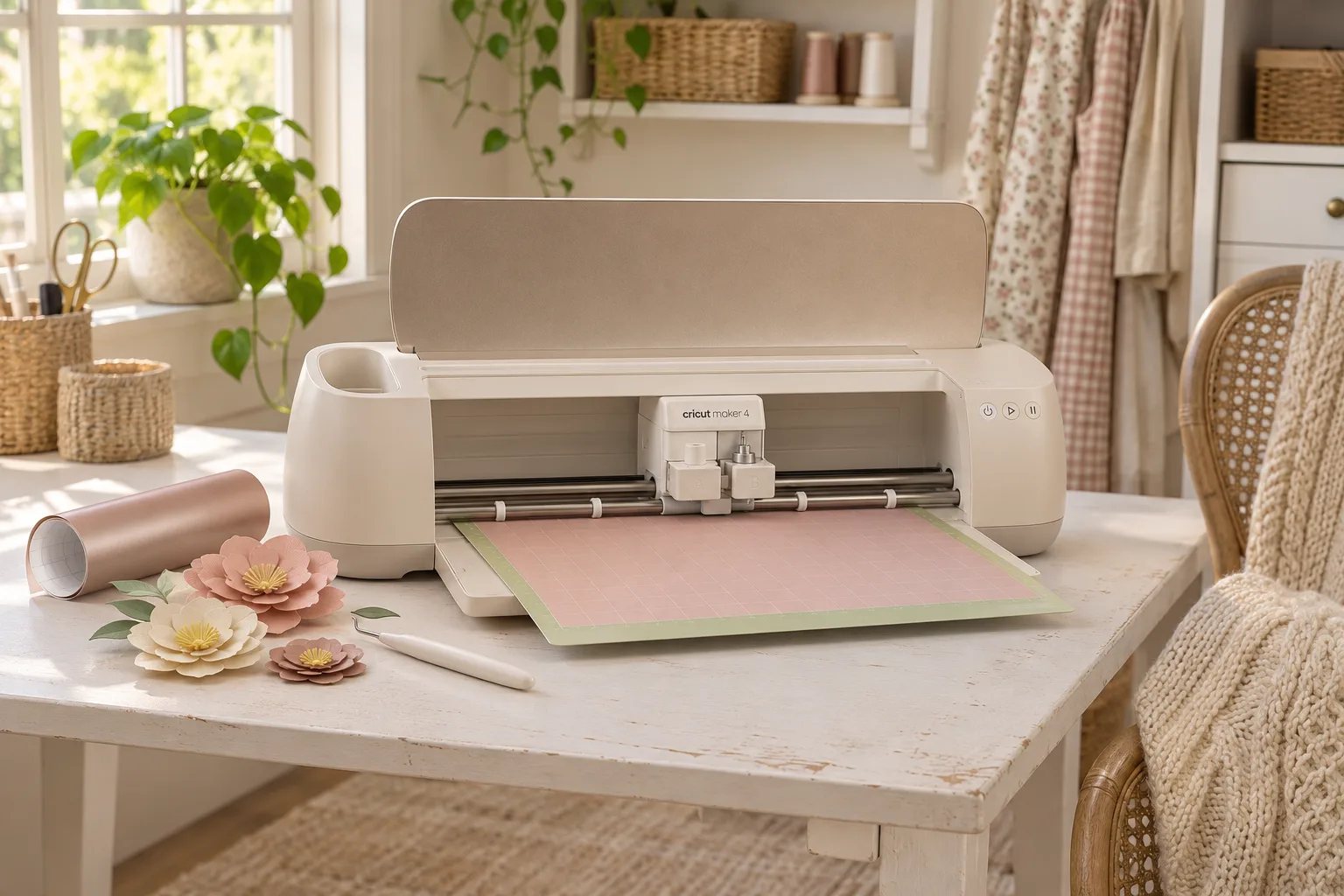
Cricut Maker 4 review: is it still worth buying?
Only as a bundle or on a deeper deal. At $349 for the machine alone (Cricut and Amazon, November 2026), the Maker 4 costs the same as the newer Maker 5, which cuts thicker material and longer Smart Iron-On.
Read the review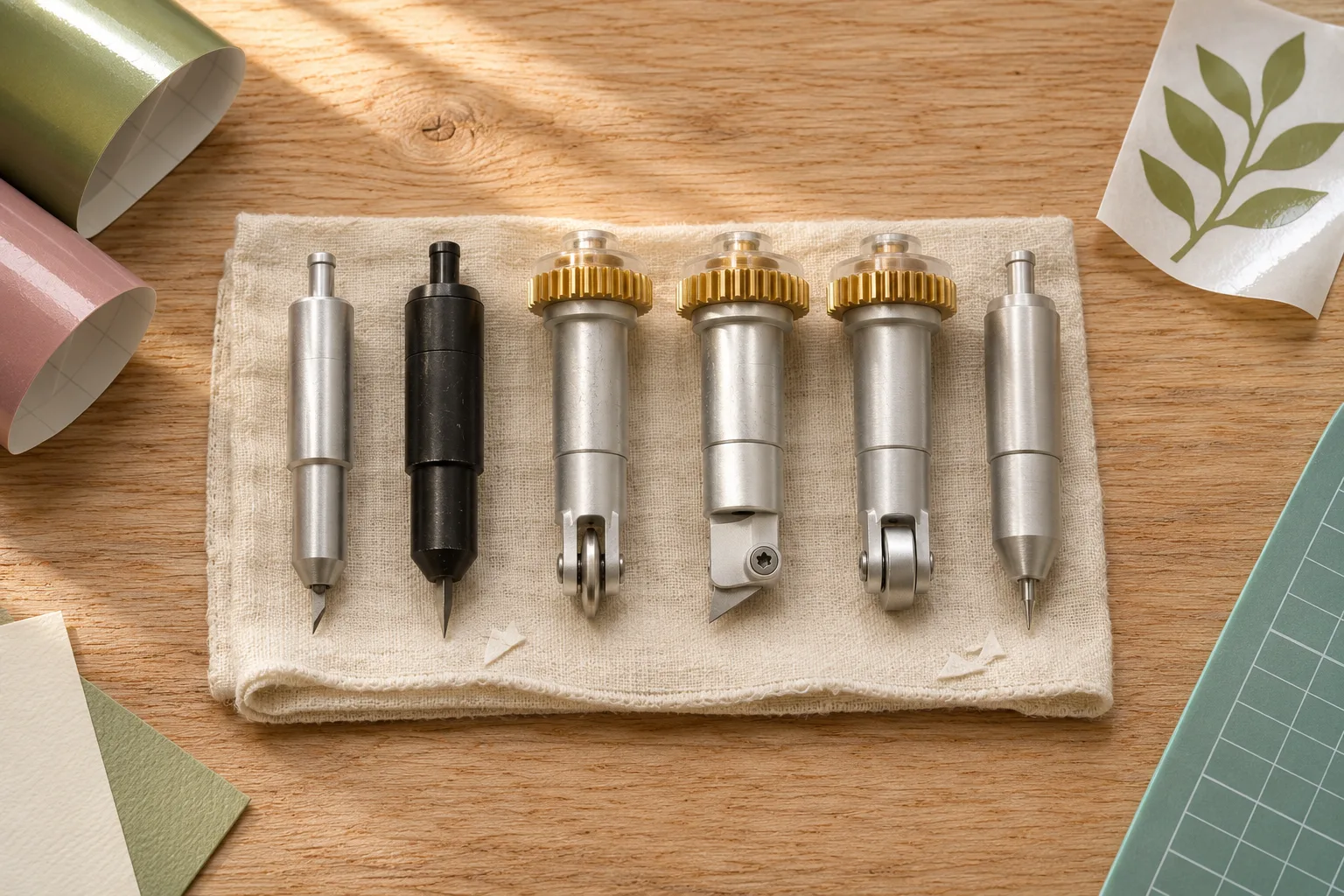
How to
Cricut blades explained: which blades fit which machine
Most people need only the fine-point blade that comes in the box: it cuts vinyl, iron-on, paper and cardstock on every Cricut. Add a Deep-Point blade ($37.99) for thick cardstock, magnet and foam on an Explore or Maker. The Rotary ($54.99) and Knife ($49.99) blades fit only the Maker 5 and Maker 4. Replacement fine-point blades are $6 each in a five-pack.
Read the guide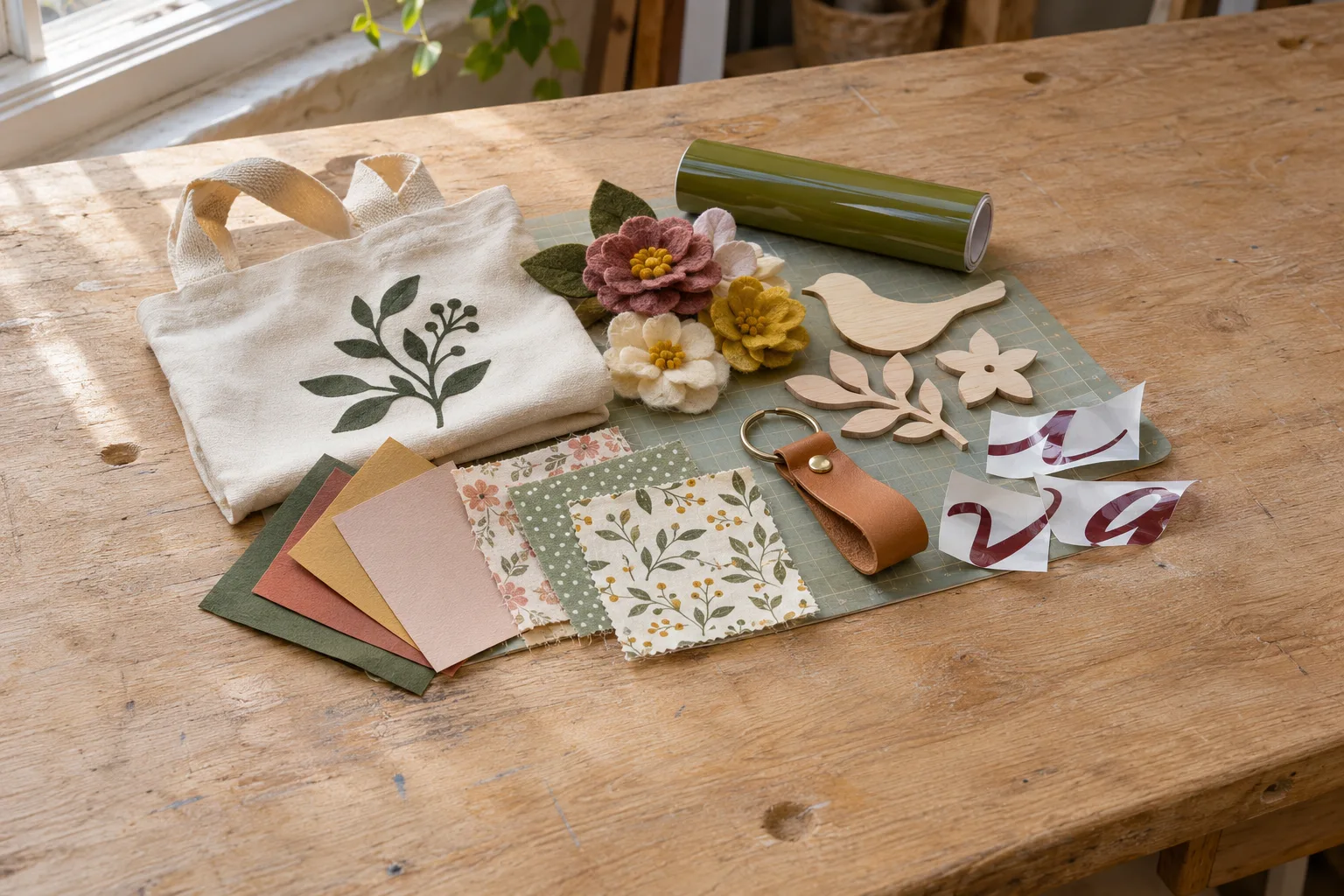
How to
What can a Cricut cut? Materials and thickness by model
Every Cricut cuts vinyl, iron-on, paper and cardstock. The Explore 5 adds thicker materials up to about 1.5 mm and bonded fabric (100+ materials). Only the Maker cuts unbacked fabric, balsa, basswood and tooling leather: up to 3 mm on the $349 Maker 5 (300+ materials), 2.4 mm on the Maker 4. The Joy 2 cuts 75+ materials.
Read the guide
How to
Can you use any vinyl with a Cricut?
Yes. Every Cricut cuts other brands of adhesive vinyl and heat transfer vinyl, such as Oracal 651 and Siser EasyWeed, as long as you put them on a cutting mat. Only Cricut's Smart Materials cut without a mat. Oracal 651 costs $0.51 to $0.67 a square foot against $2.25 for Cricut Premium Vinyl.
Read the guide