Printers in this guide
Is Silhouette Studio Business Edition worth it?
Only if you need one of the things only Business does. It’s a one-time upgrade, $99.99 at list and $79.99 on sale at Silhouette America in November 2026, with no subscription. Business is the only edition that can:
- export designs as SVG, PDF, PNG or JPG files;
- run more than one Silhouette from one computer;
- nest designs automatically to use less material;
- add weed lines to make vinyl easier to weed;
- lay out and tile large jobs in Media Layout View;
- open Adobe Illustrator (AI), EPS and CorelDRAW (CDR) files.
If what you want is to open SVG cut files, you don’t need Business. The Designer edition ($49.99, or $39.99 on sale) opens SVG and PDF files, and it comes free in several machine bundles, including the $279.99 CAMEO 5α Starter Bundle.
What does each Silhouette Studio edition include?
The editions stack: each includes everything in the one above it.
| Feature | Basic | Designer | Designer Plus | Business |
|---|---|---|---|---|
| Price (list) | Free | $49.99 | $74.99 | $99.99 |
| Price on sale, Nov 2026 | Free | $39.99 | $59.99 | $79.99 |
| Design, text and trace tools; send to a Silhouette | ✔ | ✔ | ✔ | ✔ |
| Open DXF, STUDIO, GSD; trace JPG, PNG, BMP, GIF, TIF | ✔ | ✔ | ✔ | ✔ |
| Open SVG and PDF | — | ✔ | ✔ | ✔ |
| Layers, custom patterns, lasso selection, warp, glyphs, sketch effects | — | ✔ | ✔ | ✔ |
| Rhinestones, embroidery files (PES, DST, EXP, JEF, XXX), Flexishapes, puzzle generator, advanced warp | — | — | ✔ | ✔ |
| Open AI, EPS, CDR | — | — | — | ✔ |
| Export SVG, PDF, PNG, JPG | — | — | — | ✔ |
| Weed lines | — | — | — | ✔ |
| Automatic nesting | — | — | — | ✔ |
| Multi-cutter support | — | — | — | ✔ |
| Media Layout View (material layout, tiled jobs) | — | — | — | ✔ |
| Barcode reading | — | — | — | ✔ (or any edition with an Auto Sheet Feeder) |
Source: Silhouette Studio page, Silhouette’s File Types and Features article and its Designer, Designer Plus and Business Edition help pages, read November 28, 2026. Prices are upgrades from Basic, paid once. Club Silhouette members get a further 10% off.
Every edition saves in Silhouette’s own STUDIO3 format. Only Business saves out to formats other programs open.
What do Business Edition’s features actually do?
Export SVG, PDF, PNG and JPG. Without Business, a design you make in Studio stays a Studio file. With it, you can send a design to other software: an SVG for another cutting program, a PNG or JPG for printing or a mockup, a PDF to share. Cricut’s Design Space, for example, uploads SVG files for free.
Multi-cutter support. Business lets one computer run more than one Silhouette at once. If you have two CAMEOs, or a CAMEO and a CAMEO PRO MK-II, this is the feature you’d buy it for.
Automatic nesting. Studio packs your shapes tightly onto the material to waste less vinyl or paper. It matters when you cut many small decals or stickers from one sheet.
Weed lines. Business adds cut lines through the waste vinyl around a design, so the waste comes off in smaller pieces. It’s meant to make weeding big or busy designs easier.
Media Layout View. Silhouette describes it as a view for laying out material efficiently that “facilitates the ability to cut larger jobs that are being tiled”, meaning designs too big for one pass split into pieces.
AI, EPS and CDR files. If customers or designers send you Adobe Illustrator, EPS or CorelDRAW files, only Business opens them.
What you don’t need Business for
- Opening SVG files: Designer, $49.99.
- Opening PDF files: Designer.
- Embroidery files and rhinestones: Designer Plus, $74.99.
- Print & Cut stickers: Silhouette doesn’t list Print & Cut among Business’s features.
- Using SVGs in the Silhouette Go phone app: Designer or higher.
- Cutting offline: every edition. Studio works offline once your content is synced; you need the internet to download or update it, activate an upgrade or get new Design Store purchases.
How much more does Business cost?
| Upgrade from Basic | List | Nov 2026 sale | Business costs more by |
|---|---|---|---|
| Designer | $49.99 | $39.99 | $50 at list, $40 on sale |
| Designer Plus | $74.99 | $59.99 | $25 at list, $20 on sale |
| Business | $99.99 | $79.99 | — |
Buy the edition you’ll end up needing, once. Silhouette lists each edition’s price as an upgrade from Basic. The only step-up we found priced separately was a Designer-to-Designer Plus card at $25 ($20 on sale), and we didn’t find a Designer-to-Business price on the pages we read. If you think you’ll want export or nesting within a year, skip Designer and buy Business.
Business Edition vs Cricut Access: which costs more?
Our estimate, at November 2026 list prices. Silhouette’s upgrades are one-time; Cricut Access is a subscription.
| Software | Year 1 | 3 years |
|---|---|---|
| Silhouette Studio Business | $99.99 | $99.99 |
| Silhouette Studio Designer | $49.99 | $49.99 |
| Cricut Access Standard, paid yearly | $95.88 | $287.64 |
| Cricut Access Standard, paid monthly ($9.99) | $119.88 | $359.64 |
| Cricut Access Premium, paid yearly | $119.88 | $359.64 |
The two aren’t the same thing. Cricut Access mostly sells content: a library of 1.5 million+ images, 1,000+ fonts and tools such as Background Remover and Convert to Layers, plus store discounts. Silhouette Business sells production features, and Design Store designs are bought separately, per design or with credit plans. What Business does not include is a content library. See Design Space vs Silhouette Studio and is Cricut Access worth it?
Does Business Edition let you sell what you make?
No. Business is software; it doesn’t license designs. If you sell products made with designs from the Silhouette Design Store, each design needs its own commercial license. Silhouette describes that as “a flat, one-time payment for Unlimited commercial use of the specific individual design”, priced per design. If a design’s Commercial Use option is greyed out, it’s personal use only. Silhouette states no yearly cap on items, unlike Cricut’s 10,000-item limit under its Angel Policy.
Two more rules in Silhouette’s policy matter for sellers:
- You can sell physical products, such as “a shirt with the design cut out of heat transfer vinyl”, under a commercial license. You can’t redistribute or sell the design files, or edit them and claim them as your own. Business’s SVG export doesn’t change that.
- These rules cover Design Store designs. For fonts and artwork from anywhere else, check that source’s own license.
See how to make money with a Cricut for Etsy’s seller fees, which apply whatever machine you cut with.
Which machine bundles include an upgrade?
We found no Silhouette bundle that includes Business. Several include Designer, which cuts the cost of a later step:
| Bundle | Price (Nov 2026) | Upgrade included |
|---|---|---|
| CAMEO 5α Starter Bundle | $279.99 | Designer |
| CAMEO 5α Print and Cut Bundle | $329.99 | Designer |
| Portrait 4 Starter Bundle | $189.99 | Designer |
| Portrait 4 Print & Cut Bundle | $239.99 | Designer |
| Curio 2 Starter Bundle | $339.99 | Designer |
| CAMEO PRO MK-II Ultimate Workspace Bundle | $899.99 | Designer (software card) |
| Any CAMEO 5α PLUS bundle | $415.99–$429.99 | None listed |
Prices at Silhouette America, November 28, 2026.
So, is it worth it?
| You… | Buy |
|---|---|
| Cut your own designs and store-bought SVGs for fun | Designer ($49.99), or a bundle that includes it |
| Want embroidery files or rhinestone templates | Designer Plus ($74.99) |
| Run two or more Silhouettes | Business |
| Sell vinyl decals or stickers and want nesting and weed lines | Business |
| Need to send designs to other software or a print shop | Business |
| Get AI, EPS or CDR files from clients | Business |
| Only cut Silhouette’s own designs | Basic (free) |
For a home crafter, Designer is usually the right stop. For a small shop cutting decals or stickers every day, Business is $50 more than Designer, paid once, for features you’d use on every job. For machines to pair with it, see the best Silhouette machines and the best cutting machines for a small business.
Questions people ask
How much is Silhouette Studio Business Edition?
$99.99 at list as an upgrade from the free Basic edition, and $79.99 on sale at Silhouette America in November 2026. It’s a one-time purchase with no subscription.
Is Silhouette Business Edition a subscription?
No. Silhouette says its upgrades are one-time, with “no subscriptions required”. Club Silhouette and Design Store credit plans are separate and optional.
Do I need Business Edition to open SVG files?
No. The Designer edition ($49.99) opens SVG and PDF files. Business is needed to export SVGs.
What does Business Edition have that Designer Plus doesn’t?
SVG, PDF, PNG and JPG export; AI, EPS and CDR import; weed lines; automatic nesting; multi-cutter support; Media Layout View for tiled jobs; and barcode reading.
Can Business Edition run two Silhouette machines at once?
Yes. Multi-cutter support is a Business-only feature.
Does Business Edition give me a commercial license?
No. Selling items made with Silhouette Design Store designs needs a per-design commercial license. Business Edition only unlocks software features.
Does Silhouette Studio work offline?
Yes, in every edition, once your content is synced. You need the internet to install, update or activate an upgrade, and to get new Design Store purchases.
Sources
- Silhouette Studio editions and prices, silhouetteamerica.com
- Silhouette software page, silhouetteamerica.com
- Silhouette help: File Types and Features, silhouetteamerica.freshdesk.com
- Silhouette help: Designer Edition Features, silhouetteamerica.freshdesk.com
- Silhouette help: Designer Plus Edition Features, silhouetteamerica.freshdesk.com
- Silhouette help: Business Edition Features, silhouetteamerica.freshdesk.com
- Silhouette help: Software Overview, silhouetteamerica.freshdesk.com
- Silhouette help: Silhouette Go Mobile App Overview, silhouetteamerica.freshdesk.com
- Silhouette help: Silhouette Design Store Policies and Information, silhouetteamerica.freshdesk.com
- Silhouette help: Club Silhouette Overview, silhouetteamerica.freshdesk.com
- Silhouette CAMEO 5α bundles, silhouetteamerica.com
- Silhouette CAMEO PRO MK-II bundles, silhouetteamerica.com
- Cricut Access subscription plans, cricut.com
- Cricut help: How to upload images into Design Space, help.cricut.com
Keep exploring
Buying guide
The best Silhouette cutting machines
The Silhouette CAMEO 5α is the best Silhouette for most people: 12-inch cuts, 16-foot matless runs, rotary-blade support and free offline software, $279.99 in November 2026. The Portrait 4 ($179.99) is the small pick, the 5α PLUS ($399.99) cuts 14.6 inches, the CAMEO PRO MK-II ($499.99) cuts 24 inches and the Curio 2 ($329.99) embosses and engraves.
See the picks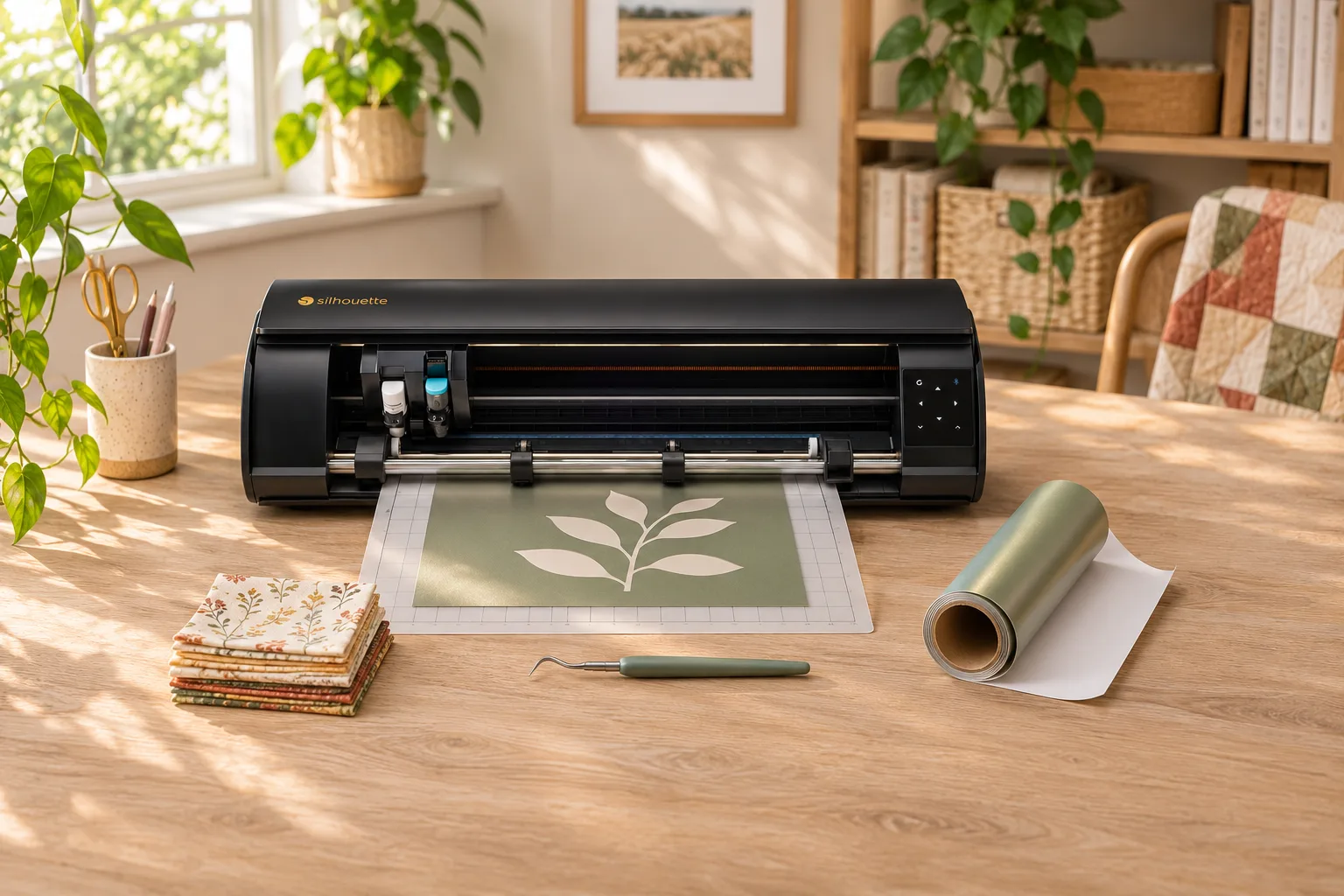
Review
Silhouette CAMEO 5α PLUS review: is the CAMEO 5 Plus worth it?
The original CAMEO 5 Plus is no longer sold; its replacement, the CAMEO 5α PLUS, is $399.99. It's worth it only if you cut designs wider than 11.6 inches. Otherwise the $279.99 CAMEO 5α does the same jobs.
Read the review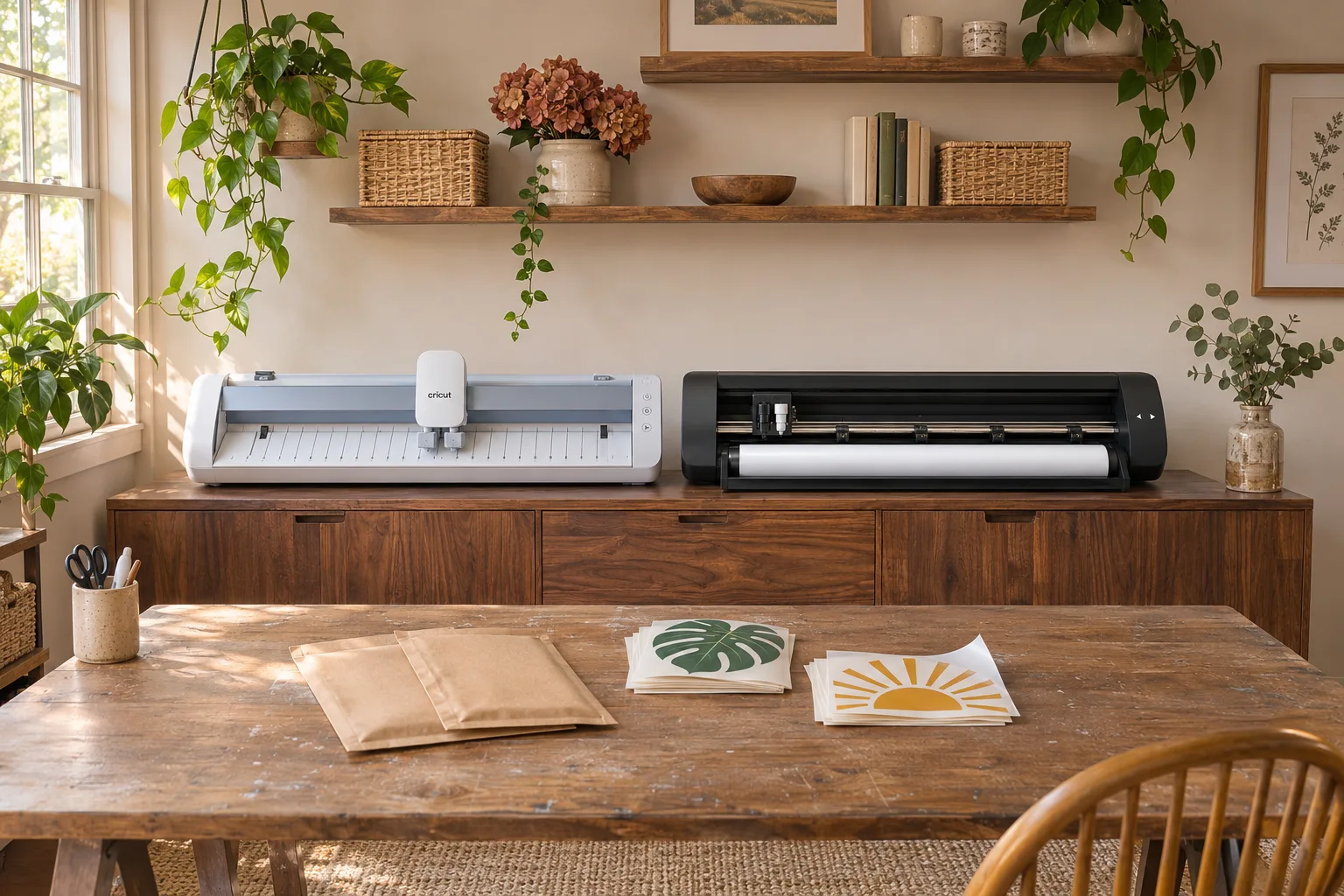
Buying guide
The best cutting machines for a small business
The Silhouette CAMEO 5α is the best cutting machine for most small businesses: $279.99, 16-foot matless cuts on cheap roll vinyl, and one-time Business Edition software for multi-cutter work. Plus the 24-inch Siser Romeo, Cricut Maker 5, Cricut Venture and Explore 5, with our cost per 100 decals and shirts.
See the picks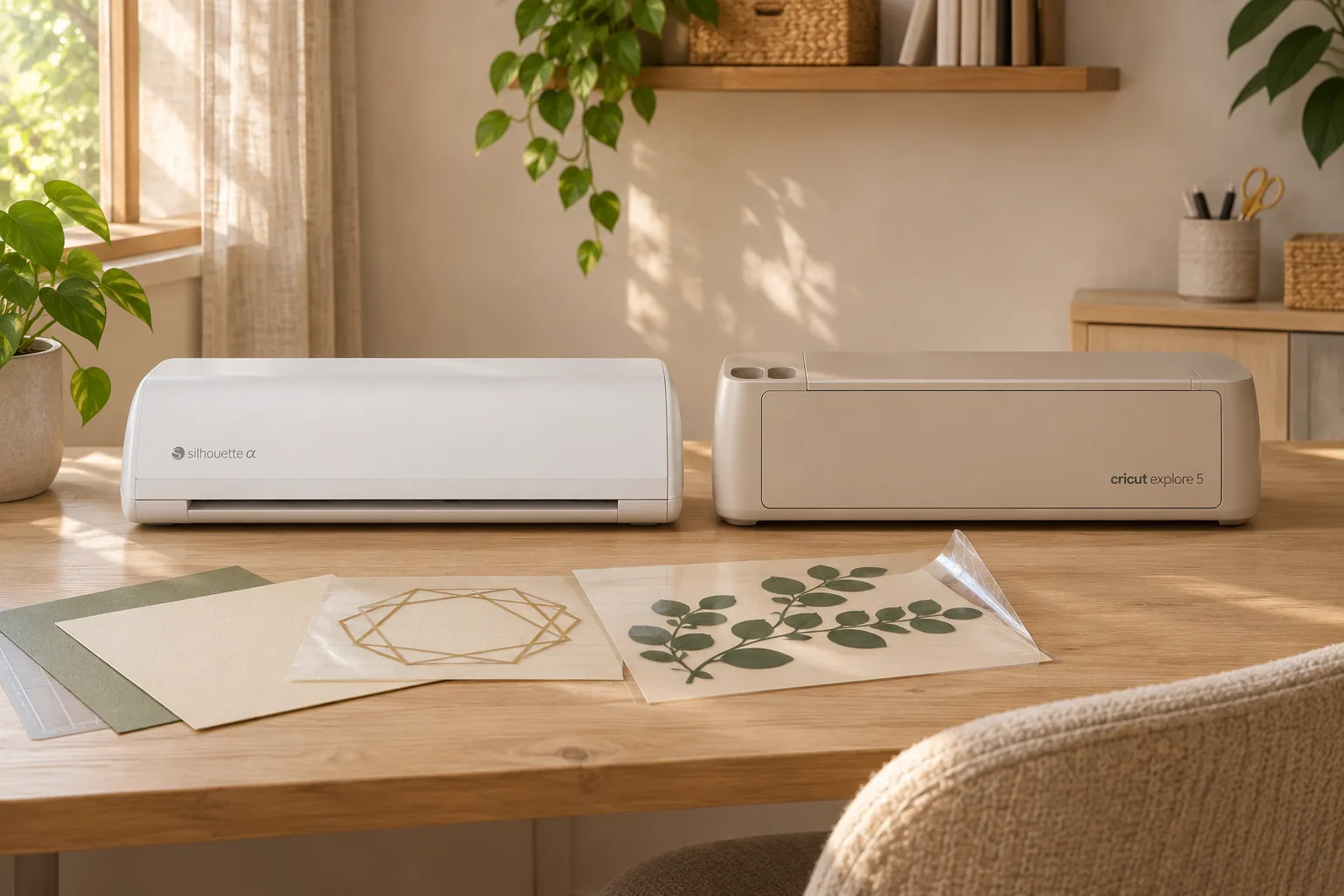
Buying guide
The best cutting machines for vinyl decals
The Silhouette CAMEO 5α is the best cutting machine for vinyl decals: it cuts any brand of lined vinyl without a mat, 11.6 inches wide and up to 16 feet long, for $279.99 in November 2026. Cricut machines cut without a mat only with Cricut's Smart Vinyl, up to 12 feet; the $199 Explore 5 is the cheapest full-size pick, and the 24-inch Siser Romeo suits decal businesses.
See the picks