Printers in this guide

Is Cricut Access worth it?
Only if you’ll use its library every month or spend about $560 a year at cricut.com. Cricut Access Standard costs $95.88 a year, and the money comes back two ways: the design library and tools, which are worth what they save you, and member discounts, which you can put a number on. By our estimate, Standard’s 10% discount plus four $10 coupons covers its price once you spend about $559 a year at cricut.com. Premium ($119.88 a year) pays for itself at about $400 a year of Cricut-brand materials.
For most hobbyists who cut their own designs, it isn’t. A Cricut works fully on a free account: you can upload unlimited SVG and PNG files, use your computer’s fonts, cut 3,000-plus free images and sell finished projects. See do you need Cricut Access?.
How much does Cricut Access cost?
| Plan (US, Nov 2026) | Monthly | Yearly | Yearly vs paying monthly for 12 months |
|---|---|---|---|
| Standard | $9.99 | $95.88 | Saves $24 |
| Premium | $14.99 | $119.88 | Saves $60 |
| Basic (test plan) | $12.99 | $129.99 | Saves $25.89 |
| Plus (test plan) | $17.99 | $179.99 | Saves $35.89 |
| Pro (test plan) | $29.99 | $299.99 | Saves $59.89 |
Prices exclude tax. Cricut is testing the Basic, Plus and Pro plans with “a select group” of US Design Space desktop users; everyone else can buy Standard or Premium on Cricut’s site. New subscribers get 30 days free. One Cricut help article says the trial renews at $9.99 a month and another at $12.99 for “the Basic Monthly plan,” so check what your account shows.
Note that 12 months of Standard billed monthly ($119.88) costs exactly as much as a year of Premium.
What do you get for the money?
- Library: 1.5 million-plus images (Cricut’s help center says 1 million-plus), 1,000-plus fonts and 100,000-plus projects, against 3,000-plus images, 100-plus fonts and 250-plus projects free.
- Tools: Automatic Background Remover, Convert to Layers (up to nine cut layers from a color image), Warp, Create Sticker and Monogram Maker, plus 20 AI credits a month on Standard and 200 on Premium. Free accounts get 20 basic shapes and 5 collections; Access gets 60-plus shapes and unlimited collections.
- Discounts: 10% off at cricut.com, including machines, capped at $50 per item on Standard; Premium adds 20% off Cricut materials and free economy shipping over $50. Both get a $10 coupon every three months and priority member care.
- Offline: Access images work offline for 30 days or until your renewal date.
What Access doesn’t include: licensed content such as Disney, Marvel and Sesame Street (some is free to members and the rest 10% off), and any extended machine warranty.
When does Cricut Access pay for itself?
These are our estimates from Cricut’s published prices and terms. Coupons apply to materials, tools and accessories, not machines, and are one per quarter for paying members, not trial members. Premium’s materials discount can’t be combined with the everyday 10% discount.
| If you… | Plan | Break-even | How we got it |
|---|---|---|---|
| Shop at cricut.com and use every coupon | Standard, yearly | $558.80 a year | ($95.88 − $40 of coupons) ÷ 10% |
| Shop at cricut.com but skip the coupons | Standard, yearly | $958.80 a year | $95.88 ÷ 10% |
| Buy mostly Cricut-brand materials | Premium, yearly | $399.40 a year of Cricut materials | ($119.88 − $40 of coupons) ÷ 20% |
| Are choosing Premium over Standard | Premium vs Standard | $240 a year of Cricut materials | $24 more a year ÷ the extra 10% off materials |
| Need it for part of the year | Standard, monthly vs yearly | Monthly is cheaper for 9 months or fewer | $95.88 ÷ $9.99 a month = 9.6 months |
For scale: a 21-foot roll of Smart Vinyl lists at $43.99 and a 6-pack of 12 x 12 mats at $19.99, so $400 a year is roughly nine big vinyl rolls (our arithmetic). Free economy shipping on orders over $50 adds to Premium’s value if you’d otherwise pay for shipping, but Cricut doesn’t publish a shipping price we can count.
On the library side, the value depends on how often you use it. If you’d make four projects a month from Access designs, Standard’s yearly price works out to about $2 per project (our estimate: $95.88 ÷ 48).
Should you subscribe just to buy a machine?
It can save money at cricut.com, and so can Cricut’s Access bundles. Cricut shows member prices 10% below the machine price: $314.10 for the $349 Maker 5, $179.10 for the $199 Explore 5 and $89.10 for the $99 Joy 2. One month of Standard is $9.99, so on a Maker 5 that’s about $25 saved (our estimate). Cricut doesn’t say whether trial members get the member price, so check the cart before you count on it.
Cricut’s own bundles that include one month of Access also cost less than the same bundles without it in November 2026: $449 against $499 for the Maker 5 Ultimate Plus, $229 against $279 for the Explore 5 Ultimate Plus, and $139 against $169 for the Joy 2 Ultimate Plus. The subscription renews at $9.99 a month until you cancel, and if you cancel you keep the benefits to the end of the billing cycle.
Who should pay for Cricut Access?
Worth it if you:
- start projects from Cricut’s ready-made designs most weeks;
- want Convert to Layers or the Background Remover to turn photos and clip art into cut files;
- buy several hundred dollars of Cricut-brand vinyl, iron-on and cardstock a year from cricut.com;
- are about to buy a machine or big bundle at cricut.com anyway.
Skip it if you:
- design your own files or buy SVGs from other shops, since uploads are free and unlimited;
- buy vinyl from other brands or stores, where the discount doesn’t apply;
- cut a few times a month;
- want licensed characters, which Access doesn’t include and the Angel Policy never lets you sell.
You can also subscribe monthly for a busy stretch, such as before the holidays, and cancel after. Uploads, purchased images and the free library stay when you cancel; Cricut says purchased images don’t expire.
Standard or Premium?
Standard, unless you buy a lot of Cricut-brand materials. Premium costs $24 more a year and its main extra is 20% off Cricut materials instead of 10%. By our estimate that’s worth it once you spend more than $240 a year on Cricut materials. Premium also adds free economy shipping over $50 and more AI credits (200 a month instead of 20).
Is there a cheaper alternative?
A free Cricut account, or a Silhouette. On a Cricut, the free account covers cutting, uploads, system fonts and selling. If what you want is better design software rather than a content library, Silhouette Studio’s upgrades are one-time purchases: Designer is $49.99 at list and Business $99.99, about a third of three years of Access Standard at $287.64 (our estimate). See Design Space vs Silhouette Studio and the best cutting machines without a subscription.
Questions people ask
What happens if you cancel Cricut Access?
You keep the benefits to the end of the billing period, then lose the subscription library, tools and discounts. Your machine, Design Space, uploads, free content and purchased images stay.
Is Cricut Access worth it for beginners?
Usually not at first. Use the 30-day free trial to see whether you use the library, and cancel before it renews if you don’t. The free account has 250-plus ready-made projects to learn on.
Is Cricut Access Premium worth it?
Only if you spend more than about $240 a year on Cricut-brand materials, by our estimate. Below that, Standard’s 10% discount and the same coupons cost $24 a year less.
Does Cricut Access include Disney designs?
No. Licensing agreements keep Disney, Warner Bros., Sesame Street and other licensed content out of Access. Members get some free and 10% off the rest, and none of it can be sold under the Angel Policy.
Do you need Cricut Access to sell what you make?
No. The Angel Policy applies to free accounts too, and allows up to 10,000 finished projects a year. See can you make money with a Cricut?.
How much does Cricut cost to run without Access?
Mats, blades and materials. See Cricut running costs.
Sources
- Cricut Access subscription plans, cricut.com
- Cricut Access join page, cricut.com
- Cricut Basic, Plus and Pro plans (PDF), staticcontent.cricut.com
- What is Cricut Access?, help.cricut.com
- How do I purchase Cricut Access?, help.cricut.com
- Cricut Maker 5 frequently asked questions, help.cricut.com
- Cricut: How to upload images into Design Space, help.cricut.com
- Cricut: Design Space Offline Feature, help.cricut.com
- Cricut Design Space FAQ, help.cricut.com
- Cricut Angel Policy, cricut.com
- Cricut Maker 5, cricut.com
- Cricut Maker 5 Ultimate Plus Bundle + Cricut Access, cricut.com
- Cricut Explore 5, cricut.com
- Cricut Joy 2, cricut.com
- Cricut Smart Materials prices, cricut.com
- Cricut machine mat prices, cricut.com
- Silhouette Studio editions and prices, silhouetteamerica.com
- Amazon: Cricut Explore 5 Essential Bundle, amazon.com
- Amazon: Cricut Maker 5 Essential Bundle, amazon.com
- Amazon: Silhouette CAMEO 5α, amazon.com
Keep exploring
Buying guide
The best cutting machines for beginners
The Cricut Explore 5 is the best cutting machine for beginners: the Essential Bundle is $199 in November 2026, the same as the machine alone, and it cuts 12-inch vinyl, iron-on and cardstock, scores cards and prints and cuts tabloid sticker sheets. The Joy Xtra ($129) suits small desks; the Silhouette CAMEO 5α ($279.99) skips subscriptions.
See the picks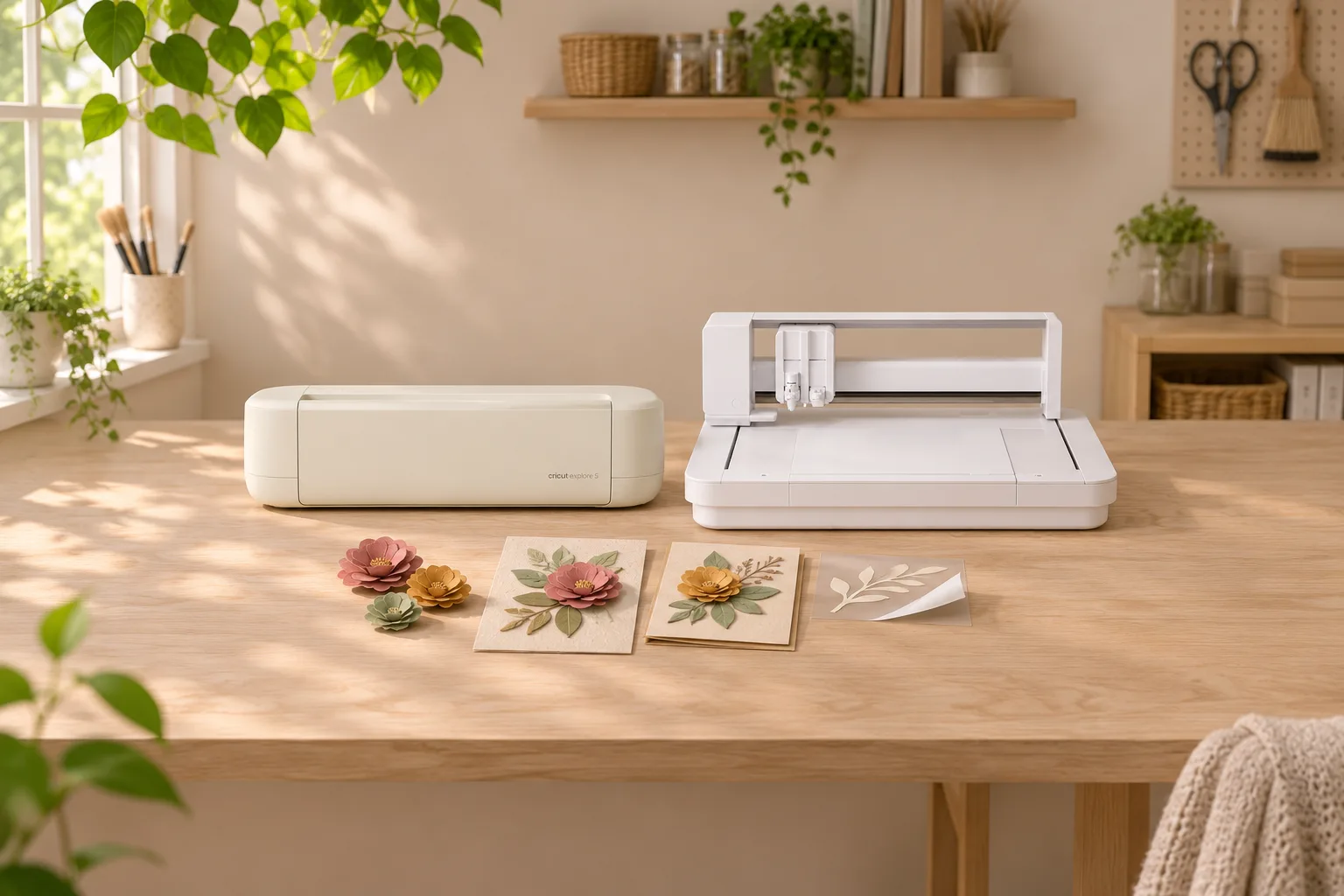
Buying guide
The best cutting machines for cardstock and paper crafts
The Cricut Explore 5 is the best cutting machine for cardstock and paper crafts: a Scoring Tool in the box, card mats, Print Then Cut on tabloid sheets and 14.1-inch-a-second cuts, for $199 in November 2026 (the Essential Bundle with a 2-Card Mat is also $199). The Cricut Maker 5 ($349) adds debossing, perforation and the Knife Blade for chipboard; the Joy 2 ($99) is the budget card maker.
See the picks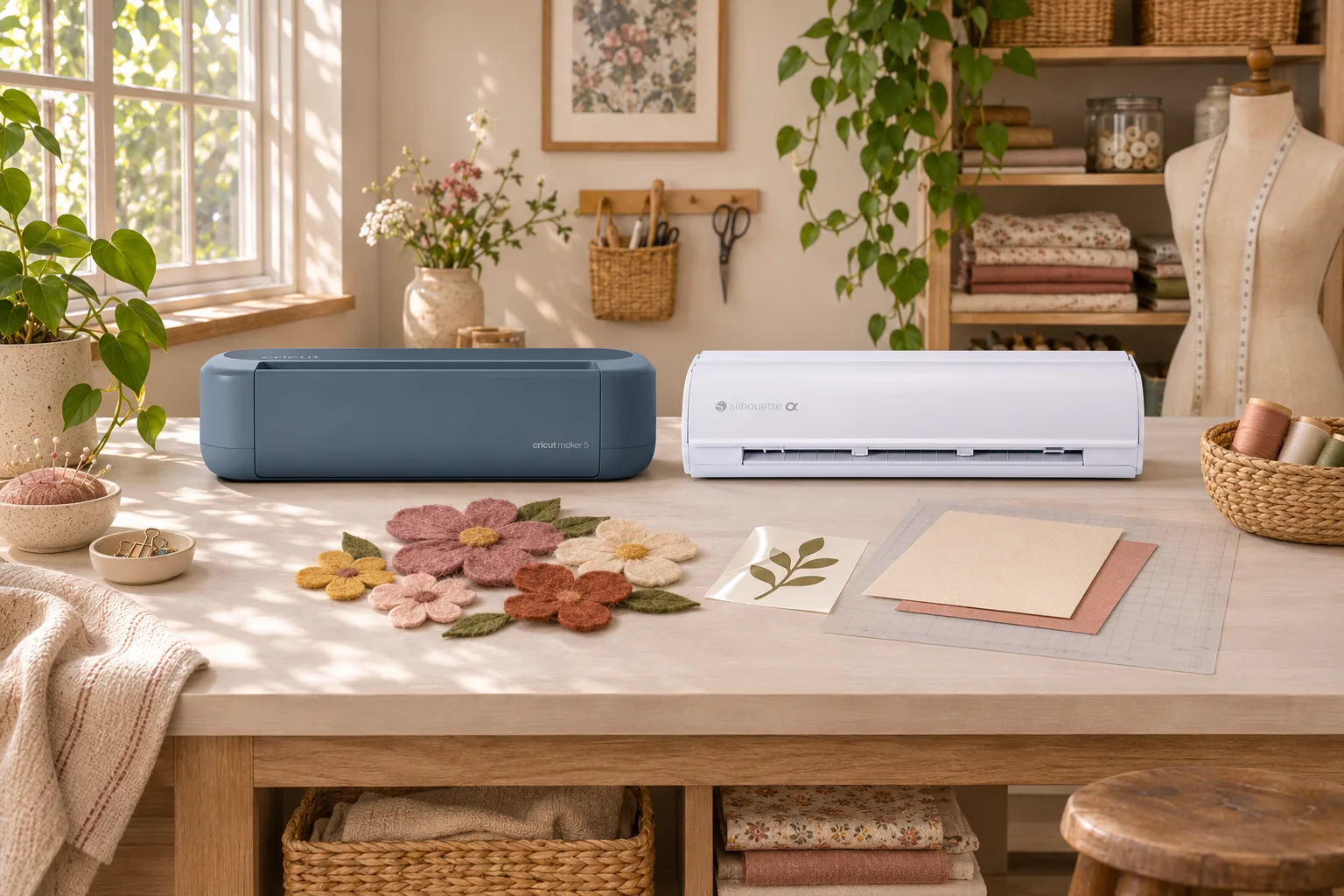
Buying guide
The best cutting machine for every material
The Cricut Maker 5 ($349) is the best cutting machine if you want one that cuts vinyl, cardstock, unbacked fabric, leather and thin wood. By material: the Silhouette CAMEO 5α for vinyl ($279.99), the Cricut Explore 5 for paper and cardstock ($199), the AccuQuilt GO! for quilting ($329.99), the Maker 5 for leather and wood, and the 24-inch Siser Romeo for long signs ($399 on sale).
See the picks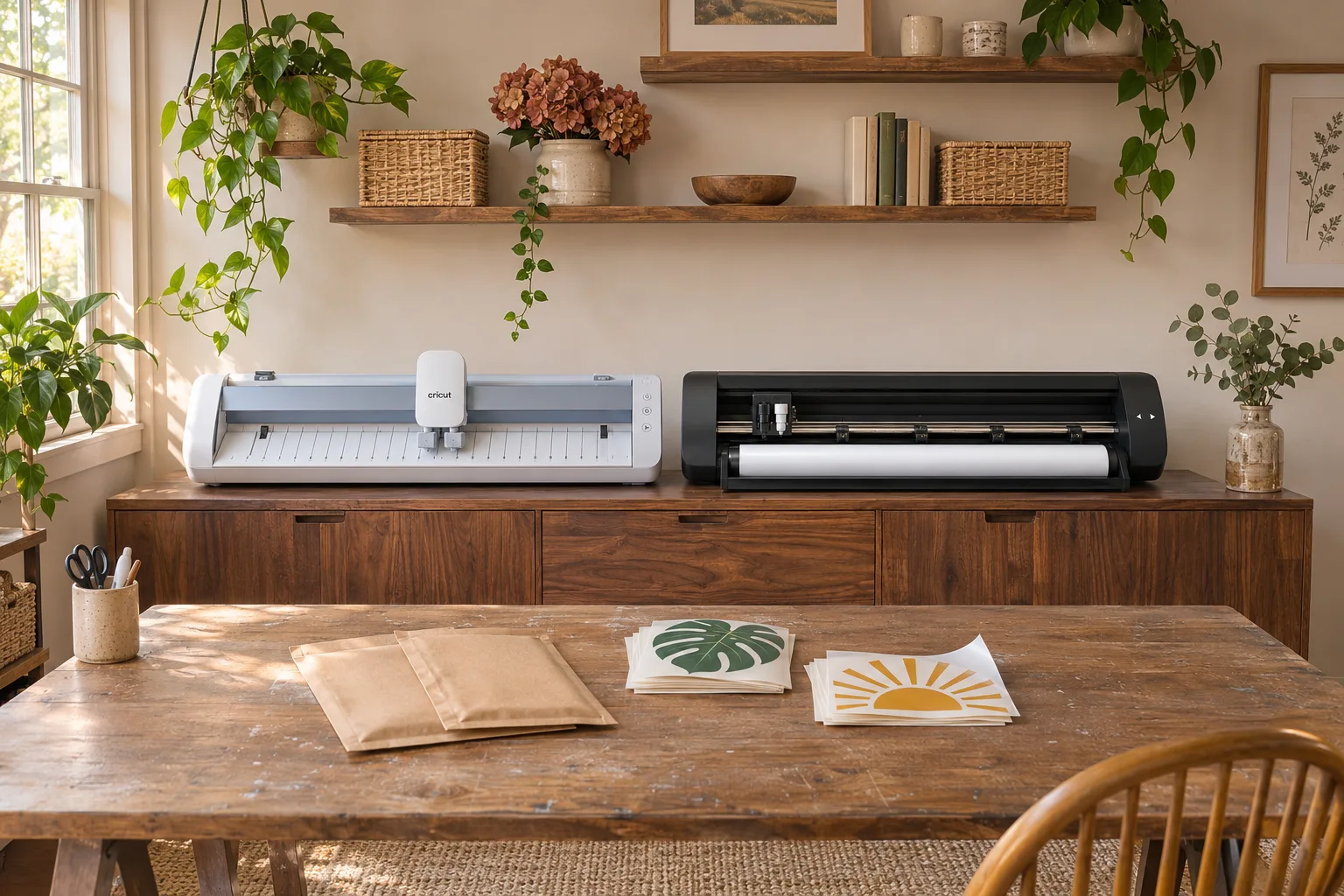
Buying guide
The best cutting machines for a small business
The Silhouette CAMEO 5α is the best cutting machine for most small businesses: $279.99, 16-foot matless cuts on cheap roll vinyl, and one-time Business Edition software for multi-cutter work. Plus the 24-inch Siser Romeo, Cricut Maker 5, Cricut Venture and Explore 5, with our cost per 100 decals and shirts.
See the picks