
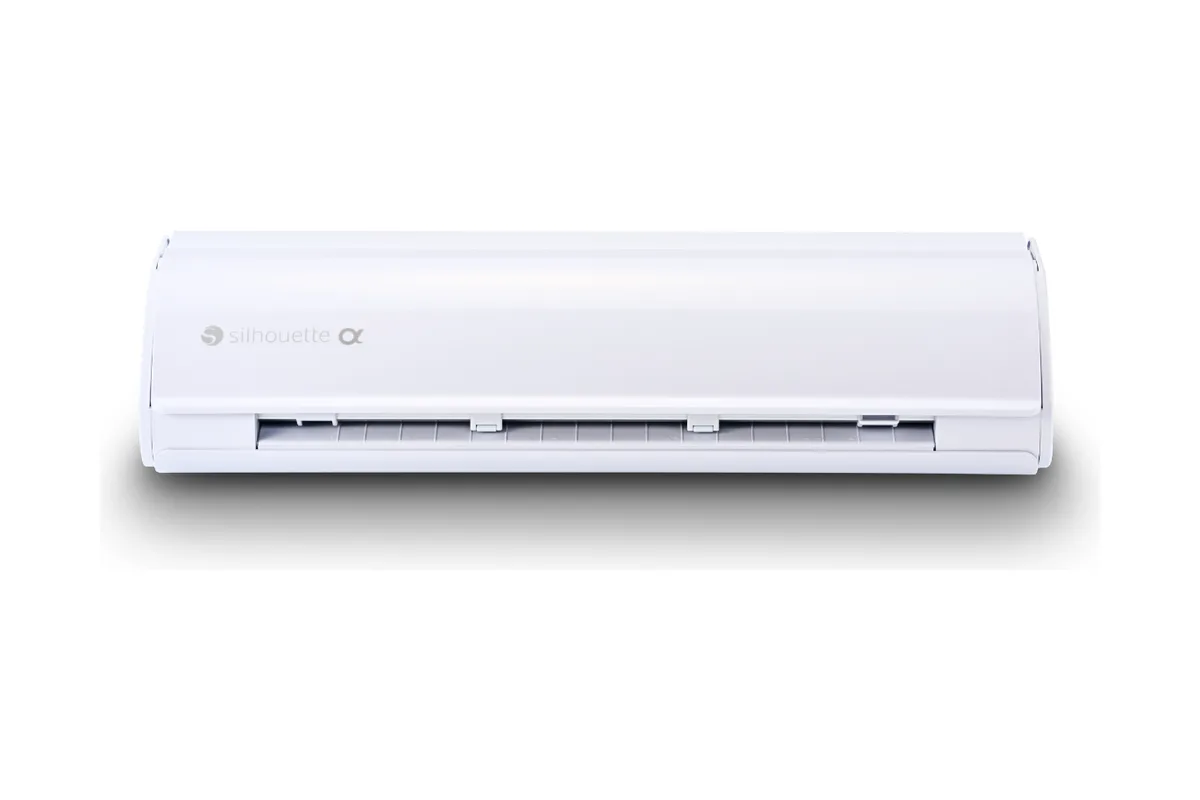
Side by side
| Feature | Cricut Explore 5 | Silhouette Cameo 5α |
|---|---|---|
| Type | Cutting machine | Cutting machine |
| Media | Printable vinyl, sticker paper, cardstock, HTV | Printable vinyl, sticker paper, cardstock, HTV |
| Max size | 12 x 24 in mat | 12 x 24 in mat |
| Connection | Bluetooth, USB | Bluetooth, USB |
| Where to buy | Check price at Amazon | Check price at Amazon |
Cricut Explore 5
- Type
- Cutting machine
- Media
- Printable vinyl, sticker paper, cardstock, HTV
- Max size
- 12 x 24 in mat
- Connection
- Bluetooth, USB
Silhouette Cameo 5α
- Type
- Cutting machine
- Media
- Printable vinyl, sticker paper, cardstock, HTV
- Max size
- 12 x 24 in mat
- Connection
- Bluetooth, USB
Cricut Design Space vs Silhouette Studio: which is better?
Silhouette Studio is the better design program; Cricut Design Space is the cheaper, simpler way to cut files you already have.
Studio Basic is free, traces images into cut lines, opens DXF files and works offline. Its paid editions are one-time purchases that add SVG import, embroidery files, SVG export, nesting and running several cutters from one computer. Design Space is free too, uploads SVG files at no cost and runs Cricut machines from an Android phone or iPhone. Its extras come with Cricut Access, a subscription.
You don’t usually choose between them on their own, though. Design Space is Cricut’s software for Cricut machines and Studio is Silhouette’s for Silhouettes, so in practice the software comes with the machine. If you’re choosing a machine, see Cricut Explore 5 vs Silhouette CAMEO 5α and Cricut vs Silhouette.
Design Space vs Silhouette Studio: what’s the difference?
| Cricut Design Space | Silhouette Studio | |
|---|---|---|
| Cost to use | Free; Cricut Access optional ($9.99/mo or $95.88/yr Standard; $14.99/mo or $119.88/yr Premium) | Free Basic; one-time upgrades: Designer $49.99, Designer Plus $74.99, Business $99.99 (list) |
| Account | Cricut ID required; signing in needs internet | Account for the design library, license keys and the Go app |
| Offline | Windows, Mac and iOS after you sign in and download content; not Android | Yes, with previously synced content |
| Computers | Windows 10+, macOS 12+; not Chromebook or Linux | Windows and Mac, 64-bit (CAMEO 5α: Windows 10+, macOS 13+) |
| Phones and tablets | iOS 17+ and Android 11+ run the machine | Silhouette Go (iOS, Android) for Bluetooth machines |
| Browser version | No | Silhouette Web, Bluetooth machines only |
| SVG import | Free (desktop and mobile) | Designer edition and up |
| DXF import | Free, desktop only | Free in Basic |
| PDF import | Not among its upload types | Designer and up |
| Export SVG, PDF, PNG, JPG | Not offered | Business only |
| Trace a picture into cut lines | Free single-layer cleanup (select, erase, crop); Convert to Layers needs Access | Free trace tool in Basic |
| Background removal | Automatic Background Remover, Access only | — |
| Embroidery files (PES, DST and others) | No | Designer Plus and up |
| Nesting, weed lines, multiple cutters | Not stated | Business |
| Included library | 3,000+ images, 100+ fonts, 250+ projects free; 1.5M+ images and 1,000+ fonts with Access | 100 designs and a 1-month Design Store plan with a new CAMEO 5α; 415k+ designs to buy |
| Selling what you make | Angel Policy: free, up to 10,000 finished items a year, no licensed content | Per-design commercial license, one-time fee, no stated cap |
Makers’ figures, read November 28, 2026. Cricut’s help center gives the Access library as 1 million-plus images and its plans page as 1.5 million-plus; Silhouette gives its store as 300,000-plus designs on one page and 415,000-plus on another.
How much does each cost over three years?
| Year 1 | 3 years | Notes | |
|---|---|---|---|
| Design Space, free | $0 | $0 | Uploads, system fonts and free content |
| Design Space + Access Standard, yearly | $95.88 | $287.64 | Monthly billing: $359.64 over 3 years |
| Design Space + Access Premium, yearly | $119.88 | $359.64 | Adds 20% off Cricut materials |
| Studio Basic | $0 | $0 | No SVG import |
| Studio Designer | $49.99 | $49.99 | One time; $39.99 on sale; included in the CAMEO 5α Starter Bundle |
| Studio Business | $99.99 | $99.99 | One time; $79.99 on sale |
Our arithmetic on list prices. Cricut is also testing Basic, Plus and Pro plans ($129.99 to $299.99 a year) with some US desktop users. Silhouette’s Club ($99.99 a year) and Design Store credit plans are optional and buy content, not software features.
For a hobbyist who never pays for extras, both cost nothing. If you want the paid features, Studio’s top edition costs about a third of three years of Access Standard (our estimate), though the two don’t buy the same things: Access is mostly a content library and member discounts, and Studio’s upgrades are tools.
Which is better for designing your own projects?
Silhouette Studio. Its free Basic edition includes a trace tool that turns a picture into cut lines, and the Designer edition adds layers, a lasso, warp templates, custom pattern fills, a glyphs panel and sketch effects. Designer Plus adds rhinestone templates and embroidery file import; Business adds SVG, PDF and image export, automatic nesting to save material, weed lines and a Media Layout view for tiling large jobs.
Design Space’s design tools are more basic, and several are behind Access: Convert to Layers (which turns a color image into up to nine cut layers), the Automatic Background Remover, Warp, Create Sticker and Monogram Maker. Free users can still clean up an upload with select, erase and crop, and the free account limits you to 20 basic shapes and 5 collections.
Which is better if you buy SVG files?
Design Space. It imports SVG and DXF files free on a computer, and SVGs on a phone or tablet, with no upload limit. Cricut planned to cap uploads for non-subscribers in 2021 and reversed it within a week; its CEO wrote that every member can upload unlimited images “for free.” The one limit Cricut lists is 5,000 paths per SVG.
Studio Basic doesn’t open SVG files at all. You need Designer ($49.99 at list) on a computer, and the Silhouette Go app also needs Designer or above for SVGs. DXF files open in Basic.
Which works offline?
Silhouette Studio, more fully. Silhouette says Studio “can be used offline” with any content you’ve already downloaded and synced; you need the internet only to download and update it, activate upgrades and get new Design Store purchases.
Design Space has an offline mode on Windows, Mac and iOS, with limits:
- You must sign in online first, and you can’t sign in offline.
- Free images can be used offline for 7 consecutive days, and Access images for 30 days or until your renewal date.
- Search, uploads, Print Then Cut, new machine setup and Collections need the internet.
- Android has no offline mode at all.
See can you use a Cricut without the internet?.
Which works better on a phone or iPad?
Design Space, if you want to cut from a phone. Its iOS and Android apps run every Bluetooth Cricut except the Venture, which is desktop only. A few things still need a computer: Knife Blade and Foil Transfer projects, DXF uploads and some Access features. Silhouette Go runs Bluetooth Silhouettes from iOS and Android, has an offline mode with 15 free designs, and needs the Designer edition for SVG files. See can you use a Cricut without a computer?.
Which is better for a small business?
Silhouette Studio Business, for production; Cricut, for the simplest selling rules.
- Production tools. Studio Business runs more than one cutter from one computer, nests shapes to use less material, adds weed lines and exports SVG and PDF files. Design Space has none of these listed. See is Silhouette Studio Business Edition worth it?.
- Licensing. Cricut’s Angel Policy lets anyone, free or paid, sell finished physical projects made with Cricut images and fonts, up to 10,000 a year, labeled “Includes Copyright Materials of Cricut.” It never covers licensed characters such as Disney or Marvel, and it bans selling digital files or unassembled cuts. Silhouette sells a one-time commercial license per design, with no yearly cap stated.
- Your own designs are yours to sell on either.
See the best cutting machines for a small business.
Can you use Silhouette Studio with a Cricut?
Yes, as a design tool, with the Business edition. Business exports SVG files, and Design Space imports SVGs free, so you can design in Studio and cut on a Cricut.
What happens if you stop paying?
- Cricut Access: you keep its benefits to the end of the billing period, then lose the subscription library, tools and discounts. Uploads, free content and images you bought stay; Cricut says purchased images don’t expire.
- Silhouette: nothing to stop. Upgrades are permanent. If you cancel a Design Store plan, Silhouette says your downloads stay, and Club Silhouette storage drops from 5 GB to 1 GB.
Which should you choose?
Choose Design Space (and a Cricut such as the Explore 5, $199 at Cricut or $199 as the Essential Bundle on Amazon) if you’ll mostly cut SVG files from elsewhere, want to work from a phone, or want the biggest ready-made project library. Choose Silhouette Studio (and a CAMEO 5α, $279.99 at Silhouette) if you’ll design your own work, want it to run offline without an account check-in, or plan to sell in volume and want nesting and multi-cutter support for a one-time $99.99.
Questions people ask
Is Silhouette Studio free?
Yes, the Basic edition is free and cuts on any Silhouette. Upgrades are one-time purchases: Designer $49.99, Designer Plus $74.99 and Business $99.99 at list.
Is Cricut Design Space free?
Yes. It’s required to run a Cricut and costs nothing; Cricut Access is an optional subscription for the full library and extra tools. See do you need Cricut Access?.
Can Silhouette Studio open SVG files?
Not in Basic. SVG and PDF import start with the Designer edition ($49.99 list, $39.99 on sale).
Does Design Space work offline?
On Windows, Mac and iOS, after you sign in and download your images, fonts and projects. Not on Android, and not for uploads, search or Print Then Cut.
Which is easier to learn?
Design Space has fewer tools and a library of ready-made projects (250-plus free, 100,000-plus with Access), so there’s less to learn before your first cut. Studio has more tools in more editions.
Can you use Design Space on a Chromebook?
No. Cricut lists Windows, Mac, iOS and Android only, and not Chromebook or Linux.
Sources
- Cricut Design Space system requirements, help.cricut.com
- Cricut: Design Space Offline Feature, help.cricut.com
- Cricut: How to upload images into Design Space, help.cricut.com
- Cricut Design Space FAQ, help.cricut.com
- Cricut Access subscription plans, cricut.com
- Cricut Access join page, cricut.com
- Cricut Basic, Plus and Pro plans (PDF), staticcontent.cricut.com
- What is Cricut Access?, help.cricut.com
- Cricut Angel Policy, cricut.com
- Cricut Maker 5 frequently asked questions, help.cricut.com
- Cricut Maker 5 specifications and requirements, help.cricut.com
- Cricut: All About Cricut Blades and Machine Tools, help.cricut.com
- Cricut Explore 5, cricut.com
- Silhouette Studio editions and prices, silhouetteamerica.com
- Silhouette software, silhouetteamerica.com
- Silhouette Studio file types and features, silhouetteamerica.freshdesk.com
- Silhouette Designer Edition features, silhouetteamerica.freshdesk.com
- Silhouette Business Edition features, silhouetteamerica.freshdesk.com
- Silhouette software overview, silhouetteamerica.freshdesk.com
- Silhouette Go mobile app overview, silhouetteamerica.freshdesk.com
- Silhouette Web overview, silhouetteamerica.freshdesk.com
- Silhouette Design Store policies, silhouetteamerica.freshdesk.com
- Club Silhouette overview, silhouetteamerica.freshdesk.com
- Silhouette Design Store subscription plans, silhouettedesignstore.com
- Silhouette CAMEO 5α, silhouetteamerica.com
- Amazon: Cricut Explore 5 Essential Bundle, amazon.com
- Amazon: Silhouette CAMEO 5α, amazon.com
Keep exploring
Buying guide
The best cutting machines for beginners
The Cricut Explore 5 is the best cutting machine for beginners: the Essential Bundle is $199 in November 2026, the same as the machine alone, and it cuts 12-inch vinyl, iron-on and cardstock, scores cards and prints and cuts tabloid sticker sheets. The Joy Xtra ($129) suits small desks; the Silhouette CAMEO 5α ($279.99) skips subscriptions.
See the picks
Buying guide
The best cutting machines for cardstock and paper crafts
The Cricut Explore 5 is the best cutting machine for cardstock and paper crafts: a Scoring Tool in the box, card mats, Print Then Cut on tabloid sheets and 14.1-inch-a-second cuts, for $199 in November 2026 (the Essential Bundle with a 2-Card Mat is also $199). The Cricut Maker 5 ($349) adds debossing, perforation and the Knife Blade for chipboard; the Joy 2 ($99) is the budget card maker.
See the picks
How to
Is Cricut Access worth it? The break-even math
Cricut Access is worth it only if you'd use its 1.5 million-image library every month or spend about $560 a year at cricut.com, where Standard's 10% discount and $10 quarterly coupons cover its $95.88 yearly price (our estimate). Premium ($119.88 a year) pays for itself at about $400 a year of Cricut materials. If you cut your own designs or SVGs bought elsewhere, the free account is enough.
Read the guide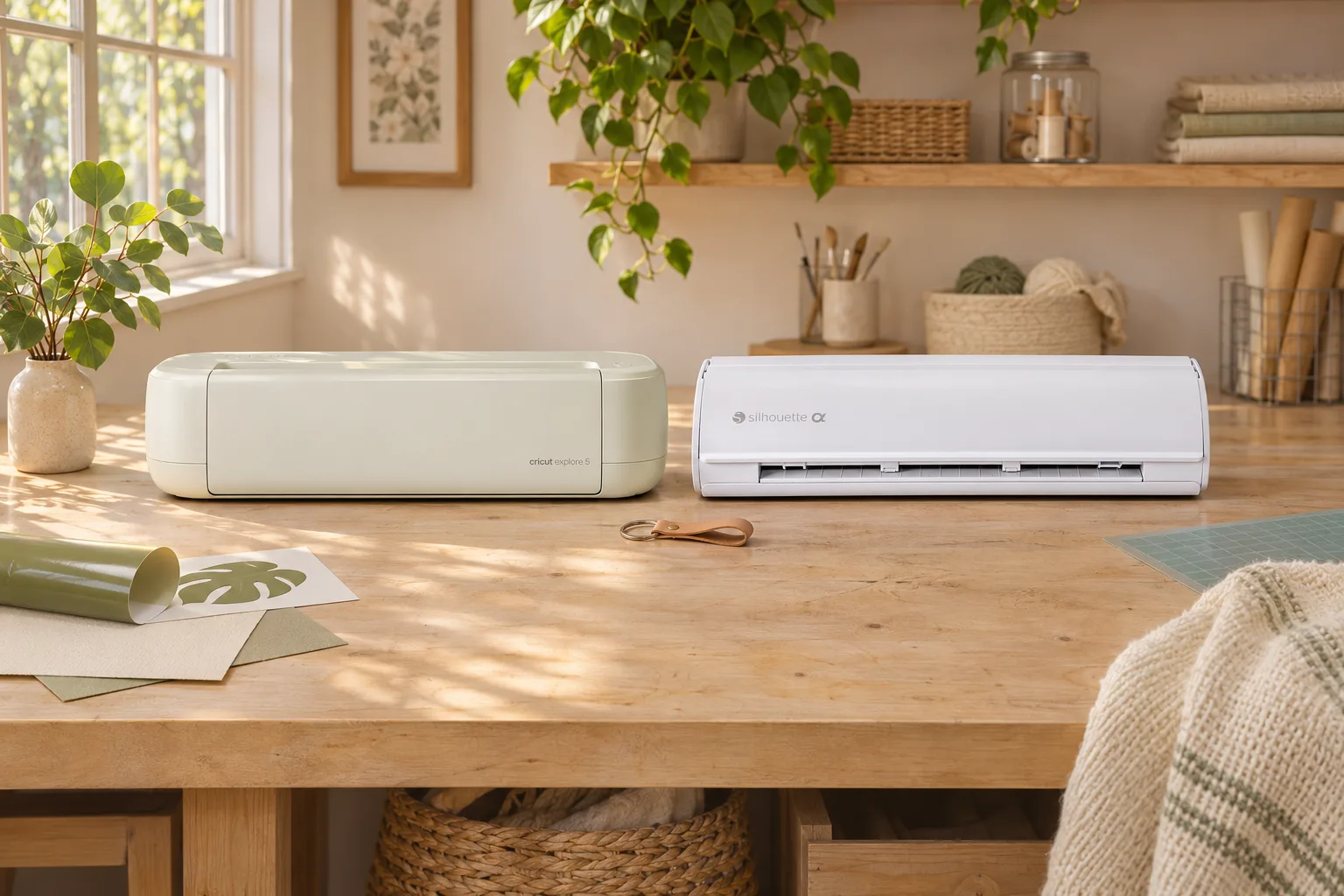
Comparison
Cricut Explore 5 vs Silhouette CAMEO 5α: which should you buy?
The Cricut Explore 5 for most people: $199 with the Essential Bundle, free SVG import and tabloid Print Then Cut. The CAMEO 5α ($279.99) for 3 mm materials, rotary and embossing tools, and 16-foot matless cuts.
Compare them