How it scores
- Cutting power and materials25%7.5
The only Cricut with a published cut force (400 gf), and 100+ materials, but 7 tools: no Rotary, Knife, engraving or QuickSwap tips, and its Deep-Point Blade tops out around 1.5 mm.
- Cut size15%10.0
24 inches wide on 25-inch Smart Materials, single cuts up to 12 feet and repeated cuts up to 75 feet, plus 24 x 28-inch Performance mats.
- Software and subscription20%6.0
Free Design Space with unlimited uploads, but desktop only: Cricut says the Venture isn't supported on Design Space for mobile, and an account and internet are needed for setup.
- Setup and ease of use10%6.5
Built-in roll and mat supports and Print Then Cut up to 24 x 28-inch sheets, but it weighs 34.7 lb, needs a workspace about 35 x 42.5 inches, and has no phone app.
- Running costs and support15%7.0
Its own Performance Fine-Point Blade ($14.99, or $74.99 for five) and Performance mats; the machine-only box has no mat, and the warranty is one year.
- Value15%8.0
$499 is half its $999 launch price, about the same as Silhouette's 24-inch CAMEO PRO MK-II ($499.99), and the Everything Bundle adds a mat and seven rolls of vinyl and iron-on at no extra cost.
Overall 7.5/10, the weighted average.How we score →
Is the Cricut Venture worth it?
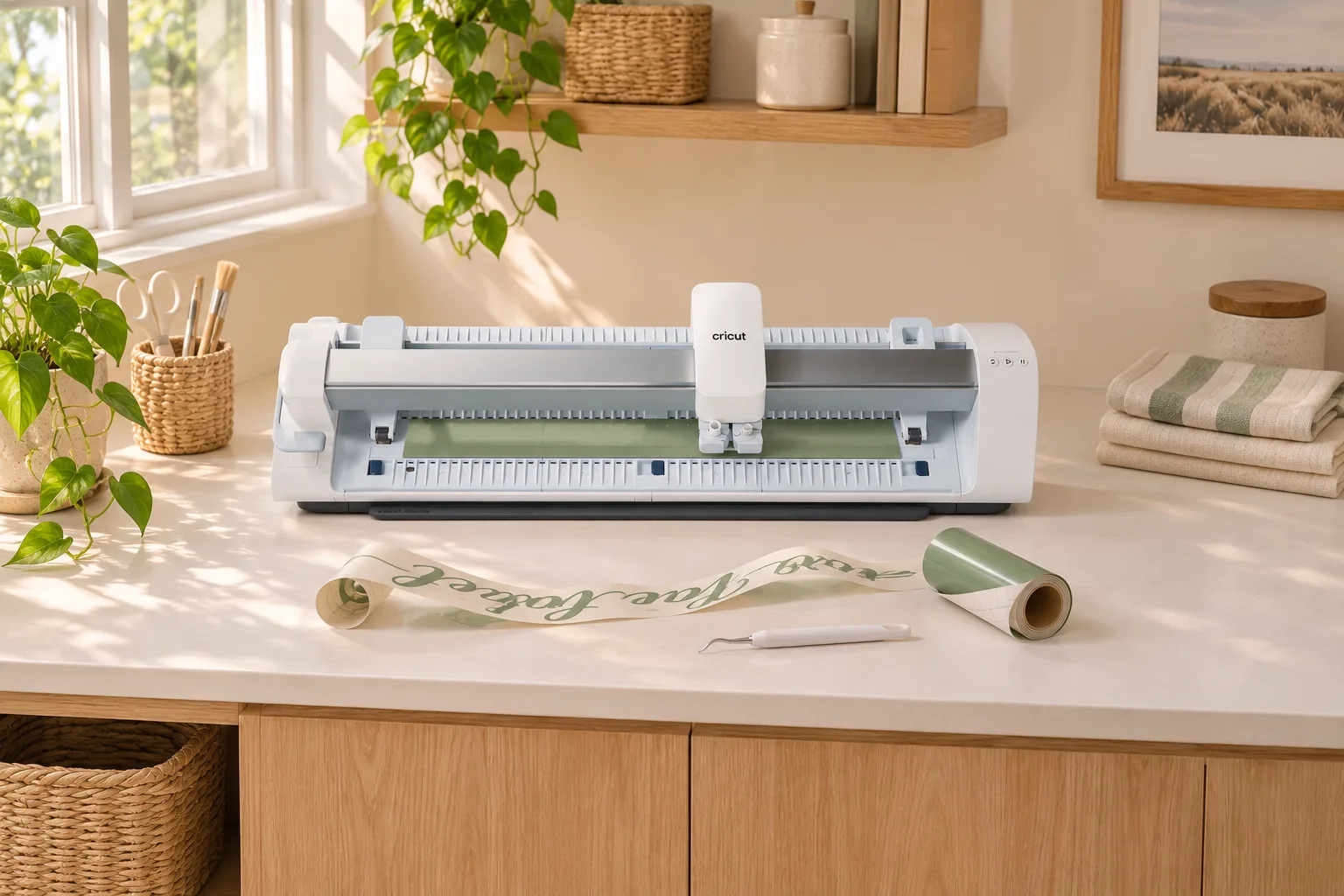
Yes, if you sell vinyl decals, signs, banners or shirts and cut them in batches. The Venture is Cricut’s 24-inch wide-format cutter. It cuts at up to 25.4 inches a second, about 1.8 times the Maker 5’s 14.1, and it’s the only Cricut with a published cut force (400 gf). In November 2026 it’s $499 at Cricut, half its $999 launch price, and the Everything Bundle costs the same $499 with a 24 x 28-inch mat and seven rolls of vinyl and iron-on.
For hobby crafting, no. It doesn’t take the Rotary Blade, Knife Blade or engraving tips, it works only with Design Space on a computer, it weighs 34.7 lb, and it needs a workspace about 35 x 42.5 inches. A Maker 5 ($349) cuts more kinds of material; an Explore 5 ($199) cuts the same vinyl at 12 inches wide.
Cricut Venture specs
| Spec | Cricut Venture |
|---|---|
| Status | Current; announced July 18, 2023, on sale July 25, 2023 at $999 |
| Price (Cricut, Nov 2026) | $499 machine alone; Everything Bundle $499; Everything Bundle + Access $449 |
| Cut width | 24 in (Smart Materials 13 or 25 in wide); Performance mats 24 x 12 and 24 x 28 in |
| Longest cut | 12 ft single image; 75 ft repeated images; rolls up to 25 in x 150 ft |
| Thickness | Not published; Deep-Point Blade “up to 1.5 mm” |
| Cut force | 400 gf |
| Speed | 25.4 in/s (64.5 cm/s); 25 in/s in the launch release |
| Tools | 7: Performance Fine-Point Blade, Automatic Cutoff Blade, Deep-Point, Bonded-Fabric, Scoring Stylus, Foil Transfer, pens |
| Accuracy | Repetition accuracy ±0.1 mm (Cricut, with the Docking Stand and 12 ft Smart Materials) |
| Print Then Cut | Sheets up to 24 x 28 in (cut area up to 26.94 x 22.94 in); 15.94 x 9.94 in on tabloid |
| Scanner or camera | None; a sensor reads Print Then Cut marks |
| Connection | Bluetooth; USB-C and USB-A cables |
| Phone and offline | Desktop only (Mac, Windows); no mobile app. Design Space’s offline mode works on desktop |
| Size and weight | 8.81 x 34.82 x 10.4 in; 34.7 lb |
| Workspace | At least 34.8 x 42.5 x 41.3 in (Cricut) |
| Warranty | 1 year (US) |
Source: Cricut’s Venture product page, comparison chart and help center, read November 28, 2026. Cricut gives the width as “24 in (63.5 cm)”, but 63.5 cm is 25 inches, the width of its wide Smart Materials. It gives the weight as “34.7 lbs (17.1 kgs)”; 34.7 lb is 15.7 kg.
What is the Cricut Venture good at?
- Width. Two adult shirt fronts side by side, a 24-inch sign, or a row of logos for a team order from one pass. Cricut’s Smart Vinyl comes 25 inches wide for it.
- Length. Single images up to 12 feet and repeated images up to 75 feet, the figure Cricut’s launch release gave when it called the Venture its largest cutting machine. That’s banners, long wall decals and long runs of stickers or labels without stopping.
- Speed. 25.4 inches a second, by Cricut’s maximum figure, with servo motors. Cricut calls it “commercial speeds.”
- Print Then Cut on big sheets. Cricut lists sheets up to 24 x 28 inches and A2. You’d need a printer that takes those sizes; on the letter and tabloid paper most home inkjets print, it cuts the same areas as a Maker or Explore.
What can’t the Venture do?
- Thick or dense materials. No Knife Blade, so no basswood, chipboard or tooling leather. Its thickest-cutting tool is the Deep-Point Blade, which Cricut rates at about 1.5 mm.
- Fabric without a backer. No Rotary Blade; it takes the Bonded-Fabric Blade for fabric with an iron-on backer.
- Engraving, debossing, perforation or wavy cuts. None of the QuickSwap tips fit.
- Phones and tablets. “Cricut Venture is supported on Design Space for Desktop only,” Cricut says.
It does take the Scoring Stylus, which the Maker 5 and Explore 5 don’t.
What does the Venture really cost?
| Option | Price (Cricut, Nov 2026) | What’s in it |
|---|---|---|
| Machine only | $499 (“$999 value”) | Performance Fine-Point Blade, Cutoff Tool, roll supports, mat support extension, cables, two pieces of Smart Vinyl Removable (13 x 30 in and 25 in x 6 ft). No mat |
| Everything Bundle | $499 | Adds a 24 x 28 StandardGrip Performance mat, three 25 in x 5 ft rolls of Smart Iron-On, four 25 in x 5 ft rolls of Smart Vinyl, and 15 ft of transfer tape |
| Everything Bundle + Access | $449 | The same, plus one month of Cricut Access Standard, then $9.99 a month until you cancel |
Buy the Everything Bundle, or the $449 Access version if you’ll cancel Access in time. There’s no reason to pay $499 for the machine alone. Amazon had no Venture machine listing in November 2026, only its mats; Amazon sells a 24 x 28 LightGrip Performance mat at $31.39.
The Venture uses its own Performance Machine Mats (24 x 12 and 24 x 28 inches, sold separately) and its own Performance Fine-Point Blade at $14.99, or $74.99 for five. The Automatic Cutoff Blade is $19.99. Cricut has an optional Docking Stand; we didn’t find its price.
How much does the Venture cost to own?
| Free Design Space | With Cricut Access Standard | |
|---|---|---|
| Year 1 | $545.38 | $641.26 |
| 3 years | $638.14 | $925.78 |
| Cost per inch of cut width | $20.79 | — |
Our estimate. Inputs: the $499 machine; one 24 x 28 Performance mat ($31.39 at Amazon) and one Performance Fine-Point Blade ($14.99 at Cricut) a year; Access at $95.88 a year. Cricut publishes no blade or mat lifespan, so the yearly rate is our assumption, and a busy shop will go through more. Per inch of width, the Venture ($20.79) costs less than a Maker 5 ($29.08) and only a little more than an Explore 5 ($16.58 at 12 inches).
Venture or Maker 5?
The Maker 5 for crafting, the Venture for volume. The Maker 5 takes 13 tools, cuts 3 mm material and works from a phone. The Venture cuts twice as wide, 1.8 times as fast and repeats designs up to 75 feet. See Cricut Venture vs Maker 5.
Venture or a Silhouette or Siser 24-inch cutter?
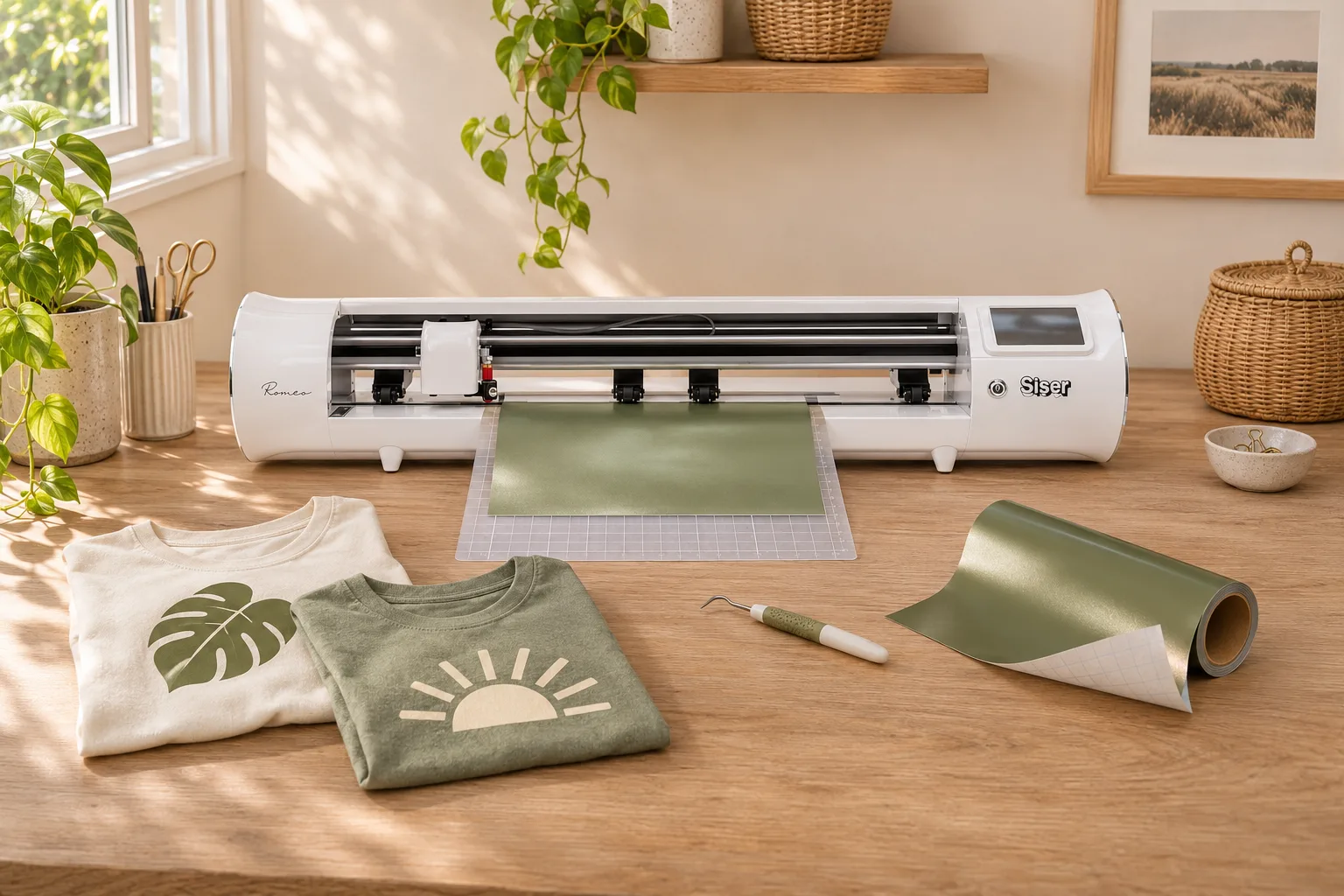
The Venture’s rivals cost about the same. Silhouette’s CAMEO PRO MK-II is $499.99, cuts 23.6 inches wide without a mat, includes a roll feeder and a 24 x 24 mat, has two tool holders and runs on Silhouette Studio, whose Basic edition is free with no subscription. Silhouette doesn’t publish its cut force. The Siser Romeo is $399 at Siser on Black Friday and $450.99 at Amazon, cuts 24 inches on 25-inch media at up to 24 inches a second, connects over Wi-Fi, and has a camera for print-and-cut marks. Siser lists a 1 mm maximum material height and publishes no cut force.
The Venture’s edge is Cricut’s Smart Materials, which feed without a mat, and the Design Space ecosystem you may already use. See Cricut Venture vs Silhouette CAMEO PRO MK-II and the Siser Romeo review.
Should you buy the Cricut Venture?
Buy it, as the $499 Everything Bundle, if you sell vinyl decals, signs, banners or HTV shirts, have a computer and a big table, and want to stay with Cricut. Cricut’s Angel Policy lets you sell up to 10,000 finished projects a year made with Cricut’s own images and fonts; see how to make money with a Cricut. Skip it if you craft for fun or want to cut wood, leather or plain fabric. See the best cutting machines for a small business and the best Cricut machines.
Questions people ask
Is the Cricut Venture worth it?
Yes for a vinyl or shirt business at $499, especially as the Everything Bundle at the same price. For home crafting, a Maker 5 or Explore 5 is cheaper and more versatile.
How much is the Cricut Venture?
$499 at Cricut in November 2026 for the machine or the Everything Bundle, and $449 for the Everything Bundle with one month of Cricut Access. It launched at $999 in 2023.
Does the Cricut Venture need a computer?
Yes. Cricut says the Venture is supported on Design Space for Desktop only, on Mac or Windows. It doesn’t work with the iPhone, iPad or Android app.
Does the Venture need a mat?
Not with Cricut’s Smart Materials, which it feeds from the roll in 13- or 25-inch widths. Other vinyl and paper go on a Performance Machine Mat, which isn’t in the machine-only box.
Can the Cricut Venture cut wood or leather?
No. It doesn’t take the Knife Blade; its Deep-Point Blade cuts up to about 1.5 mm. For wood and leather, see the best cutting machines for leather and wood.
How much space does the Venture need?
Cricut gives a minimum workspace of 34.8 x 42.5 x 41.3 inches. The machine itself is 34.82 inches wide and weighs 34.7 lb.
Is the Venture faster than the Maker 5?
Yes. Cricut rates it at 25.4 inches a second against 14.1 for the Maker 5, and it cuts twice as wide.
Key specifications
| Feature | Cricut Venture | Cricut Maker 5 | Silhouette Cameo Pro MK II | Siser Romeo |
|---|---|---|---|---|
| Type | Cutting machine | Cutting machine | Cutting machine | Vinyl cutter |
| Width | 24 in | 12 in (Smart Materials); 11.5 in on a mat | 23.6 in | 24 in |
| Force | 400 gf | |||
| Software | Cricut Design Space (desktop) | Cricut Design Space | Silhouette Studio | Siser Leonardo |
| Connection | Bluetooth, USB | Bluetooth, USB-C | Bluetooth, USB | Wi-Fi, USB |
| Where to buy | Check price at Amazon | Check price at Amazon | Check price at Amazon |
Cricut Venture
- Type
- Cutting machine
- Width
- 24 in
- Force
- 400 gf
- Software
- Cricut Design Space (desktop)
- Connection
- Bluetooth, USB
Cricut Maker 5
- Type
- Cutting machine
- Width
- 12 in (Smart Materials); 11.5 in on a mat
- Force
- Software
- Cricut Design Space
- Connection
- Bluetooth, USB-C
Silhouette Cameo Pro MK II
- Type
- Cutting machine
- Width
- 23.6 in
- Force
- Software
- Silhouette Studio
- Connection
- Bluetooth, USB
Siser Romeo
- Type
- Vinyl cutter
- Width
- 24 in
- Force
- Software
- Siser Leonardo
- Connection
- Wi-Fi, USB
More on the Cricut Venture
Sources
- Cricut Venture product page, cricut.com
- Cricut press release: Cricut Venture (July 18, 2023), investor.cricut.com
- Cricut machine comparison chart, cricut.com
- Cricut Cutting Machines category, cricut.com
- Cricut: How large can I Print Then Cut?, help.cricut.com
- Cricut: How to Print Then Cut in Design Space, help.cricut.com
- Cricut Smart Iron-On (Venture desktop-only note), help.cricut.com
- Cricut: All About Smart Materials, help.cricut.com
- Cricut: All About Cricut Blades and Machine Tools, help.cricut.com
- Cricut blades and tools (store), cricut.com
- Cricut Maker 5 product page, cricut.com
- Cricut Access subscription plans, cricut.com
- Cricut warranty documentation, help.cricut.com
- Silhouette CAMEO PRO MK-II product page, silhouetteamerica.com
- Siser Romeo product page, siserstore.com
- Amazon: Cricut Venture Light Grip Performance Machine Mat, 24 x 28 in, amazon.com
Keep exploring
Review
Siser Romeo review
A good 24-inch vinyl cutter for shirt and decal work, best bought at Siser for $399 on Black Friday (list $599.99) rather than $450.99 at Amazon. It isn't for thick materials.
Read the review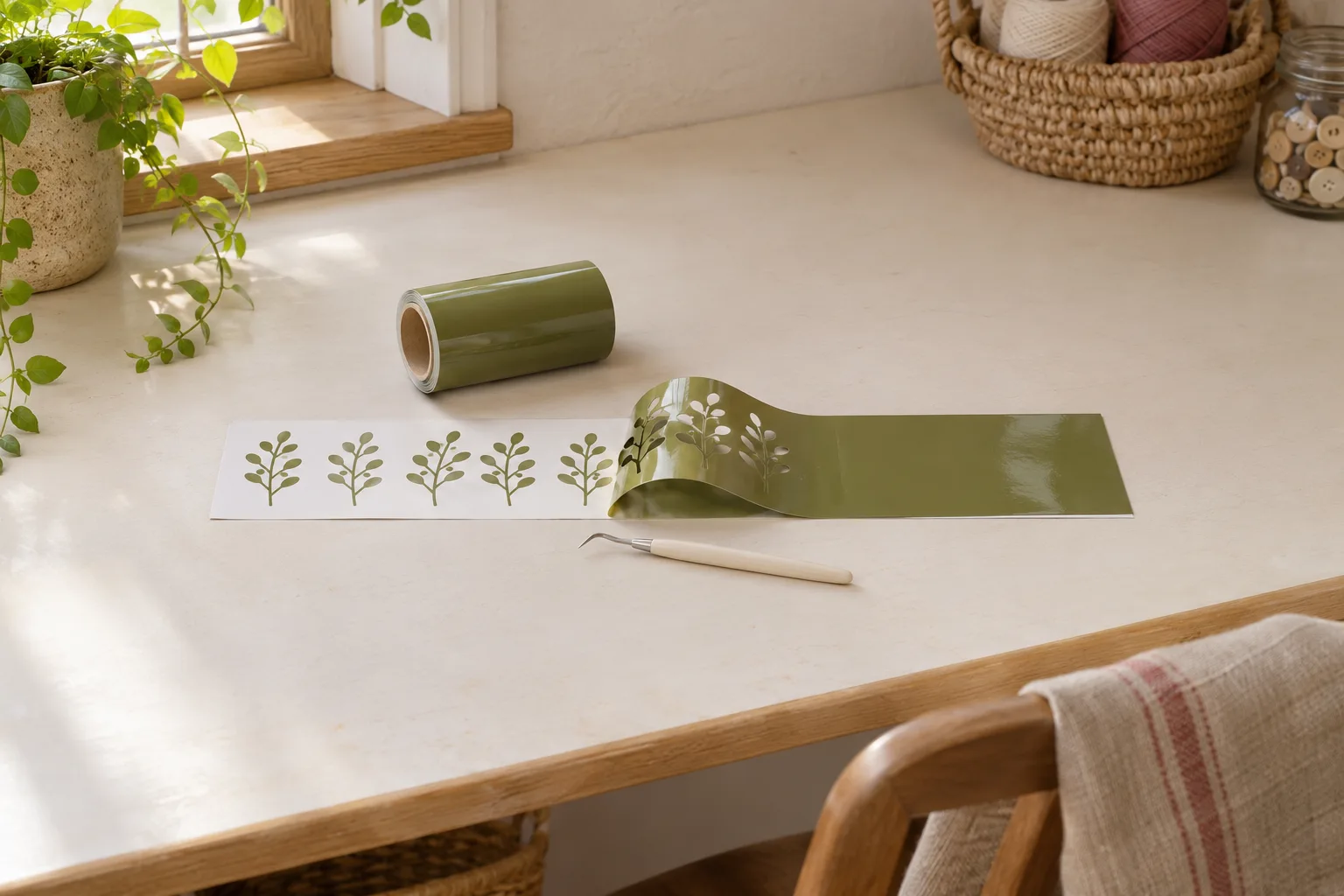
How to
Do you need a mat for Cricut Smart Materials?
No, on every current Cricut: Smart Materials feed straight into the Maker 5, Maker 4, Explore 5, Joy 2, Joy Xtra and Venture, and the refurbished Explore 4. The Explore and Maker cut them up to 12 feet long, the Joy machines up to 4 feet (20 feet of repeated cuts) and the Venture up to 12 feet, or 75 feet repeated. Older machines need a mat.
Read the guide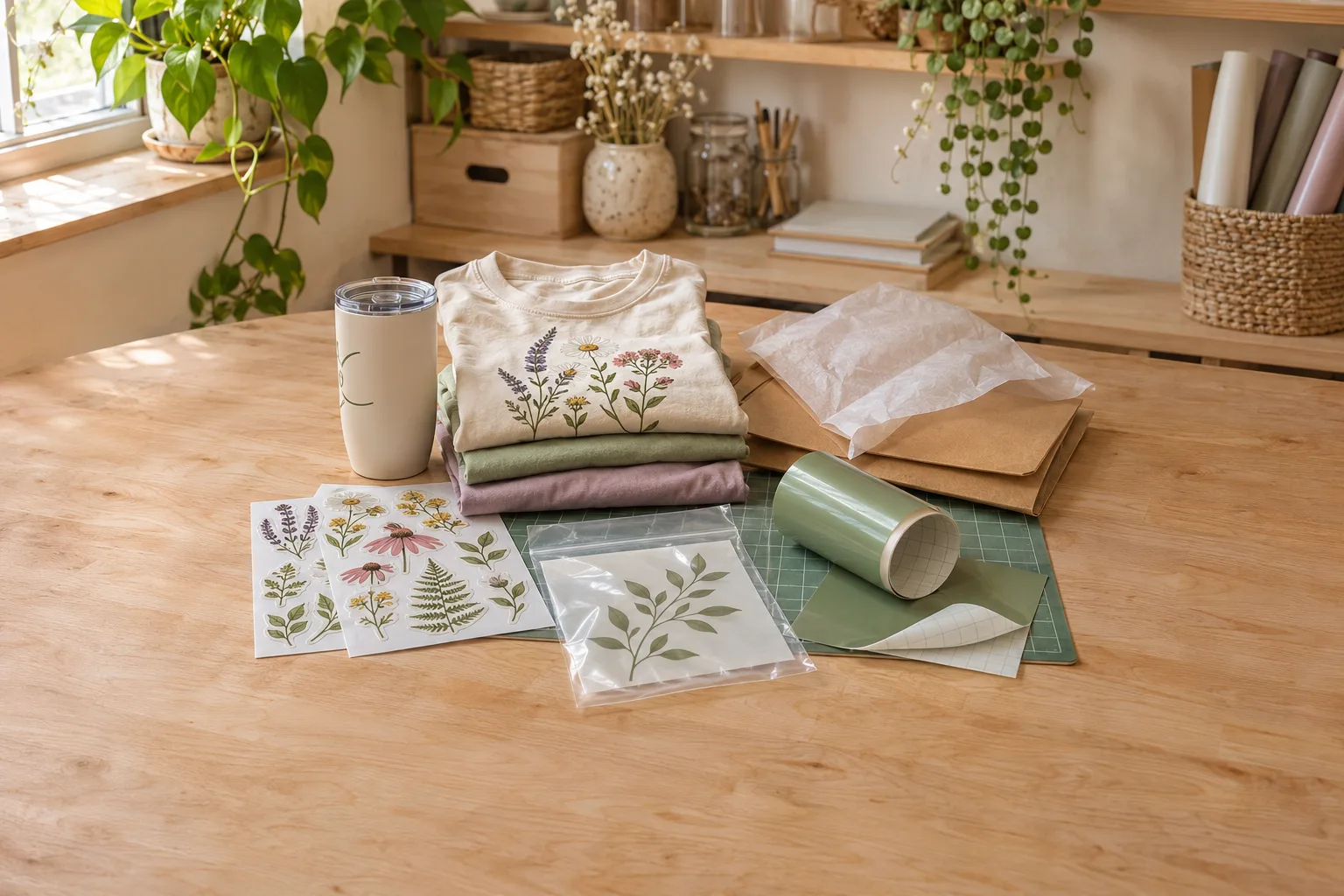
How to
Can you make money with a Cricut?
Yes, within limits. Cricut's Angel Policy lets you sell up to 10,000 finished projects a year made with its designs, with no subscription, but never licensed characters, loose cuts or digital files. Margins are what's left after fees and materials: on Etsy, a $20 shirt with $5 shipping pays about $2.83 in fees, by our estimate. No machine guarantees sales.
Read the guide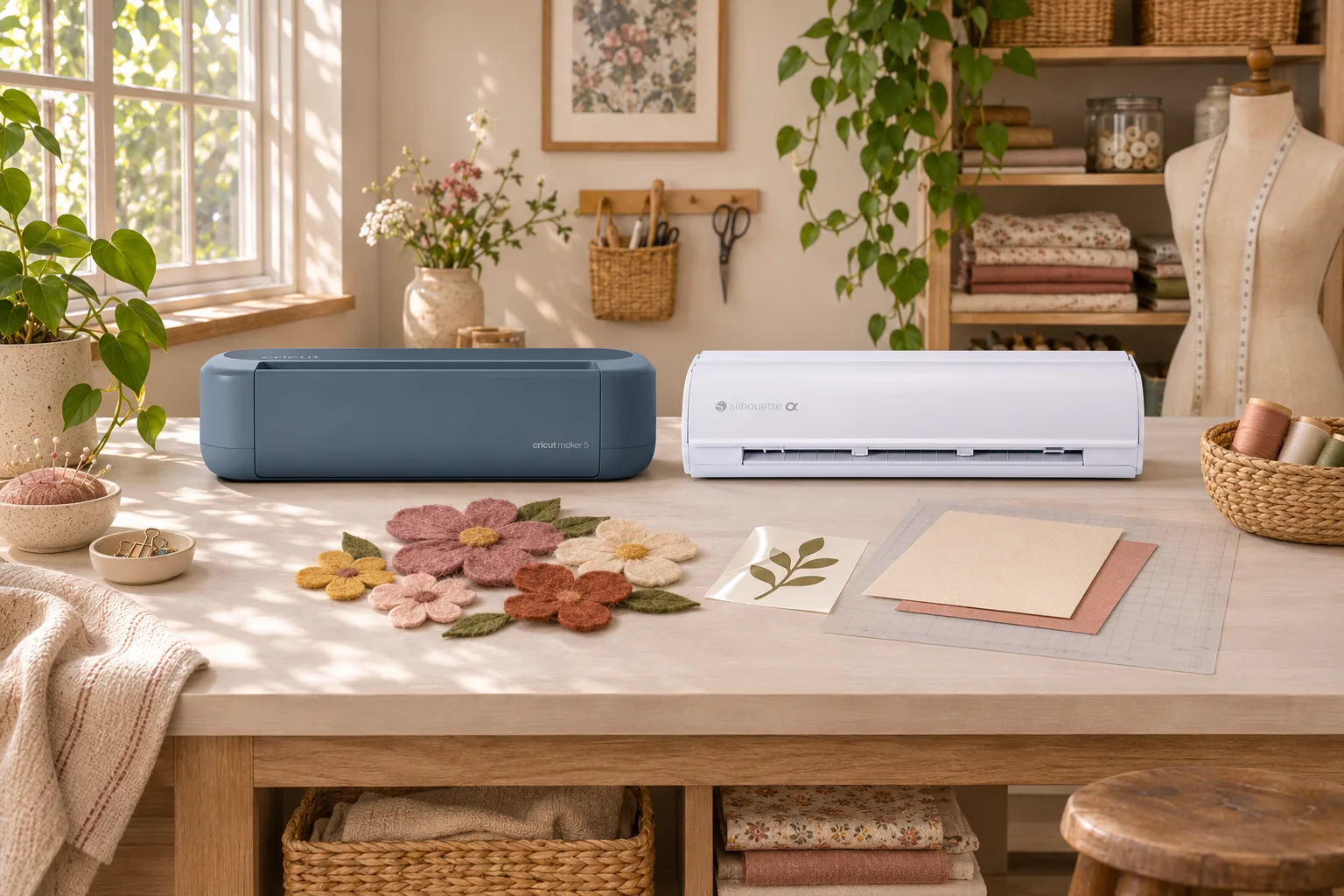
Buying guide
The best cutting machine for every material
The Cricut Maker 5 ($349) is the best cutting machine if you want one that cuts vinyl, cardstock, unbacked fabric, leather and thin wood. By material: the Silhouette CAMEO 5α for vinyl ($279.99), the Cricut Explore 5 for paper and cardstock ($199), the AccuQuilt GO! for quilting ($329.99), the Maker 5 for leather and wood, and the 24-inch Siser Romeo for long signs ($399 on sale).
See the picks