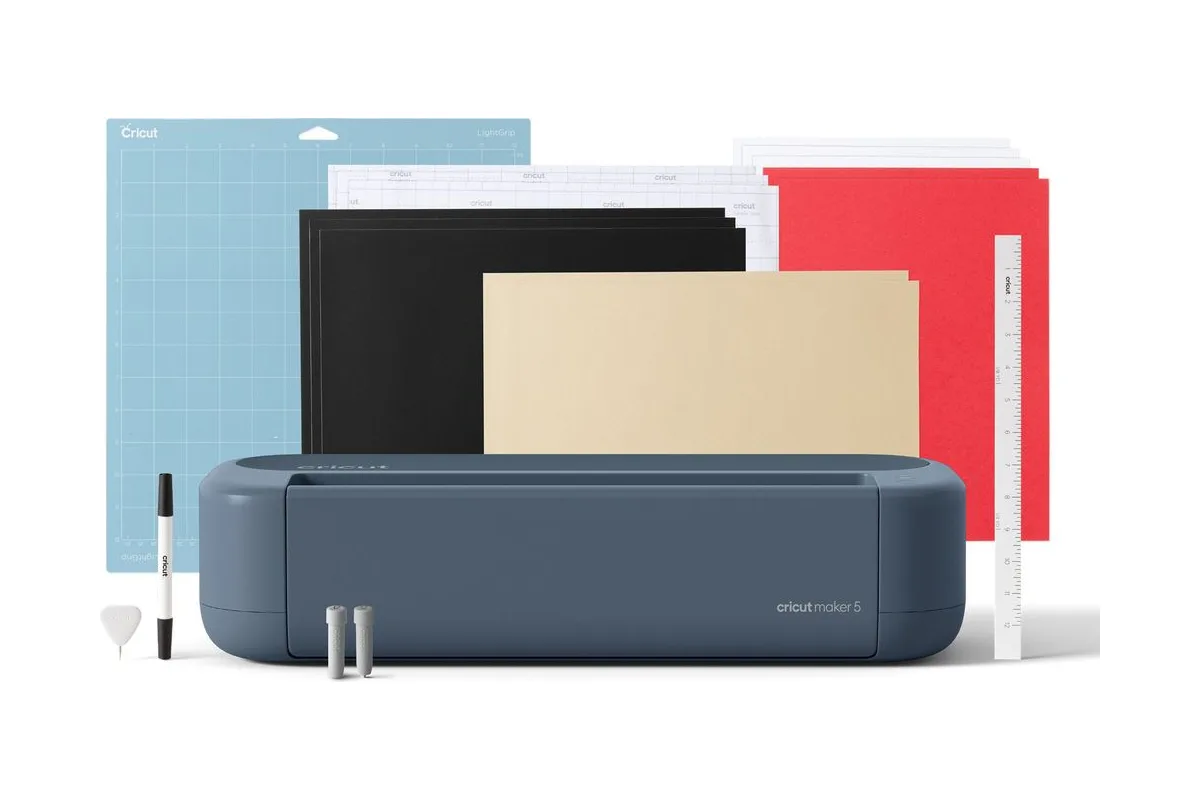
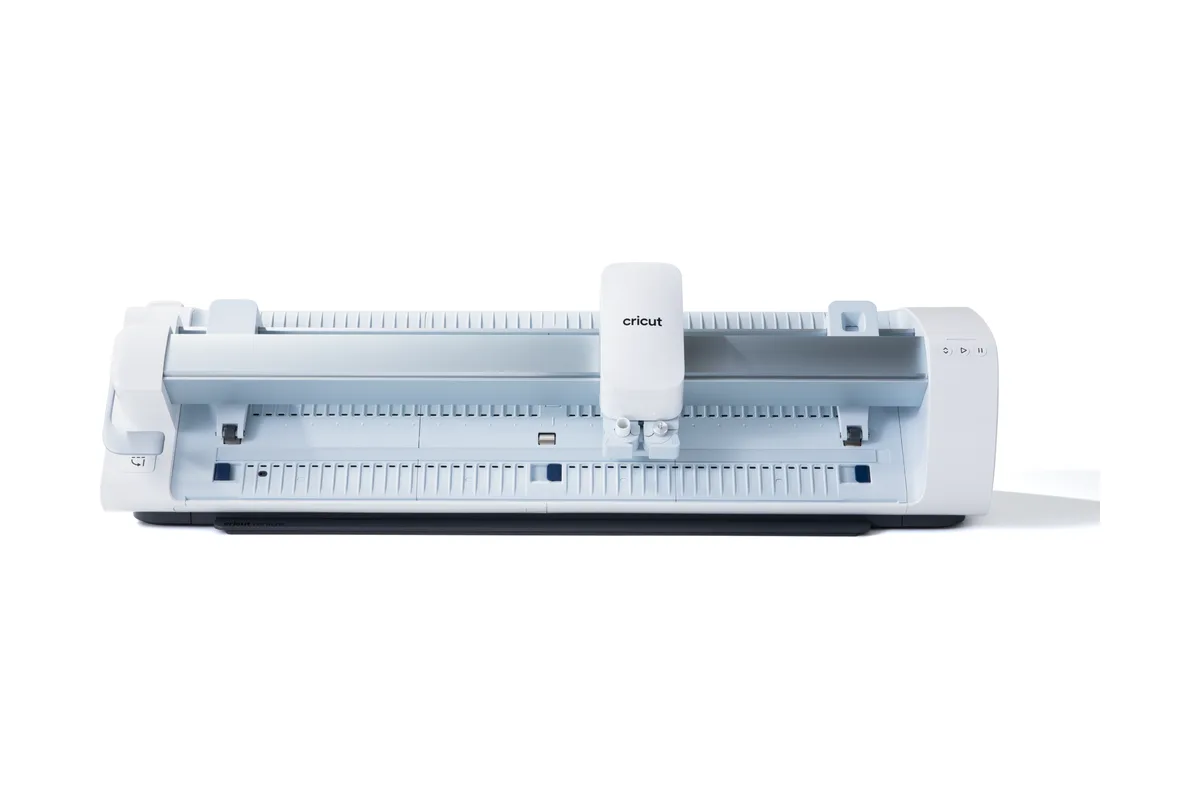
Side by side
| Feature | Cricut Maker 5 | Cricut Venture |
|---|---|---|
| Type | Cutting machine | Cutting machine |
| Width | 12 in (Smart Materials); 11.5 in on a mat | 24 in |
| Thickness | 3 mm | |
| Software | Cricut Design Space | Cricut Design Space (desktop) |
| Connection | Bluetooth, USB-C | Bluetooth, USB |
| Where to buy | Check price at Amazon |
Cricut Maker 5
- Type
- Cutting machine
- Width
- 12 in (Smart Materials); 11.5 in on a mat
- Thickness
- 3 mm
- Software
- Cricut Design Space
- Connection
- Bluetooth, USB-C
Cricut Venture
- Type
- Cutting machine
- Width
- 24 in
- Thickness
- Software
- Cricut Design Space (desktop)
- Connection
- Bluetooth, USB
Cricut Venture vs Maker 5: which should I buy?
The Maker 5, unless you run a vinyl business. At $349 for the machine alone at Cricut in November 2026, the Maker 5 takes 13 tools, cuts material up to 3 mm thick, works from a phone, and fits on a desk. It’s the better machine for almost everything people make at home, from shirts and decals to cards, felt, leather and thin wood.
Buy the Venture if your work is wide, long or repetitive. It cuts 24 inches wide, twice the Maker 5, at up to 25.4 inches a second, 1.8 times as fast by Cricut’s figures, and repeats designs up to 75 feet. It’s $499 at Cricut, half its $999 launch price, and the Everything Bundle costs the same $499. You give up the Knife and Rotary blades, engraving and the phone app, and you need a workspace about 35 x 42.5 inches.
Venture vs Maker 5 specs
| Spec | Cricut Venture | Cricut Maker 5 |
|---|---|---|
| Status | Current; launched July 2023 at $999 | Current; launched Sept 2026 |
| Price, machine alone (Cricut, Nov 2026) | $499 | $349 |
| Best bundle | Everything Bundle $499; + Access $449 | Ultimate Plus + Access $449 |
| Amazon (Nov 2026) | No machine listing | Essential Bundle $399 |
| Cut width | 24 in (Smart Materials 13 or 25 in wide) | 12 in (Smart Materials); 11.5 in on a mat |
| Longest cut | 12 ft single image; 75 ft repeated | 12 ft |
| Mats | Performance mats 24 x 12 and 24 x 28 in, sold separately | 12 x 12 and 12 x 24 in; 12 x 12 in the box |
| Thickness | Not published; Deep-Point Blade up to 1.5 mm | 3 mm (1/8 in) |
| Cut force | 400 gf | Not published |
| Speed | 25.4 in/s (about 645 mm/s) | 14.1 in/s (about 358 mm/s) |
| Tools | 7: fine-point, cutoff, deep-point, bonded-fabric, Scoring Stylus, foil, pens | 13: adds Rotary, Knife, Engraving and QuickSwap tips |
| Materials (Cricut’s count) | 100+ | 300+ |
| Print Then Cut | Sheets up to 24 x 28 in (cut area up to 26.94 x 22.94 in) | Up to tabloid and A3 (about 15.9 x 9.9 in) |
| Connection | Bluetooth; USB-C and USB-A cables | Bluetooth Low Energy; USB-C |
| Phone app | No: desktop only (Mac, Windows) | Yes (iOS, Android) |
| Size | 8.81 x 34.82 x 10.4 in, at a 45° angle | 19.8 x 7.5 x 4.7 in |
| Workspace | At least 34.8 x 42.5 x 41.3 in | Desk; Cricut says leave 10 in behind it for Smart Materials |
| Weight | 34.7 lb | 10.9 lb |
| Warranty | 1 year (US) | 1 year (US) |
Source: Cricut’s product pages, help center, press releases and comparison chart, read November 28, 2026. Cricut’s Venture page gives its width as “24 in (63.5 cm)”; 63.5 cm is 25 inches, the width of the wide Smart Materials.
Which is better for a small business?
It depends what you sell.
- Vinyl signs, banners, wall decals, car decals: the Venture. Its 24-inch width and 75-foot repeated cuts are the job; a 12-inch machine would have to tile or split the design.
- HTV shirts in volume: the Venture cuts two adult fronts side by side from a 25-inch roll, and its speed adds up across a team order. For a few shirts a week, the Maker 5 cuts an 11.5-inch-wide front just as well.
- Stickers and labels: the Venture’s Print Then Cut takes sheets up to 24 x 28 inches, if your printer can print them. On letter and tabloid paper, both machines cut the same areas.
- Leather goods, wood signs, felt, fabric, engraved items, cards: the Maker 5. The Venture has no Knife Blade, Rotary Blade or QuickSwap tips.
Either way, selling Cricut’s own designs falls under its Angel Policy: up to 10,000 finished projects a year, with no licensed characters and an “Includes Copyright Materials of Cricut” label on each item. See how to make money with a Cricut and the best cutting machines for a small business.
What does each machine really cost?
| Option (Cricut, Nov 2026) | Venture | Maker 5 |
|---|---|---|
| Machine alone | $499 (no mat in the box) | $349 (12 x 12 mat in the box) |
| Everything / Essential Bundle | $499: 24 x 28 mat, 3 rolls Smart Iron-On and 4 rolls Smart Vinyl (25 in x 5 ft each), 15 ft transfer tape | $399: Engraving Tool, card mat, trimmer, weeding tools, starter materials |
| With one month of Access | $449 | $449 (Ultimate Plus, with Knife, Rotary and Deep blades and an EasyPress Mini LT) |
| Replacement blade | Performance Fine-Point Blade $14.99, or $74.99 for five | Premium Fine-Point Blade $14.99, or $29.99 for five |
| Mats | 24 x 28 LightGrip Performance mat $31.39 at Amazon | 12 x 12 StandardGrip six-pack $19.99 |
The Access bundles then renew at $9.99 a month until you cancel.
| Cost to own (our estimate) | Venture | Maker 5 |
|---|---|---|
| Year 1, free Design Space | $545.38 | $383.98 |
| 3 years, free Design Space | $638.14 | $453.94 |
| 3 years, with Access Standard | $925.78 | $741.58 |
| Cost per inch of cut width | $20.79 | $29.08 |
Inputs: the machine-only price; per year, one mat (Venture: one 24 x 28 Performance mat at $31.39; Maker 5: one $19.99 six-pack of 12 x 12 mats) and one $14.99 replacement blade; Access Standard at $95.88 a year. Cricut gives no blade or mat lifespan, so the yearly rate is our assumption. Per inch of width, the Venture is the cheaper machine.
Which is easier to live with?
The Maker 5. It’s a 10.9-lb desktop machine that works from a phone, a tablet or a computer. The Venture weighs 34.7 lb, sits at a 45° angle with built-in roll and mat supports, and Cricut asks for a workspace at least 34.8 inches wide, 42.5 inches deep and 41.3 inches high. It works only with Design Space on a Mac or Windows computer: “It is not supported on Design Space for mobile,” Cricut says.
Both use the same free Design Space, with unlimited uploads of your own SVG and image files. Both need the internet for setup, sign-in and Print Then Cut, and Cricut Access ($9.99 a month or $95.88 a year) is optional on both. See do you need Cricut Access?
Do the same tools fit both?
Some do. Cricut says the Venture takes “select tools compatible with Cricut Maker and Cricut Explore machines”: the Deep-Point Blade, Bonded-Fabric Blade, Foil Transfer Tool, pens and the Scoring Stylus. Its main blade is its own Performance Fine-Point Blade, and it adds an Automatic Cutoff Blade ($19.99) that trims Smart Materials after a job. Mats don’t cross over: the Venture uses 24-inch Performance mats, the Maker 12-inch mats. The Scoring Stylus works in the Venture but not the Maker 5.
Which should you buy?
The Maker 5 ($349) for home crafting and small runs, especially if you want to cut leather, wood or fabric. The Venture as the $499 Everything Bundle if you sell wide or long vinyl work and have the room and a computer. If you want 24 inches for less, compare the Venture vs the Silhouette CAMEO PRO MK-II. Read the Venture review, the Maker 5 review and the best Cricut machines.
Questions people ask
What’s the difference between the Cricut Venture and Maker 5?
The Venture cuts 24 inches wide at 25.4 inches a second with 400 gf of force and 75-foot repeats. The Maker 5 cuts 12 inches wide at 14.1 inches a second, but takes 13 tools to the Venture’s 7 and cuts 3 mm material.
Is the Cricut Venture worth it over the Maker 5?
Only for a business cutting wide or long vinyl in volume. For crafts, the $349 Maker 5 does more for $150 less.
Can the Venture cut everything the Maker 5 can?
No. It has no Knife Blade, Rotary Blade, engraving or QuickSwap tips, so no basswood, chipboard, tooling leather, unbacked fabric or engraving.
Does the Cricut Venture work with a phone?
No. Cricut supports the Venture only on Design Space for Mac and Windows. The Maker 5 works with the iOS and Android apps.
Which is faster, the Venture or Maker 5?
The Venture: up to 25.4 inches a second against 14.1, by Cricut’s maximum figures.
How much bigger is the Venture?
It’s 34.82 inches wide and 34.7 lb, against 19.8 inches and 10.9 lb for the Maker 5, and Cricut asks for a workspace about 35 x 42.5 inches.
Sources
- Cricut Venture product page, cricut.com
- Cricut press release: Cricut Venture (July 18, 2023), investor.cricut.com
- Cricut Maker 5 product page, cricut.com
- Cricut Maker 5 specifications and requirements, help.cricut.com
- Cricut Maker 5 frequently asked questions, help.cricut.com
- Cricut machine comparison chart, cricut.com
- Cricut: How large can I Print Then Cut?, help.cricut.com
- Cricut Smart Iron-On (Venture desktop-only note), help.cricut.com
- Cricut: All About Smart Materials, help.cricut.com
- Cricut blades and tools (store), cricut.com
- Cricut machine mats (store), cricut.com
- Cricut Access subscription plans, cricut.com
- Cricut Angel Policy, cricut.com
- Amazon: Cricut Maker 5 Essential Bundle, amazon.com
- Amazon: Cricut Venture Light Grip Performance Machine Mat, 24 x 28 in, amazon.com
Keep exploring
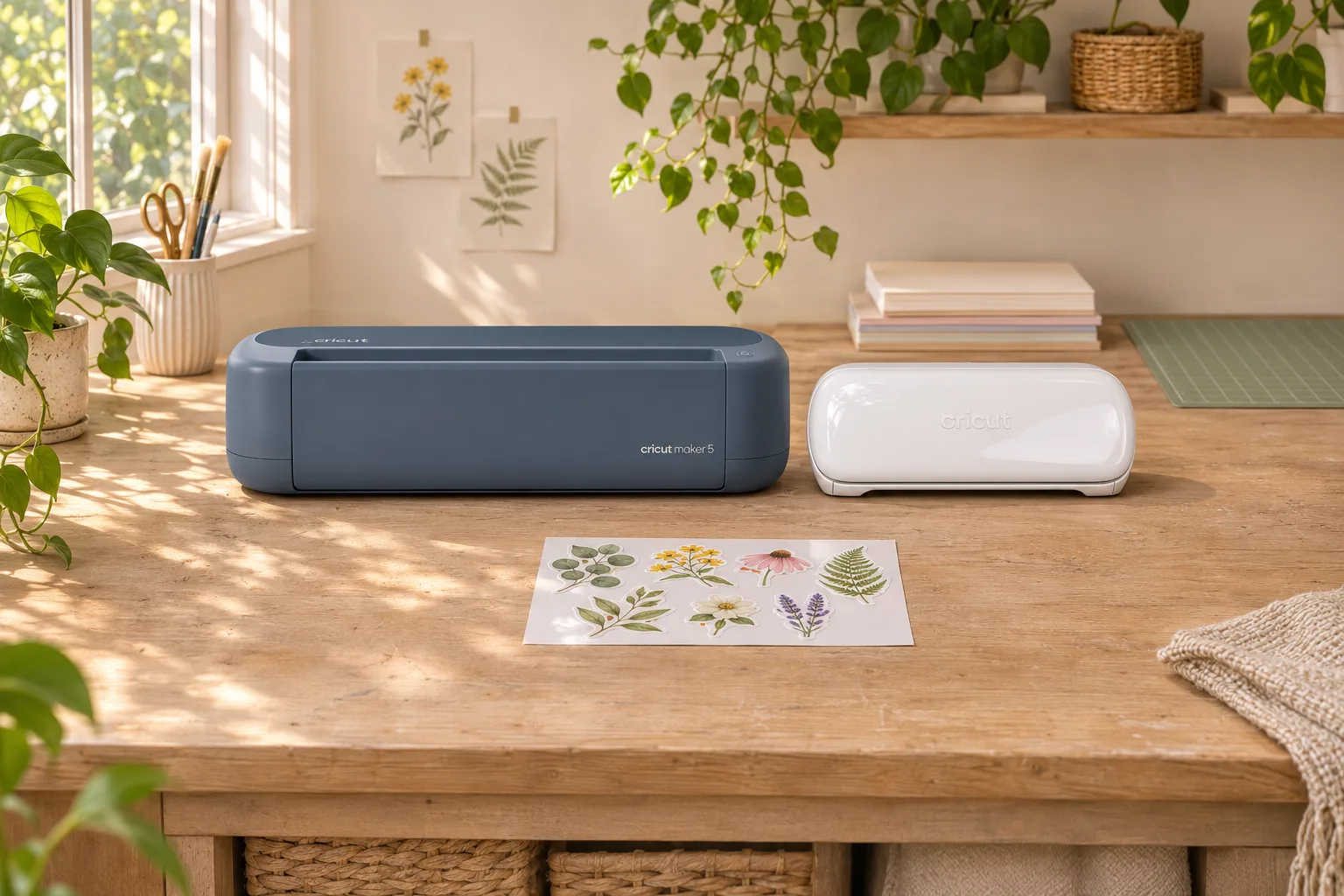
Buying guide
The best Cricut machines: which Cricut should you buy?
The Cricut Explore 5 is the best Cricut for most people: 12-inch cuts, 12-foot matless runs and tabloid Print Then Cut for $199 at Cricut in November 2026, machine alone or as the Essential Bundle. Buy the $349 Maker 5 for wood, leather and fabric, the $99 Joy 2 or $129 Joy Xtra for small projects, and the $499 Venture for a vinyl business.
See the picks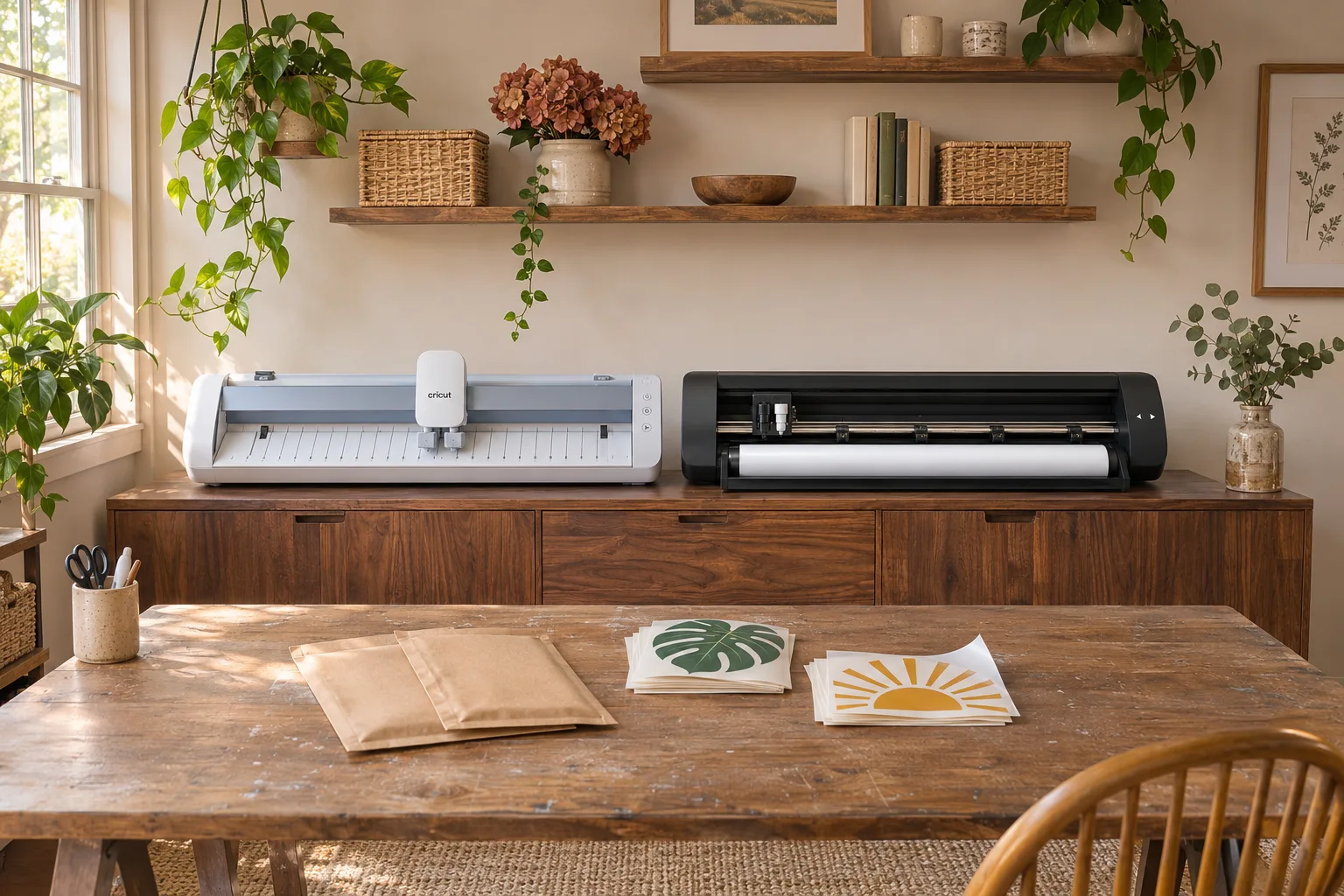
Buying guide
The best cutting machines for a small business
The Silhouette CAMEO 5α is the best cutting machine for most small businesses: $279.99, 16-foot matless cuts on cheap roll vinyl, and one-time Business Edition software for multi-cutter work. Plus the 24-inch Siser Romeo, Cricut Maker 5, Cricut Venture and Explore 5, with our cost per 100 decals and shirts.
See the picks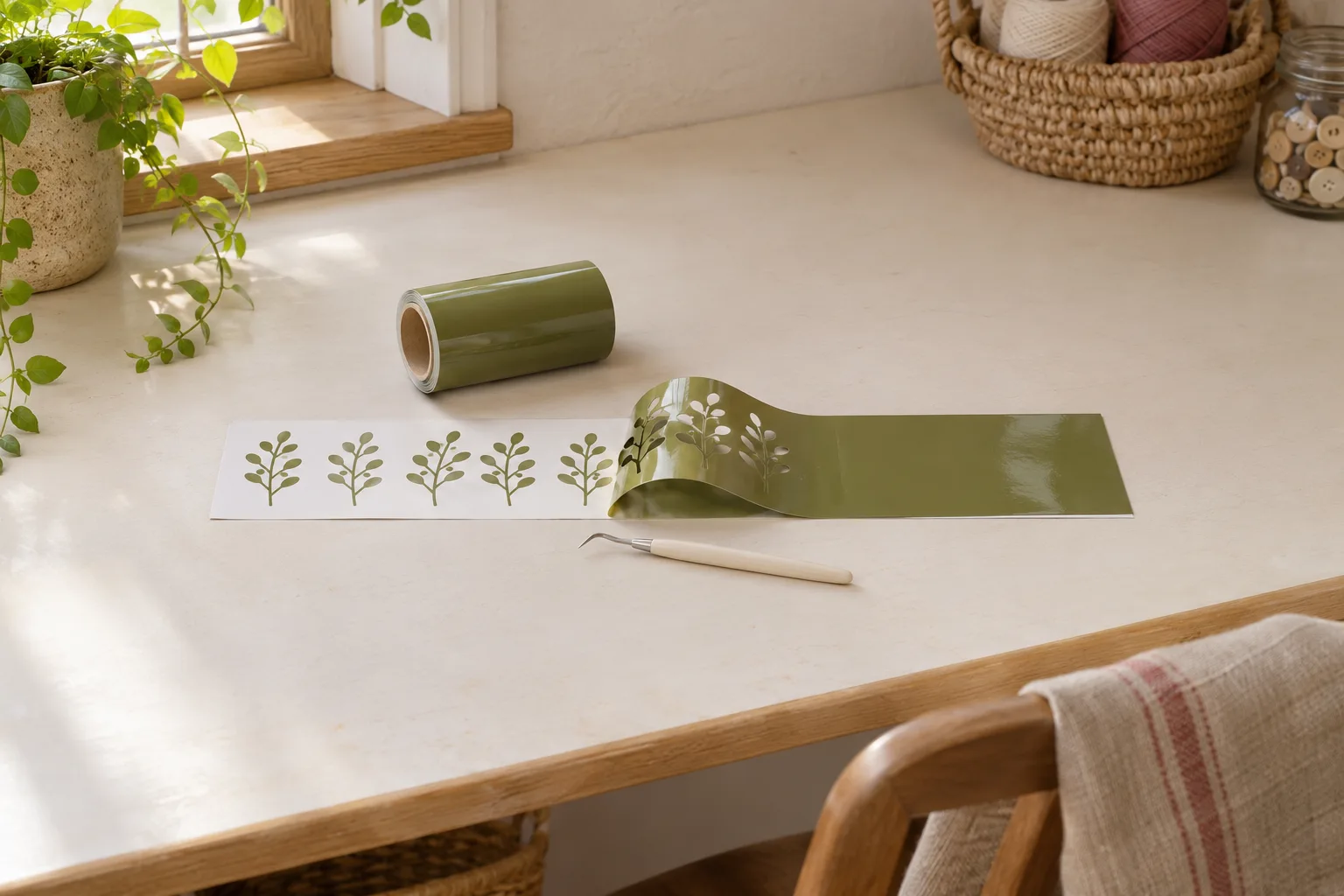
How to
Do you need a mat for Cricut Smart Materials?
No, on every current Cricut: Smart Materials feed straight into the Maker 5, Maker 4, Explore 5, Joy 2, Joy Xtra and Venture, and the refurbished Explore 4. The Explore and Maker cut them up to 12 feet long, the Joy machines up to 4 feet (20 feet of repeated cuts) and the Venture up to 12 feet, or 75 feet repeated. Older machines need a mat.
Read the guide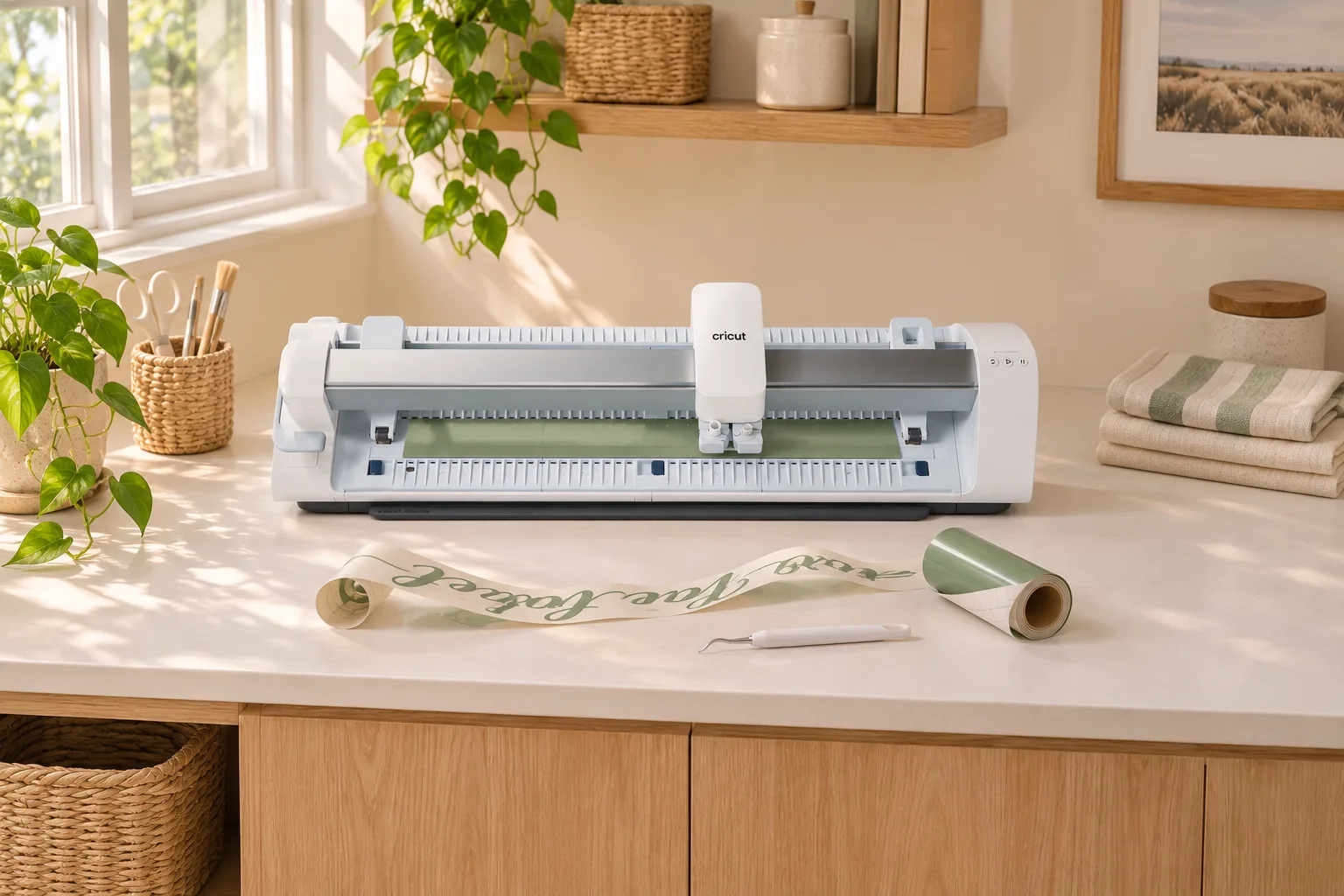
Review
Cricut Venture review
Worth it for a vinyl or shirt business: the Venture cuts 24 inches wide at 25.4 in/s for $499 at Cricut in November 2026 (launched at $999), and the Everything Bundle costs the same. Hobbyists should buy a Maker 5 or Explore 5.
Read the review