Printers in this guide

Do you need a cutting mat for Cricut Smart Materials?
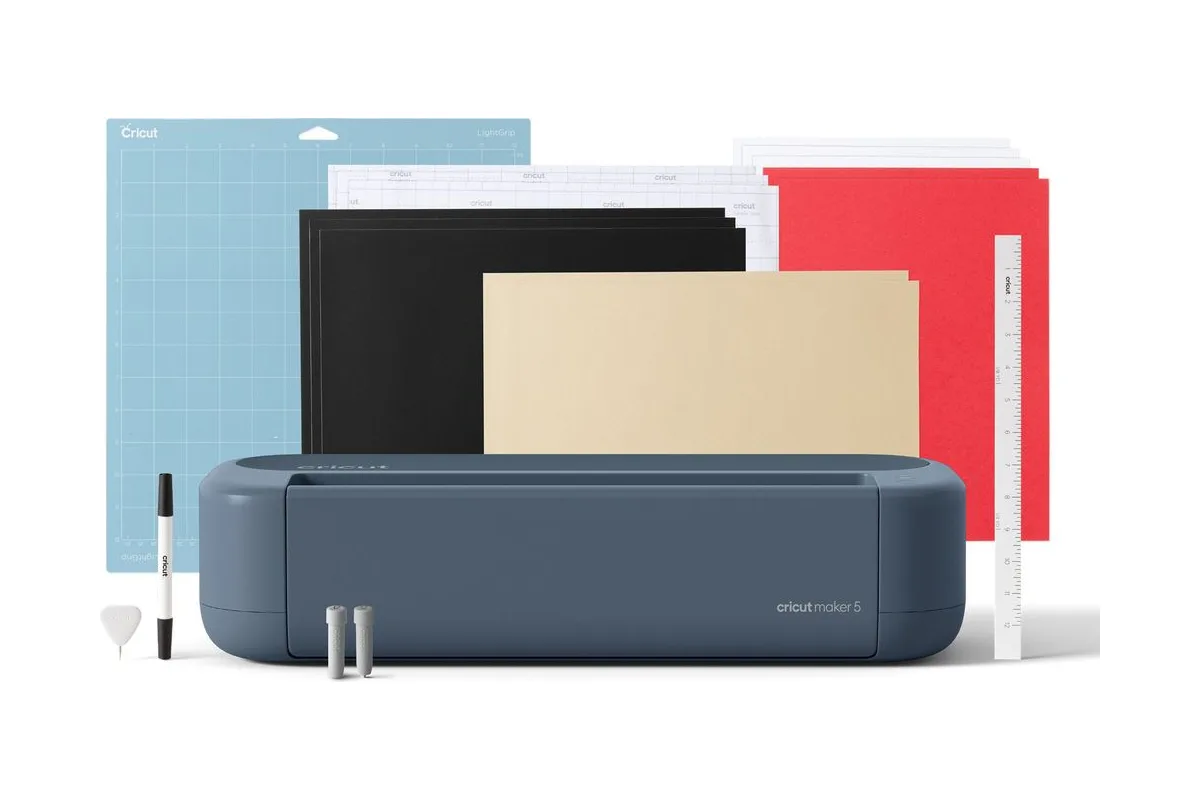
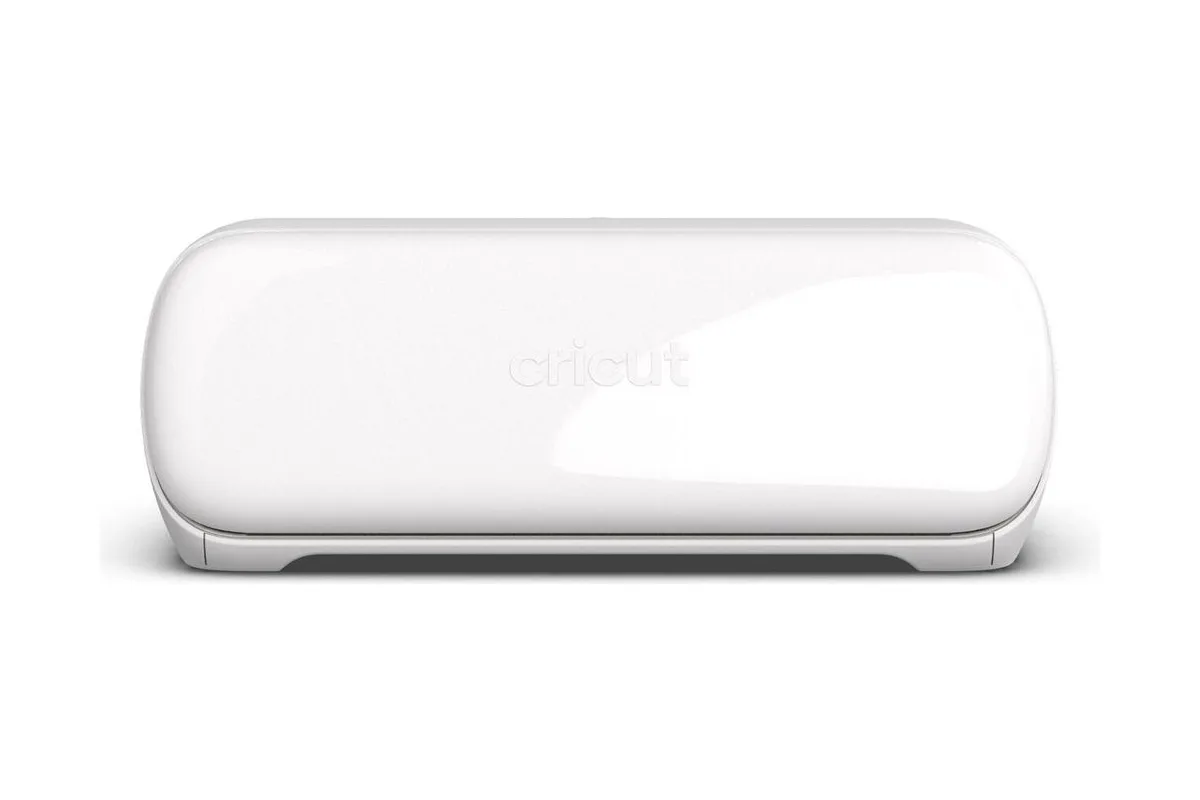
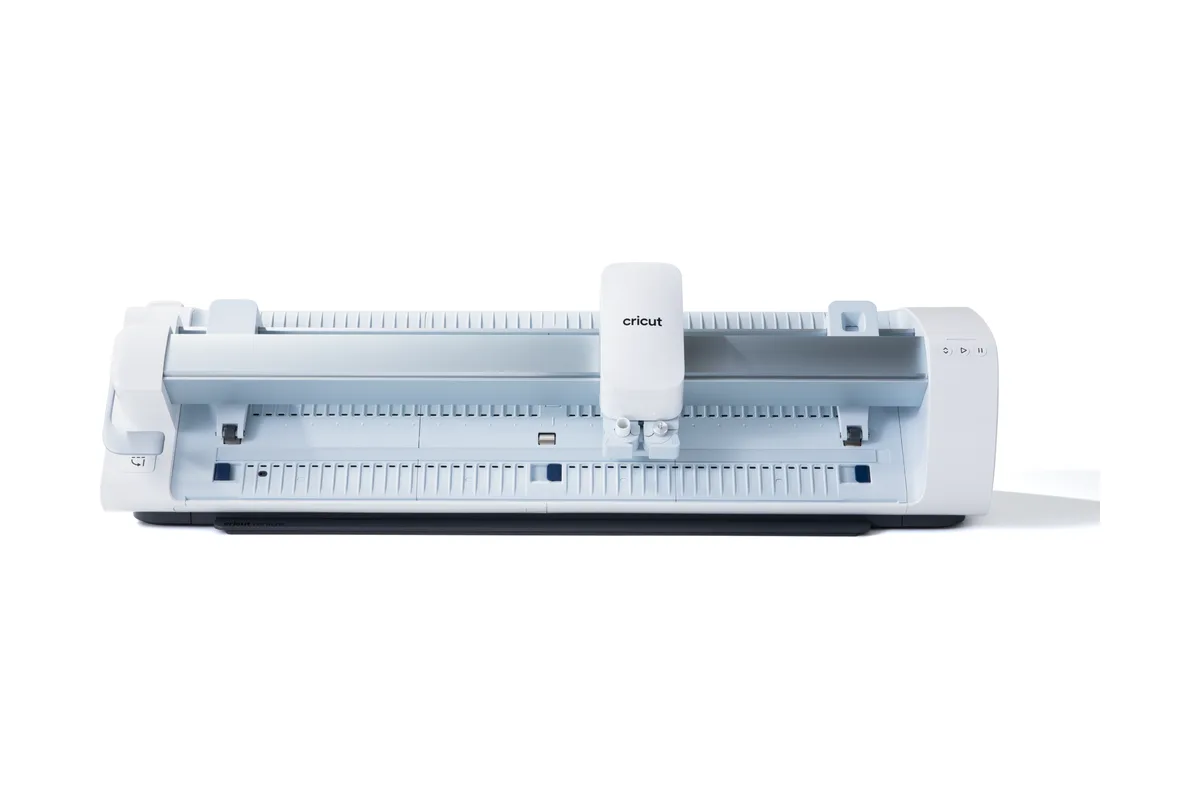
No, on every Cricut sold new today. Smart Vinyl, Smart Iron-On and Smart Paper have a backing the machine can grip, so you load them straight in. That covers the Maker 5, Maker 4, Explore 5, Joy 2, Joy Xtra and Venture, plus the Explore 4, Explore 3, Maker 3 and original Joy, which Cricut now sells only refurbished.
How long a cut you get depends on the machine. The Explore and Maker cut Smart Materials up to 12 feet long. The Joy machines cut a single shape up to 4 feet and repeated cuts up to 20 feet. The Venture goes to 12 feet for a single image and 75 feet for repeated images.
Older machines need a mat. Cricut says Smart Materials “are not intended for use with previous-generation Cricut Explore or Cricut Maker machines unless placed on a machine mat”, and that this use “is at your own risk.”
Which Cricut machines cut Smart Materials without a mat, and how long?
| Model | Price, Nov 2026 | Matless? | Max cut width | Smart Material width | Longest cut | Shortest piece you can feed |
|---|---|---|---|---|---|---|
| Maker 5 | $349 (machine) | Yes | 12 in | 13 in | 12 ft Smart Vinyl and Smart Iron-On; 11.2 in Smart Paper | 6 in |
| Maker 4 | $349 (list $399) | Yes | 11.7 in | 13 in | 12 ft Smart Vinyl; 4 ft Smart Iron-On; 11.2 in Smart Paper Sticker Cardstock | 6 in |
| Explore 5 | $199 (machine) | Yes | 11.7 in (chart) or 12 in (FAQ) | 13 in | 12 ft | 6 in |
| Explore 4 | $199 refurbished | Yes | 11.7 in | 13 in | 12 ft | 6 in |
| Joy 2 | $99 (machine) | Yes | 4.5 in | 5.5 in | 4 ft single shape; 20 ft repeated | 4 in |
| Joy Xtra | $129 (list $179) | Yes | 8.5 in | 9.5 in | 4 ft single shape; 20 ft repeated | 6 in |
| Venture | $499 (machine) | Yes | 24 in | 13 in or 25 in | 12 ft single image; 75 ft repeated | 6 in |
| Explore 3, Maker 3 (refurbished) | $179, $269 | Yes | 11.7 in | 13 in | 12 ft | 6 in |
| Original Joy (refurbished) | $79, out of stock | Yes | 4.5 in | 5.5 in | 4 ft single; 20 ft repeated | 4 in |
| Original Maker, Explore Air 2 and older | Not sold | No: use a mat | — | — | Original Maker: up to 2 ft | — |
Prices are cricut.com’s in November 2026. Lengths and widths come from Cricut’s Smart Materials and Smart Vinyl articles, each machine’s quick start guide or FAQ, the Venture product page and Cricut’s comparison chart.
Three things in that table are easy to miss:
- The Maker 4 cuts Smart Iron-On only 4 feet long, per its FAQ, even though its product page says 12 feet for Smart Materials. The Maker 5 FAQ gives 12 feet for both Smart Vinyl and Smart Iron-On. If you cut long iron-on designs, that’s a real difference; see Maker 5 vs Maker 4.
- Smart Paper stops at 11.2 inches long on the Maker 5 and Maker 4, not 12 feet.
- The Venture loads up to 25 inches by 150 feet of material, “subject to roll length and Design Space software limitations”, but a single image still tops out at 12 feet.
When do you still need a mat with Smart Materials?
For scraps. Cricut says to put Smart Material on a mat if it’s shorter than the minimum length (6 inches on the Explore, Maker, Joy Xtra and Venture; 4 inches on the Joy and Joy 2) or narrower than the full width the machine expects:
- Explore and Maker: narrower than 13 inches
- Joy Xtra: narrower than 9.5 inches
- Joy and Joy 2: narrower than 4.5 inches
On older machines, always. The original Maker and the Explore Air 2 and earlier need a mat for Smart Materials.
For anything not labeled “Smart”. Cricut’s rule: “Look for ‘Smart’ in the material name… If the material is not labeled as ‘Smart,’ use a machine mat.” That includes Cricut’s own Premium Vinyl, Everyday Iron-On and every other brand. See can you use any vinyl with a Cricut?
How much extra material does a matless cut use?
The machine needs some material around the design. On the Joy machines, Cricut says to leave 1 inch above and 0.5 inch below the design. For the Explore and Maker, Cricut gives no figure, only “a small allowance”. Cricut also says to leave 10 inches of clear space behind the machine so the material can feed out.
The Explore 5 and Explore 4 have sensors that measure the length of Smart Material for you.
Are Smart Materials worth the extra cost?
For long cuts, yes; for small ones, regular vinyl on a mat is cheaper. Smart Vinyl costs more per square foot than Cricut’s mat-cut vinyl or third-party vinyl. Cricut list prices, November 2026; per-foot and per-square-foot figures are our estimate:
| Material | Size | List price | Per linear foot | Per square foot | Mat needed? |
|---|---|---|---|---|---|
| Smart Vinyl, Permanent | 13 in x 3 ft | $8.99 | $3.00 | $2.77 | No |
| Smart Vinyl, Permanent | 13 in x 12 ft | $27.49 | $2.29 | $2.11 | No |
| Smart Vinyl, Permanent | 13 in x 21 ft | $43.99 | $2.09 | $1.93 | No |
| Joy Smart Vinyl, Permanent Value Roll | 5.5 in x 10 ft | $16.49 | $1.65 | $3.60 | No |
| Joy Xtra Smart Vinyl, Permanent | 9.5 in x 20 ft | $29.99 | $1.50 | $1.89 | No |
| Smart Iron-On | 13 in x 3 ft | $13.99 | $4.66 | $4.30 | No |
| Premium Vinyl, Permanent | 12 in x 48 in | $8.99 | $2.25 | $2.25 | Yes |
| Value Vinyl | 12 in x 10 ft | $9.99 | $1.00 | $1.00 | Yes |
| Oracal 651 (Sign Warehouse) | 15 in x 30 ft | $18.95–$24.95 | $0.63–$0.83 | $0.51–$0.67 | Yes |
The case for Smart Materials is length. A 12 x 48-inch banner decal won’t fit any 12 x 24-inch mat (the Maker 5’s mat limit is 11.5 x 23.5 inches), so it has to be cut matless. By our estimate it uses about 4.5 feet of the 12 ft roll, or about $10.31 of Smart Vinyl. For a sheet of small decals, Value Vinyl or Oracal 651 on a mat costs about a fifth to a half as much per square foot. Full costs are in what it costs to run a Cricut.
Smart Iron-On also behaves differently in a heat press. Cricut says its liners “are a little bit thicker than other iron-on materials, so the time and temp settings will differ.” See adhesive vinyl vs heat transfer vinyl.
Which Cricut is best for long matless cuts?
- Explore 5 ($199): 12 feet of Smart Materials and the cheapest way to get it. The Essential Bundle on Amazon is also $199 in November 2026. See the Explore 5 review.
- Maker 5 ($349): 12 feet of both Smart Vinyl and Smart Iron-On, plus the Maker’s fabric, wood and engraving tools. See the Maker 5 review.
- Joy Xtra ($129): 8.5 inches wide, 4 feet single and 20 feet repeated. See the Joy Xtra review.
- Venture ($499): 24 inches wide and 75 feet of repeated cuts, for signs and batches. It runs only from a computer. See the Venture review and the best vinyl cutters for signs.
Questions people ask
Can you use Smart Vinyl with a mat?
Yes. Cricut says to put scraps on a mat when they’re shorter or narrower than the matless minimum, and older Explore and Maker machines need a mat for Smart Materials.
How long can a Cricut cut without a mat?
Up to 12 feet on the Explore 3, 4 and 5, Maker 3, 4 and 5, and Venture (single image). The Joy machines cut up to 4 feet for one shape and 20 feet of repeated cuts. The Venture cuts up to 75 feet of repeated images.
Can the Cricut Joy 2 cut without a mat?
Yes. The Joy 2 cuts Smart Materials up to 4.5 inches wide and 4 feet long for a single shape, with repeated cuts up to 20 feet. Pieces must be at least 4 inches long.
Can you cut regular vinyl without a mat on a Cricut?
No. Cricut says anything not labeled “Smart” needs a machine mat, including Cricut’s Premium Vinyl and third-party brands.
Does the Explore Air 2 cut Smart Materials without a mat?
No. Cricut says Smart Materials aren’t intended for previous-generation Explore and Maker machines unless placed on a mat, at your own risk.
What’s the shortest piece of Smart Vinyl you can use without a mat?
6 inches on the Explore, Maker, Joy Xtra and Venture, and 4 inches on the Joy and Joy 2.
Sources
- Cricut Help: All About Smart Materials, help.cricut.com
- Cricut Help: Smart Vinyl, help.cricut.com
- Cricut Help: Smart Iron-On, help.cricut.com
- Cricut Help: Cricut Maker 5 specifications and requirements, help.cricut.com
- Cricut Help: Cricut Maker 5 frequently asked questions, help.cricut.com
- Cricut Help: Cricut Maker 4 Quick Start Guide, help.cricut.com
- Cricut Help: Cricut Explore 5 Quick Start Guide, help.cricut.com
- Cricut Help: Cricut Explore 4 Quick Start Guide, help.cricut.com
- Cricut Help: Cricut Joy 2 Quick Start Guide, help.cricut.com
- Cricut Help: Cricut Joy Xtra Quick Start Guide, help.cricut.com
- Cricut Venture product page, cricut.com
- Cricut machine comparison chart, cricut.com
- Cricut Smart Materials (store), cricut.com
- Cricut vinyl (store), cricut.com
Keep exploring
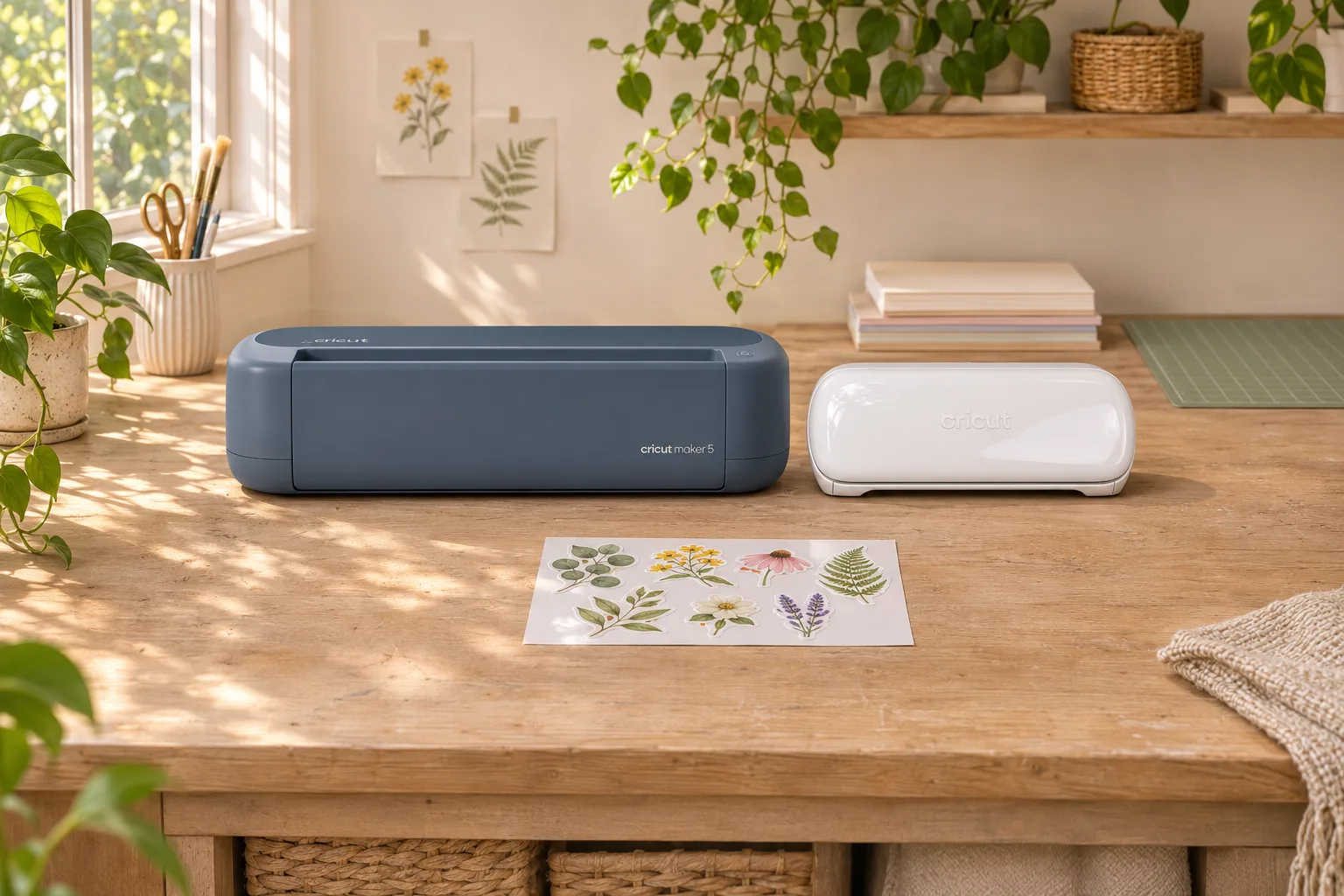
Buying guide
The best Cricut machines: which Cricut should you buy?
The Cricut Explore 5 is the best Cricut for most people: 12-inch cuts, 12-foot matless runs and tabloid Print Then Cut for $199 at Cricut in November 2026, machine alone or as the Essential Bundle. Buy the $349 Maker 5 for wood, leather and fabric, the $99 Joy 2 or $129 Joy Xtra for small projects, and the $499 Venture for a vinyl business.
See the picks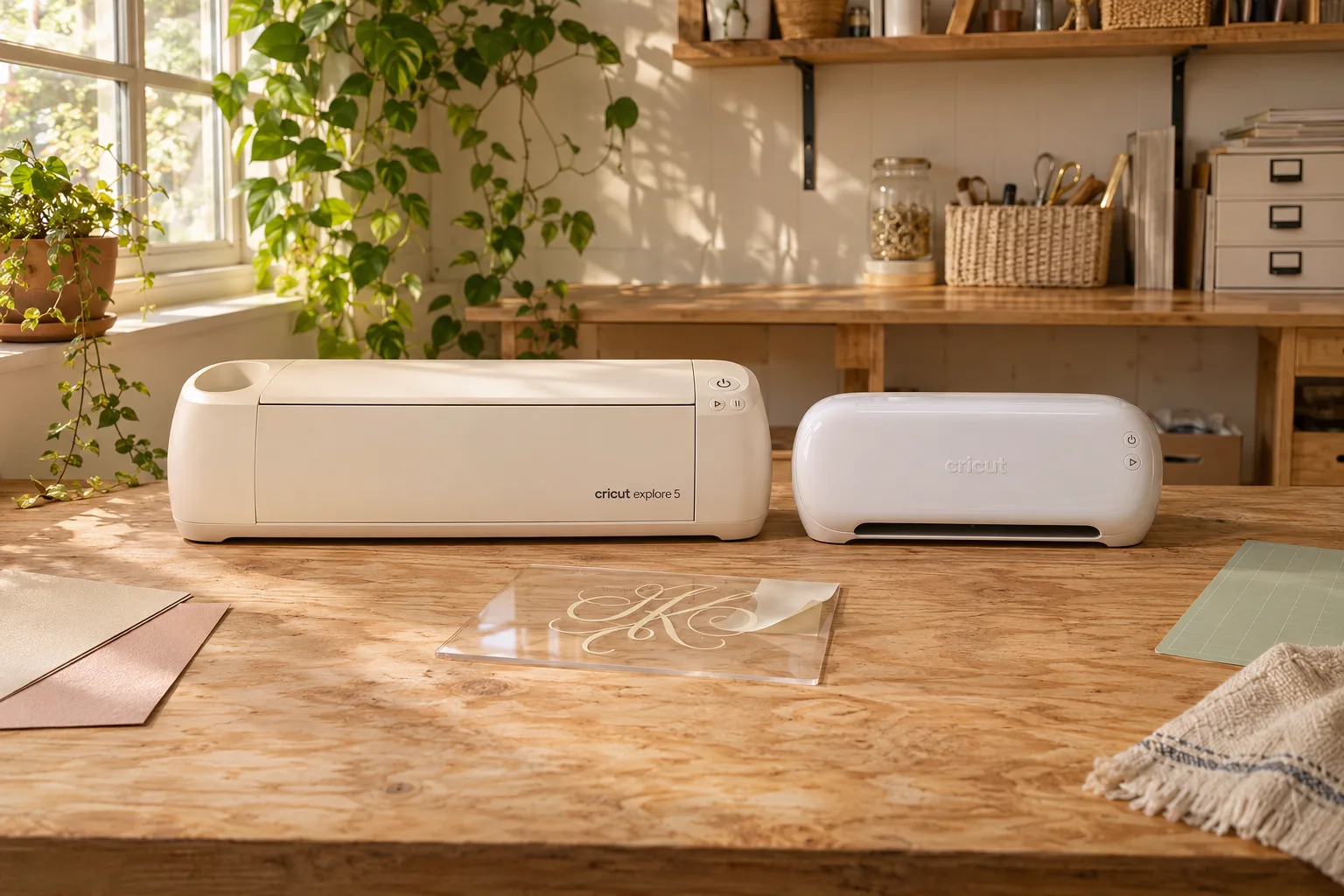
Buying guide
The best cutting machines for beginners
The Cricut Explore 5 is the best cutting machine for beginners: the Essential Bundle is $199 in November 2026, the same as the machine alone, and it cuts 12-inch vinyl, iron-on and cardstock, scores cards and prints and cuts tabloid sticker sheets. The Joy Xtra ($129) suits small desks; the Silhouette CAMEO 5α ($279.99) skips subscriptions.
See the picks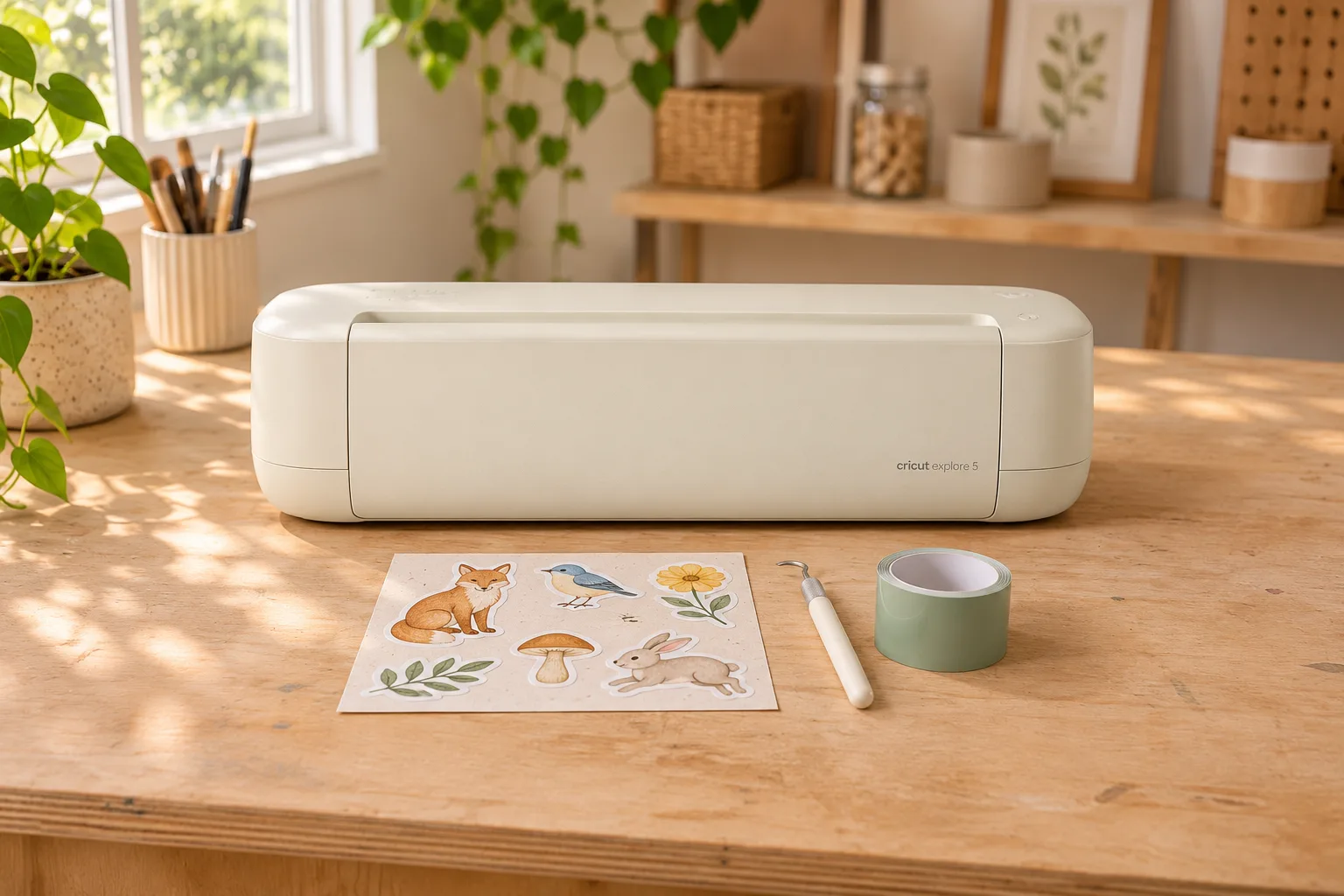
Review
Cricut Explore 5 review
Yes, the Cricut Explore 5 is worth it at $199, and the Essential Bundle costs the same $199 in November 2026. It's the cheapest 12-inch Cricut, with tabloid Print Then Cut and 12-foot matless cuts. Skip it for wood, leather or unbacked fabric: that's the $349 Maker 5.
Read the review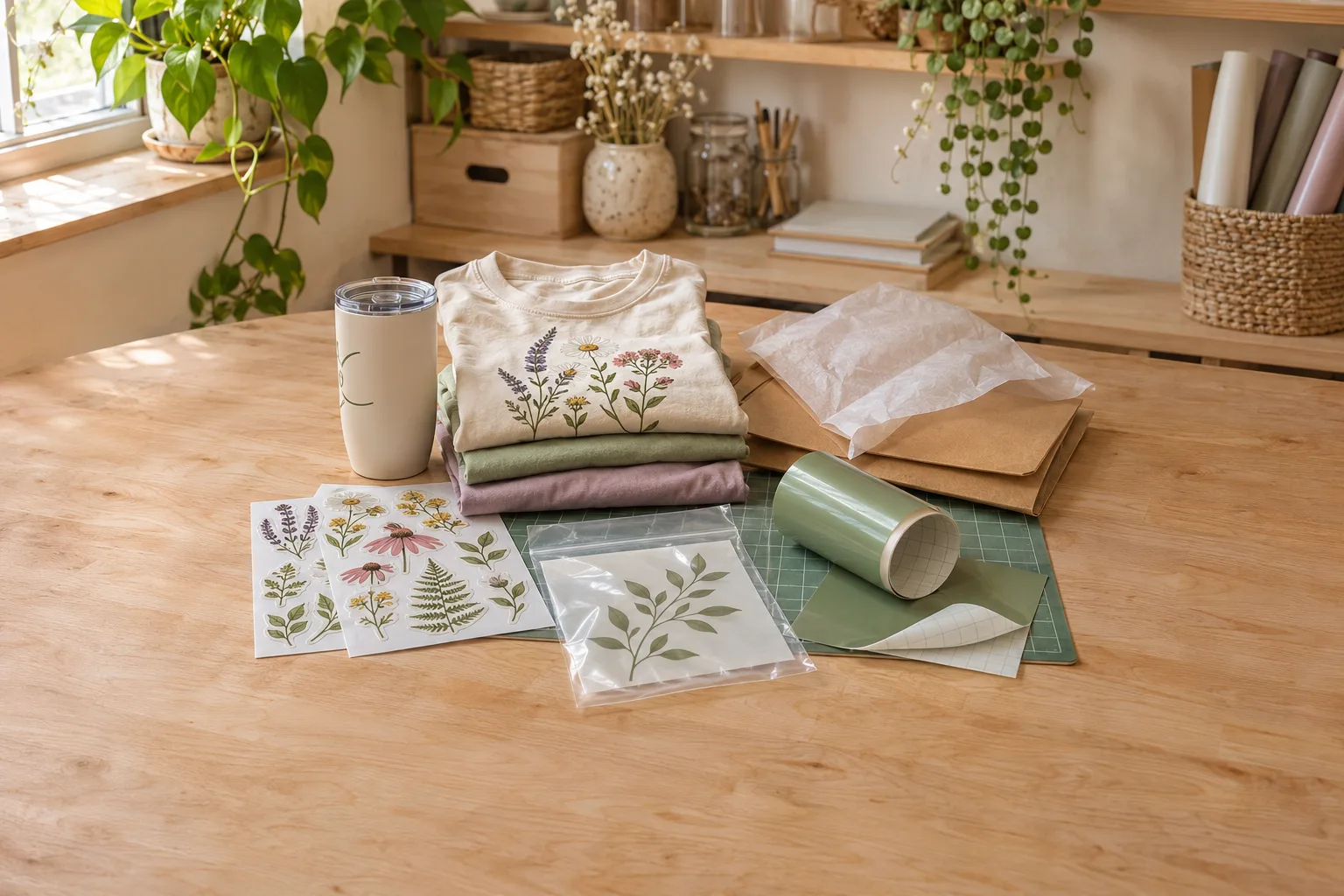
How to
Can you make money with a Cricut?
Yes, within limits. Cricut's Angel Policy lets you sell up to 10,000 finished projects a year made with its designs, with no subscription, but never licensed characters, loose cuts or digital files. Margins are what's left after fees and materials: on Etsy, a $20 shirt with $5 shipping pays about $2.83 in fees, by our estimate. No machine guarantees sales.
Read the guide