
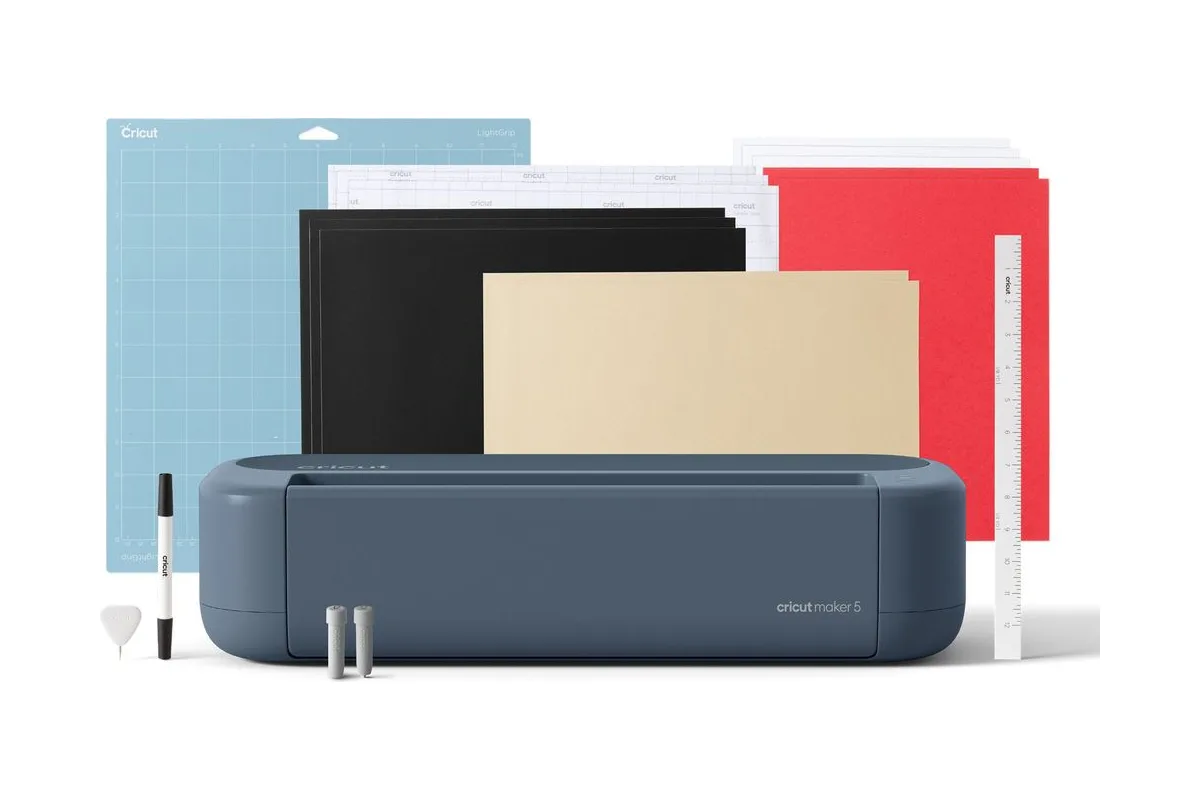
Side by side
| Feature | Cricut Explore 5 | Cricut Maker 5 |
|---|---|---|
| Type | Cutting machine | Cutting machine |
| Media | Printable vinyl, sticker paper, cardstock, HTV | |
| Max size | 12 x 24 in mat | |
| Connection | Bluetooth, USB | Bluetooth, USB-C |
| Where to buy | Check price at Amazon | Check price at Amazon |
Cricut Explore 5
- Type
- Cutting machine
- Media
- Printable vinyl, sticker paper, cardstock, HTV
- Max size
- 12 x 24 in mat
- Connection
- Bluetooth, USB
Cricut Maker 5
- Type
- Cutting machine
- Media
- Max size
- Connection
- Bluetooth, USB-C
What is the difference between adhesive vinyl and heat transfer vinyl?
How they stick. Adhesive vinyl has a pressure-sensitive glue, like a sticker: you press it onto a hard, smooth surface such as a tumbler, sign, window or wall. Heat transfer vinyl (HTV, which Cricut calls iron-on) has a heat-activated adhesive: it bonds to fabric when you press it with a heat press or iron.
That one difference changes everything else. Adhesive vinyl is cut unmirrored, weeded, and lifted onto your surface with transfer tape. HTV is cut mirrored, shiny carrier side down, and pressed in place on its own clear carrier, at about 305°F to 315°F for the two HTVs we looked at. Every Cricut cuts both, from the $99 Joy 2 to the $349 Maker 5.
Rule of thumb: a cup, sign or car window gets adhesive vinyl; a shirt, tote bag or hat gets HTV.
Adhesive vinyl vs HTV: side by side
| Adhesive vinyl | Heat transfer vinyl (HTV, iron-on) | |
|---|---|---|
| How it sticks | Pressure-sensitive adhesive on a liner | Heat-activated adhesive on a clear, heat-resistant carrier |
| Goes on | Hard, smooth surfaces | Fabric. Siser lists cotton, polyester, cotton/poly blends and leather for EasyWeed |
| Loaded in the cutter | Liner side down | Shiny carrier side down |
| Mirror the design? | No | Yes. Design Space’s Auto Mirror turns on for iron-on |
| Cricut mat | LightGrip or StandardGrip | StandardGrip |
| Moved with | Transfer tape (Cricut’s: $16.49 for 12 ft) | Its own carrier, which stays on until after pressing |
| Applied with | Your hands and a scraper | A heat press, EasyPress or household iron |
| Application settings | None | Siser EasyWeed: 305°F (150°C), medium pressure, 10–15 s. Cricut Everyday Iron-On with EasyPress 2 on cotton: 315°F, 30 s, firm pressure |
| Lasts | Oracal 651: 6 years outdoors (colors). Cricut Premium Vinyl, Permanent: “up to 3 years” | Wait 24 hours before the first wash. Cricut says Everyday Iron-On “outlasts 50+ washes” |
| Versions | Permanent and removable | Standard, Smart Iron-On and other finishes |
| Cost per sq ft (list, our estimate) | $0.51–$2.77 | $1.15–$6.50 |
| Matless Cricut version | Smart Vinyl | Smart Iron-On |
Sources: Cricut’s vinyl, mirror, Auto Mirror, Everyday Iron-On and mat grip help articles; Cricut’s Heat Guide and product pages; ORAFOL’s Oracal 651 and 631 pages; Siser’s EasyWeed pages. Read November 28, 2026.
How do you tell adhesive vinyl and HTV apart?
Look at the back. Adhesive vinyl sits on a liner that peels away to show the sticky side. HTV sits on a clear, shiny plastic carrier, and the colored side isn’t sticky until heated. Siser notes that EasyWeed’s carrier is itself lightly pressure-sensitive (a “one-second tack”), which helps when layering colors, so a slightly tacky carrier doesn’t mean it’s adhesive vinyl.
How do you cut and apply adhesive vinyl?
- Cut it liner side down, not mirrored, on a LightGrip or StandardGrip mat (or matless, if it’s Cricut Smart Vinyl).
- Weed away the vinyl you don’t want.
- Cover it with transfer tape, lift the design off its liner and press it onto a clean, smooth surface.
- Burnish and peel the tape away.
Permanent or removable? Both are adhesive vinyl; the glue differs.
| Vinyl | Adhesive | Maker’s rating |
|---|---|---|
| Oracal 651 | Permanent, solvent-based | 6 years outdoors for colors, 4 years for metallics; 2.5 mil |
| Oracal 631 | Removable, water-based | “Clean removal from most smooth sealed surfaces within three years”; 3 mil, matte |
| Cricut Premium Vinyl, Permanent | Permanent | Lasts “up to 3 years”; water- and UV-resistant; dishwasher-friendly per Cricut’s care page |
| Cricut Premium Vinyl, Removable | Removable | Stays removable “for up to two years without residue” |
Use permanent vinyl for drinkware, outdoor signs and car decals, and removable vinyl for wall decals and anything you’ll take down.
How do you cut and apply heat transfer vinyl?
- Mirror the design. Cricut says iron-on “comes adhered to a heat-resistant liner that protects your design during the heat-transfer process”, so it’s cut from the back. Design Space’s Auto Mirror does this for iron-on materials.
- Cut it shiny carrier side down on a StandardGrip mat (or matless, if it’s Smart Iron-On).
- Weed the excess, leaving the design on its carrier.
- Press it with the carrier facing up.
- Peel the carrier hot or cold, depending on the vinyl, and wait 24 hours before washing.
Press settings from the makers:
| HTV | Heat press | Household iron | Peel |
|---|---|---|---|
| Siser EasyWeed | 305°F (150°C), medium pressure, 10–15 s; preheat the garment 2–3 s. EasyPress users add about 30° | Between Cotton and Linen; hard, flat surface (Siser doesn’t recommend an ironing board); medium to firm pressure, 10–15 s per section | Hot or cold |
| Cricut Everyday Iron-On | EasyPress 2 on 100% cotton: preheat the base 5 s, then 315°F, 30 s, firm pressure | Cotton/Linen setting, steam off; preheat 10–15 s; medium pressure 25–30 s on the front, then 25–30 s on the back | When cool |
Cricut’s Smart Iron-On liners “are a little bit thicker than other iron-on materials, so the time and temp settings will differ”; check Cricut’s Heat Guide for those.
Washing: Siser says to machine wash cold with mild detergent, dry on normal, skip dry cleaning and avoid liquid fabric softener. Cricut says to wash and tumble dry inside-out, no bleach, and to iron only on the back of the garment.
For pressing equipment, see the best heat presses.
Which is cheaper, adhesive vinyl or HTV?
Adhesive vinyl, per square foot. List prices, November 2026; per-square-foot figures are our estimate:
| Adhesive vinyl | Per sq ft | HTV | Per sq ft |
|---|---|---|---|
| Oracal 651 (Sign Warehouse) | $0.51–$0.67 | Cricut Value Iron-On, 20 ft roll | $1.15 |
| Cricut Value Vinyl | $1.00 | Siser EasyWeed, 15 ft roll | $2.67 |
| Cricut Smart Vinyl, 21 ft | $1.93 | Siser EasyWeed, 5 ft roll | $3.00 |
| Cricut Premium Vinyl | $2.25 | Cricut Smart Iron-On, 9 ft | $3.90 |
| Cricut Smart Vinyl, 3 ft | $2.77 | Cricut Everyday Iron-On | $6.50 |
Per project, by our estimate: a 3.5-inch decal costs about 23¢ to 42¢ in vinyl, transfer tape and mat wear. A 10 x 10-inch one-color shirt design costs about $1.69 to $6.69 in HTV plus mat and blade wear, before the shirt itself. HTV also needs a heat source; adhesive vinyl needs transfer tape. More in what it costs to run a Cricut.
Both brands’ vinyl cuts on a Cricut; other brands just need a mat. See can you use any vinyl with a Cricut?
HTV or DTF for shirts?
HTV for names, numbers and one- or two-color designs; DTF for full-color art. Our DTF vs HTV guide compares the costs and settings, and how to start a T-shirt business covers the equipment for each.
Which Cricut is best for adhesive vinyl and HTV?
Any of them cuts both; width and matless length are the differences.
| Model | Price, Nov 2026 | Max cut on a mat | Smart Vinyl matless | Smart Iron-On matless |
|---|---|---|---|---|
| Explore 5 | $199 (machine) | 12 x 24 in mats | 12 ft | 12 ft (Cricut gives one figure for all Smart Materials) |
| Maker 5 | $349 (machine) | 11.5 x 23.5 in | 12 ft | 12 ft |
| Maker 4 | $349 (list $399) | 11.5 x 23.5 in | 12 ft | 4 ft |
| Joy Xtra | $129 (list $179) | 8.2 x 11.7 in | 4 ft | 4 ft |
| Joy 2 | $99 (machine) | 4.2 x 11.7 in | 4 ft | 4 ft |
The Explore 5 is the cheapest way to cut full-width vinyl and HTV: $199 for the machine, or the Essential Bundle on Amazon for the same price in November 2026. The Maker 5 adds 12 feet of Smart Iron-On and the Maker’s fabric, wood and engraving tools, for $349, or $399 as the Essential Bundle on Amazon. The Joy 2’s 4.5-inch width is fine for labels and small decals but too narrow for most shirt fronts. See Maker 5 vs Explore 5, the best cutting machines for vinyl and the best vinyl cutters for T-shirts.
Questions people ask
Can you use adhesive vinyl on a T-shirt?
Use HTV for fabric. Adhesive vinyl’s pressure-sensitive glue is made for hard, smooth surfaces, while HTV’s heat-activated adhesive is made to bond with fabric.
Do you mirror adhesive vinyl?
No. Adhesive vinyl is cut face up and not mirrored. HTV is mirrored, because it’s cut from the back with its carrier facing down.
Do you need transfer tape for HTV?
No. HTV stays on its own clear carrier through pressing. Transfer tape is for adhesive vinyl.
Can you use an iron instead of a heat press for HTV?
Yes. Siser and Cricut both give household-iron instructions, with the iron on its Cotton/Linen setting and medium to firm pressure. Siser says to use a hard, flat surface rather than an ironing board. Cricut’s Everyday Iron-On takes 25 to 30 seconds on the front and again on the back, with steam off.
How long does adhesive vinyl last?
It depends on the vinyl. Oracal 651 is rated for 6 years outdoors in colors. Cricut says its Premium Vinyl, Permanent lasts up to 3 years, and its removable vinyl stays removable up to two years.
What temperature do you press HTV at?
Siser EasyWeed is 305°F with medium pressure for 10 to 15 seconds (about 30° higher on an EasyPress). Cricut’s Heat Guide gives 315°F for 30 seconds at firm pressure for Everyday Iron-On on cotton with an EasyPress 2.
Is permanent vinyl dishwasher safe?
Cricut calls its Premium Vinyl, Permanent dishwasher-friendly on its care page. Check the specific vinyl’s instructions for anything else.
Sources
- Cricut Help: Cricut Vinyl, help.cricut.com
- Cricut Help: How to mirror your design in Design Space, help.cricut.com
- Cricut Help: How Auto Mirror Works in Design Space, help.cricut.com
- Cricut Help: Cricut Everyday Iron-On, help.cricut.com
- Cricut Help: All About Smart Materials, help.cricut.com
- Cricut Help: Which materials should I cut on the different machine mat grip strengths?, help.cricut.com
- Cricut Heat Guide, cricut.com
- Cricut Everyday Iron-On product page, cricut.com
- Cricut Premium Vinyl, Permanent product page, cricut.com
- Cricut vinyl (store), cricut.com
- Cricut iron-on and HTV (store), cricut.com
- ORAFOL: ORACAL 651 Intermediate Cal, orafol.com
- ORAFOL: ORACAL 631 Exhibition Cal, orafol.com
- Siser EasyWeed application instructions, siserstore.com
- Siser EasyWeed prices, siserstore.com
- Sign Warehouse (Oracal prices), signwarehouse.com
- Cricut Maker 5 product page, cricut.com
- Cricut Explore 5 product page, cricut.com
Keep exploring
Buying guide
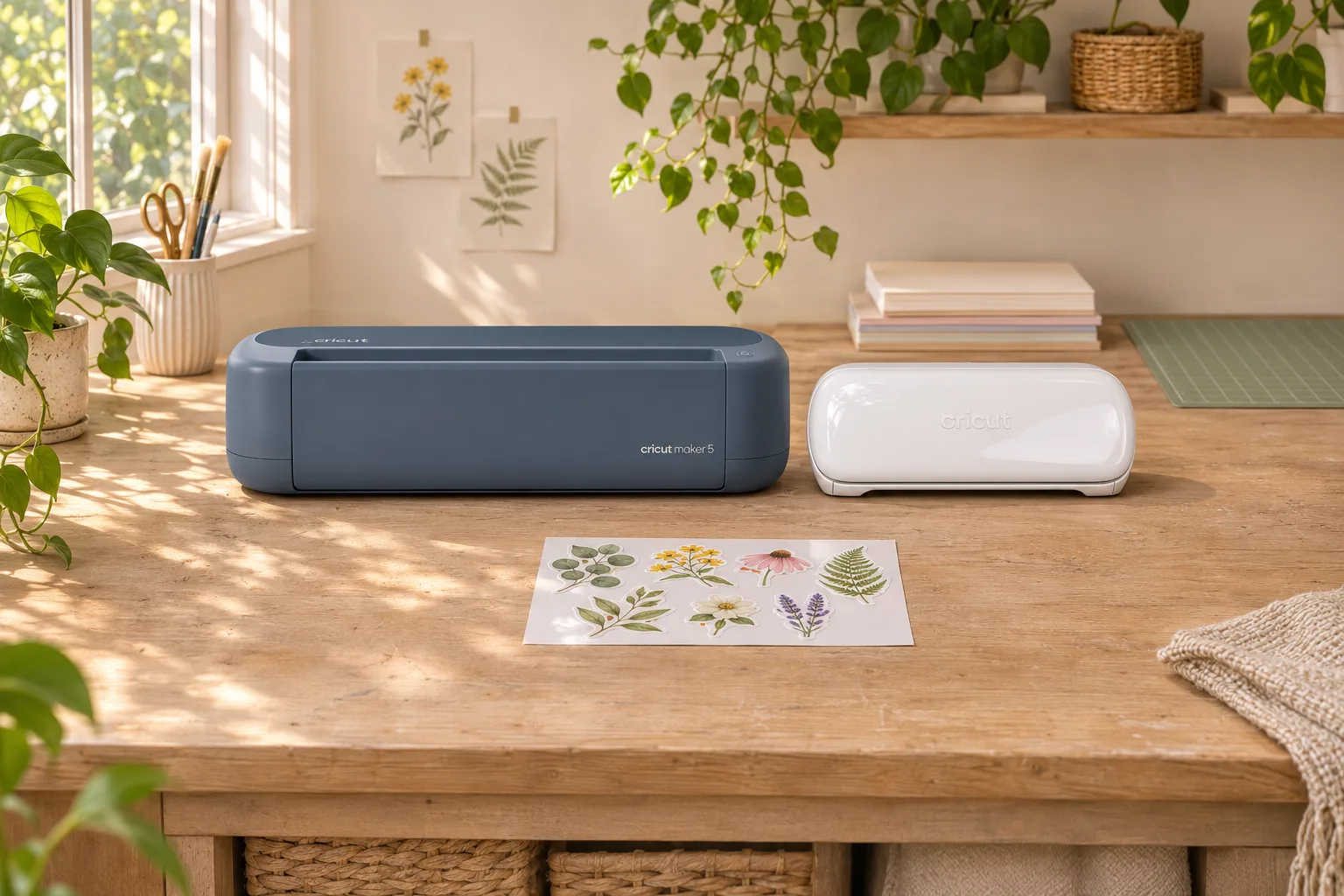
The best Cricut machines: which Cricut should you buy?
The Cricut Explore 5 is the best Cricut for most people: 12-inch cuts, 12-foot matless runs and tabloid Print Then Cut for $199 at Cricut in November 2026, machine alone or as the Essential Bundle. Buy the $349 Maker 5 for wood, leather and fabric, the $99 Joy 2 or $129 Joy Xtra for small projects, and the $499 Venture for a vinyl business.
See the picks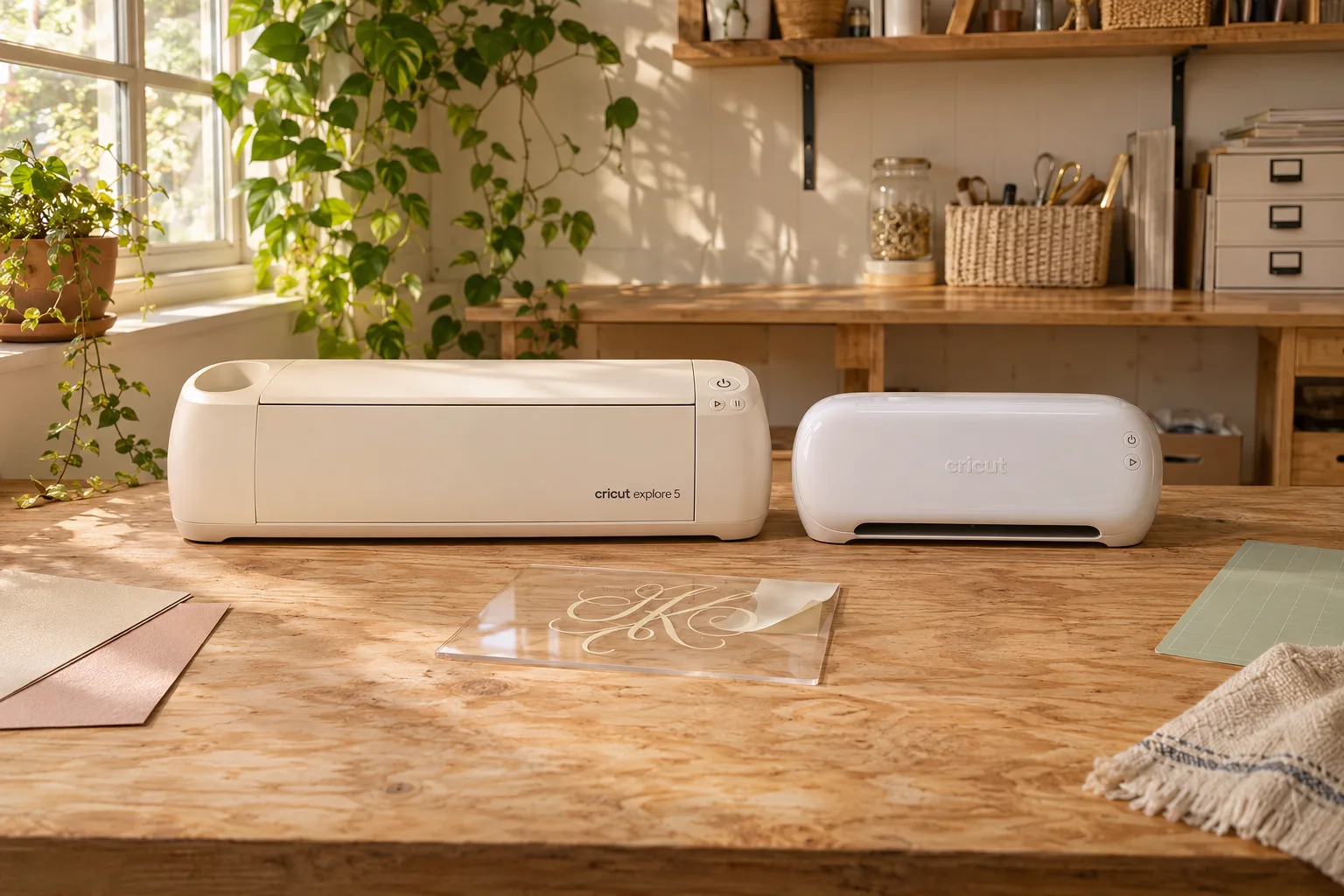
Buying guide
The best cutting machines for beginners
The Cricut Explore 5 is the best cutting machine for beginners: the Essential Bundle is $199 in November 2026, the same as the machine alone, and it cuts 12-inch vinyl, iron-on and cardstock, scores cards and prints and cuts tabloid sticker sheets. The Joy Xtra ($129) suits small desks; the Silhouette CAMEO 5α ($279.99) skips subscriptions.
See the picks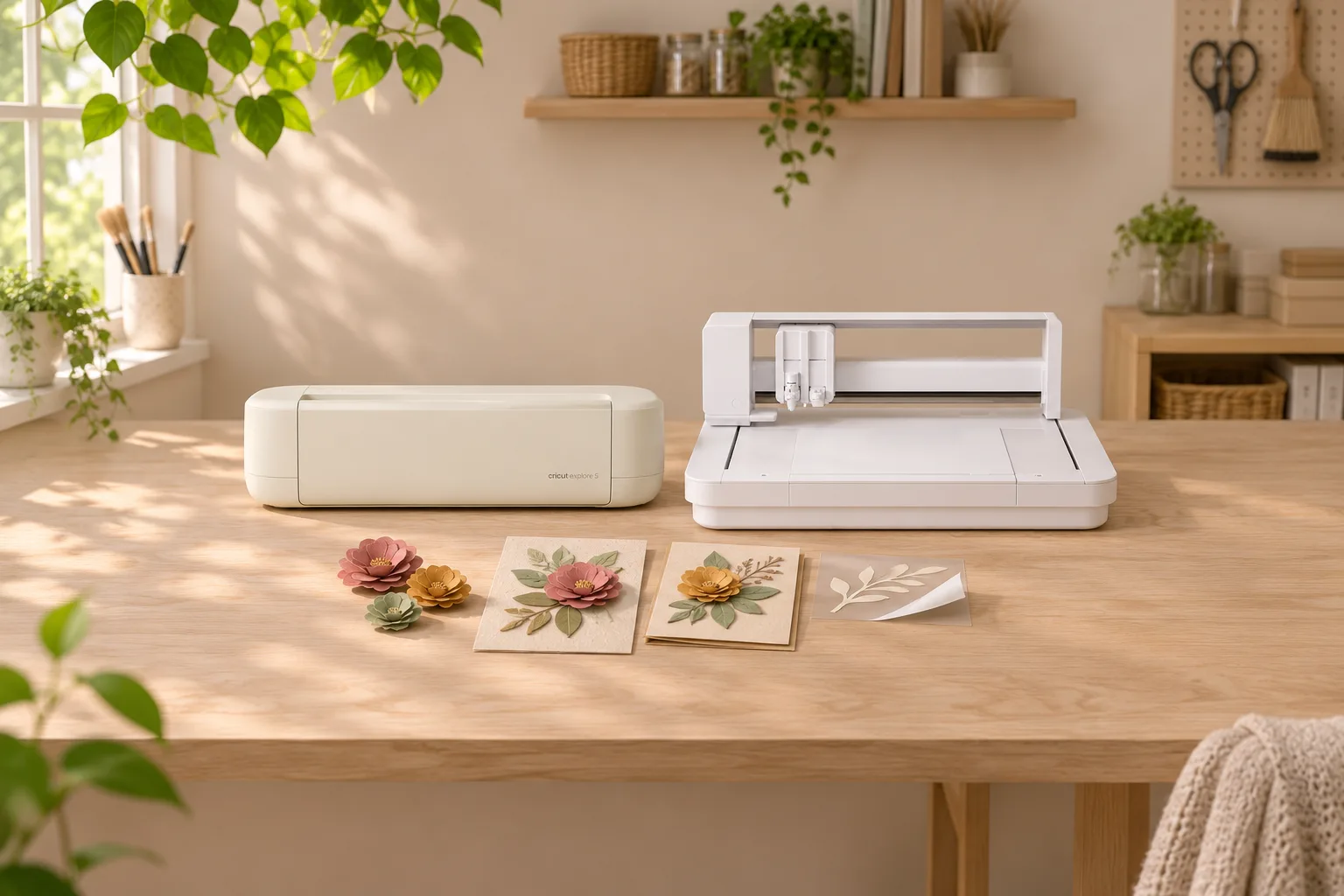
Buying guide
The best cutting machines for cardstock and paper crafts
The Cricut Explore 5 is the best cutting machine for cardstock and paper crafts: a Scoring Tool in the box, card mats, Print Then Cut on tabloid sheets and 14.1-inch-a-second cuts, for $199 in November 2026 (the Essential Bundle with a 2-Card Mat is also $199). The Cricut Maker 5 ($349) adds debossing, perforation and the Knife Blade for chipboard; the Joy 2 ($99) is the budget card maker.
See the picks
How to
Can you use any vinyl with a Cricut?
Yes. Every Cricut cuts other brands of adhesive vinyl and heat transfer vinyl, such as Oracal 651 and Siser EasyWeed, as long as you put them on a cutting mat. Only Cricut's Smart Materials cut without a mat. Oracal 651 costs $0.51 to $0.67 a square foot against $2.25 for Cricut Premium Vinyl.
Read the guide