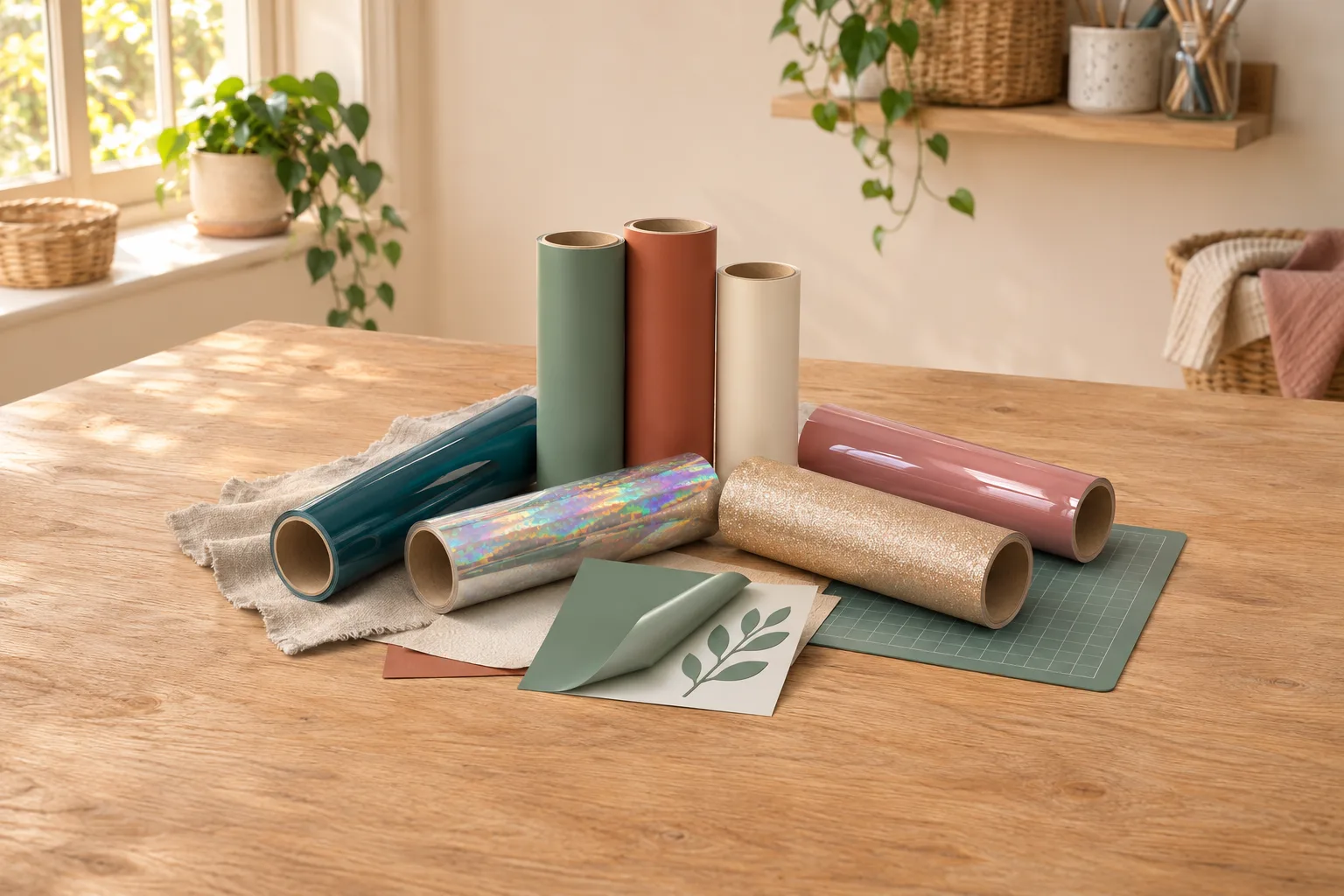
Printers in this guide

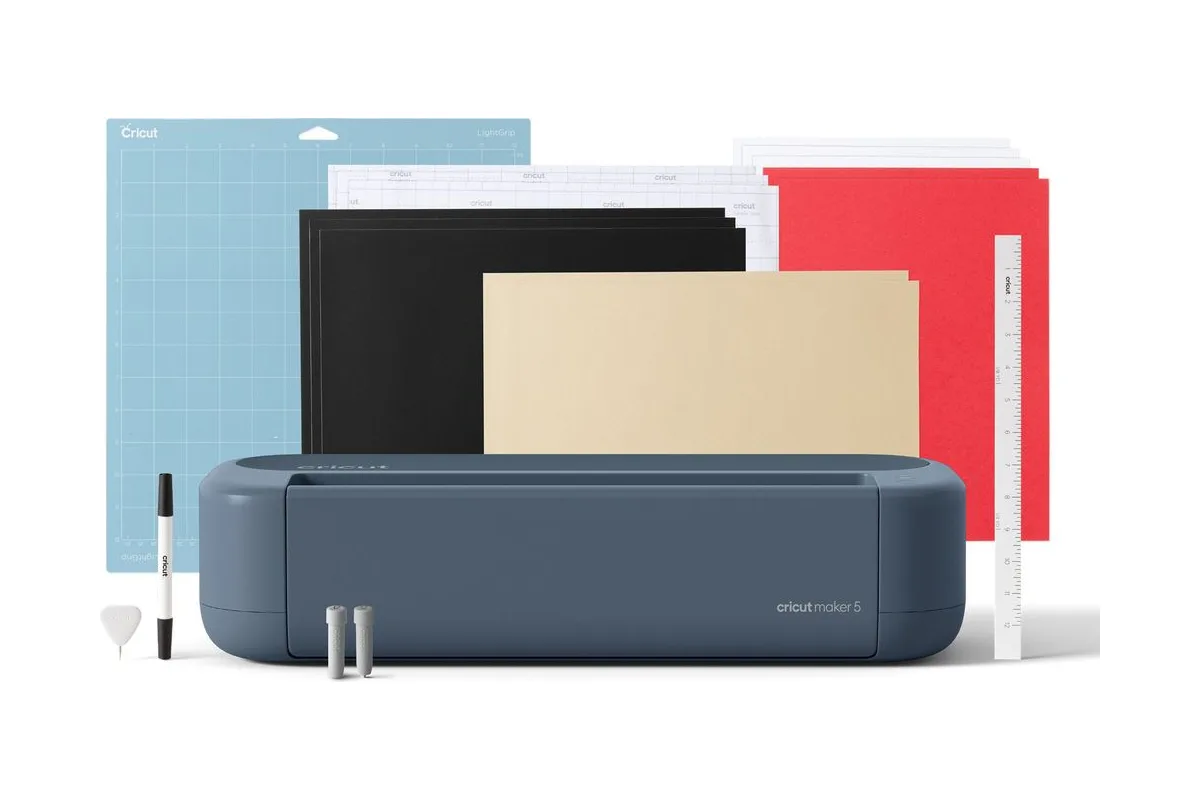
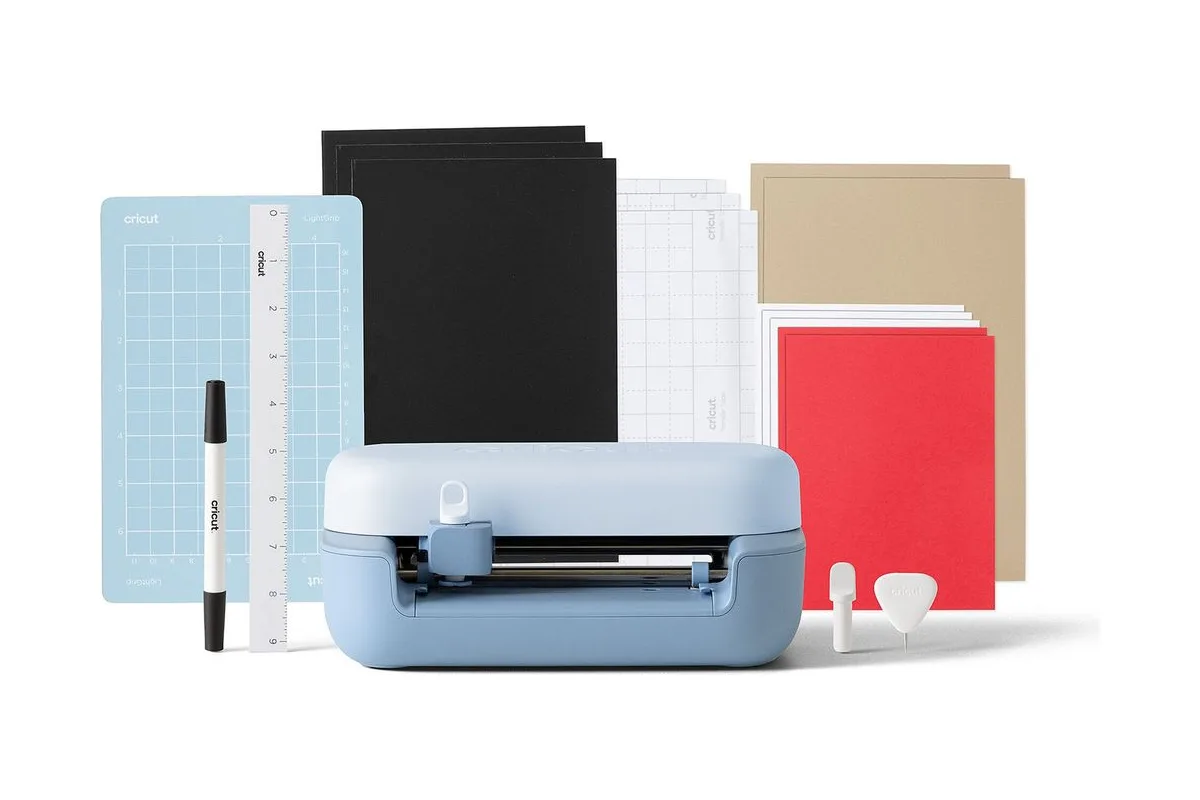
Can you use any vinyl with a Cricut?
Yes, as long as you cut it on a mat. Cricut’s FAQs for the Explore 5, Explore 4 and Maker 4 say it plainly: “You can use other brands of materials, but you will need to place them on a cutting mat.” That goes for adhesive vinyl such as Oracal 651 and 631 and heat transfer vinyl such as Siser EasyWeed. Only Cricut’s Smart Materials cut without a mat.
The savings are real. Oracal 651 costs $0.51 to $0.67 a square foot at a sign supply store, against $2.25 for Cricut Premium Vinyl, $1.00 for Cricut Value Vinyl and $1.93 to $2.77 for Smart Vinyl (Cricut list prices, November 2026; per-square-foot figures are our estimate).
Which vinyl works with which Cricut?
Every current Cricut cuts third-party vinyl on its own mats. The mat sets how big a piece you can cut.
| Model | Price, Nov 2026 | Mats for other brands | Max cut on a mat | Smart Materials matless |
|---|---|---|---|---|
| Maker 5 | $349 (machine) | 12 x 12, 12 x 24 in | 11.5 x 11.5 in; 11.5 x 23.5 in (product page: 23.75 in) | Up to 12 ft |
| Maker 4 | $349 (list $399) | 12 x 12, 12 x 24 in | 11.5 x 11.5 in; 11.5 x 23.5 in | Up to 12 ft (Smart Iron-On 4 ft) |
| Explore 5 | $199 (machine) | 12 x 12, 12 x 24 in | Not stated by Cricut | Up to 12 ft |
| Explore 4 | $199 refurbished | 12 x 12, 12 x 24 in | 11.5 x 23.5 in | Up to 12 ft |
| Joy 2 | $99 (machine) | 4.5 x 6.5, 4.5 x 12 in | 4.2 x 6.2 in; 4.2 x 11.7 in | Up to 4 ft |
| Joy Xtra | $129 (list $179) | 8.5 x 12 in | 8.2 x 11.7 in | Up to 4 ft |
| Venture | $499 (machine) | Performance Machine Mats, 24 x 12 and 24 x 28 in, sold separately | — | Up to 12 ft; 75 ft repeated |
Sources: Cricut product pages, quick start guides and help articles, read November 28, 2026.
The Explore 5, Explore 4 and Maker 4 FAQs give the “other brands on a mat” answer directly. The older Explore 3 and Maker 3 FAQs answer “No. We recommend using a machine mat when using other brands of vinyl or iron-on”, meaning no to cutting them matless, and add that Smart Materials “have been rigorously tested to cut without a mat.” The FAQs we read for the Joy machines and the Venture don’t address other brands, but Cricut’s general rule covers them: “If the material is not labeled as ‘Smart,’ use a machine mat.”
Third-party rolls often come in widths that don’t match a Cricut mat. Oracal 651 comes 15 inches wide, so trim it to 12 inches for an Explore or Maker mat, 8.5 inches for the Joy Xtra or 4.5 inches for the Joy 2. The Maker 4 FAQ says it takes 12-inch materials on a mat and 13-inch Smart Materials.
How do you cut other brands of vinyl on a Cricut?
- Put it on the right mat. Cricut lists LightGrip (blue) for vinyl and printable vinyl, and StandardGrip (green) for vinyl and iron-on.
- Load adhesive vinyl colored side up, liner down. Load HTV with the shiny carrier side down and mirror the design. Design Space’s Auto Mirror turns on for iron-on materials and off for vinyl.
- Pick the closest material setting. Cricut says its own materials are “optimized for Cricut cutting machines with automatic cut settings in Design Space”. The Cricut pages we read don’t list settings for Oracal or Siser by name.
- Do a test cut. Siser publishes generic cutter settings for EasyWeed and a PDF of settings for specific cutters, and says to always test first. A small test shape shows whether the setting cuts and weeds cleanly before you commit a whole sheet.
What kinds of vinyl can you use with a Cricut?
| Type | Example | Adhesive and life (maker figures) | Thickness | Use it for |
|---|---|---|---|---|
| Permanent adhesive vinyl | Oracal 651 | Permanent; 6 years outdoors (colors), 4 years metallic | 2.5 mil | Tumblers, signs, car decals |
| Permanent adhesive vinyl | Cricut Premium Vinyl, Permanent | Lasts “up to 3 years”; water- and UV-resistant | Not stated | Same |
| Removable adhesive vinyl | Oracal 631 | Removable; “clean removal… within three years” | 3 mil, matte | Wall decals, stencils |
| Removable adhesive vinyl | Cricut Premium Vinyl, Removable | Stays removable “for up to two years without residue” | Not stated | Same |
| Heat transfer vinyl (HTV) | Siser EasyWeed | Heat-applied; wait 24 hours before washing | Not stated | T-shirts, bags, hats |
| Printable vinyl | Cricut Printable Vinyl and others | Printed on an inkjet, then cut with Print Then Cut | — | Full-color stickers and labels |
Sources: ORAFOL product pages for Oracal 651 and 631, Cricut’s vinyl help article and product pages, and Siser’s EasyWeed page.
Printable vinyl from other brands works too, with a caution. Cricut says darker colors, high-gloss finishes and holographic patterns on non-Cricut printable materials “may cause issues with the sensor scan accuracy.” Every current Cricut does Print Then Cut; the original Joy doesn’t. See the best printers for Cricut.
For more on choosing between sticky vinyl and iron-on, see adhesive vinyl vs heat transfer vinyl.
How much does other vinyl cost compared with Cricut’s?
List prices, November 2026; per-square-foot figures are our estimate.
| Vinyl | Size | Price | Per sq ft | Mat needed? |
|---|---|---|---|---|
| Oracal 651 (Sign Warehouse) | 15 in x 30 ft | $18.95–$24.95 | $0.51–$0.67 | Yes |
| Oracal 631 (Sign Warehouse) | 12 in x 30 ft | $18.71–$26.95 | $0.62–$0.90 | Yes |
| Cricut Glossy Value Vinyl | 12 in x 20 ft | $13.99 | $0.70 | Yes |
| Cricut Value Vinyl | 12 in x 10 ft | $9.99 | $1.00 | Yes |
| Cricut Vinyl, Permanent | 12 in x 15 ft | $32.99 | $2.20 | Yes |
| Cricut Premium Vinyl, Permanent | 12 in x 48 in | $8.99 | $2.25 | Yes |
| Cricut Smart Vinyl, Permanent | 13 in x 21 ft | $43.99 | $1.93 | No |
| Cricut Smart Vinyl, Permanent | 13 in x 3 ft | $8.99 | $2.77 | No |
| Heat transfer vinyl | Size | Price | Per sq ft | Mat needed? |
|---|---|---|---|---|
| Cricut Value Iron-On | 12 in x 20 ft | $22.99 | $1.15 | Yes |
| Siser EasyWeed (siserstore.com) | 12 in x 15 ft | $39.99 | $2.67 | Yes |
| Siser EasyWeed | 12 in x 5 ft | $14.99 | $3.00 | Yes |
| Siser EasyWeed | 12 x 12 in sheet | $4.99 | $4.99 | Yes |
| Cricut Smart Iron-On | 13 in x 9 ft | $37.99 | $3.90 | No |
| Cricut Everyday Iron-On | 12 x 24 in | $12.99 | $6.50 | Yes |
Cricut’s Value Vinyl is its own budget line: Cricut says it has a clear liner with no grid, is slightly thinner than Premium Vinyl and is sold online only. For a sheet of nine 3.5-inch decals, by our estimate that’s about 6¢ to 7¢ of Oracal 651 per decal, 11¢ of Value Vinyl or 25¢ of Premium Vinyl, before transfer tape. More in what it costs to run a Cricut.
When is Cricut-brand vinyl worth it?
For long cuts with no mat. A design longer than about 23.5 inches won’t fit a 12 x 24-inch mat, so it has to be cut from Smart Vinyl or Smart Iron-On, which only Cricut makes. The Explore and Maker cut them up to 12 feet; see Smart Materials without a mat.
For mat-sized projects, other brands cut the same way and cost less. If you’ll cut a lot of vinyl, see the best cutting machines for vinyl.
Questions people ask
Can you use Oracal 651 with a Cricut?
Yes, on a cutting mat. Cricut says other brands of materials work if you place them on a mat. Oracal 651 comes on 15-inch rolls, so trim it to fit a 12-inch mat.
Can you use Siser HTV with a Cricut?
Yes, on a mat, with the shiny carrier side down and the design mirrored. Siser says to apply EasyWeed at 305°F with medium pressure for 10 to 15 seconds, and to add about 30° on an EasyPress.
Do you have to use Cricut-brand vinyl?
No. Only Smart Materials need to be Cricut’s, because they’re the only materials Cricut rates for cutting without a mat.
Can you use other brands of vinyl without a mat?
No. Cricut says anything not labeled “Smart” needs a machine mat.
What setting do you use for third-party vinyl in Design Space?
Choose the closest material in Design Space and do a small test cut first. Cricut’s pages don’t list settings for other brands by name.
Can you use cheap vinyl with a Cricut Joy?
Yes, on a Joy mat: 4.5 inches wide for the Joy 2 and 8.5 inches for the Joy Xtra. Trim the vinyl to fit.
Sources
- Cricut Help: Cricut Explore 5 Quick Start Guide, help.cricut.com
- Cricut Help: Cricut Explore 4 Quick Start Guide, help.cricut.com
- Cricut Help: Cricut Maker 4 Quick Start Guide, help.cricut.com
- Cricut Help: Cricut Maker 3 Quick Start Guide, help.cricut.com
- Cricut Help: Cricut Explore 3 Quick Start Guide, help.cricut.com
- Cricut Help: Cricut Maker 5 specifications and requirements, help.cricut.com
- Cricut Help: Cricut Joy 2 Quick Start Guide, help.cricut.com
- Cricut Help: Cricut Joy Xtra Quick Start Guide, help.cricut.com
- Cricut Help: Which materials should I cut on the different machine mat grip strengths?, help.cricut.com
- Cricut Help: Value Vinyl Instructions, help.cricut.com
- Cricut Help: Cricut Vinyl, help.cricut.com
- Cricut Help: How to mirror your design in Design Space, help.cricut.com
- Cricut Help: How to Print Then Cut in Design Space, help.cricut.com
- Cricut vinyl (store), cricut.com
- Cricut iron-on and HTV (store), cricut.com
- ORAFOL: ORACAL 651 Intermediate Cal, orafol.com
- ORAFOL: ORACAL 631 Exhibition Cal, orafol.com
- Siser EasyWeed application and cutter settings, siserstore.com
- Siser EasyWeed prices, siserstore.com
- Sign Warehouse (Oracal prices), signwarehouse.com
Keep exploring
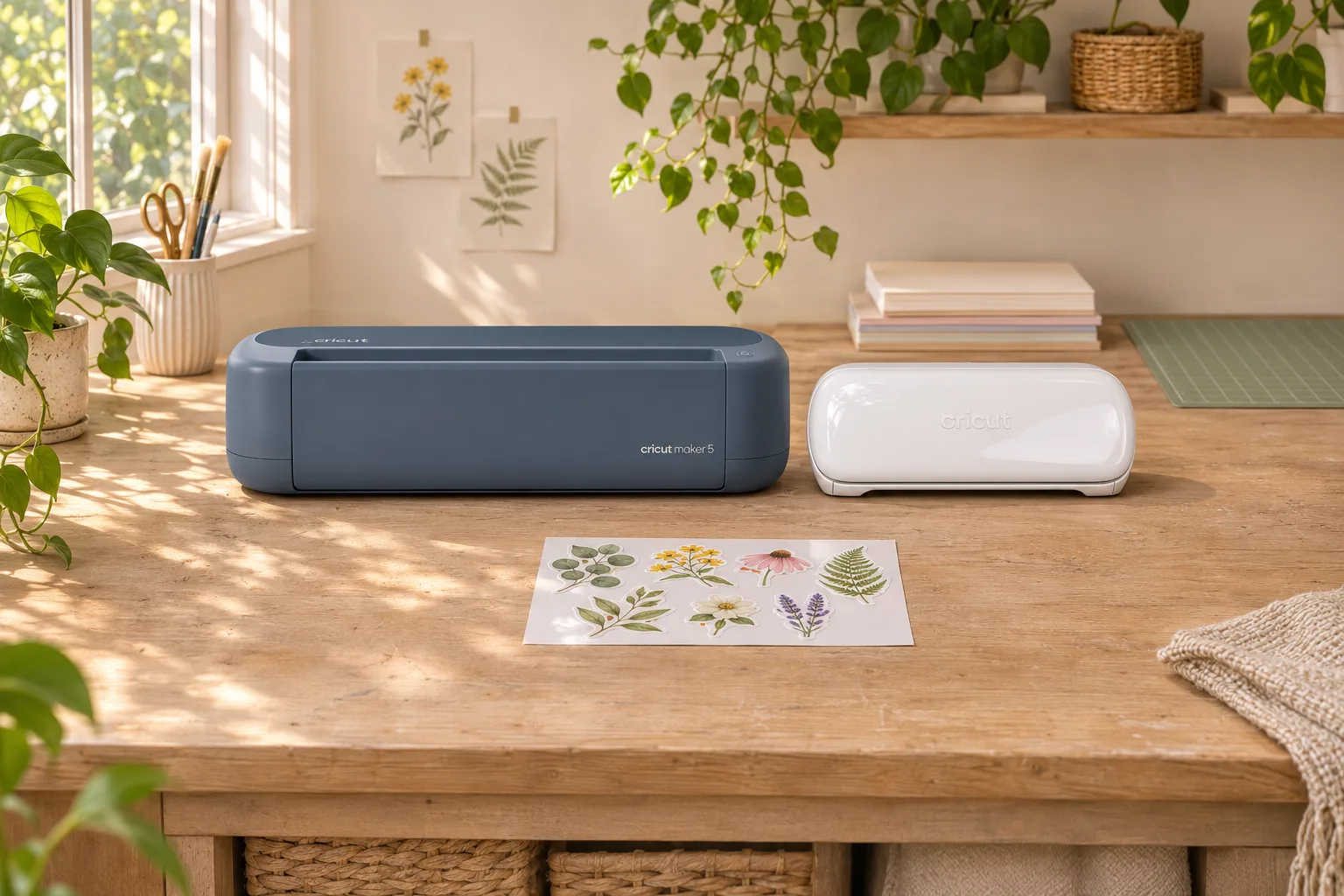
Buying guide
The best Cricut machines: which Cricut should you buy?
The Cricut Explore 5 is the best Cricut for most people: 12-inch cuts, 12-foot matless runs and tabloid Print Then Cut for $199 at Cricut in November 2026, machine alone or as the Essential Bundle. Buy the $349 Maker 5 for wood, leather and fabric, the $99 Joy 2 or $129 Joy Xtra for small projects, and the $499 Venture for a vinyl business.
See the picks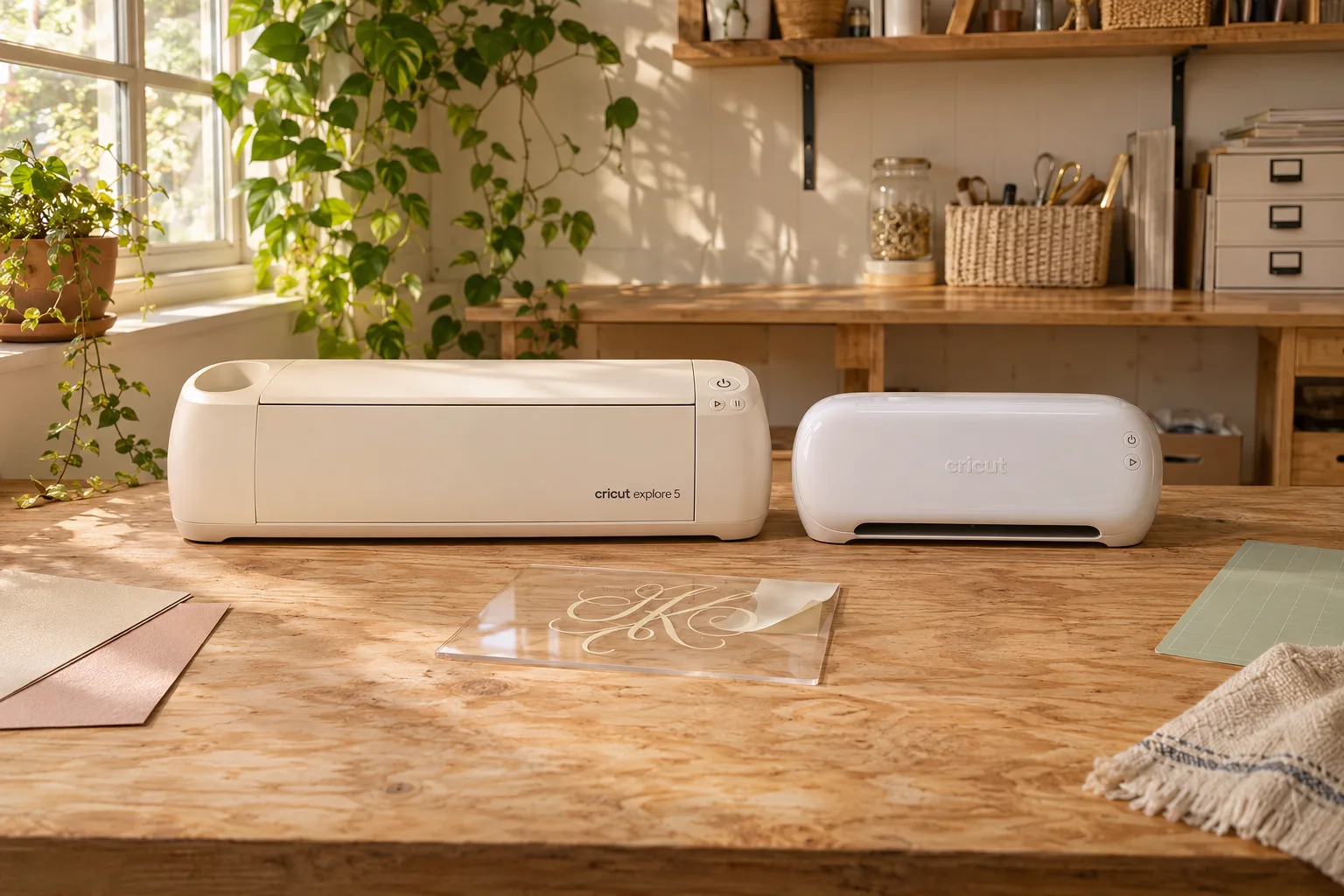
Buying guide
The best cutting machines for beginners
The Cricut Explore 5 is the best cutting machine for beginners: the Essential Bundle is $199 in November 2026, the same as the machine alone, and it cuts 12-inch vinyl, iron-on and cardstock, scores cards and prints and cuts tabloid sticker sheets. The Joy Xtra ($129) suits small desks; the Silhouette CAMEO 5α ($279.99) skips subscriptions.
See the picks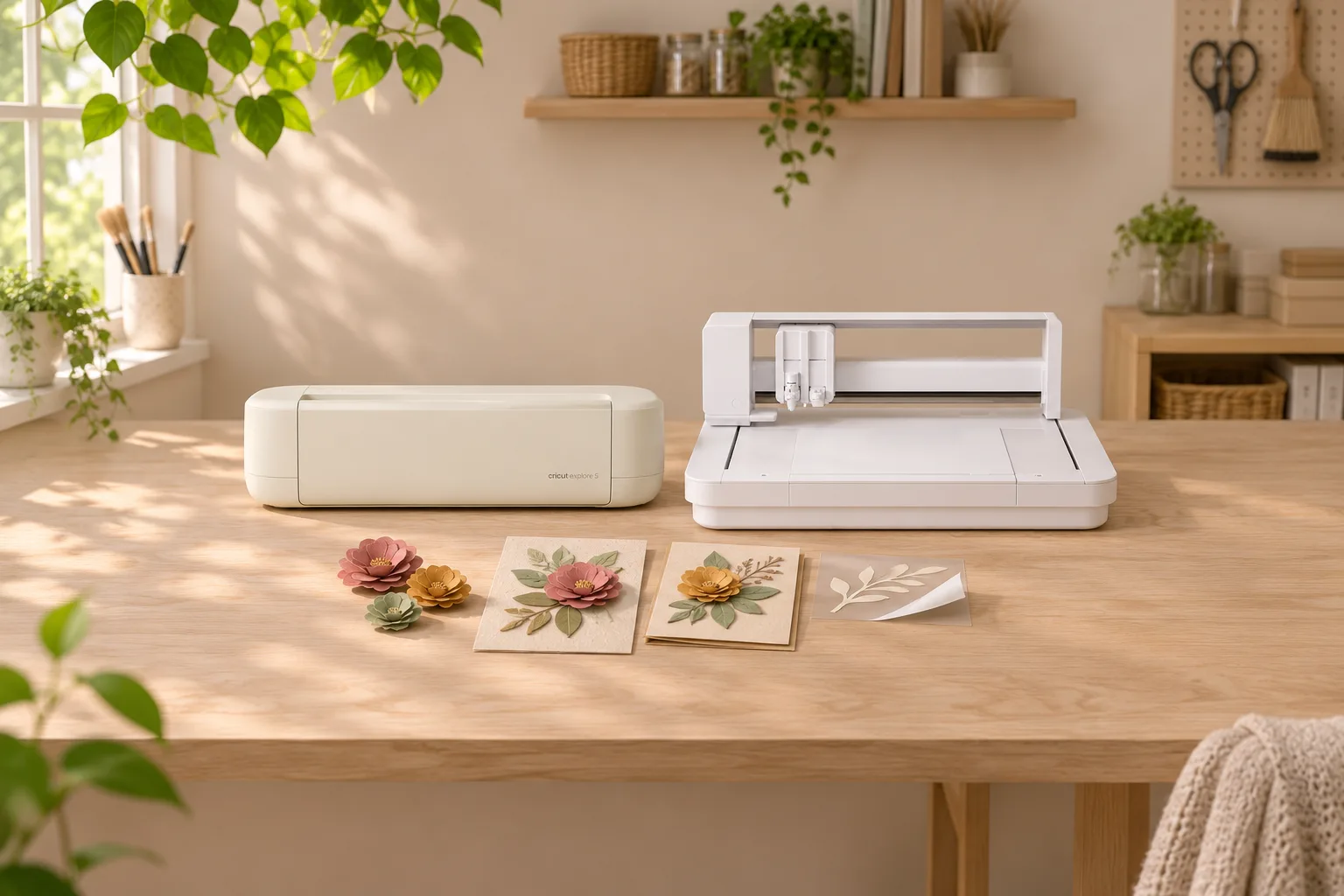
Buying guide
The best cutting machines for cardstock and paper crafts
The Cricut Explore 5 is the best cutting machine for cardstock and paper crafts: a Scoring Tool in the box, card mats, Print Then Cut on tabloid sheets and 14.1-inch-a-second cuts, for $199 in November 2026 (the Essential Bundle with a 2-Card Mat is also $199). The Cricut Maker 5 ($349) adds debossing, perforation and the Knife Blade for chipboard; the Joy 2 ($99) is the budget card maker.
See the picks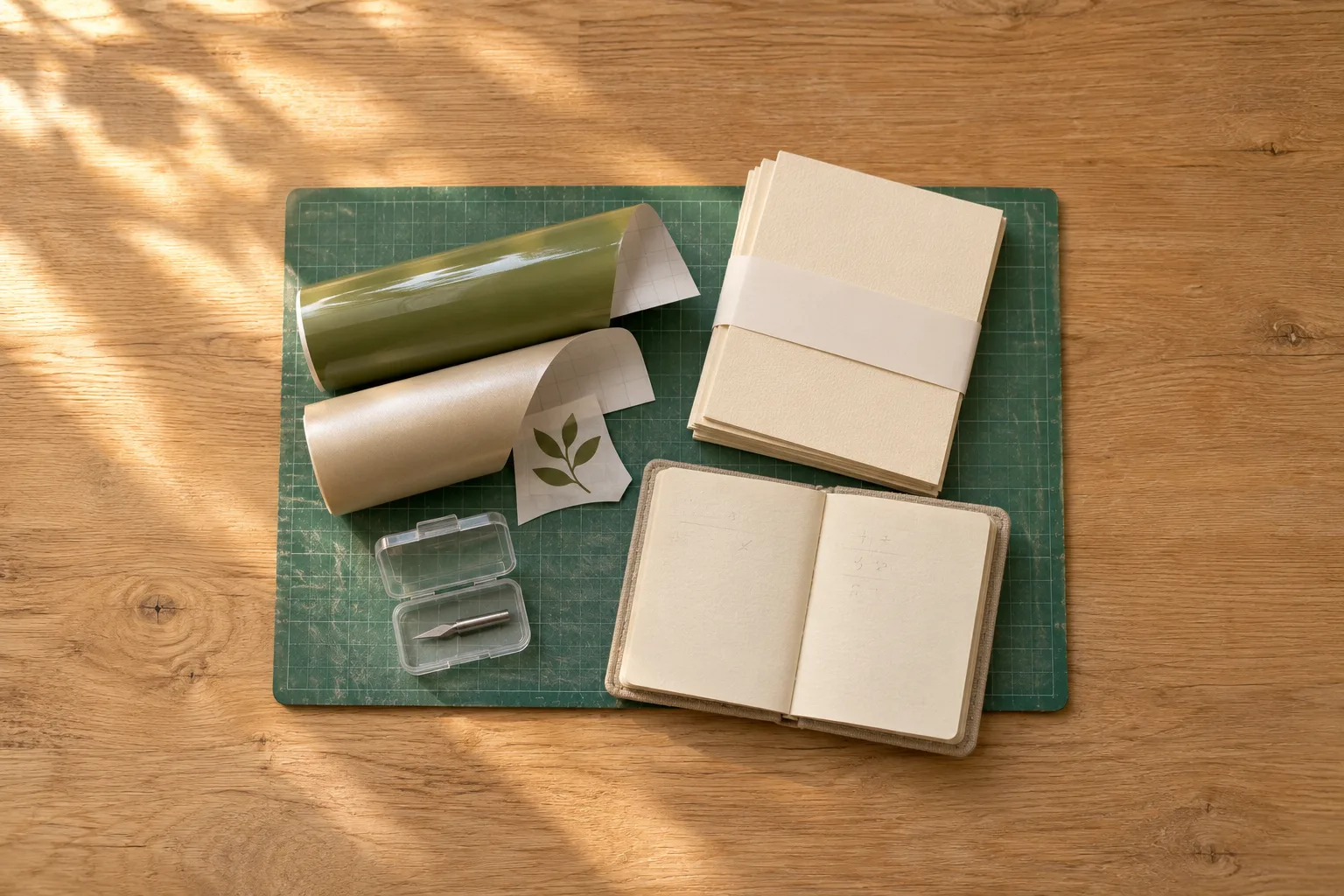
How to
How much does it cost to run a Cricut?
About $6 to $19 a month for light use, $19 to $56 for regular use and $75 to $222 for heavy use, by our estimate for a full-size Cricut like the $199 Explore 5. Materials are almost all of it; mats and blades add about 19¢ a project, electricity is pennies, and Cricut Access is an optional $7.99 to $14.99 a month.
Read the guide