
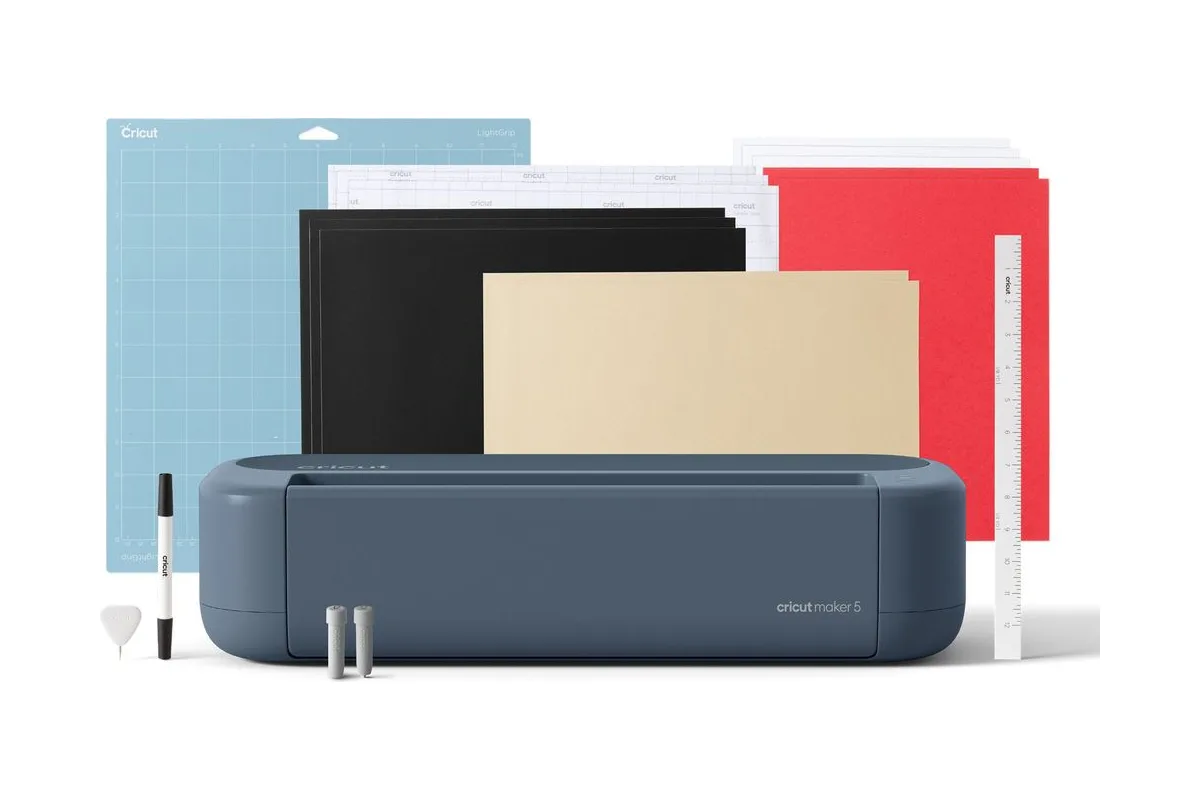
Side by side
| Feature | Cricut Explore 5 | Cricut Maker 5 |
|---|---|---|
| Type | Cutting machine | Cutting machine |
| Media | Printable vinyl, sticker paper, cardstock, HTV | |
| Max size | 12 x 24 in mat | |
| Connection | Bluetooth, USB | Bluetooth, USB-C |
| Where to buy | Check price at Amazon | Check price at Amazon |
Cricut Explore 5
- Type
- Cutting machine
- Media
- Printable vinyl, sticker paper, cardstock, HTV
- Max size
- 12 x 24 in mat
- Connection
- Bluetooth, USB
Cricut Maker 5
- Type
- Cutting machine
- Media
- Max size
- Connection
- Bluetooth, USB-C
Cricut Maker 5 vs Explore 5: which should I buy?
The Explore 5, for most people. It’s $199 at Cricut in November 2026, machine alone or as the Essential Bundle, against $349 for the Maker 5 machine. The two are the same 19.8 x 7.5 x 4.7-inch body, cut at the same 14.1 inches a second, feed Smart Materials up to 12 feet without a mat, and Print Then Cut the same tabloid sheets. For vinyl decals, iron-on shirts, cards, stickers and bonded fabric, the extra $150 buys nothing you’ll use.
Buy the Maker 5 if you’ll cut wood, leather, chipboard or plain fabric, or want to engrave. Only the Maker takes the Rotary Blade, the Knife Blade and the QuickSwap tips, and it’s rated for material up to 3 mm thick. Those tools cost extra, so budget for them: the $449 Ultimate Plus + Access bundle is the cheapest way to get the Knife, Rotary and Deep blades together.
Maker 5 vs Explore 5 specs
| Spec | Cricut Explore 5 | Cricut Maker 5 |
|---|---|---|
| Status | Current; on sale Feb 27, 2026 | Current; on sale Sept 4, 2026 |
| Price, machine alone (Cricut, Nov 2026) | $199 | $349 |
| Essential Bundle | $199 at Cricut (list $249); $199 at Amazon | $399 at Cricut and Amazon |
| Cut width without a mat | 11.7 in (Cricut’s chart; its help center says 12 in) | 12 in |
| Longest cut, Smart Materials | 12 ft | 12 ft |
| Mats | 12 x 12 and 12 x 24 in; cut area not published | 12 x 12 and 12 x 24 in; 11.5 x 23.5 in cut area |
| Thickness | Not published; Deep Cutting Blade up to 1.5 mm | Up to 3 mm (1/8 in) |
| Cut force | Not published | Not published |
| Speed | 14.1 in/s (about 358 mm/s) | 14.1 in/s |
| Tools | “Six” (Cricut): fine-point, deep, bonded-fabric, Scoring Tool, foil, pens | 13, adding Rotary, Knife, Engraving and QuickSwap tips |
| Materials (Cricut’s count) | 100+ | 300+ |
| Print Then Cut | Letter to tabloid and A3; about 15.9 x 9.9 in on tabloid | Same |
| Connection | Bluetooth Low Energy, USB-C (computer only) | Same |
| Phone app and offline | iOS and Android; offline on Windows, macOS and iOS | Same; Knife and Foil jobs need a computer |
| Size and weight | 19.8 x 7.5 x 4.7 in; 10.1 lb | 19.8 x 7.5 x 4.7 in; 10.9 lb |
| Warranty | 1 year (US) | 1 year (US) |
| Machine-only box | Blade, Scoring Tool, dual-tip marker, mat, USB-C cable, supplies for 30 projects | Same kit, with a 12-inch ruler instead of 9-inch |
Source: Cricut’s product pages, help center, press releases and comparison chart, read November 28, 2026. Cricut’s Explore 5 pages disagree on its tool count (“six tools” in the features and launch release, “5 tools” in the tools section) and on its matless width; we use the smaller width.
What can the Maker 5 do that the Explore 5 can’t?
| Tool | Explore 5 | Maker 5 | Cricut list price |
|---|---|---|---|
| Fine-Point Blade or Cutting Tool | Yes (in the box) | Yes (in the box) | $37.99 with housing |
| Scoring Tool | Yes (in the box) | Yes (in the box) | — |
| Deep-Point Blade / Deep Cutting Tool | Yes | Yes | $37.99 |
| Bonded-Fabric Blade | Yes | Yes | $34.99 |
| Foil Transfer Tool | Yes | Yes | $39.99 kit |
| Pens and markers | Universal pen sets | Snap-in pens for Maker 5 | Varies |
| Rotary Blade (fabric without a backer, tissue paper, cork) | No | Yes | $54.99 |
| Knife Blade (basswood, balsa, chipboard, tooling leather) | No | Yes | $49.99 |
| QuickSwap tips (scoring wheels, debossing, engraving, perforation, wavy) | No | Yes | $27.99–$32.99 per tip, plus $29.99 housing |
| Engraving Tool (one-piece) | No | Yes (Essential Bundle and up) | $24.49 in Cricut’s 50%-off sale |
| Scoring Stylus | No | No | — |
Source: Cricut’s blades help article, Maker 5 tool table and blades store, read November 28, 2026. List prices; Cricut had 50% off tools and accessories in November 2026.
So the Maker 5’s real price for wood is $349 plus $49.99 for the Knife Blade, and for plain fabric $349 plus $54.99 for the Rotary Blade and a FabricGrip mat ($39.99 for four). Cricut lists the Maker 5 for 300+ materials against 100+ for the Explore 5; the difference is mostly those thick, dense and unbacked materials.
Which is better for vinyl, iron-on and cards?
Neither; they’re the same. Both cut vinyl, iron-on and cardstock with the same fine-point blade, score with the same Scoring Tool, and feed Smart Vinyl and Smart Iron-On 12 feet without a mat. Both take Cricut’s card mats. The Maker’s 3 mm clearance doesn’t help with any of these materials. Buy the Explore 5. See the best cutting machines for vinyl and for cardstock.
Which is better for stickers and Print Then Cut?
Also the same. Cricut’s Print Then Cut table gives the Explore Series and Maker Series identical limits: about 9.9 x 7.4 inches on letter paper and 15.9 x 9.9 inches on tabloid, on white, lightly colored and simple patterned paper. Print Then Cut needs an internet connection on both. See the best printers for Cricut.
Which bundle is better value?
| Bundle (Cricut, Nov 2026) | Explore 5 | Maker 5 | Gap |
|---|---|---|---|
| Machine alone | $199 | $349 | $150 |
| Essential Bundle | $199 (list $249) | $399 | $200; the Maker’s adds an Engraving Tool |
| Ultimate Plus Bundle | $279 (list $349) | $499 (MSRP $549) | $220; the Maker’s adds Knife, Rotary and Deep blades and an Engraving Tool |
| Ultimate Plus + Access (1 month) | $229 | $449 | $220 |
Both Ultimate Plus bundles include a Cricut EasyPress Mini LT, and the Access versions are cheaper than the plain ones; Access then renews at $9.99 a month until you cancel. Cricut’s own Explore 5 bundle chart showed the Ultimate Plus + Access at $199, but its option selector and bundle page charged $229.
The Explore 5 Essential Bundle at $199 is the best buy in Cricut’s lineup in November 2026: the same price as the machine alone, with a card mat, trimmer, weeding tools and twice the starter materials. If you want the Maker, the $449 Ultimate Plus + Access is the one that includes its specialty blades.
How much do they cost over three years?
| Explore 5 | Maker 5 | |
|---|---|---|
| Year 1, free Design Space | $233.98 | $383.98 |
| 3 years, free Design Space | $303.94 | $453.94 |
| 3 years, with Cricut Access Standard | $591.58 | $741.58 |
| Cost per inch of matless cut width | $17.01 (11.7 in) | $29.08 (12 in) |
Our estimate. Inputs: the machine-only price; one six-pack of 12 x 12 StandardGrip mats ($19.99) and one replacement fine-point blade ($14.99) a year at Cricut’s list prices, which both machines share; Access Standard at $95.88 a year. Cricut gives no blade or mat lifespan, so the replacement rate is our assumption. Add the Maker’s specialty blades if you’ll use them. Software costs the same: Design Space is free on both, and Access is optional. See is Cricut Access worth it?
Which should you buy?
The Explore 5 ($199) if you’ll make shirts, decals, cards, labels or stickers. It’s our pick for most people. The Maker 5 ($349) if wood, leather, chipboard, plain fabric or engraving is on your list, and you’ll buy the tools. Read the Explore 5 review and the Maker 5 review. If you’re deciding between Cricut and Silhouette, see Cricut Explore 5 vs Silhouette CAMEO 5α.
Questions people ask
What is the difference between the Cricut Maker 5 and Explore 5?
Tools and thickness. The Maker 5 takes 13 tools, including the Rotary Blade, Knife Blade and QuickSwap tips, and cuts material up to 3 mm thick. The Explore 5 takes five or six, depending on which Cricut page you read. Size, speed, matless length and Print Then Cut are the same.
Is the Maker 5 worth $150 more than the Explore 5?
Only if you’ll cut wood, leather, chipboard or unbacked fabric, or engrave. For vinyl, iron-on, paper and stickers, both machines do the same job.
Can the Explore 5 cut fabric?
Yes, fabric with an iron-on backer, using the Bonded-Fabric Blade on a FabricGrip mat. Fabric without a backer needs the Maker’s Rotary Blade.
Can the Explore 5 cut wood or leather?
Not wood: the Knife Blade fits only Maker machines. Thin materials up to about 1.5 mm, like craft foam and thick cardstock, cut with the Deep Cutting Blade. For wood and leather, see the best cutting machines for leather and wood.
Is the Maker 5 faster than the Explore 5?
No. Cricut rates both at up to 14.1 inches a second.
Which is better for beginners?
The Explore 5. It’s $150 cheaper and does everything most beginners make. See the best cutting machines for beginners.
Sources
- Cricut Explore 5 product page, cricut.com
- Cricut Explore 5 Quick Start Guide and FAQ, help.cricut.com
- Cricut press release: Joy 2 and Explore 5 (Feb 26, 2026), investor.cricut.com
- Cricut Maker 5 product page, cricut.com
- Cricut Maker 5 specifications and requirements, help.cricut.com
- Cricut Maker 5 frequently asked questions, help.cricut.com
- Cricut machine comparison chart, cricut.com
- Cricut: Which materials can I cut with my Cricut?, help.cricut.com
- Cricut: All About Cricut Blades and Machine Tools, help.cricut.com
- Cricut: How large can I Print Then Cut?, help.cricut.com
- Cricut blades and tools (store), cricut.com
- Cricut machine mats (store), cricut.com
- Cricut Design Space offline feature, help.cricut.com
- Cricut Access subscription plans, cricut.com
- Amazon: Cricut Explore 5 Essential Bundle, amazon.com
- Amazon: Cricut Maker 5 Essential Bundle, amazon.com
Keep exploring
Buying guide
The best Cricut machines: which Cricut should you buy?
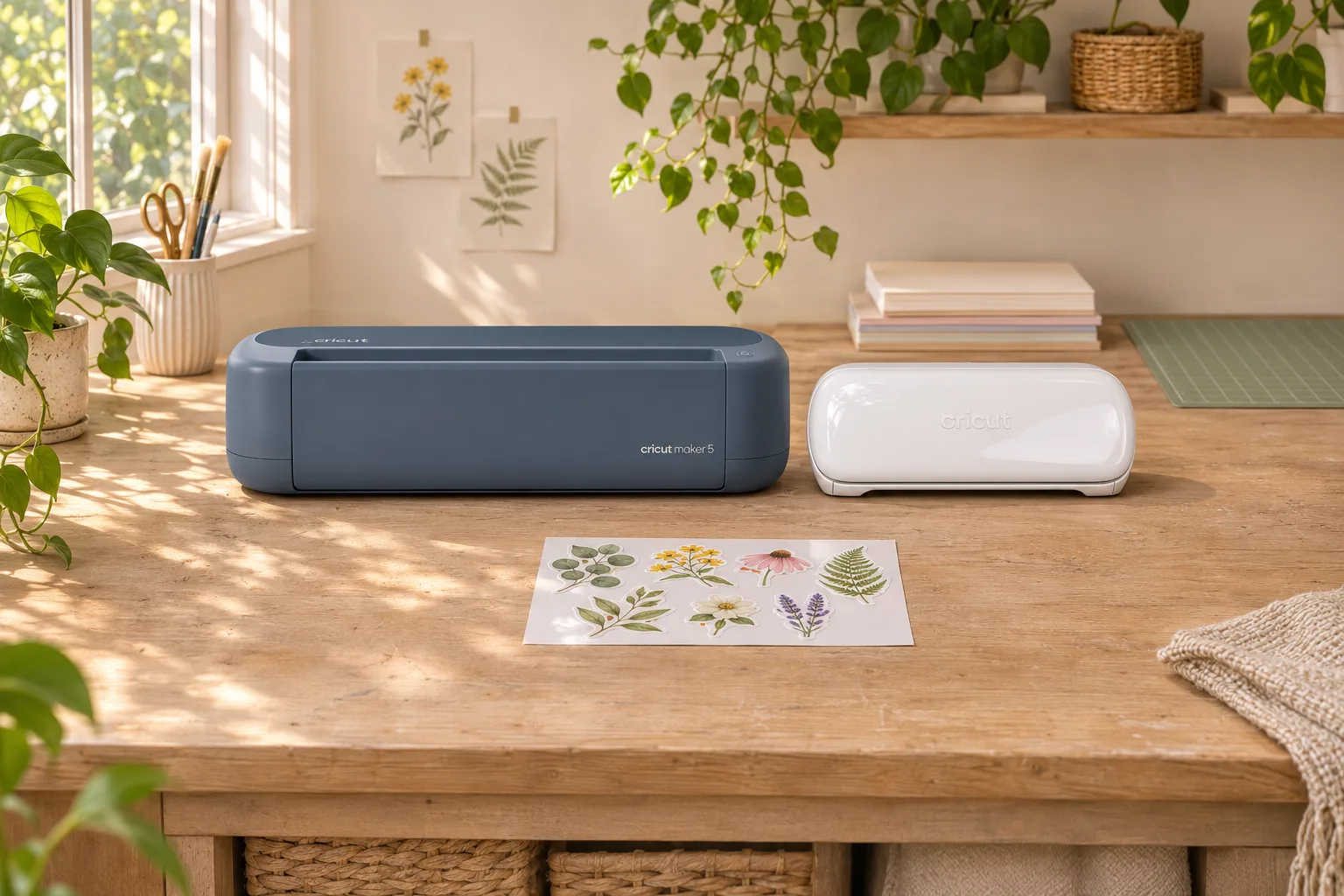
The Cricut Explore 5 is the best Cricut for most people: 12-inch cuts, 12-foot matless runs and tabloid Print Then Cut for $199 at Cricut in November 2026, machine alone or as the Essential Bundle. Buy the $349 Maker 5 for wood, leather and fabric, the $99 Joy 2 or $129 Joy Xtra for small projects, and the $499 Venture for a vinyl business.
See the picks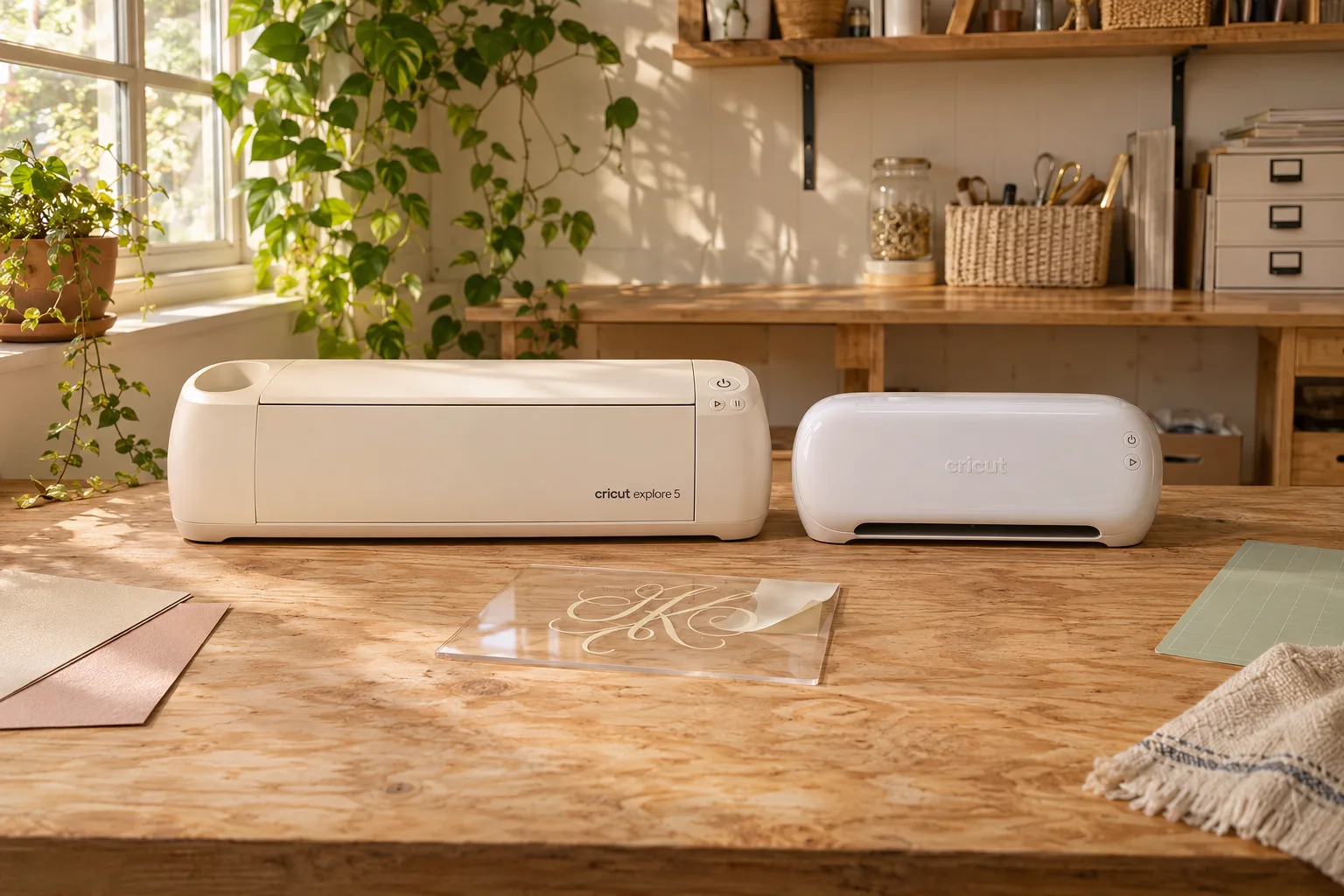
Buying guide
The best cutting machines for beginners
The Cricut Explore 5 is the best cutting machine for beginners: the Essential Bundle is $199 in November 2026, the same as the machine alone, and it cuts 12-inch vinyl, iron-on and cardstock, scores cards and prints and cuts tabloid sticker sheets. The Joy Xtra ($129) suits small desks; the Silhouette CAMEO 5α ($279.99) skips subscriptions.
See the picks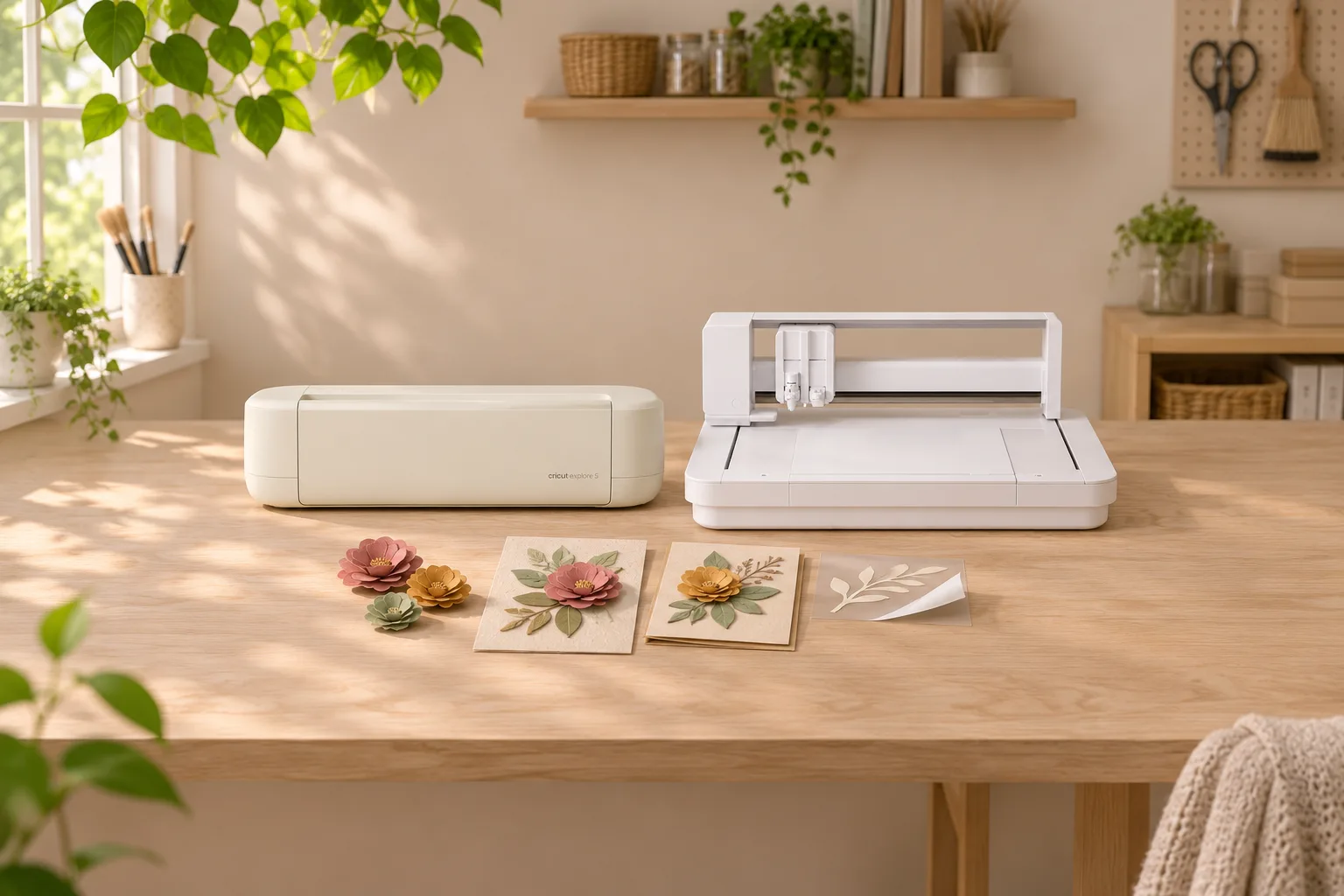
Buying guide
The best cutting machines for cardstock and paper crafts
The Cricut Explore 5 is the best cutting machine for cardstock and paper crafts: a Scoring Tool in the box, card mats, Print Then Cut on tabloid sheets and 14.1-inch-a-second cuts, for $199 in November 2026 (the Essential Bundle with a 2-Card Mat is also $199). The Cricut Maker 5 ($349) adds debossing, perforation and the Knife Blade for chipboard; the Joy 2 ($99) is the budget card maker.
See the picks
How to
Can you use any vinyl with a Cricut?
Yes. Every Cricut cuts other brands of adhesive vinyl and heat transfer vinyl, such as Oracal 651 and Siser EasyWeed, as long as you put them on a cutting mat. Only Cricut's Smart Materials cut without a mat. Oracal 651 costs $0.51 to $0.67 a square foot against $2.25 for Cricut Premium Vinyl.
Read the guide