The quick answer
The best cutting machine for beginners is the Cricut Explore 5. Its Essential Bundle is $199 in November 2026, the same as the machine alone, and it cuts vinyl, iron-on and cardstock about 12 inches wide, scores cards and prints and cuts sticker sheets up to tabloid size. The Joy Xtra ($129) suits small desks and letter-size projects, and the Joy 2 ($99) is the cheapest, for cards and labels. Get the Silhouette CAMEO 5α ($279.99) to avoid accounts and subscriptions, and the Maker 5 ($349) only if you'll cut wood, leather or unbacked fabric.
Our quick picks

Compare the picks
| Feature | Best cutting machine for beginnersCricut Explore 5 | Best small cutter for beginnersCricut Joy Xtra | Cheapest beginner cutter, for cards and labelsCricut Joy 2 | Best for beginners who don't want a subscriptionSilhouette Cameo 5α | Best for beginners who want wood, leather and fabricCricut Maker 5 |
|---|---|---|---|---|---|
| Type | Cutting machine | Cutting machine | Cutting machine | Cutting machine | Cutting machine |
| Media | Printable vinyl, sticker paper, cardstock, HTV | Printable vinyl, sticker paper, cardstock | Printable vinyl, sticker paper, cardstock, HTV | ||
| Max size | 12 x 24 in mat | 8.2 x 11.7 in mat | 12 x 24 in mat | ||
| Connection | Bluetooth, USB | Bluetooth | Bluetooth | Bluetooth, USB | Bluetooth, USB-C |
| Where to buy | Check price at Amazon | Check price at Amazon | Check price at Amazon | Check price at Amazon | Check price at Amazon |
Best cutting machine for beginners
Cricut Explore 5
- Type
- Cutting machine
- Media
- Printable vinyl, sticker paper, cardstock, HTV
- Max size
- 12 x 24 in mat
- Connection
- Bluetooth, USB
Best small cutter for beginners
Cricut Joy Xtra
- Type
- Cutting machine
- Media
- Printable vinyl, sticker paper, cardstock
- Max size
- 8.2 x 11.7 in mat
- Connection
- Bluetooth
Cheapest beginner cutter, for cards and labels
Cricut Joy 2
- Type
- Cutting machine
- Media
- Max size
- Connection
- Bluetooth
Best for beginners who don't want a subscription
Silhouette Cameo 5α
- Type
- Cutting machine
- Media
- Printable vinyl, sticker paper, cardstock, HTV
- Max size
- 12 x 24 in mat
- Connection
- Bluetooth, USB
Best for beginners who want wood, leather and fabric
Cricut Maker 5
- Type
- Cutting machine
- Media
- Max size
- Connection
- Bluetooth, USB-C
01Best cutting machine for beginners
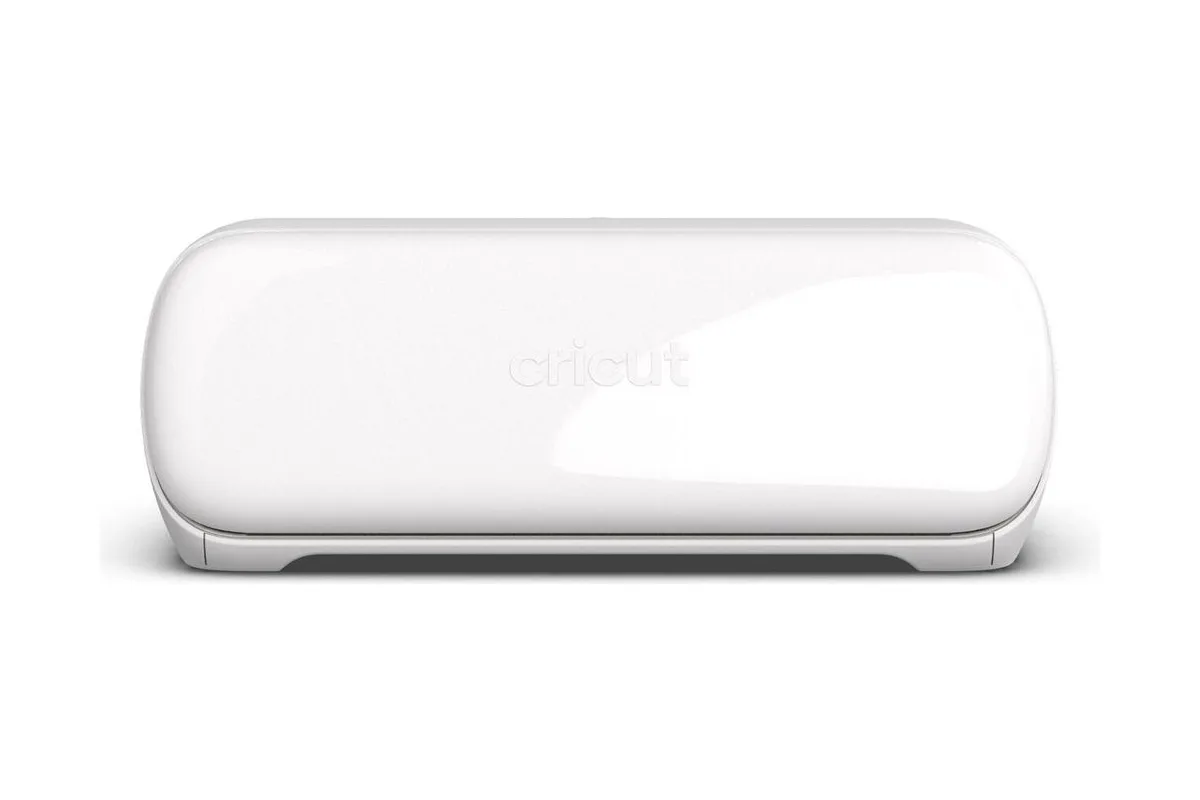
Cricut Explore 5
Cricut's 2026 full-size cutter, the cheapest Cricut with 12-inch mats and tabloid-size Print Then Cut.
The Explore 5 is the machine most beginners won't outgrow. It cuts Cricut's Smart Materials about 12 inches wide and up to 12 feet long without a mat, takes 12 x 12 and 12 x 24-inch mats for other brands, and prints and cuts sticker sheets up to tabloid size. It scores cards with the Scoring Tool in the box, cuts 100+ materials including craft foam and magnet sheet with the deep cutting tool, and runs at up to 14.1 inches a second.
It's $199 at Cricut in November 2026, and the Essential Bundle is the same $199 at Cricut and Amazon (list $249): it adds a 2-Card Mat, trimmer, weeding tools and supplies for up to 65 projects. Load & Go starts a job with one press, and Design Space runs on Windows, Mac, iOS and Android. You need a Cricut account and internet to set up and Print Then Cut, and Android can't work offline. It can't cut wood or tooling leather; that's the Maker 5. Read our Explore 5 review.
Good for
- 12 x 12 and 12 x 24 inch mats, and up to 12 feet of Smart Materials without a mat
- Sensor that recognizes and cuts around inkjet-printed images
- $199 at Cricut, and the Amazon Essential Bundle is also $199 in November 2026
Consider
- You still need a separate inkjet printer
- Design Space needs a Cricut account and the internet for setup, uploads and Print Then Cut; Cricut Access is a paid extra
02Best small cutter for beginners
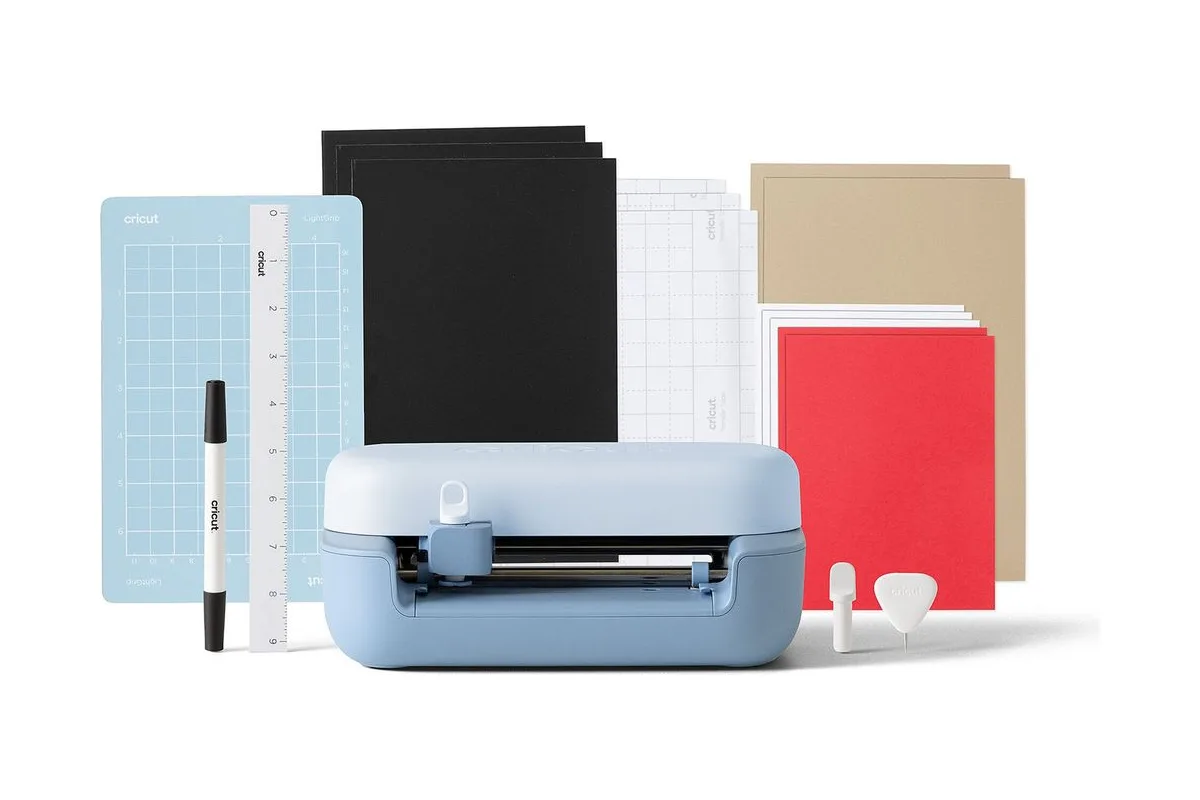
Cricut Joy Xtra
Cricut's compact cutter that does Print Then Cut on letter-size sheets, at $129 in November 2026.
The Joy Xtra is the pick if your desk is small and your projects fit a letter sheet: labels, mug decals, cards and stickers. It cuts 8.5 inches wide, 8.2 x 11.7 inches on its mat and up to 4 feet without one on Smart Materials, and it prints and cuts about 7.4 x 9.9 inches on letter paper, including light-colored stock. It's 12.5 x 6 x 5.5 inches and 6 lb.
It's $129 at Cricut and Amazon in November 2026 (list $179), but the machine-only box has no mat, so add $11.99 for one (list) or buy a bundle. It can't score fold lines, it's too narrow for most shirt fronts, and it runs at 5.65 inches a second. For $70 more, the Explore 5 does all of that. See Explore 5 vs Joy Xtra and our Joy Xtra review.
Good for
- Print Then Cut on letter and A4 sheets, including colored cardstock
- Small enough to keep on a desk
- $129 in November 2026 (list $179)
Consider
- Prints and cuts up to about 7.4 x 9.9 inches on letter paper; no tabloid sheets
- 8.5-inch-wide materials only
03Cheapest beginner cutter, for cards and labels
Cricut Joy 2
Cricut's 2026 mini cutter: 4.5-inch cuts, Print Then Cut on narrow strips (up to about 3.2 x 9.9 inches from letter paper) and a scoring tool, $99 at Cricut or $109 as the Essential Bundle on Amazon.
The Joy 2 is the cheapest new Cricut and the smallest: 9.1 x 5.4 x 2.8 inches and 2.7 lb. It cuts 4.5 inches wide, up to 4 feet without a mat, scores cards with the Scoring Tool in the box, and adds Print Then Cut, which the original Joy lacked, though only in a strip about 3.2 inches wide on letter paper.
It's $99 at Cricut in November 2026, and the Essential Bundle with a Card Mat, trimmer and supplies for 35 projects is $109 at Cricut and Amazon (list $139). It's right for cards, tags and labels. If you'll want decals or stickers wider than 4.5 inches, the Joy Xtra is $30 more. Read our Joy 2 review.
Good for
- $99 machine; Smart Materials up to 4 feet without a mat
- Adds Print Then Cut for labels and strips up to about 3.2 x 9.9 inches, which the original Joy lacked
- Small: 9.1 x 5.4 x 2.8 inches and under 3 pounds
Consider
- 4.5-inch cut width limits shirts, signs and larger decals
- Slower than full-size Cricuts (5.3 inches per second)
04Best for beginners who don't want a subscription
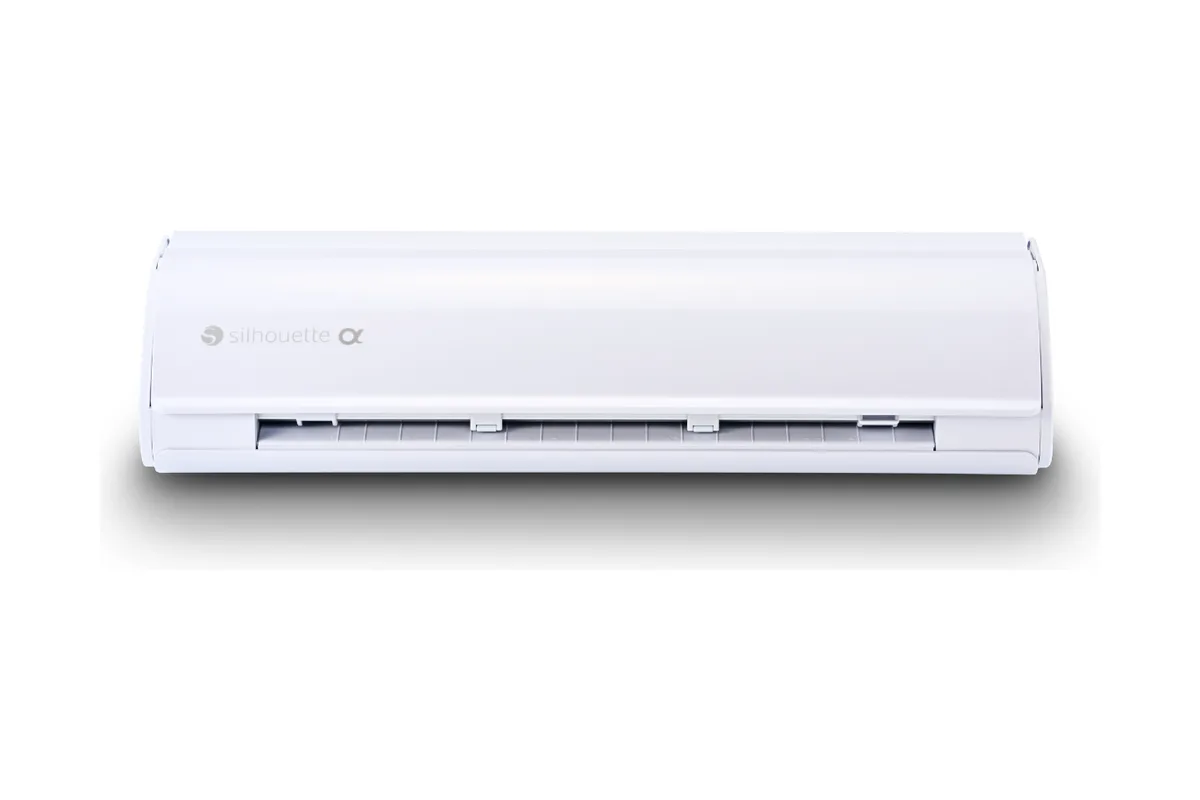
Silhouette Cameo 5α
Silhouette's 12-inch cutter, with free offline software and one-time paid upgrades instead of a subscription.
The CAMEO 5α is the pick if you don't want a Cricut account or any subscription. Silhouette Studio Basic is free and works offline once installed, and its upgrades are one-time purchases (Designer $49.99 list, $39.99 on sale), with no subscription required. The $279.99 Starter Bundle at Silhouette costs the same as the machine alone and includes the Designer upgrade, which you need to open SVG files, plus vinyl and heat-transfer starter kits.
It cuts 12 x 24 inches on a mat and 11.6 inches wide and up to 16 feet long without one on lined material. It has two tool holders, materials up to 3 mm and a four-point Print & Cut registration system. It's $279.99 at Silhouette in November 2026 ($299.99 on Amazon). Silhouette doesn't state a warranty on the CAMEO 5α page. See Cricut vs Silhouette.
Good for
- Silhouette Studio Basic is free and works offline
- Paid upgrades are one-time purchases, not subscriptions
- 4-point Print & Cut registration and 16-foot matless cuts
Consider
- Importing SVG files needs the Designer edition ($39.99 on sale)
- Costs more than Cricut's Explore 5
05Best for beginners who want wood, leather and fabric
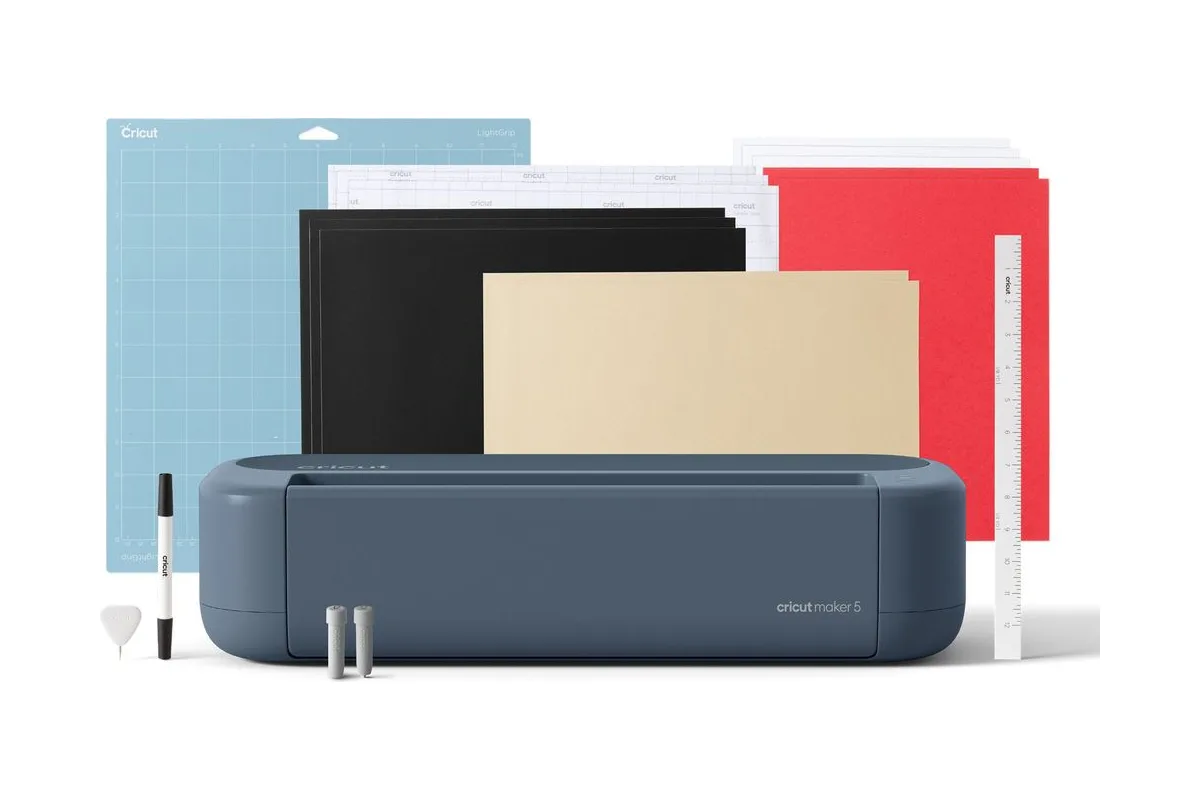
Cricut Maker 5
Cricut's newest Maker (September 2026): 12-inch cuts, materials up to 3 mm thick and 13 tools, $349 at Cricut or $399 as the Essential Bundle on Amazon.
The Maker 5 is for beginners who already know they want to cut balsa, basswood, chipboard, tooling leather or unbacked fabric. It takes 13 tools, including the Knife Blade, Rotary Blade and engraving tool that no Explore or Joy accepts, and cuts materials up to 3 mm (1/8 inch) thick, Cricut's most. It cuts 12 inches wide and 12 feet long without a mat on Smart Materials, and 11.5 inches wide on a mat.
It's $349 at Cricut in November 2026 (machine only, with a Scoring Tool, marker, mat and supplies for 30 projects); the Essential Bundle with an Engraving Tool is $399 at Cricut and Amazon. Knife Blade and Foil Transfer projects need Design Space on a computer, and Cricut says it isn't for children 12 and under. If you'll mostly cut vinyl and paper, the Explore 5 does that for $150 less. See Maker 5 vs Explore 5.
Good for
- Cuts materials up to 3 mm (1/8 in) thick, up from 2.4 mm on the Maker 4
- Works with 13 tools, including rotary, knife, engraving and debossing tips
- Cuts Smart Vinyl and Smart Iron-On up to 12 feet without a mat
Consider
- Cricut publishes no cutting force
- Design Space needs a Cricut account and internet for setup; Cricut Access is a paid extra
What is the best cutting machine for beginners?
The Cricut Explore 5. It’s the cheapest machine that handles nearly every beginner project in one piece: 12-inch vinyl decals and signs, iron-on shirt fronts, scored greeting cards and printed sticker sheets up to tabloid size. Buy the Essential Bundle, which is $199 at Cricut and Amazon in November 2026, the same as the machine alone, and comes with enough mats, tools and materials for up to 65 projects, by Cricut’s count.
What makes it easy to start with, by Cricut’s description: one-press Load & Go, snap-in pens, an app for phones as well as computers, and free software that imports your own SVG, PNG and JPG files. The main catch is that Design Space needs a Cricut account and an internet connection to set up and to Print Then Cut.
Beginner cutting machines compared
| Cricut Explore 5 | Cricut Joy Xtra | Cricut Joy 2 | Silhouette CAMEO 5α | Cricut Maker 5 | |
|---|---|---|---|---|---|
| Price, Nov 2026 | $199; Essential Bundle $199 | $129 (list $179), no mat | $99; Essential $109 | $279.99; Starter Bundle $279.99 | $349; Essential $399 |
| Cut width | 11.7–12 in | 8.5 in | 4.5 in | 12 in on a mat; 11.6 in matless | 12 in matless; 11.5 in on a mat |
| Longest cut without a mat | 12 ft (Smart Materials) | 4 ft (Smart Materials) | 4 ft (Smart Materials) | 16 ft (lined material) | 12 ft (Smart Materials) |
| Thickest material | Not stated (1.5 mm deep cut) | Not stated | Not stated | 3 mm | 3 mm |
| Scores cards | Yes | No | Yes | No scoring tool listed; embossing tool sold separately | Yes |
| Print-and-cut max | About 15.9 x 9.9 in (tabloid) | About 9.9 x 7.4 in (letter) | About 9.9 x 3.2 in (letter) | 4-point registration; size not listed | About 15.9 x 9.9 in (tabloid) |
| Speed | 14.1 in/s | 5.65 in/s | 5.3 in/s | 300 mm/s (11.8 in/s) cutting | 14.1 in/s |
| Phone app | iOS, Android | iOS, Android | iOS, Android | Silhouette Go (iOS, Android) | iOS, Android |
| Free software offline | Win, Mac, iOS; not Android | Same | Same | Yes, Studio | Win, Mac, iOS; not Android |
| Weight | 10 lb | 6 lb | 2.7 lb | 11.5 lb | 10.9 lb |
| Warranty | 1 year | 1 year | 1 year | Not stated on page | 1 year |
Prices at the maker’s store. Specs are the makers’ figures, read November 28, 2026. Cricut’s pages give the Explore 5’s matless width as 11.7 or 12 inches. Silhouette publishes no maximum print-and-cut size on the CAMEO 5α page.
Which cutter fits what you want to make?
| If you mostly want to make | Buy | Why |
|---|---|---|
| A bit of everything | Explore 5 | 12-inch width, scoring and tabloid Print Then Cut for $199 |
| Shirts | Explore 5 or CAMEO 5α | About 12 inches wide; see the best vinyl cutters for T-shirts |
| Stickers | Explore 5, or Joy Xtra for letter sheets | Both print and cut full sheets; see how to make stickers at home |
| Greeting cards and tags | Joy 2 or Explore 5 | Both score; the Joy Xtra can’t |
| Labels and mug decals | Joy 2 or Joy Xtra | Small, cheap and fast to set up |
| Long wall decals and banners | CAMEO 5α or Explore 5 | 16 ft on lined material, or 12 ft of Smart Materials |
| Wood, leather, felt, fabric | Maker 5 | Knife and Rotary Blades, 3 mm clearance |
Should a beginner buy the machine alone or a bundle?
Check the bundle price first, because in November 2026 several cost the same as the machine:
- Explore 5: the Essential Bundle is $199, the same as the machine. Buy the bundle.
- CAMEO 5α: the Starter Bundle is $279.99, the same as the machine, and includes the Designer upgrade ($49.99 list on its own). Buy the bundle.
- Joy 2: the Essential Bundle is $10 more ($109) and adds a Card Mat, trimmer, tools and supplies for 35 projects. Worth it.
- Joy Xtra: the machine-only box has no mat. Add one ($11.99 list), or buy the Everything Bundle ($159), or the Everything Bundle with one month of Access ($139), which then renews at $9.99 a month unless you cancel.
- Maker 5: the Essential Bundle is $50 more ($399) and adds an Engraving Tool, 2-Card Mat, trimmer and supplies for 65 projects.
Bundles with a month of Cricut Access are often $50 cheaper than the same bundle without it. That’s a real saving if you cancel before the renewal; if you forget, Access costs $9.99 a month.
What else does a beginner need?
Not much for vinyl and paper; more for shirts and stickers.
- Mats and blades. Every Cricut here comes with one blade and one mat (except the Joy Xtra, which needs a mat). At Cricut’s list prices, a 6-pack of 12 x 12 mats is $19.99, and Joy and Joy Xtra mats are $9.99 to $11.99. Cricut publishes no lifespan for either. See Cricut running costs.
- Weeding tools and transfer tape for vinyl decals. Cricut’s Essential Bundles include both.
- A heat source for iron-on. Cricut gives household-iron settings for its Everyday Iron-On, and its Ultimate Plus bundles include an EasyPress Mini LT. See the best heat presses.
- A color inkjet for printed stickers. See the best printers for Cricut.
First-year cost, our estimate at list prices and without a subscription: Explore 5 Essential Bundle plus a 6-pack of mats, $218.99; Joy Xtra plus a mat, $140.99; Joy 2 plus a 5-pack of mats, $110.99; Maker 5 plus a 6-pack of mats, $368.99. Materials are extra. We don’t have current Silhouette mat prices, so the CAMEO 5α isn’t included.
Do beginners need Cricut Access?
No. Design Space is free with 3,000+ images, 100+ fonts plus the fonts on your computer, 250+ projects and unlimited uploads of your own files, and you can sell finished projects under Cricut’s Angel Policy. Cricut Access Standard ($9.99 a month or $95.88 a year) adds a 1.5 million+ image library, 1,000+ fonts and tools like the background remover. Try the free tier first; Cricut’s 30-day trial is for new subscribers only. See do you need Cricut Access.
Cricut or Silhouette for a beginner?
Cricut for most beginners; Silhouette if you want software that’s yours to keep.
- Cricut: cheaper machines ($99 to $199 for the Joy 2, Joy Xtra and Explore 5), a phone app for every model except the Venture, free SVG import and published Print Then Cut sizes up to tabloid. You need a Cricut account and internet, and its matless cutting works only with Cricut’s Smart Materials.
- Silhouette: Studio works offline after installation and its upgrades are one-time purchases. The CAMEO 5α cuts lined material up to 16 feet without a mat. Silhouette’s cheapest machine is the 8.5-inch Portrait 4 at $179.99, more than the Joy Xtra.
See Cricut vs Silhouette and Design Space vs Silhouette Studio.
Is the Cricut Joy 2 too small for a beginner?
For a first machine that has to do everything, yes. At 4.5 inches wide, it can’t cut a shirt front, a sign or a full sticker sheet. It’s a good first machine only if you know you’ll mostly make cards, tags and labels, or you want a second, portable cutter. See Joy 2 vs Joy Xtra.
Which older machines should beginners skip?
- Cricut Explore 4: Cricut sells it only refurbished, at $199, the same as a new Explore 5 Essential Bundle. See our Explore 4 review.
- Cricut Maker 4: still sold at $349, the same price as the Maker 5, which cuts thicker material (3 mm against 2.4 mm) in a smaller body. See Maker 5 vs Maker 4.
- Silhouette CAMEO 5 (original): replaced by the CAMEO 5α; Silhouette no longer sells it.
- Original Cricut Joy, Explore 3 and Maker 3: not sold new. The original Joy can’t Print Then Cut or score.
How we chose
We compared cutting machines from Cricut, Silhouette and Brother sold new in the US in November 2026, using the makers’ product pages, help centers, software and subscription pages and store prices read on November 28, 2026. We weighed what a first-time buyer needs most: a width that fits common projects, a phone app, free software, what’s in the box and the total cost to start. Costs labeled as our estimates are our arithmetic on list prices. We haven’t tested these machines ourselves; see how we score.
Also consider
- Silhouette Portrait 4 ($179.99): an 8.5-inch Silhouette with free, offline Studio software; the $189.99 Starter Bundle includes the Designer upgrade. One tool holder and 2 mm clearance. See the best cheap cutting machines.
- Brother ScanNCut SDX125E ($449.99): a 12-inch cutter with a built-in 600 dpi scanner and touchscreen, so it can scan a drawing and cut it without a computer, with 682 built-in designs. See our SDX125E review.
- Cricut Joy Xtra bundles ($139 to $169): if you want the Joy Xtra, a bundle solves the missing mat.
Questions people ask
What is the easiest cutting machine for a beginner?
The Cricut Explore 5 for most people, by Cricut’s design: one-press Load & Go, snap-in pens, a phone app and free software. The Joy 2 and Joy Xtra are even simpler machines, but smaller.
What should I buy as my first Cricut?
The Explore 5 Essential Bundle, at $199 in November 2026. It’s the same price as the machine alone and covers vinyl, iron-on, cards and stickers. Buy the Joy Xtra ($129) if space is tight, or the Maker 5 ($349) if you’ll cut wood or leather.
Is Cricut or Silhouette better for beginners?
Cricut for most beginners: cheaper machines, a phone app for every model except the wide-format Venture, and free SVG import. Silhouette if you want offline software with one-time upgrades instead of a subscription.
Do you need a computer for a cutting machine?
Not for Cricut. Every current Cricut except the Venture runs from Design Space on an iPhone, iPad or Android phone over Bluetooth. Silhouette’s phone app is Silhouette Go. See using a Cricut without a computer.
How much should a beginner spend on a cutting machine?
About $199 gets you the Explore 5 Essential Bundle, which most beginners won’t outgrow. $99 to $129 buys a Joy 2 or Joy Xtra for small projects. Spend $349 or more only if you know you need a Maker’s thick-material tools. See the best cheap cutting machines.
Do cutting machines need a subscription?
No. Cricut Design Space, Silhouette Studio Basic and Brother’s CanvasWorkspace are free to use. Cricut Access is an optional subscription; Silhouette’s upgrades are one-time purchases. See the best cutting machines without a subscription.
Sources
- Cricut Explore 5 product page, cricut.com
- Cricut Joy Xtra product page, cricut.com
- Cricut Joy 2 product page, cricut.com
- Cricut Maker 5 product page, cricut.com
- Cricut Maker 5 frequently asked questions, help.cricut.com
- Cricut machine comparison chart, cricut.com
- Cricut cutting machines, cricut.com
- Cricut Explore 5 Quick Start Guide and FAQ, help.cricut.com
- Cricut Joy 2 Quick Start Guide and FAQ, help.cricut.com
- Cricut Joy Xtra Quick Start Guide and FAQ, help.cricut.com
- Cricut: How large can I Print Then Cut?, help.cricut.com
- Cricut: Design Space offline feature, help.cricut.com
- Cricut Access subscription plans, cricut.com
- Cricut machine mats, cricut.com
- Cricut blades and tools, cricut.com
- Silhouette CAMEO 5α product page, silhouetteamerica.com
- Silhouette Studio editions, silhouetteamerica.com
- Silhouette Studio software overview, silhouetteamerica.freshdesk.com
- Silhouette Portrait 4 product page, silhouetteamerica.com
- Brother ScanNCut SDX125E product page, Brother
- Cricut Certified Refurbished Explore 4, cricut.com
- Amazon: Cricut Explore 5 Essential Bundle, amazon.com
- Amazon: Silhouette CAMEO 5α, amazon.com
Keep exploring
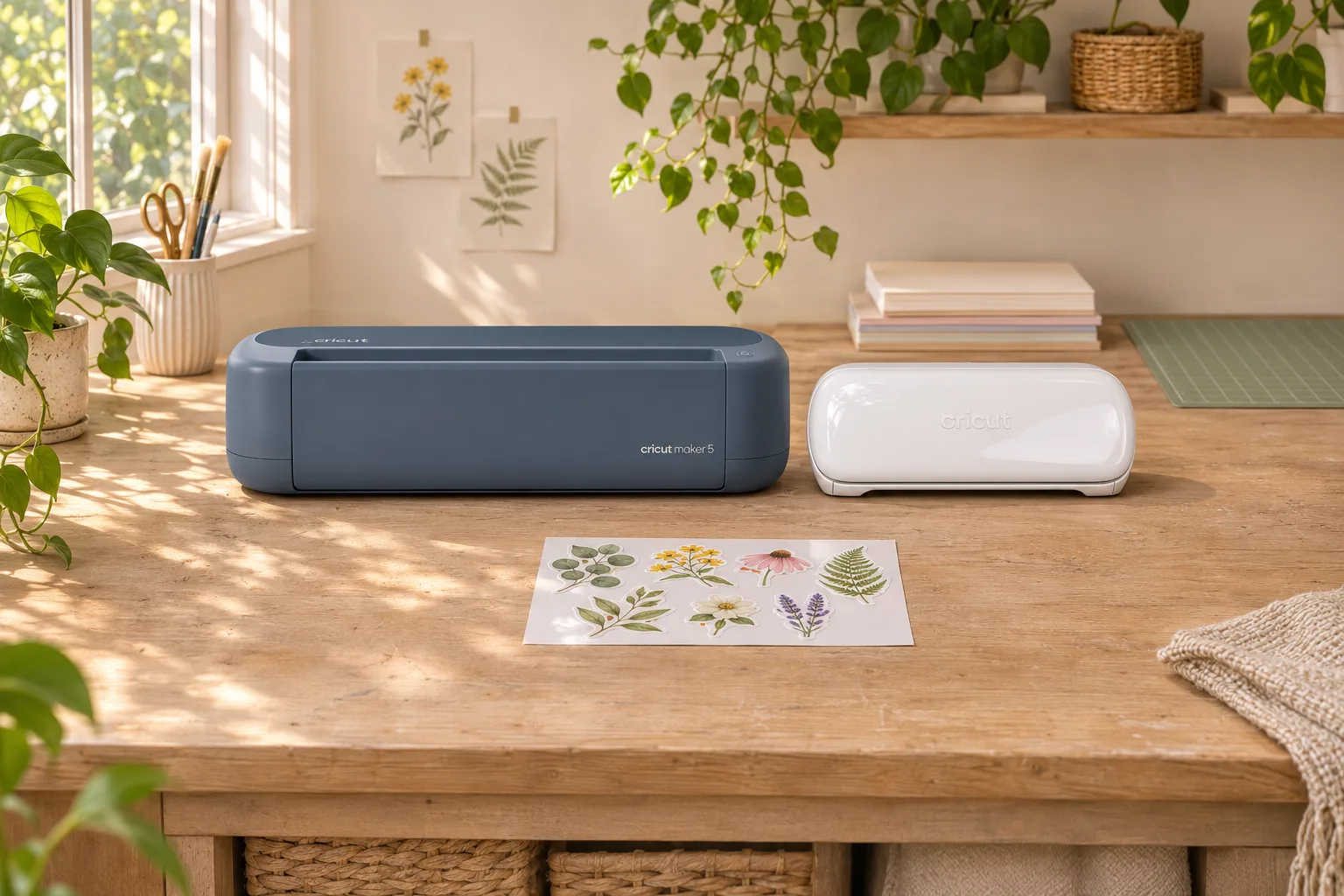
Buying guide
The best Cricut machines: which Cricut should you buy?
The Cricut Explore 5 is the best Cricut for most people: 12-inch cuts, 12-foot matless runs and tabloid Print Then Cut for $199 at Cricut in November 2026, machine alone or as the Essential Bundle. Buy the $349 Maker 5 for wood, leather and fabric, the $99 Joy 2 or $129 Joy Xtra for small projects, and the $499 Venture for a vinyl business.
See the picks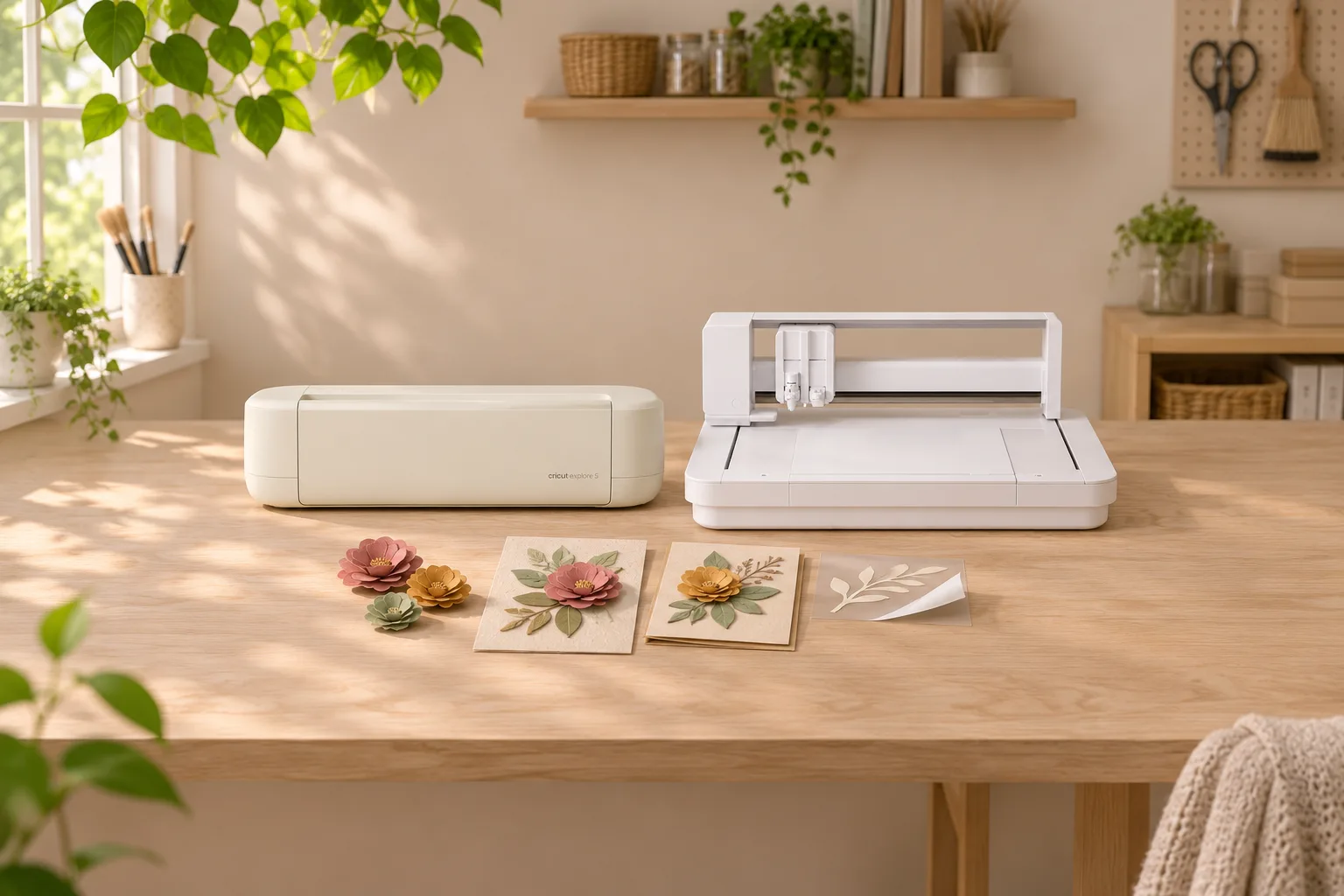
Buying guide
The best cutting machines for cardstock and paper crafts
The Cricut Explore 5 is the best cutting machine for cardstock and paper crafts: a Scoring Tool in the box, card mats, Print Then Cut on tabloid sheets and 14.1-inch-a-second cuts, for $199 in November 2026 (the Essential Bundle with a 2-Card Mat is also $199). The Cricut Maker 5 ($349) adds debossing, perforation and the Knife Blade for chipboard; the Joy 2 ($99) is the budget card maker.
See the picks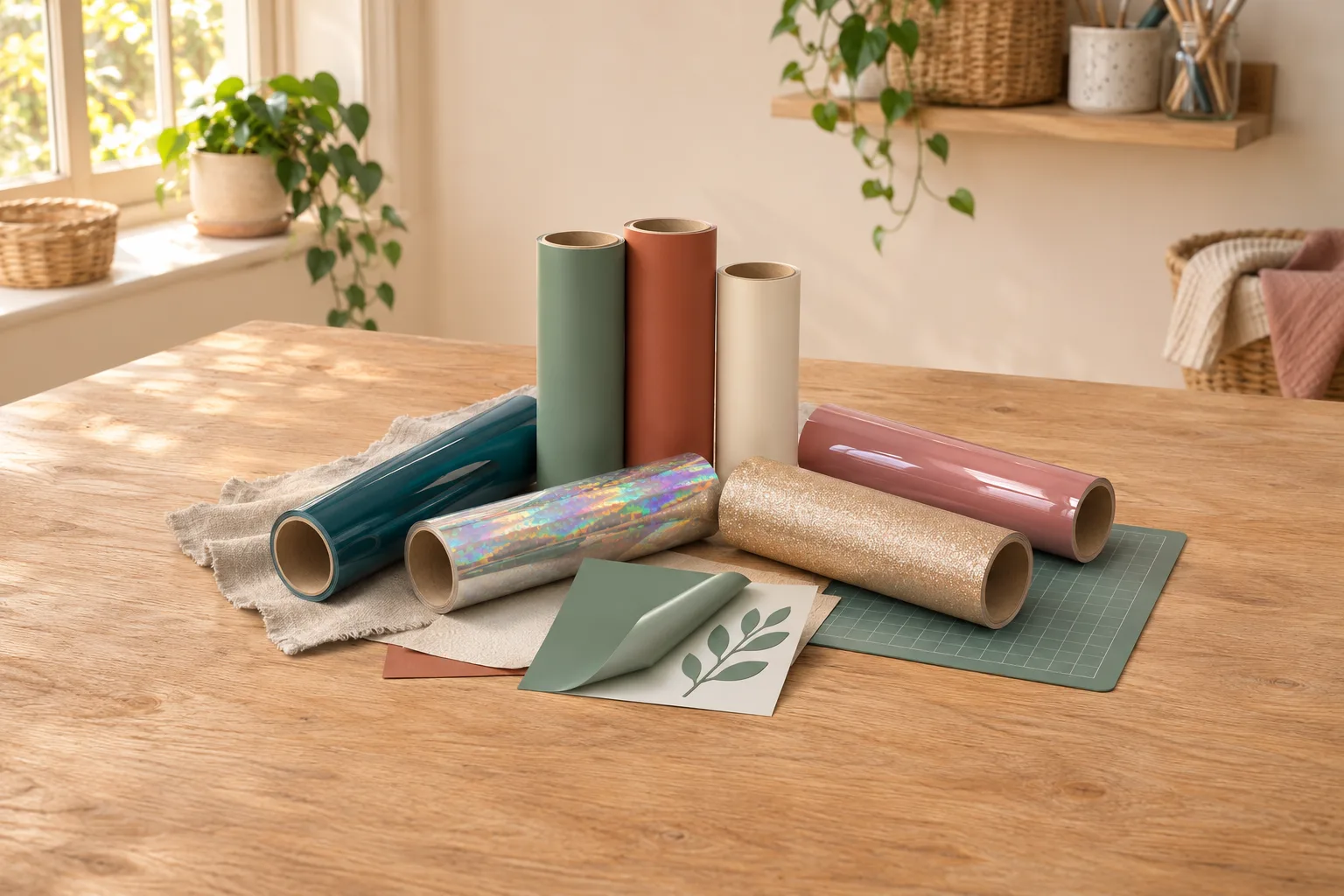
How to
Can you use any vinyl with a Cricut?
Yes. Every Cricut cuts other brands of adhesive vinyl and heat transfer vinyl, such as Oracal 651 and Siser EasyWeed, as long as you put them on a cutting mat. Only Cricut's Smart Materials cut without a mat. Oracal 651 costs $0.51 to $0.67 a square foot against $2.25 for Cricut Premium Vinyl.
Read the guide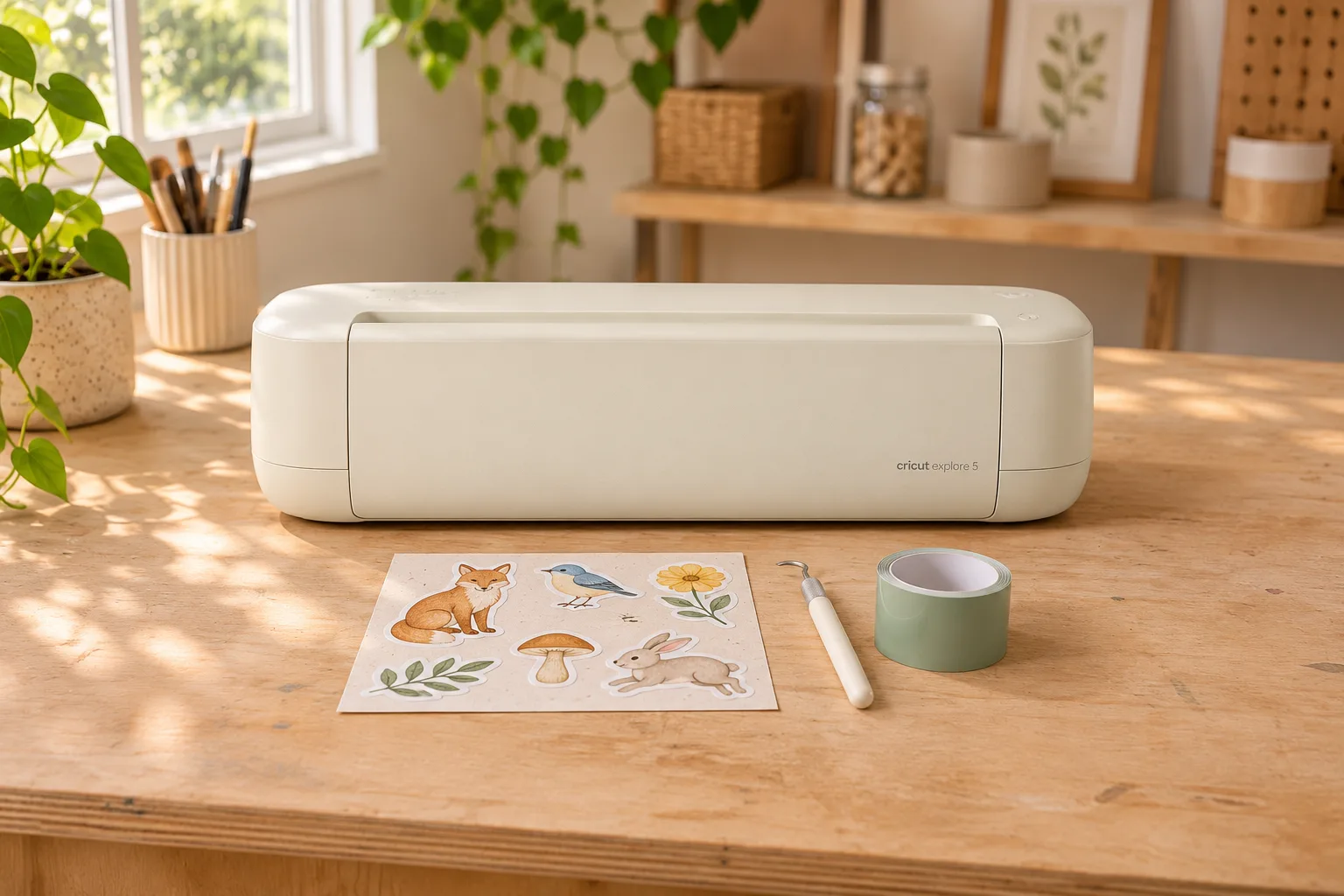
Review
Cricut Explore 5 review
Yes, the Cricut Explore 5 is worth it at $199, and the Essential Bundle costs the same $199 in November 2026. It's the cheapest 12-inch Cricut, with tabloid Print Then Cut and 12-foot matless cuts. Skip it for wood, leather or unbacked fabric: that's the $349 Maker 5.
Read the review