Printers in this guide

Do you need Cricut Access to use a Cricut?
No. Cricut’s own answer, in its Maker 5 FAQ: “A subscription is not required to set up or use the Cricut Maker 5. You can use free content, upload content, create your own designs, or purchase individual content.” The same holds for every current Cricut, from the Joy 2 ($99 for the machine alone at Cricut) to the Explore 5 and Maker 5.
What you do need is Design Space, Cricut’s free app, and a free Cricut ID. Design Space is what sends designs and cut settings to the machine, so every Cricut needs it. Cricut Access is a separate, optional subscription: $9.99 a month or $95.88 a year for Standard, and $14.99 a month or $119.88 a year for Premium, in November 2026.
What can you do on a free Cricut account?
Almost everything a hobbyist needs. From Cricut’s plans page (effective July 14, 2026):
| Free account | Access Standard | Access Premium | |
|---|---|---|---|
| Price | $0 | $9.99/mo or $95.88/yr | $14.99/mo or $119.88/yr |
| Cut on any Cricut | Yes | Yes | Yes |
| Upload your own images (SVG, DXF, PNG, JPG and more) | Yes, unlimited | Yes | Yes |
| Fonts | 100+ Cricut fonts, plus fonts on your device | 1,000+, plus your fonts | Same as Standard |
| Images | 3,000+ free; others à la carte | 1.5M+ | Same as Standard |
| Ready-made projects | 250+ | 100,000+ | Same as Standard |
| Basic shapes | 20 | 60+ | 60+ |
| Collections | 5 | Unlimited | Unlimited |
| Sell finished projects (Angel Policy) | Yes | Yes | Yes |
| Automatic Background Remover, Convert to Layers | No | Yes | Yes |
| Warp, Create Sticker, Monogram Maker | No | Yes | Yes |
| AI credits | No | 20 a month | 200 a month |
| Discount at cricut.com | No | 10%, up to $50 per item | 10% everyday, or 20% off Cricut materials |
| $10 coupon every 3 months | No | Yes | Yes |
| Free economy shipping on $50+ | No | No | Yes |
Cricut’s pages disagree on Premium’s everyday-discount cap: the plans page says up to $100 per item and the join page up to $50 for both plans. Licensed content such as Disney and Marvel isn’t included in any plan; Access members get some of it free and 10% off the rest.
Can you upload your own designs without Cricut Access?
Yes, as many as you like. Uploads are free for every account. In March 2021 Cricut announced a plan to limit uploads for non-subscribers, then reversed it six days later; its CEO wrote that “every member can upload an unlimited number of images and patterns to Design Space for free, and we have no intention to change this policy.” We found no change to that in Cricut’s 2026 release notes.
What you can upload, from Cricut’s help center:
- Vector files: SVG (up to 5,000 paths per file) and DXF. DXF works only on a computer, not in the iOS or Android app.
- Images: JPG, BMP, PNG, GIF and HEIC.
- Clean-up tools: free accounts get manual select, erase and crop, and single-layer or flat images. The Automatic Background Remover and Convert to Layers, which turns a color image into up to nine cut layers, are Access-only.
Fonts installed on your computer show up in Design Space as system fonts on a free account too. Their own licenses decide whether you can sell what you make with them.
Can you sell what you make without Cricut Access?
Yes. Cricut’s plans page lists “Limited Commercial Use” under the Angel Policy for free accounts. The policy lets you sell finished physical projects, such as cards, iron-on shirts, home décor or drinkware, made with multiple cuts, up to 10,000 a year. Each item has to carry the line “Includes Copyright Materials of Cricut.” It never allows licensed content (Disney, Marvel, Star Wars, Warner Bros. and DC, Sanrio, Peanuts, Sesame Street), designs from Cricut’s Contributing Artists, AI-generated content, or selling digital files, kits or unassembled cuts. Designs you make yourself aren’t Cricut content. See can you make money with a Cricut?.
What else does a Cricut need, if not Access?
- A Cricut ID and an internet connection to start. You need to be online to install Design Space, sign in, set up a new machine and update firmware, and Cricut says you can’t sign in offline.
- Internet for some features. Uploading images, searching, Print Then Cut and Collections need a connection.
- Offline cutting after that, on Windows, Mac and iOS: free images work offline for up to 7 days at a time. Android has no offline mode. See can you use a Cricut without the internet?.
- A supported device. Windows 10 or later, macOS 12 or later, iOS 17 or later, or Android 11 or later. Design Space doesn’t run on Chromebooks or Linux.
What happens when the free trial ends or you cancel?
New subscribers get Access free for 30 days, and Cricut lists the trial offer for new customers in the box of the Maker 5, Explore 5, Joy 2, Joy Xtra and Venture. On iPhone and Android, Apple or Google decides whether you’re eligible. After the trial it renews as a paid plan; Cricut’s help center gives the price as $9.99 a month in one article and $12.99 a month “for the Basic Monthly plan” in another, so check the price your account shows before the trial ends.
If you cancel, Cricut says you keep the benefits until the end of the billing cycle and “can always use our free content.” After that:
- You keep: your machine, Design Space, your uploads, the free library, and any images you bought, which Cricut says don’t expire.
- You lose: the subscription library, the Access-only tools and the member discounts. Cricut sells individual images à la carte if you want to keep using one.
Do Cricut bundles with Access lock you in?
No, and they’re cheaper. In November 2026, Cricut’s bundles that include one month of Access Standard cost less than the same bundles without it:
| Bundle (cricut.com) | Without Access | With 1 month of Access |
|---|---|---|
| Maker 5 Ultimate Plus | $499 | $449 |
| Maker 4 Everything | $399 | $349 |
| Explore 5 Ultimate Plus | $279 | $229 |
| Joy 2 Ultimate Plus | $169 | $139 |
| Joy Xtra Everything | $159 | $139 |
| Venture Everything | $499 | $449 |
The subscription then renews at $9.99 a month until you cancel. Buying the Access bundle and cancelling before the first renewal saves $20 to $50 over the same bundle without it (our arithmetic). The Explore 5 bundle’s comparison chart on Cricut’s site showed $199 instead of $229; check the cart.
When is Cricut Access worth paying for?
When you’d use its library or tools every month, or spend enough at cricut.com for the discounts to cover it. By our estimate, Standard’s 10% discount plus its four $10 coupons covers the $95.88 yearly fee at about $559 a year of cricut.com spending. If you mostly cut your own designs or SVG files you buy elsewhere, a free account does the job. See is Cricut Access worth it? for the full break-even math.
If you’d rather avoid subscriptions altogether, Silhouette sells its software upgrades as one-time purchases; see the best cutting machines without a subscription.
Questions people ask
Will my Cricut stop working if I cancel Cricut Access?
No. The machine and Design Space keep working on a free account. You lose only the Access library, tools and discounts at the end of your billing period.
Can you use a Cricut without paying monthly?
Yes. Design Space is free, and you can cut your own uploads, system fonts and 3,000-plus free images without paying anything after the machine.
Is Design Space free?
Yes. It’s free to download and use on Windows, Mac, iOS and Android, and it’s required to run a Cricut.
Can you use your own fonts in Cricut Design Space for free?
Yes. Fonts installed on your computer or phone appear as system fonts on a free account.
Does Cricut Access come with the machine?
A free trial does. Cricut lists a 30-day Access trial for new customers with the Maker 5, Explore 5, Joy 2, Joy Xtra and Venture; it renews as a paid plan unless you cancel.
Do you need Cricut Access to use Print Then Cut?
No. Print Then Cut is part of free Design Space, not one of Cricut Access’s features. It does need an internet connection.
Sources
- Cricut Maker 5 frequently asked questions, help.cricut.com
- Cricut Access subscription plans, cricut.com
- Cricut Access join page, cricut.com
- What is Cricut Access?, help.cricut.com
- How do I purchase Cricut Access?, help.cricut.com
- Cricut Basic, Plus and Pro plans (PDF), staticcontent.cricut.com
- Cricut: How to upload images into Design Space, help.cricut.com
- Cricut CEO letter on free uploads (2021), cricut.com
- Cricut Design Space release notes, help.cricut.com
- Cricut Design Space FAQ, help.cricut.com
- Cricut: Design Space Offline Feature, help.cricut.com
- Cricut Design Space system requirements, help.cricut.com
- Cricut Angel Policy, cricut.com
- Cricut Maker 5, cricut.com
- Cricut Maker 5 Ultimate Plus Bundle + Cricut Access, cricut.com
- Cricut Explore 5 Ultimate Plus Bundle + Cricut Access, cricut.com
- Cricut Joy 2 Ultimate Plus Bundle + Cricut Access, cricut.com
- Cricut Explore 5, cricut.com
- Cricut Joy 2, cricut.com
- Amazon: Cricut Explore 5 Essential Bundle, amazon.com
- Amazon: Cricut Joy 2 Essential Bundle, amazon.com
- Amazon: Cricut Maker 5 Essential Bundle, amazon.com
Keep exploring
Buying guide
The best Cricut machines: which Cricut should you buy?
The Cricut Explore 5 is the best Cricut for most people: 12-inch cuts, 12-foot matless runs and tabloid Print Then Cut for $199 at Cricut in November 2026, machine alone or as the Essential Bundle. Buy the $349 Maker 5 for wood, leather and fabric, the $99 Joy 2 or $129 Joy Xtra for small projects, and the $499 Venture for a vinyl business.
See the picks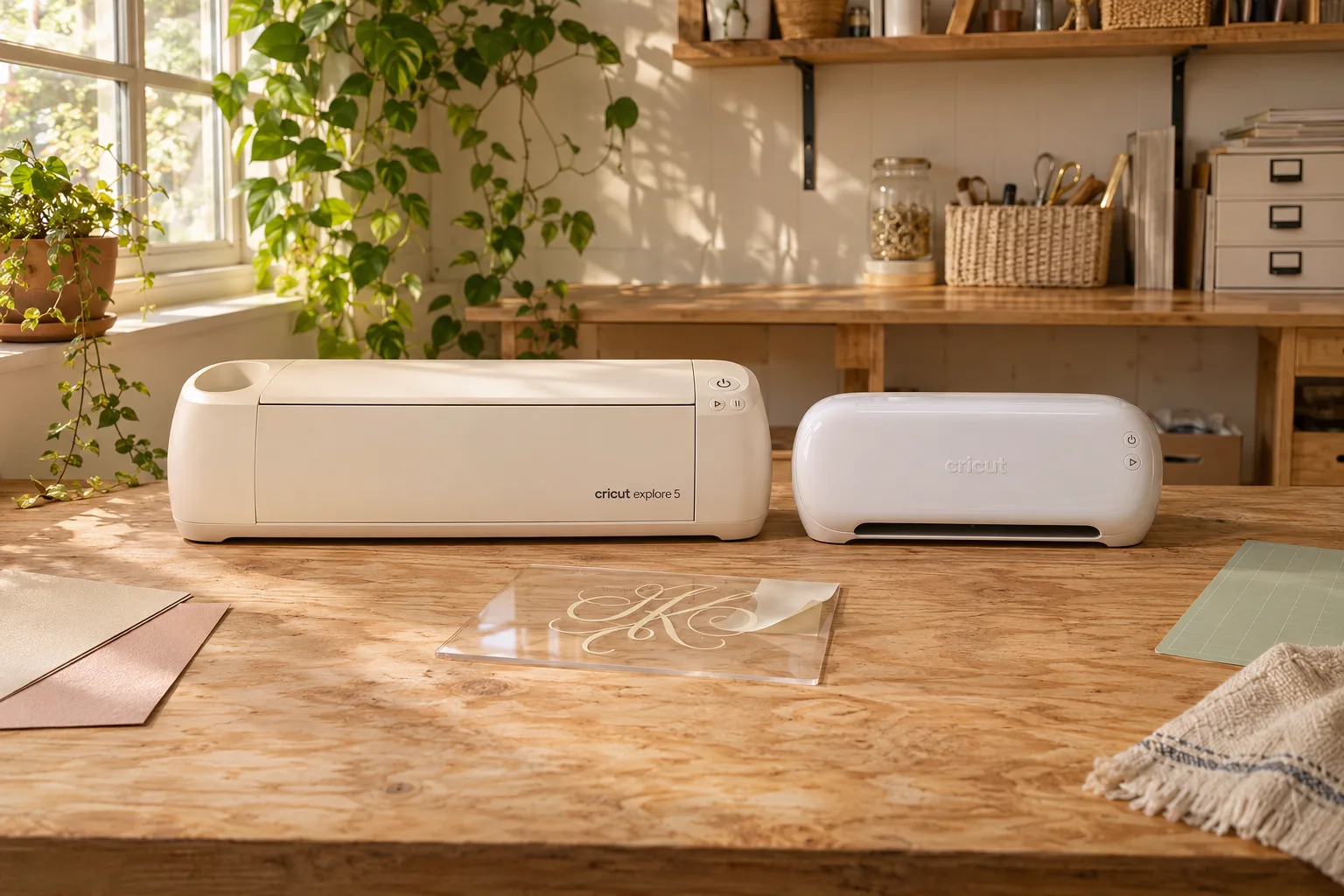
Buying guide
The best cutting machines for beginners
The Cricut Explore 5 is the best cutting machine for beginners: the Essential Bundle is $199 in November 2026, the same as the machine alone, and it cuts 12-inch vinyl, iron-on and cardstock, scores cards and prints and cuts tabloid sticker sheets. The Joy Xtra ($129) suits small desks; the Silhouette CAMEO 5α ($279.99) skips subscriptions.
See the picks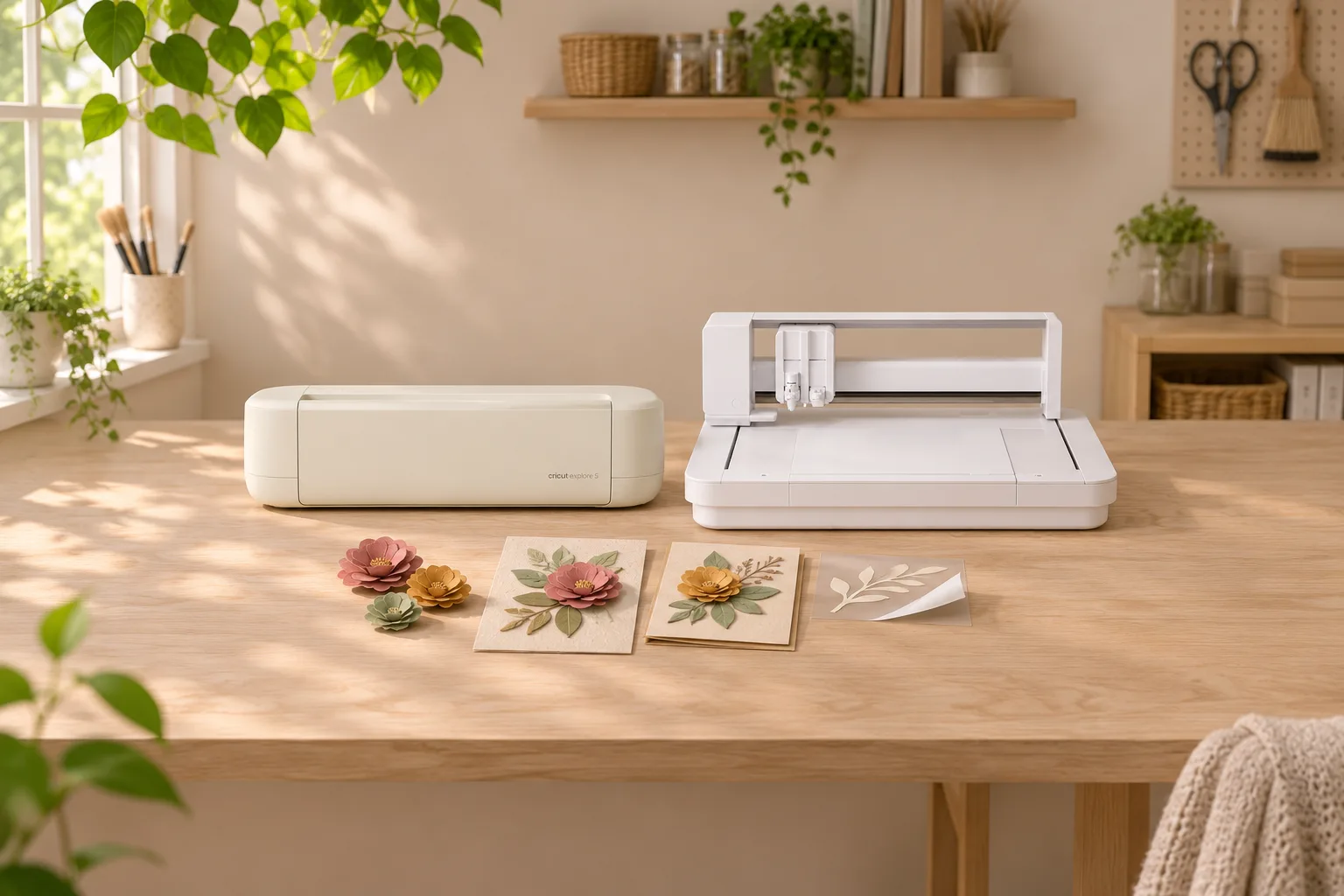
Buying guide
The best cutting machines for cardstock and paper crafts
The Cricut Explore 5 is the best cutting machine for cardstock and paper crafts: a Scoring Tool in the box, card mats, Print Then Cut on tabloid sheets and 14.1-inch-a-second cuts, for $199 in November 2026 (the Essential Bundle with a 2-Card Mat is also $199). The Cricut Maker 5 ($349) adds debossing, perforation and the Knife Blade for chipboard; the Joy 2 ($99) is the budget card maker.
See the picks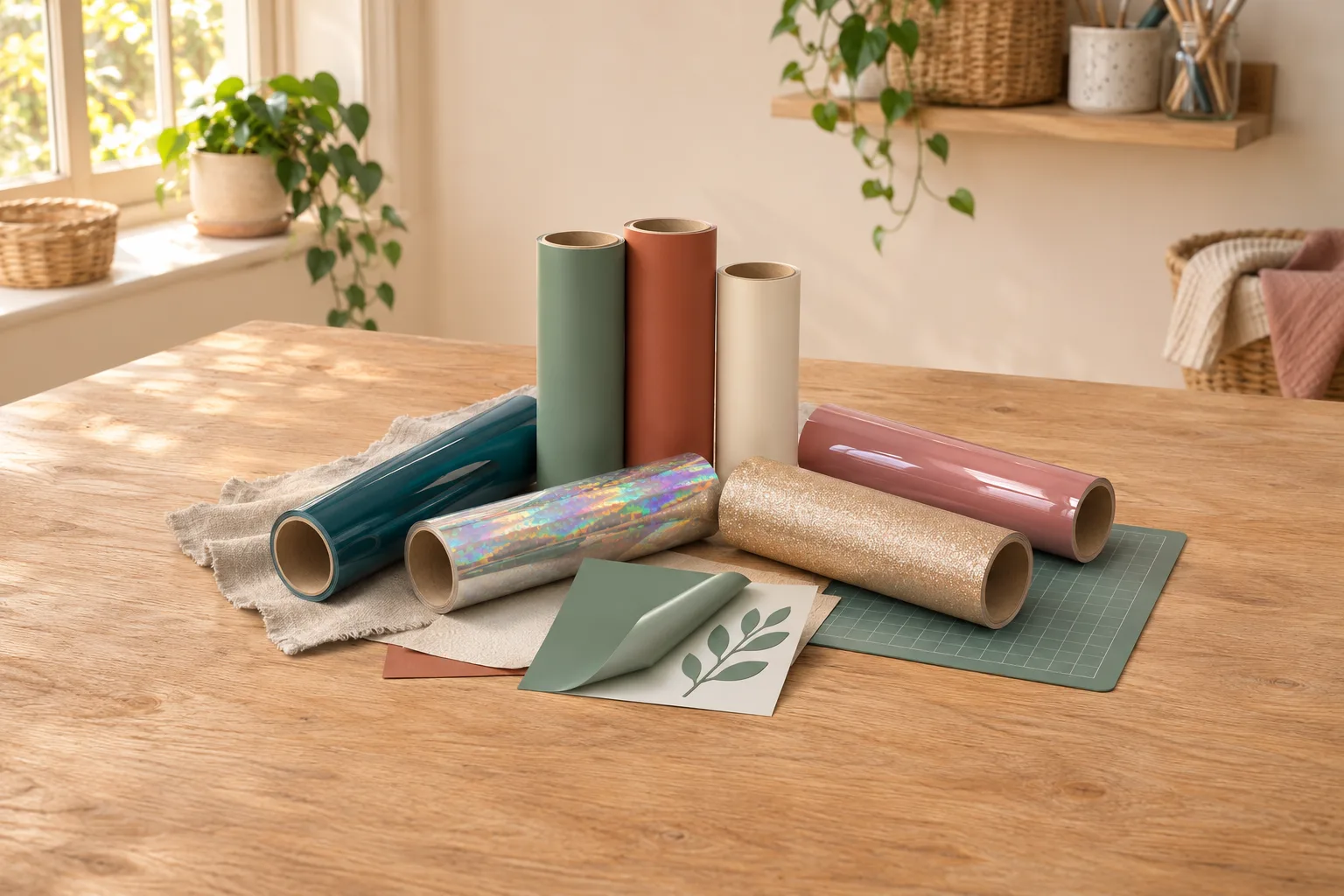
How to
Can you use any vinyl with a Cricut?
Yes. Every Cricut cuts other brands of adhesive vinyl and heat transfer vinyl, such as Oracal 651 and Siser EasyWeed, as long as you put them on a cutting mat. Only Cricut's Smart Materials cut without a mat. Oracal 651 costs $0.51 to $0.67 a square foot against $2.25 for Cricut Premium Vinyl.
Read the guide