Printers in this guide

How long does a Cricut blade last?
Cricut doesn’t say. It publishes no lifespan in months, hours or number of cuts for any of its blades. Its guidance is that blades “need to be changed at different intervals based on the materials you use”, and that “when the cuts are not crisp, then it is time to change it.” A blade that cuts mostly vinyl and iron-on will go longer than one that cuts glitter cardstock, chipboard or wood.
Replacing one isn’t expensive. A Premium Fine-Point replacement blade is $14.99, or $29.99 for five ($6 each) at cricut.com list prices in November 2026, and half that during Cricut’s November sale. By our estimate, that’s about 3¢ to 12¢ a project.
How do you know when a Cricut blade is dull?
Cricut’s test is whether the cuts are still crisp. In practice, a blade that’s past its best tends to show up as:
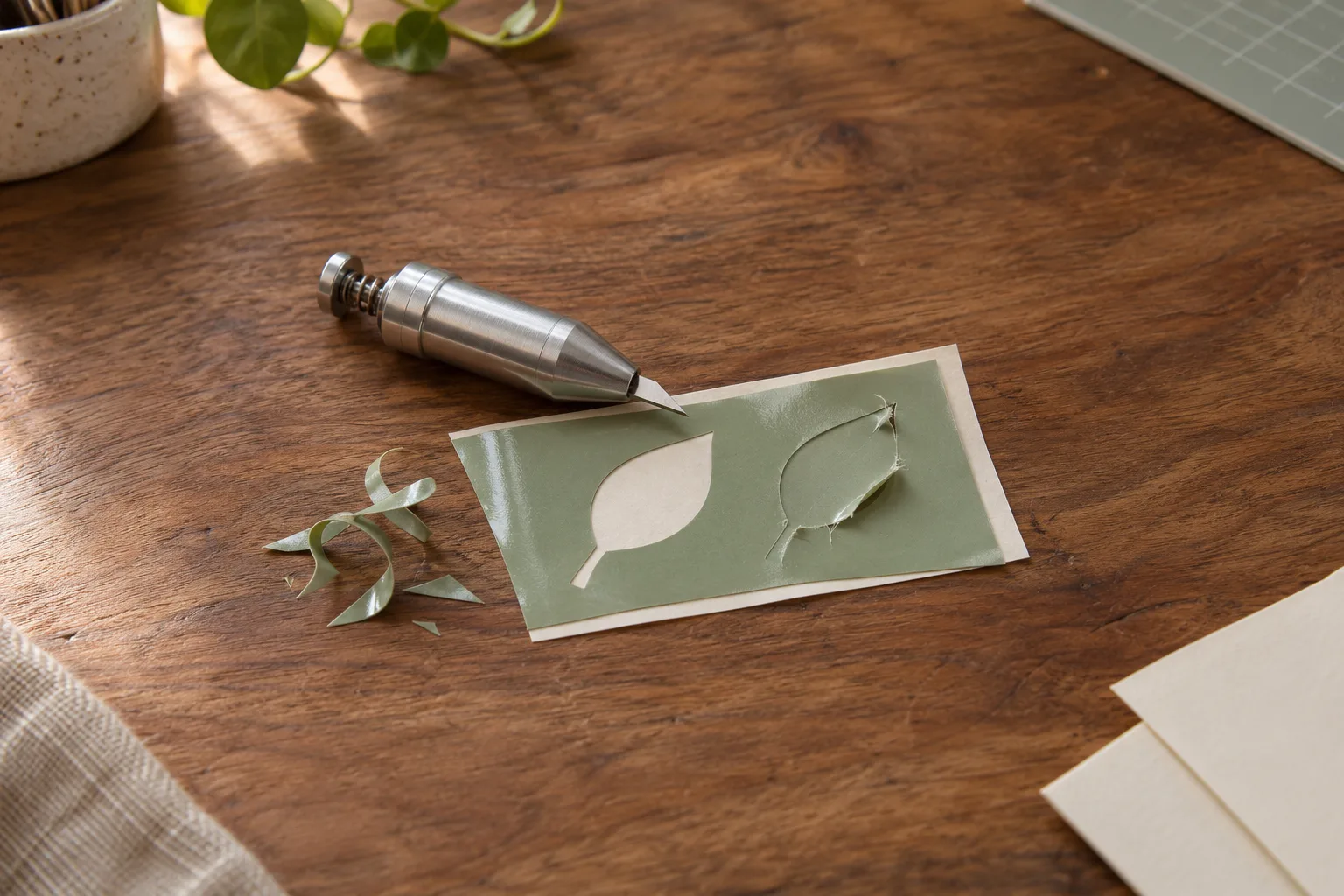
- Cuts that don’t go all the way through, so pieces stay attached to the sheet.
- Ragged or torn edges on paper and cardstock, especially on small details.
- Vinyl and iron-on that are harder to weed, because the cut lines haven’t fully separated.
Before buying a blade, check the mat. Cricut says “all mats will lose their stickiness with use and eventually need to be replaced”, and material that shifts on a tired mat can look like a blade problem. A fresh blade won’t fix a mat that no longer holds.
What makes a Cricut blade wear out faster?
Cricut names a few things:
- Hard, dense materials. For the Knife Blade, “thick chipboard will wear a blade more quickly than soft leather.”
- The Knife Blade itself: Cricut says it “will wear quickly compared to other blades.”
- Sequins and other hard, flexible materials on the Rotary Blade, which “will wear the blade more quickly and can possibly nick or chip the blade.”
- Tiny shapes on the Rotary Blade. Cutting designs smaller than 3/4 inch “may diminish the life of the blade” and can gouge the mat.
- Mixing jobs on a fabric blade. Cricut’s advice for the Bonded-Fabric Blade: “Reserving fabric cutters for fabric cutting prolongs their fabric-cutting life!”
You can do the same with fine-point blades, keeping one for vinyl and iron-on and another for cardstock. A spare from a five-pack costs $6.
How much does it cost to replace a Cricut blade?
cricut.com list prices, November 2026 (Black Friday prices were 50% off):
| Blade | Fits | Replacement | With housing |
|---|---|---|---|
| Premium Fine-Point | Maker 5, Maker 4, Explore 5, Explore 4 | $14.99, or $29.99 for 5 ($6 each) | $37.99 |
| Deep-Point | Explore, Maker, Venture | $17.49 for 2 ($8.75 each) | $37.99 |
| Bonded-Fabric | Explore, Maker, Venture | $14.99 | $34.99 |
| Rotary | Maker 5, Maker 4 | $18.99 kit | $54.99 |
| Knife | Maker 5, Maker 4 | $21.99 kit | $49.99 |
| Joy 2 Premium Fine Point Cutting Tool | Joy 2, Joy Xtra, Joy | $12.99 (one piece) | — |
| Joy Blade | Joy Xtra, Joy | $12.99 | $35.99 |
| Performance Fine-Point | Venture | $14.99, or $74.99 for 5 ($15 each) | — |
| Automatic Cutoff Blade | Venture | $19.99 | — |
Cricut also lists a 10-pack of Premium Fine-Point blades at $149.99, which is $15 a blade, more than the 5-pack. That looks like a listing error; the 5-pack is the better buy.
On the Explore 5 and Maker 5, the blade comes as a one-piece cutting tool, so you’d normally replace the whole tool. We found no stand-alone listing for it in November 2026 (the Maker 5 page lists it at $37.99). Cricut says older blade + housing units still fit, so the cheaper route is a gold Premium Fine-Point housing ($37.99 with a blade, once) and $6 replacement blades after that. See Cricut blades explained.
What does a Cricut blade cost per project?
Our estimate, for a $6 fine-point blade from the five-pack. Cricut doesn’t publish a lifespan, so these are scenarios, not predictions:
| If one blade lasts | Cost per project | At $14.99 (single blade) |
|---|---|---|
| 50 projects | 12¢ | 30¢ |
| 100 projects | 6¢ | 15¢ |
| 200 projects | 3¢ | 7.5¢ |
Even at the short end, the blade is a small part of a project’s cost next to vinyl at $0.51 to $2.25 a square foot. The full monthly picture is in what it costs to run a Cricut.
How long do Cricut mats last?
Cricut doesn’t give a number for mats either. It says “mats are consumable” and lose their stickiness with use, and that felt and other materials that leave fibers wear the grip faster. Its tips: remove scraps after each cut and put the protective sheet back on.
A 12 x 12-inch Standard Grip mat costs $3.33 in the newer 6-pack ($19.99) or $12.50 in the older 2-pack ($24.99). Cutting Smart Materials without a mat saves mat wear but costs more per foot; see Smart Materials without a mat.
Questions people ask
How often should you change your Cricut blade?
Cricut doesn’t give a schedule. It says to change the blade when cuts are no longer crisp, and that the interval depends on the materials you cut.
Do Cricut blades come with a warranty?
Cricut says its materials and accessories carry no warranty. The machine itself has a one-year limited warranty in the US.
How long does a Cricut Knife Blade last?
Cricut gives no figure. It says the Knife Blade “will wear quickly compared to other blades”, and that dense materials such as thick chipboard wear it faster than soft leather. A replacement kit is $21.99.
Do you need to replace the housing with the blade?
Not for Explore 4, Maker 4 or older blade + housing units: replacement blades drop into the housing you have. The Explore 5, Maker 5 and Joy 2 come with one-piece cutting tools that you replace whole, though older blade + housing units still fit the Explore 5 and Maker 5.
Why is my Cricut not cutting all the way through?
A dull blade is one cause. A mat that’s lost its grip is another, because material that shifts won’t cut cleanly. Check both before changing your settings.
Sources
- Cricut Help: How do I change the blade in my Cricut machine?, help.cricut.com
- Cricut Help: All About Cricut Blades and Machine Tools, help.cricut.com
- Cricut Help: All about Cricut Knife Blade, help.cricut.com
- Cricut Help: Cricut Rotary Blade, Calibration and Troubleshooting, help.cricut.com
- Cricut Help: Which mats can I use with my Cricut machine?, help.cricut.com
- Cricut Help: Cricut Explore 5 Quick Start Guide, help.cricut.com
- Cricut Help: Cricut Maker 5 frequently asked questions, help.cricut.com
- Cricut blades and tools (store), cricut.com
- Cricut machine mats (store), cricut.com
- Cricut Help: How to find Cricut Warranty Documentation, help.cricut.com
- Cricut Venture product page, cricut.com
Keep exploring
Buying guide
The best Cricut machines: which Cricut should you buy?
The Cricut Explore 5 is the best Cricut for most people: 12-inch cuts, 12-foot matless runs and tabloid Print Then Cut for $199 at Cricut in November 2026, machine alone or as the Essential Bundle. Buy the $349 Maker 5 for wood, leather and fabric, the $99 Joy 2 or $129 Joy Xtra for small projects, and the $499 Venture for a vinyl business.
See the picks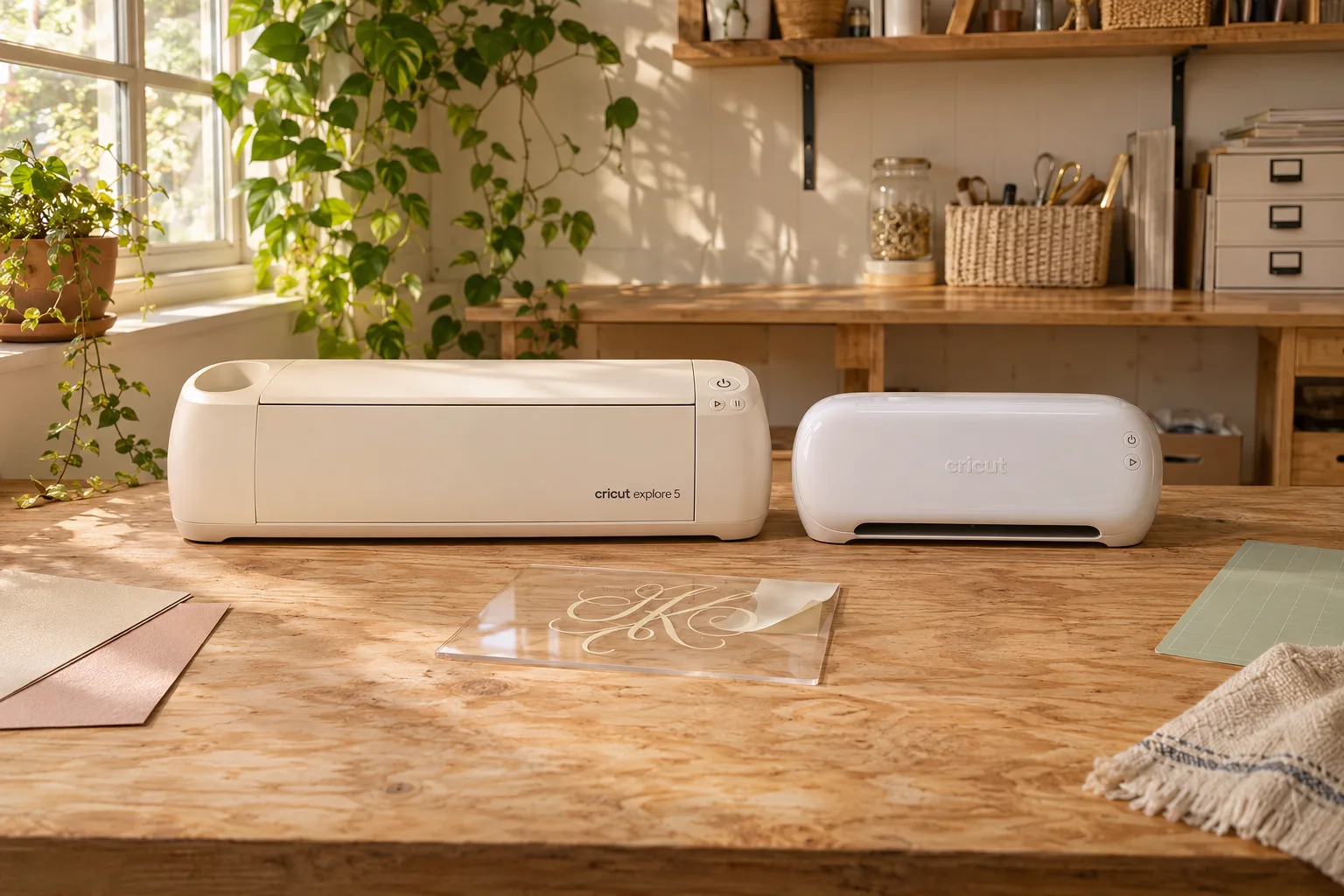
Buying guide
The best cutting machines for beginners
The Cricut Explore 5 is the best cutting machine for beginners: the Essential Bundle is $199 in November 2026, the same as the machine alone, and it cuts 12-inch vinyl, iron-on and cardstock, scores cards and prints and cuts tabloid sticker sheets. The Joy Xtra ($129) suits small desks; the Silhouette CAMEO 5α ($279.99) skips subscriptions.
See the picks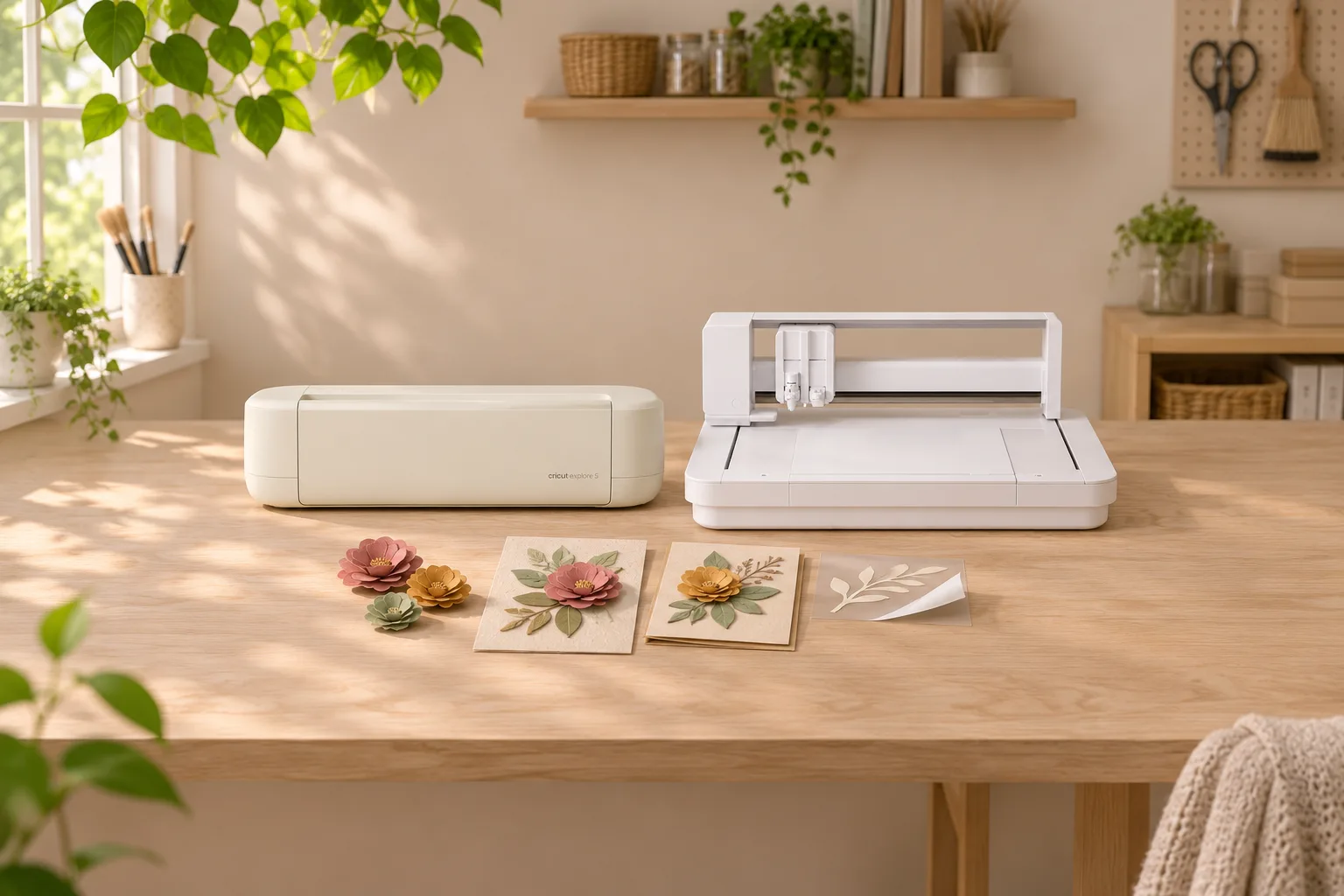
Buying guide
The best cutting machines for cardstock and paper crafts
The Cricut Explore 5 is the best cutting machine for cardstock and paper crafts: a Scoring Tool in the box, card mats, Print Then Cut on tabloid sheets and 14.1-inch-a-second cuts, for $199 in November 2026 (the Essential Bundle with a 2-Card Mat is also $199). The Cricut Maker 5 ($349) adds debossing, perforation and the Knife Blade for chipboard; the Joy 2 ($99) is the budget card maker.
See the picks
How to
Can you use any vinyl with a Cricut?
Yes. Every Cricut cuts other brands of adhesive vinyl and heat transfer vinyl, such as Oracal 651 and Siser EasyWeed, as long as you put them on a cutting mat. Only Cricut's Smart Materials cut without a mat. Oracal 651 costs $0.51 to $0.67 a square foot against $2.25 for Cricut Premium Vinyl.
Read the guide