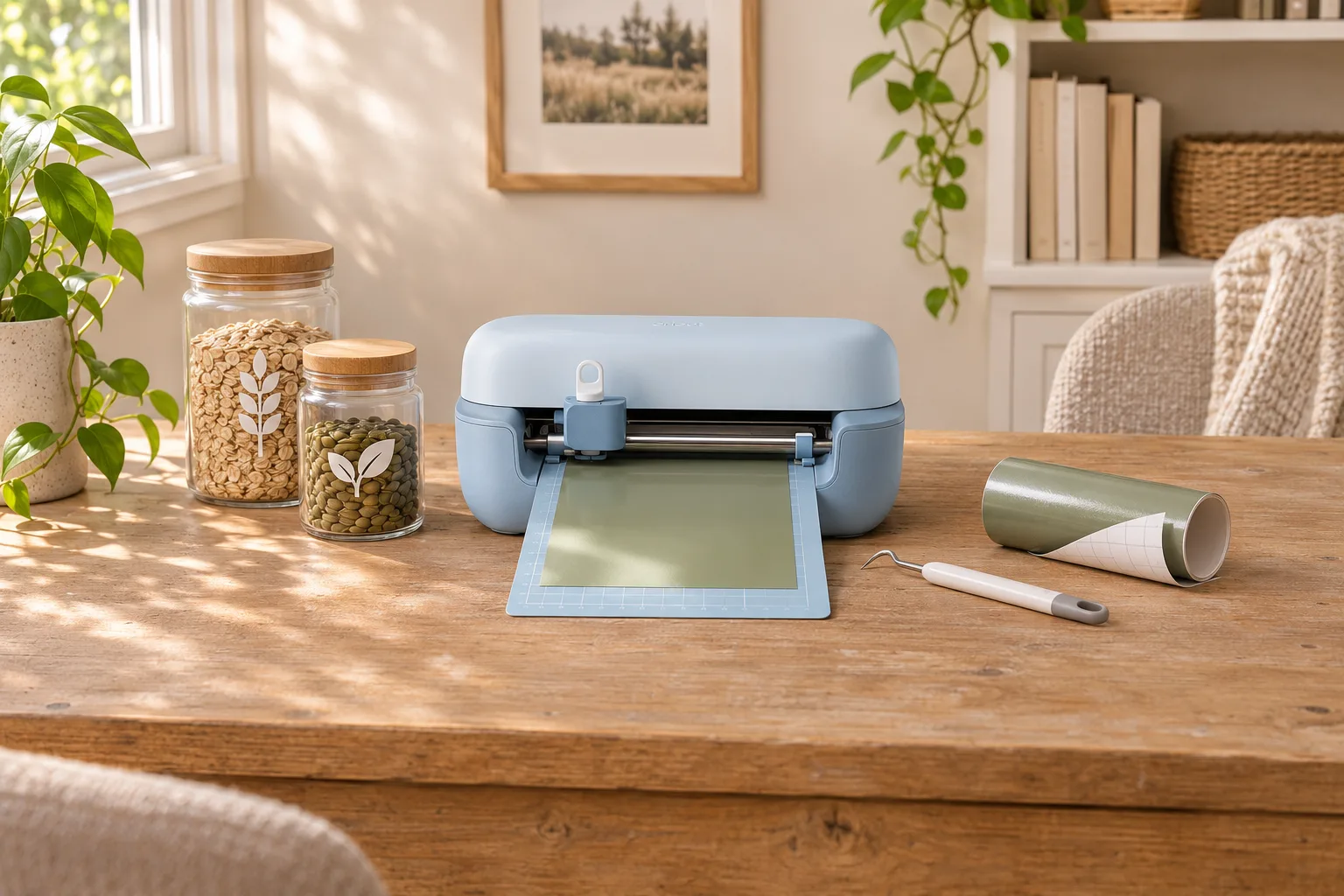
How it scores
- Cutting power and materials25%6.0
Cuts 75+ materials, scores, writes, draws and foils, but takes only three tools plus the Scoring Tool, with no deep-cut blade.
- Cut size15%3.5
4.5 inches wide: 4.2 x 6.2 or 4.2 x 11.7 inches on a mat, and Smart Materials up to 4 feet long without one.
- Software and subscription20%6.5
Free Design Space with unlimited uploads, but a Cricut account and internet are needed to sign in, set up and Print Then Cut, and Android has no offline mode.
- Setup and ease of use10%7.5
Tiny, Bluetooth-only and runs from a phone with Auto-load & Go, but Print Then Cut is limited to about 3.2 x 9.9 inches on letter paper.
- Running costs and support15%8.0
Among Cricut's cheapest consumables: a Joy 2 cutting tool or Scoring Tool is $12.99 each, and a 5-pack of 4.5 x 12 Joy mats is $11.99. One-year warranty.
- Value15%7.0
$99 is fair for what it does, but the $129 Joy Xtra nearly doubles the width, so the Joy 2 costs more per inch of cut width ($22 against $15.18).
Overall 6.3/10, the weighted average.How we score →
Is the Cricut Joy 2 worth it?
Yes, at $99, if you mostly make cards, labels, tumbler decals and other designs under 4.5 inches wide. It’s Cricut’s smallest and cheapest machine, it fits in a drawer, and it adds two things the original Joy couldn’t do: score fold lines and Print Then Cut stickers. In November 2026 it’s $99 at Cricut (Blue, machine only), and the Essential Bundle is $109 at Cricut and Amazon (list $139).
For most people, the Cricut Joy Xtra is the better buy. At $129 (list $179), it cuts 8.5 inches wide instead of 4.5, and it prints and cuts sticker sheets more than twice as wide. Our Joy 2 vs Joy Xtra comparison covers the trade-off.
Cricut launched the Joy 2 on February 27, 2026, with the Explore 5. The original Joy is no longer sold new.
Cricut Joy 2 specs
| Spec | Cricut Joy 2 |
|---|---|
| Cut width | 4.5 in |
| Longest cut without a mat | 4 ft for one shape on 5.5-inch Smart Materials; repeated cuts up to 20 ft; pieces at least 4 in long |
| Cut area on a mat | 4.2 x 6.2 in (4.5 x 6.5 mat) or 4.2 x 11.7 in (4.5 x 12 mat) |
| Thickness and cut force | Not published |
| Speed | 5.3 in/s (135 mm/s) |
| Tools | 3 (fine-point cutting tool, Joy foil transfer tool, pens and markers), plus the Scoring Tool in the box |
| Print Then Cut | Letter and A4; up to about 9.9 x 3.2 in on letter and 10.6 x 3.1 in on A4 |
| Scanner or camera | None; an “Easy Printables Sensor” reads Print Then Cut marks |
| Connection | Bluetooth LE only; no USB cable listed |
| Apps and offline | Design Space for iOS, Android, Windows and Mac; offline on Windows, Mac and iOS only |
| Size and weight | 9.1 x 5.4 x 2.8 in; 2.7 lb (the same Cricut page also says “just over 2 lbs”) |
| Warranty | 1 year (US) |
| Price, Nov 2026 | $99 machine only (Blue); Essential Bundle $109 (list $139) |
Source: Cricut’s product page, help center, blog and press release, read November 28, 2026. Cricut’s help center gives the mat areas as 4.25 x 6.25 and 4.25 x 11.75 in.
What are the Joy 2’s limits?
In numbers, these are the things to check before you buy:
- Width: 4.5 inches. That’s fine for a label, a mug or tumbler decal, a card front or a left-chest shirt logo. It’s too narrow for a shirt front or most signs. See the best vinyl cutters for T-shirts.
- Length: 4 feet for a single shape without a mat, on Cricut’s Smart Materials. Repeated cuts, like a row of labels, can run to 20 feet.
- Print Then Cut: about 3.2 inches wide. Cricut’s limit on letter paper is about 9.9 x 3.2 inches, a strip rather than a sheet. Cricut’s Joy 2 blog says to trim your paper to fit the Joy mat, following Design Space’s directions. The Joy Xtra and Explore 5 cut about 7.4 inches wide on the same paper.
- Colored paper: Cricut lists the Joy Xtra, Explore 3 and newer, Maker and Venture for Print Then Cut on light-colored and simple patterned materials. The Joy 2 isn’t on that list, so plan on white.
- Speed: 5.3 inches a second, against 14.1 on the Explore 5. On small projects you won’t notice much.
- Tools: no deep-cut blade. Cricut lists 75+ materials (its Joy Xtra pages say 50+ or 75+), but thick chipboard, foam and magnet sheet need an Explore or Maker.
Which Joy 2 bundle should you buy?
| Option at Cricut | Price, Nov 2026 | What it adds | Projects (Cricut) |
|---|---|---|---|
| Machine only (Blue) | $99 | Box: cutting tool, Scoring Tool, dual-tip marker, 4.5 x 6.5 Light Grip mat, mini weeder, 9 in ruler, 3 Smart Vinyl, 2 Smart Iron-On, 3 transfer tape and 5 cardstock sheets | Up to 10 |
| Essential Bundle | $109 (list $139) | Card Mat, portable trimmer, weeder, scraper and spatula, 12 in ruler; 6 Smart Vinyl, 4 Smart Iron-On, 6 transfer tape, 10 cardstock and 3 printable vinyl sheets; 2 insert card sets | 35 |
| Ultimate Plus Bundle | $169 (list $229) | EasyPress Mini LT, two 4.5 x 12 mats, second cutting tool, markers, tweezers, scissors and much more material | 150 |
| Ultimate Plus + Cricut Access | $139 (list $199) | The same, plus one month of Cricut Access | 150 |
The Essential Bundle is the one to get. For $10 more it adds the Card Mat, tools and enough supplies for 35 projects. The machine-only box has only the small 4.5 x 6.5 mat; the 4.5 x 12 mat comes in the Ultimate Plus Bundle or costs $10.99 on its own (list). Coral comes only in the Ultimate Plus bundles at Cricut; Jade Green is sold only at Michaels.
What does the Joy 2 add over the original Joy?
Cricut’s own summary: “Cricut Joy 2 can Score, and it can Print Then Cut!” The original Joy did neither. The Joy 2 also lists 75+ materials (Joy: 50+), runs slightly faster (5.3 in/s against 5) and weighs less (2.7 lb against 3.9 lb). The cut width (4.5 inches) and 4-foot Smart Materials limit didn’t change. Cricut’s blog puts the Joy’s starting price at $179 and the Joy 2’s at $99.
How much does the Joy 2 cost to run?
The Joy 2’s blades and mats are among Cricut’s cheapest. At Cricut’s list prices:
| Item | List price | Black Friday price |
|---|---|---|
| Joy 2 Premium Fine Point Cutting Tool | $12.99 | $6.49 |
| Joy 2 Scoring Tool | $12.99 | $6.49 |
| Joy Foil Transfer Kit | $29.99 | $14.99 |
| Joy Standard Grip mat 4.5 x 12 in, 5-pack | $11.99 | no sale |
| Joy Smart Vinyl Permanent, 5.5 in x 10 ft | $16.49 | $8.24 |
Over three years, about $161 without Cricut Access and $449 with it (our estimate: the $99 machine, one 5-pack of mats a year, and a new cutting tool in years 2 and 3; Access Standard at $95.88 a year). Cricut publishes no lifespan for blades or mats, so the real figure depends on how much you cut. See Cricut running costs.
Do you need Cricut Access for the Joy 2?
No. Design Space is free, with 3,000+ images, 100+ fonts plus your computer’s fonts and unlimited uploads of your own images. Access ($9.99 a month or $95.88 a year) adds a bigger library and tools like the background remover. You do need a Cricut account and internet to set up, sign in and Print Then Cut; after that, the iPhone, iPad, Windows and Mac apps can cut saved projects offline. The Android app can’t. See do you need Cricut Access.
Joy 2, Joy Xtra or Explore 5?
| Joy 2 | Joy Xtra | Explore 5 | |
|---|---|---|---|
| Price at Cricut, Nov 2026 | $99 | $129 (list $179) | $199 |
| Cut width | 4.5 in | 8.5 in | 11.7–12 in |
| Longest matless cut | 4 ft | 4 ft | 12 ft |
| Print Then Cut on letter | About 9.9 x 3.2 in | About 9.9 x 7.4 in | About 9.9 x 7.4 in (tabloid too) |
| Scoring | Yes | No | Yes |
| Size | 9.1 x 5.4 x 2.8 in | 12.5 x 6 x 5.5 in | 19.8 x 7.5 x 4.7 in |
| Cost per inch of cut width (our estimate) | $22.00 | $15.18 | $17.01 |
Cost per inch is the Cricut price divided by the widest cut Cricut lists, using 11.7 inches for the Explore 5 where its pages disagree. If you’ll make shirts, signs or larger stickers, the Explore 5 is worth the extra. See the best cheap cutting machines.
Questions people ask
Is the Cricut Joy 2 worth it?
Yes, at $99, for cards, labels and decals up to 4.5 inches wide. If you want wider vinyl or near-full letter sticker sheets (about 7.4 x 9.9 inches), the $129 Joy Xtra is the better buy.
Can the Cricut Joy 2 make stickers?
Yes. It’s the first Joy with Print Then Cut. You print on your own inkjet and it cuts around the designs, but only in a strip about 3.2 inches wide on letter paper. For full sticker sheets, see the best sticker printers.
Can the Joy 2 make shirts?
Small designs only. At 4.5 inches wide it handles left-chest logos and sleeves, not shirt fronts. Smart Iron-On feeds up to 4 feet without a mat.
Does the Cricut Joy 2 need a computer?
No. It connects by Bluetooth to Design Space on an iPhone, iPad or Android phone, as well as to Windows and Mac computers. There’s no USB cable. See using a Cricut without a computer.
What’s the difference between the Joy 2 and Joy Xtra?
The Joy Xtra cuts 8.5 inches wide and prints and cuts about 7.4 x 9.9 inches of a letter sheet, on colored paper too; the Joy 2 cuts 4.5 inches and can score cards. The Joy 2 is $30 cheaper and much smaller. See Joy 2 vs Joy Xtra.
Do old Cricut Joy pens work in the Joy 2?
Cricut’s help center says pens marked with Cricut’s universal symbol, and pens with “Cricut Joy” printed on the barrel, work in the Joy 2. Cricut’s Joy 2 blog says only the new universal sets do, so check the pen before you buy.
Key specifications
| Feature | Cricut Joy 2 | Cricut Joy Xtra |
|---|---|---|
| Type | Cutting machine | Cutting machine |
| Width | 4.5 in | |
| Software | Cricut Design Space | |
| Connection | Bluetooth | Bluetooth |
| Where to buy | Check price at Amazon | Check price at Amazon |
Cricut Joy 2
- Type
- Cutting machine
- Width
- 4.5 in
- Software
- Cricut Design Space
- Connection
- Bluetooth
Cricut Joy Xtra
- Type
- Cutting machine
- Width
- Software
- Connection
- Bluetooth
More on the Cricut Joy 2
Sources
- Cricut Joy 2 product page, cricut.com
- Cricut Joy 2 Quick Start Guide and FAQ, help.cricut.com
- Cricut: Joy 2 vs Joy, cricut.com
- Cricut press release: Joy 2 and Explore 5 (Feb 26, 2026), investor.cricut.com
- Cricut Joy Xtra product page, cricut.com
- Cricut machine comparison chart, cricut.com
- Cricut: How large can I Print Then Cut?, help.cricut.com
- Cricut: How to Print Then Cut in Design Space, help.cricut.com
- Cricut: All about Smart Materials, help.cricut.com
- Cricut: Design Space offline feature, help.cricut.com
- Cricut blades and tools, cricut.com
- Cricut machine mats, cricut.com
- Cricut warranty documentation, help.cricut.com
- Amazon: Cricut Joy 2 Essential Bundle, amazon.com
Keep exploring
How to
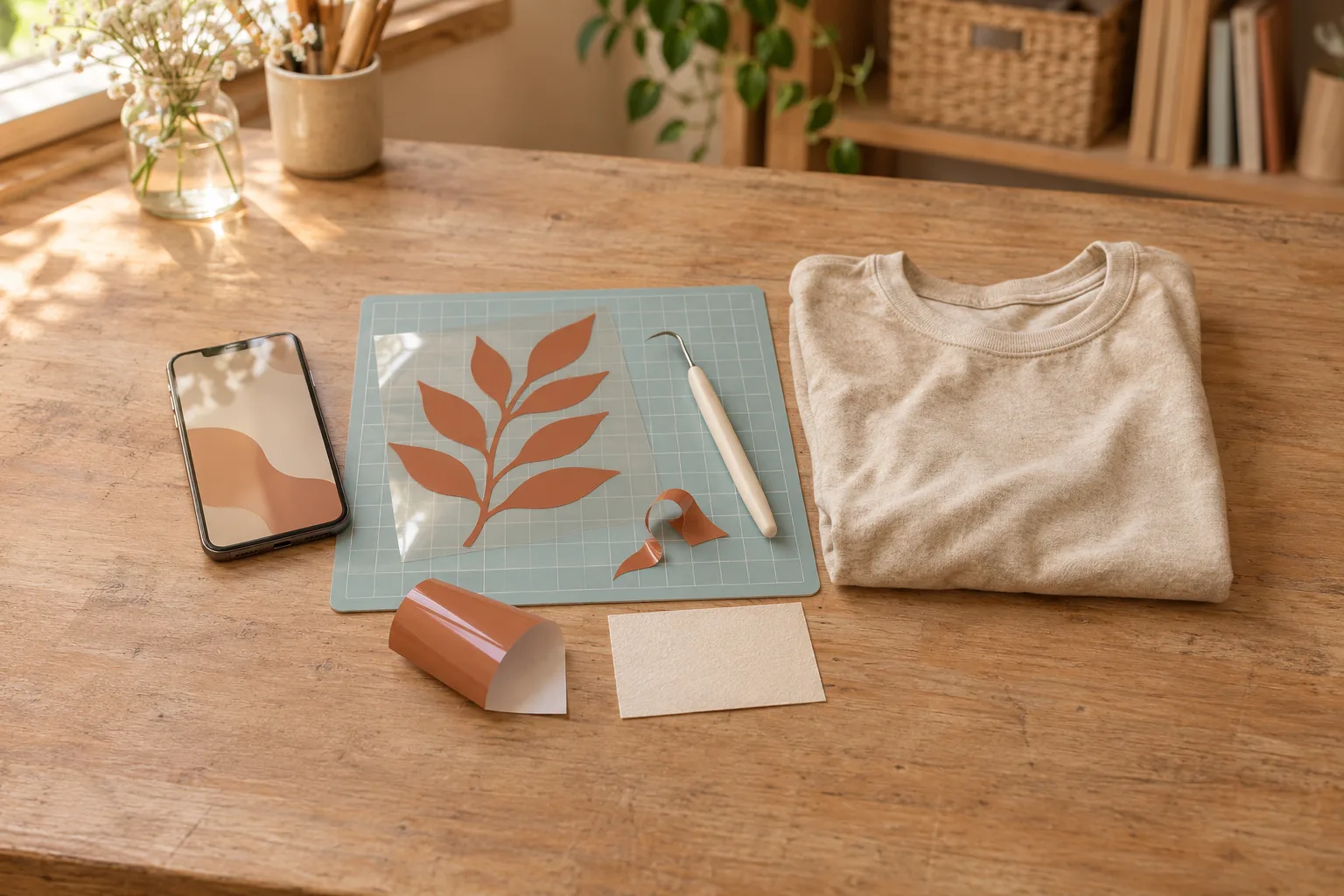
Can you use a Cricut without a computer?
Yes. Every current Cricut except the Venture works from the free Design Space app on an iPhone, iPad or Android phone or tablet, over Bluetooth. The $99 Joy 2 and $129 Joy Xtra are built for it. A computer is still needed for Knife Blade projects on the Maker, and the Maker 5 FAQ adds Foil Transfer.
Read the guide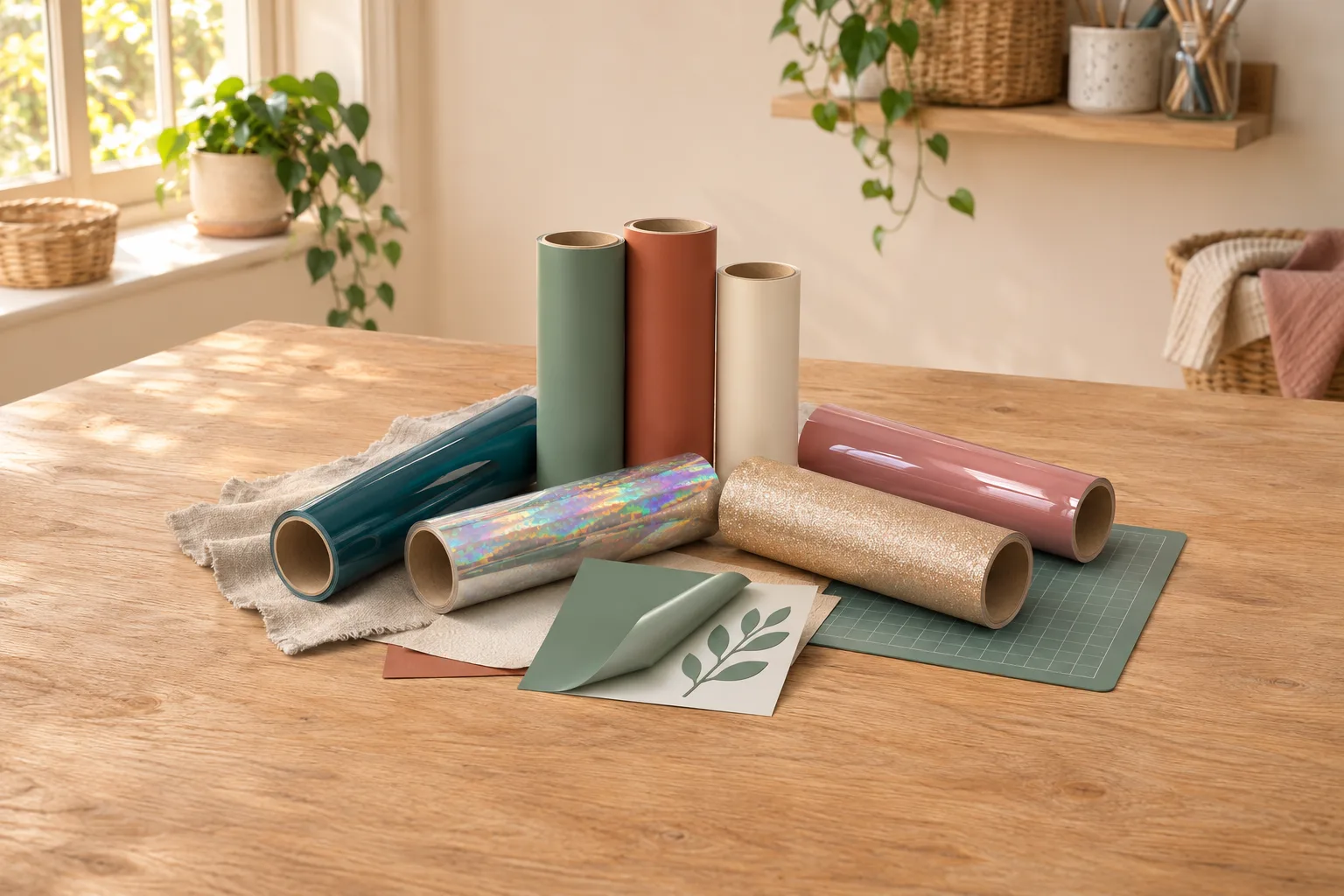
How to
Can you use any vinyl with a Cricut?
Yes. Every Cricut cuts other brands of adhesive vinyl and heat transfer vinyl, such as Oracal 651 and Siser EasyWeed, as long as you put them on a cutting mat. Only Cricut's Smart Materials cut without a mat. Oracal 651 costs $0.51 to $0.67 a square foot against $2.25 for Cricut Premium Vinyl.
Read the guide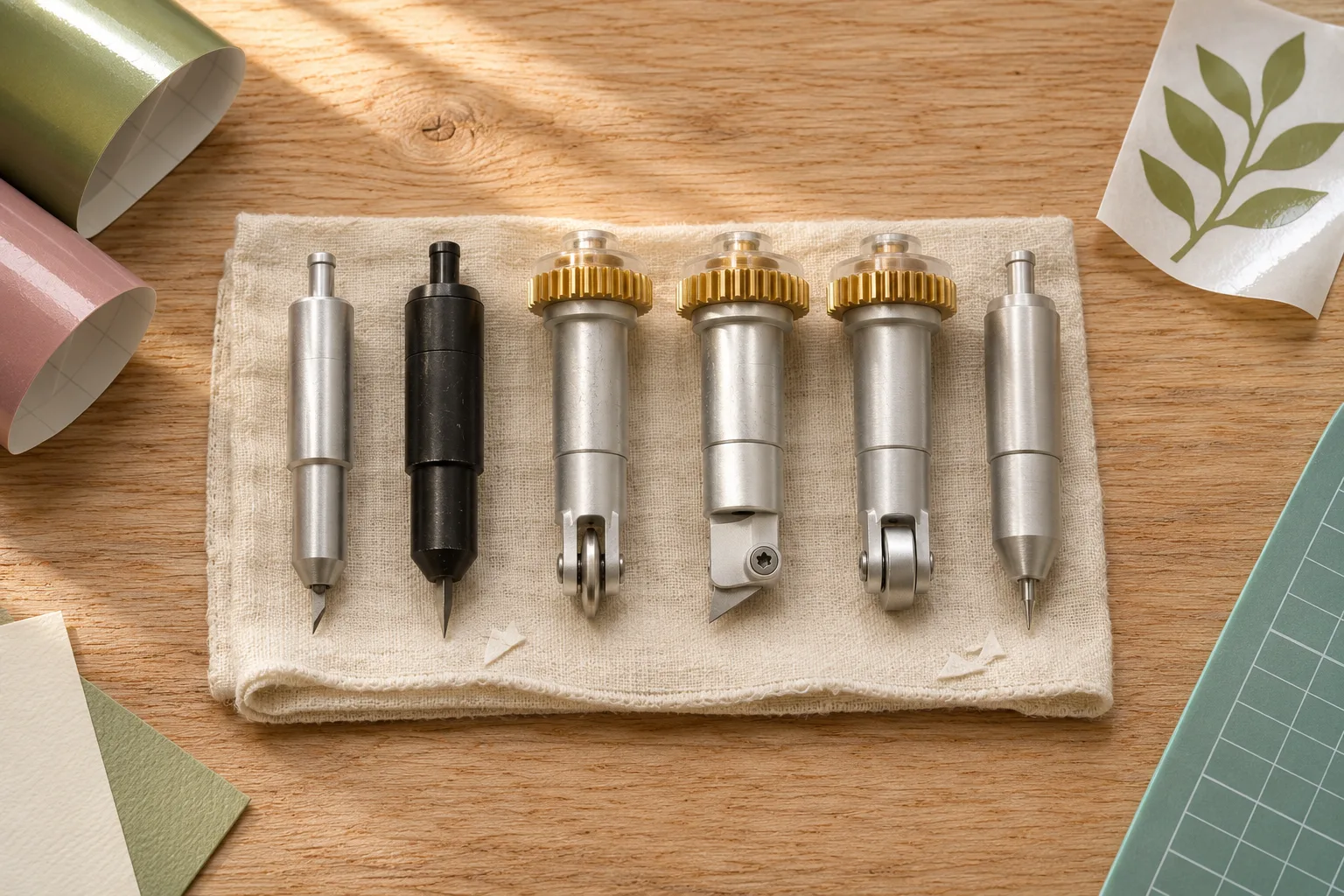
How to
Cricut blades explained: which blades fit which machine
Most people need only the fine-point blade that comes in the box: it cuts vinyl, iron-on, paper and cardstock on every Cricut. Add a Deep-Point blade ($37.99) for thick cardstock, magnet and foam on an Explore or Maker. The Rotary ($54.99) and Knife ($49.99) blades fit only the Maker 5 and Maker 4. Replacement fine-point blades are $6 each in a five-pack.
Read the guide
How to
How much does it cost to run a Cricut?
About $6 to $19 a month for light use, $19 to $56 for regular use and $75 to $222 for heavy use, by our estimate for a full-size Cricut like the $199 Explore 5. Materials are almost all of it; mats and blades add about 19¢ a project, electricity is pennies, and Cricut Access is an optional $7.99 to $14.99 a month.
Read the guide