
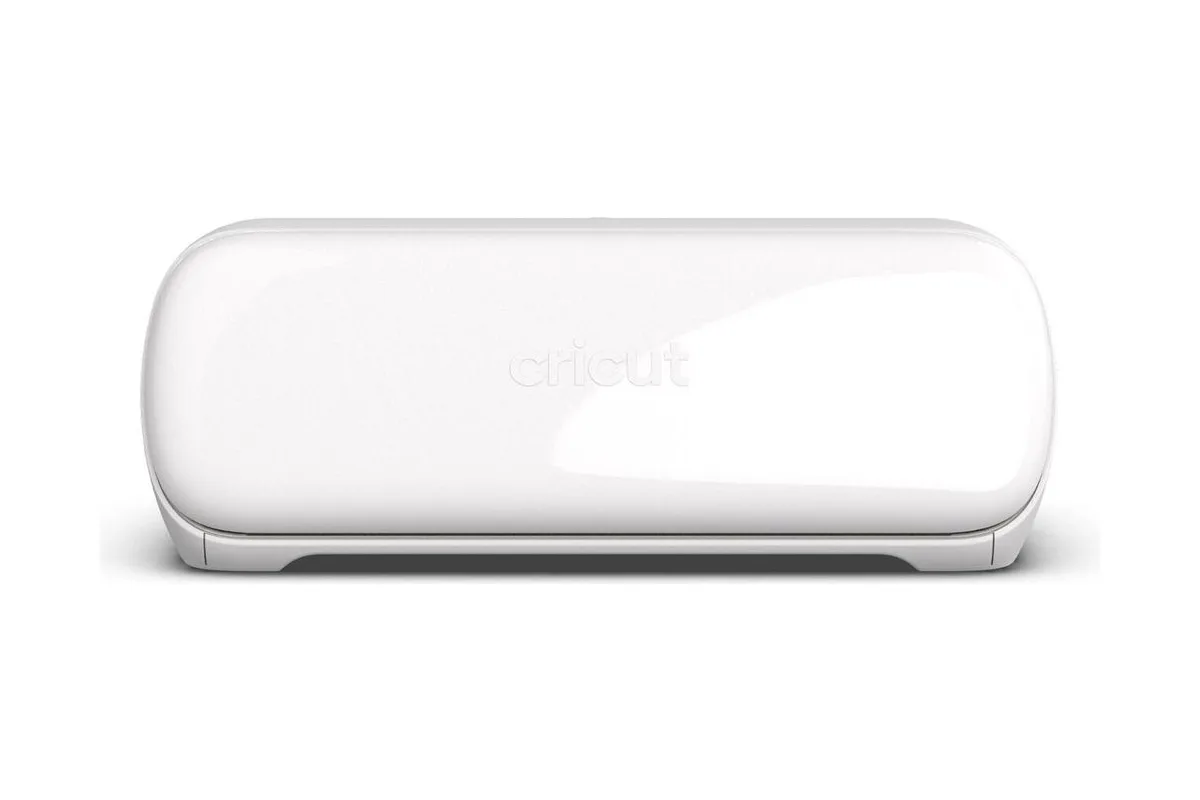
Side by side
| Feature | Cricut Explore 5 | Cricut Joy Xtra |
|---|---|---|
| Type | Cutting machine | Cutting machine |
| Media | Printable vinyl, sticker paper, cardstock, HTV | Printable vinyl, sticker paper, cardstock |
| Max size | 12 x 24 in mat | 8.2 x 11.7 in mat |
| Connection | Bluetooth, USB | Bluetooth |
| Where to buy | Check price at Amazon | Check price at Amazon |
Cricut Explore 5
- Type
- Cutting machine
- Media
- Printable vinyl, sticker paper, cardstock, HTV
- Max size
- 12 x 24 in mat
- Connection
- Bluetooth, USB
Cricut Joy Xtra
- Type
- Cutting machine
- Media
- Printable vinyl, sticker paper, cardstock
- Max size
- 8.2 x 11.7 in mat
- Connection
- Bluetooth
Cricut Explore 5 vs Joy Xtra: which is better for a beginner?
The Explore 5, for most beginners. For $70 more, you get a machine that covers nearly every beginner project, so you’re less likely to need a second one:
- 12-inch cuts: about 12 inches wide instead of 8.5, wide enough for an adult shirt front or a 12-inch sign.
- Longer matless cuts: Smart Materials up to 12 feet instead of 4.
- Scoring: fold lines for cards, which the Joy Xtra can’t do.
- Bigger sticker sheets: Print Then Cut up to tabloid paper, not just letter.
- Speed: 14.1 inches a second against 5.65.
In November 2026 the Explore 5 Essential Bundle is $199 at Cricut and Amazon, the same as the machine alone.
Buy the Joy Xtra if space or budget decides it. It’s $129 (list $179) at Cricut and Amazon, about 40% smaller than the Explore 5 by volume (our arithmetic on Cricut’s dimensions) and 4 lb lighter. It still prints and cuts about 7.4 x 9.9 inches on a letter sheet, on colored paper too. If your projects are labels, stickers, cards and mug decals, it’s enough.
Explore 5 vs Joy Xtra specs
| Cricut Explore 5 | Cricut Joy Xtra | |
|---|---|---|
| Price at Cricut, Nov 2026 | $199 machine; Essential Bundle $199 (list $249) | $129 machine (list $179) |
| Cut width without a mat | 11.7 in (chart) or 12 in (FAQ) | 8.5 in |
| Longest cut without a mat | 12 ft (Smart Materials, 13 in rolls) | 4 ft single shape (Smart Materials, 9.5 in rolls) |
| Mats | 12 x 12 and 12 x 24 in | 8.5 x 12 in; cuts 8.2 x 11.7 in |
| Thickness and cut force | Not published; deep cutting tool up to 1.5 mm | Not published |
| Speed | 14.1 in/s (358 mm/s) | 5.65 in/s (144 mm/s) |
| Tools | 5 or 6 by Cricut’s pages: fine-point, deep cutting, bonded-fabric, Scoring Tool, foil, pens | 3: blade, foil, pens; no scoring |
| Materials (Cricut) | 100+ | 50+ (some Cricut pages say 75+) |
| Print Then Cut | Letter, A4, Legal, Tabloid, A3; about 15.9 x 9.9 in on tabloid | Letter and A4; about 9.9 x 7.4 in on letter |
| Colored or patterned paper | Yes | Yes |
| Scanner or camera | None; print and material sensors | None; print sensor |
| Connection | Bluetooth LE, USB-C | Bluetooth only |
| Apps and offline | Windows, Mac, iOS, Android; offline except Android | Same |
| Size | 19.8 x 7.5 x 4.7 in | 12.5 x 6 x 5.5 in |
| Weight | 10 to 10.1 lb | 6 lb |
| Warranty | 1 year | 1 year |
| Cost per inch of cut width (our estimate) | $17.01 | $15.18 |
Source: Cricut’s product pages, comparison chart and help center, read November 28, 2026. Cost per inch is the Cricut price divided by the cut width, using 11.7 inches for the Explore 5 where Cricut’s pages disagree. At list prices it’s $21.28 for the Explore 5 Essential Bundle ($249) and $21.06 for the Joy Xtra ($179).
What does $70 more buy a beginner?
Mostly room to grow. The projects beginners start with, and which machine handles them in one piece:
| Project | Explore 5 | Joy Xtra |
|---|---|---|
| Labels, mug and tumbler decals | Yes | Yes |
| Letter-size sticker sheets | Yes | Yes |
| Tabloid sticker sheets | Yes | No |
| Greeting cards with scored folds | Yes | Cuts, but can’t score |
| Left-chest shirt logos, sleeves | Yes | Yes |
| Adult shirt fronts | Yes | Too narrow for most |
| 12-inch signs, long wall decals | Yes, up to 12 ft matless | No; 8.5 in and 4 ft max |
| Craft foam, magnet sheet, chipboard | Yes, deep cutting tool up to 1.5 mm | Not listed |
| Fabric with an iron-on backer | Yes, bonded-fabric blade | Not listed |
Our shirt-size reasoning is in the best vinyl cutters for T-shirts.
What’s in the box?
The Explore 5 comes ready to cut; the Joy Xtra needs a mat. Cricut’s machine-only Explore 5 box has a cutting tool, Scoring Tool, dual-tip marker, 12 x 12 Light Grip mat, USB-C cable and materials for up to 30 projects. The $199 Essential Bundle adds a 2-Card Mat, trimmer, weeding tools and materials for up to 65.
The $129 Joy Xtra box has a blade, a Joy pen, a mini weeder and practice materials, and no mat; a Joy Xtra mat is $11.99 at Cricut’s list price ($5.99 on sale). The Everything Bundle at $159 adds a Light Grip mat, a tool set and materials. With one month of Cricut Access added it’s $139, cheaper than the version without it, and Access then renews at $9.99 a month until you cancel.
So the real gap at Cricut’s prices is about $58 to $70, depending on how you buy the Joy Xtra’s mat.
Is the Explore 5 harder to use?
Not by Cricut’s description. Both run the same Design Space app on a phone, tablet or computer, connect by Bluetooth, feed Smart Materials without a mat and read Print Then Cut marks. The Explore 5 adds Load & Go (one press loads, measures and starts the job) and a snap-in pen holder. The Explore 5 also has a USB-C cable for computers; the Joy Xtra is Bluetooth only.
Both need a Cricut account and an internet connection to set up, sign in and Print Then Cut. After that, Windows, Mac and iOS can cut saved projects offline; Android can’t. See using a Cricut without internet.
Which costs more to run?
The Explore 5, slightly, because its mats are bigger. At Cricut’s list prices:
| Explore 5 | Joy Xtra | |
|---|---|---|
| Mats | 6-pack of 12 x 12 Standard Grip, $19.99 | Joy Xtra Standard Grip, $11.99 each |
| Blade | Premium Fine-Point Blade + Housing $37.99; replacement blades $14.99, or $29.99 for five | Joy replacement blade or Joy 2 cutting tool, $12.99 |
| Smart Vinyl, per sq ft | $1.93 to $2.77 (13 in rolls) | $1.89 to $3.36 (9.5 in rolls) |
| 3-year cost, no Access (our estimate) | About $312 | About $191 |
| 3-year cost with Access Standard | About $600 | About $479 |
Our estimate counts the machine (the Explore 5 Essential Bundle), one mat purchase a year, and a replacement blade in years 2 and 3 (blade + housing then a single blade for the Explore 5; a $12.99 tool or blade each time for the Joy Xtra). Cricut publishes no blade or mat lifespan. Cricut Access Standard is $95.88 a year and optional for both. Both machines cut other brands’ vinyl on a mat; see can you use any vinyl with a Cricut.
Which should a beginner buy?
The Explore 5 if you’re not sure yet what you’ll make, or you’ll make shirts, signs or cards. It’s our top pick in the best cutting machines for beginners. The Joy Xtra if you have a small desk, your projects fit a letter sheet, and you’d rather keep the $70.
If you’re tempted by the $99 Joy 2, know that it cuts only 4.5 inches wide. If you think you’ll want wood, leather or unbacked fabric, skip both and look at the Maker 5.
Questions people ask
Is the Cricut Explore 5 or Joy Xtra better for beginners?
The Explore 5 for most beginners. For $70 more it cuts about 12 inches wide, scores cards, runs 12-foot matless cuts and prints and cuts tabloid sheets. The Joy Xtra is better only if space is tight and your projects fit a letter sheet.
Can the Joy Xtra make T-shirts?
Small designs only. It cuts 8.5 inches wide without a mat and 8.2 inches on its mat, so left-chest logos and sleeves fit but most adult fronts don’t. The Explore 5 cuts about 12 inches.
Does the Joy Xtra come with a mat?
Not in the $129 machine-only box, per Cricut’s included list. Add a Joy Xtra mat ($11.99 list) or buy a bundle with one.
Is the Explore 5 too big for a small space?
It’s 19.8 x 7.5 x 4.7 inches and about 10 lb, and Cricut says to leave 10 inches clear behind a machine when it feeds Smart Materials. The Joy Xtra is 12.5 x 6 x 5.5 inches and 6 lb.
Do I need Cricut Access for either?
No. Design Space is free on both, with unlimited uploads of your own images, 3,000+ free images and 100+ fonts. Access ($9.99 a month) adds a bigger library and design tools. See do you need Cricut Access.
Sources
- Cricut Explore 5 product page, cricut.com
- Cricut Explore 5 Quick Start Guide and FAQ, help.cricut.com
- Cricut Joy Xtra product page, cricut.com
- Cricut Joy Xtra Quick Start Guide and FAQ, help.cricut.com
- Cricut machine comparison chart, cricut.com
- Cricut: How large can I Print Then Cut?, help.cricut.com
- Cricut: All about Smart Materials, help.cricut.com
- Cricut: All about blades and machine tools, help.cricut.com
- Cricut: Design Space offline feature, help.cricut.com
- Cricut Access subscription plans, cricut.com
- Cricut blades and tools, cricut.com
- Cricut machine mats, cricut.com
- Cricut Smart Materials, cricut.com
- Amazon: Cricut Explore 5 Essential Bundle, amazon.com
- Amazon: Cricut Joy Xtra, amazon.com
Keep exploring
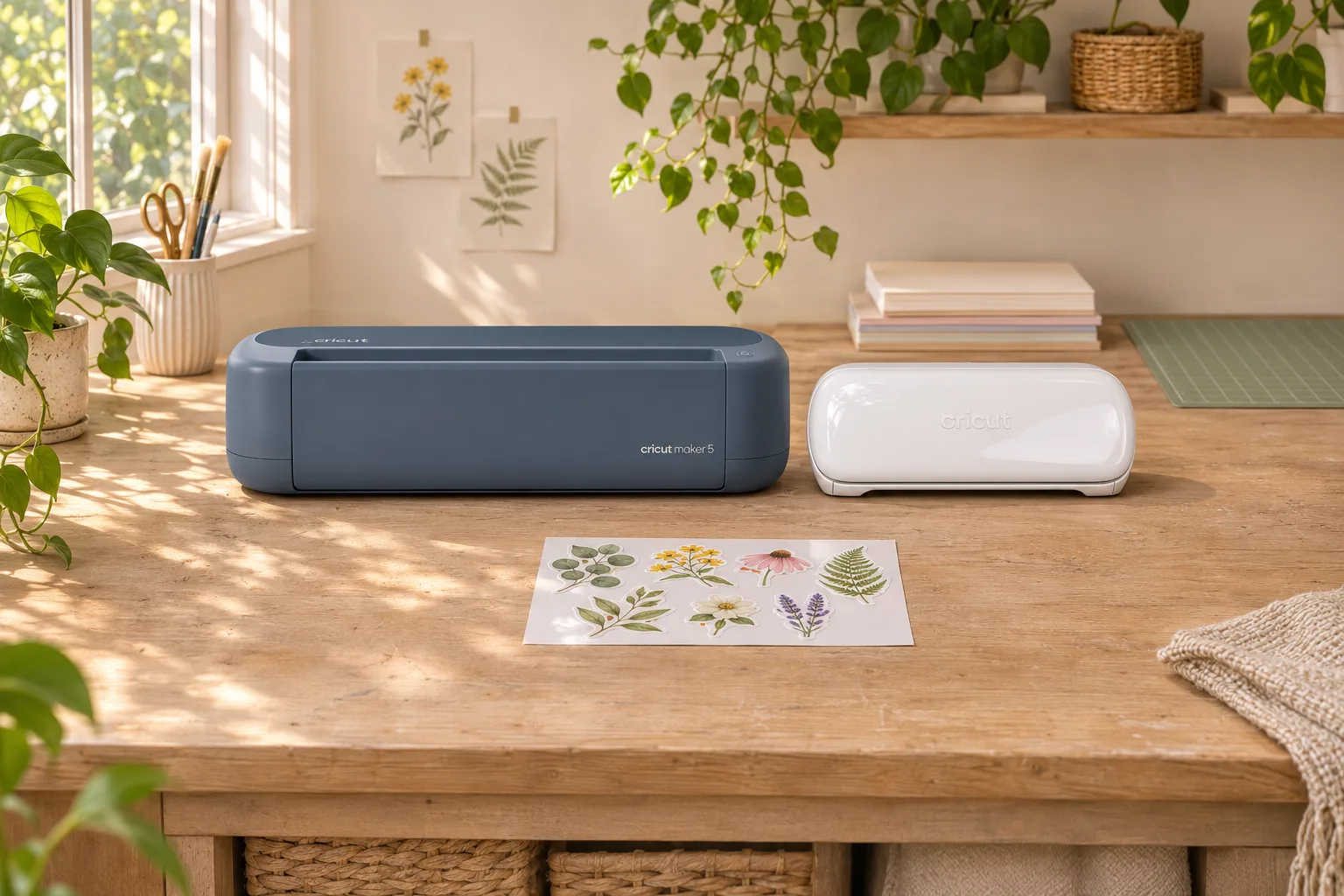
Buying guide
The best Cricut machines: which Cricut should you buy?
The Cricut Explore 5 is the best Cricut for most people: 12-inch cuts, 12-foot matless runs and tabloid Print Then Cut for $199 at Cricut in November 2026, machine alone or as the Essential Bundle. Buy the $349 Maker 5 for wood, leather and fabric, the $99 Joy 2 or $129 Joy Xtra for small projects, and the $499 Venture for a vinyl business.
See the picks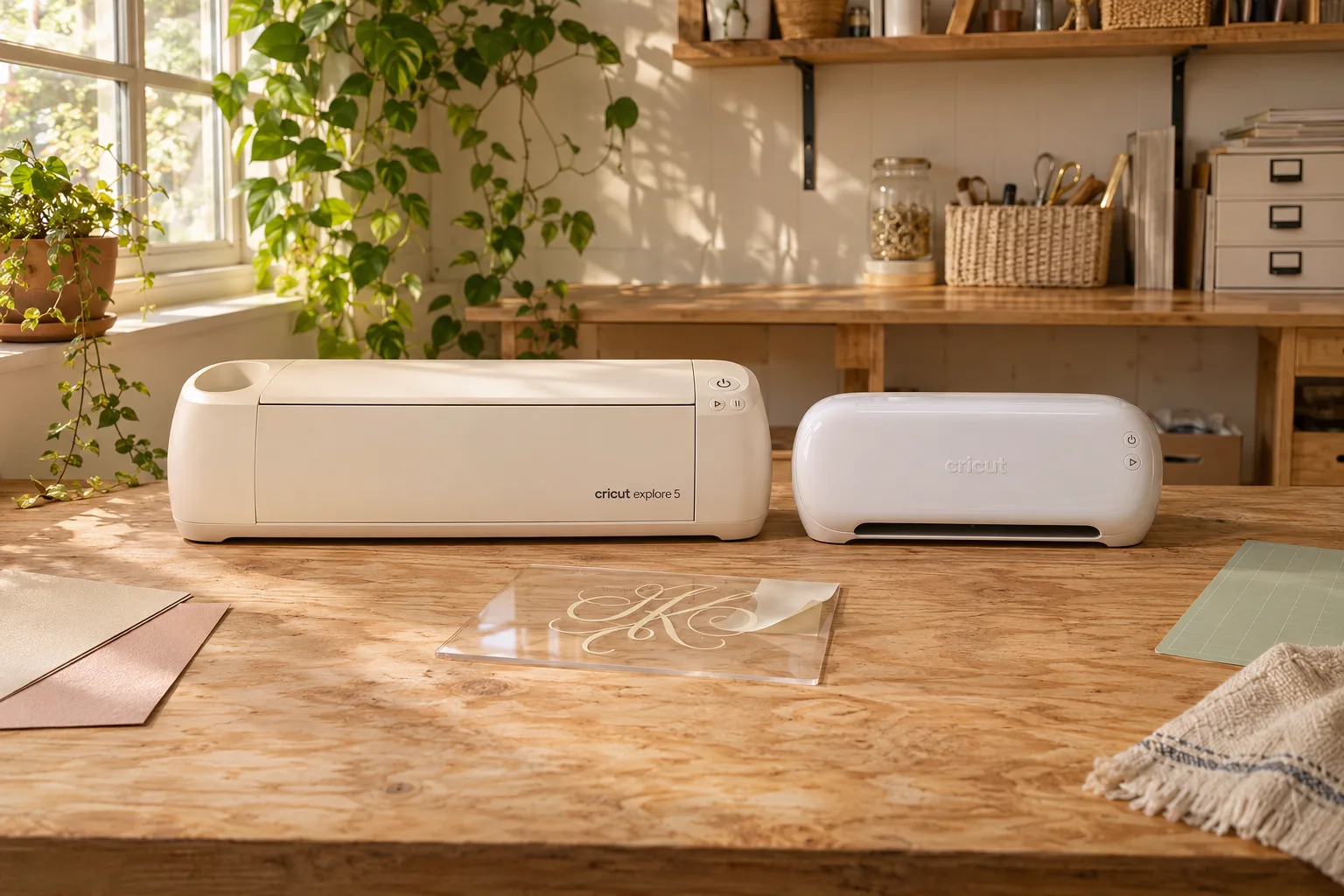
Buying guide
The best cutting machines for beginners
The Cricut Explore 5 is the best cutting machine for beginners: the Essential Bundle is $199 in November 2026, the same as the machine alone, and it cuts 12-inch vinyl, iron-on and cardstock, scores cards and prints and cuts tabloid sticker sheets. The Joy Xtra ($129) suits small desks; the Silhouette CAMEO 5α ($279.99) skips subscriptions.
See the picks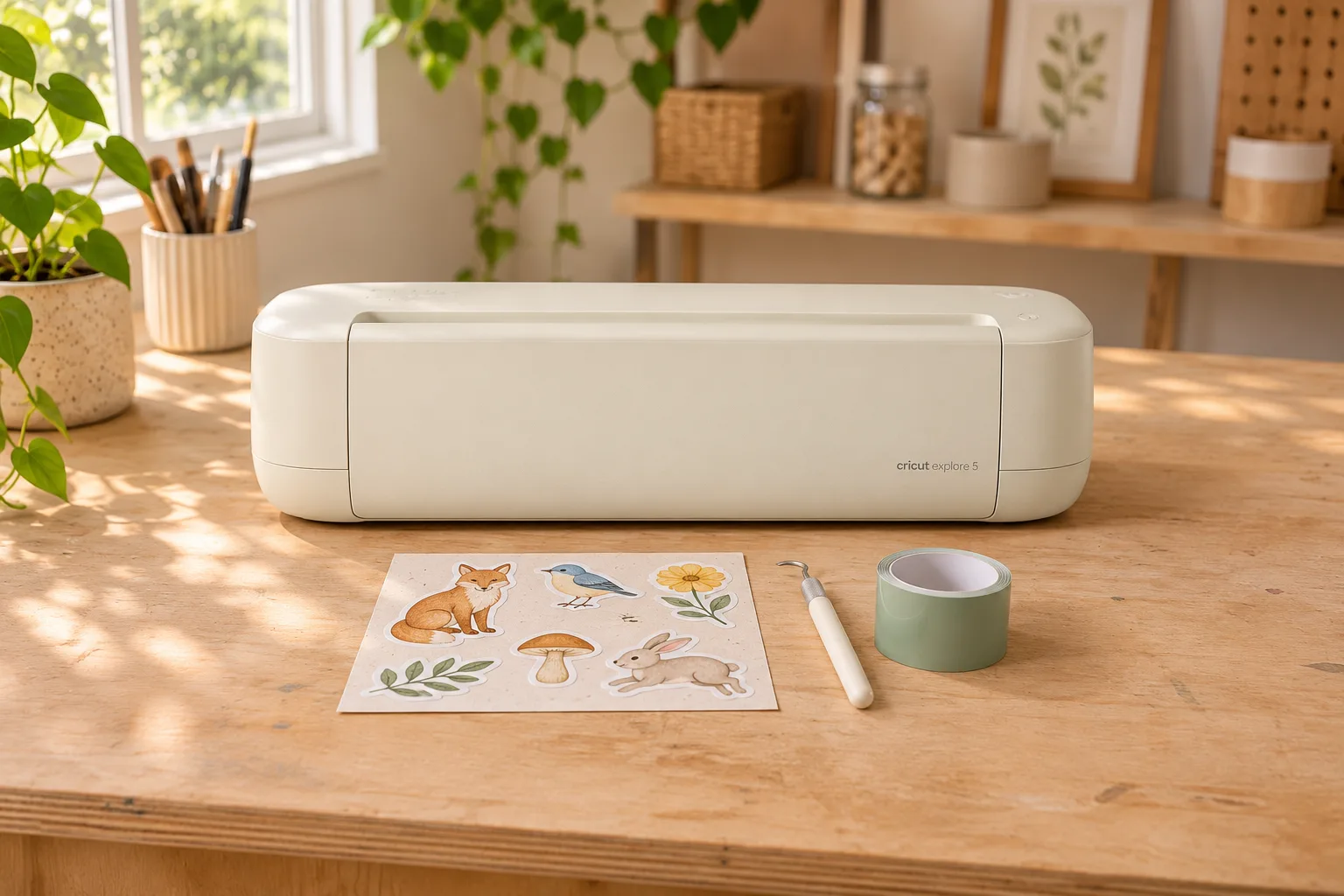
Review
Cricut Explore 5 review
Yes, the Cricut Explore 5 is worth it at $199, and the Essential Bundle costs the same $199 in November 2026. It's the cheapest 12-inch Cricut, with tabloid Print Then Cut and 12-foot matless cuts. Skip it for wood, leather or unbacked fabric: that's the $349 Maker 5.
Read the review
How to
Do you need a mat for Cricut Smart Materials?
No, on every current Cricut: Smart Materials feed straight into the Maker 5, Maker 4, Explore 5, Joy 2, Joy Xtra and Venture, and the refurbished Explore 4. The Explore and Maker cut them up to 12 feet long, the Joy machines up to 4 feet (20 feet of repeated cuts) and the Venture up to 12 feet, or 75 feet repeated. Older machines need a mat.
Read the guide