
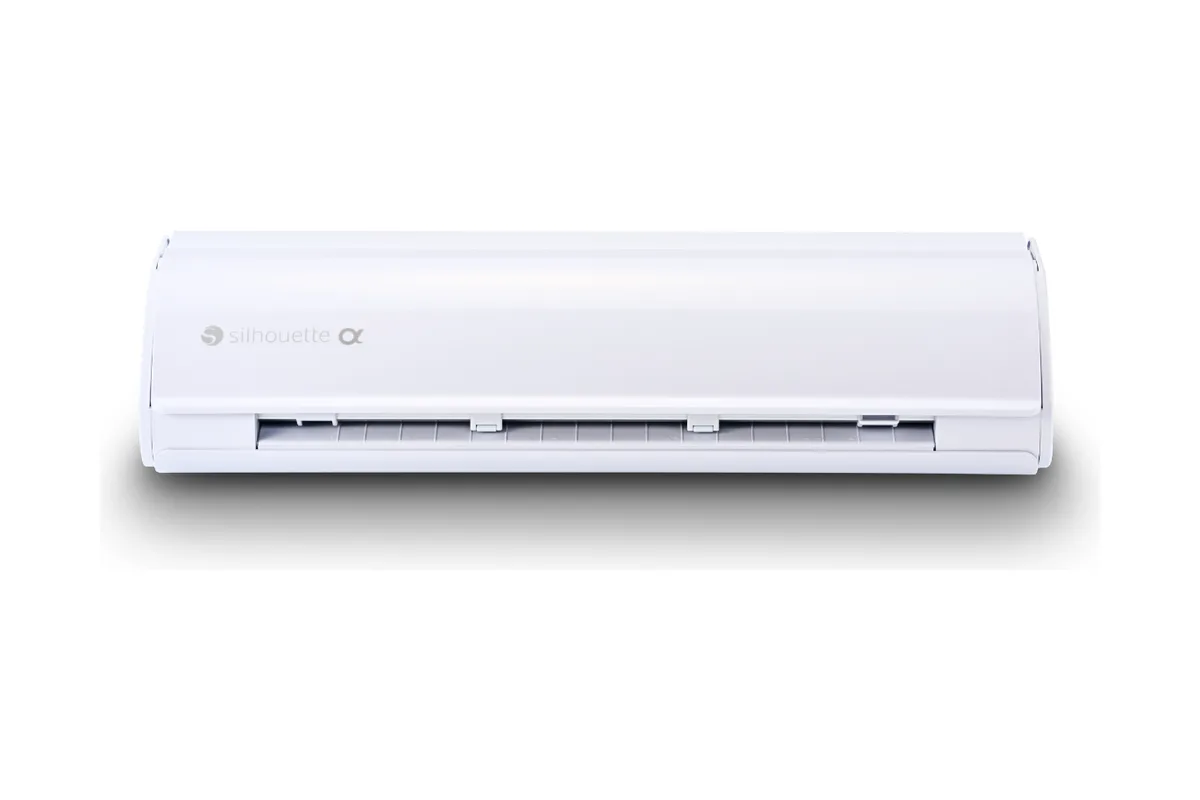
Side by side
| Feature | Cricut Explore 5 | Silhouette Cameo 5α |
|---|---|---|
| Type | Cutting machine | Cutting machine |
| Media | Printable vinyl, sticker paper, cardstock, HTV | Printable vinyl, sticker paper, cardstock, HTV |
| Max size | 12 x 24 in mat | 12 x 24 in mat |
| Connection | Bluetooth, USB | Bluetooth, USB |
| Where to buy | Check price at Amazon | Check price at Amazon |
Cricut Explore 5
- Type
- Cutting machine
- Media
- Printable vinyl, sticker paper, cardstock, HTV
- Max size
- 12 x 24 in mat
- Connection
- Bluetooth, USB
Silhouette Cameo 5α
- Type
- Cutting machine
- Media
- Printable vinyl, sticker paper, cardstock, HTV
- Max size
- 12 x 24 in mat
- Connection
- Bluetooth, USB
Cricut Explore 5 vs Silhouette CAMEO 5α: which should I buy?
The Cricut Explore 5, for most people. It’s $199 at Cricut in November 2026, and the Essential Bundle, with a card mat, trimmer, weeding tools and materials for about 65 projects, is the same $199 at Cricut and Amazon. Its free Design Space software imports SVG files, Print Then Cut goes up to tabloid sheets, and it runs from a phone or a computer. That’s $80.99 less than the CAMEO 5α.
Buy the Silhouette CAMEO 5α ($279.99 at Silhouette) if you want more machine. It clears 3 mm, has two tool holders, and takes a rotary blade, a 3 mm Kraft blade, a punch tool and an embossing tool, none of which the Explore 5 takes. It cuts any lined vinyl 16 feet long without a mat, and Silhouette Studio works offline with one-time upgrades instead of a subscription.
Our Cricut vs Silhouette page compares the two brands for stickers.
What’s the difference?
| Cricut Explore 5 | Silhouette CAMEO 5α | |
|---|---|---|
| Price (Nov 2026) | $199 at Cricut (machine); Essential Bundle $199 at Cricut and Amazon (list $249) | $279.99 at Silhouette (machine; list $299.99); Starter Bundle $279.99 with the Designer upgrade; $299.99 at Amazon |
| Cut width | 11.7–12 in matless (Smart Materials; Cricut’s pages differ) | 11.6 in matless (lined material); 12 in on the mat |
| Longest cut | 12 ft (Smart Materials only) | 16 ft (any lined material) |
| On a mat | 12 x 12 and 12 x 24 in mats (cut area not stated) | 12 x 24 in |
| Thickness | Not stated; Deep Cutting Blade up to 1.5 mm | 3 mm |
| Cut force | Not published | Not published |
| Speed | 14.1 in/s (358 mm/s) | 300 mm/s (11.8 in/s) cutting; 400 mm/s sketching |
| Tool holders | Not stated | 2 |
| Tools | Premium Fine-Point, Deep Cutting, Bonded-Fabric, Scoring Tool, Foil Transfer, pens (Cricut says six) | AutoBlade, Rotary, 2 mm and 3 mm Kraft, Punch, Embossing (Type C), Heat Pen, pens |
| Print and cut | Print Then Cut up to Tabloid and A3 (about 15.9 x 9.9 in on tabloid) | 4-point registration marks |
| Scanner or camera | None | None |
| Phone and tablet | iOS and Android (Bluetooth) | Silhouette Go for iOS and Android |
| Offline | Windows, Mac, iOS; not Android; internet for setup and Print Then Cut | Studio works offline after setup |
| Connection | Bluetooth LE, USB-C | USB 2.0, Bluetooth |
| Size and weight | 19.8 x 7.5 x 4.7 in; 10–10.1 lb | 22.28 x 6.94 x 4.89 in; 11.5 lb |
| Warranty | 1 year | Not stated on the product page; Silhouette’s other machines get 1 year parts and labor |
| Cost per inch of width (our estimate) | $17.01 (11.7 in) | $24.14 (11.6 in) |
Source: Cricut’s and Silhouette’s product pages, help centers and Silhouette Europe’s tables, read November 28, 2026.
What does each cost over three years?
Our estimate: machine plus software, at November 2026 prices, for three common ways to use each brand.
| Cricut Explore 5 | Silhouette CAMEO 5α | |
|---|---|---|
| Machine | $199 (or the $199 Essential Bundle) | $279.99 |
| Free software only | $199, SVG import included | $279.99 with Studio Basic (no SVG import) |
| With SVG import | $199 (free in Design Space) | $279.99 as the Starter Bundle, which includes the Designer upgrade |
| Main paid tier, paid yearly | + Cricut Access Standard $95.88 x 3 = $287.64 → $486.64 | + Business Edition $99.99 once → $379.98 ($359.98 at the $79.99 sale price) |
| Paid monthly | + Access Standard $9.99 x 36 = $359.64 → $558.64 | No monthly option needed |
Inputs: Cricut Access Standard is $9.99 a month or $95.88 a year; Premium is $14.99 or $119.88. Silhouette’s upgrades from Basic are one-time: Designer $49.99, Designer Plus $74.99, Business $99.99 (list), or $39.99, $59.99 and $79.99 on sale in November 2026.
Mats and blades come on top for both. At Cricut’s list prices, a year of light use might mean one six-pack of 12 x 12 mats ($19.99, $3.33 a mat) and, over three years, a Premium Fine-Point Blade + Housing ($37.99) plus a five-pack of replacement blades ($29.99): $127.95 over three years. Cricut publishes no mat or blade lifespan, so treat that as an assumption. Silhouette’s blade and mat prices weren’t part of our price check, so they’re left out of both totals.
The takeaway: with free software, Cricut is $80.99 cheaper. If you’d pay for extras, Silhouette is cheaper by year two, because its upgrades are paid once.
What’s free and what’s paid?
| Cricut Design Space | Silhouette Studio | |
|---|---|---|
| Free | Cutting, unlimited uploads (SVG, DXF, PNG, JPG), 3,000+ images, 100+ fonts plus system fonts, 250+ projects, Print Then Cut | Studio Basic: design and text tools, DXF import, tracing of JPG and PNG images |
| Paid | Cricut Access: 1.5 million+ images, 1,000+ fonts, Background Remover, Convert to Layers, Warp, AI credits, 10% off at Cricut | Designer: SVG and PDF import, layers. Designer Plus: embroidery files, rhinestones. Business: export, multi-cutter support, nesting, weed lines |
| Model | Subscription | One-time |
Neither brand needs payment to cut your own designs. See do you need Cricut Access and Design Space vs Silhouette Studio.
Which cuts more materials?
The CAMEO 5α. Silhouette rates it for 3 mm and lists a Rotary Blade, a 3mm Kraft Blade, a Punch Tool, an Embossing Tool Set and a Heat Pen in its tool table. Cricut gives no thickness figure for the Explore 5; its Deep Cutting Blade handles materials up to 1.5 mm, like rubber sheets and craft foam. The Rotary Blade, Knife Blade and QuickSwap tips, including debossing and engraving, fit only Cricut’s Maker machines.
Cricut claims 100+ materials for the Explore 5. For wood, leather and unbacked fabric on a Cricut, you’d need a Maker 5.
Which is better for vinyl?
The CAMEO 5α, for long cuts and cheap vinyl. It cuts any lined vinyl or iron-on without a mat, up to 16 feet. The Explore 5 cuts 12 feet without a mat, but only Cricut’s Smart Materials; other brands go on a mat. Smart Vinyl costs $1.93 to $2.77 a square foot at Cricut’s list prices, against $1.00 for Cricut’s Value Vinyl and $0.51 to $0.67 for Oracal 651 at a sign supply store (our estimate). See can you use any vinyl with a Cricut.
For short decals on a 12 x 24 mat, the two are even.
Which is better for a beginner?
The Explore 5. Cricut’s machine box includes a Scoring Tool, a dual marker, a mat and materials for about 30 projects. Cricut added a “load & go” function and snap-in pens, and Design Space runs on Windows, Mac, iPhone, iPad and Android. The trade-off is the internet: you need it to install, sign in, set up and use Print Then Cut, and Android has no offline mode.
Silhouette Studio Basic can’t import SVG files, so if you’ll buy cut files, get the $279.99 Starter Bundle with the Designer upgrade. Studio runs on Windows 10 and macOS 13 or later, with the Silhouette Go app for phones.
What changed from the Explore 4 and CAMEO 5?
- Explore 5 (February 2026) is 30% smaller than the Explore 4 by Cricut’s measure and uses one-piece cutting tools and snap-in pens. Cricut says old Explore pen sets and the Scoring Stylus don’t fit. The Explore 4 is now sold only refurbished, at $199. See Explore 5 vs Explore 4.
- CAMEO 5α (September 2025) replaced the CAMEO 5 with four-point registration instead of three, 400 mm/s sketching instead of 300, and redesigned pinch rollers. The roll feeder went from included to a $49.99 option. See CAMEO 5α vs CAMEO 5.
Which should you buy?
The Cricut Explore 5 if you want the cheapest good 12-inch cutter, free SVG import, phone support and bigger Print Then Cut sheets. The Silhouette CAMEO 5α if you’ll cut 3 mm materials, fabric with a rotary blade or long vinyl runs, or you’d rather pay for software once. Read our Explore 5 review and CAMEO 5α review, or see the best cutting machines for beginners.
Questions people ask
Is the Cricut Explore 5 or Silhouette CAMEO 5α better?
The Explore 5 for most beginners: it’s $199, imports SVGs for free and does tabloid Print Then Cut. The CAMEO 5α ($279.99) cuts thicker materials, takes a rotary blade and embossing tool, and cuts 16 feet of any lined vinyl without a mat.
Which is cheaper over time, Cricut or Silhouette?
Cricut, if you stick to the free software. If you’d pay for extras, Silhouette: Business Edition is $99.99 once, while Cricut Access Standard is $287.64 over three years paid yearly (our estimate).
Can the Cricut Explore 5 emboss?
Not with an embossing tool. Cricut’s debossing and engraving tips are QuickSwap tools for the Maker machines only. The CAMEO 5α takes Silhouette’s Embossing Tool Set.
Can the Explore 5 cut fabric?
Bonded fabric, with the Bonded-Fabric Blade. Unbacked fabric needs Cricut’s Rotary Blade, which fits only the Maker machines. The CAMEO 5α takes Silhouette’s Rotary Blade.
Does the Explore 5 Essential Bundle cost more than the machine?
Not in November 2026. Cricut sells both at $199, and Amazon’s Essential Bundle is $199 too (list $249).
Do I need Silhouette Designer Edition?
Only to import SVG or PDF files. It’s $49.99 once ($39.99 on sale), and Silhouette’s $279.99 Starter Bundle includes it.
Sources
- Cricut Explore 5, cricut.com
- Cricut Explore 5 Essential Bundle, cricut.com
- Cricut Explore 5 Quick Start Guide, help.cricut.com
- Cricut machine comparison, cricut.com
- Cricut: Explore 5 vs Explore 4, cricut.com
- Cricut: How large can I Print Then Cut?, help.cricut.com
- Cricut blades and machine tools, help.cricut.com
- Cricut Design Space offline feature, help.cricut.com
- Cricut Access plans, cricut.com
- Cricut machine mats, cricut.com
- Cricut blades and tools store, cricut.com
- Silhouette CAMEO 5α, silhouetteamerica.com
- Silhouette Europe tool compatibility, silhouetteeurope.eu
- Silhouette Europe machine comparison, silhouetteeurope.eu
- Silhouette Studio editions, silhouetteamerica.com
- Silhouette file types and features, silhouetteamerica.freshdesk.com
- Silhouette software overview, silhouetteamerica.freshdesk.com
- Amazon: Cricut Explore 5 Essential Bundle, amazon.com
- Amazon: Silhouette CAMEO 5α, amazon.com
Keep exploring
Buying guide
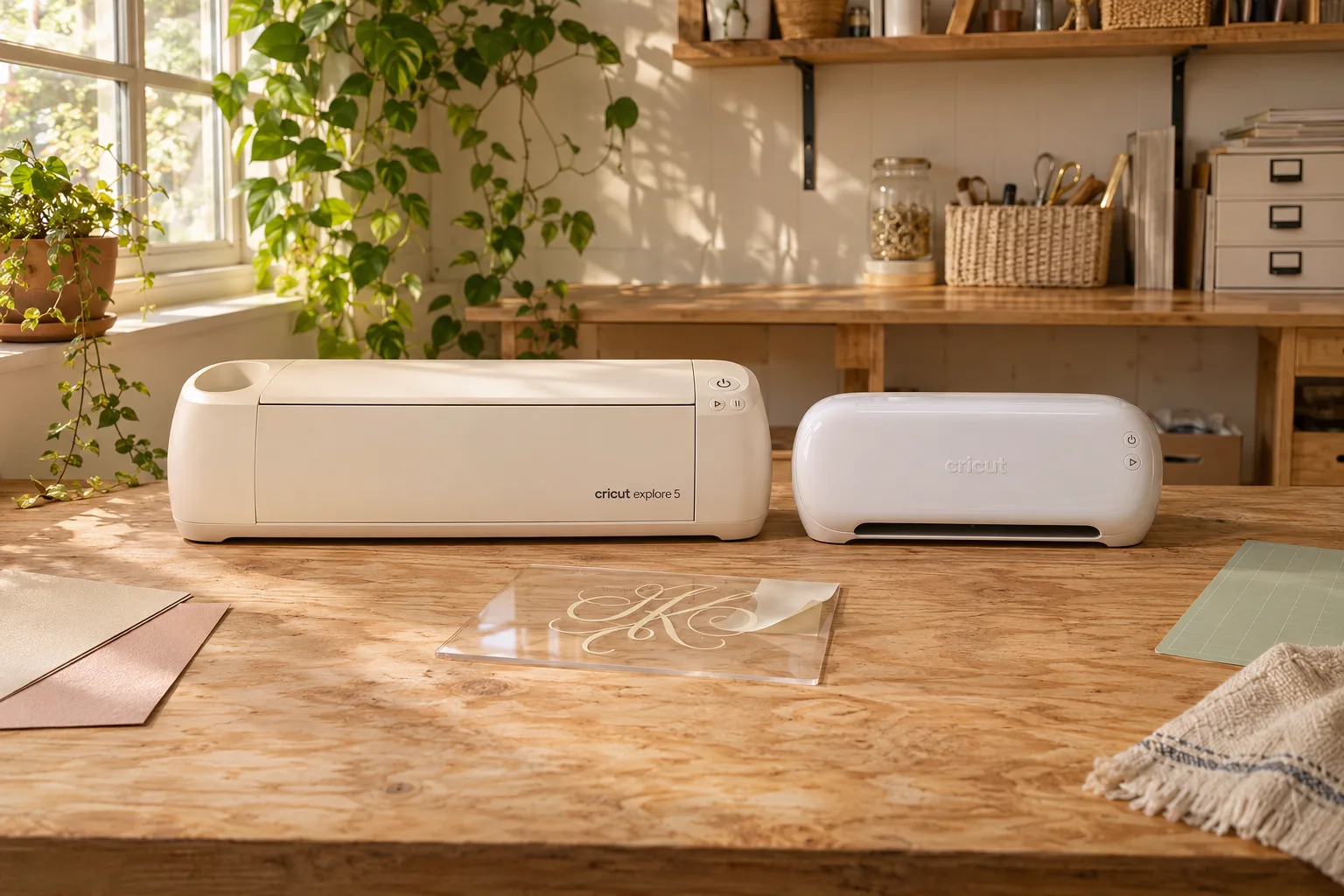
The best cutting machines for beginners
The Cricut Explore 5 is the best cutting machine for beginners: the Essential Bundle is $199 in November 2026, the same as the machine alone, and it cuts 12-inch vinyl, iron-on and cardstock, scores cards and prints and cuts tabloid sticker sheets. The Joy Xtra ($129) suits small desks; the Silhouette CAMEO 5α ($279.99) skips subscriptions.
See the picks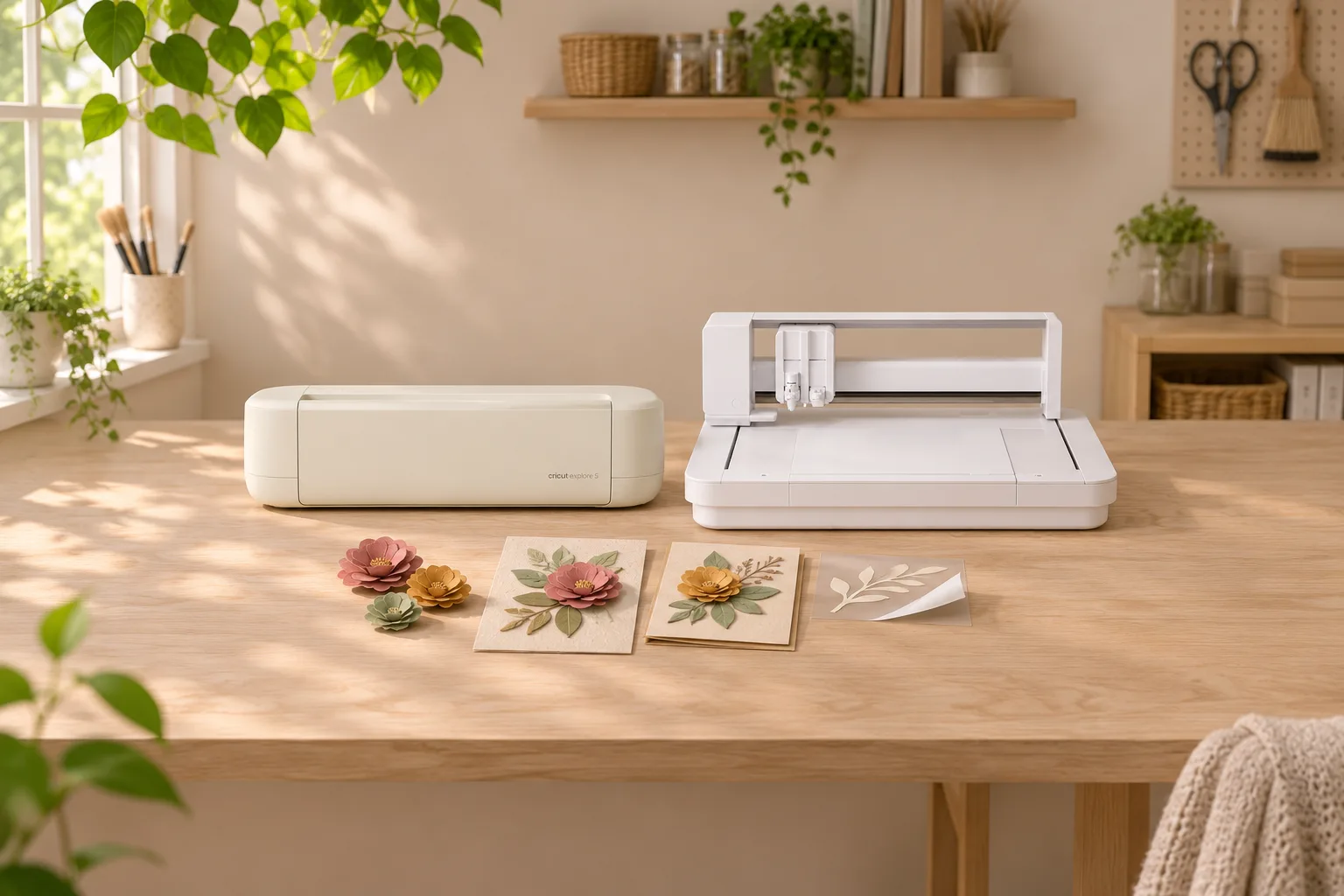
Buying guide
The best cutting machines for cardstock and paper crafts
The Cricut Explore 5 is the best cutting machine for cardstock and paper crafts: a Scoring Tool in the box, card mats, Print Then Cut on tabloid sheets and 14.1-inch-a-second cuts, for $199 in November 2026 (the Essential Bundle with a 2-Card Mat is also $199). The Cricut Maker 5 ($349) adds debossing, perforation and the Knife Blade for chipboard; the Joy 2 ($99) is the budget card maker.
See the picks
How to
Is Cricut Access worth it? The break-even math
Cricut Access is worth it only if you'd use its 1.5 million-image library every month or spend about $560 a year at cricut.com, where Standard's 10% discount and $10 quarterly coupons cover its $95.88 yearly price (our estimate). Premium ($119.88 a year) pays for itself at about $400 a year of Cricut materials. If you cut your own designs or SVGs bought elsewhere, the free account is enough.
Read the guide
Comparison
Cricut Design Space vs Silhouette Studio: which is better?
Silhouette Studio is the better design program: free image tracing and DXF import, offline use, and one-time upgrades ($49.99–$99.99) for SVG import, nesting and multi-cutter support. Cricut Design Space is the cheaper and simpler way to cut files you already have: SVG uploads are free, it runs machines from Android and iPhone, and Cricut Access ($9.99 a month) is optional.
Compare them