Printers in this guide

What can a Cricut cut?
Every Cricut cuts vinyl, iron-on (HTV), paper, cardstock, sticker paper and printable vinyl. What changes by model is how thick and how tough a material it can handle:
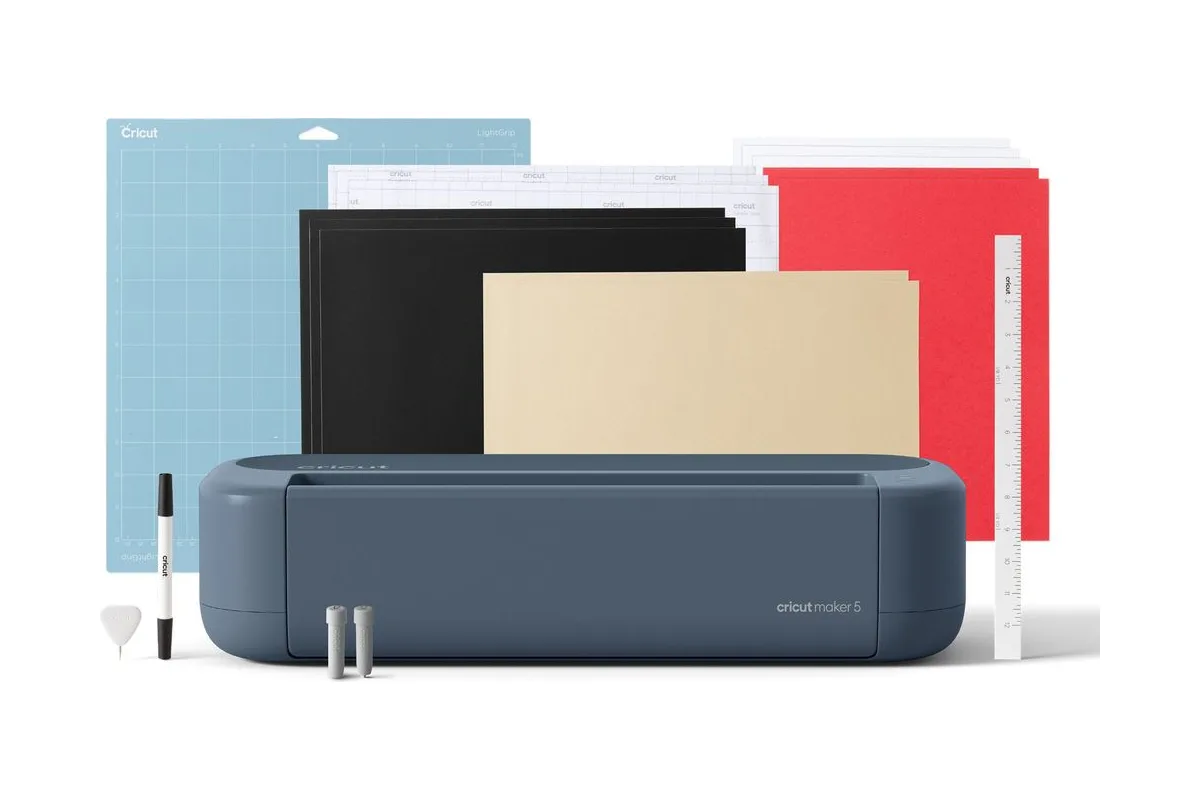
- Maker 5 ($349 machine) and Maker 4 ($349): 300+ materials, including unbacked fabric, balsa, basswood, chipboard and tooling leather. The Maker 5 cuts up to 3 mm (1/8 in) thick; the Maker 4, 2.4 mm (3/32 in). Only the Makers take the Rotary Blade, Knife Blade and engraving tools.
- Explore 5 ($199) and Explore 4: 100+ materials, adding thicker cardstock, magnet sheets, craft foam and chipboard with the Deep-Point blade (up to 1.5 mm) and fabric with an iron-on backer.
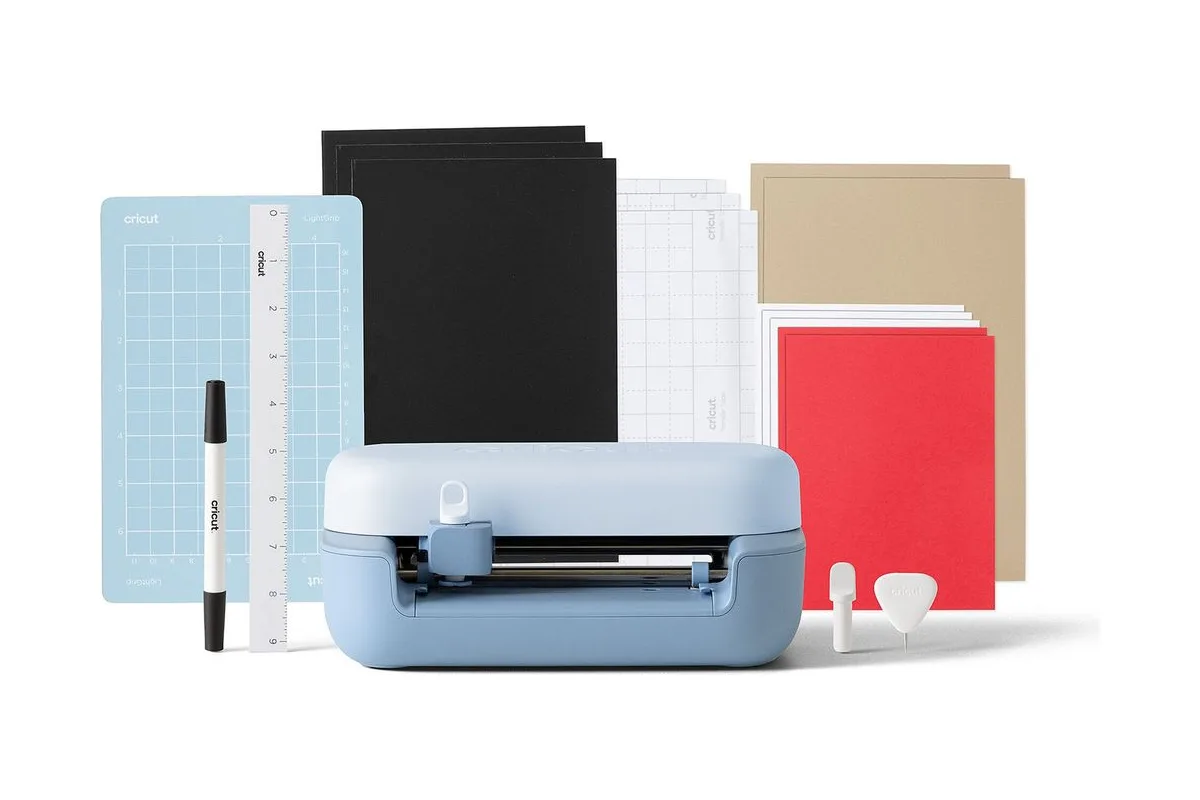
- Joy 2 ($99): 75+ materials, 4.5 inches wide.
- Joy Xtra ($129): Cricut says 50+ in some places and 75+ in others, up to 8.5 inches wide.
- Venture ($499): 100+ materials, up to 24 inches wide.
Cricut adds a caveat to every list: its machines cut “a wide variety of materials”, but Cricut “does not guarantee they will be able to cut all materials.”
How thick can each Cricut cut?
| Model | Materials (Cricut’s count) | Max thickness | Max cut width | Fabric | Wood and leather | Engraving |
|---|---|---|---|---|---|---|
| Maker 5 | 300+ | 3 mm (1/8 in), “depending on material density and the selected tool” | 11.5 in on a mat; 12 in matless | Any fabric (Rotary Blade); bonded fabric | Yes (Knife Blade): basswood, balsa, tooling leather, foam core board | Yes (Engraving Tool or Tip): metal, acrylic |
| Maker 4 | 300+ | 2.4 mm (3/32 in) | 11.5 in on a mat; 11.7 in matless | Any fabric (Rotary Blade); bonded fabric | Yes (Knife Blade): chipboard, balsa | Yes (Engraving Tip) |
| Explore 5 | 100+ | Not stated; Deep Cutting Tool “up to 1.5 mm” | 12 x 24 in mats; 11.7–12 in matless (Cricut’s pages differ) | Bonded fabric only | No | No |
| Explore 4 | 100+ | Not stated; Deep-Point Blade | 11.5 in on a mat; 11.7 in matless | Bonded fabric only | No | No |
| Joy 2 | 75+ | Not stated | 4.2 in on a mat; 4.5 in matless | Not listed | No | No |
| Joy Xtra | 50+ or 75+ (Cricut’s pages differ) | Not stated | 8.2 in on a mat; 8.5 in matless | Not listed | No | No |
| Venture | 100+ | Not stated; Deep-Point Blade “up to 1.5 mm” | 24 in | Bonded fabric only | No | No |
Prices are cricut.com’s for the machine alone in November 2026 (the Explore 4 is sold only refurbished, at $199). Figures come from Cricut’s product pages, quick start guides, help center and comparison chart.
Cricut’s own thickness figures don’t fully agree. The Maker 5 page and its Knife Blade tab say 3 mm; the Knife Blade’s Maker 4-and-earlier tab says 2.4 mm; and the Maker 5 tool table describes the Knife Blade on “1.6 mm chipboard, basswood, and tooling leather”. Treat 3 mm as the Maker 5’s ceiling on soft, cooperative materials, not a promise for every 3 mm sheet. Cricut’s Maker 5 page also says some materials, “including acrylic blanks, may be compatible with engraving but not cutting.”
Cricut publishes no cutting force for any Maker, Explore or Joy. The Venture is the only Cricut with a published force: 400 gf.
Which tool cuts which material?
The material decides the blade, and the blade decides which machine you need.
| Material | Tool | Mat | Machines |
|---|---|---|---|
| Vinyl, iron-on, paper, cardstock, poster board | Premium Fine-Point blade (Joy machines use their own blade or cutting tool) | LightGrip or StandardGrip | All |
| Printable vinyl, sticker paper (Print Then Cut) | Fine-point blade | LightGrip | All current models |
| Thick or glitter cardstock, magnet sheets, chipboard, stamp material, stiffened felt, craft foam, cardboard, rubber sheets | Deep-Point Blade or Deep Cutting Tool, up to 1.5 mm | StrongGrip | Explore, Maker, Venture |
| Fabric with an iron-on backer | Bonded-Fabric Blade | FabricGrip | Explore, Maker, Venture |
| Unbacked fabric, tissue paper, cork | Rotary Blade (designs 3/4 in or larger) | FabricGrip | Maker only |
| Balsa, basswood, matboard, chipboard, tooling leather | Knife Blade (desktop only) | StrongGrip | Maker only |
| Metal and acrylic (engraving, not cutting through) | Engraving Tool or Engraving Tip | — | Maker only |
| Fold lines, debossing, perforations, wavy edges | Scoring Tool or Stylus; QuickSwap tips | — | Scoring on most; QuickSwap tips Maker only |
| Foil | Foil Transfer Tool, or the Joy Foil Transfer Kit | — | Explore, Maker and Venture; the Joy kit fits Joy, Joy Xtra and Joy 2 |
Source: Cricut’s “All About Cricut Blades and Machine Tools” and mat grip articles, and each machine’s product page.
Two gaps to know about. The Explore can cut fabric only if it’s bonded to an iron-on backer; for plain, unbacked fabric you need the Maker’s Rotary Blade. And Cricut lists no fabric blade or FabricGrip mat for the Joy machines. See the best cutting machines for fabric.
Can a Cricut cut wood?
Only a Maker, and only thin wood. The Maker 5 and Maker 4 cut balsa and basswood with the Knife Blade, up to 3 mm on the Maker 5 and 2.4 mm on the Maker 4. Knife Blade jobs run only from Design Space on a computer, and Cricut says the blade “will wear quickly compared to other blades”. The Explore, Joy and Venture can’t cut wood.
For wood thicker than about 3 mm, a laser cutter is the right tool. See the best laser cutters for wood, laser engraver vs Cricut vs UV printer and the best cutting machines for leather and wood.
Can a Cricut cut leather?
Thin leather, with the right machine. The Maker 5 and Maker 4 cut tooling leather with the Knife Blade, and the Maker 5 page lists leather among its thick materials up to 3 mm. Cricut’s StrongGrip mat is the one it lists for leather.
What can’t a Cricut cut?
Going by Cricut’s own limits:
- Anything thicker than the machine’s limit: 3 mm on the Maker 5, 2.4 mm on the Maker 4, and about 1.5 mm with the deep blades on the Explore and Venture.
- Acrylic blanks: the Maker 5 can engrave some but may not cut them, Cricut says.
- Unbacked fabric on an Explore, Joy or Venture: these don’t take the Rotary Blade.
- Wood on anything but a Maker.
- Any material Cricut hasn’t rated: it doesn’t guarantee every material will cut.
What else can a Cricut do besides cut?
Depending on the model and tools: write and draw with pens, score fold lines, apply foil, and cut around printed images with Print Then Cut. The Maker line also engraves, debosses, perforates and cuts wavy edges with its QuickSwap tips.
| Model | Write and draw | Score | Foil | Print Then Cut | Engrave and deboss |
|---|---|---|---|---|---|
| Maker 5 | Yes (snap-in pens marked for Maker 5) | Yes (Scoring Tool, wheels) | Yes | Yes, up to tabloid and A3 sheets | Yes |
| Maker 4 | Yes | Yes (Scoring Stylus, wheels) | Yes | Yes, up to tabloid and A3 | Yes |
| Explore 5 | Yes (new universal pens only) | Yes (Scoring Tool) | Yes | Yes, up to tabloid and A3 | No |
| Explore 4 | Yes | Yes (Scoring Stylus) | Yes | Yes | No |
| Joy 2 | Yes | Yes (Scoring Tool, new on Joy 2) | Yes | Yes, about 3.2 x 9.9 in on letter paper | No |
| Joy Xtra | Yes (Joy pens) | No | Yes | Yes, about 7.4 x 9.9 in on letter paper | No |
| Venture | Yes | Yes (Scoring Stylus) | Yes | Yes, up to 24 x 28 in sheets | No |
For a full blade-by-machine chart with prices, see Cricut blades explained. To pick a machine, see the best Cricut machines.
Which Cricut should you buy for your materials?
- Vinyl, iron-on, cards and stickers: the Explore 5, $199 for the machine or the Essential Bundle on Amazon. See the Explore 5 review.
- Fabric, felt, thin wood, leather or engraving: the Maker 5, $349 at Cricut or $399 as the Essential Bundle on Amazon. See Maker 5 vs Explore 5.
- Small labels, cards and decals: the Joy 2, $99. See the Joy 2 review.
- Wide signs and batch vinyl: the Venture, $499. See Venture vs Maker 5.
Questions people ask
Can a Cricut cut fabric?
Yes. The Maker 5 and Maker 4 cut almost any fabric with the Rotary Blade. The Explore and Venture cut fabric only with an iron-on backer, using the Bonded-Fabric Blade.
Can a Cricut cut wood?
Only the Maker 5 and Maker 4, with the Knife Blade: balsa and basswood up to 3 mm on the Maker 5 and 2.4 mm on the Maker 4.
How thick can a Cricut Maker 5 cut?
Up to 1/8 inch (3 mm), “depending on material density and the selected tool”, Cricut says. That’s up from 2.4 mm on the Maker 4.
Can a Cricut Explore 5 cut leather?
Cricut doesn’t publish a thickness limit for the Explore 5 and doesn’t list leather for its tools. Its thickest tool, the Deep Cutting Tool, is rated up to 1.5 mm. Tooling leather is a Maker job.
Can a Cricut Joy cut cardstock?
Yes. The Joy 2 and Joy Xtra both cut cardstock, vinyl, iron-on and paper. The Joy 2 also scores fold lines; the Joy Xtra doesn’t.
Can a Cricut cut acrylic or metal?
The Maker line can engrave metal and acrylic, but that’s engraving, not cutting through. Cricut says some materials, including acrylic blanks, may engrave but not cut.
Sources
- Cricut Help: Which materials can I cut with my Cricut smart cutting machine?, help.cricut.com
- Cricut Help: All About Cricut Blades and Machine Tools, help.cricut.com
- Cricut Help: Cricut Maker 5 specifications and requirements, help.cricut.com
- Cricut Help: Cricut Maker 5 compatible tool, accessories, and materials, help.cricut.com
- Cricut Help: Cricut Maker 4 Quick Start Guide, help.cricut.com
- Cricut Help: Cricut Explore 5 Quick Start Guide, help.cricut.com
- Cricut Help: Cricut Joy 2 Quick Start Guide, help.cricut.com
- Cricut Help: Cricut Joy Xtra Quick Start Guide, help.cricut.com
- Cricut Help: All about Cricut Knife Blade, help.cricut.com
- Cricut Help: Which materials should I cut on the different machine mat grip strengths?, help.cricut.com
- Cricut Maker 5 product page, cricut.com
- Cricut Maker 4 product page, cricut.com
- Cricut Explore 5 product page, cricut.com
- Cricut Joy 2 product page, cricut.com
- Cricut Joy Xtra product page, cricut.com
- Cricut Venture product page, cricut.com
- Cricut machine comparison chart, cricut.com
Keep exploring
How to
Cricut blades explained: which blades fit which machine
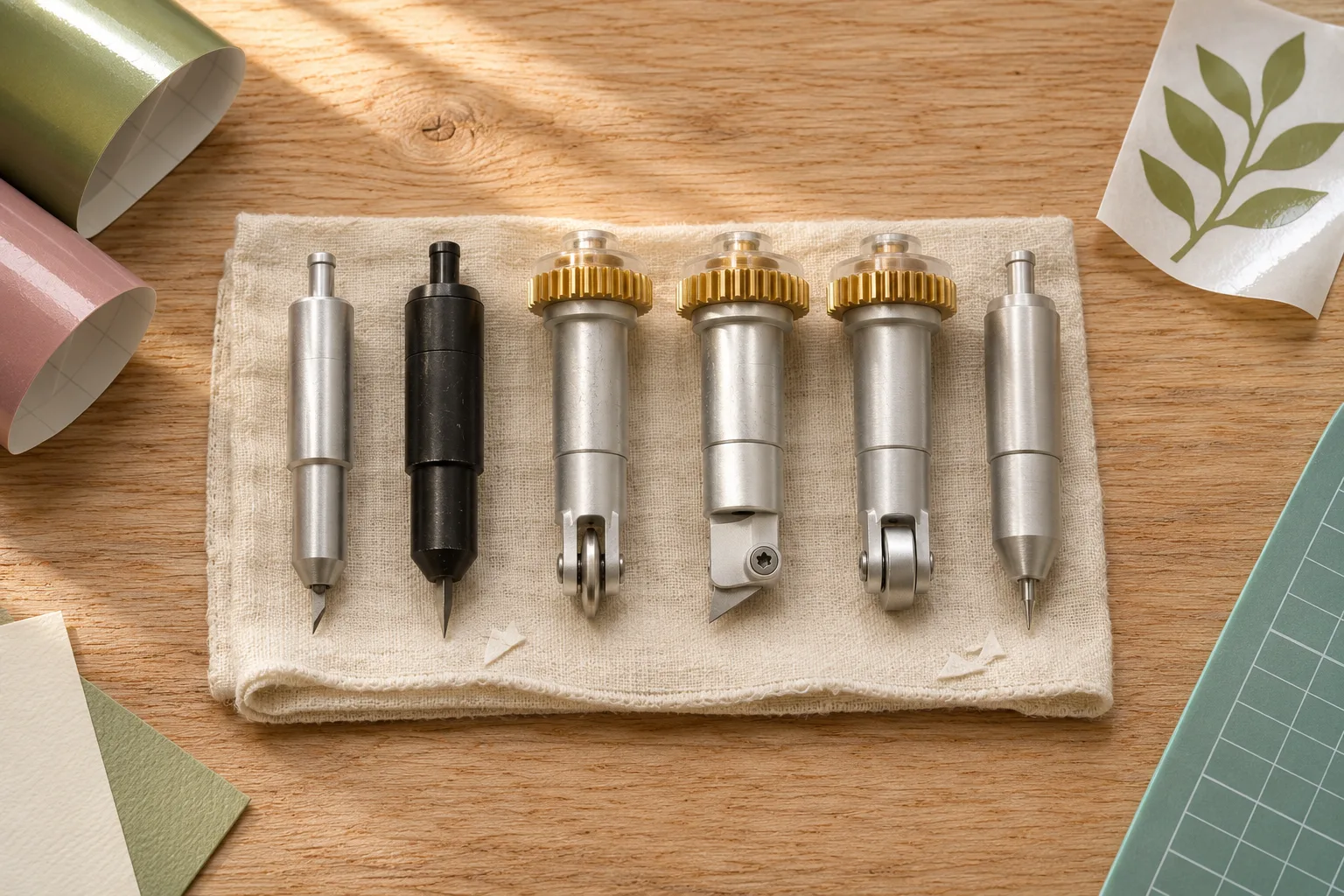
Most people need only the fine-point blade that comes in the box: it cuts vinyl, iron-on, paper and cardstock on every Cricut. Add a Deep-Point blade ($37.99) for thick cardstock, magnet and foam on an Explore or Maker. The Rotary ($54.99) and Knife ($49.99) blades fit only the Maker 5 and Maker 4. Replacement fine-point blades are $6 each in a five-pack.
Read the guide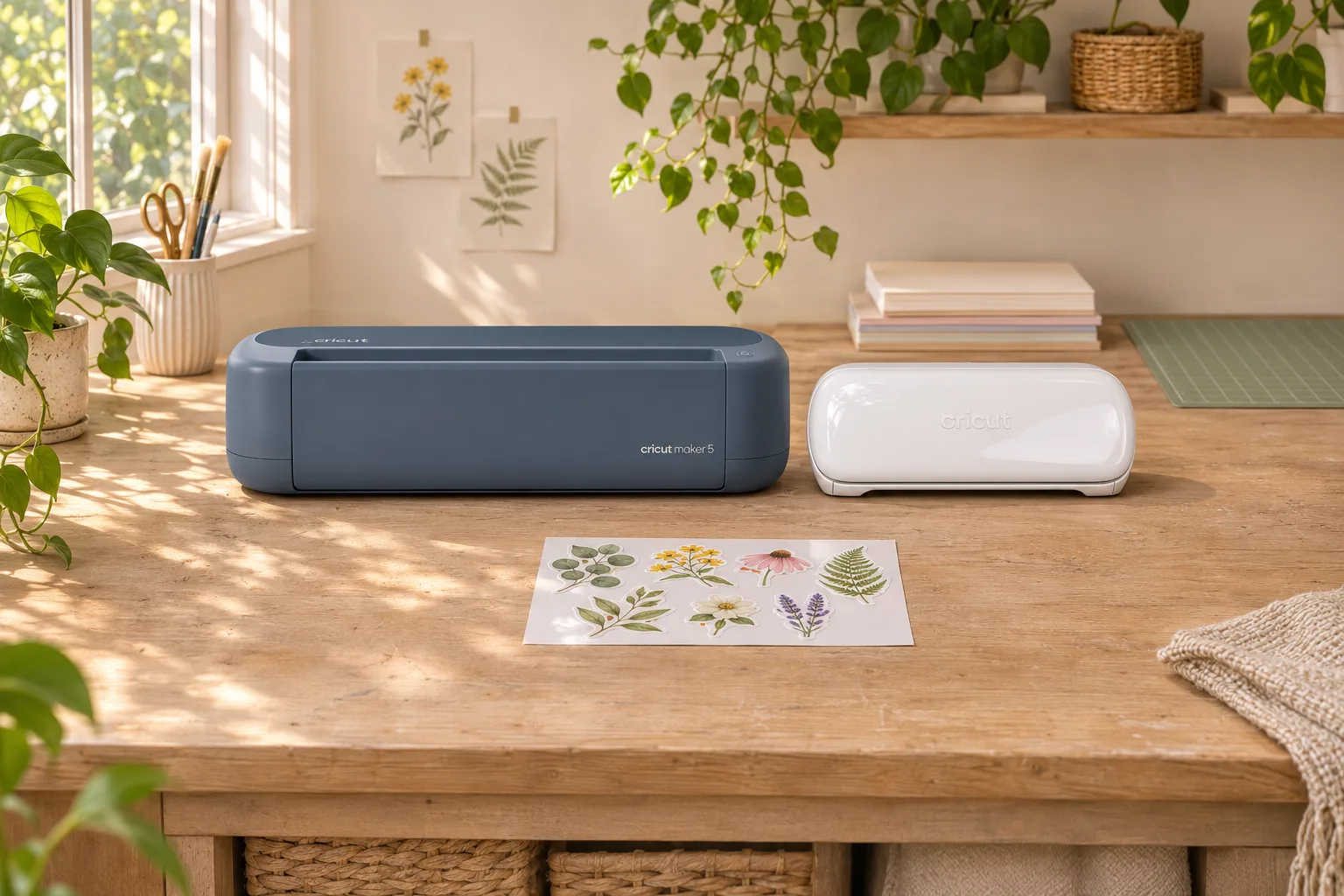
Buying guide
The best Cricut machines: which Cricut should you buy?
The Cricut Explore 5 is the best Cricut for most people: 12-inch cuts, 12-foot matless runs and tabloid Print Then Cut for $199 at Cricut in November 2026, machine alone or as the Essential Bundle. Buy the $349 Maker 5 for wood, leather and fabric, the $99 Joy 2 or $129 Joy Xtra for small projects, and the $499 Venture for a vinyl business.
See the picks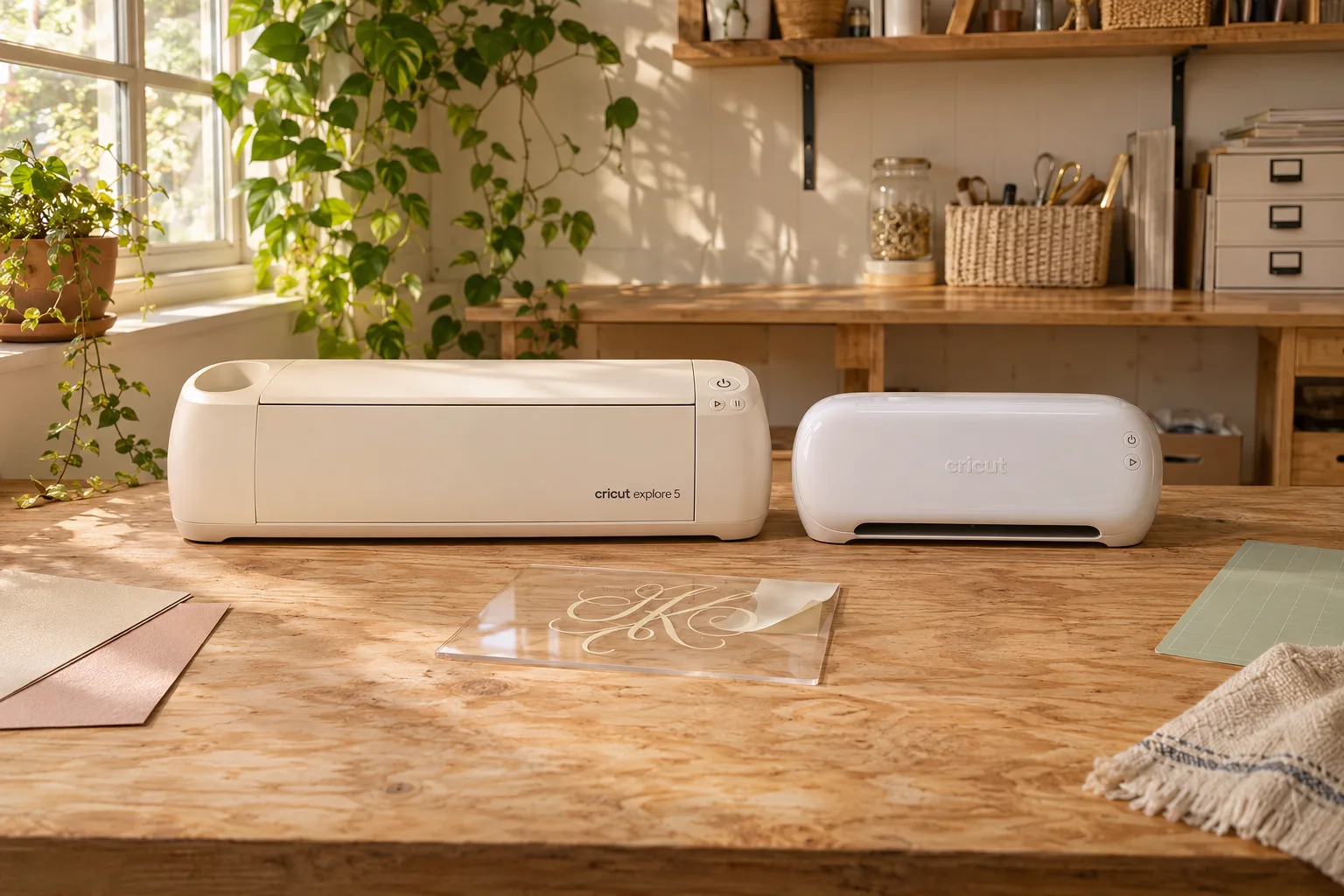
Buying guide
The best cutting machines for beginners
The Cricut Explore 5 is the best cutting machine for beginners: the Essential Bundle is $199 in November 2026, the same as the machine alone, and it cuts 12-inch vinyl, iron-on and cardstock, scores cards and prints and cuts tabloid sticker sheets. The Joy Xtra ($129) suits small desks; the Silhouette CAMEO 5α ($279.99) skips subscriptions.
See the picks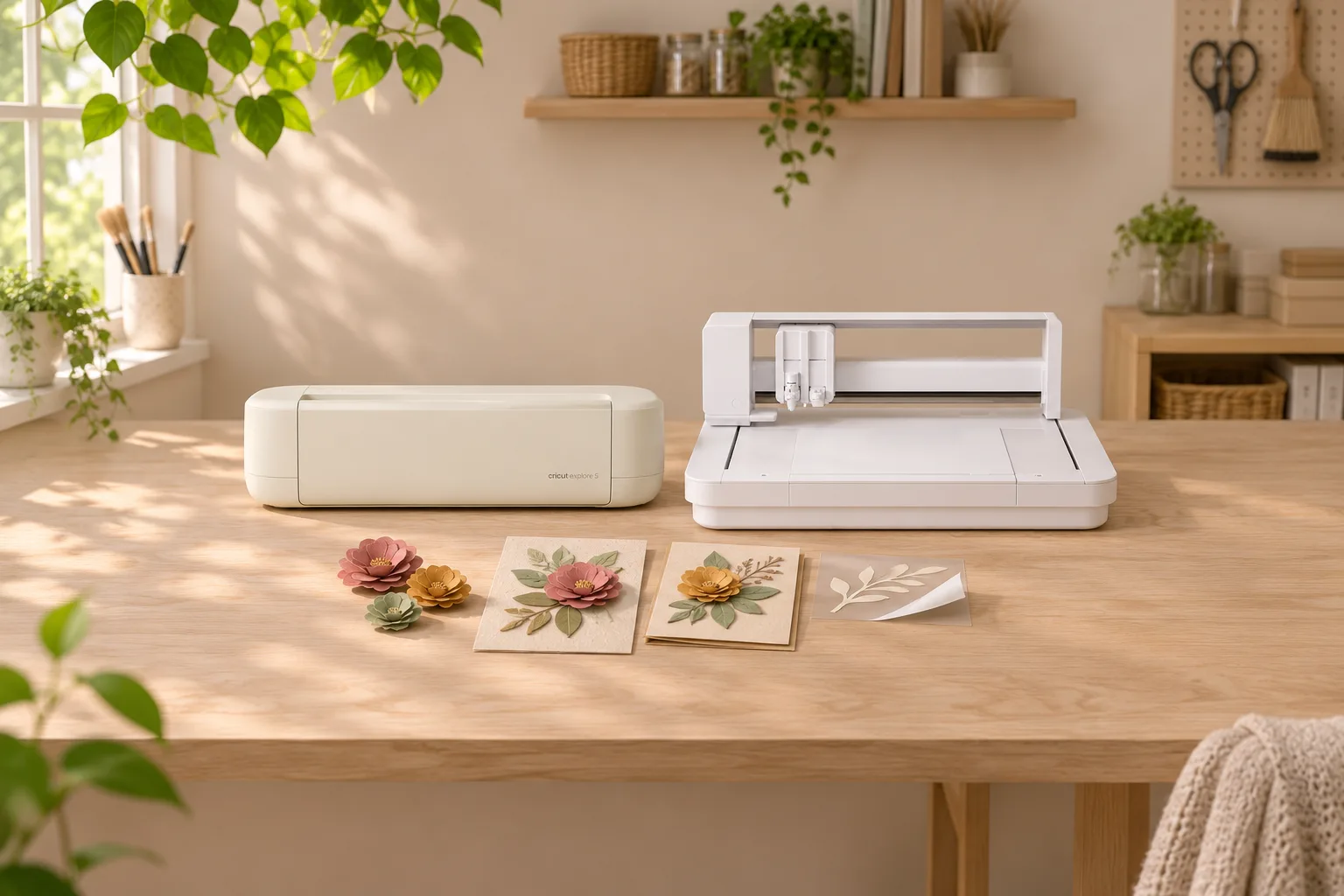
Buying guide
The best cutting machines for cardstock and paper crafts
The Cricut Explore 5 is the best cutting machine for cardstock and paper crafts: a Scoring Tool in the box, card mats, Print Then Cut on tabloid sheets and 14.1-inch-a-second cuts, for $199 in November 2026 (the Essential Bundle with a 2-Card Mat is also $199). The Cricut Maker 5 ($349) adds debossing, perforation and the Knife Blade for chipboard; the Joy 2 ($99) is the budget card maker.
See the picks