Printers in this guide

Can you use a Cricut without a computer?
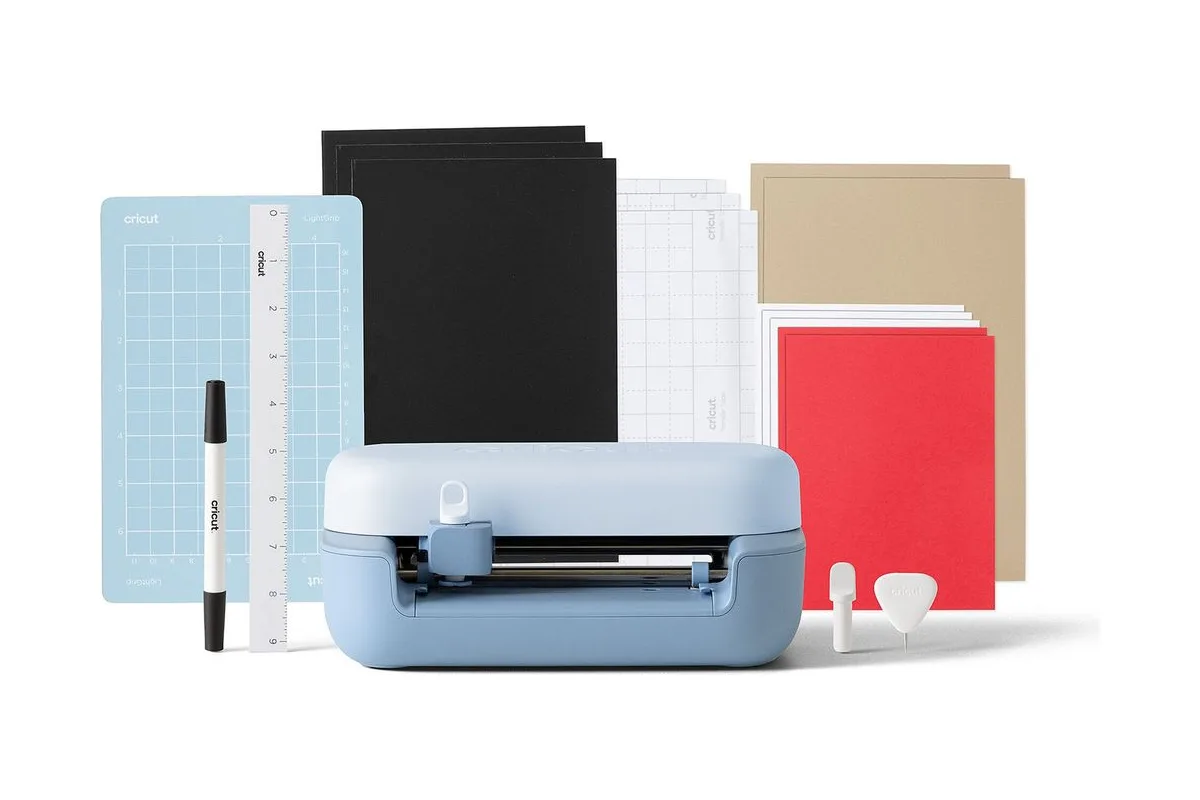
Yes. Every current Cricut except the Venture works from a phone or tablet. Install the free Cricut Design Space app on an iPhone, iPad or Android phone or tablet, connect to the machine by Bluetooth, and you can design, upload your own images and cut. The $99 Joy 2 and $129 Joy Xtra connect only by Bluetooth, so they’re made to run this way. The Explore and Maker machines work from a phone too.
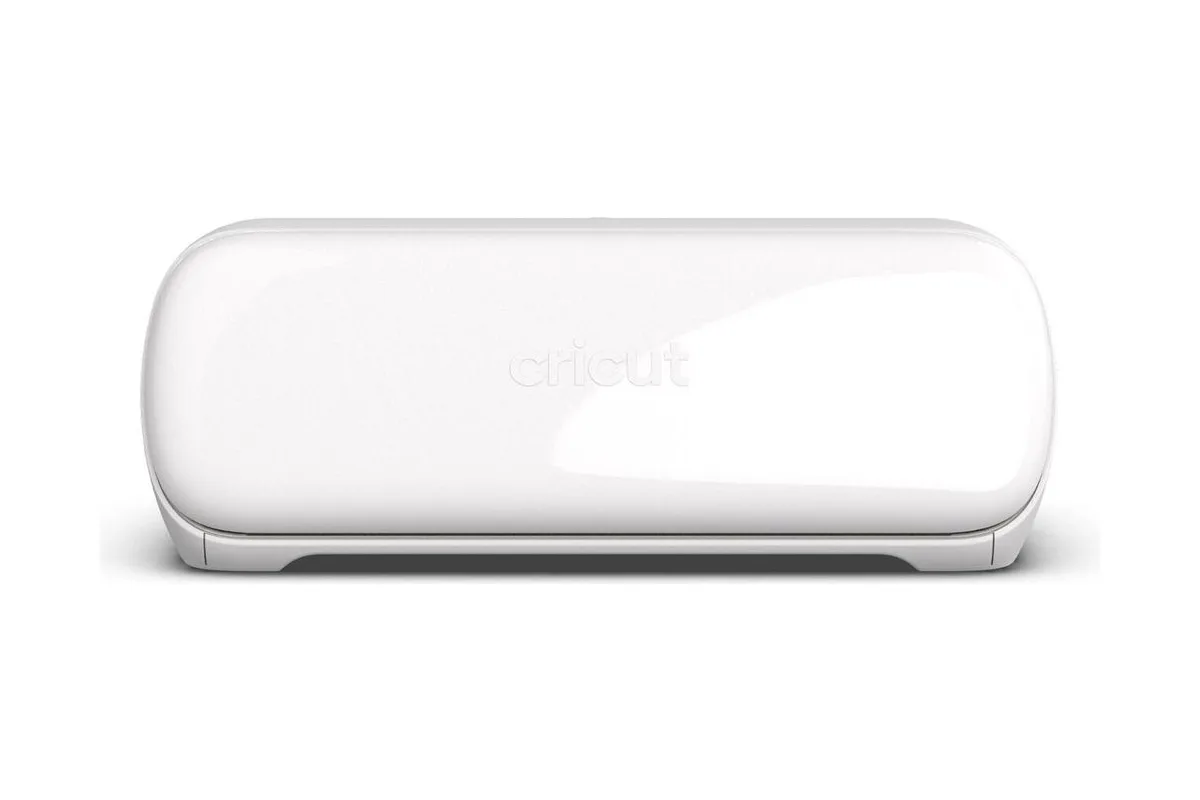
A computer is still needed for a few jobs. Knife Blade projects on the Maker 4 and Maker 5 need Design Space for Desktop, and the Maker 5 FAQ says the same for Foil Transfer. DXF uploads and some Cricut Access features are desktop-only. The $499 Cricut Venture doesn’t work with the mobile app at all.
Which Cricut machines work with a phone or tablet?
| Model | Price, Nov 2026 | Works from a phone or tablet? | How it connects to a phone | What still needs a computer |
|---|---|---|---|---|
| Joy 2 | $99 (machine) | Yes | Bluetooth LE (no USB cable in the box) | Nothing listed by Cricut |
| Joy Xtra | $129 (list $179) | Yes | Bluetooth only | Nothing listed by Cricut |
| Explore 5 | $199 (machine) | Yes | Bluetooth LE; the USB-C cable is for computers only | Nothing listed by Cricut |
| Explore 4 | $199 refurbished | Yes | Bluetooth; USB-C is for computers only | Nothing listed by Cricut |
| Maker 4 | $349 (list $399) | Yes | Bluetooth; USB-C is for computers only | Knife Blade projects |
| Maker 5 | $349 (machine) | Yes | Bluetooth LE; USB-C to a phone isn’t supported | Knife Blade and Foil Transfer projects |
| Venture | $499 (machine) | No | Not supported | Everything: “Design Space for Desktop only” |
Prices are cricut.com’s in November 2026. Compatibility comes from each machine’s Cricut quick start guide or FAQ, Cricut’s blades article and the Smart Iron-On article’s Venture note.
A few model-specific details:
- Joy 2: Cricut says not to pair it through your phone’s Bluetooth settings; connect from inside Design Space.
- Maker 5: engraving works from the mobile app, even though Knife Blade and Foil Transfer don’t. Cricut gives the reason for the Knife Blade: its long cut times over a Bluetooth connection.
- Maker 4: the USB port on the machine’s right side is a 5-volt charging port for your phone, with no data connection.
- Older machines: the Explore 3 and Maker 3, sold only refurbished now, also connect to phones by Bluetooth, per their quick start guides.
What do you need to use a Cricut from a phone?
- A supported phone or tablet: iOS 17 or later, or Android 11 or later (phones and tablets only). Chromebooks aren’t supported.
- The free Design Space app and a free Cricut account. Cricut Access isn’t required.
- An internet connection to install the app, sign in and set up the machine. iPhones and iPads can then work offline with downloaded designs; Android always needs a connection. See using a Cricut without the internet.
- Bluetooth on the phone and the machine. Every Cricut above connects to phones by Bluetooth only.
Cricut lists a minimum of 2–3 Mbps download and 1–2 Mbps upload for Design Space.
What’s different in the Design Space app?
The app does most of what the desktop version does, with a few gaps:
| Feature | Phone or tablet | Computer |
|---|---|---|
| Cutting, drawing, scoring | Yes | Yes |
| Upload JPG, PNG, SVG and other images | Yes | Yes |
| Upload DXF files | No | Yes |
| Knife Blade (Maker 4, Maker 5) | No | Yes |
| Foil Transfer (Maker 5, per its FAQ) | No | Yes |
| Engraving (Maker 5) | Yes | Yes |
| Offline mode | iOS only; not Android | Windows and Mac |
| Some Cricut Access features and perks | Some are desktop-only | Yes |
| Discount on licensed content (Access) | Not available | Yes |
| Cricut Venture | Not supported | Yes |
Source: Cricut’s upload, blades, Maker 5 FAQ, Offline and Cricut Access join pages, read November 28, 2026.
Cricut doesn’t publish a full list of which Access design features are desktop-only. If you’re paying for Access to use a specific tool, check that it shows up in the app before relying on a phone.
Which Cricut is best if you only have a phone?
The Joy 2, for small projects; the Explore 5, for full-size ones.
- Joy 2 ($99, or $109 as the Essential Bundle on Amazon): 4.5-inch cut width, cuts, draws, scores and foils, and does Print Then Cut on narrow strips, up to about 3.19 x 9.94 inches from letter paper. It’s Bluetooth-only and has nothing that needs a computer. See the Cricut Joy 2 review.
- Joy Xtra ($129): 8.5-inch cuts and Print Then Cut up to 7.44 x 9.94 inches on letter paper, but no scoring. See the Cricut Joy Xtra review and Joy 2 vs Joy Xtra.
- Explore 5 ($199, and the Essential Bundle on Amazon is also $199): 12-inch mats and Smart Materials up to 12 feet long. Cricut’s Explore pages list no computer-only jobs, and the Explore doesn’t take the Knife Blade. If you’ll foil a lot, test a foil project in the app first, since the Maker 5 FAQ lists Foil Transfer as desktop-only on that machine. See the Cricut Explore 5 review.
- Maker 5 ($349): works from a phone, but buy it for the Knife Blade and you’ll want a computer for those jobs. See the Cricut Maker 5 review.
Skip the Venture if you don’t have a Windows or Mac computer. See the Cricut Venture review.
Can you use a Silhouette without a computer?
Yes, with most recent models. Silhouette’s free Go app for iOS and Android works with Bluetooth machines, including the CAMEO 5α, CAMEO 5α PLUS, CAMEO PRO MK-II, Curio 2 and Portrait 4. Without an account, its offline mode gives you 15 free designs. Opening SVG files in Go needs the paid Designer edition of Silhouette Studio or higher, while Cricut’s app imports SVGs for free. See Cricut Design Space vs Silhouette Studio.
Questions people ask
Can you use a Cricut with just a phone?
Yes. Every current Cricut except the Venture works with the free Design Space app on an iPhone or Android phone, over Bluetooth. You’ll need an internet connection to install the app, sign in and set up the machine.
Can you use a Cricut with an iPad?
Yes. Design Space runs on iPads with iOS 17 or later, and iPads can also work offline once your designs are downloaded.
Can you connect a Cricut to a phone with a USB cable?
No. Cricut says the USB cable is for computers only, and the Maker 5 FAQ says USB-C to a phone isn’t supported. Phones and tablets connect by Bluetooth.
Does the Cricut Joy need a computer?
No. The Joy, Joy Xtra and Joy 2 work with Design Space on iOS and Android, and also with Bluetooth-enabled Windows and Mac computers.
Can you use the Knife Blade from a phone?
No. Cricut says Knife Blade projects aren’t compatible with iOS and Android and need Design Space for Desktop, because of their long cut times over Bluetooth.
Does the Cricut Venture work with a phone?
No. Cricut says the Venture is supported on Design Space for Desktop only.
Do you need Cricut Access to use the app?
No. The app and its basic features are free, including uploading your own images. See do you need Cricut Access?
Sources
- Cricut Help: System Requirements, Design Space, help.cricut.com
- Cricut Help: Cricut Maker 5 frequently asked questions, help.cricut.com
- Cricut Help: All About Cricut Blades and Machine Tools, help.cricut.com
- Cricut Help: Smart Iron-On (Venture desktop-only note), help.cricut.com
- Cricut Help: Cricut Joy 2 Quick Start Guide, help.cricut.com
- Cricut Help: Cricut Joy Xtra Quick Start Guide, help.cricut.com
- Cricut Help: Cricut Explore 5 Quick Start Guide, help.cricut.com
- Cricut Help: Cricut Maker 4 Quick Start Guide, help.cricut.com
- Cricut Help: Cricut Explore 4 Quick Start Guide, help.cricut.com
- Cricut Help: How to upload images into Design Space, help.cricut.com
- Cricut Help: Design Space Offline Feature, help.cricut.com
- Cricut Access join page, cricut.com
- Cricut Venture product page, cricut.com
- Silhouette Support: Silhouette Go Mobile App Overview, silhouetteamerica.freshdesk.com
Keep exploring
Buying guide
The best cheap cutting machines
The Cricut Joy Xtra is the best cheap cutting machine at $129 in November 2026 (list $179): 8.5-inch cuts and letter-size Print Then Cut, at the lowest cost per inch of cut width we found ($15.18, our estimate). For $199, the Explore 5 is the cheapest 12-inch cutter and the better buy at list prices.
See the picks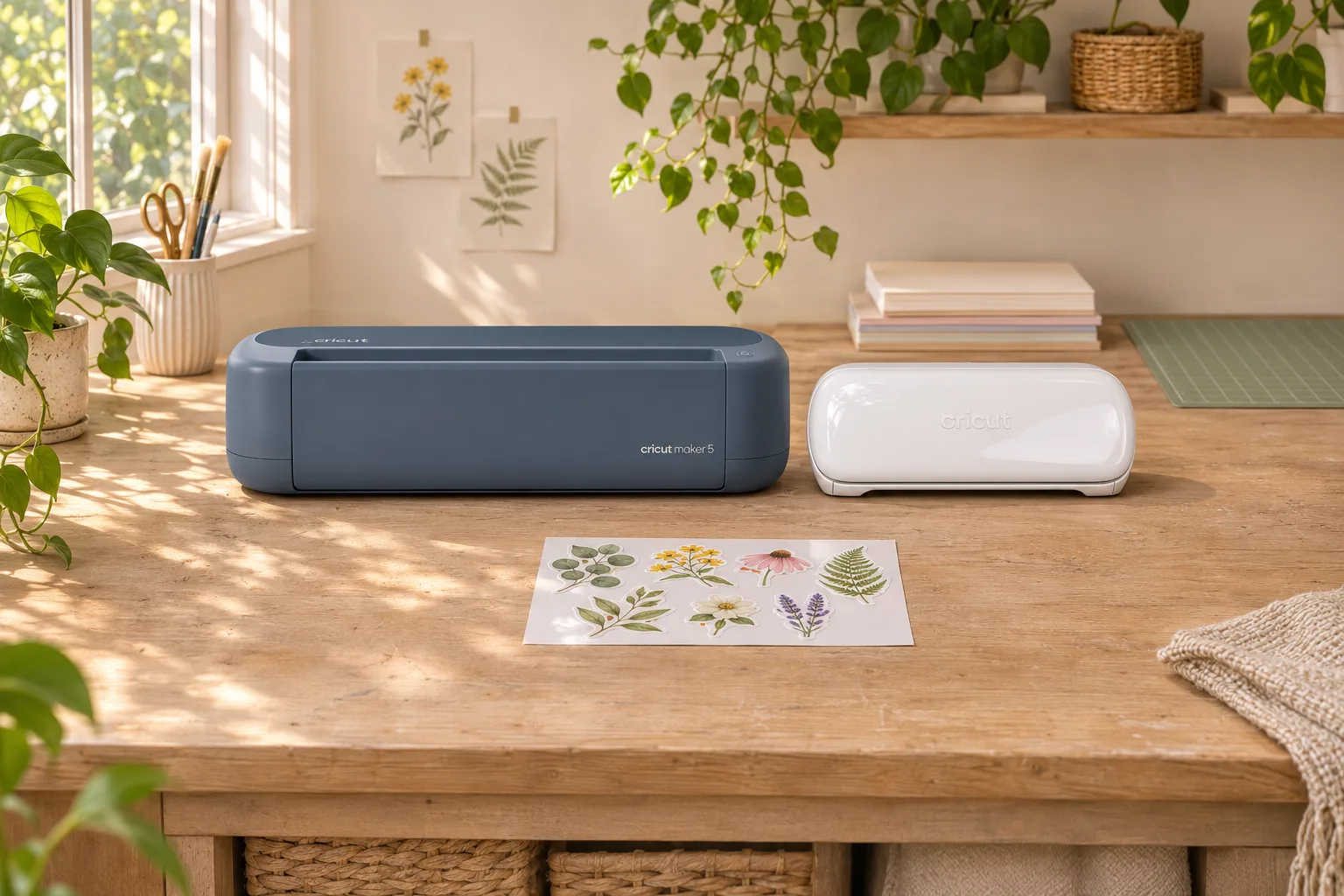
Buying guide
The best Cricut machines: which Cricut should you buy?
The Cricut Explore 5 is the best Cricut for most people: 12-inch cuts, 12-foot matless runs and tabloid Print Then Cut for $199 at Cricut in November 2026, machine alone or as the Essential Bundle. Buy the $349 Maker 5 for wood, leather and fabric, the $99 Joy 2 or $129 Joy Xtra for small projects, and the $499 Venture for a vinyl business.
See the picks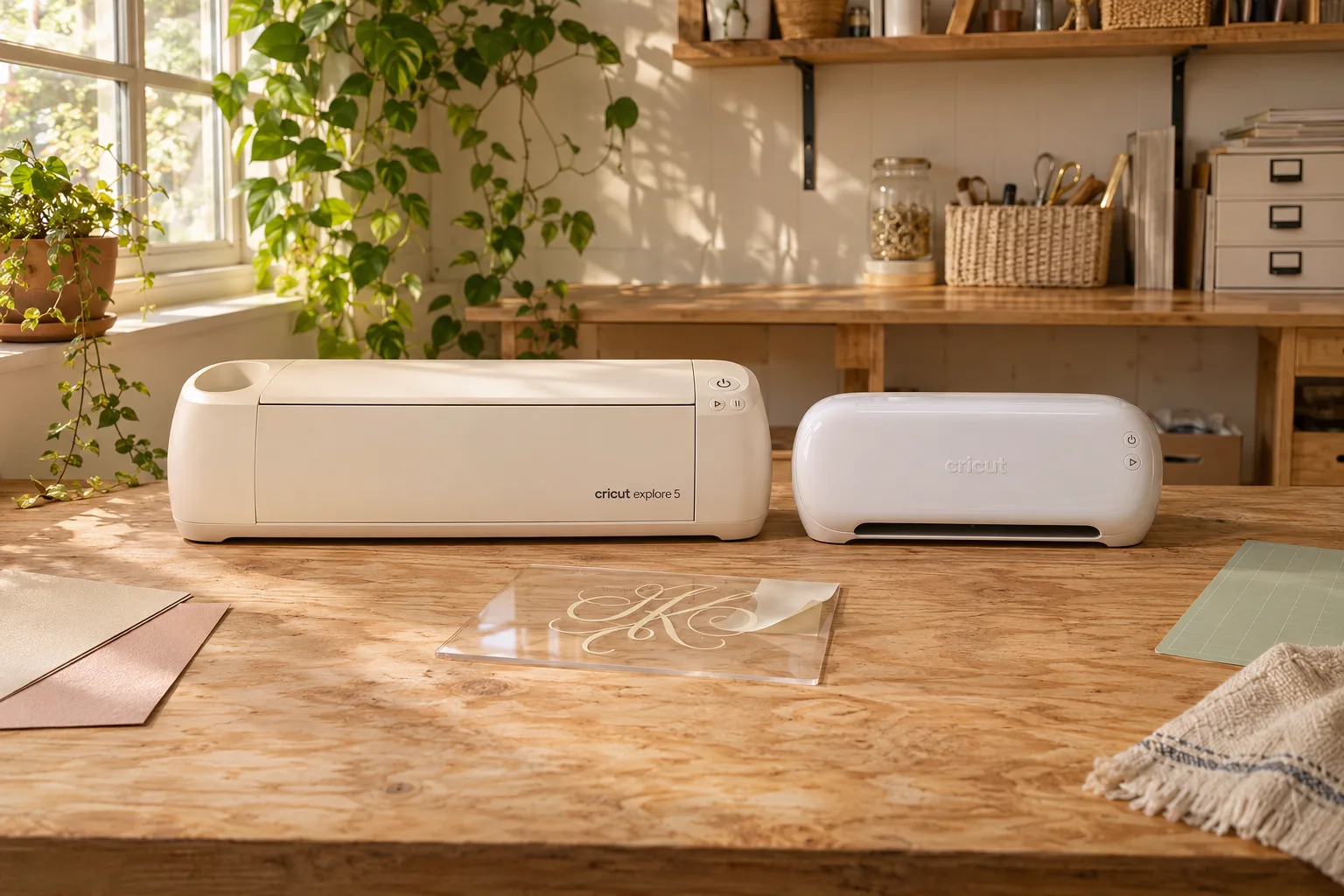
Buying guide
The best cutting machines for beginners
The Cricut Explore 5 is the best cutting machine for beginners: the Essential Bundle is $199 in November 2026, the same as the machine alone, and it cuts 12-inch vinyl, iron-on and cardstock, scores cards and prints and cuts tabloid sticker sheets. The Joy Xtra ($129) suits small desks; the Silhouette CAMEO 5α ($279.99) skips subscriptions.
See the picks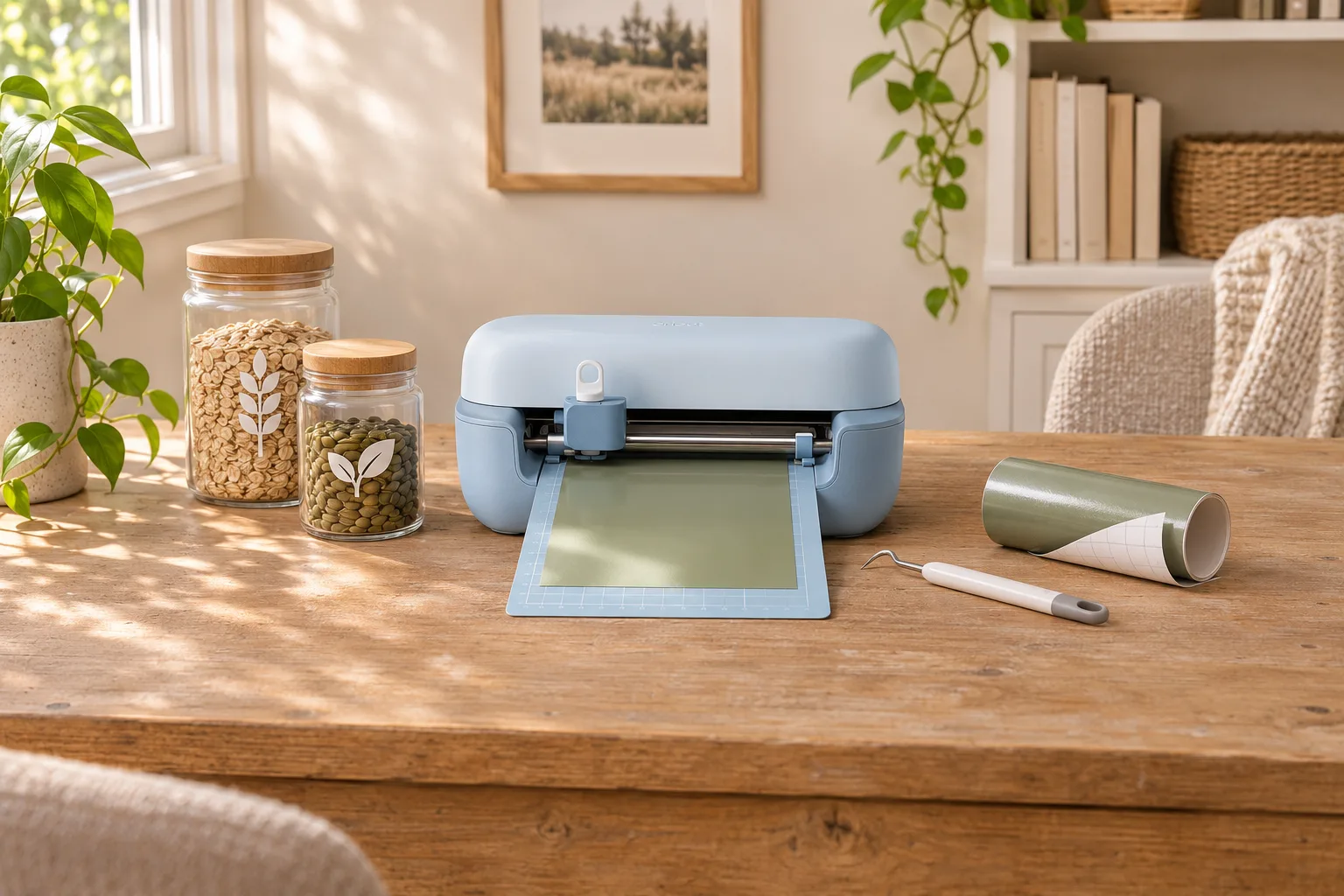
Review
Cricut Joy 2 review
The Cricut Joy 2 is worth it at $99 for cards, labels and small decals, but it cuts only 4.5 inches wide. For $30 more in November 2026, the $129 Joy Xtra cuts 8.5 inches and prints and cuts about 7.4 x 9.9 inches of a letter sheet.
Read the review