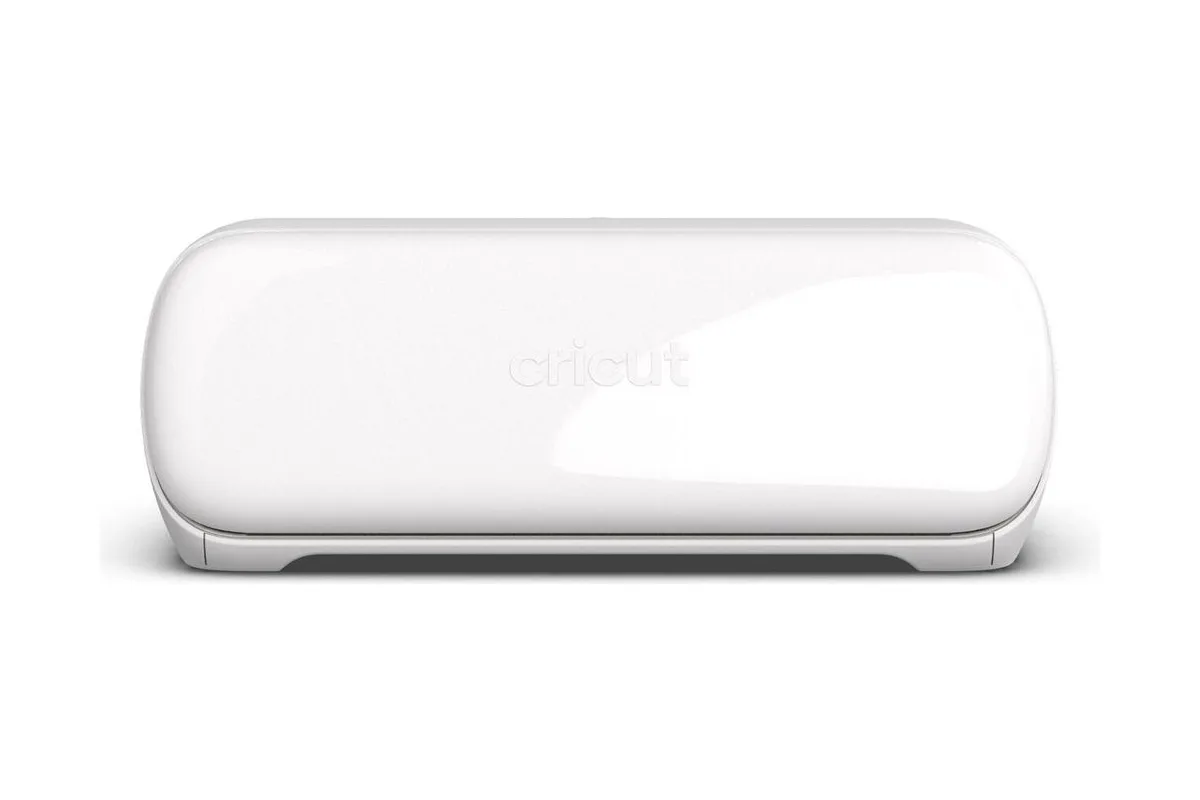
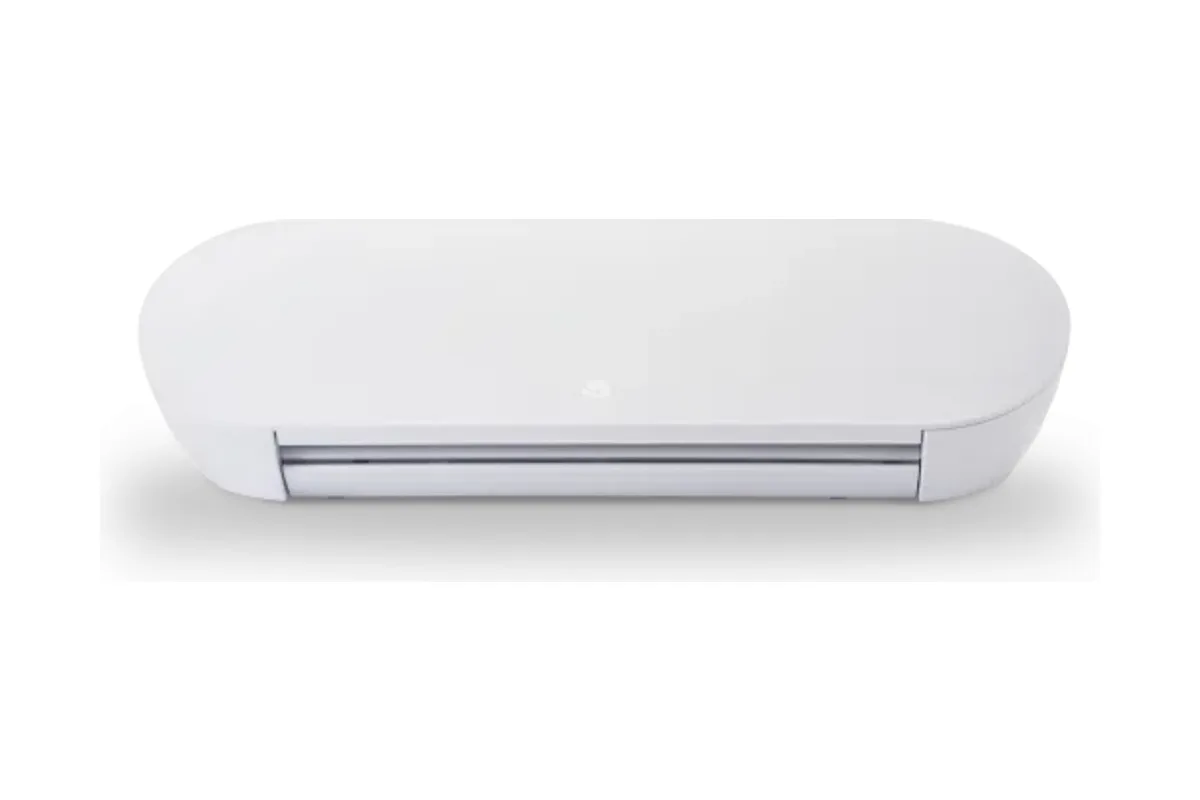
Side by side
| Feature | Cricut Joy Xtra | Silhouette Portrait 4 |
|---|---|---|
| Type | Cutting machine | Cutting machine |
| Media | Printable vinyl, sticker paper, cardstock | |
| Max size | 8.2 x 11.7 in mat | |
| Connection | Bluetooth | Bluetooth, USB |
| Where to buy | Check price at Amazon | Check price at Amazon |
Cricut Joy Xtra
- Type
- Cutting machine
- Media
- Printable vinyl, sticker paper, cardstock
- Max size
- 8.2 x 11.7 in mat
- Connection
- Bluetooth
Silhouette Portrait 4
- Type
- Cutting machine
- Media
- Max size
- Connection
- Bluetooth, USB
Silhouette Portrait 4 vs Cricut Joy Xtra: which is better?
The Cricut Joy Xtra if you want the cheapest, simplest small cutter; the Silhouette Portrait 4 if you want to own your software outright. Both cut about 8.5 inches wide, both cut printed stickers from your own inkjet, and neither needs a subscription.
- Cricut Joy Xtra, $129 at Cricut and Amazon in November 2026 (MSRP $179). It cuts faster (5.65 in/s against 3.9), uploads SVG files for free and has a published Print Then Cut size: up to 9.94 x 7.44 inches on letter paper. It has no mat in the box, it connects by Bluetooth only, and Print Then Cut needs an internet connection.
- Silhouette Portrait 4, $179.99 at Silhouette America (list $199.99). It comes with a mat, works offline, cuts any brand of lined vinyl without a mat and connects by USB as well as Bluetooth. Opening SVG files needs the one-time Designer upgrade, which the $189.99 Starter Bundle includes.
The price gap shrinks once you add the extras. Below is every cost that isn’t on the box.
Hidden costs: Portrait 4 vs Joy Xtra
| Cost | Silhouette Portrait 4 | Cricut Joy Xtra |
|---|---|---|
| Machine (maker, Nov 2026) | $179.99 (list $199.99) | $129 (MSRP $179) |
| Machine (Amazon, Nov 2026) | $199.99 (third-party seller) | $129 (sold by Amazon) |
| Cutting mat in the box | Yes | No. Joy Xtra mats: $11.99 MSRP ($5.99 on sale) |
| Blade in the box | AutoBlade | Premium Fine-Point Blade + Housing |
| Replacement blade | Price not confirmed | Joy Replacement Blade $12.99 MSRP ($6.49 on sale) |
| Software to cut and design | Studio Basic, free | Design Space, free |
| Import SVG files | Designer upgrade, $49.99 once ($39.99 on sale; free in the $189.99 Starter Bundle) | Free, unlimited uploads |
| Layers from a color image | Free (built-in trace tool) | Convert to Layers: Cricut Access only |
| Optional paid software | One-time: Designer $49.99, Designer Plus $74.99, Business $99.99 | Cricut Access: $9.99 a month or $95.88 a year (Standard); $14.99 or $119.88 (Premium) |
| Optional membership | Club Silhouette, $9.99 a month or $99.99 a year | None besides Access |
| Works offline | Yes, after downloads sync; Silhouette’s list of tasks that need internet doesn’t include Print & Cut | Windows, Mac and iOS only, after setup; Print Then Cut and uploads need internet; no offline mode on Android |
| Cut without a mat | Any brand of lined vinyl or HTV, 8.6 in wide | Cricut Smart Materials only, 8.5 in x 4 ft; Joy Xtra Smart Vinyl is $7.99 per 3 ft roll (MSRP) |
| Third-party vinyl | On a mat or without one | On a mat |
| Selling items made with the maker’s designs | Per-design commercial license from the Design Store, one-time fee per design, no stated cap | Free under Cricut’s Angel Policy, up to 10,000 items a year; no licensed characters |
| USB cable | Yes (USB 2.0) | No: Bluetooth only |
| Warranty | One year parts and labor | One year limited |
Sources: Silhouette America’s Portrait 4, Studio and help pages; Cricut’s Joy Xtra page, help center, Plans Page, Angel Policy and accessory store. Read November 28, 2026. Sale prices are Cricut’s Black Friday 50% off accessories.
Three of those rows move the math the most:
- The Joy Xtra’s first mat. Cricut’s machine-only box lists no mat, and Joy Xtra mats are Joy Xtra sizes only: Explore and Maker mats don’t fit. Budget $11.99.
- SVG files. If you download cut files as SVGs, Design Space opens them free. On the Portrait 4 you need Designer, so buy the Starter Bundle rather than the machine alone.
- Matless vinyl. The Joy Xtra cuts without a mat only on Cricut’s Smart Materials, which cost $2.66 a linear foot on the 3-foot roll (our arithmetic on Cricut’s MSRP). Ordinary vinyl, such as Oracal 651 at about 51¢ to 67¢ a square foot at a sign supplier, goes on a mat on the Joy Xtra. The Portrait 4 cuts it either way.
What do they cost over three years?
Our estimate: the machine plus software you’d pay for, at November 2026 maker prices. Vinyl and paper are left out because both machines use the same ones; blade wear is left out because we couldn’t confirm Silhouette’s blade price.
| Setup | Year 1 | 3 years |
|---|---|---|
| Portrait 4, free software | $179.99 | $179.99 |
| Portrait 4 Starter Bundle (Designer included) | $189.99 | $189.99 |
| Joy Xtra + 1 mat, free software | $140.99 | $140.99 |
| Joy Xtra + 1 mat + Cricut Access Standard, yearly | $236.87 | $428.63 |
| Joy Xtra + 1 mat + Cricut Access Standard, monthly | $260.87 | $500.63 |
If you’ll use Design Space’s free tier, the Joy Xtra is about $49 cheaper and stays that way. If you’d subscribe to Cricut Access for its image library and tools, the Portrait 4 Starter Bundle costs $238.64 less over three years. Access is optional: see is Cricut Access worth it?
Per inch of cut width, the Joy Xtra is $15.18 and the Portrait 4 $21.18 (our arithmetic: maker price divided by 8.5 inches).
Portrait 4 vs Joy Xtra specs
| Spec | Silhouette Portrait 4 | Cricut Joy Xtra |
|---|---|---|
| Cut area on a mat | 8.5 x 12 in | 8.2 x 11.7 in |
| Without a mat | 8.6 in wide; 4.5 ft with a roll feeder (spec table) | 8.5 in x 4 ft, Smart Materials only |
| Clearance / thickness | 2 mm | Not published |
| Cut force | Not published | Not published |
| Speed | 100 mm/s (3.9 in/s) (Silhouette Europe) | 5.65 in/s (144 mm/s) |
| Tools | AutoBlade, manual and 2 mm Kraft blades, Heat Pen (foil), pens | Blade, Foil Transfer Tool, pens; no scoring |
| Print & Cut / Print Then Cut | 3-point registration marks; maximum area not published | Letter: 9.94 x 7.44 in; A4: 10.62 x 7.2 in; works on colored paper |
| Scanner or camera | No scanner; mark sensor; PixScan | No scanner; mark sensor |
| Connectivity | USB 2.0 and Bluetooth | Bluetooth only |
| Phone apps | Silhouette Go (iOS, Android) | Design Space (iOS, Android) |
| Computer software | Studio: Windows 10+, macOS 13+ | Design Space: Windows, macOS (Bluetooth computers) |
| Size and weight | 17.32 x 6.42 x 4.88 in; 4 lb 1.3 oz | 12.5 x 6 x 5.5 in; 6 lb |
| Warranty | One year parts and labor (US and Canada) | One year limited (US) |
Source: Silhouette America and Silhouette Europe; Cricut’s product page and help center. Cricut gives the Joy Xtra both “50+” and “75+” materials on different pages.
The Portrait 4 is longer (17.3 inches against 12.5) but lighter. The Joy Xtra is about 40% faster on Cricut’s and Silhouette’s maximum figures. Neither takes a rotary blade, and neither is meant for fabric, felt or chipboard.
Which is better for stickers?
Close; the Joy Xtra is easier, the Portrait 4 works offline. Both print-and-cut letter sheets from any color inkjet. Cricut publishes the Joy Xtra’s limit, about 9.94 x 7.44 inches on letter paper, and says it reads marks on white, lightly colored and simple patterned materials. Silhouette doesn’t publish a maximum area for the Portrait 4, which reads three registration marks on its 8.5 x 12-inch mat.
The practical difference is the internet. Cricut lists Print Then Cut among the Design Space features that aren’t available offline. Silhouette says Studio works offline and needs the internet only to download or update the software, activate upgrades and get new Design Store purchases; Print & Cut isn’t on that list. See how to make stickers at home and our Joy Xtra review.
Which is easier to use?
The Joy Xtra, for most beginners. Design Space is one app on Windows, Mac, iPhone, iPad and Android, with 250+ free projects to start from, and Cricut says its own materials come with automatic cut settings. Silhouette splits its software between Studio on a computer and the Silhouette Go app on a phone, and Studio has more to learn. The Portrait 4 does detect the tool you load automatically. See Cricut Design Space vs Silhouette Studio.
Which should you buy?
| If you… | Buy |
|---|---|
| Want the lowest price and the simplest app | Joy Xtra |
| Craft mostly from a phone or iPad | Joy Xtra |
| Download SVG cut files and won’t buy upgrades | Joy Xtra |
| Want software that works fully offline | Portrait 4 |
| Cut ordinary vinyl rolls without a mat | Portrait 4 |
| Would otherwise pay for Cricut Access | Portrait 4 Starter Bundle |
| Want a USB connection | Portrait 4 |
Both are 8.5-inch machines, too narrow for most full-front shirts or signs. If you might want those, spend more on a 12-inch machine: Cricut’s $199 Explore 5 or Silhouette’s $279.99 CAMEO 5α. Cricut’s $99 Joy 2 is cheaper still, but it cuts only 4.5 inches wide; see Joy 2 vs Joy Xtra.
For the full-size version of this comparison, see Cricut vs Silhouette. For the Portrait 4 on its own, see our Portrait 4 review.
Questions people ask
Is the Silhouette Portrait 4 better than the Cricut Joy Xtra?
For offline use, matless cuts from any vinyl and software you own, yes. For price, speed, ease and free SVG uploads, the Joy Xtra is better. At $129 against $179.99, the Joy Xtra is the cheaper start.
Do the Portrait 4 or Joy Xtra need a subscription?
No. Silhouette Studio Basic and Cricut Design Space are both free. Silhouette’s upgrades are one-time purchases; Cricut Access ($9.99 a month) is optional.
Does the Cricut Joy Xtra come with a mat?
Not the machine-only version: Cricut’s box list has no mat. Joy Xtra mats are $11.99 at MSRP. The Portrait 4 comes with one.
Can the Portrait 4 or Joy Xtra cut vinyl without a mat?
Both can, with a difference. The Portrait 4 cuts any lined vinyl or HTV without a mat. The Joy Xtra cuts only Cricut’s Smart Materials without a mat, up to 4 feet; other vinyl goes on a mat.
Which is better for stickers, the Portrait 4 or Joy Xtra?
Either cuts printed letter-size sticker sheets. The Joy Xtra is simpler and has a published 9.94 x 7.44-inch limit on letter paper; the Portrait 4’s software works offline, while Cricut’s Print Then Cut needs the internet.
Can the Joy Xtra or Portrait 4 make T-shirts?
Small designs only. Both cut about 8.5 inches wide, enough for left-chest logos and sleeves but not most full fronts. See the best vinyl cutters for T-shirts.
Sources
- Silhouette Portrait 4 product page and bundles, silhouetteamerica.com
- Silhouette Studio editions and prices, silhouetteamerica.com
- Silhouette help: Software Overview (offline use), silhouetteamerica.freshdesk.com
- Silhouette help: File Types and Features, silhouetteamerica.freshdesk.com
- Silhouette help: Silhouette Design Store Policies and Information, silhouetteamerica.freshdesk.com
- Silhouette help: Club Silhouette Overview, silhouetteamerica.freshdesk.com
- Silhouette Europe machine comparison, silhouetteeurope.eu
- Silhouette Europe tool compatibility, silhouetteeurope.eu
- Cricut Joy Xtra product page, cricut.com
- Cricut help: Joy Xtra quick start and FAQ, help.cricut.com
- Cricut help: How large can I Print Then Cut?, help.cricut.com
- Cricut help: How to Print Then Cut in Design Space, help.cricut.com
- Cricut help: Warranty documentation, help.cricut.com
- Cricut help: Design Space Offline Feature, help.cricut.com
- Cricut help: How to upload images into Design Space, help.cricut.com
- Cricut help: All About Smart Materials, help.cricut.com
- Cricut Access subscription plans, cricut.com
- Cricut Angel Policy, cricut.com
- Cricut machine mats, cricut.com
- Cricut blades and tools, cricut.com
- Amazon: Cricut Joy Xtra, amazon.com
- Amazon: Silhouette Portrait 4, amazon.com
Keep exploring
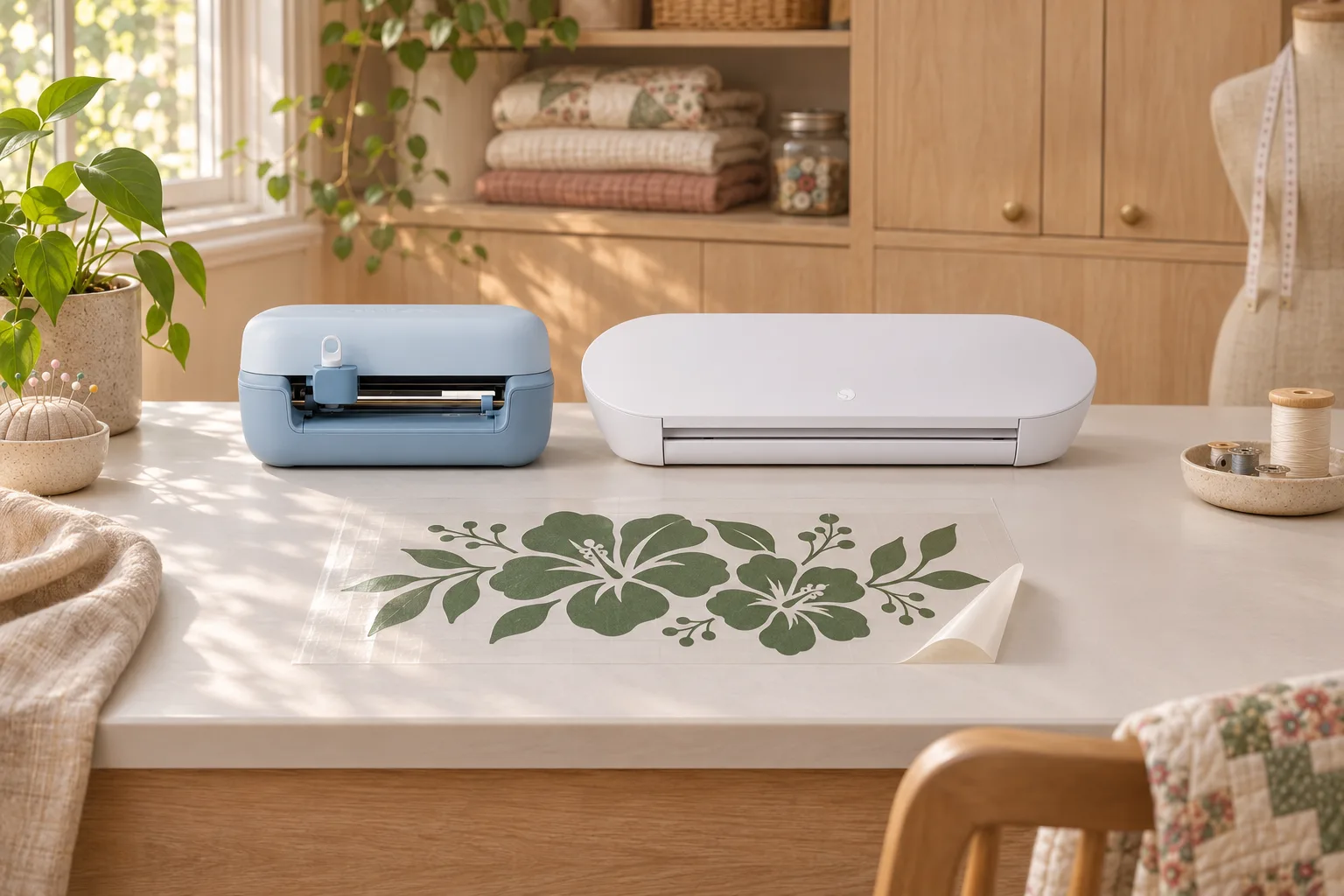
Buying guide
The best cheap cutting machines
The Cricut Joy Xtra is the best cheap cutting machine at $129 in November 2026 (list $179): 8.5-inch cuts and letter-size Print Then Cut, at the lowest cost per inch of cut width we found ($15.18, our estimate). For $199, the Explore 5 is the cheapest 12-inch cutter and the better buy at list prices.
See the picks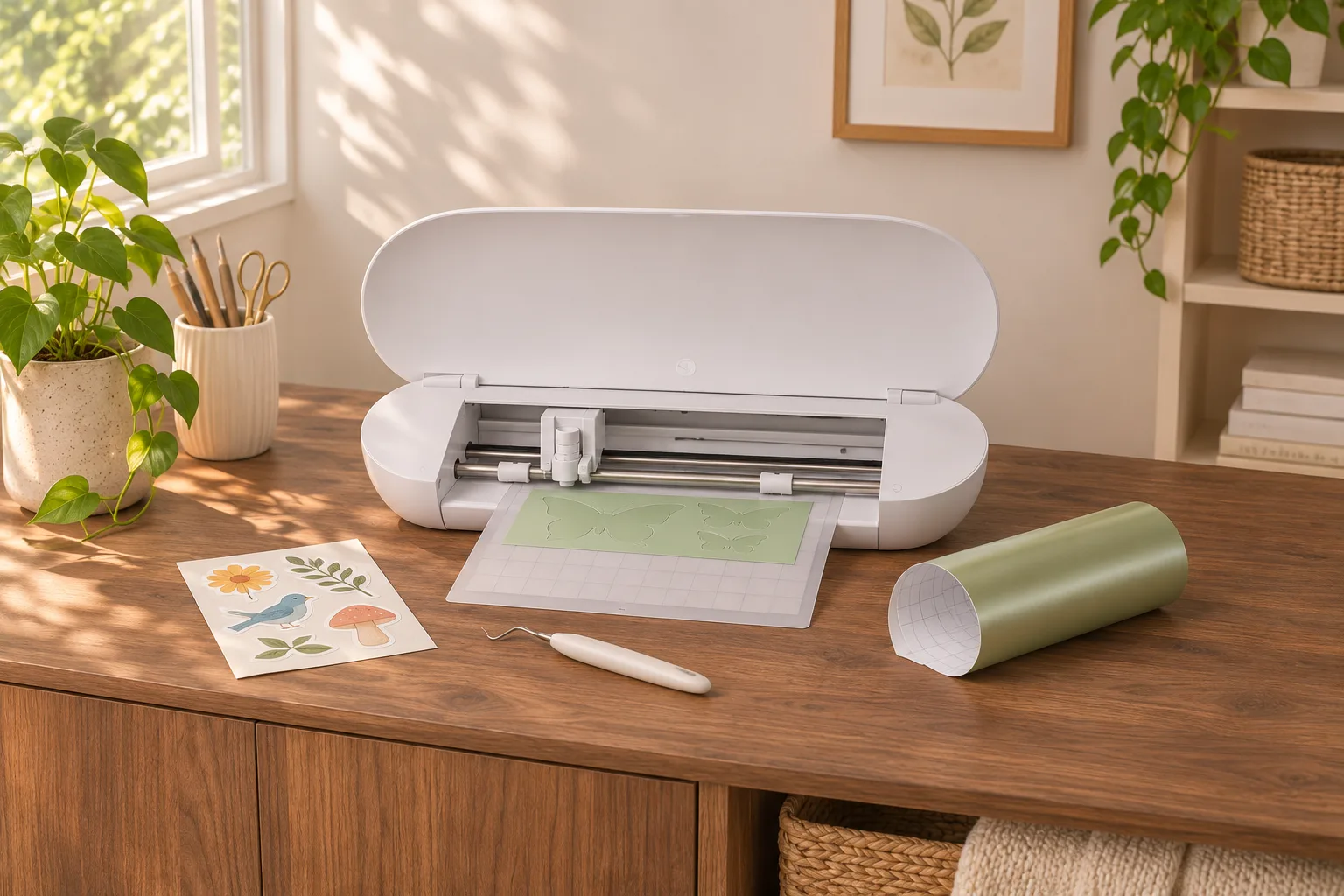
Review
Silhouette Portrait 4 review
The Portrait 4 is a good small cutter at $179.99 for vinyl, stickers, labels and cards up to 8.5 inches wide, with free offline software. Buy the $189.99 Starter Bundle for the Designer upgrade; skip it for fabric or thick materials.
Read the review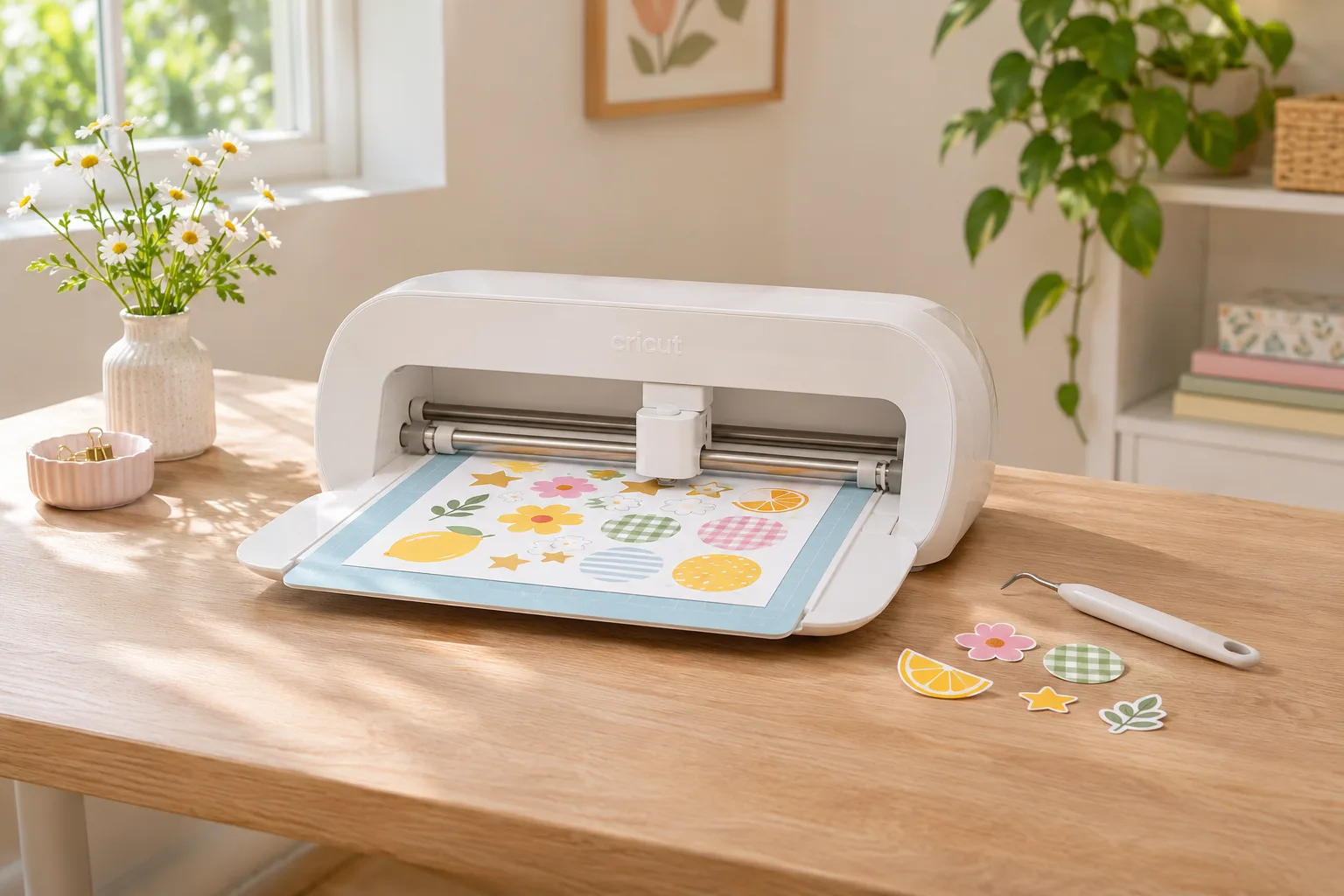
Review
Cricut Joy Xtra review
A compact Cricut that cuts letter-size sticker sheets from your own inkjet, at $129 on sale. For $70 more, the Explore 5 adds tabloid sheets and 12-inch materials.
Read the review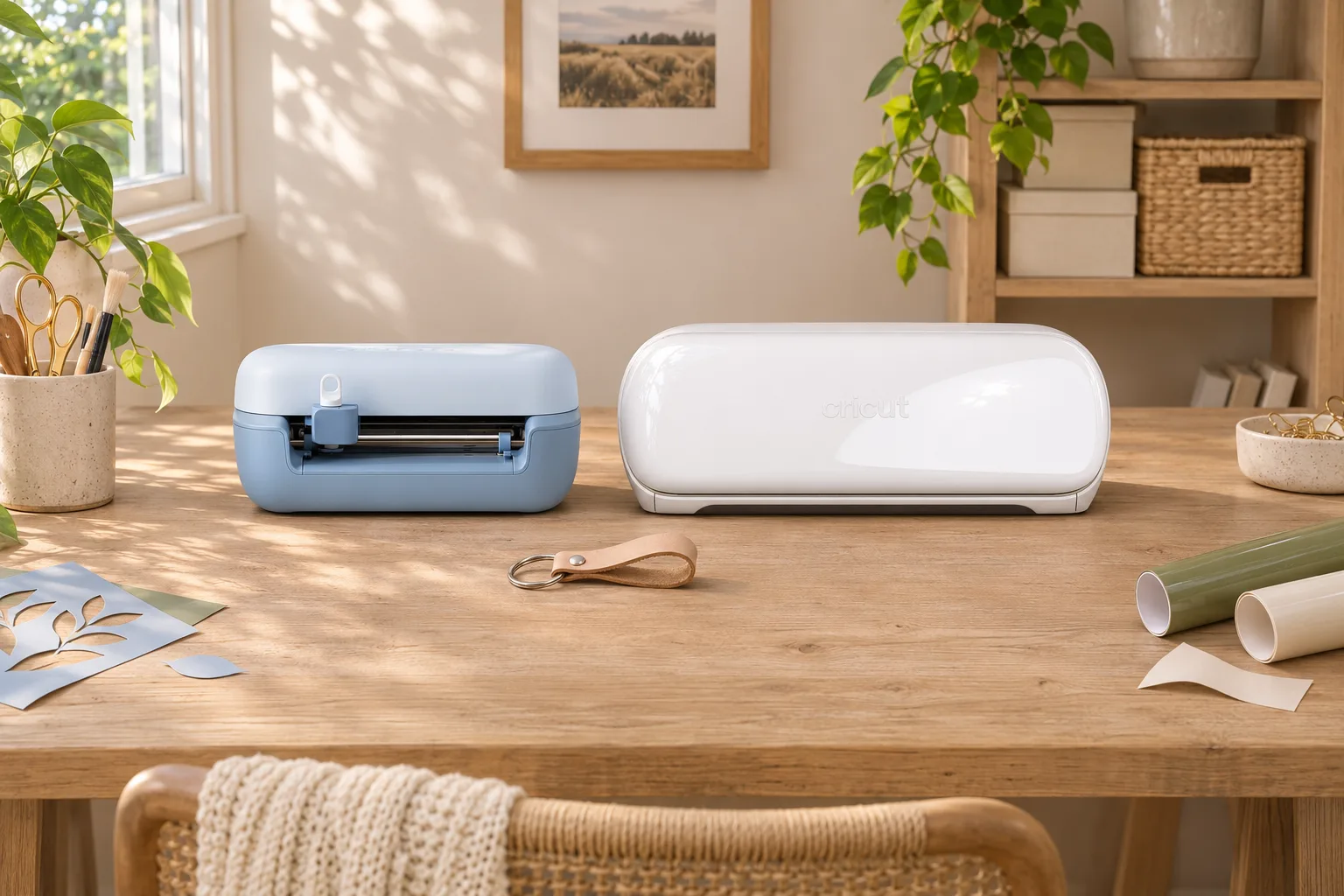
Comparison
Cricut Joy 2 vs Joy Xtra: which should you buy?
The Cricut Joy Xtra, for most people: for $30 more ($129 vs $99 in November 2026) it cuts 8.5 inches wide instead of 4.5 and prints and cuts about 7.4 x 9.9 inches of a letter sheet. Get the Joy 2 for scored cards and the smallest, lightest machine.
Compare them