How it scores
- Cutting power and materials25%6.5
Cuts vinyl, HTV, paper, cardstock and sticker sheets, and takes a 2 mm Kraft Blade, Heat Pen and sketch pens. One tool holder, 2 mm clearance and no rotary blade, punch or embossing tool.
- Cut size15%6.0
8.5 x 12 inches on a mat and 8.6 inches wide without one. Silhouette's spec table gives 4.5 feet matless with a roll feeder, while its feature list says 16 feet.
- Software and subscription20%8.0
Free Silhouette Studio Basic, offline and with no subscription. SVG and PDF import need the one-time Designer upgrade ($49.99 list), which the $189.99 Starter Bundle includes.
- Setup and ease of use10%7.0
Small and light, with the AutoBlade, automatic tool detection, PixScan and the Silhouette Go phone app. Studio has a learning curve, and Silhouette gives no maximum Print & Cut area.
- Running costs and support15%7.0
One year parts and labor in the US and Canada, stated on the product page. A cutting mat and AutoBlade are in the box; we couldn't confirm Silhouette's current replacement prices.
- Value15%7.0
$51 more than Cricut's $129 Joy Xtra, but it includes a mat, adds USB, works offline and cuts any lined vinyl without a mat; the Starter Bundle adds Designer for $10.
Overall 6.9/10, the weighted average.How we score →
Is the Silhouette Portrait 4 a good cutting machine?
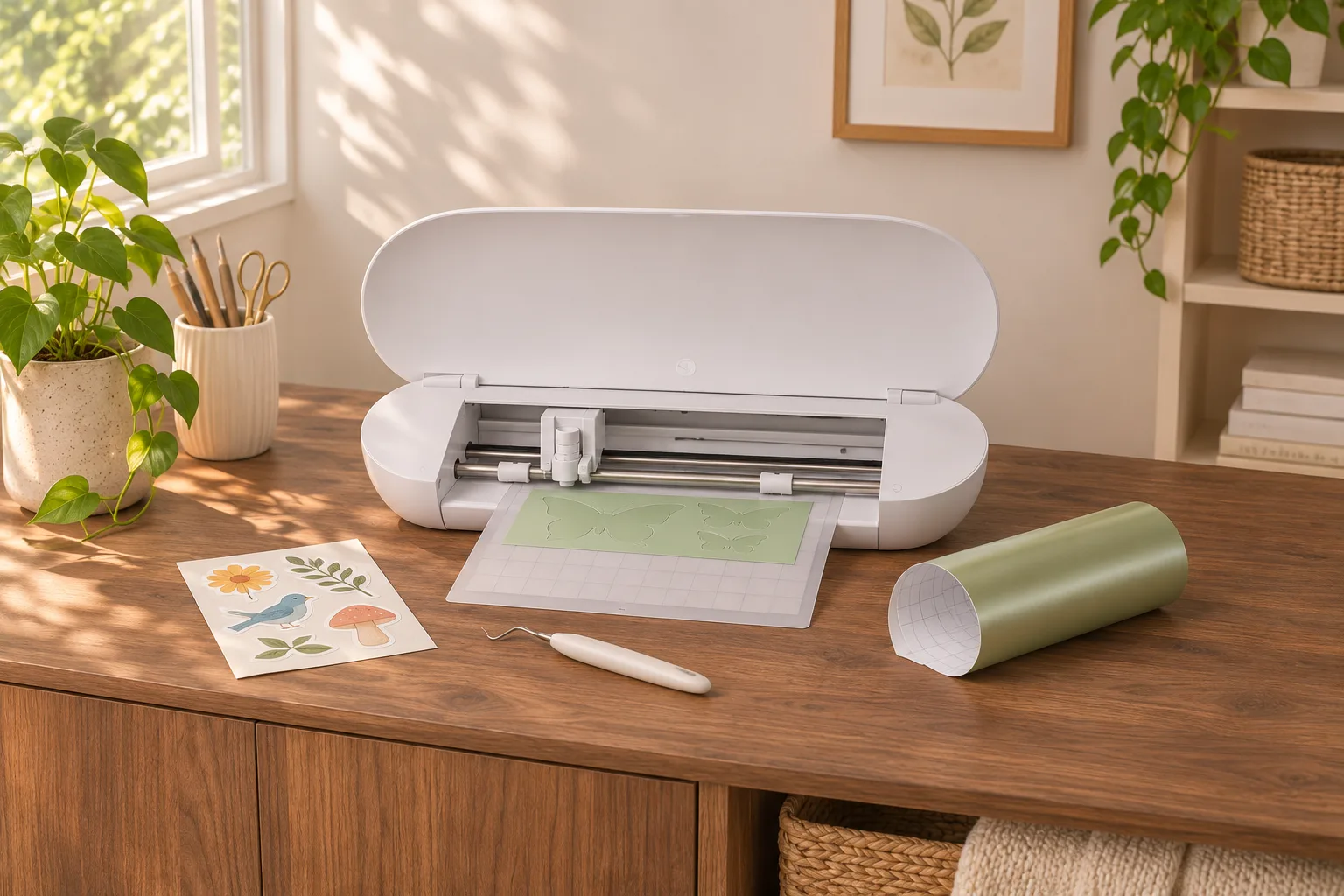
Yes, for small vinyl, sticker, label and card projects. At $179.99 at Silhouette America in November 2026 (list $199.99), the Portrait 4 cuts 8.5 x 12 inches on its mat, cuts lined vinyl and heat transfer vinyl without a mat, reads Print & Cut registration marks for printed stickers, and uses Silhouette Studio, which is free, works offline and has no subscription.
Buy the Starter Bundle at $189.99. For $10 more than the machine alone, it adds the Designer software upgrade (which you need to open SVG files and which costs $49.99 by itself), an extra mat, vinyl, sticker sheets and heat transfer vinyl.
It’s the wrong machine for fabric, felt, chipboard or anything thicker than 2 mm. It has one tool holder and doesn’t take Silhouette’s rotary blade. For those, or for designs wider than 8.5 inches, the 12-inch CAMEO 5α is $279.99.
Portrait 4 specs
| Spec | Silhouette Portrait 4 |
|---|---|
| Price (Nov 2026) | $179.99 at Silhouette, machine only (list $199.99); $199.99 at Amazon |
| Cut area on a mat | 8.5 x 12 in |
| Without a mat | 8.6 in wide; 4.5 ft with a roll feeder (spec table) or “up to 16 feet” (feature list) |
| Clearance | 2 mm |
| Cut force | Not published |
| Speed | 100 mm/s (3.9 in/s) cutting and sketching (Silhouette Europe) |
| Tool holders | 1, with automatic tool detection |
| Print & Cut | 3-point registration marks; maximum area not published |
| Scanner or camera | Optical sensor for registration marks; PixScan support; no scanner |
| Connectivity | USB 2.0 and Bluetooth |
| Phone and offline | Silhouette Go app (iOS, Android); Studio works offline |
| Computer | Windows 10 or later, macOS 13 or later |
| Size and weight | 17.32 x 6.42 x 4.88 in; 4 lb 1.3 oz (1.85 kg) |
| Warranty | One year parts and labor (US and Canada) |
Source: Silhouette America’s Portrait 4 page and Silhouette Europe’s comparison table, read November 28, 2026.
Silhouette’s pages disagree in three places. The longest matless cut is 4.5 feet in the spec table and Silhouette Europe’s table, but “up to 16 feet” in the feature list; plan on 4.5 feet. The US help center gives a 3 mm clearance and a weight “just over 3 pounds”, but the product page says 2 mm and 4 lb 1.3 oz, and we use the product page. Silhouette Europe lists the weight as 2.0 kg.
No roll feeder is listed in the box, and the spec table ties the 4.5-foot figure to one.
What’s in the box, and which bundle should you buy?
The machine-only box has the Portrait 4, a cutting mat, the AutoBlade, a blade adjustment tool, the power adapter, Studio, 50 designs and a month of the Design Store subscription.
| Option | Price (list) | What it adds |
|---|---|---|
| Machine only | $179.99 ($199.99) | Nothing |
| Starter Bundle | $189.99 ($456.79) | Designer upgrade, extra mat, glossy and metallic vinyl, sticker sheets, smooth heat transfer, 5 transfer tape sheets, $25 download card, 5 tools |
| ES Mat Bundle | $199.99 ($349.93) | 8.5 x 12 electrostatic mat, $25 download card, 5 tools |
| Print & Cut Bundle | $239.99 ($481.88) | Designer upgrade, letter Auto Sheet Feeder, electrostatic mat, printable vinyl and heat transfer, metallic vinyl, 5 tools |
Prices at Silhouette America on November 28, 2026.
The Starter Bundle is the best value by a wide margin. Pick the Print & Cut Bundle if you’ll print sticker sheets in volume, since the sheet feeder loads letter sheets for you. Amazon sells the machine for $199.99 through a third-party seller, $20 over Silhouette’s price.
What can the Portrait 4 cut?
Adhesive vinyl, heat transfer vinyl, printable vinyl, sticker paper, paper and cardstock. It’s built for thin materials.
| Tool | Portrait 4 | CAMEO 5α |
|---|---|---|
| AutoBlade | In the box | In the box |
| Manual 1 mm and 2 mm blades | Yes | Yes |
| 2 mm Kraft Blade | Yes | Yes |
| Heat Pen (foil) | Yes | Yes |
| Pen Holder (sketch pens) | Yes | Yes |
| Rotary Blade (fabric) | No | Yes |
| 3 mm Kraft Blade | No | Yes |
| Punch Tool | No | Yes |
| Embossing Tool (Type C) | No | Yes |
| Tool holders | 1 | 2 |
Source: Silhouette Europe’s tool compatibility table. Older Silhouette blades fit the Portrait 4 with an adapter.
With one tool holder, it carries one tool at a time, so a job that sketches and then cuts needs a tool swap. The CAMEO 5α holds two.
Is the Portrait 4 good for stickers?
Yes, at letter size. You design and print a sticker sheet with registration marks on a color inkjet, load it on the 8.5 x 12-inch mat, and the Portrait 4 reads the marks and kiss-cuts around each sticker. Silhouette lists improved Print & Cut scanning and PixScan support among its features.
It reads three registration marks. The CAMEO 5α reads four; Silhouette moved the 12-inch CAMEO from three to four with the 5α. Silhouette doesn’t publish a maximum Print & Cut area for either. See how to make stickers at home and the best printers for Cricut, which covers the inkjets that suit any print-and-cut machine.
What does the software cost?
Nothing to start. Silhouette Studio Basic is free and works offline once your downloads are synced. The paid editions are one-time upgrades: Designer $49.99 ($39.99 on sale), Designer Plus $74.99 ($59.99) and Business $99.99 ($79.99). You need Designer to open SVG files; Basic opens DXF. The Silhouette Go app runs the Portrait 4 from a phone or tablet over Bluetooth.
Portrait 4 or Cricut Joy Xtra?
The two are the same width class. The Joy Xtra is cheaper and simpler; the Portrait 4 costs less to run if you’d otherwise pay for software.
| Silhouette Portrait 4 | Cricut Joy Xtra | |
|---|---|---|
| Price (maker, Nov 2026) | $179.99 (list $199.99) | $129 (MSRP $179) |
| Mat in the box | Yes | No; Joy Xtra mats are $11.99 |
| Cut area on a mat | 8.5 x 12 in | 8.2 x 11.7 in |
| Without a mat | Any lined material, 8.6 in wide | Cricut Smart Materials only, 8.5 in x 4 ft |
| Speed | 100 mm/s (3.9 in/s) | 5.65 in/s (144 mm/s) |
| Connection | USB and Bluetooth | Bluetooth only |
| Software | Studio Basic, offline | Design Space; offline only on Windows, Mac and iOS after setup |
| SVG import | Designer upgrade, $49.99 one-time | Free |
| Paid extras | One-time upgrades | Cricut Access, $9.99 a month (optional) |
Source: Silhouette and Cricut product pages, Cricut’s mat prices at MSRP. See Portrait 4 vs Joy Xtra for the full hidden-costs table, and our Joy Xtra review.
Should you buy the Silhouette Portrait 4?
Buy it if you make stickers, labels, planner pieces, cards, small vinyl decals or left-chest shirt designs, have limited desk space and want software you own. Get the $189.99 Starter Bundle.
Skip it for fabric, felt, chipboard, full-front shirts or signs; the CAMEO 5α handles all of those at $279.99. If you want the simplest app and the lowest price, Cricut’s $129 Joy Xtra or the $99 Joy 2 are cheaper. See the best Silhouette machines and the best cheap cutting machines.
Questions people ask
Is the Silhouette Portrait 4 a good cutting machine?
Yes, for vinyl, stickers, labels and cards up to 8.5 inches wide. It’s $179.99, or $189.99 as the Starter Bundle with the Designer upgrade, and its software is free and offline. It isn’t for fabric or thick materials.
How big can the Portrait 4 cut?
8.5 x 12 inches on its mat and 8.6 inches wide without one. Silhouette’s spec table puts the longest matless cut at 4.5 feet with a roll feeder.
Can the Portrait 4 cut fabric?
Not well. It doesn’t take Silhouette’s rotary blade, which the CAMEO 5α and Curio 2 do, and it has 2 mm of clearance.
Can the Portrait 4 cut HTV?
Yes. It cuts heat transfer vinyl on its mat or without one, up to 8.6 inches wide, which fits left-chest logos and sleeves but not most full-front shirt designs.
Does the Portrait 4 need a computer?
No. The Silhouette Go app runs it from an iPhone, iPad or Android device over Bluetooth. The full Silhouette Studio runs on Windows 10 or later and macOS 13 or later.
Portrait 4 or CAMEO 5α?
The CAMEO 5α if you can spend $279.99: it cuts 12 inches wide, has two tool holders, 3 mm clearance and rotary-blade support. The Portrait 4 is enough for stickers, labels and small decals.
Key specifications
| Feature | Silhouette Portrait 4 | Cricut Joy Xtra | Silhouette Cameo 5α |
|---|---|---|---|
| Type | Cutting machine | Cutting machine | Cutting machine |
| Width | 8.6 in | ||
| Software | Silhouette Studio | ||
| Connection | Bluetooth, USB | Bluetooth | Bluetooth, USB |
| Where to buy | Check price at Amazon | Check price at Amazon | Check price at Amazon |
Silhouette Portrait 4
- Type
- Cutting machine
- Width
- 8.6 in
- Software
- Silhouette Studio
- Connection
- Bluetooth, USB
Cricut Joy Xtra
- Type
- Cutting machine
- Width
- Software
- Connection
- Bluetooth
Silhouette Cameo 5α
- Type
- Cutting machine
- Width
- Software
- Connection
- Bluetooth, USB
More on the Silhouette Portrait 4
Sources
- Silhouette Portrait 4 product page and bundles, silhouetteamerica.com
- Silhouette CAMEO 5α product page, silhouetteamerica.com
- Silhouette Studio editions and prices, silhouetteamerica.com
- Silhouette help: Features (Cutting Machines), silhouetteamerica.freshdesk.com
- Silhouette help: Cutting Machine Comparison, silhouetteamerica.freshdesk.com
- Silhouette help: Software Overview, silhouetteamerica.freshdesk.com
- Silhouette help: Silhouette Go Mobile App Overview, silhouetteamerica.freshdesk.com
- Silhouette Europe machine comparison, silhouetteeurope.eu
- Silhouette Europe tool compatibility, silhouetteeurope.eu
- Amazon: Silhouette Portrait 4, amazon.com
- Cricut Joy Xtra product page, cricut.com
- Cricut machine mats, cricut.com
Keep exploring
Buying guide
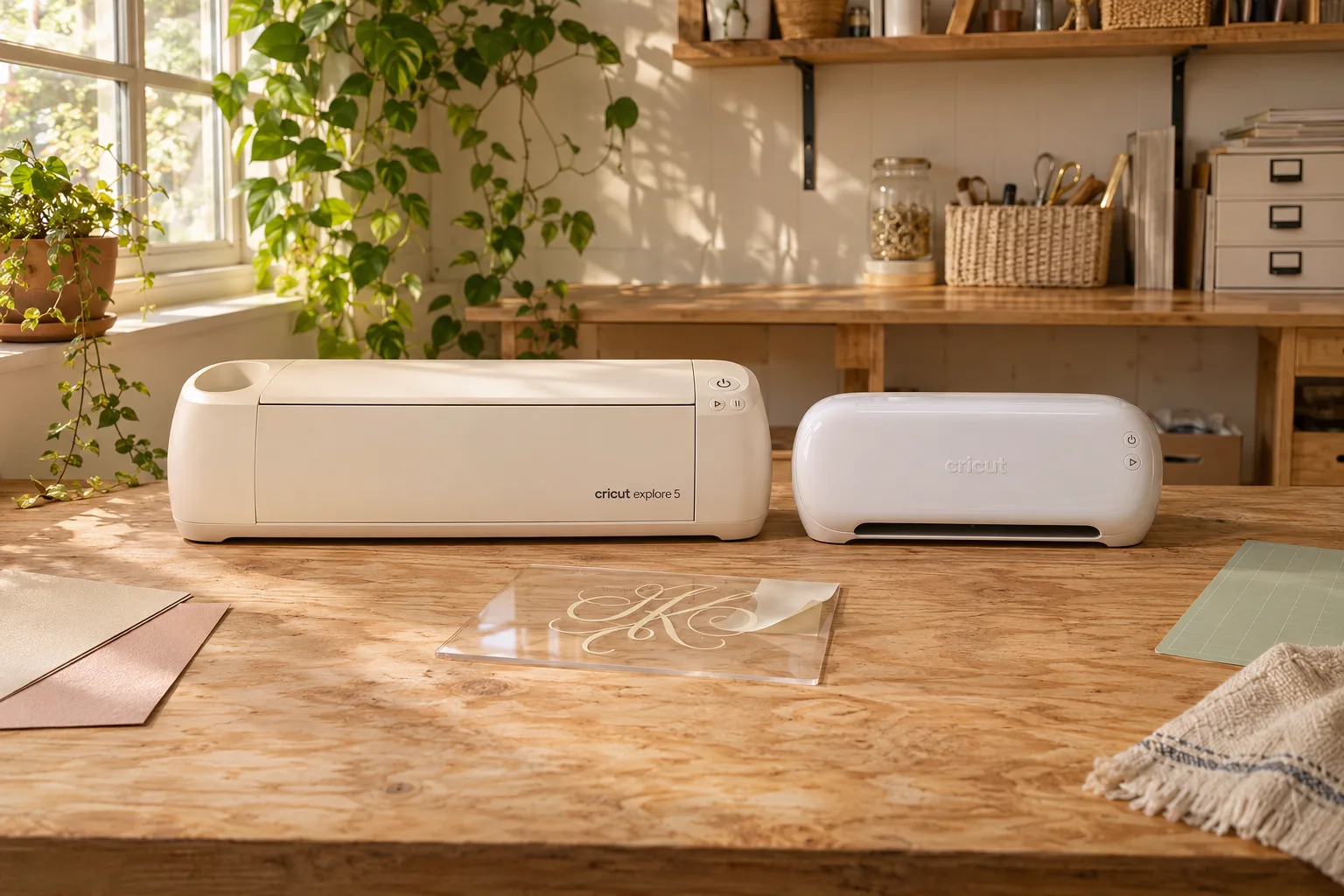
The best cutting machines for beginners
The Cricut Explore 5 is the best cutting machine for beginners: the Essential Bundle is $199 in November 2026, the same as the machine alone, and it cuts 12-inch vinyl, iron-on and cardstock, scores cards and prints and cuts tabloid sticker sheets. The Joy Xtra ($129) suits small desks; the Silhouette CAMEO 5α ($279.99) skips subscriptions.
See the picks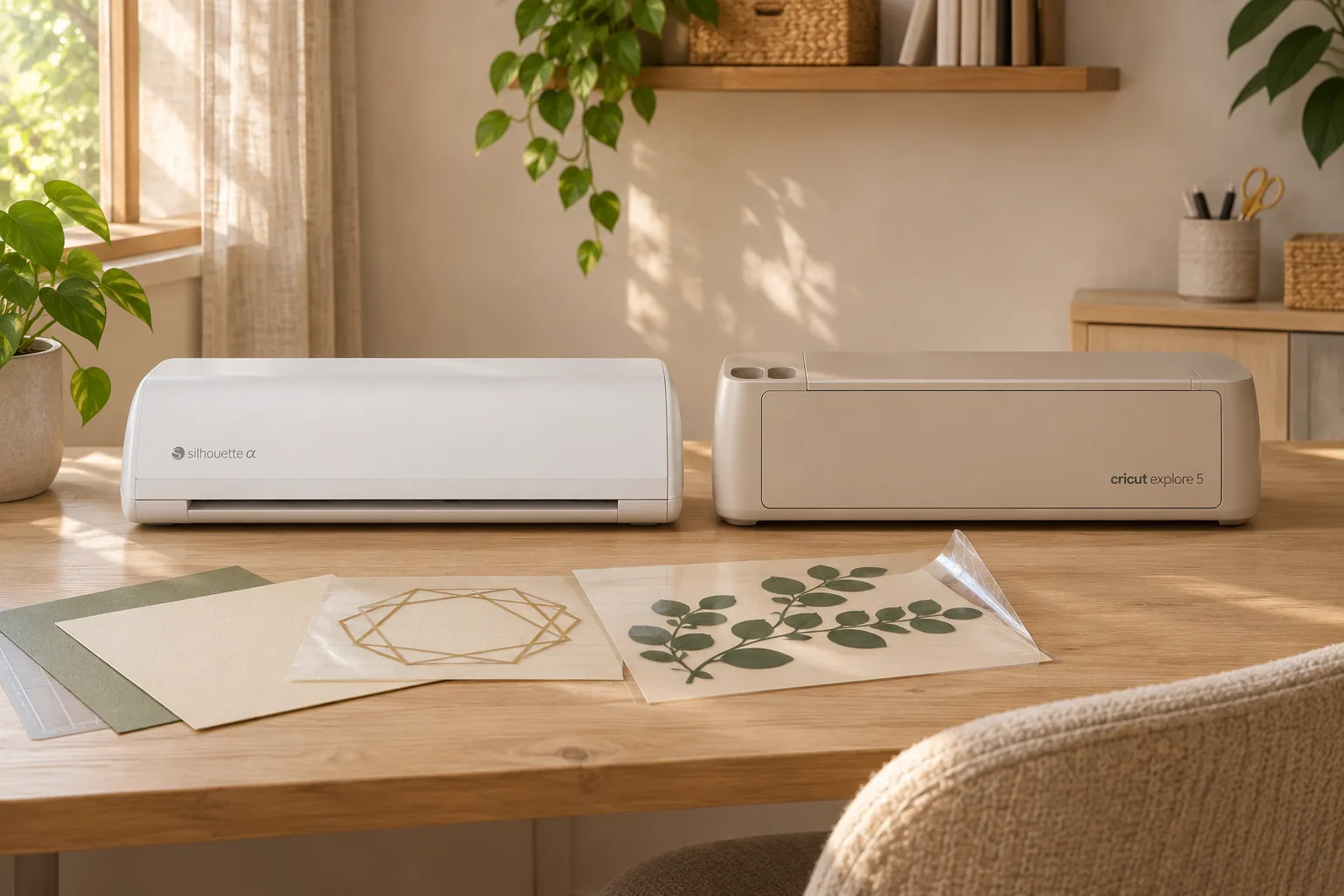
Buying guide
The best cutting machines for vinyl decals
The Silhouette CAMEO 5α is the best cutting machine for vinyl decals: it cuts any brand of lined vinyl without a mat, 11.6 inches wide and up to 16 feet long, for $279.99 in November 2026. Cricut machines cut without a mat only with Cricut's Smart Vinyl, up to 12 feet; the $199 Explore 5 is the cheapest full-size pick, and the 24-inch Siser Romeo suits decal businesses.
See the picks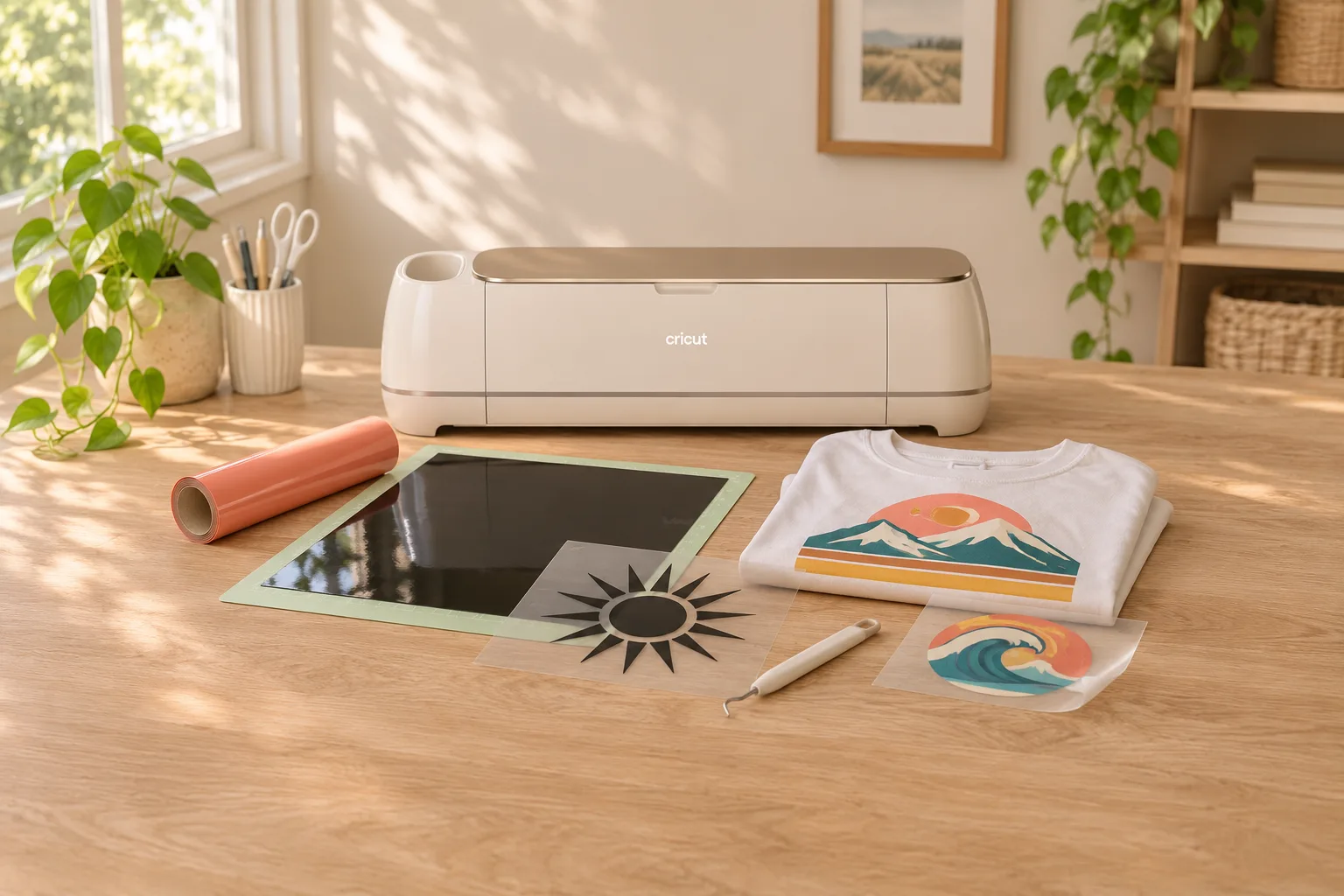
Buying guide
The best vinyl cutters for making T-shirts
The Cricut Maker 4 is the best vinyl cutter for making T-shirts: it cuts heat transfer vinyl about 11.5 inches wide on a mat, enough for an 11-inch adult full-front design, at up to 14.1 inches a second, with free software, for $349 in November 2026. The Cricut Explore 5 ($199) cuts the same width for less, and the 24-inch Siser Romeo is the pick for a shirt business.
See the picks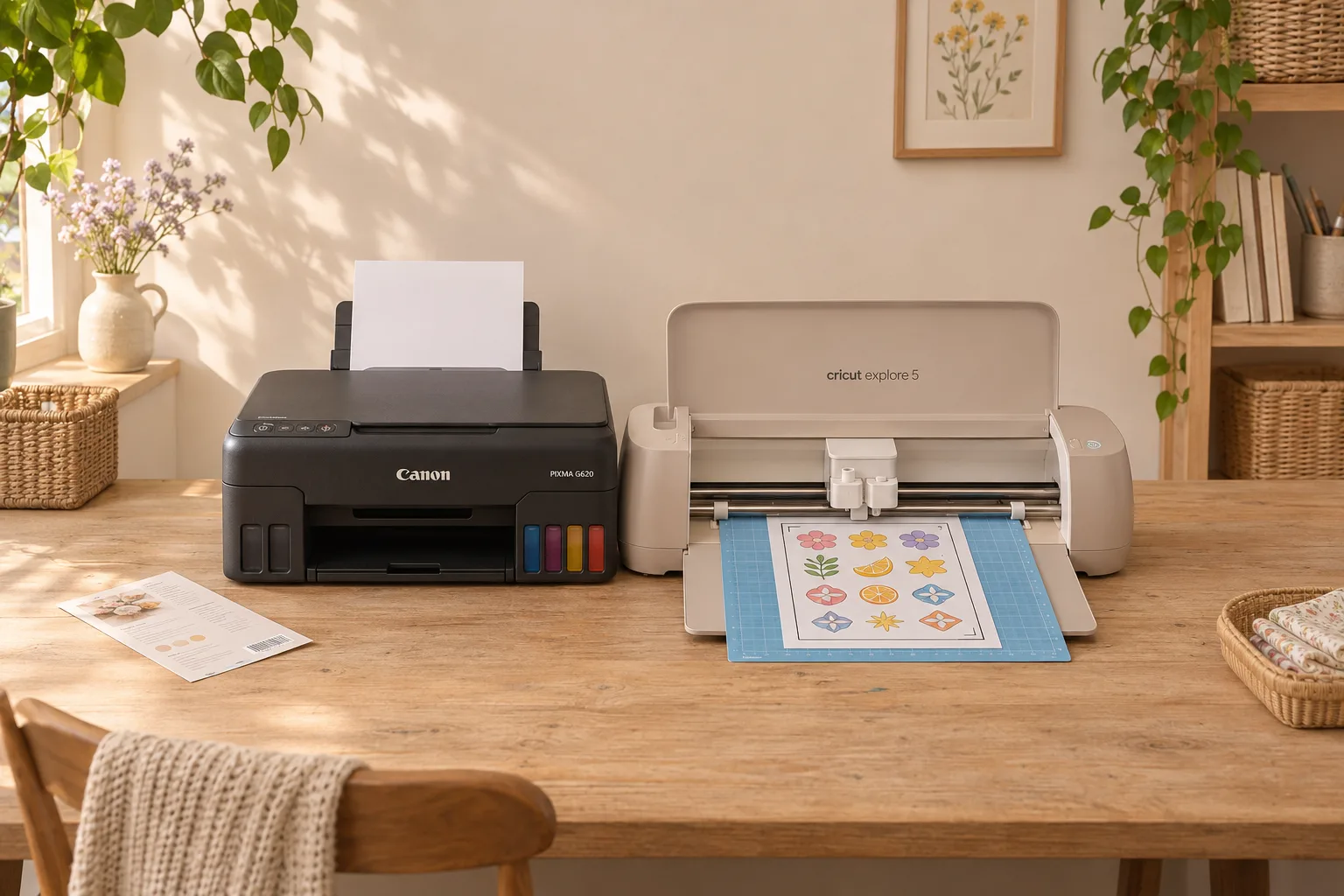
Buying guide
The best printers for Cricut Print Then Cut
Cricut Print Then Cut needs a color inkjet. The Canon PIXMA G620 has the cheapest ink, the Epson ET-8550 prints tabloid sheets on thick stock, and the Epson ET-2900 is the budget pick.
See the picks