How to
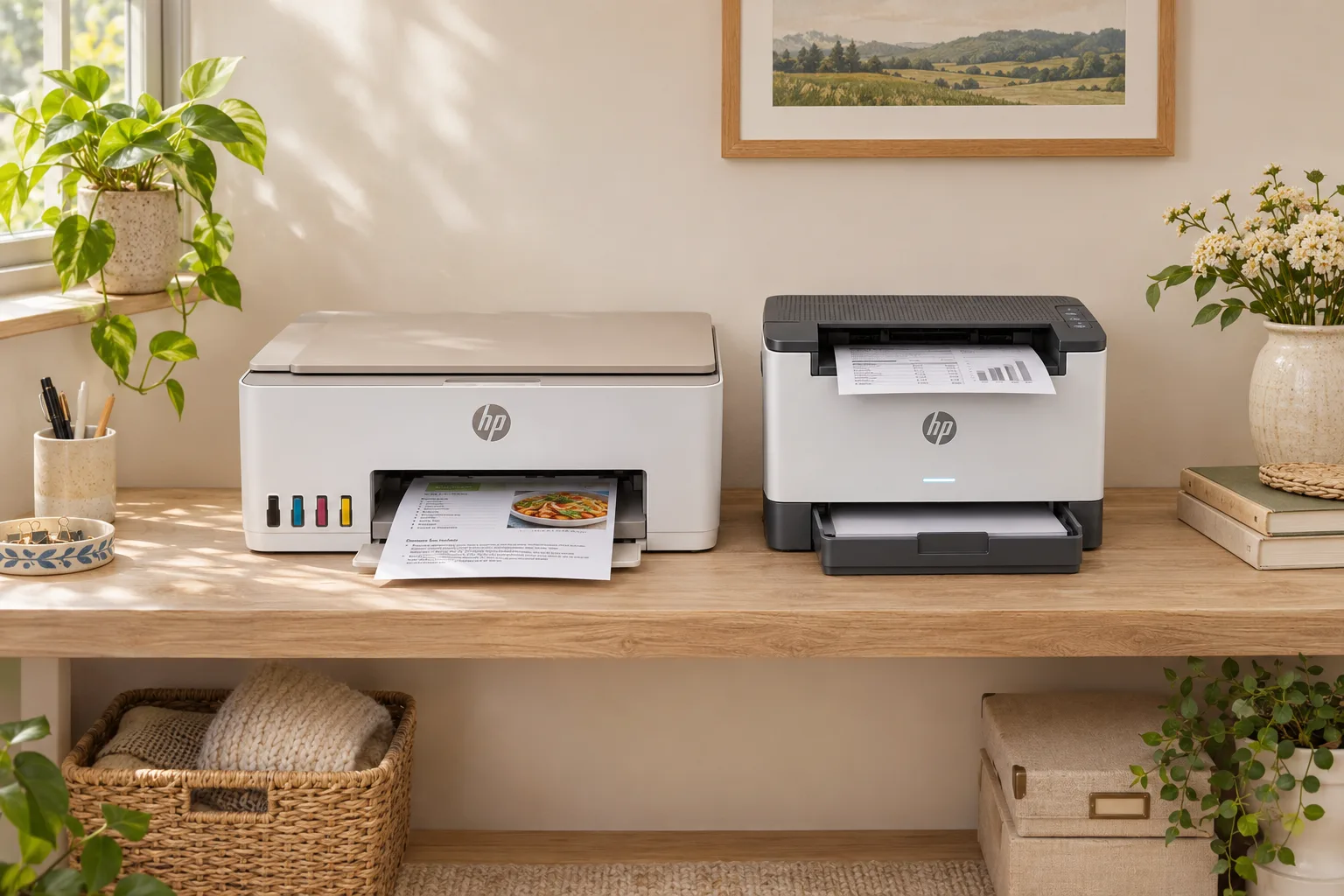
DeskJet and ENVY are cheap cartridge printers at about 17¢ a black page, OfficeJet Pro is HP's office inkjet, Smart Tank is its bottle-fed ink tank at about 0.4¢, and LaserJet is its laser line. An "e" means HP+ is offered at setup.
Read the guide →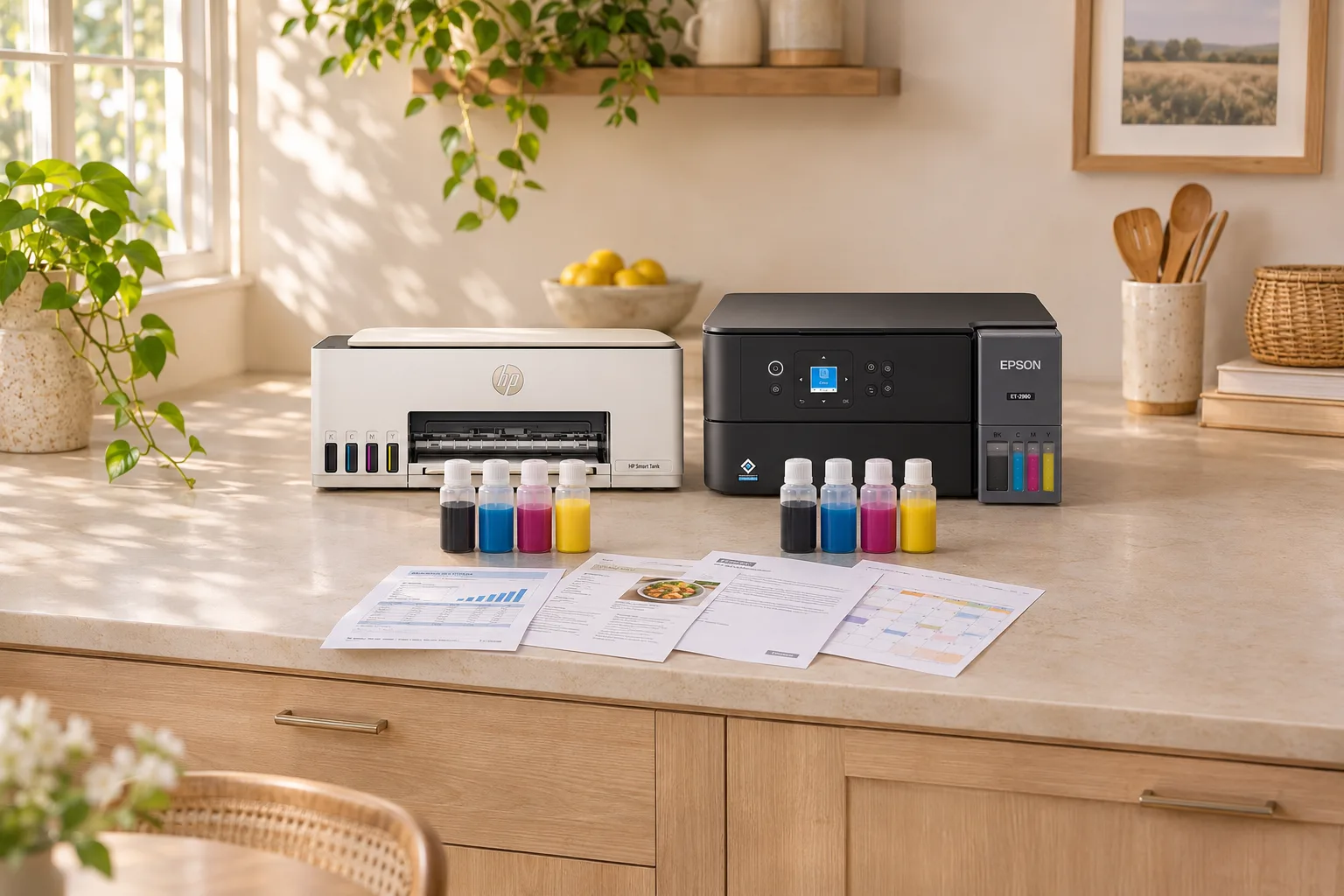
How to
All three cost about 0.3¢ to 0.4¢ a black page and about 1¢ in color, so buy on features. Canon's G3270 is cheapest to buy, Epson's ET-4950 is the cheapest with a feeder that scans both sides, and HP's Smart Tank 7603 has a feeder, fax and two-sided printing for $319.99 on sale. HP and Canon printheads are replaceable; Epson's aren't.
Read the guide →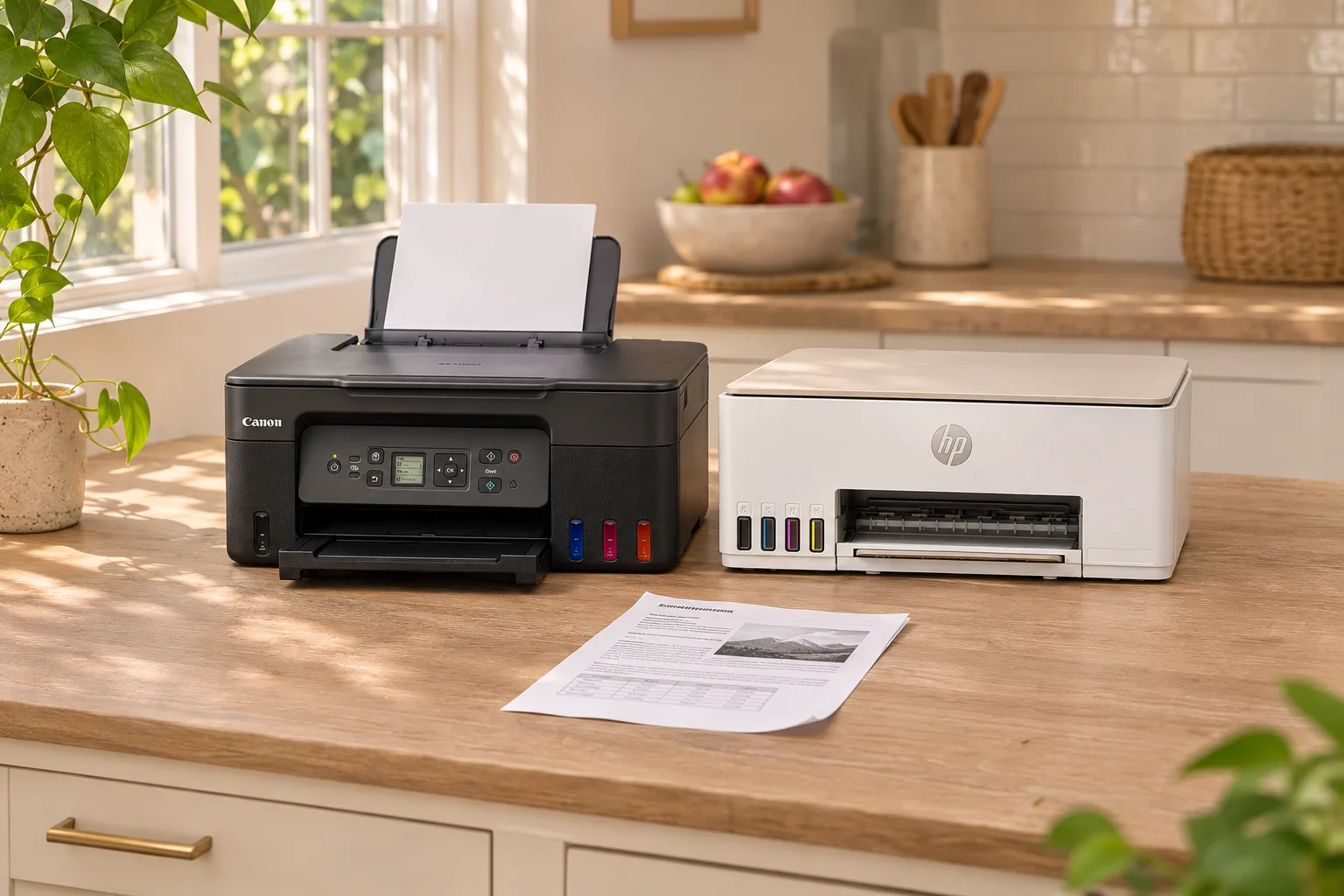
How to
Canon, for most homes: its $144.99 G3270 is the cheapest ink tank to buy at about 1¢ a color page, its lasers cost less than HP's and some carry three-year warranties, and it makes the better photo printers. HP is better for an ink tank with a feeder, fax and two-sided printing.
Read the guide →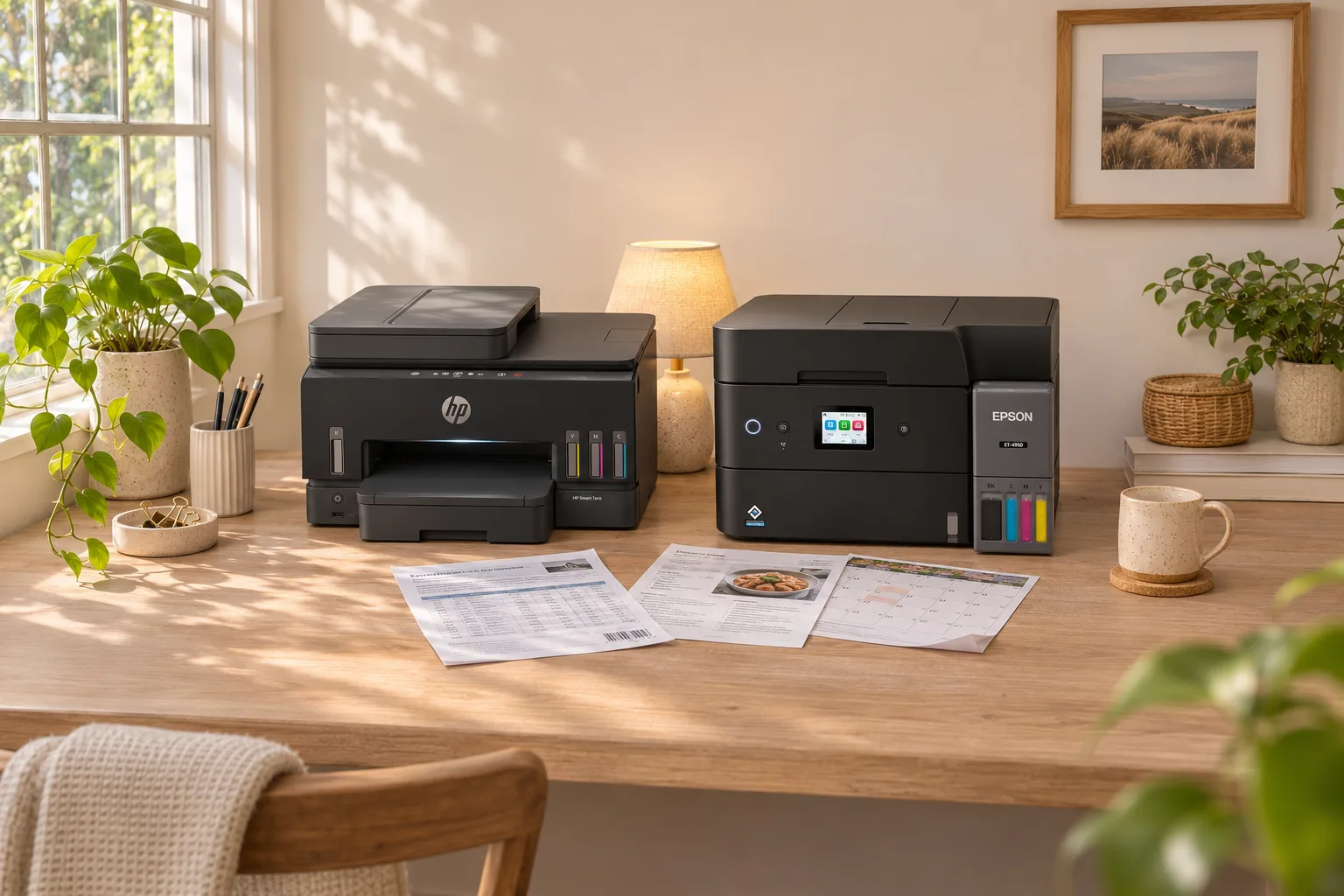
How to
Epson, for most homes: its EcoTanks print a black page for about 0.3¢ with no account and the best home photo printers. HP is better if you want a laser, which Epson doesn't make, or a cheaper ink tank with replaceable printheads.
Read the guide →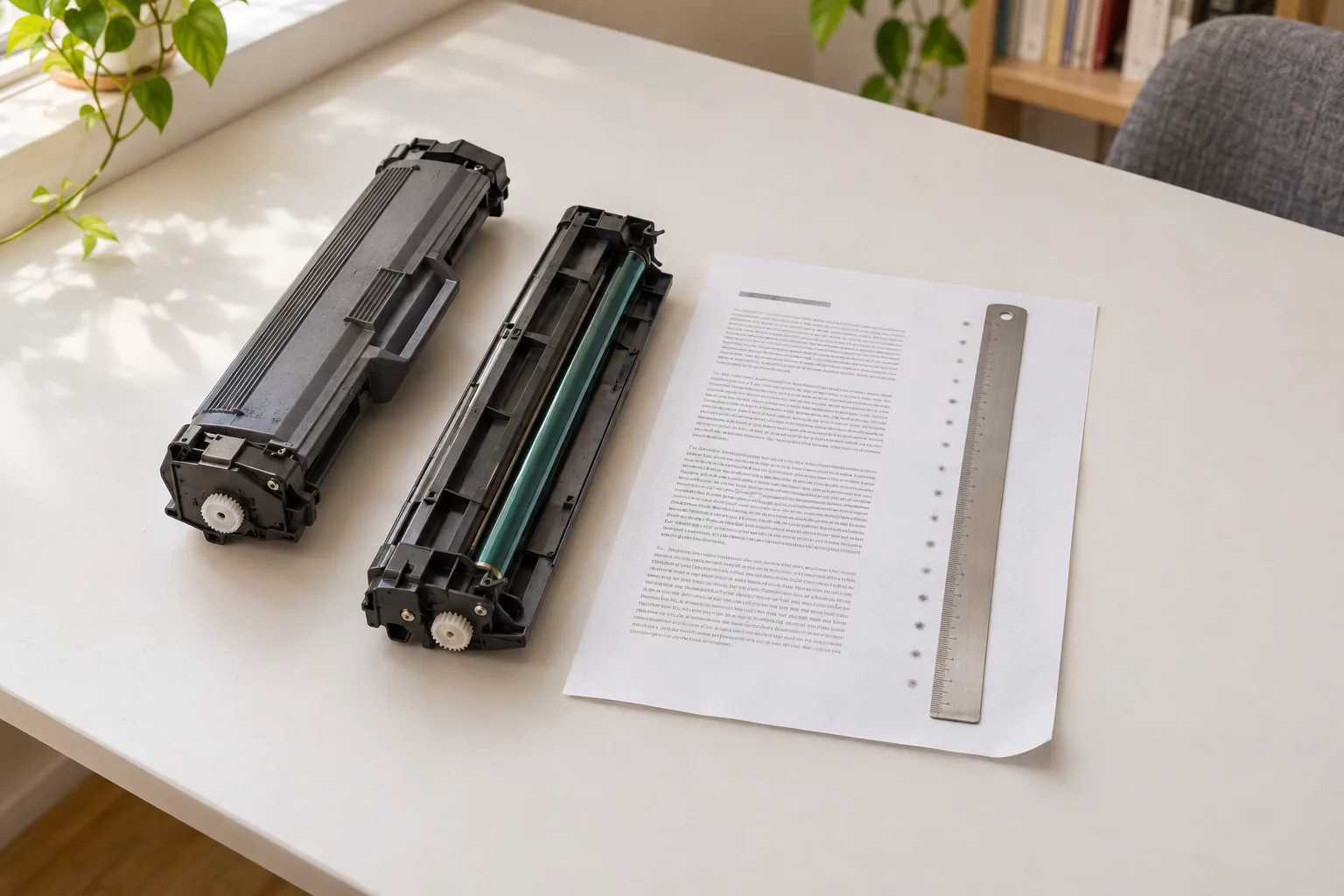
How to
Usually a dirty drum, a dirty corona wire, a worn toner cartridge or a dirty fuser. Measure the gap between repeating marks: on a Brother HL-L2460DW, marks every 94 mm (3.7 in) come from the drum, which you can clean or replace for $157.99.
Read the guide →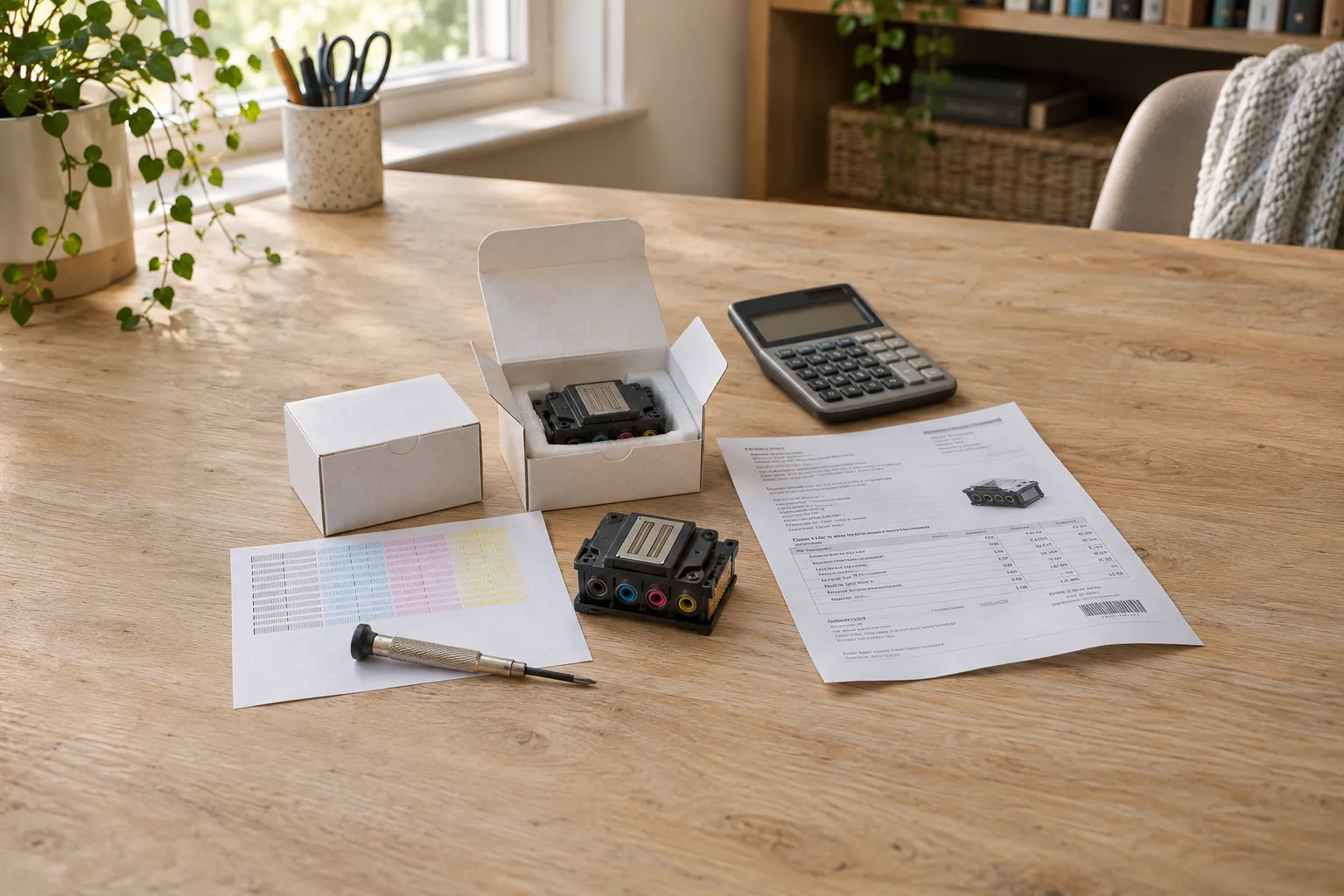
How to
For most home printers, the repair is a part you fit yourself: $28.99–$38.99 for a Canon MegaTank print head, $157.99 for a Brother laser drum. No major maker publishes a bench-repair price, so if the part costs more than half a new printer, replace it.
Read the guide →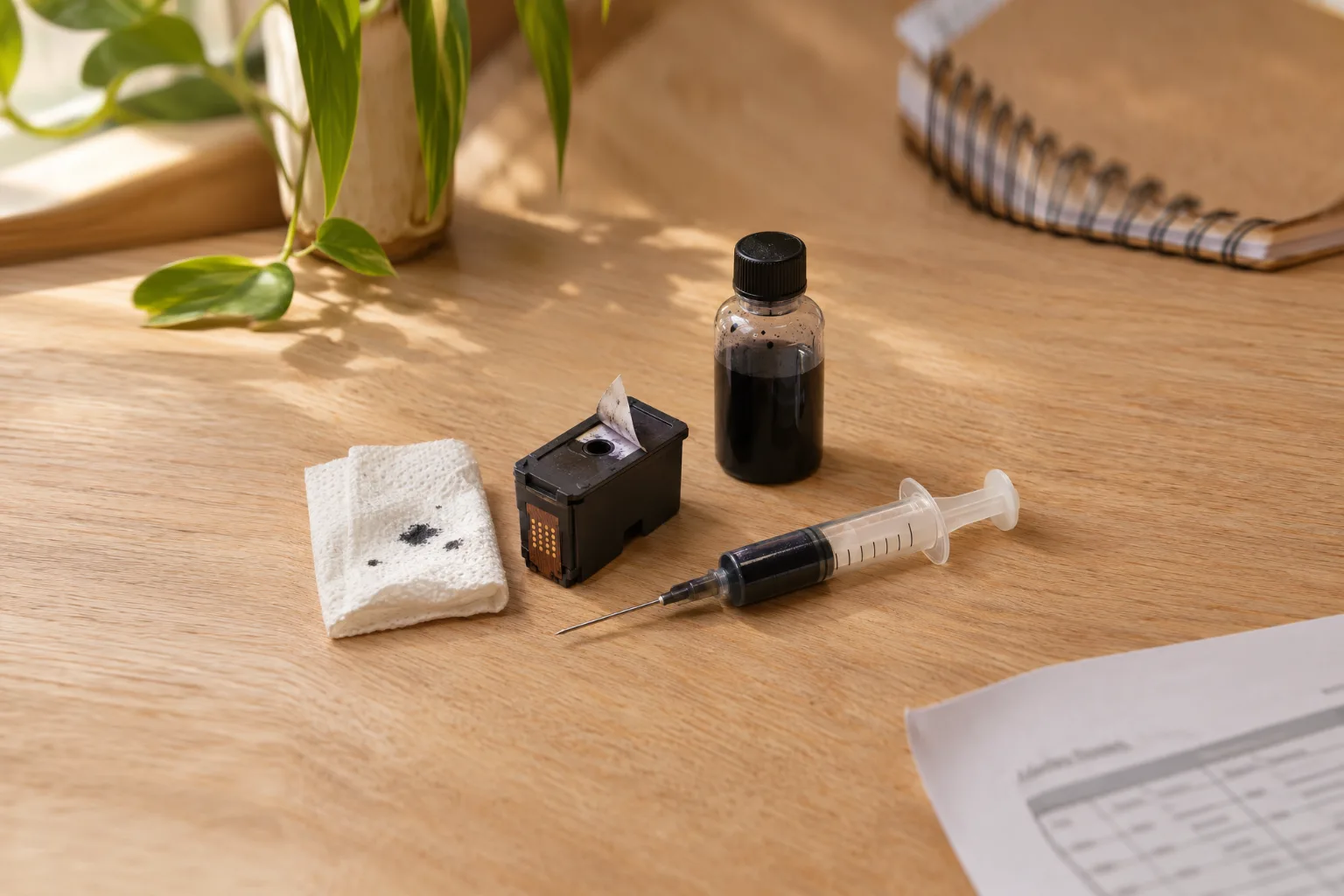
How to
Yes, with limits. HP printers accept refilled cartridges that keep their original HP chip, and Canon lets you keep printing with a refilled cartridge by switching off its ink-level detection. Either way you lose accurate ink readings, and a 100-page refill has to cost under about 38¢ to match an ink-tank printer's 0.4¢ black page.
Read the guide →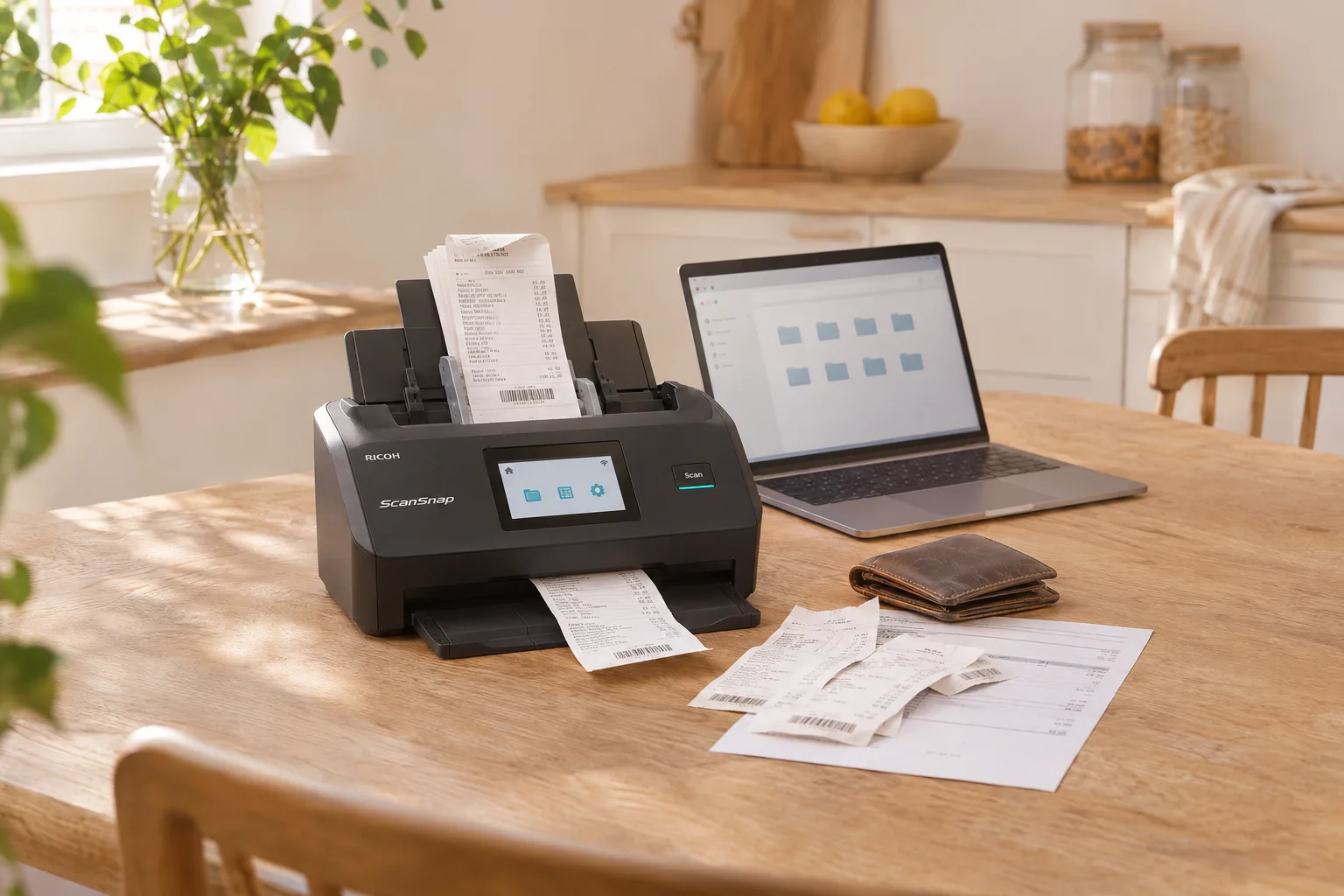
How to
Scan each receipt to a searchable PDF at 300 dpi, name it by date, payee and amount, and keep it at least 3 years after you file: the IRS accepts electronic records under the same rules as paper. For a backlog, the $399.99 ScanSnap iX2500 scans 90 sides a minute and sorts receipts with free software.
Read the guide →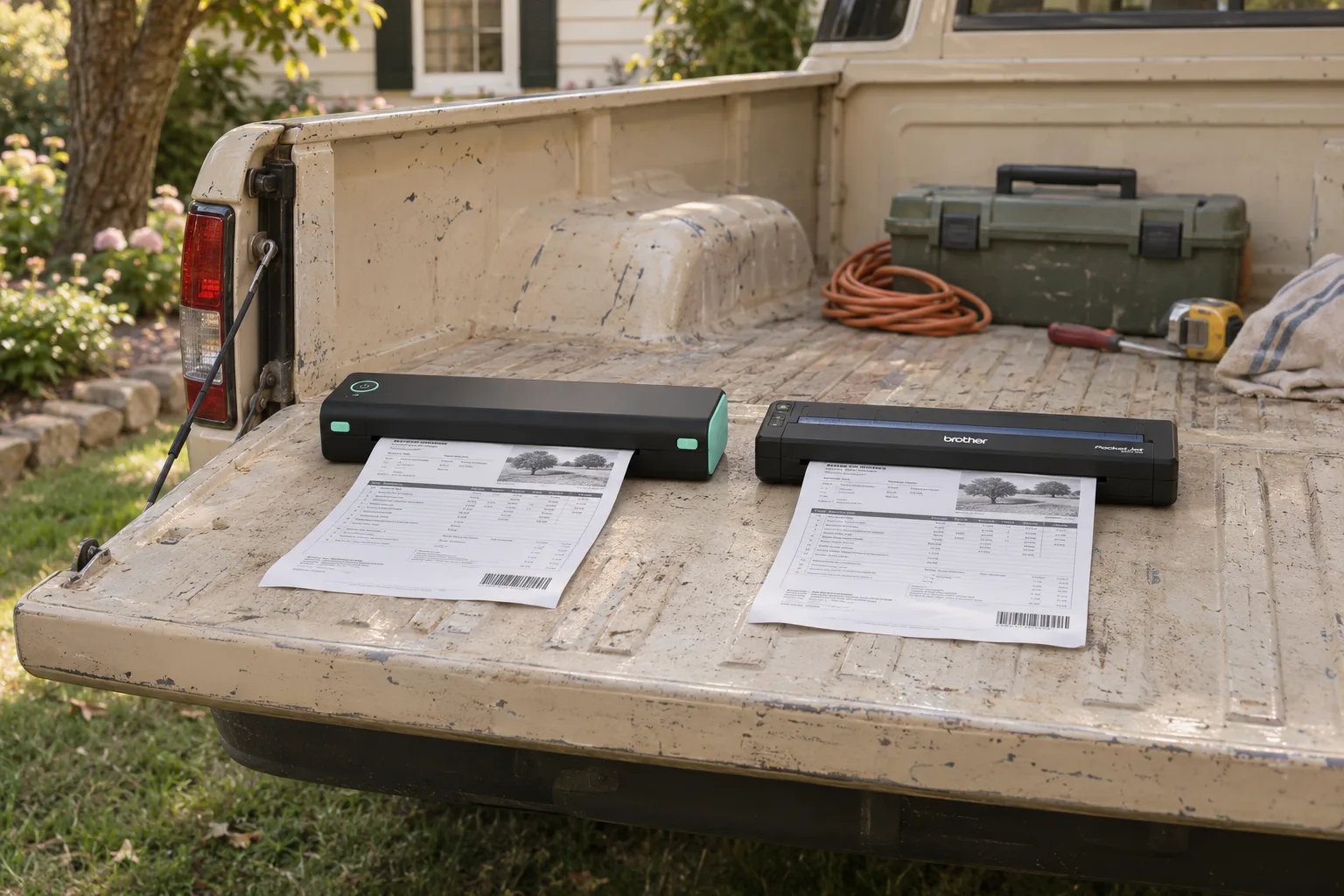
How to
Yes, for occasional black-and-white pages away from a desk: there's no ink to dry out. But thermal paper costs 12–21¢ a sheet, prints are black only, and they fade within years.
Read the guide →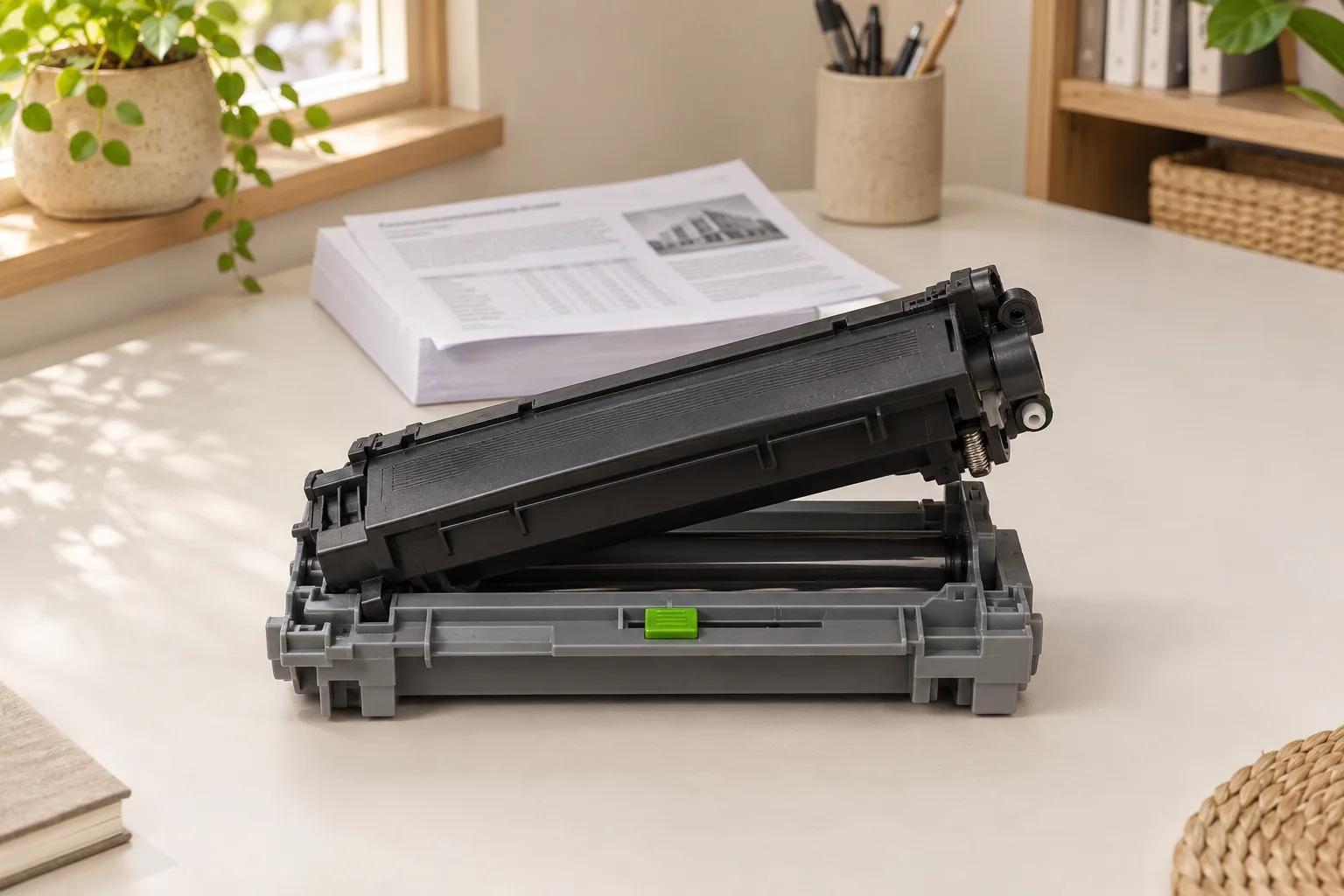
How to
The toner cartridge holds the powder; the drum is the light-sensitive roller that puts it on the page. On Brother lasers they're separate: a DR830 drum ($157.99) lasts about 15,000 pages, five TN830XL cartridges' worth. HP and Canon build the drum into the toner.
Read the guide →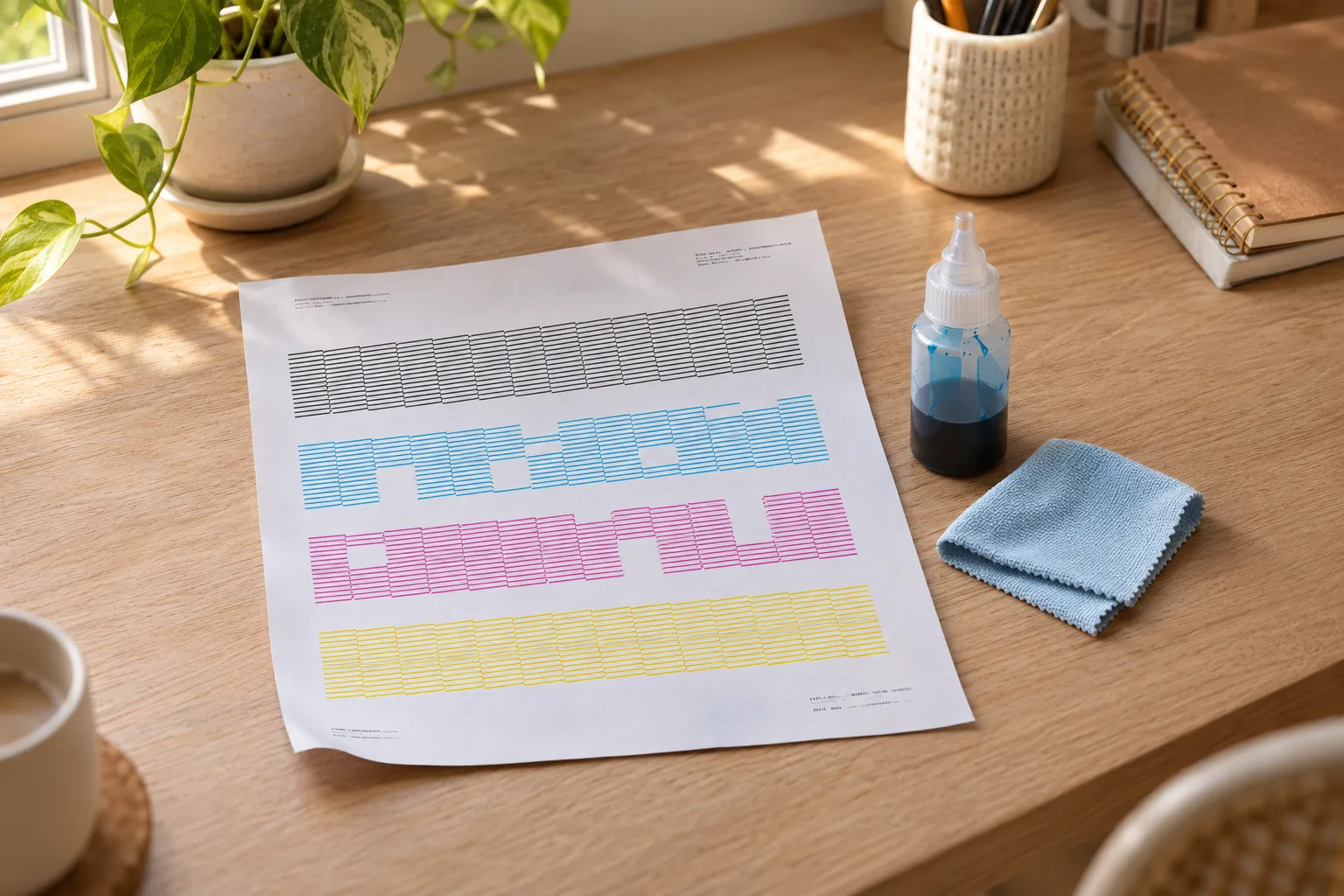
How to
Print a nozzle check, clean only if it shows gaps, and stop at the maker's limit: three cleanings and then a 12-hour rest on an Epson EcoTank, or two cleanings, a deep cleaning and a 24-hour rest on a Canon PIXMA. Here are each maker's steps, the last-resort flushes, and when a clog means a new printer.
Read the guide →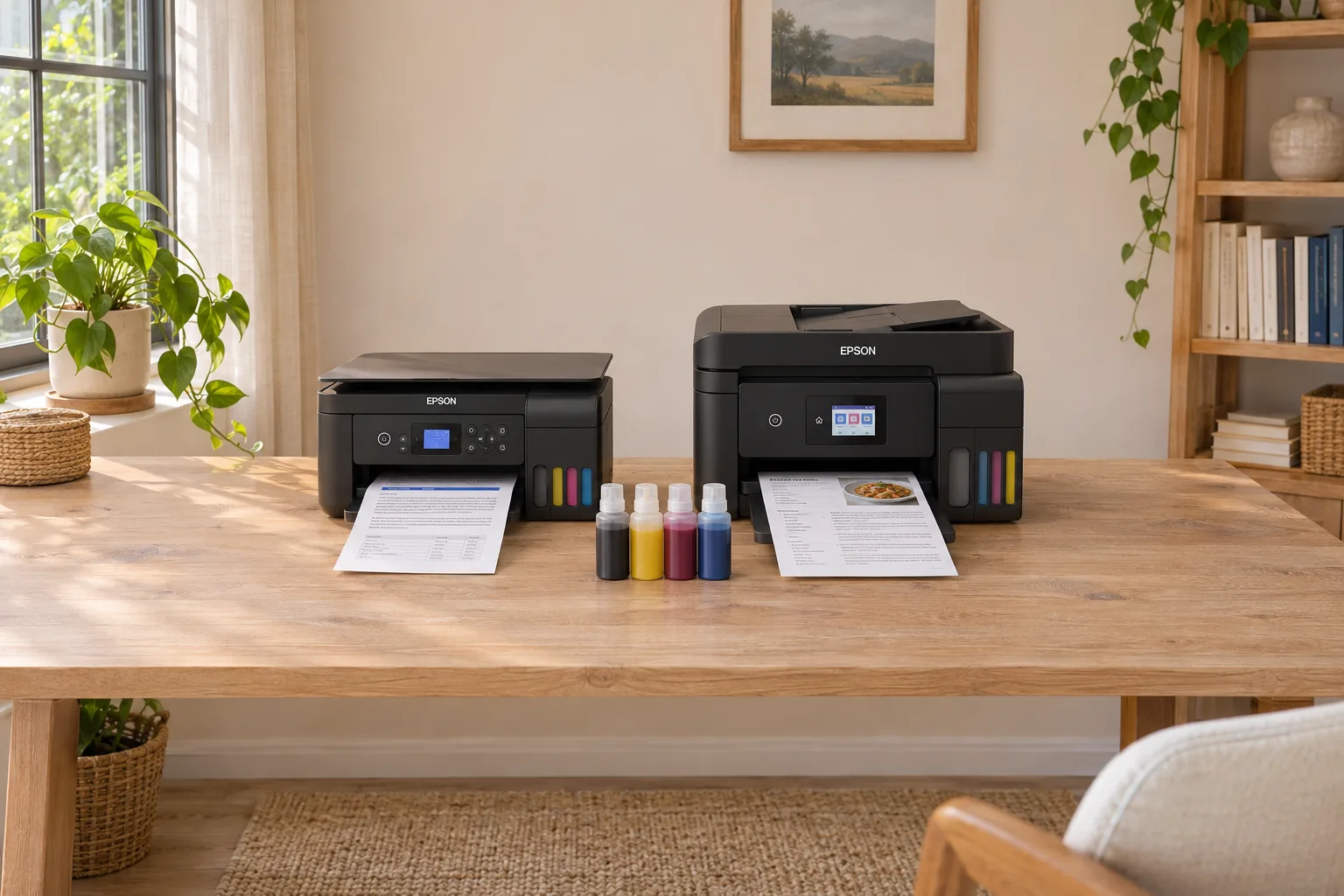
How to
Buy the ET-2980 for most homes: 0.3¢ a black page and automatic two-sided printing for $329.99. The ET-2900 is the budget pick, the ET-4950 adds a two-sided feeder and fax, the ET-8500 is for photos, and EcoTank Pro models are for offices.
Read the guide →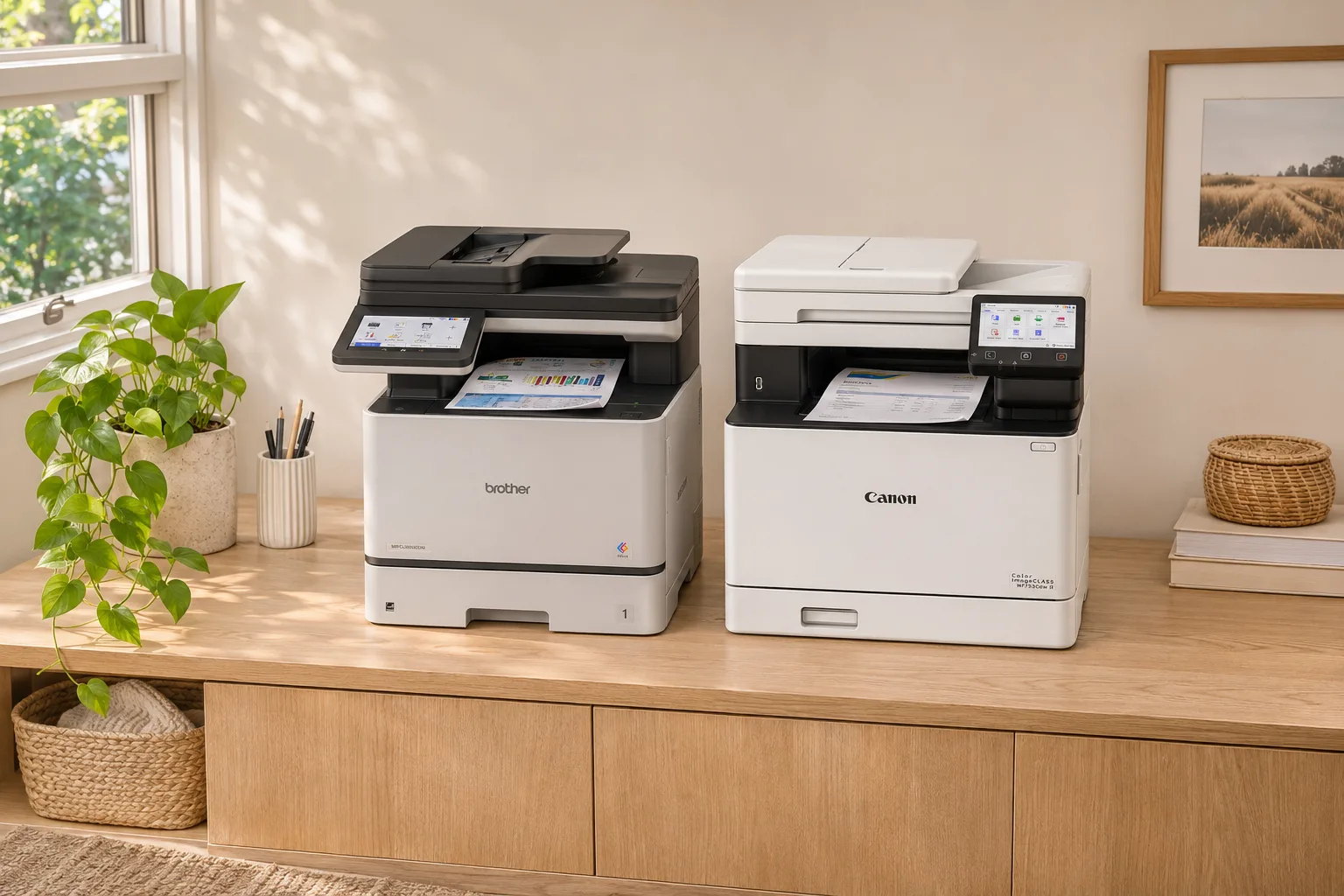
How to
Brother's business lasers print the cheapest pages and take the most paper; Canon's imageCLASS lasers cost far less to buy, scan faster than Brother's mono model and come with a three-year warranty. Here's how to choose for a small office.
Read the guide →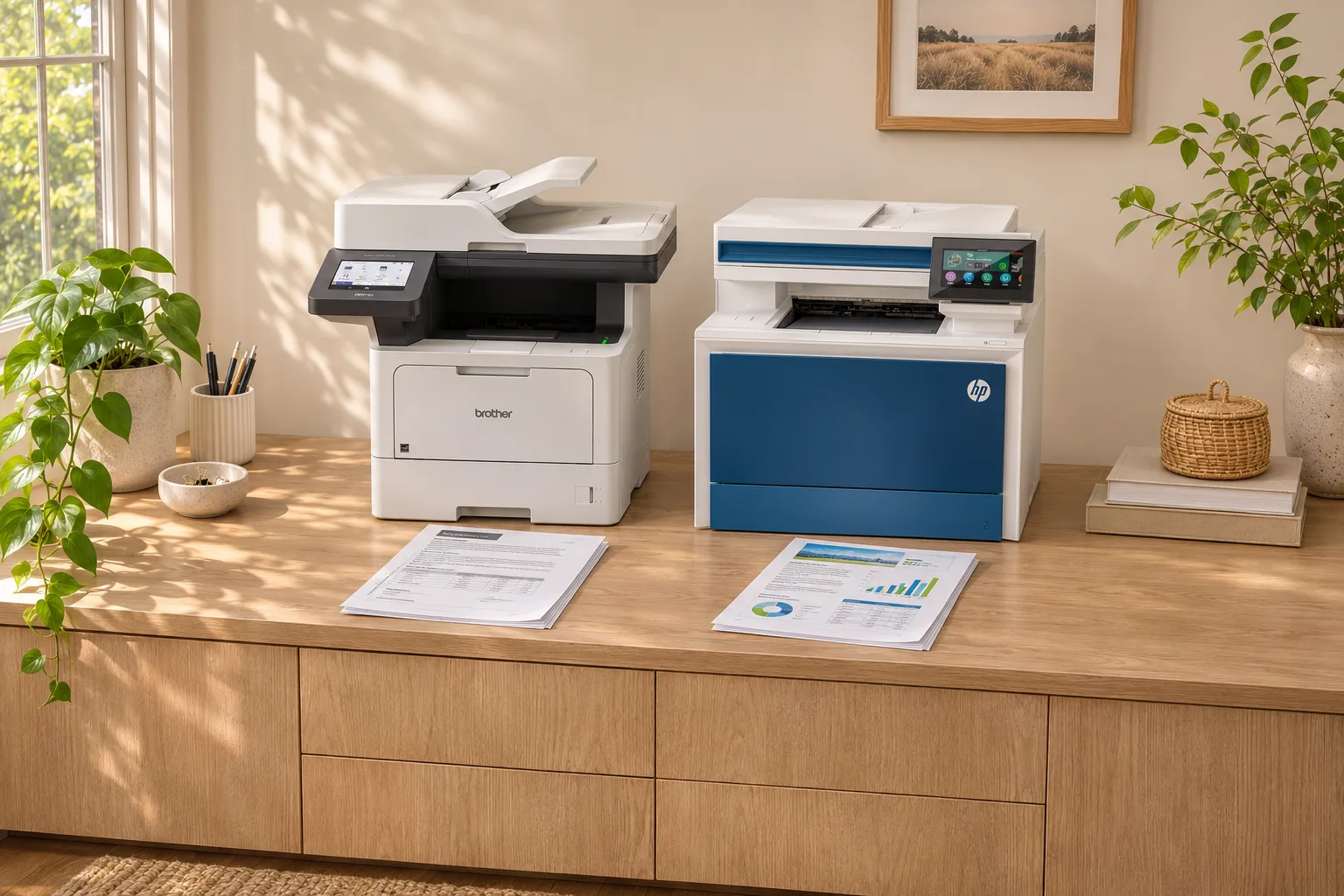
How to
Brother, for most small offices: its business lasers print cheaper pages, take bigger paper and scan stacks, and accept any toner. HP is the pick if you want next-business-day onsite service in the box, or you already run HP's fleet tools.
Read the guide →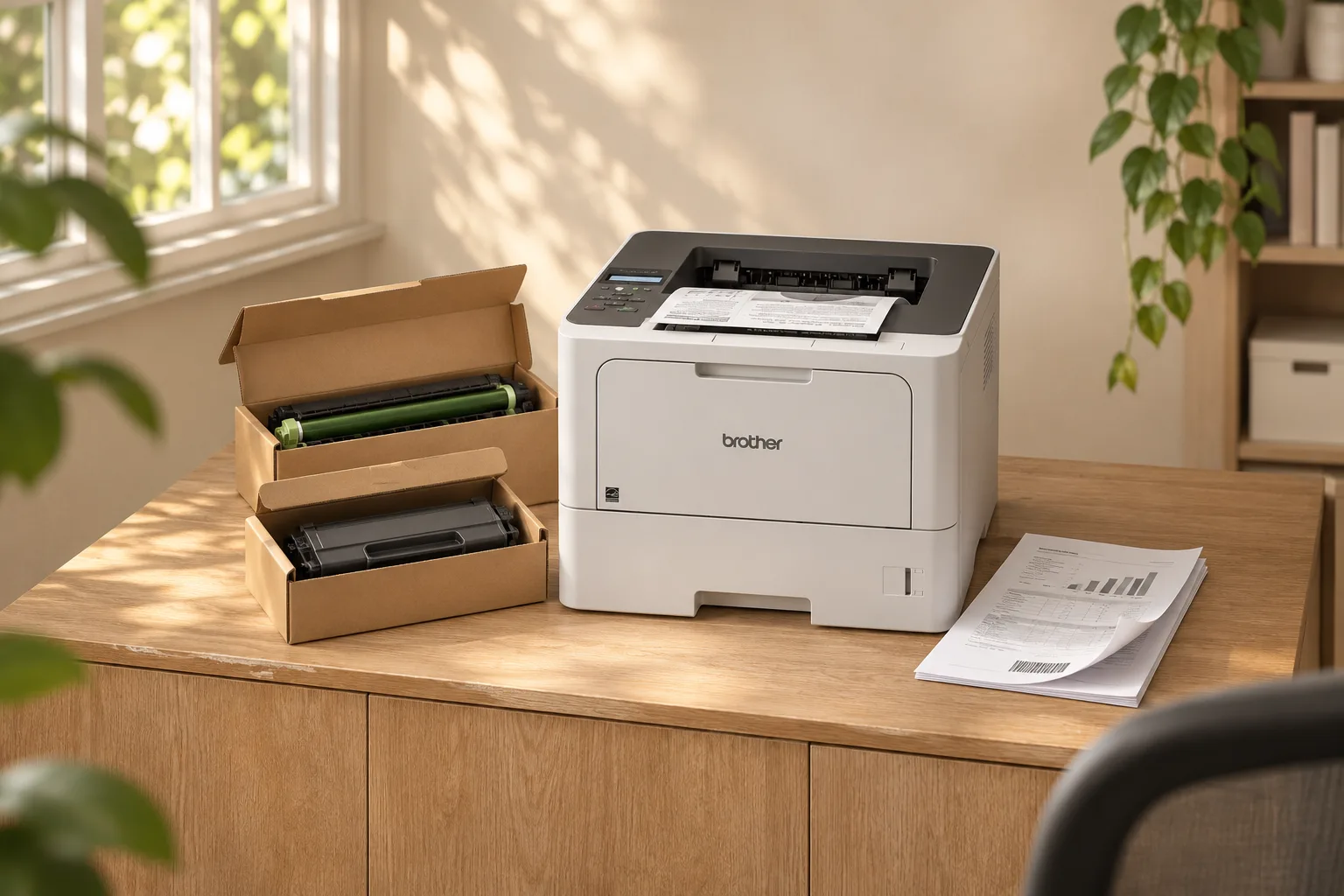
How to
Brother rates the fuser and laser unit in its business lasers for about 200,000 pages: about eight years at 2,000 pages a month. The drum is a separate part, rated for 45,000 pages, and you'll replace it several times along the way.
Read the guide →
How to
Buy, if you print under about 8,000 pages a month. A $589.99 Brother MFC-L5915DW and five years of toner come to about $49 a month for 2,000 pages, less than the $75 a month Kyocera gives as the low end for an office lease.
Read the guide →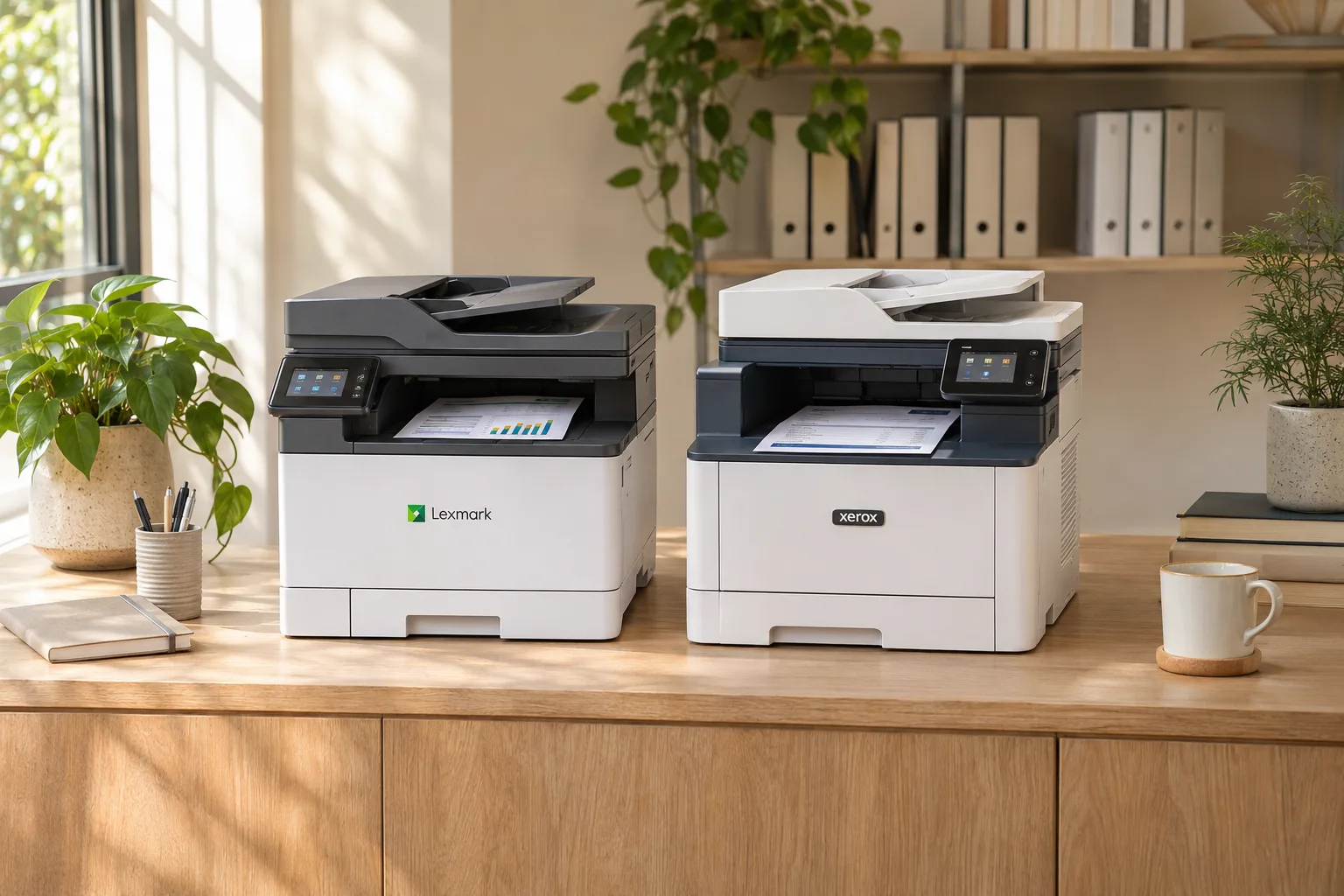
How to
Xerox, for a printer you can buy today: the C325 prints 35 pages a minute, is in stock at $699 and has stronger listed security. Lexmark's CX431adw is smaller and scans faster, but it's out of stock, and Xerox now owns Lexmark.
Read the guide →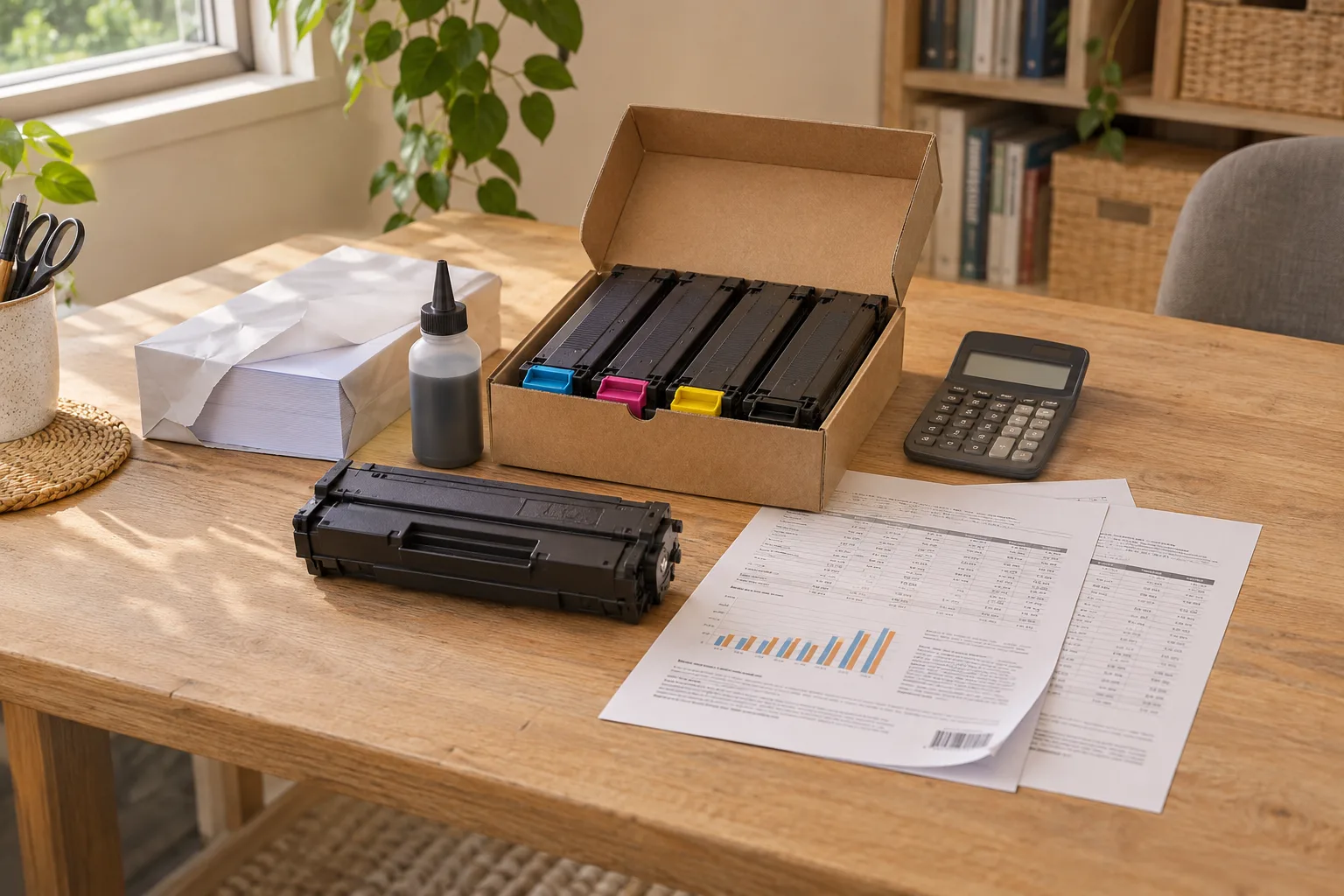
How to
A business mono laser prints a black page for about 1.9–3¢ with its biggest toner, a color laser 14–20¢ a color page, and an office ink tank 0.3–0.5¢ black and 1.1–1.9¢ color. Here's the math for 28 office printers and a yearly budget at 500, 1,500 and 3,000 pages a month.
Read the guide →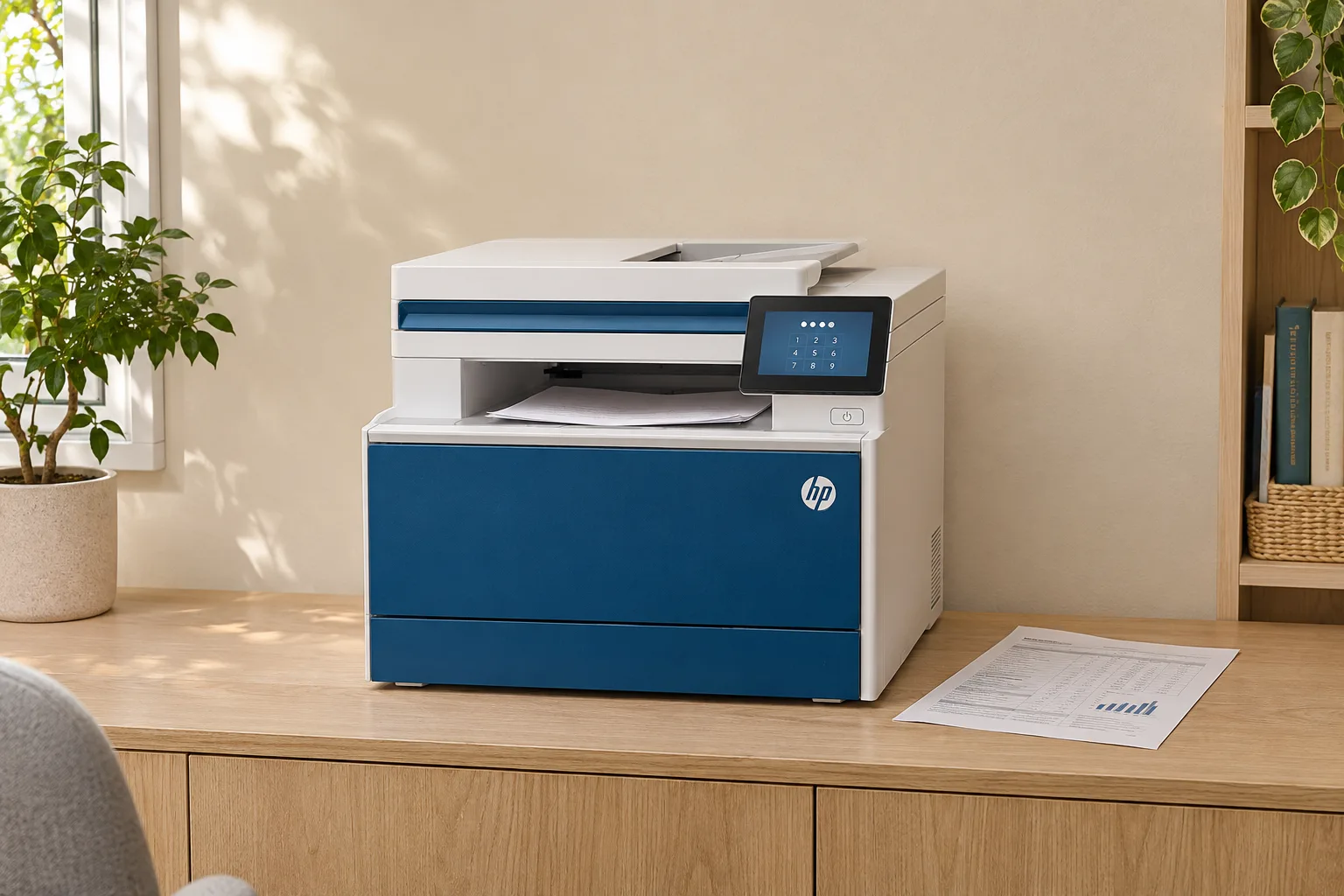
How to
Yes, but a manageable one: an office printer is a networked computer that holds documents and an admin page, and most of the risk comes from factory settings. Change the admin password, keep firmware updates on, use secure print for sensitive jobs, turn off FTP and other unused protocols, keep the printer off guest Wi-Fi, and wipe it before it leaves.
Read the guide →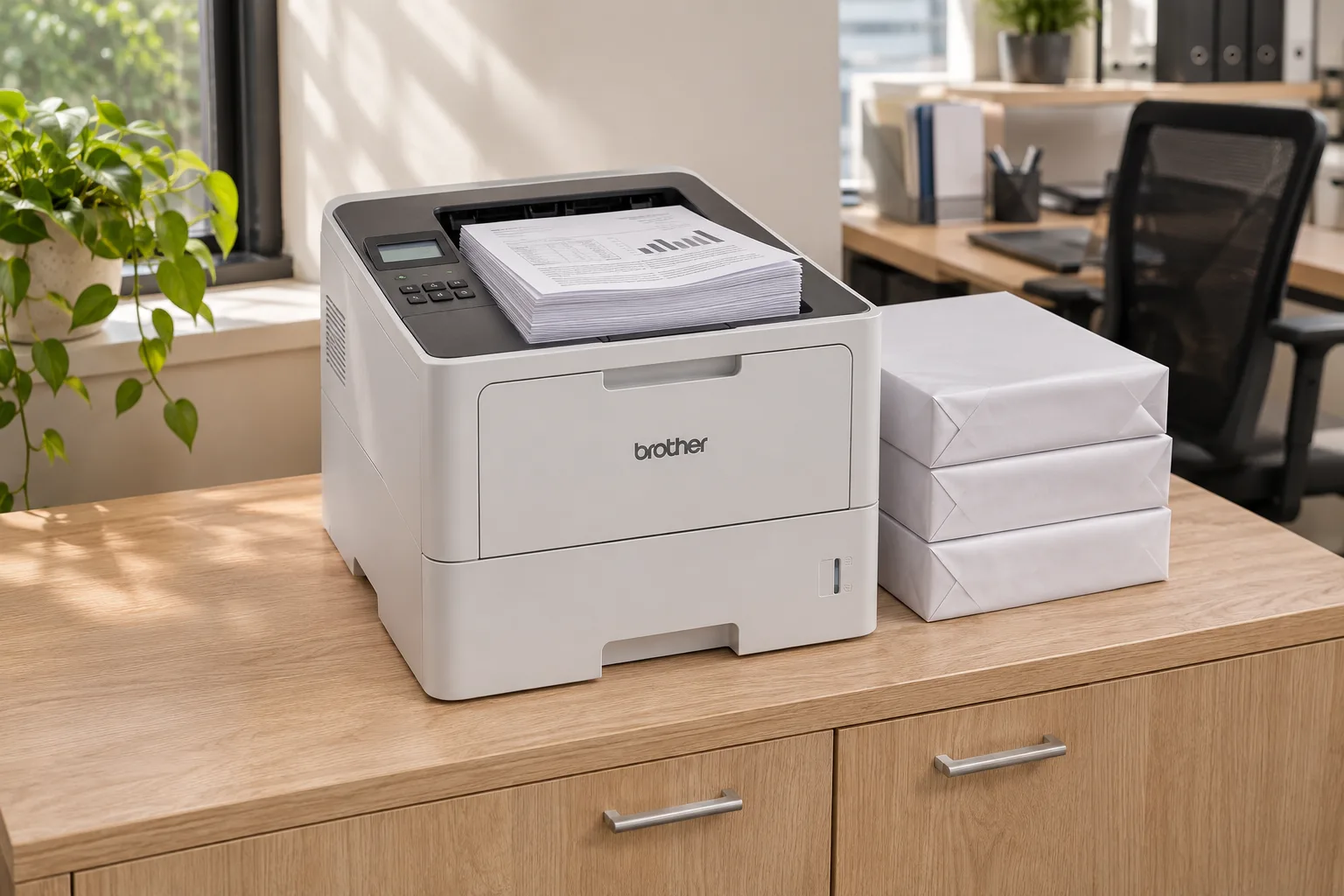
How to
Plan on the recommended monthly volume, not the duty cycle. A small-office laser like the Brother MFC-L5915DW is rated for up to 125,000 pages a month but recommended for up to 8,000; most office inkjets are recommended for 1,600–3,300.
Read the guide →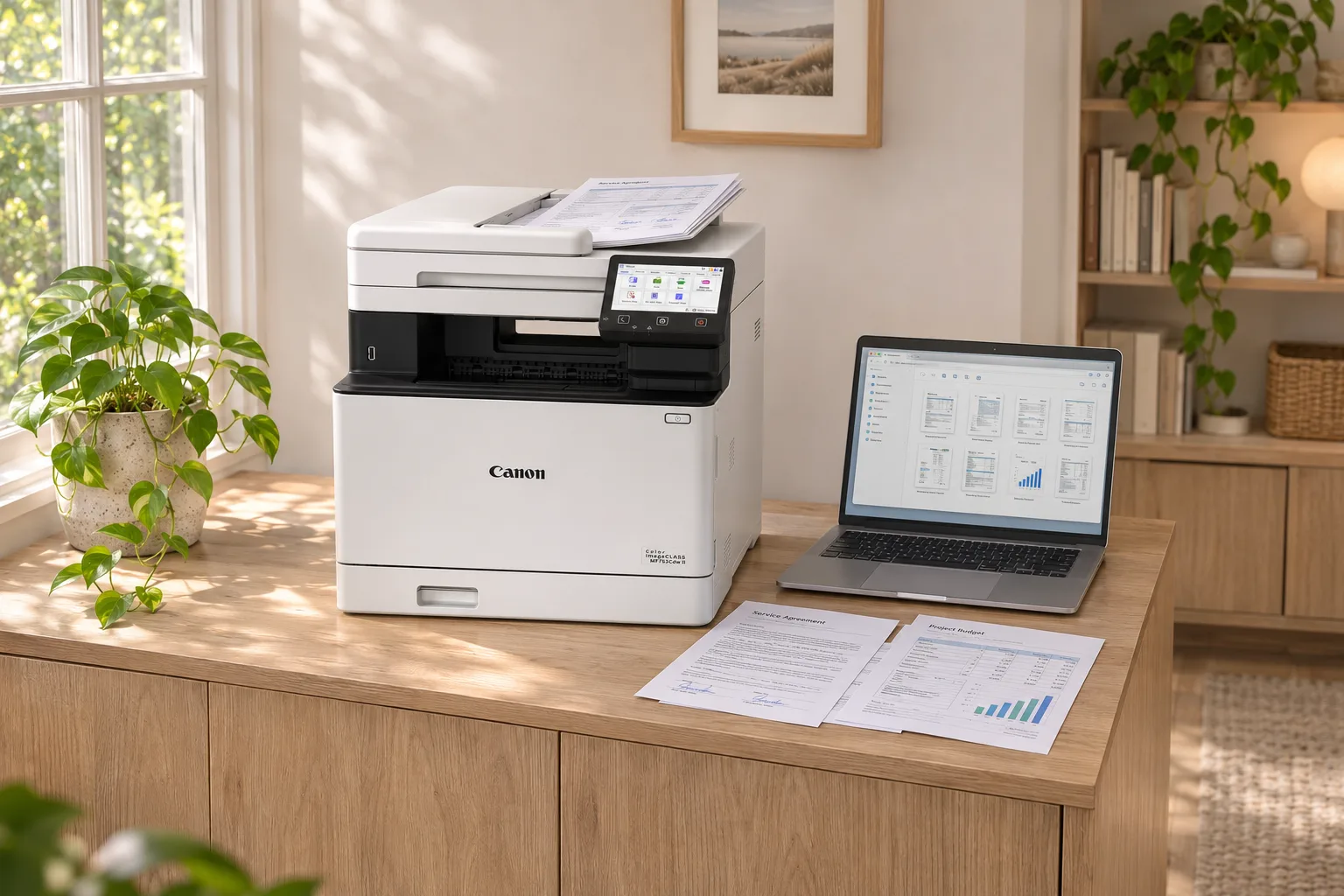
How to
Scan to email works on any networked office all-in-one: give it an SMTP server, port 587 and a sender mailbox. Gmail needs an app password or OAuth, and Microsoft 365 turns off password sign-in for SMTP by default at the end of December 2026. Brother's business lasers scan straight to Google Drive, OneDrive and SharePoint Online; most others need an app.
Read the guide →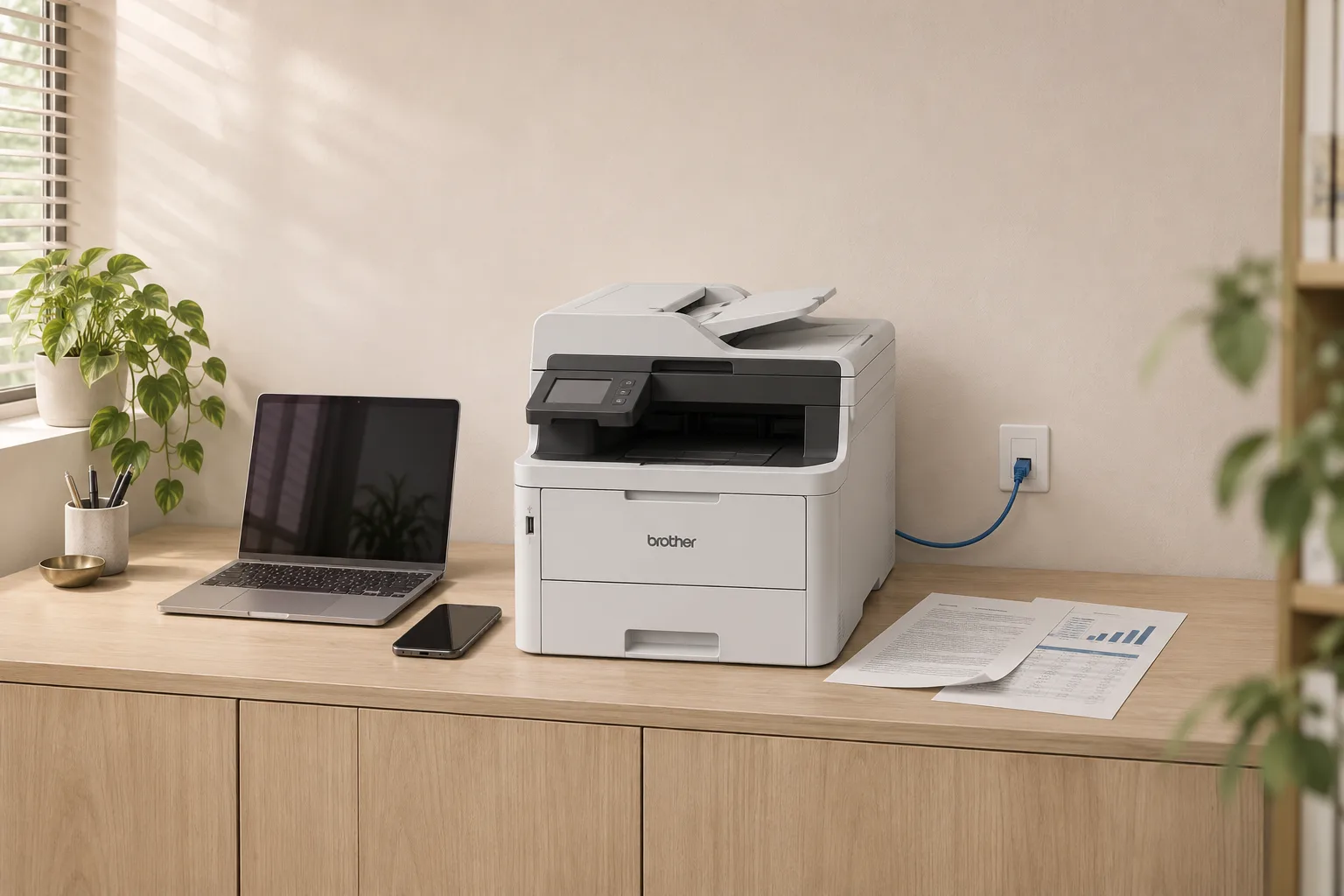
How to
Plug the printer into your router with an Ethernet cable, reserve its IP address, and add it on each computer. Macs, iPhones, Android phones, Chromebooks and Windows PCs can then print to it without a maker's app or driver.
Read the guide →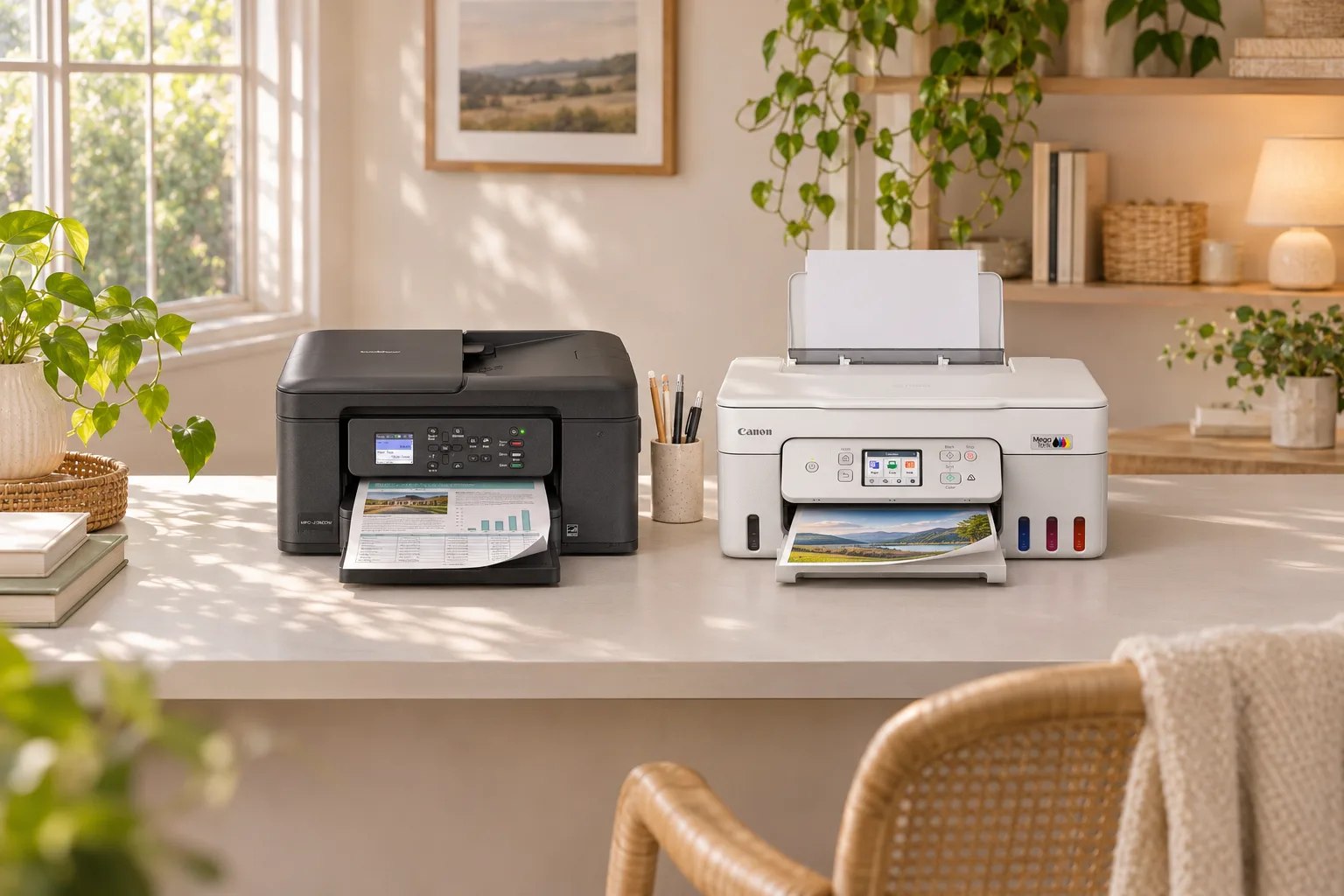
How to
It depends on what you print. Canon's MegaTank ink tanks have the cheapest color pages; Brother's lasers are the best cheap printers for black text. Avoid both brands' smallest cartridge printers.
Read the guide →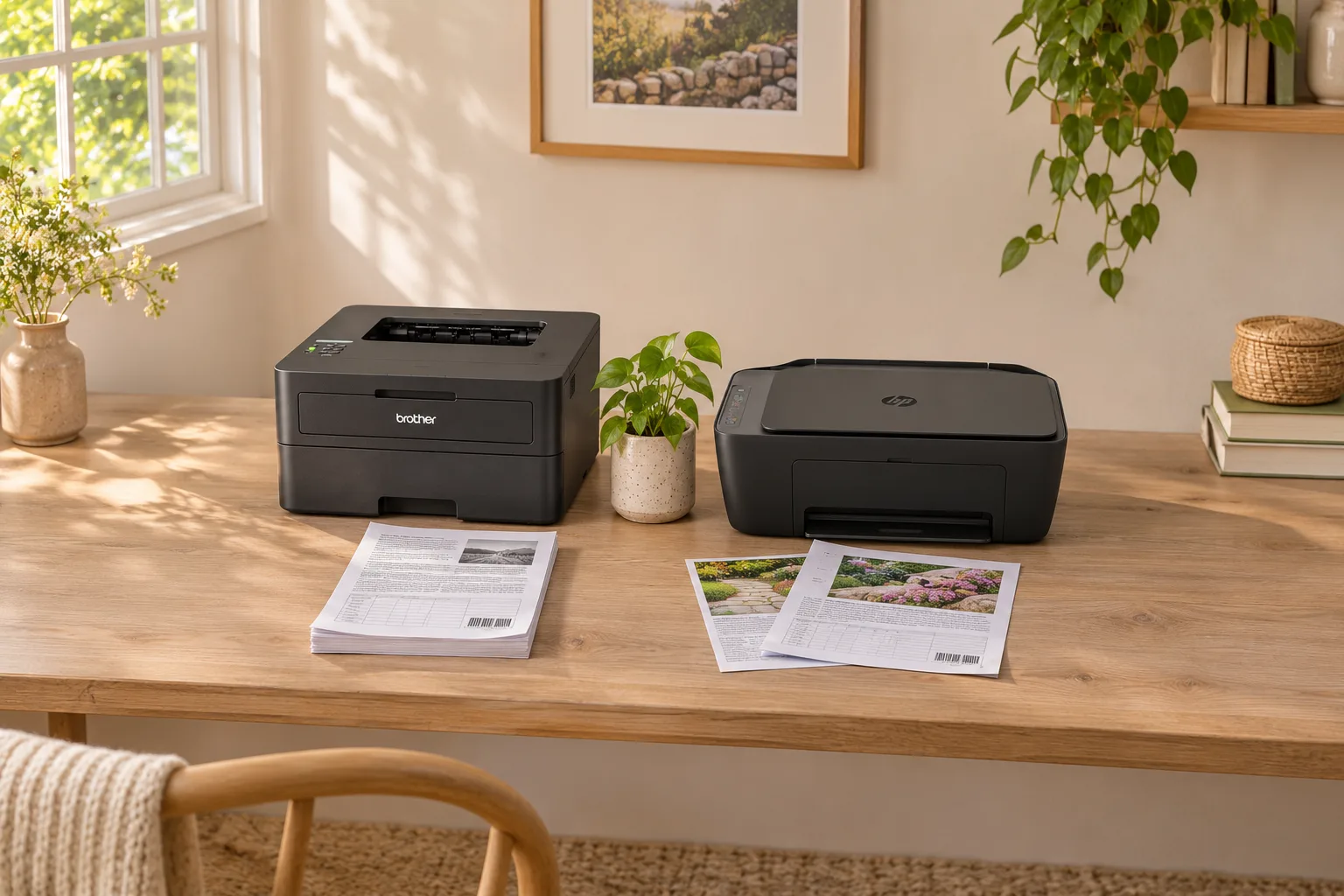
How to
Brother, for most homes. Its lasers and cartridge inkjets cost less per page and don't need an account. HP's printers are cheaper to buy, but HP's ink costs more and its cartridges are chip-locked.
Read the guide →